1:00

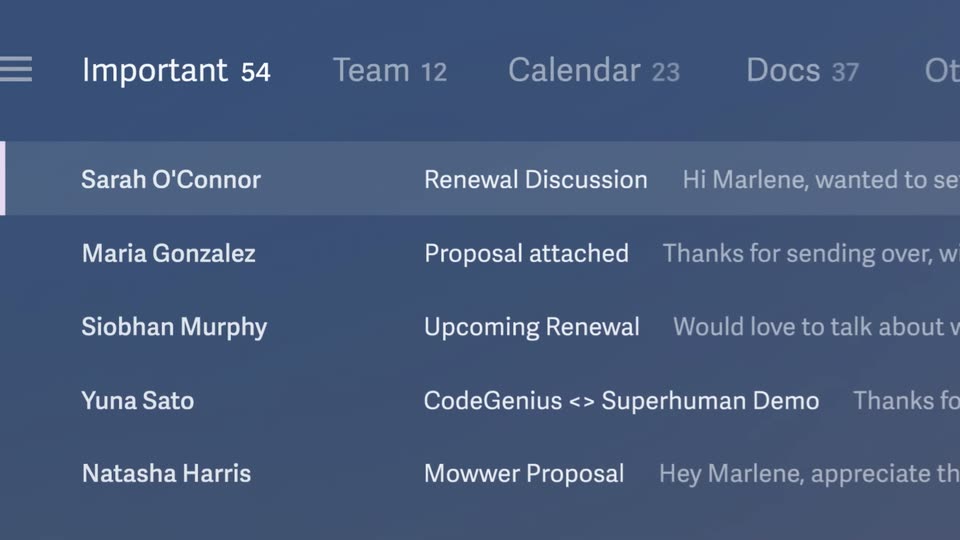
Meet Notion Mail
Notion · Productivity · Apr 2025
Microsoft · Nov 2023 · 1:01 · AI-annotated
A Microsoft Copilot Studio launch film that opens on a word-by-word brand build, shows a Copilot chat failing to answer a budget question, then walks a glassy cursor through building and publishing a conversational plugin in 3D-tilted UI panels before the same question gets a correct answer. The style is clean and corporate: white title cards, soft teal gradients, Segoe UI type, and camera drifts across tilted interface cards at a steady mid-tempo pace.
Notion · Productivity · Apr 2025
Superhuman · Productivity · Jan 2025
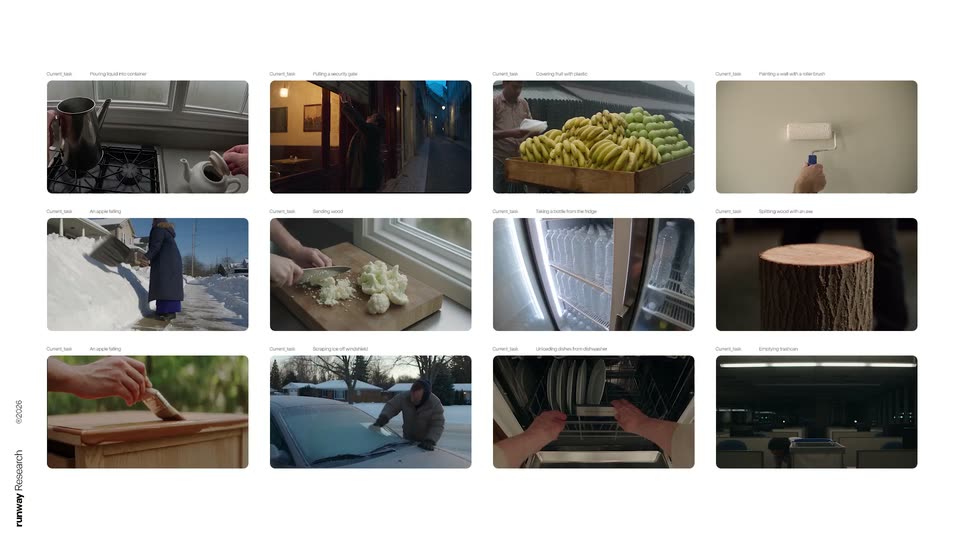
Runway · AI · Sep 2026
On a plain white background, the blue wordmark builds word by word: Microsoft, then Copilot, then Studio, each fading from light to solid blue. The line is then replaced by the tagline Your Copilot, your way, the second phrase fading in.
On-screen text: “Microsoft Copilot Studio”, “Your Copilot, your way”
Techniques: Kinetic type
Camera: Static
A plus-shaped logo of overlapping cyan and blue rounded bars rotates in 3D at the center of a pale blue gradient, faint concentric circles behind it. The caption “Your Copilot,” stays fixed on screen.
On-screen text: “Your Copilot,”
Camera: Static
A rainbow gradient 3D logo of two curved ribbons hovers above a white prompt bar that slides up from the bottom edge. The bar holds a placeholder question and small icons against a soft teal gradient.
Camera: Push in
A gradient Copilot logo hovers above a chat input box on a soft teal background. A cursor types a budget question, then clicks send; the box lifts into a message bubble, a Copilot reply fades in below, and both fade out.
Techniques: Cursor demo, Morph
Camera: Push in
On a plain white field, a centered blue sentence builds word by word, growing from 'Now, let's' to the full line 'Now, let's make it your own' as it slides into place. The frame stays locked off throughout.
On-screen text: “Now, let's make it your own”
Techniques: Kinetic type
Camera: Static
A white Copilot panel tilts in 3D perspective against a cyan gradient, its sidebar and setup card in soft focus. A small 3D arrow drifts at left as the headline “Now, let's make it your own” slides in.
On-screen text: “Now, let's make it your own”
Techniques: 3D mockup, Kinetic type
Camera: Pan
A tilted smartphone in 3D perspective shows a Copilot settings screen against a cyan gradient. A blue cursor glides across the left menu, hovering over items like Custom GPTs and AI plugins, while the camera drifts along the device.
Techniques: 3D mockup, Cursor demo
Camera: Pan
A 3D stack of white pill buttons labeled Publish, Analytics, Conversational plugins and Custom GPTs sits on a cyan gradient. A glassy 3D cursor arrow swoops in from the left and hovers at the bottom of the list as the buttons drift slightly.
Techniques: 3D mockup
Camera: Push in
White rounded cards labeled “Conversational plugins” and “Custom GPTs” sit angled in 3D on a teal background. A glossy blue glass arrow sweeps in from the right and hovers over the middle card.
Techniques: 3D mockup
Camera: Push in
A white plugin card labeled Expense budget summary slides in from the left and settles at center over a soft teal abstract background. A blue cursor hovers at the card's right edge.
Techniques: Cursor demo
Camera: Static
Floating 3D cards of a chatbot builder tilt over a soft cyan gradient. The view scrolls down the Trigger card as a cursor moves to a dropdown list of actions.
Techniques: 3D mockup, UI zoom, Cursor demo
Camera: Push in
On a soft teal gradient, a flow-builder dropdown and an action picker panel sit side by side. A cursor clicks an entry, the picker fades out, and a configured action card labeled Read SAP table settles into the center above a plus node.
Techniques: Cursor demo
Camera: Static
Close-up of a flow card reading a SAP table on a soft turquoise gradient. The view slowly pulls back and pans down, revealing the full vertical chain: Trigger, Action, Create generative answers, and OpenAI GPT, linked by thin lines, while a cursor arrow hovers at the bottom.
Techniques: UI zoom
Camera: Pan
On a plain white background, the word Publish slides in from the left in dark blue, then the rest of the line, to Microsoft Copilot, follows in light blue, settling at center.
On-screen text: “Publish to Microsoft Copilot”
Techniques: Kinetic type
Camera: Static
A white callout card reading Expense budget summary floats over a blurred Copilot window. The view zooms into the topic list, where the matching row fills with a teal highlight sweep.
Techniques: UI zoom, Light sweep
Camera: Push in
A tight crop of a plugin list zooms out to reveal the full Copilot Studio workspace: a left navigation panel and a table of conversational plugins, with the top row highlighted in blue.
Techniques: UI zoom
Camera: Pull out
The Copilot Studio conversational plugins page sits on a soft cyan gradient, one row highlighted in blue. The view pulls back slightly, then zooms in and drifts right, reframing from the full window onto the right-hand columns of the plugin table.
Techniques: UI zoom
Camera: Pull out
A Copilot chat thread floats on a soft teal gradient. A user bubble asks about the quarterly budget and a Copilot bubble replies it found no information; both slide into place as a dark device edge enters from the left.
Techniques: UI zoom
Camera: Push in
A chat card floats in 3D over a teal gradient, tilted at an angle, then rotates to face the camera as the Copilot response types into its bubble. The card holds flat, then blurs and dissolves as a new message slides in.
Techniques: 3D mockup, Kinetic type
Camera: Static
A Copilot chat on a soft teal gradient: a user question bubble above a white answer card with a timestamp and logo. The text starts as a ghosted double exposure and settles into a clean state. The answer highlights $1,200 and December 30th in blue.
Camera: Pan
On white, the small blue Copilot cross scales up and drifts left as the blue product name fades in to its right. The lockup then clears, leaving the centered blue URL.
On-screen text: “Microsoft Copilot Studio”, “Aka.ms/CopilotStudio”
Camera: Static
On a plain white background, the four-color Microsoft square mark fades in small at center, then the gray Microsoft wordmark appears to its right, settling into the full logo lockup. The frame stays locked off as the logo holds.
On-screen text: “Microsoft”, “Aka.ms/CopilotStudio”
Camera: Static