1:14

Introducing Superhuman
Superhuman · Productivity · Feb 2021
Commas · Sep 2026 · 0:35 · AI-annotated
made Team: Addx Studio · studio Addx Studio
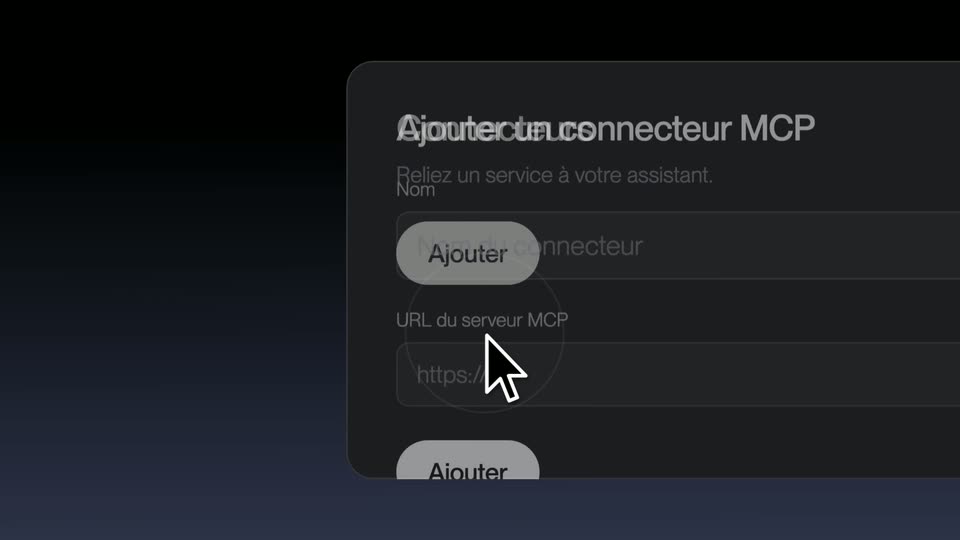
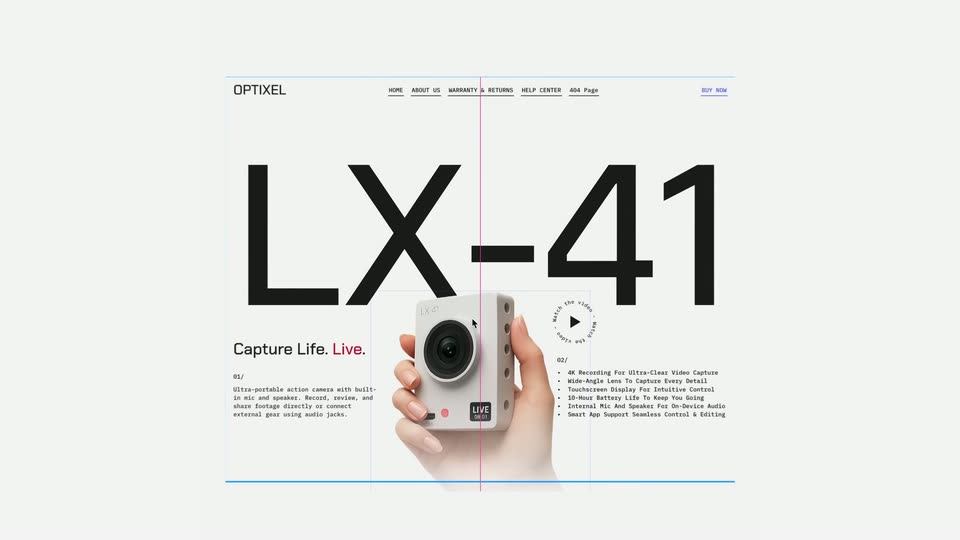
The video alternates short typographic claim cards on black with 3D product mockups floating over cinematic nature backdrops, cutting roughly every three seconds to a steady 100 bpm pulse. Its signature moves are pull-back zooms from tight UI details to full device frames, word-by-word typed headlines in frosted pills, and a recurring pixel cursor that anchors the one-click idea.
Superhuman · Productivity · Feb 2021
Finary · Finance · Sep 2026
Framer · Design · Nov 2025
A line of white text with the word 'webinar' in light blue sits on a black background with a blue gradient at the bottom. The text remains static.
On-screen text: “You've seen a webinar before.”
Camera: Static
A centered white headline over a dark blue glow gives way to a webinar interface that zooms into focus: a host video tile flanked by a participant list and live chat, the headline fading as the screen sharpens.
On-screen text: “You've seen a webinar before.”
Techniques: UI zoom
Camera: Pull out
A light background with curved blue lines frames centered text. The phrase “But never one that” appears in gray, followed by “converts for you.” in blue below it.
On-screen text: “But never one that”, “converts for you.”
Techniques: Kinetic type
Camera: Static
A white field with a soft blue gradient on the left as the blue comma mark and dark commas wordmark blur into sharp focus at center, with the still tagline on screen.
On-screen text: “But never one that”, “converts for you.”, “commas”
Camera: Static
A live-stream screen with a smiling host on the left; a blue offer card on the right pulls back to reveal a laptop on a desk, then expands into a checkout form as a cursor fills the payment fields.
Techniques: UI zoom, Morph, Cursor demo
Camera: Pull out
A video-call screen shows a smiling host on the left and a checkout panel on the right. A cursor clicks the blue pay button, the panel switches to a processing spinner, then a green check confirms the order.
Techniques: Cursor demo
Camera: Push in
A dark tablet mockup floats over a sunset hillside. The frame opens tight on the right host panel with a green check, then pulls back to reveal the full device in 3D perspective, its screen split into a sales dashboard, a video call of a woman, and a live chat.
Techniques: UI zoom, 3D mockup
Camera: Pull out
A beveled 3D pixel cursor tilts and falls toward a moonlit meadow while a glowing blue ribbon spreads open into a pair of wings in the night sky behind it.
Techniques: 3D mockup
Camera: Pull out
On a black field with a soft blue glow at the base, the phrase 'Go live in one click.' types out word by word, a pixelated arrow cursor parked between 'in' and 'one'. The completed line then scales up slightly.
On-screen text: “Go live in one click.”
Techniques: Kinetic type
Camera: Static
A tablet frame holds a live-stream view of a man talking to camera, with On Air, viewer-count and timer pills across the top. The shot opens tight on the top bar and pulls back to the full device as the headline scales in.
On-screen text: “Go live in one click.”
Techniques: UI zoom, Kinetic type
Camera: Pull out
A centered pill-shaped text box scales up over a moonlit night landscape, revealing the sentence with bold emphasis on two words.
On-screen text: “or pre-record it and go evergreen.”
Techniques: Kinetic type
Camera: Pull out
A two-panel webinar interface floats over a sky-and-field background. The camera zooms into the left Create Webinar panel, reframing onto the Events list as a cursor moves down to the Poll row.
On-screen text: “or pre-record it and go evergreen.”
Techniques: UI zoom, Cursor demo
Camera: Push in
A close-up of a white events panel lists chat, offer, and poll items above a colored timeline, beside a dark chat sidebar and a participant video tile, all over a blurred grass field; a cursor glides down the timeline near a time tooltip.
Techniques: Cursor demo
Camera: Push in
A webinar screen with a four-person video grid and a host control panel floats over a blurred green field. The camera pushes in on the poll card as vote percentages tick upward and the countdown drops from 3:57 to 3:56.
Techniques: UI zoom
Camera: Push in
A misty pine forest fills the frame as a dark phone mockup on the right shows a sales dashboard, the revenue figure ticking up and customer rows sliding in. A frosted pill on the left types “They buy without ever leaving.” before a cut to a sunset mountain vista.
On-screen text: “They buy without ever leaving.”
Techniques: Kinetic type, 3D mockup
Camera: Pull out
A translucent pill types out the question word by word over a sunset mountain vista, then the frame cuts to a webinar mockup: a host video feed with live chat on the left, a meeting calendar widget on the right.
On-screen text: “Don't want to collect cash on the webinar?”
Techniques: Kinetic type
Camera: Pull out
A video call window and a meeting booking card with an April calendar sit over a sunset mountain landscape. On the right, a rounded caption builds the phrase 'Have attendees book a call instead.' A cursor hovers over the calendar dates, then the interface slides off, leaving the landscape.
On-screen text: “Have attendees book a call instead.”
Techniques: Kinetic type, Cursor demo
Camera: Static
A misty mountain valley at dusk fills the frame. The white headline builds word by word in the center: Claim, Claim your, Claim your spot. A small blue droplet icon hovers above the line.
On-screen text: “Claim your spot.”
Techniques: Kinetic type
Camera: Pull out
A sunset mountain meadow fills the frame as the white headline “Claim your spot” with a blue comma mark scales up in the center. It cuts to the “Commas Webinars” logo lockup, which holds and then fades the whole scene to black.
On-screen text: “Claim your spot”, “Commas Webinars”
Techniques: Kinetic type
Camera: Static