0:42
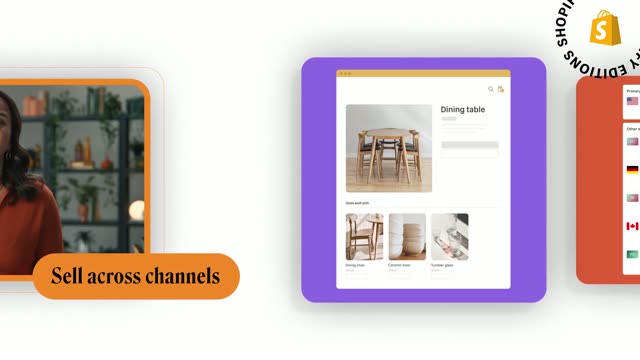

Shopify Editions Winter ’23 is live
Shopify · Business software · Feb 2023
The video interleaves locked-off live-action spokesperson shots with 3D-tilted UI panels and gradient title cards, cutting about twenty times a minute to a steady beat. Signature moves are the magenta particle wipe, the blooming petal logo and the perspective-angled interface that keeps every panel floating in a purple glow.
Shopify · Business software · Feb 2023
Airtable · Productivity · Jun 2025
Cursor · Developer tools · Feb 2026
A man in a blue striped shirt sits in a dim room with a floor lamp, talking to camera. Pink words Podcasts and Video Content blur in on either side of him, a lower third names him, and a magenta particle cloud wipes the frame at the end.
On-screen text: “Video Created by burnwe”, “Podcasts”, “Video Content”, “Michael Daniilakis”, “CEO, Chord”
Techniques: Kinetic type, Particles
Camera: Static
A dark editing timeline with a timecode ruler, a plus button and two audio waveform clips. A pink playhead sweeps left to right across the ruler while the right clip gains a purple outline and a rounded 'Introductions' label pops in above it.
Camera: Static
The colorful chord mark sits left as the white chord wordmark slides in, then Business Conversations fades in below. Right, a 3D-tilted dark panel shows a join-studio screen: a cursor types Rachel and clicks the JOIN STUDIO button while a woman with headphones talks in the video tile.
On-screen text: “Video Created By burnwe”, “chord”, “Business Conversations”
Techniques: 3D mockup, Kinetic type, Cursor demo
Camera: Static
A dark purple gradient frame holds the Chord logo and the headline Business Conversations on the left, while a 3D-angled app window on the right shows a two-person video call, a woman with headphones and a man with glasses seated at desks. The shot is locked-off and static.
On-screen text: “chord”, “Business Conversations”, “Just a sec.”, “Let's set the stage”
Techniques: 3D mockup
Camera: Pull out
The Chord projects dashboard floats as a tilted 3D panel with a purple glow along its lower edge. The grid of recording cards scales up into place while a cursor hovers over one thumbnail.
Techniques: 3D mockup, Cursor demo
Camera: Pull out
Split screen: left shows the Projects view with Record, Schedule, Upload buttons and a grid of recording cards; right shows the editor timeline with waveforms and a speaker preview. 'Record' sits top left, 'Edit' bottom right, each fading in as the panels build, a cursor drifting across.
On-screen text: “Record”, “Edit”
Techniques: Split screen, Kinetic type, Cursor demo
Camera: Push in
A static split screen places two interface views side by side. Left: a dark Record dashboard with a row of buttons and a grid of recording cards. Right: an editor timeline with a purple waveform and a small video preview, labeled Edit beside a cursor arrow.
On-screen text: “Record”, “Edit”
Techniques: Split screen
Camera: Static
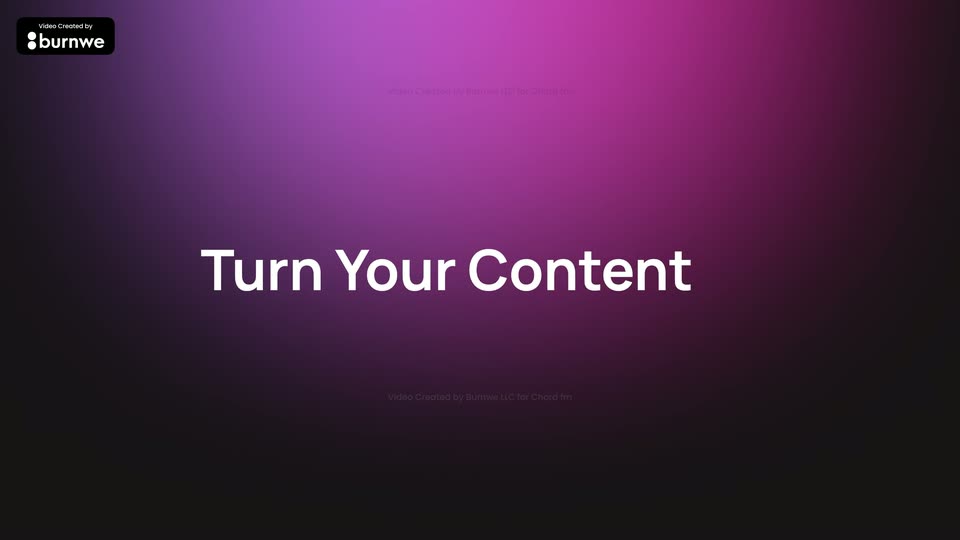
A magenta-to-black gradient fills the frame. The white headline 'Turn Your Content' slides in from a blurred, offset position and snaps into sharp focus at center. A small production credit badge sits top-left and a faint credit line rests at the bottom.
On-screen text: “Turn Your Content”
Techniques: Kinetic type
Camera: Static
A wall of phone screens on a magenta background scrolls upward, each showing a creator with headphones inside a TikTok-style feed; a large headline slides in over the grid.
On-screen text: “Video Created by”, “Turn Your Content”
Techniques: Split screen
Camera: Pull out
A dark app dashboard in 3D perspective shows a video of a man in a blue shirt above a list of recording files, with a feature menu at right. The camera zooms and tilts to reframe on the video and menu, pushing the file list out of frame.
Techniques: 3D mockup, UI zoom
Camera: Push in
A man in a blue striped shirt sits in a dim room, speaking to camera, framed waist-up with a warm floor lamp at left and a dark plant at right. The shot is locked off with a brief cross-dissolve on entry.
On-screen text: “T”
Camera: Push in
A multicolored petal-shaped logo mark blooms at the center of a dark purple gradient field, then the white lowercase wordmark chord fades in to its right around 1.4 s, with the URL chord.fm and a small credit line below.
On-screen text: “Video Created by Burnwe LLC for Chord.fm”, “chord.fm”, “chord”
Camera: Static