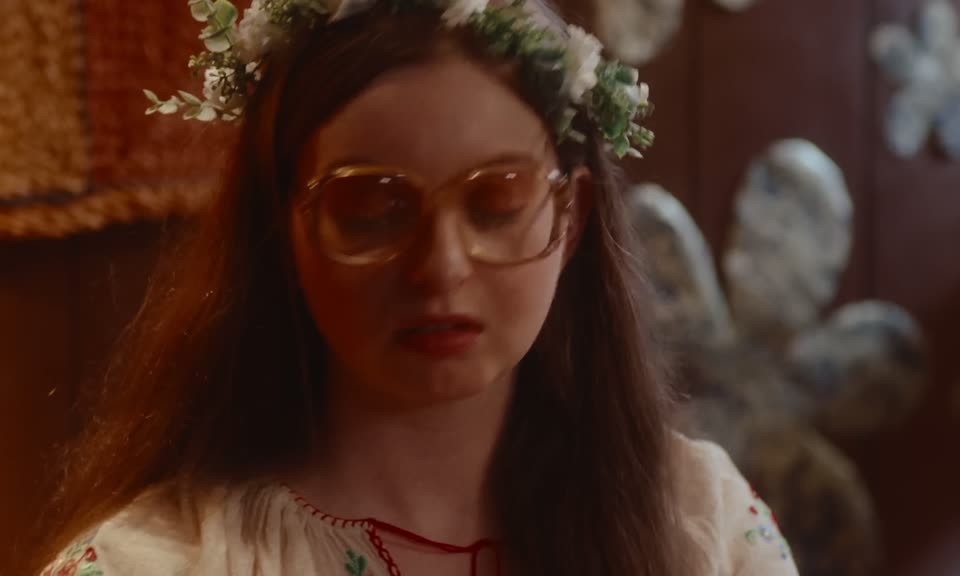
2:27
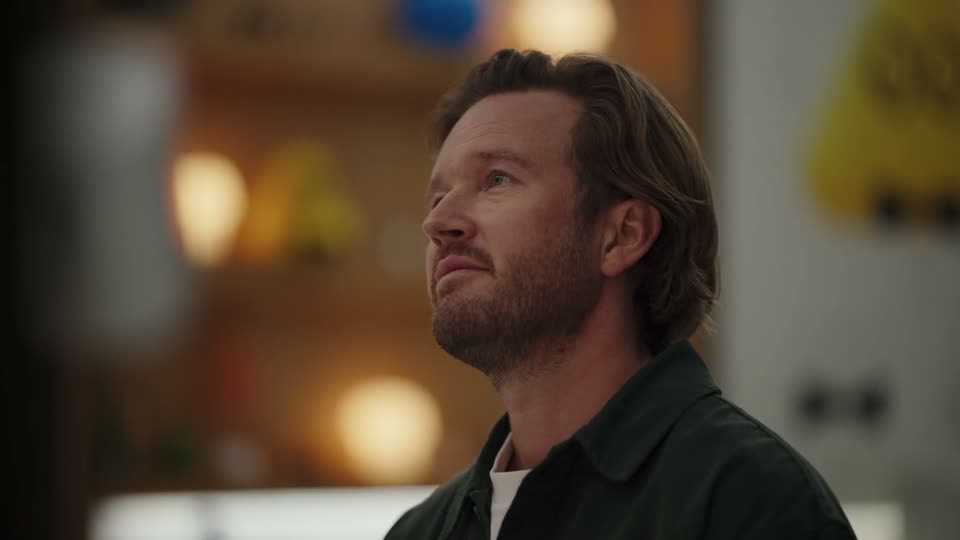

Introducing dots, always-on agents built to handle everything.
OpenAI · AI · Sep 2026
Anthropic · Feb 2025 · 3:54 · AI-annotated
The video alternates warm live-action presenter shots in a wood-paneled room with flat screen recordings of a black terminal on a solid coral field, layered over a pale Finder or browser window. Pacing is steady and conversational, driven by the presenters' narration and the terminal's line-by-line streaming output, with playful status verbs and a pixel-block wordmark as signature moves.
OpenAI · AI · Sep 2026
The Browser Company · Productivity · Aug 2024
Suno · AI · Jul 2024
A woman in a gray tee and a man in a navy sweater sit at a wooden table behind a black laptop, a red blocky figurine to the left. The man talks and gestures, then the two turn to each other and laugh.
Camera: Static
A bearded man in a navy t-shirt talks to an off-camera interviewer against a plain beige wall, smiling as he introduces himself. The static medium close-up holds on his face for the short clip.
Camera: Static
A woman and a man sit at a wooden desk with a closed laptop between them in a wood-paneled room. The camera cuts between close-ups of each and the two-shot as the man talks and gestures. A small red blocky figure sits on the desk.
Camera: Static
A dark macOS terminal window, tilted slightly, sits on a cream background. A bordered welcome line with an orange asterisk appears at the top. Below it, a large coral pixel-block wordmark for CLAUDE CODE assembles letter by letter. The camera stays locked off.
Techniques: Kinetic type
Camera: Static
A man and a woman sit at a wooden desk behind a closed laptop; the man speaks and gestures, the camera cuts to a close-up of his face, then to a Finder window on an orange background where a cursor hovers over a blue folder.
Techniques: Cursor demo
Camera: Static
A macOS Finder window on an orange background. A cursor double-clicks a blue folder labeled customer-support-agent, opening a grid of project files, then clicks the back arrow to return to the parent folder.
Techniques: Cursor demo
Camera: Static
A Finder window sits on a coral background, a blue folder open with a right-click menu. A cursor glides down the list to Services, and a submenu slides out listing terminal and tab shortcuts.
Techniques: Cursor demo
Camera: Static
A black terminal window overlaps a white Finder window on a flat orange background. The cursor moves in and types claude, the terminal switches to the Claude Code welcome prompt, then the camera pushes in on the terminal.
Techniques: Cursor demo, UI zoom
Camera: Push in
A black zsh terminal window rests on a coral background, a white window edge peeking behind it. Inside, a welcome banner reads Claude Code research preview above an empty prompt with a blinking block cursor. A white arrow pointer sits in the lower half. The frame holds still.
Camera: Static
A woman in a gray t-shirt and a man in a navy sweater sit at a wooden table in a wood-paneled room. The woman talks and gestures while the man watches a black laptop with a small sticker. A red pixel-art toy sits in the left foreground. Locked-off frame.
Camera: Static
A black terminal window overlays a white browser window on a coral background. A cursor hovers as the prompt runs, then output streams in line by line and scrolls up, showing the tool reading files and listing components; a small caption notes the responses are accelerated.
On-screen text: “Responses accelerated for demo viewing purposes”
Techniques: Kinetic type
Camera: Static
A dark terminal window titled Project Structure sits over a light browser window on a coral background. Monospace text describing the project structure resolves from a doubled, overlapping state into clean lines, while a white arrow cursor hovers over the text.
Camera: Pull out
A dark terminal window scrolls new lines of code and project notes into view over a coral background, with a pale browser window titled demo-code layered behind it. A white cursor arrow rests in the lower left of the terminal.
Camera: Static
On a coral background, a dark terminal window with a white cursor sits in front of a light file browser window. The terminal slides left, revealing a light chat app window with a greeting and suggested questions on the right.
Camera: Pan
A three-panel chat-builder UI settles after a brief overlapping transition, showing an Assistant Thinking card on the left, an AI Agent chat with a black hello bubble and reply chips in the center, and a Knowledge Base History panel on the right. A cursor hovers over the left panel.
Techniques: Cursor demo
Camera: Static
A three-panel support-agent interface pans left to reveal a code editor. The center chat shows an AI greeting with suggestion chips, while side panels hold thinking notes and history. A black cursor hovers over the code.
Camera: Pan
A black terminal window floats over a file-explorer window on a coral background. The camera pushes in as the cursor clicks and the prompt types a task. Code lines and a Cooking timer scroll up, a blue Thinking block highlights, then a green diff and a yes-no edit prompt appear.
Techniques: Cursor demo
Camera: Push in
A dark terminal window titled Chat Storage sits on a coral background, with a faint file-browser window behind it. The terminal streams green and red code diffs as the agent edits files, while a Clauding status line counts the seconds along the bottom.
Camera: Static
A bearded man in a navy sweatshirt speaks in medium close-up against a tan paneled wall, then the shot cuts to a woman with glasses and a patterned top speaking in the same warm-toned setting.
Camera: Static
A dark terminal window titled Chat Storage sits in front of a light browser window on a coral background. The terminal's monospace text updates from a command prompt to a numbered summary of code changes, while a mouse pointer hovers over the lines.
Camera: Static
Two presenters sit at a wooden desk with a laptop, the camera locked off, then a hard cut reveals the customer support app interface. A static caption reads Manifesting over the live shot.
On-screen text: “Manifesting”
Camera: Static
A three-panel chat app opens; a brief zoom reframes the model and KB dropdowns before pulling back. A cursor types and sends 'hey', the AI replies with a greeting and chips; the cursor clicks New Chat, the thread saves to the history list, and a second message is answered.
On-screen text: “Manifesting”
Techniques: UI zoom, Cursor demo
Camera: Pan
A light three-column chat interface sits static: a left chat-history list, a central AI support thread with a user bubble and suggested replies, and a right knowledge-base panel. A cursor rests over the second history item.
Camera: Static
A woman with long dark hair and a beige sweater speaks to the camera in a warm wood-paneled room. A wall sconce and a blurred green plant sit behind her as she smiles and talks, framed in a static medium close-up.
Camera: Static
A black terminal window scales up on a coral background, a pale Finder window behind it. A white arrow cursor hovers over the prompt as a command types itself out, then the prompt shows Conjuring and the log above scrolls.
Techniques: Cursor demo
Camera: Push in
A dark terminal window sits on a coral desktop, streaming a chat log line by line. A Bash permission prompt appears, the Yes choice is picked, then package-install output and green diff lines scroll up while a Working timer counts.
Camera: Static
A woman in a beige sweater speaks against a wood-paneled wall, then the frame cuts to a full-screen dark terminal titled Chat Test, where green-highlighted lines show a test script added to package.json.
Camera: Static
A dark terminal window on a coral background scrolls a long stream of code diffs, file edits and test output as the agent works. The bottom status line cycles through verbs like Working, Baking and Transmuting with a counting timer; a pale window peeks out behind it on the right.
Camera: Static
A woman with long dark hair in a beige sweater speaks just off-camera against a warm wood-slatted wall. Soft daylight and shallow focus blur a green plant and a round wall light at left. She glances slightly downward while talking.
Camera: Static
A flat terminal window on a coral backdrop, a Finder window peeking behind it. Overlapping garbled text morphs into a clean chat-test summary, then the log scrolls up to expose the passing test totals at the top.
Techniques: Morph
Camera: Static
A woman with long dark hair speaks to camera in a static medium close-up, centered against a warm wood-paneled wall. A small round sconce sits to her left and a soft-focus green plant fills the lower-left corner.
Camera: Static
A black terminal window sits on a coral background, a white window peeking behind it. The screen scrolls upward as a build command runs, then red error lines and green code diffs fill the view. A mouse cursor hovers over the input box. A status line counts the seconds.
Techniques: Cursor demo
Camera: Static
A woman with long dark hair speaks to camera in front of a wood-paneled wall; a dark terminal window with code fades in over the left of the frame, leaving her face visible at the right.
Camera: Static
A dark terminal on a coral desktop shows an AI agent's log. Lines type in and scroll up as the agent reads a file, applies a red-and-green diff, and runs a build. A 'Herding...' timer counts up while a block cursor blinks in the input line.
Camera: Static
Two presenters sit behind a wooden desk facing the camera, a closed laptop with its lid toward us between them. The man in the navy sweater speaks and gestures with his right hand while the woman in the grey tee listens. A small red pixel figure sits on the left edge of the desk.
Camera: Static
A black macOS terminal window labeled 'GitHub Push' rests on a coral backdrop over a pale file window. A git commit prompt and file list scroll up, status text counts up from 'Honking' to 'Schlepping', then a git push box appears and the feed clears.
Camera: Static
A bearded man in a navy sweatshirt talks in a close-up against a wood slat wall, then the shot cuts wider to him and a woman in a gray t-shirt seated at a table with a laptop lid facing camera and a small red pixel robot figure.
Camera: Static
The Claude lockup sits centered on a flat beige field, an orange asterisk mark to the left of the black serif wordmark. The frame is locked off and holds perfectly still for the full duration.
On-screen text: “Claude”
Camera: Static