Launchscene
PricingSign in

Scenes from tech launch videos

2.7s
Demo· 344,752 organic views: the motion design video we made for Jinko (YC)

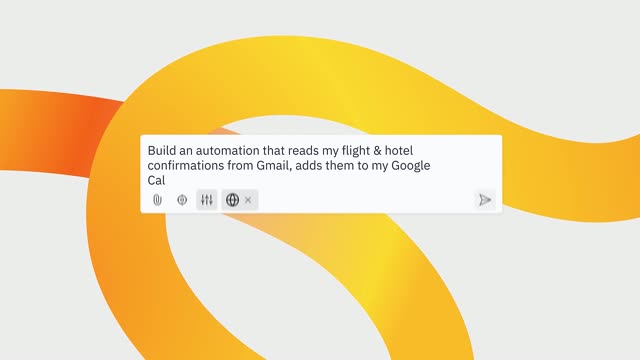
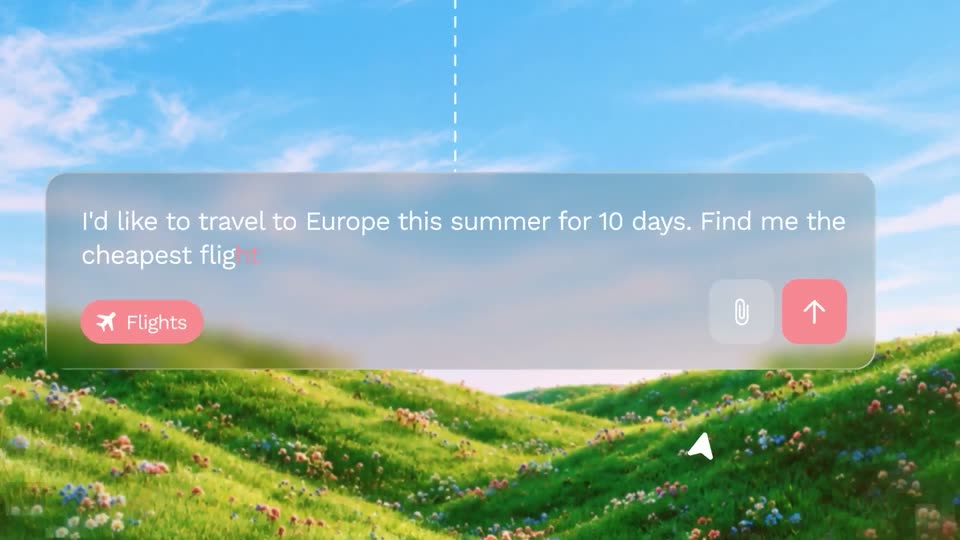
A frosted-glass prompt bar floats over a 3D-rendered landscape of green hills and blue sky. The request text types out across two lines while a pink Flights chip sits below, then a paperclip and red send button appear at the right as a cursor hovers the send button.
0.8s
Demo· 344,752 organic views: the motion design video we made for Jinko (YC)

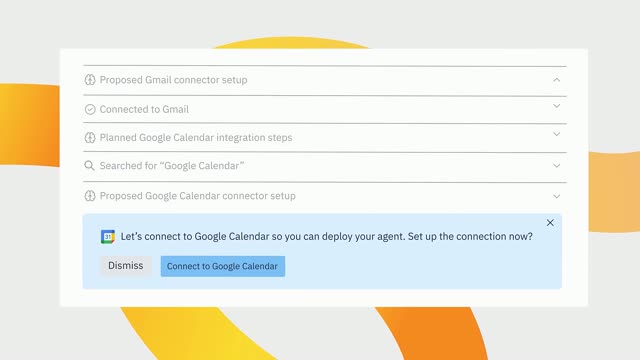
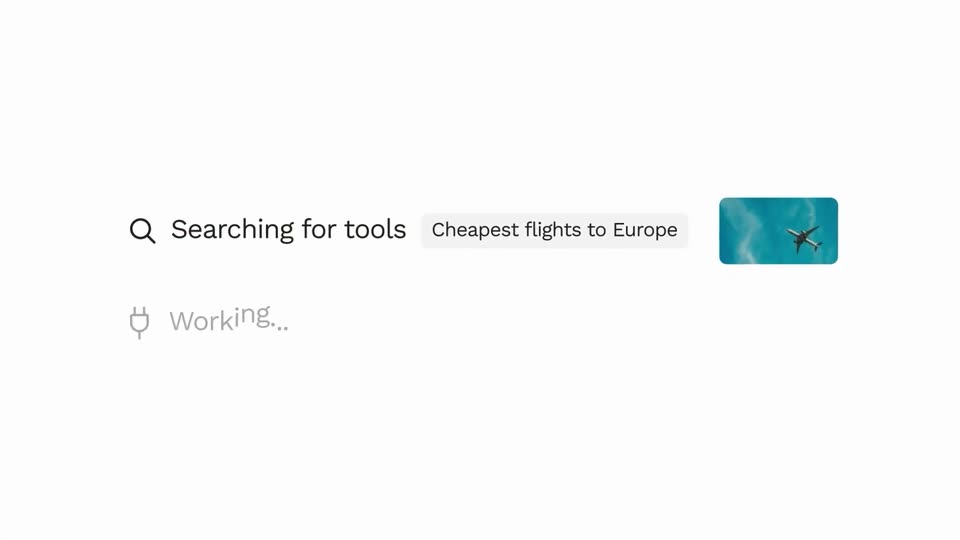
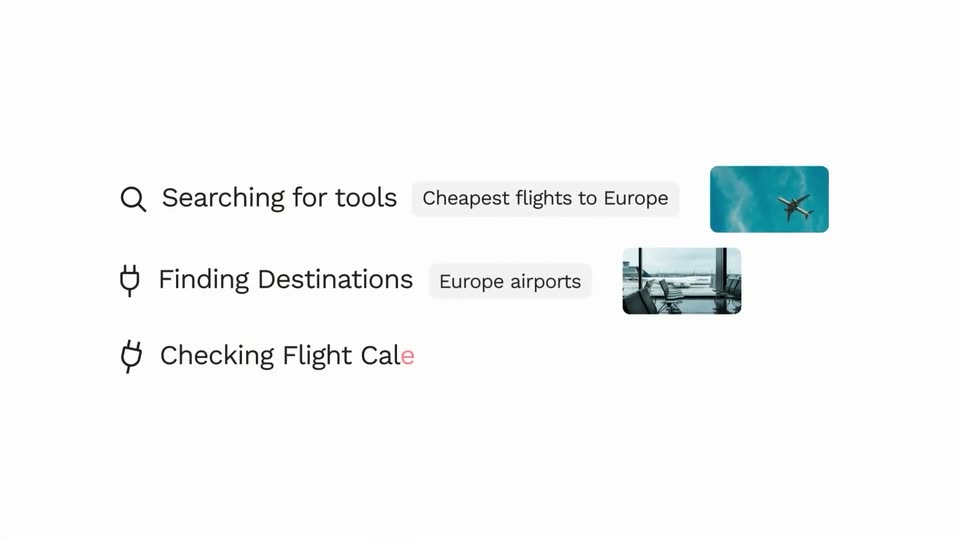
A grid of square photo tiles, showing sky and a flower field, dissolves away to leave a search row: a magnifier icon with 'Searching for tools', a pill reading 'Cheapest flights to Europe', and a small airplane photo card, while a plug icon and 'Working...' slide in below.

1.5s
Demo· 344,752 organic views: the motion design video we made for Jinko (YC)

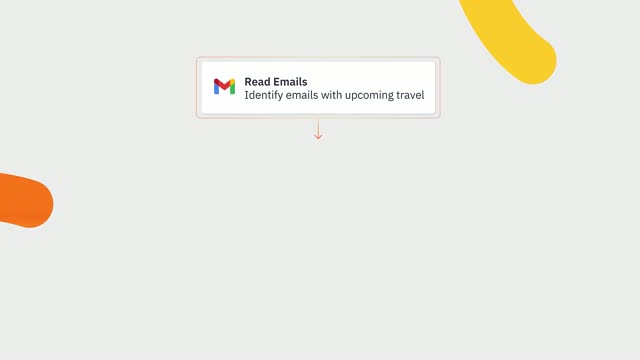
A flat white list of three processing steps stacks vertically. Each row pairs a line icon, a bold label and a gray detail pill, with a small photo thumbnail fading in at the right as the row slides into place.

0.8s
Demo· 344,752 organic views: the motion design video we made for Jinko (YC)

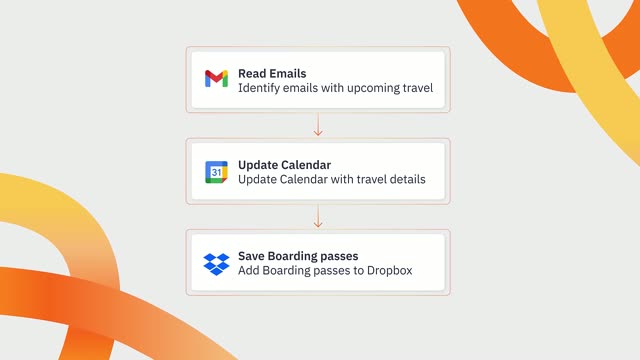
Three rows of travel tasks with icons, pill labels and photo thumbnails sit on white; a pixel mosaic of a green meadow under blue sky opens over them, revealing a chat card with the Europe query and three city prices.

7.3s
Demo· 344,752 organic views: the motion design video we made for Jinko (YC)

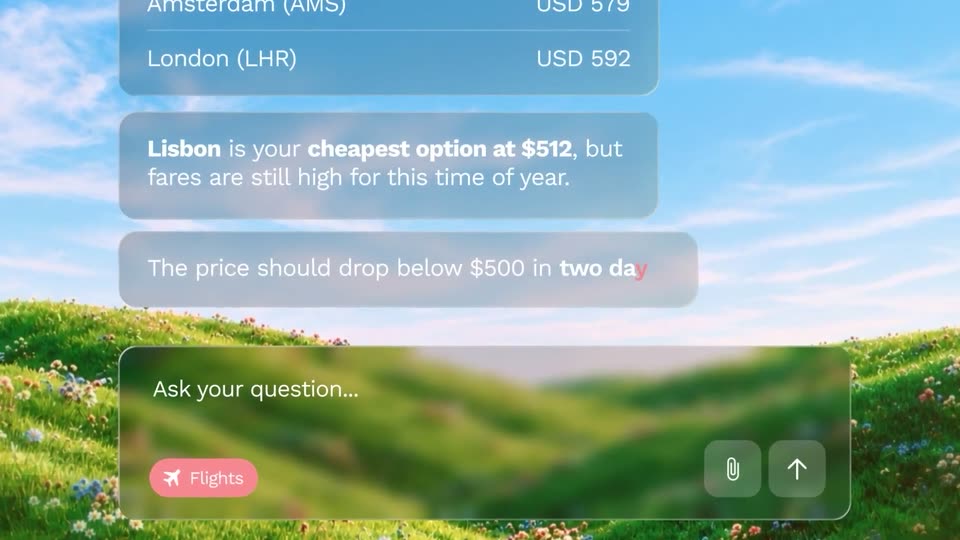
A glassmorphic chat panel floats over a sunlit meadow of wildflowers. The user's flight request and a price list sit at the top; the assistant's replies type out character by character as the view scrolls up, and the whole scene slowly pushes in.

1.6s
Demo· 344,752 organic views: the motion design video we made for Jinko (YC)

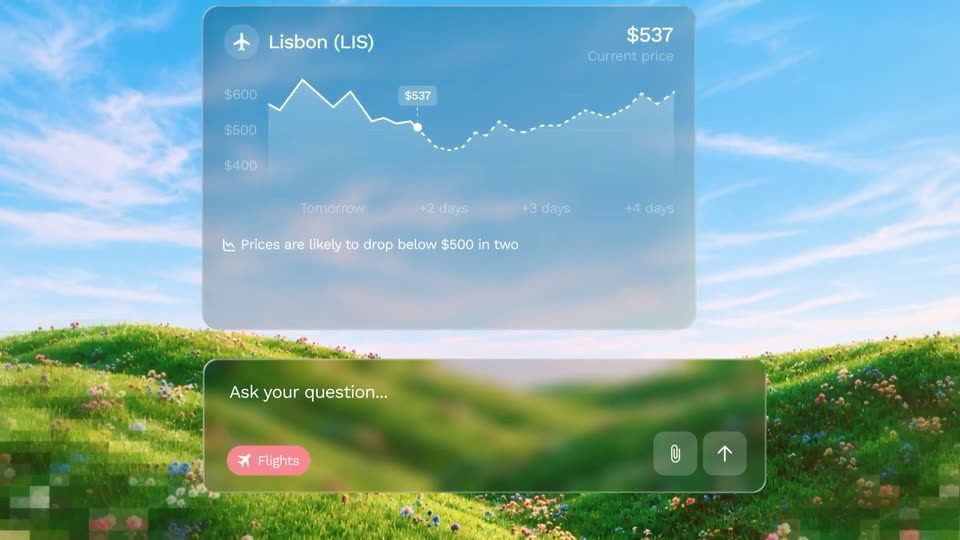
A frosted flight card floats over a blurred flower meadow. The Lisbon price chart draws in, a dashed forecast line extends, and a note plus a track button fade in below. A chat input bar with a pink Flights chip sits at the bottom.

0.9s
Demo· 344,752 organic views: the motion design video we made for Jinko (YC)

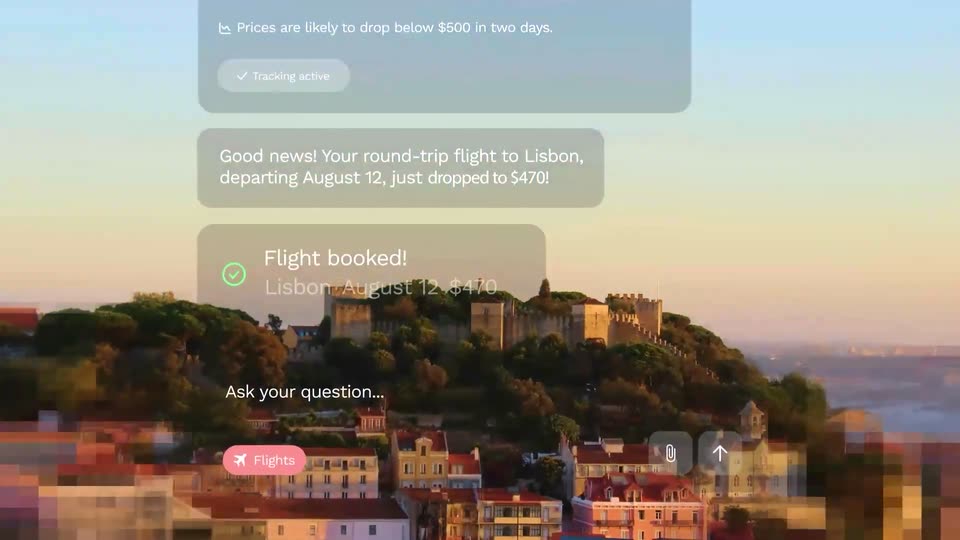
A translucent chat panel hovers over an aerial view of Lisbon's castle hill as the sky warms from blue to sunset orange. Stacked bubbles show a price-tracking card, a fare-drop alert to $470, and a Flight booked confirmation above an input bar with a pink Flights chip.

4.9s
Demo· 344,752 organic views: the motion design video we made for Jinko (YC)

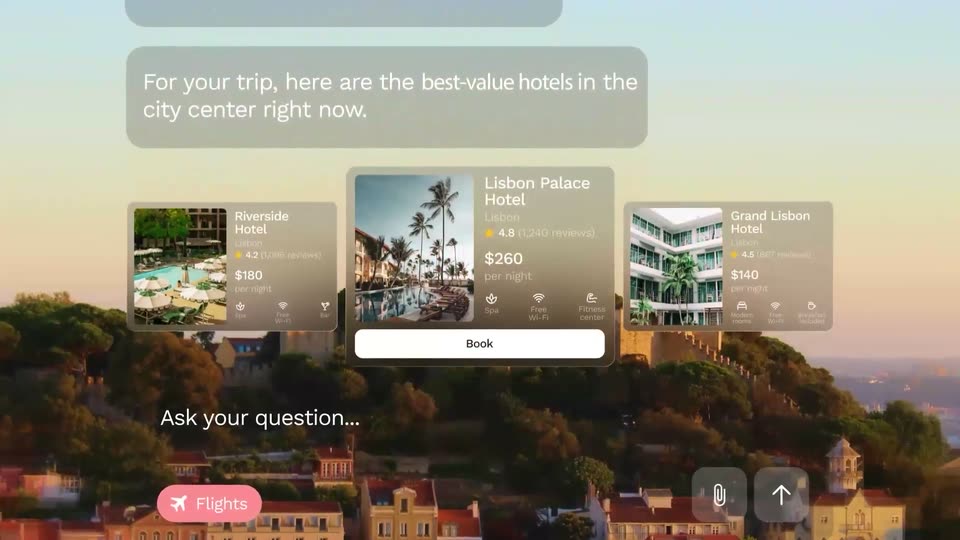
A chat thread scrolls up at a steady pace over a sunset photo of Lisbon's hilltop castle. Three hotel cards slide in, the center card zooms forward, and its Book button turns green reading Booked.

3.2s
Demo· 344,752 organic views: the motion design video we made for Jinko (YC)

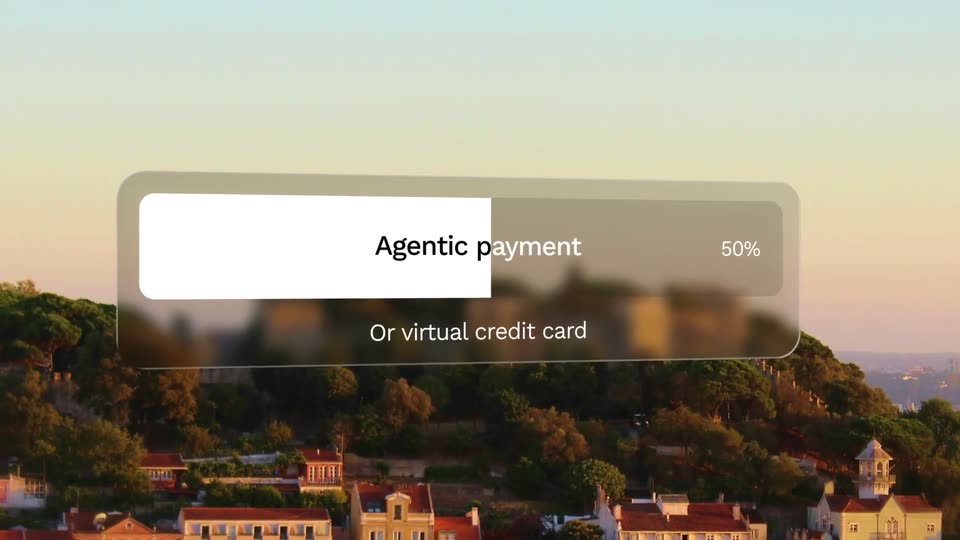
Aerial sunset view of a hilltop city with a fortress. A translucent progress card labeled Agentic payment scales up and fills left to right, its percentage counting from 6% to 100%, with Or virtual credit card below.

1.3s
Demo· 344,752 organic views: the motion design video we made for Jinko (YC)

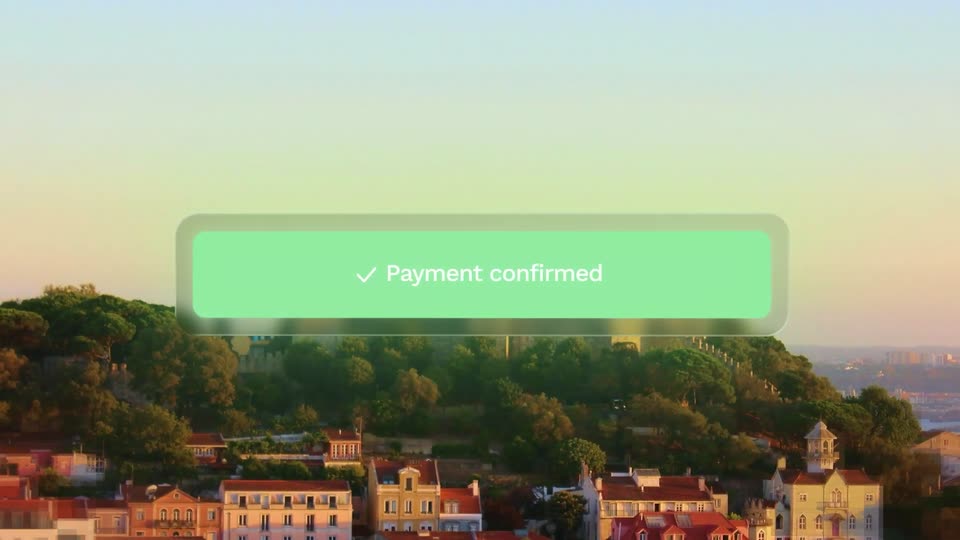
A green rounded banner with a white checkmark and the words “Payment confirmed” hovers over an aerial dusk view of a tree-covered hillside city, gently drifting downward across the frame.

0.8s
Demo· She’s your perfect match… and she’s a Sales Director | Gojiberry

On a black background, a large white heading types in word by word, ending with a solid block cursor. A smaller caption line slides in to state the search query. The frame stays locked off, the motion slow and minimal.

1s
Demo· She’s your perfect match… and she’s a Sales Director | Gojiberry

A locked-off black frame holds the caption “Searching for a founder” in white sans-serif, with a white square block after the last word. The word “founder” eases from salmon to white while everything else stays still.

0.3s
Demo· She’s your perfect match… and she’s a Sales Director | Gojiberry

Black distressed sans text reading “a founder” sits on a flat light gray background. It resolves from a brief glitch distortion into a static, locked-off lockup.

1.4s
Demo· She’s your perfect match… and she’s a Sales Director | Gojiberry

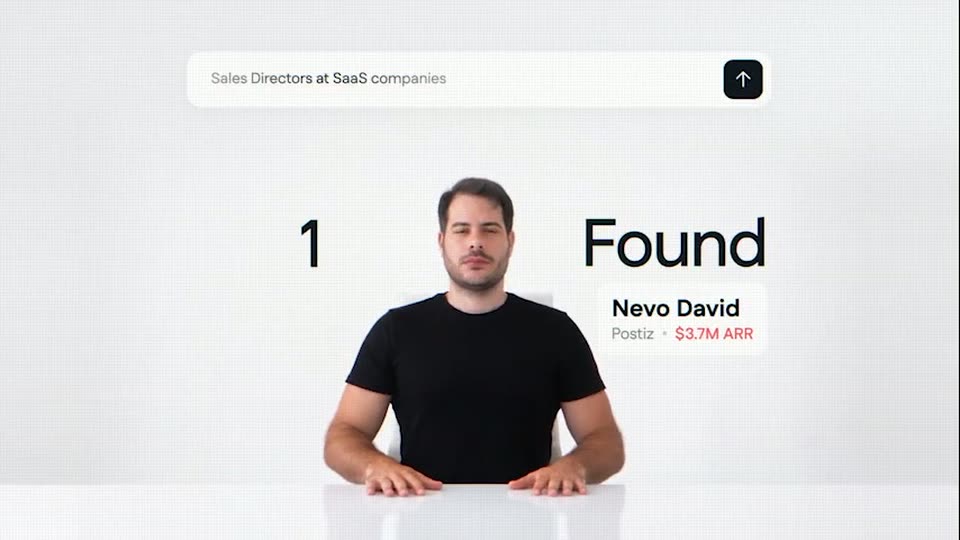
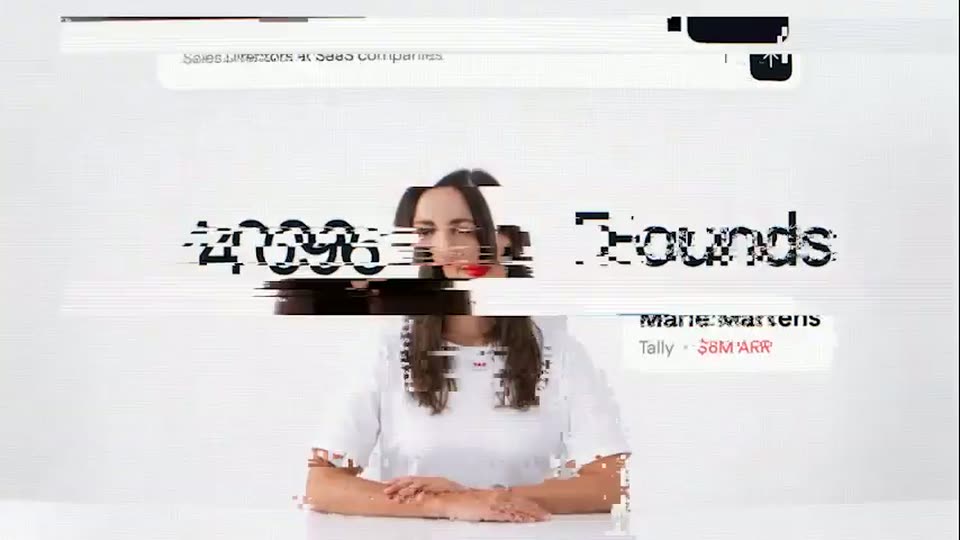
A man in a black t-shirt sits at a white table on a white background. A search bar spans the top and a result card sits to his right, beside a large 1 and the headline a founder. A horizontal glitch snaps clean at the start.

1.5s
Demo· She’s your perfect match… and she’s a Sales Director | Gojiberry

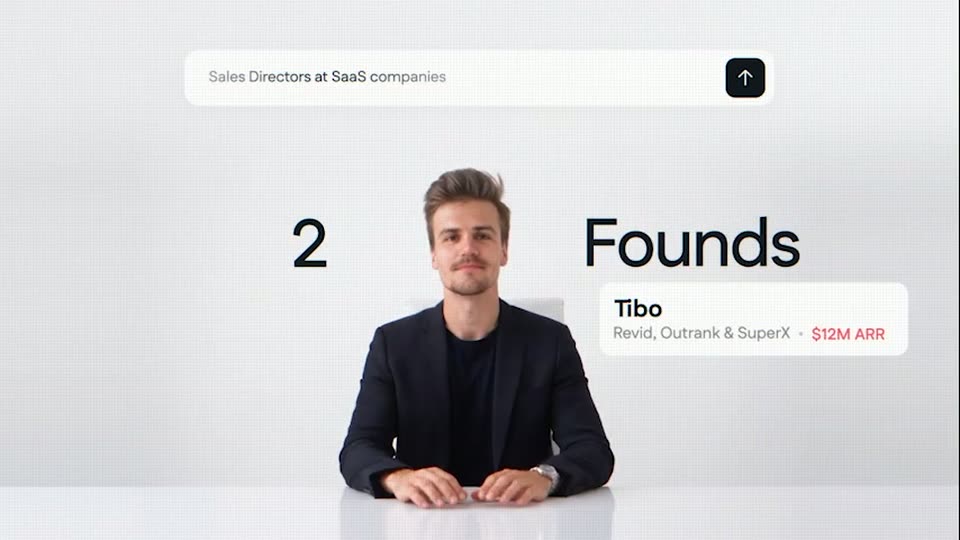
A man in a navy blazer settles into his seat at a white table as a large '2' and 'Founds' flank him and a white card with his name and a red '$12M ARR' scrambles into place. A search bar with a query sits at the top.

1s
Demo· She’s your perfect match… and she’s a Sales Director | Gojiberry

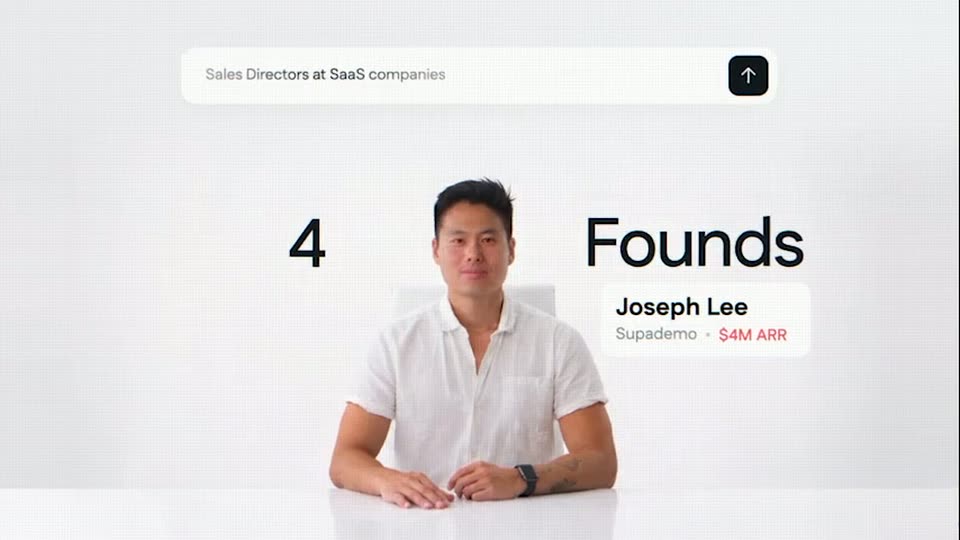
A man in a white shirt sits at a white table against a white background. A search bar floats above him, the number 4 and the word Founds flank his head, and a card names him Joseph Lee, Supademo, $4M ARR. Locked frame, all text stays still.

0.4s
Demo· She’s your perfect match… and she’s a Sales Director | Gojiberry

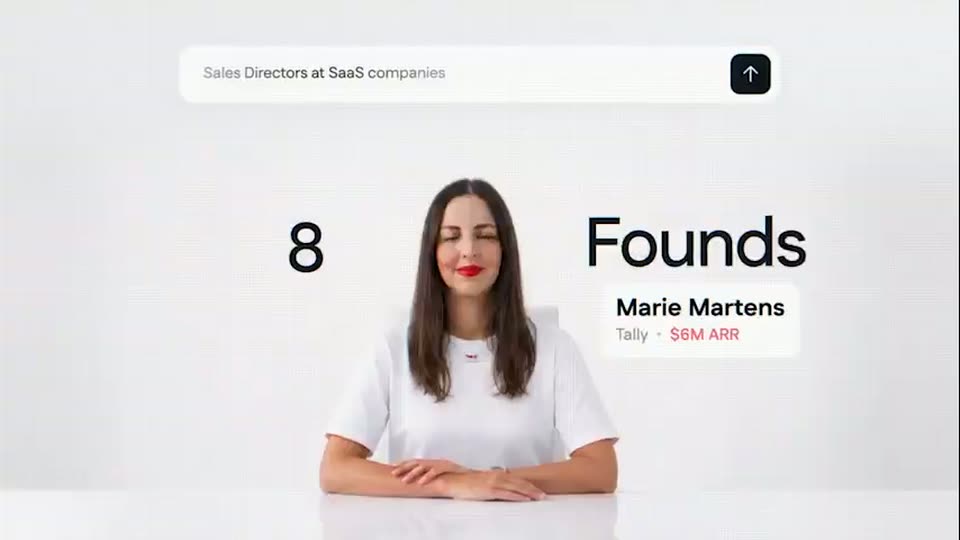
A woman in a white tee sits at a white desk, shown first as a glowing X-ray skeleton on black, then cut to a bright white studio frame. A top search bar, a large 8, the word Founds and a contact card stay locked in place.

1.4s
Demo· She’s your perfect match… and she’s a Sales Director | Gojiberry

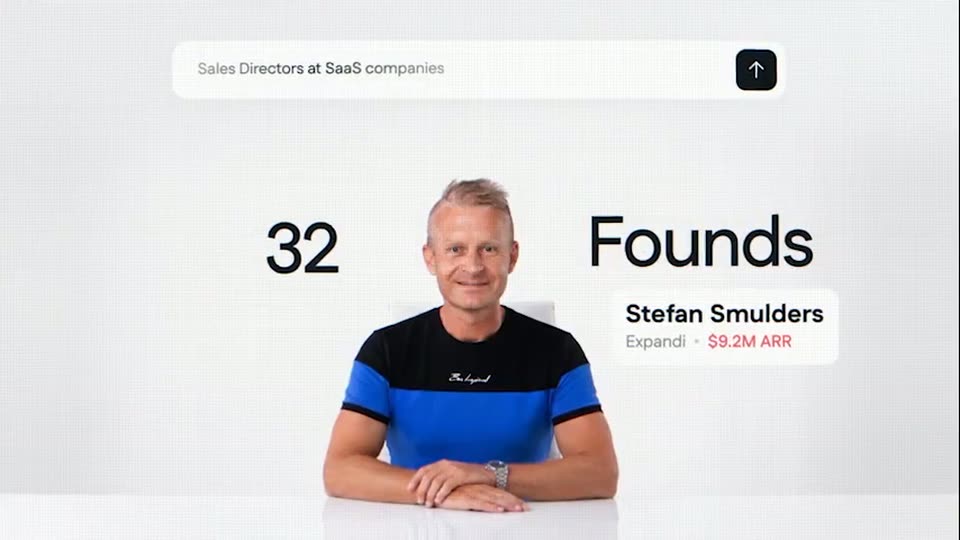
A man in a striped shirt sits at a white table on a light gray backdrop. A search bar floats above, a counter with a person icon ticks on the left, and a name card with an ARR figure updates on the right beside the word Founds.

0.5s
Demo· She’s your perfect match… and she’s a Sales Director | Gojiberry

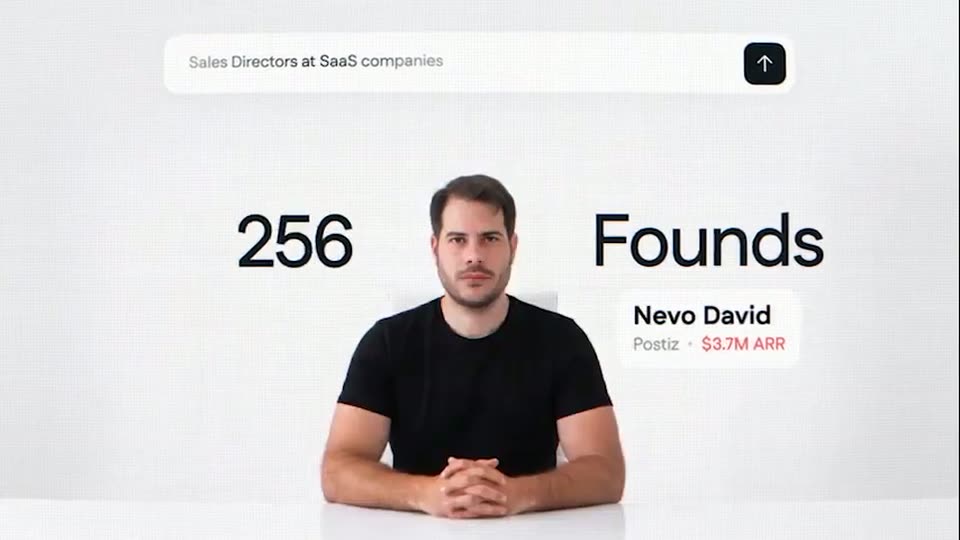
A man in a white shirt sits at a white table beneath a search bar; a large counter reads 128 beside the word Founds. He cuts to a man in a black T-shirt as the counter rolls to 256 and the name card swaps.

0.5s
Demo· She’s your perfect match… and she’s a Sales Director | Gojiberry

A man at a desk on black cuts to a woman at a desk on white. A top search bar, large flanking numbers and the word Founds frame each speaker, with a name card at lower right.

6s
Demo· She’s your perfect match… and she’s a Sales Director | Gojiberry

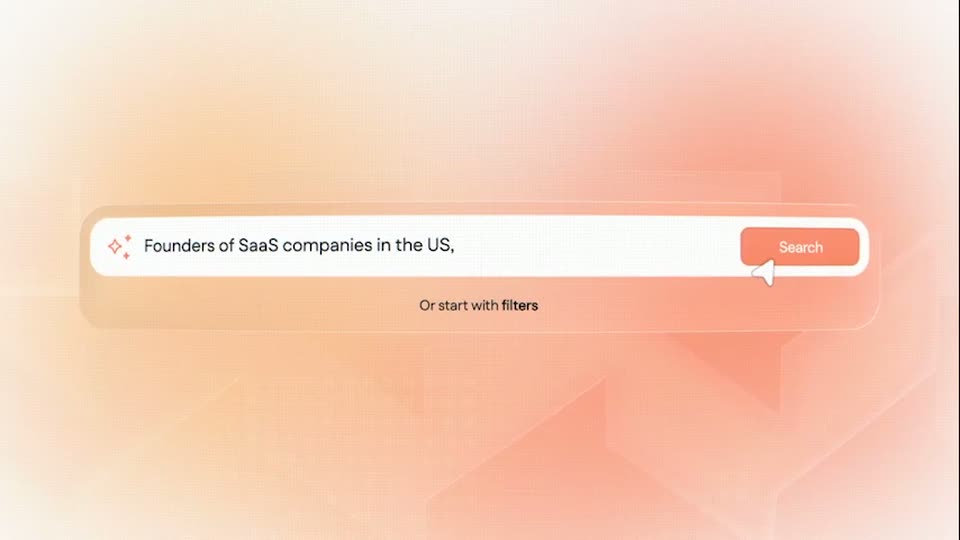
A white search bar on a peach gradient opens in extreme close-up and scales out as a query types itself in. A cursor hovers the orange Search button, then the bar slides up and a dot-matrix US map fades in under a counting contacts-found figure.

2.4s
Demo· She’s your perfect match… and she’s a Sales Director | Gojiberry

The clip opens tight on the search field, where the orange placeholder [Company size] is swapped for 50-500 employees,. The view pulls back to the full rounded search bar; a cursor moves to the Search button and a white dot grid spreads beneath the line 12,480 contacts founds.

4.7s
Demo· She’s your perfect match… and she’s a Sales Director | Gojiberry

A peach gradient search screen with white dot clusters. The query fills in with an orange placeholder tag, the camera zooms into the bar, and a cursor glides to the orange Search button.

0.8s
Demo· She’s your perfect match… and she’s a Sales Director | Gojiberry

A rounded search bar with a cursor icon and Search placeholder floats over a dotted world map on a peach background. The bar fades out as the result line 177 contacts found appears at center, then the frame clears to a plain gradient.

4.9s
Demo· She’s your perfect match… and she’s a Sales Director | Gojiberry

A soft orange gradient background features faint low-poly shapes and a grid of twinkling white dots. Small white text '132 contacts found' appears, then larger text 'Describe the opportunity you're looking for' zooms in and pans left.

1.3s
Demo· She’s your perfect match… and she’s a Sales Director | Gojiberry

A pale grid backdrop holds one line of dark gray sans-serif text that types out letter by letter behind a solid block cursor, completing the phrase on a static frame.

0.8s
Demo· She’s your perfect match… and she’s a Sales Director | Gojiberry

A gray caption line slides up and off the top of a plain light background as a man in a black cap rises into frame from the bottom edge.

5.1s
Demo· She’s your perfect match… and she’s a Sales Director | Gojiberry

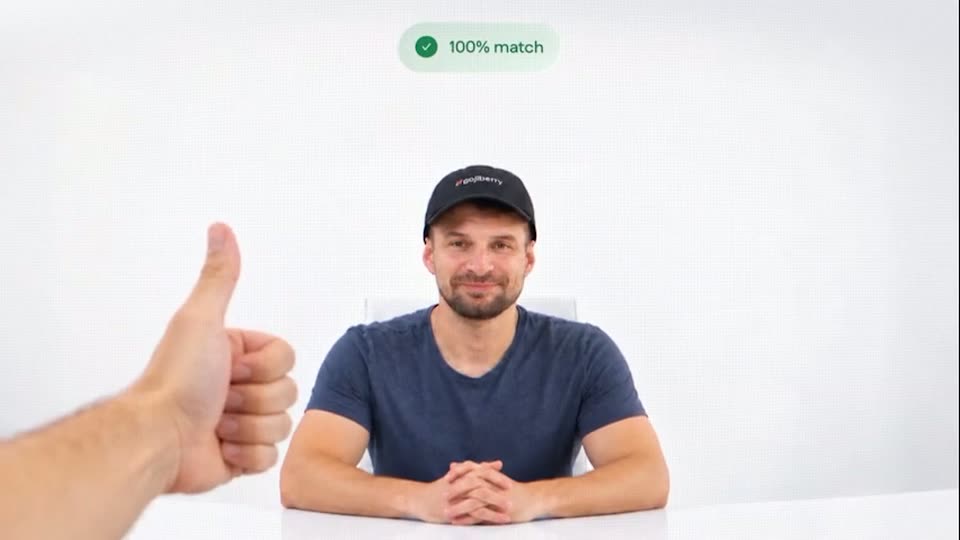
A man in a black cap and blue tee sits at a white table. A hand gives a thumbs up from the left as a mint match badge counts up above his head. The hand exits and he leans forward.

0.8s
Demo· She’s your perfect match… and she’s a Sales Director | Gojiberry

A man in a blue t-shirt and cap walks right across a white studio set past a chair, a green 100% match badge fixed at the top. The image defocuses as he exits frame right.

1.6s
Demo· Best Explainer Video for SaaS Platform | Peko

A grainy red-to-coral gradient fills the frame. Centered white text reads “Manage your business” and resolves from a soft blur into sharp focus. A small black “Video Created by burnwe” badge stays fixed in the top-left corner.

6.8s
Demo· Best Explainer Video for SaaS Platform | Peko

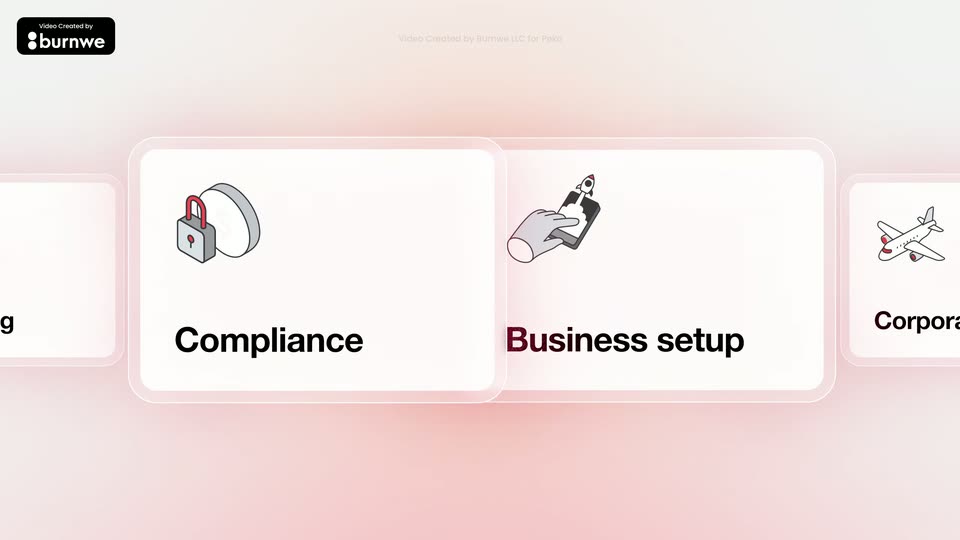
A horizontal carousel of white rounded cards with isometric line icons and bold labels scrolls right over a soft pink gradient. The center card scales up while the side cards shrink and slide off, ending on the WhatsApp for Business card.

2.4s
Demo· Best Explainer Video for SaaS Platform | Peko

A light gray stage holds the gradient headline “100+ business services,” which fades in at center while a red cursor hovers. A white dashboard menu card slides in from the right over blurred orange and red list elements, and the headline fades out as the menu settles.

2s
Demo· Best Explainer Video for SaaS Platform | Peko

A pink gradient panel holds the bold black headline “All in one Platform” beside a small red play arrow. To the right, a white services list with line icons scrolls upward at a steady pace, a red pill highlighting each item as it passes.

5.3s
Demo· Best Explainer Video for SaaS Platform | Peko

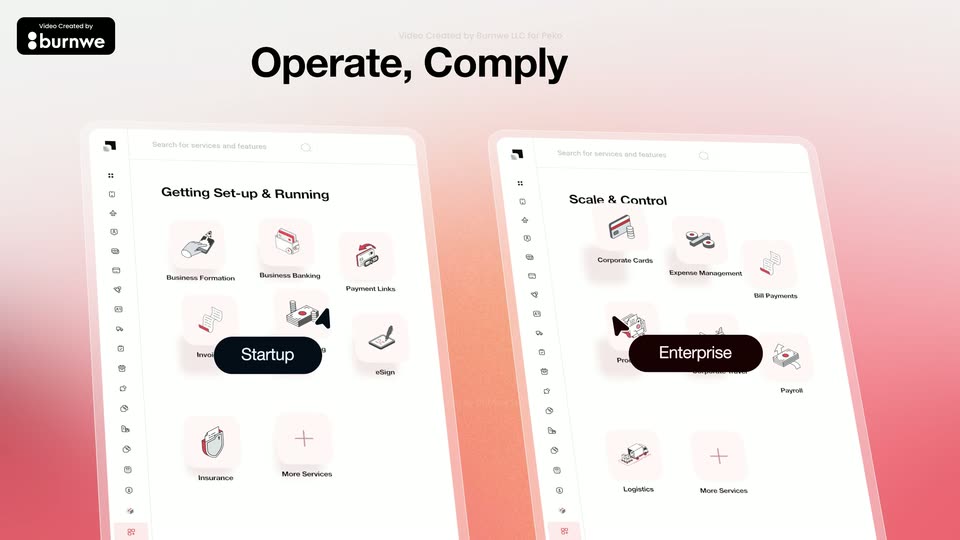
Two tilted app panels in 3D perspective on a pink-orange gradient, left tagged Startup, right tagged Enterprise, black cursors glide over service icons as the view pulls back to reveal the bold headline Operate, Comply & Grow.

1.8s
Demo· Best Explainer Video for SaaS Platform | Peko

On a plain light gray background, the coral phrase Half the cost fades in at center, then fades out as of your current stack fades in at the same position.

2.5s
Demo· Best Explainer Video for SaaS Platform | Peko

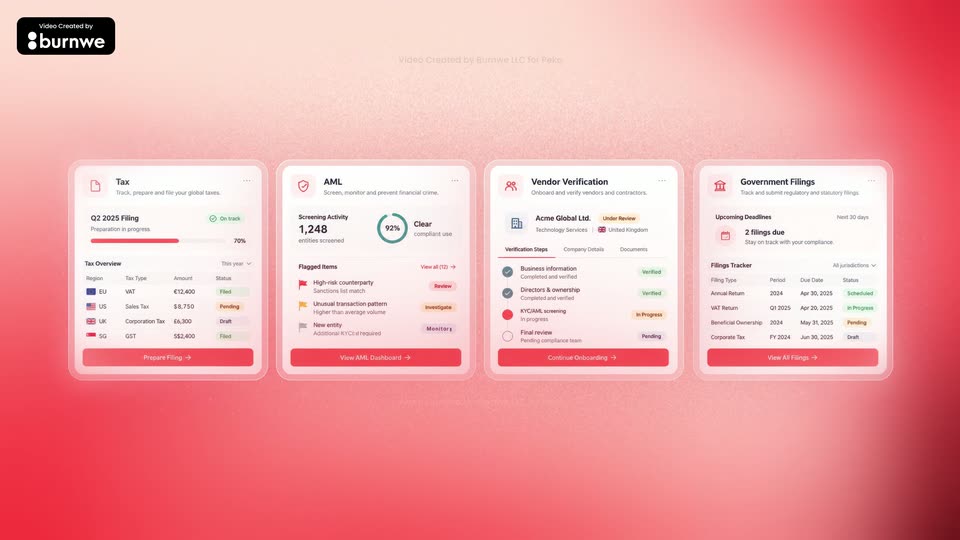
Four product panels (Tax, AML, Vendor Verification, Government Filings) sit on a pink-to-red halftone gradient. They start overlapping in a cluster at center, then fan out left to right into an even row and hold. A black burnwe credit badge stays top-left.

2.3s
Demo· 3D YC Startup Launch Video | Neuron Industries $10M Billboard Announcement

A slow camera drift moves through a dark 3D space of blue angular panels and a vertical white light beam. The white text A NEW WAY TO PROGRAM assembles in the center, its two halves sliding together.

1.2s
Demo· 3D YC Startup Launch Video | Neuron Industries $10M Billboard Announcement

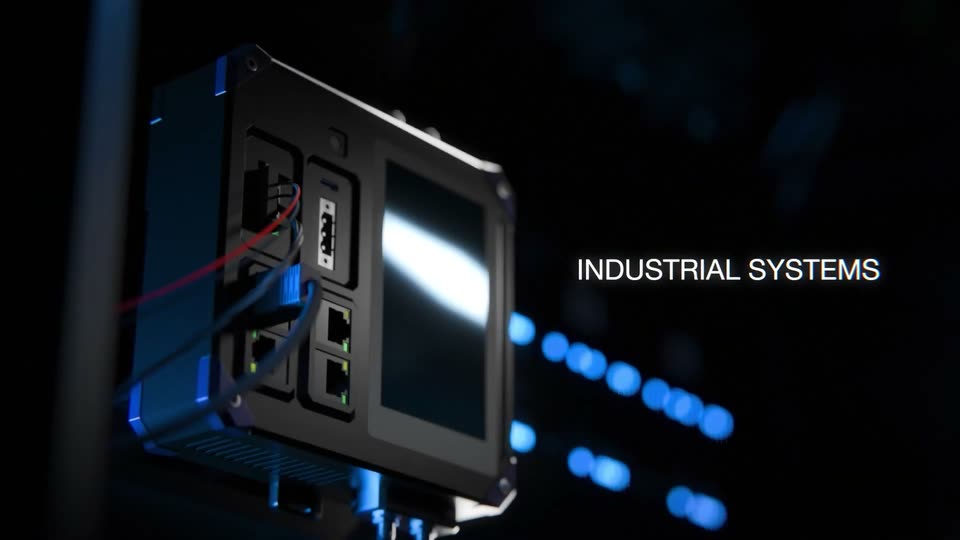
A dark rack of industrial control modules with glowing blue cables fills the frame. The camera drifts down and right across the hardware while the caption INDUSTRIAL SYSTEMS holds on the right side.

2.3s
Demo· 3D YC Startup Launch Video | Neuron Industries $10M Billboard Announcement

A rugged industrial device with red and blue cables and a bright screen sits in 3D perspective on the left. Blurred blue lights form a dark background. The label holds static on the right.

2s
Demo· 3D YC Startup Launch Video | Neuron Industries $10M Billboard Announcement

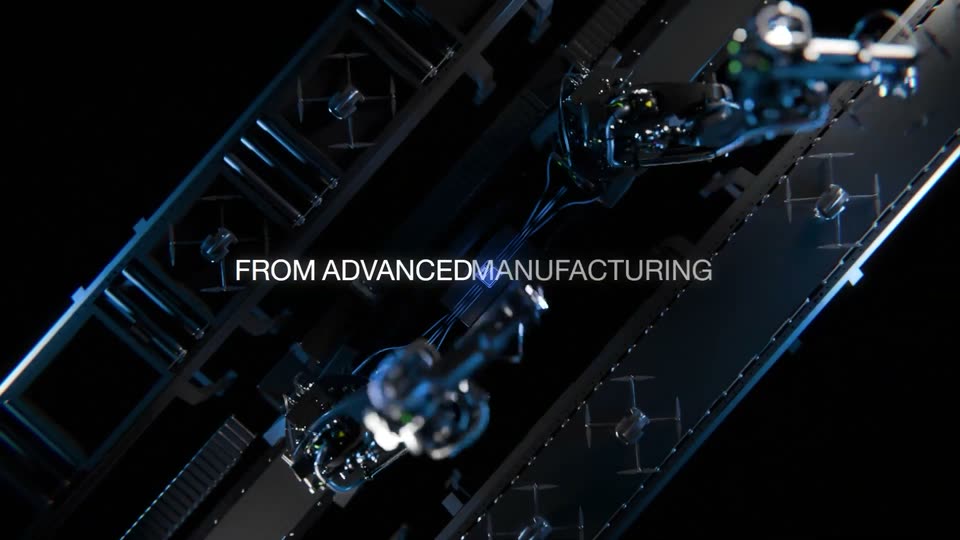
A dark 3D render of an automated factory floor from a tilted overhead angle. Robotic arms with cables flank a conveyor and a glowing blue screen; the camera slowly orbits while centered white captions appear.

0.7s
Demo· 3D YC Startup Launch Video | Neuron Industries $10M Billboard Announcement

A small clear cube holding a blue-lit chip dangles from a thin rod in a black void, a blurred blue machine glowing at left. Centered white text reads FROM ADVANCED MANUFACTURING, held static over the dark macro shot.

1.8s
Demo· 3D YC Startup Launch Video | Neuron Industries $10M Billboard Announcement

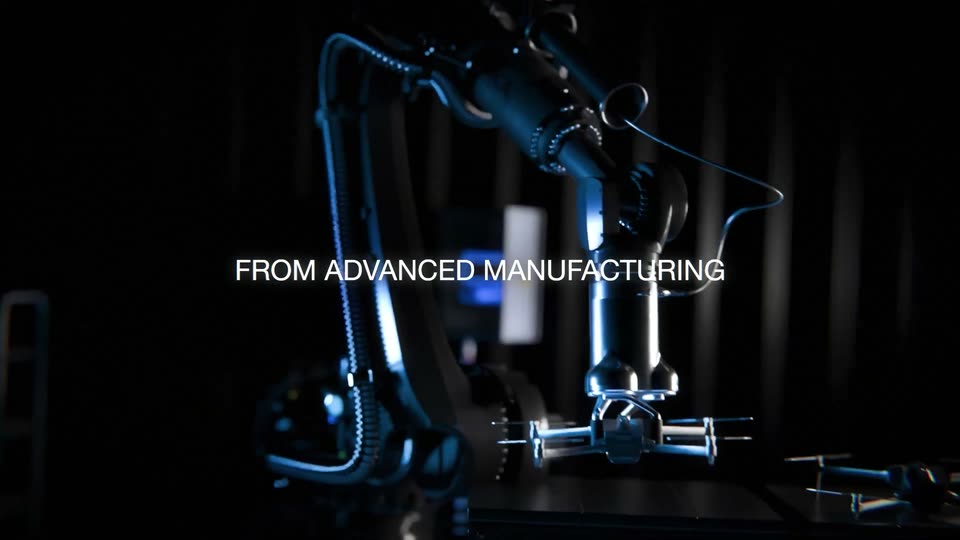
A blue-lit industrial robot arm with coiled cables works in the dark, its metal joints catching the light. The shot opens tight on the gripper and pulls back to reveal the full arm, while a white caption holds steady in the center.

3s
Demo· 3D YC Startup Launch Video | Neuron Industries $10M Billboard Announcement

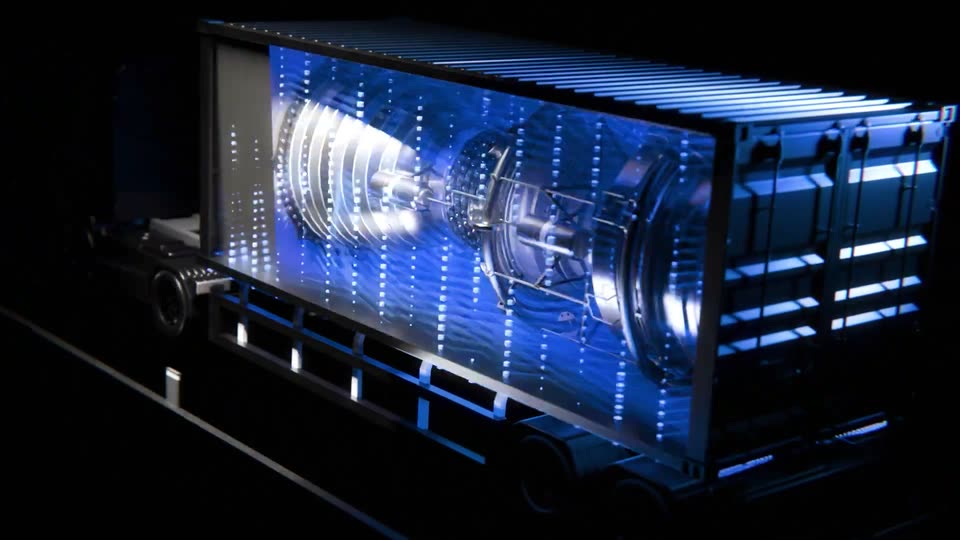
A dark 3D render of a semi-truck with a container whose side panel acts as a screen. The panel shows a blue-lit factory floor with a robotic arm, dissolves into a grid of glowing dots, then displays two turbine engines. The truck rests on a black reflective floor.

1.2s
Demo· 3D YC Startup Launch Video | Neuron Industries $10M Billboard Announcement

A dark macro shot of a blue-lit mechanical component fills the frame as the camera orbits it, edges blurring into soft glow. The white text ENERGY SYSTEMS holds on the right side, static against the moving background.

1.8s
Demo· 3D YC Startup Launch Video | Neuron Industries $10M Billboard Announcement

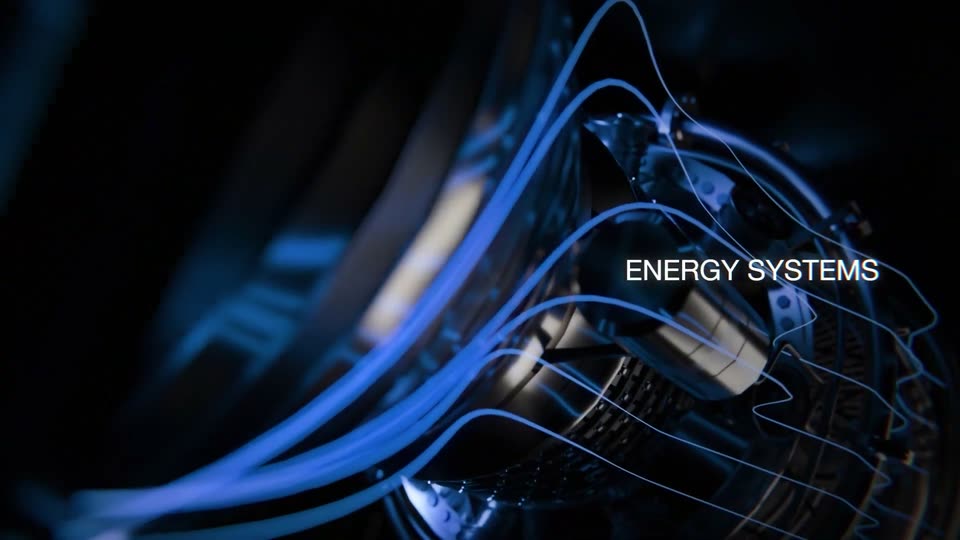
A dark 3D render of a mechanical turbine-like component drifts in a slow orbit as glowing blue contour lines sweep across its curved surface. The label ENERGY SYSTEMS holds static on the right side of the frame.

2.8s
Demo· 3D YC Startup Launch Video | Neuron Industries $10M Billboard Announcement

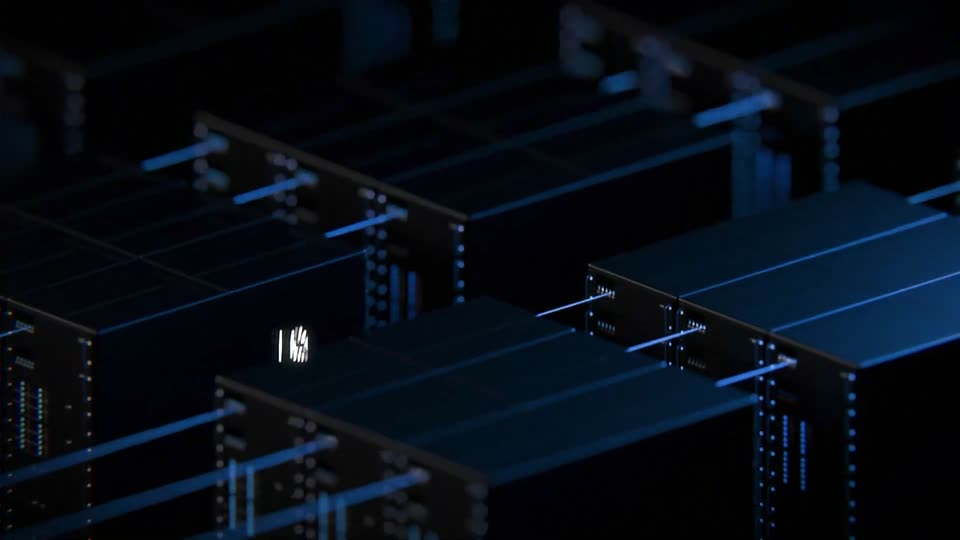
A dark 3D data center of server racks drifts in slow motion, blue light on the metal edges. White caption ENERGY SYSTEMS appears centered, then TO CRITICAL INFRASTRUCTURE as the racks resolve from blur into sharp focus.

1.5s
Demo· 3D YC Startup Launch Video | Neuron Industries $10M Billboard Announcement

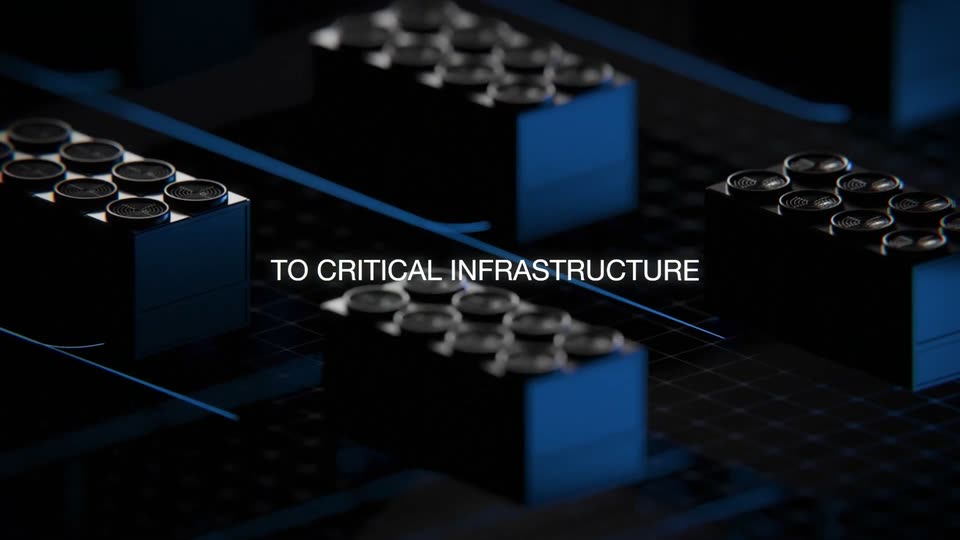
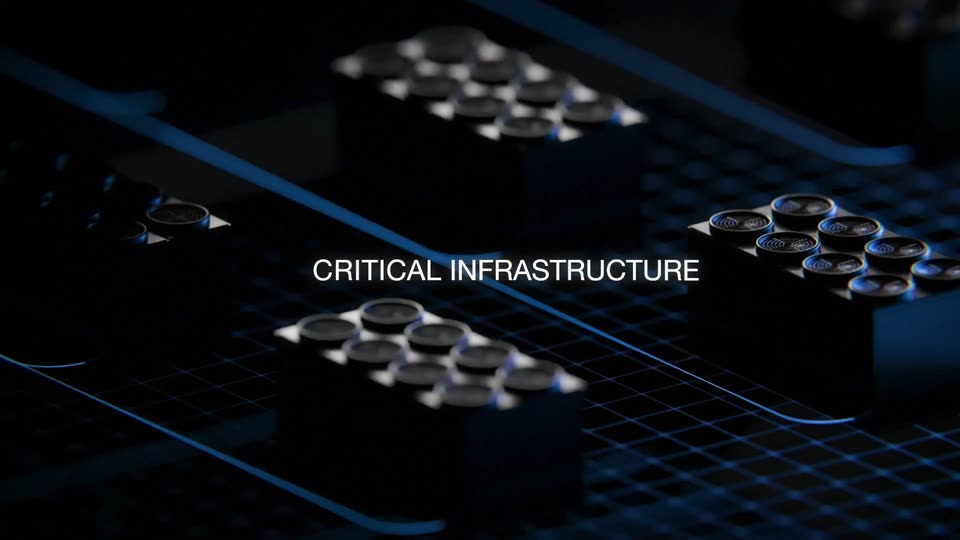
Dark 3D server modules with circular connectors sit on a blue grid floor as thin light lines sweep across, while the caption stays centered.

1.8s
Demo· 3D YC Startup Launch Video | Neuron Industries $10M Billboard Announcement

Slow push-in across a dark 3D grid of black modular blocks with circular studs, blue light lines tracing the floor, shallow depth of field. The caption holds centered and static through the move.

1.8s
Demo· Introducing the Framer MCP: Connect your favorite AI tools to Framer

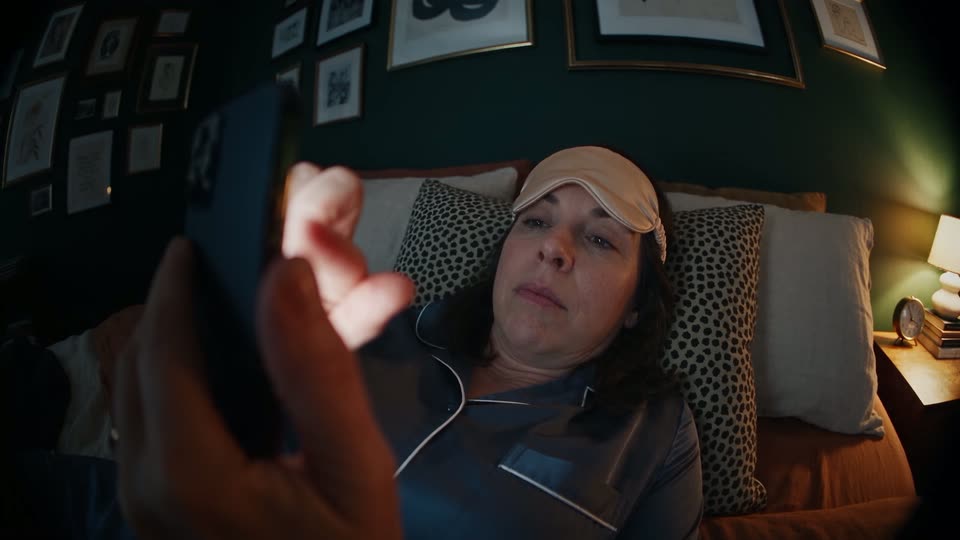
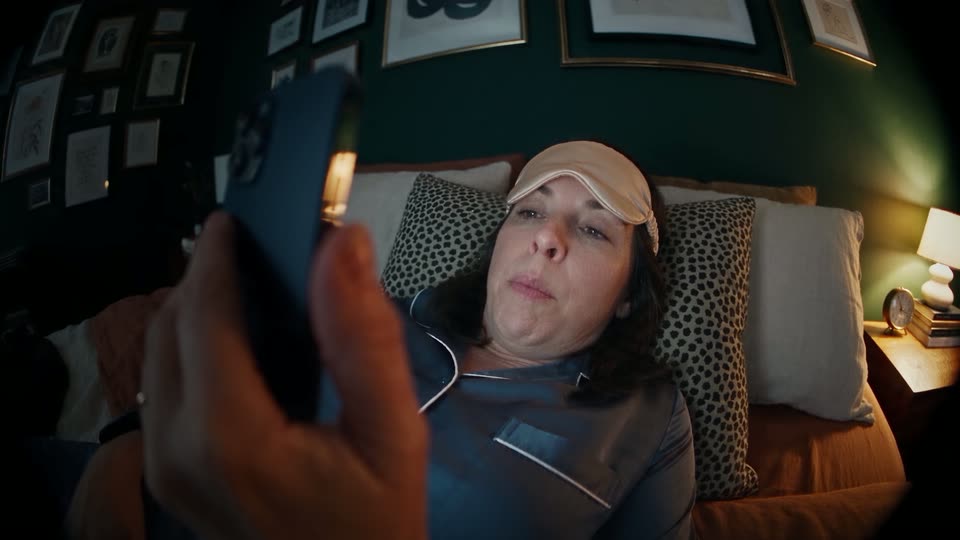
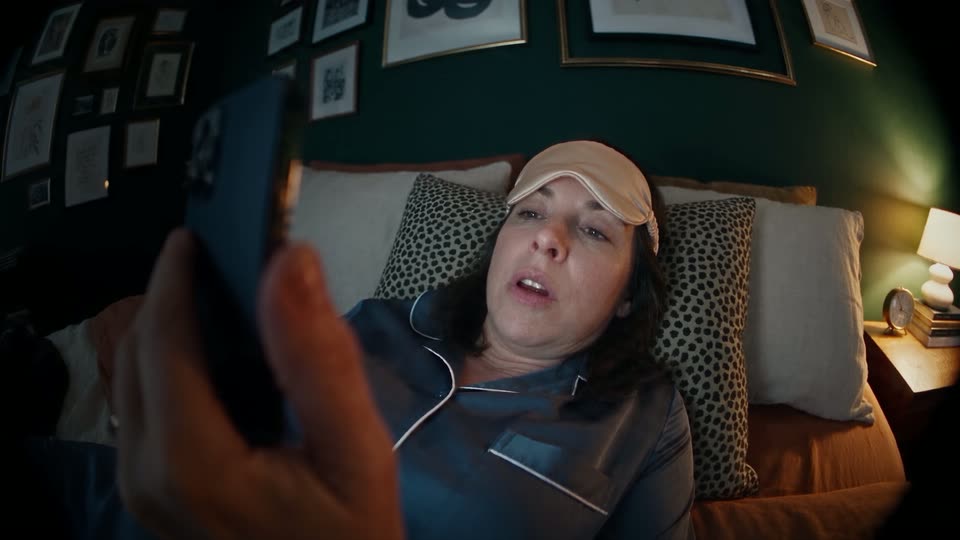
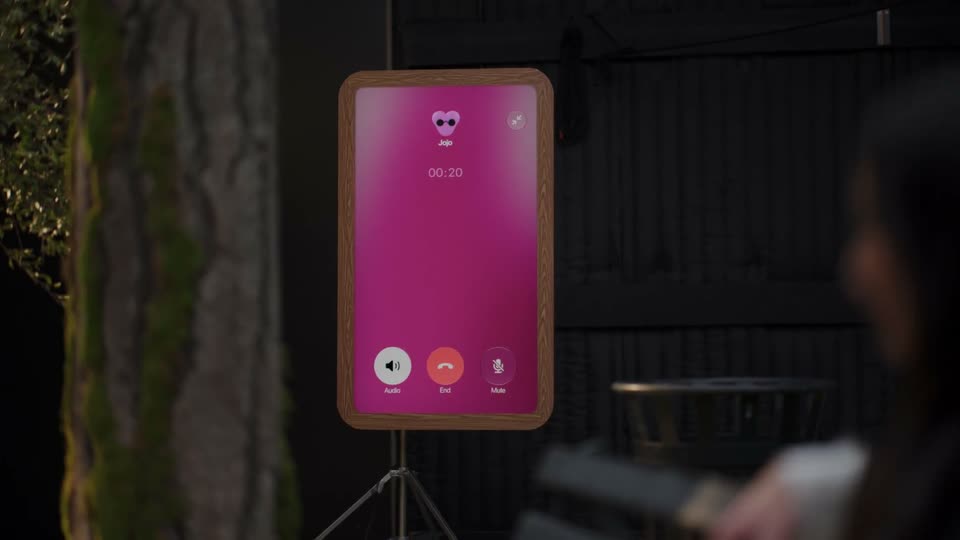
Back in bed with her sleep mask raised, the woman operates the phone held in the foreground. No ACTUALLY... IT WAS DUE YESTERDAY overlay remains on this live-action shot.

1.3s
Demo· Introducing the Framer MCP: Connect your favorite AI tools to Framer

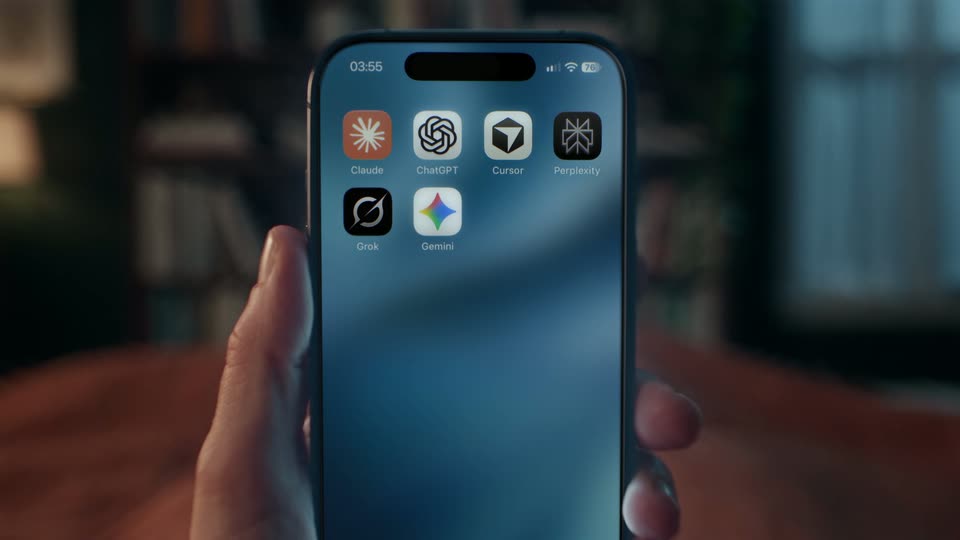
A hand holds a phone displaying six AI app icons on a blue home screen. Another finger moves away after interacting with it, while the bedroom stays softly blurred behind the device.

3.3s
Demo· Introducing the Framer MCP: Connect your favorite AI tools to Framer

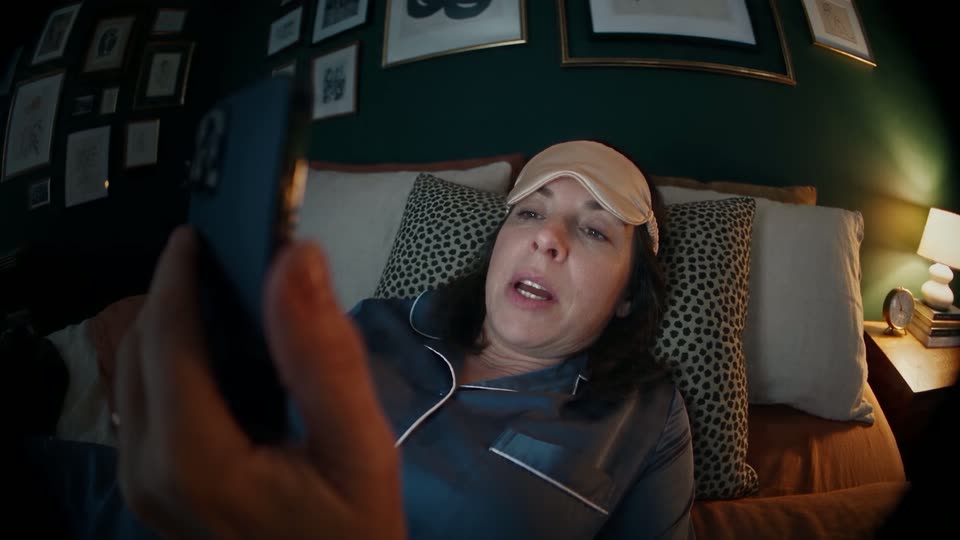
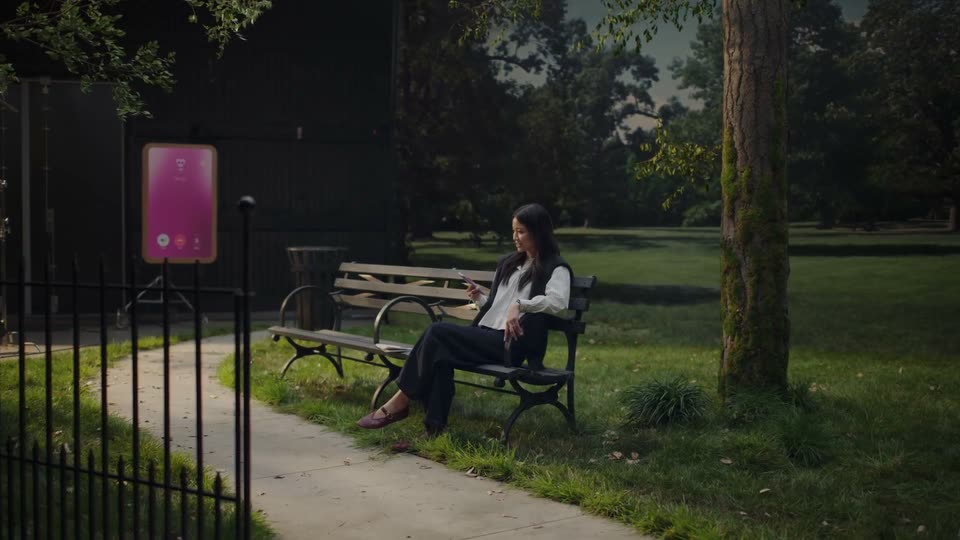
The wide-angle bedroom shot returns as the woman speaks a task into the phone. Her sleep mask remains on her forehead, with a warm lamp and framed pictures behind her.

1s
Demo· Introducing the Framer MCP: Connect your favorite AI tools to Framer

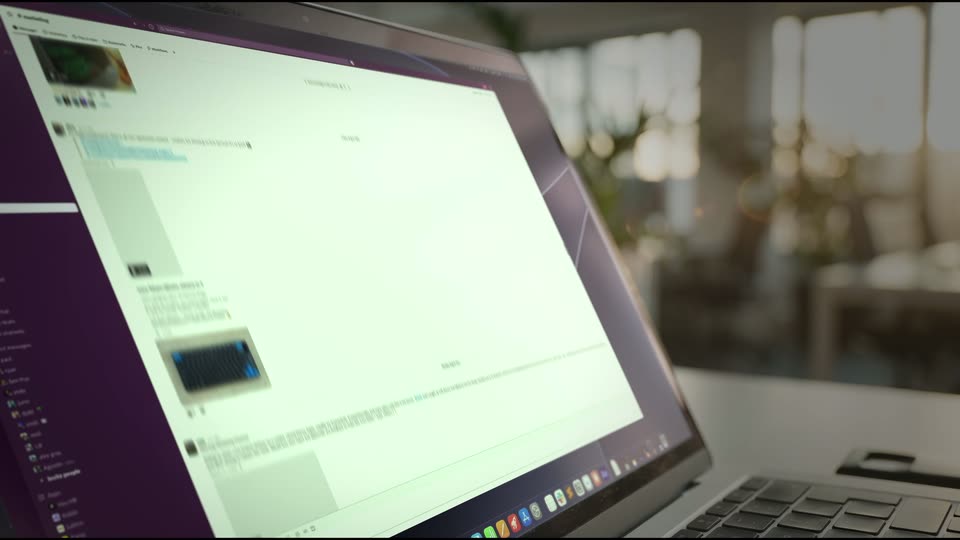
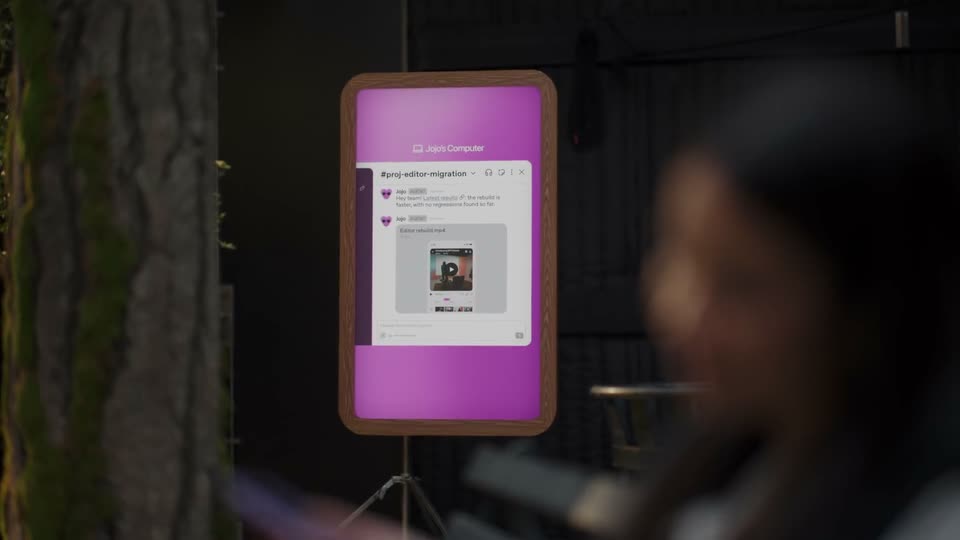
A photographed laptop screen shows a Slack conversation with page previews and feedback as the list scrolls. The screen is angled in a real-room insert rather than a flat full-frame interface.

1.7s
Demo· Introducing the Framer MCP: Connect your favorite AI tools to Framer

The woman continues the same spoken instruction from bed, holding the phone close to the foreground while the lamp remains on.

1.1s
Demo· Introducing the Framer MCP: Connect your favorite AI tools to Framer

A close desktop view frames the macOS Dock. The pointer activates the Framer icon; the wallpaper shifts from blue toward orange as the website-work montage begins.

1.3s
Demo· Introducing the Framer MCP: Connect your favorite AI tools to Framer

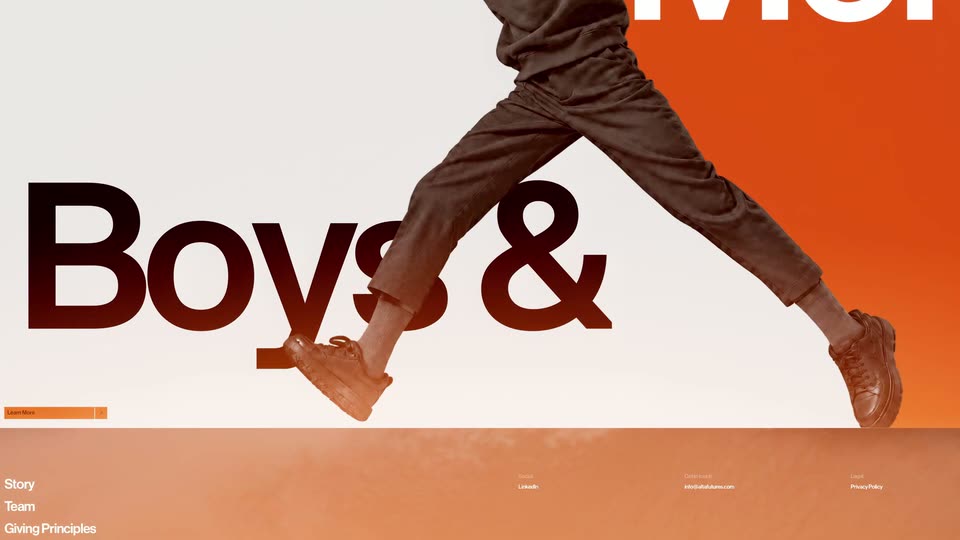
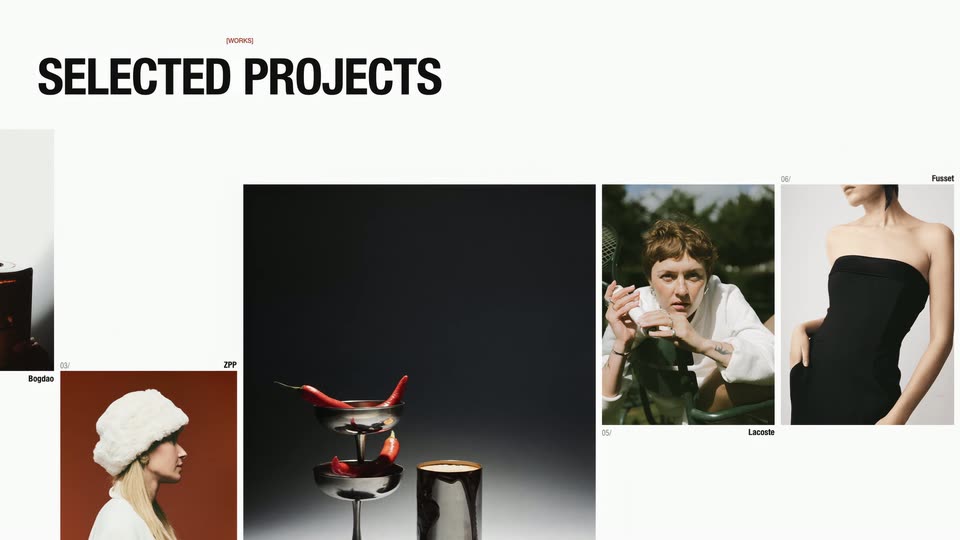
A full-frame website montage moves from a fashion hero with giant Boys & type to a SELECTED PROJECTS grid of photographs. These are example page designs within the film.

1.5s
Demo· Introducing the Framer MCP: Connect your favorite AI tools to Framer

The woman finishes speaking into the phone from the same bedroom angle. No SELECTED PROJECTS or ZPP overlay is visible over her; those labels belonged to the preceding page insert.

1.4s
Demo· Introducing the Framer MCP: Connect your favorite AI tools to Framer

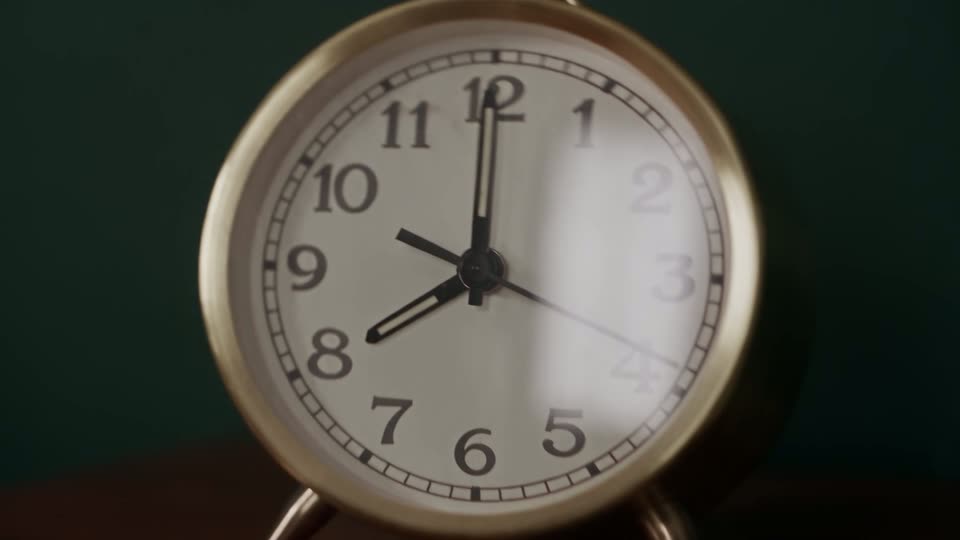
The view pushes closer to a brass analog clock on the wooden bedside table, with books at right and the phone partly visible at left.

2.5s
Demo· Introducing the Framer MCP: Connect your favorite AI tools to Framer

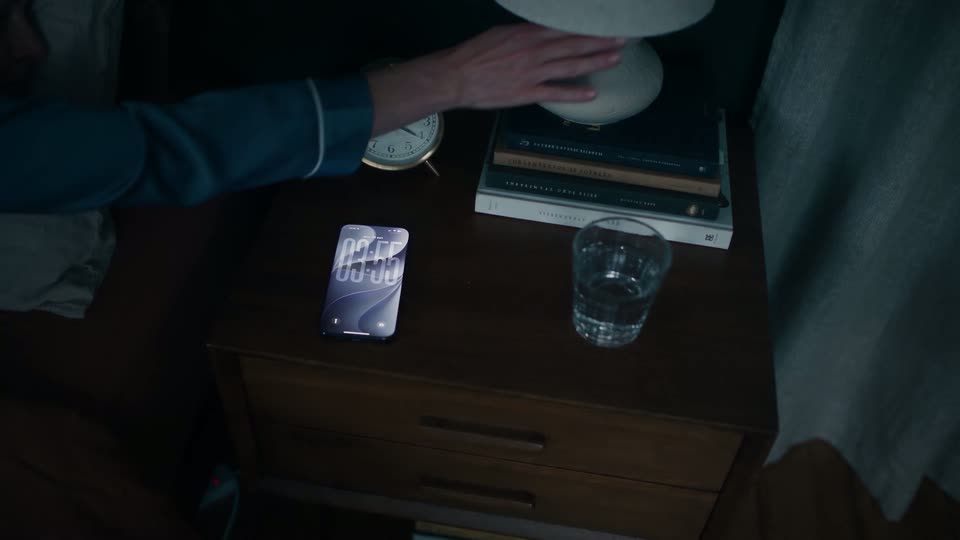
An overhead bedside-table insert shows her setting down the lit phone and reaching to switch off the lamp. Warm illumination disappears while the clock, books, water glass and phone retain their positions. The lighting change does not create a new shot or show an alarm being silenced.

3.4s
Demo· Introducing the Framer MCP: Connect your favorite AI tools to Framer

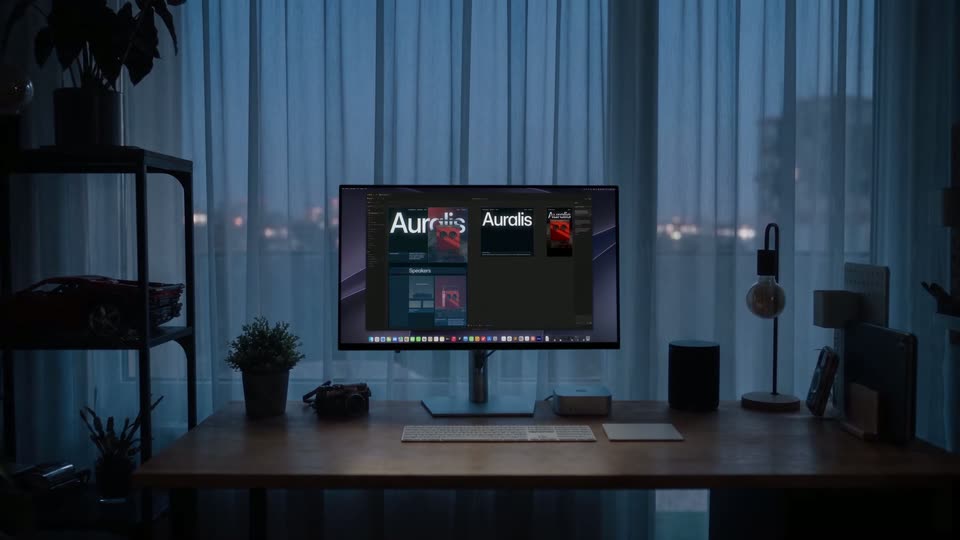
In a blue-lit room, a desktop monitor wakes to several responsive Auralis page previews in an editor. The camera approaches the display, emphasizing work proceeding while the bedroom story has ended. A 3D construction method is not established by the shot alone.

3.1s
Demo· Introducing Chimera

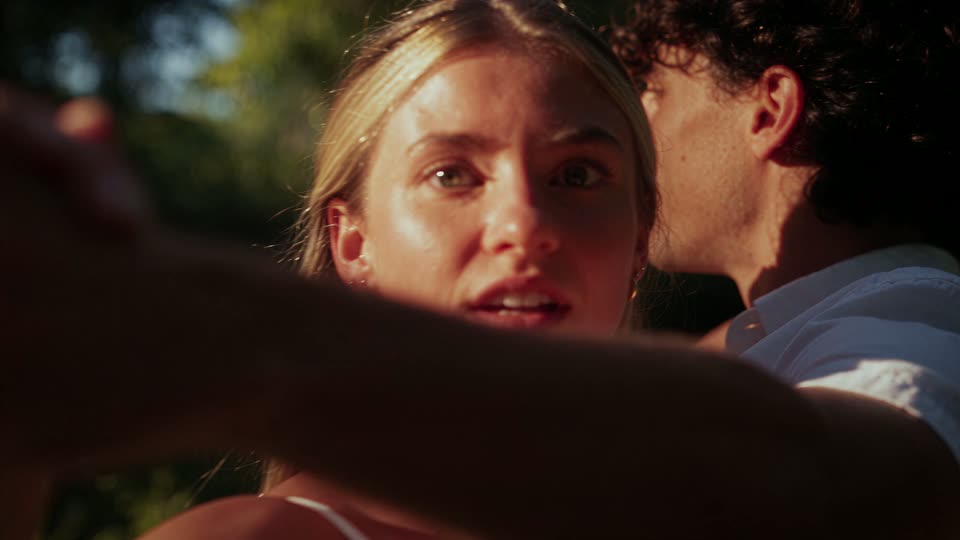
A couple in white turns together in a sunlit garden, their raised hands and the woman’s hair moving continuously as the framing approaches her face. The several initial boundaries were positions within the same dance, not new shots of a handle or seated subjects.

4.4s
Demo· Introducing Chimera

A woman in a checked jacket and pearls crouches among flapping white farm birds, ducks and then looks upward as the camera closes toward her face. The bird occlusions, head turns and approach belong to one continuous generated example, not five new contexts. No Chinese character or Trusting title is visible over this shot.

0.7s
Demo· DJI Osmo Pocket 4P is now available in Pearl White—the Dual-Camera Cinematic Pocket Gimbal Camera.

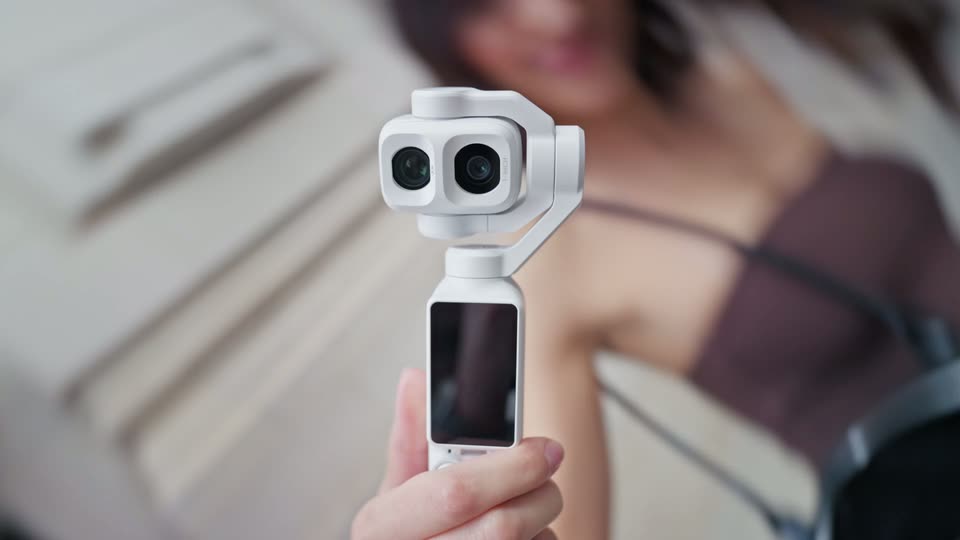
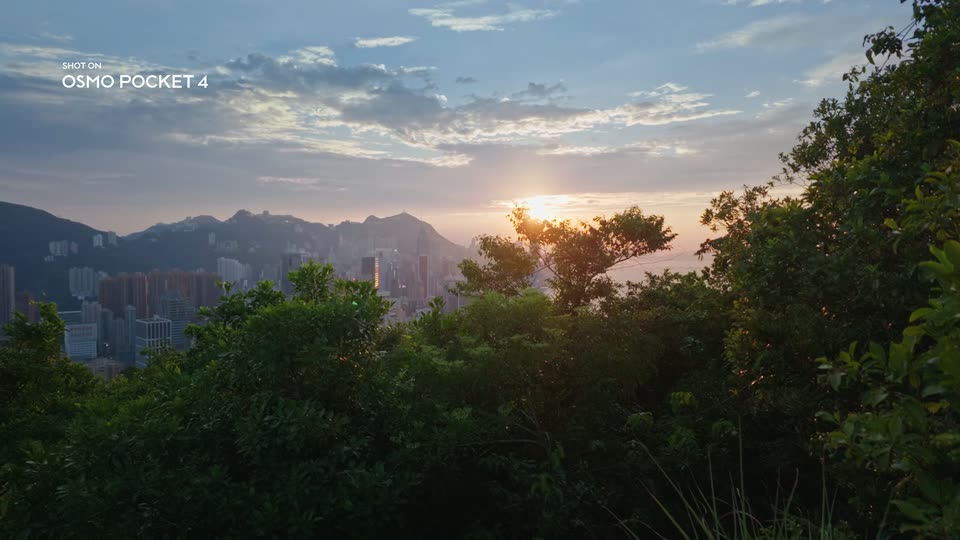
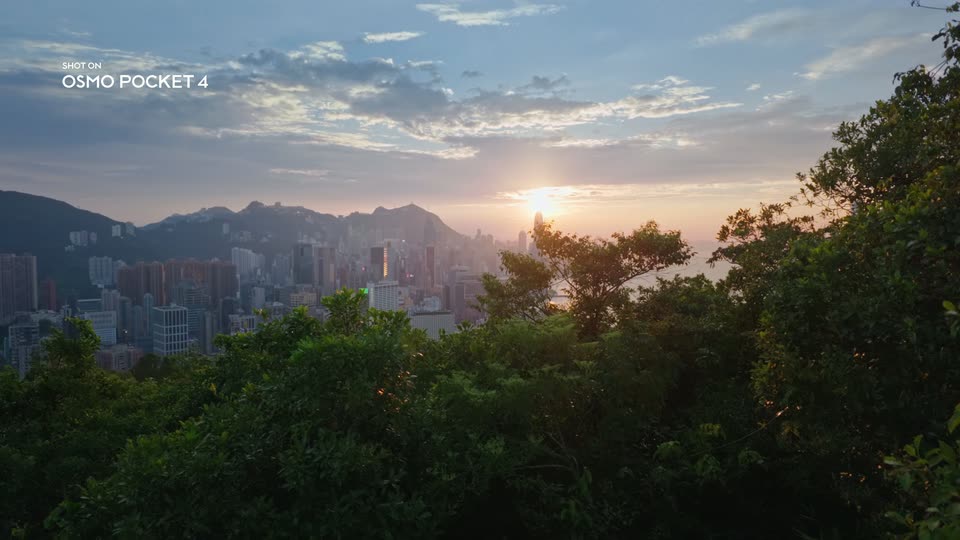
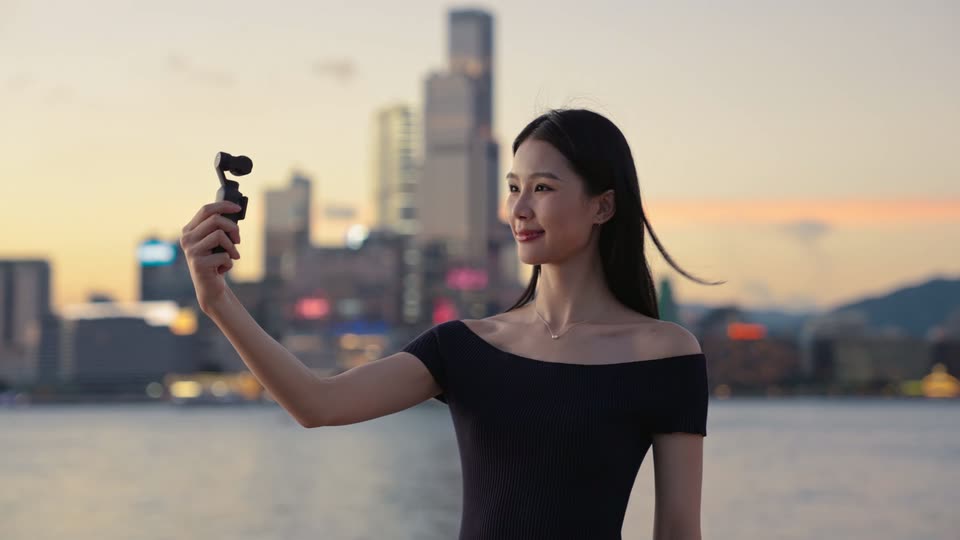
Wide, sunlit apartment view with a grand piano and city windows; a woman walks through the room. The introductory title is no longer visible.

1.2s
Demo· DJI Osmo Pocket 4P is now available in Pearl White—the Dual-Camera Cinematic Pocket Gimbal Camera.

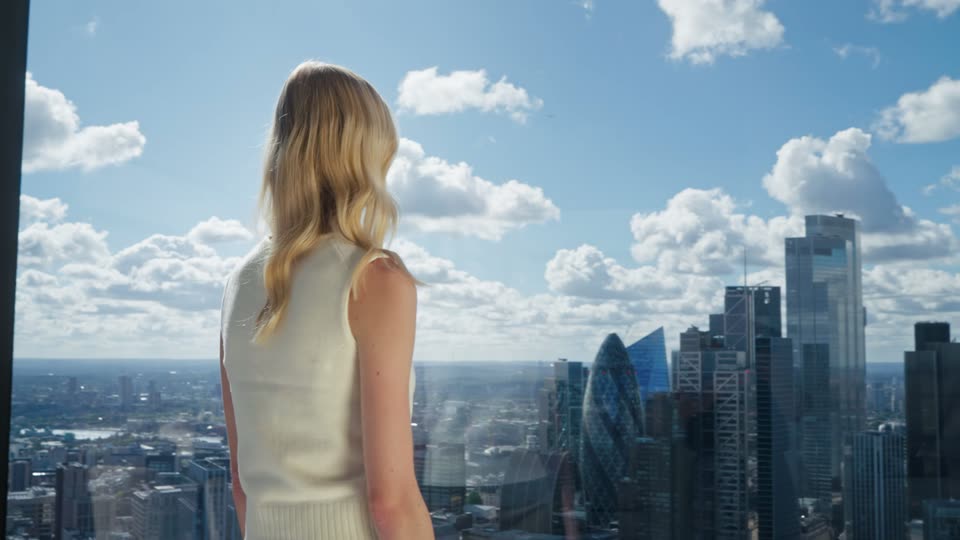
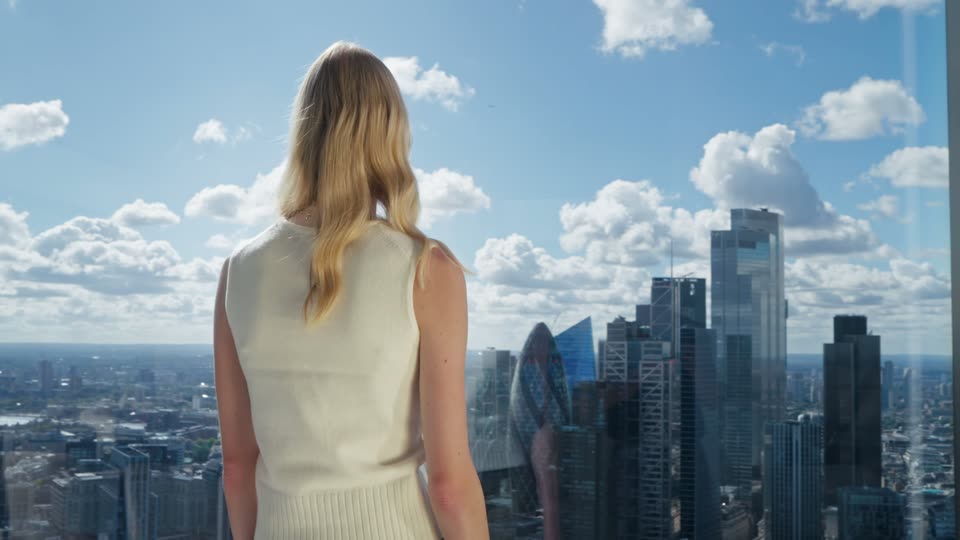
Rear view of a blonde woman at the apartment window, overlooking the skyline. The composition holds while her hair moves; no separate double-exposure treatment is established.

1s
Demo· DJI Osmo Pocket 4P is now available in Pearl White—the Dual-Camera Cinematic Pocket Gimbal Camera.

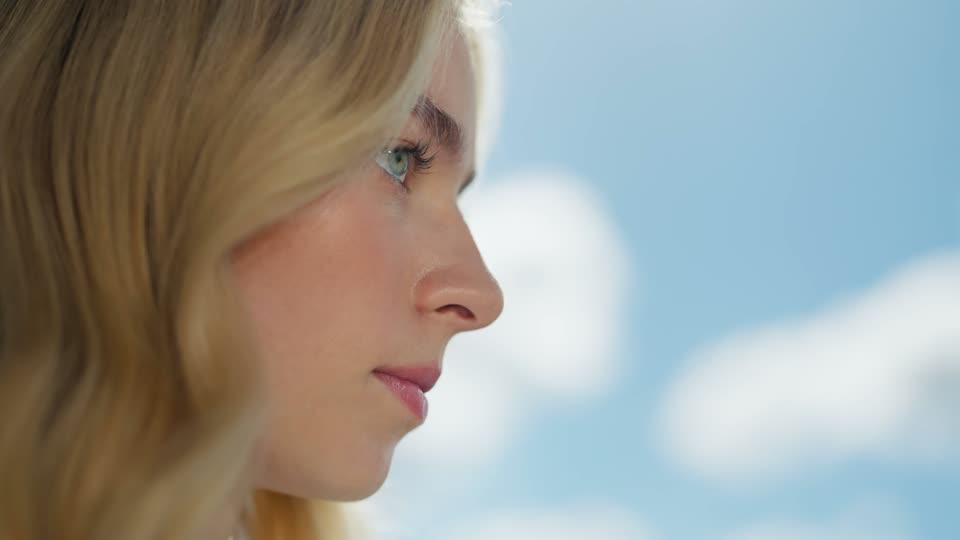
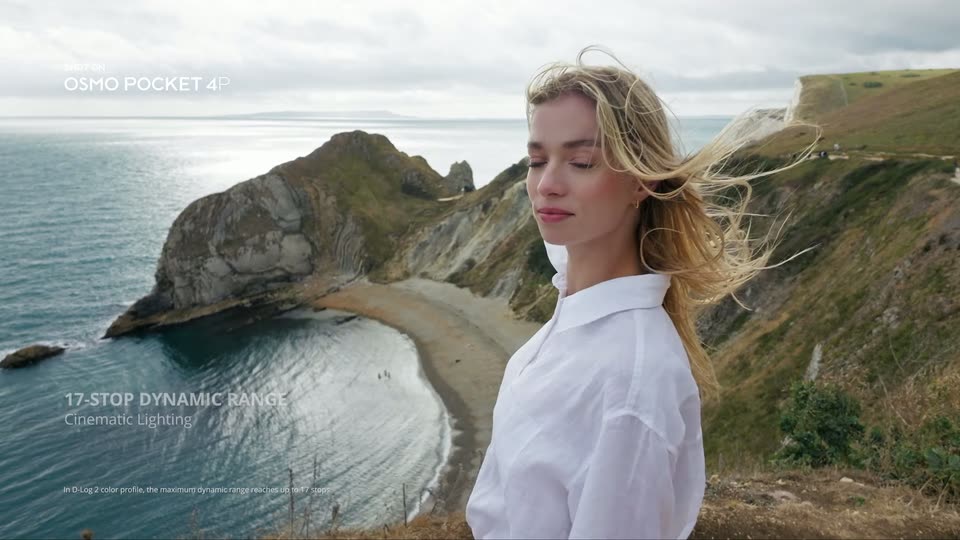
Close profile of the blonde woman against a softly blurred blue-sky background; her eyes lift while the framing remains close and steady.

1.5s
Demo· DJI Osmo Pocket 4P is now available in Pearl White—the Dual-Camera Cinematic Pocket Gimbal Camera.

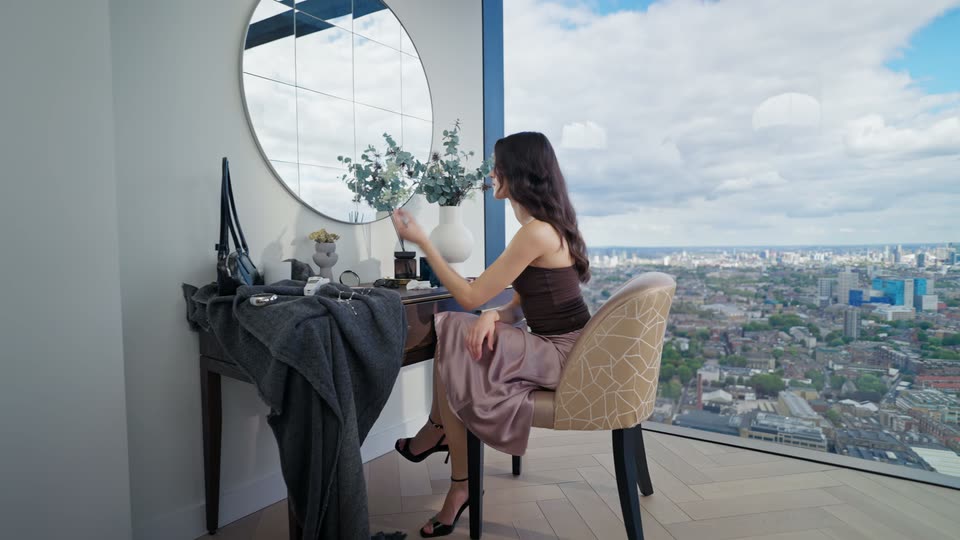
Wide view of a brunette seated at a vanity beside a large window, flowers and a round mirror, bringing a makeup tool toward her face.

1.4s
Demo· DJI Osmo Pocket 4P is now available in Pearl White—the Dual-Camera Cinematic Pocket Gimbal Camera.

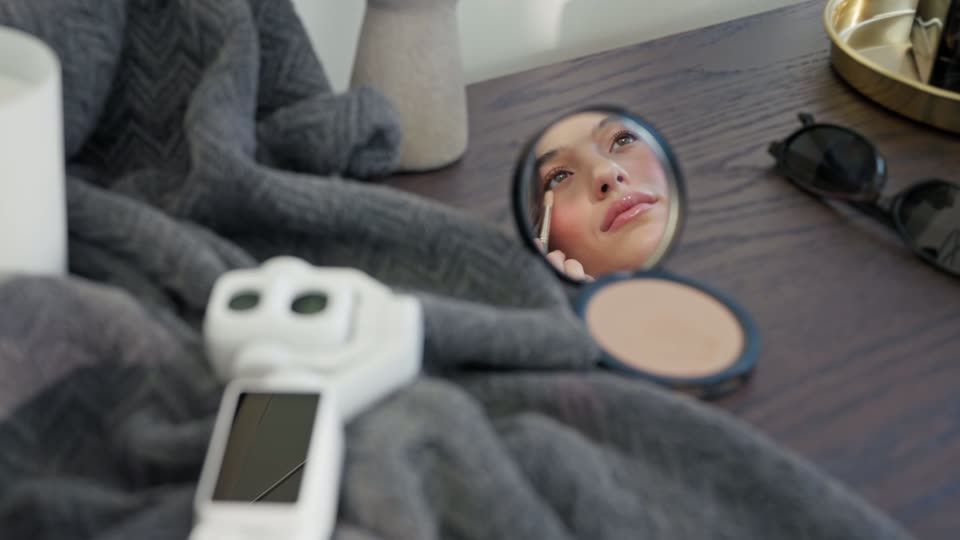
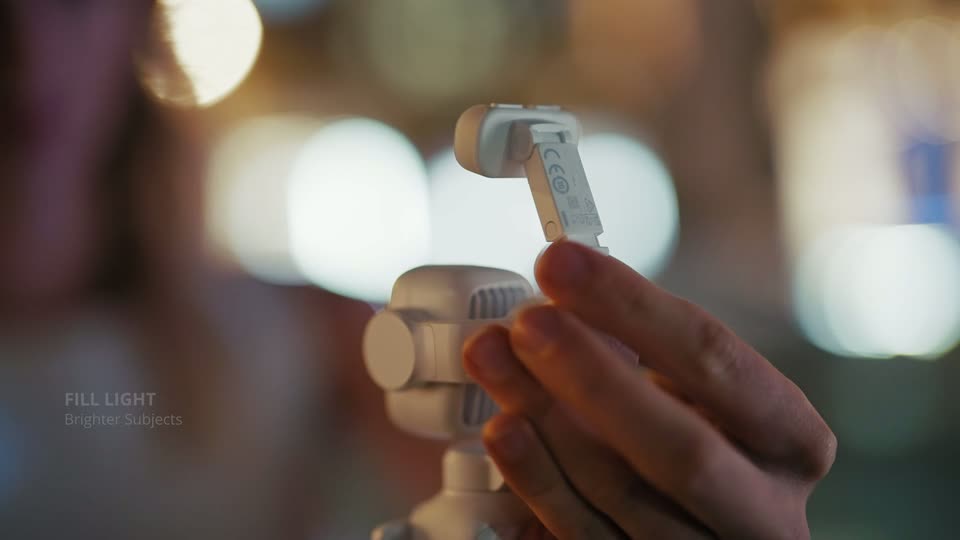
Tabletop close-up of the white gimbal on folded fabric beside cosmetics; a small round mirror reflects the woman applying makeup.

0.9s
Demo· DJI Osmo Pocket 4P is now available in Pearl White—the Dual-Camera Cinematic Pocket Gimbal Camera.

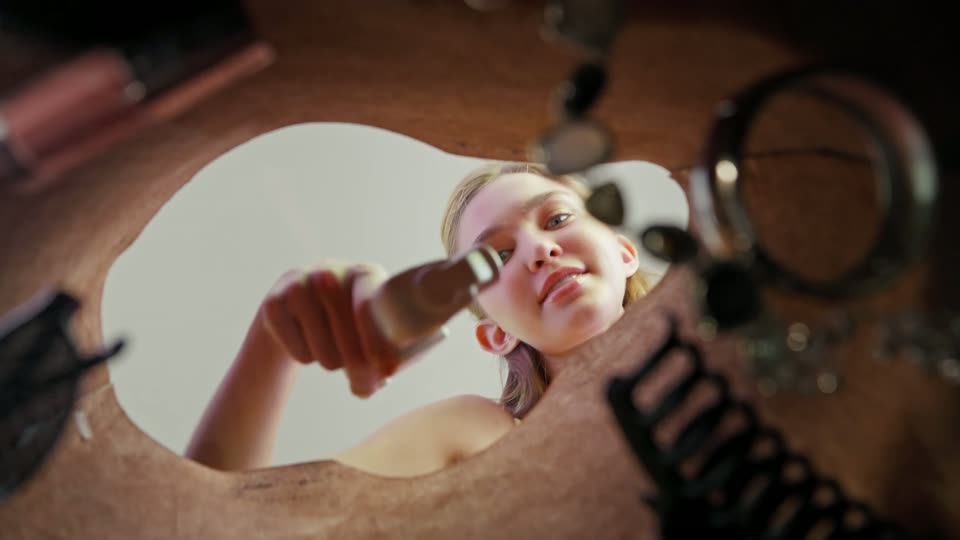
Low view through a circular reflective opening: the woman reaches toward the white gimbal and lifts it, with nearby accessories out of focus.

0.6s
Demo· DJI Osmo Pocket 4P is now available in Pearl White—the Dual-Camera Cinematic Pocket Gimbal Camera.

Overhead tabletop shot of the white gimbal next to a book, round object and dark container; a hand reaches in and lifts the device.

0.8s
Demo· DJI Osmo Pocket 4P is now available in Pearl White—the Dual-Camera Cinematic Pocket Gimbal Camera.

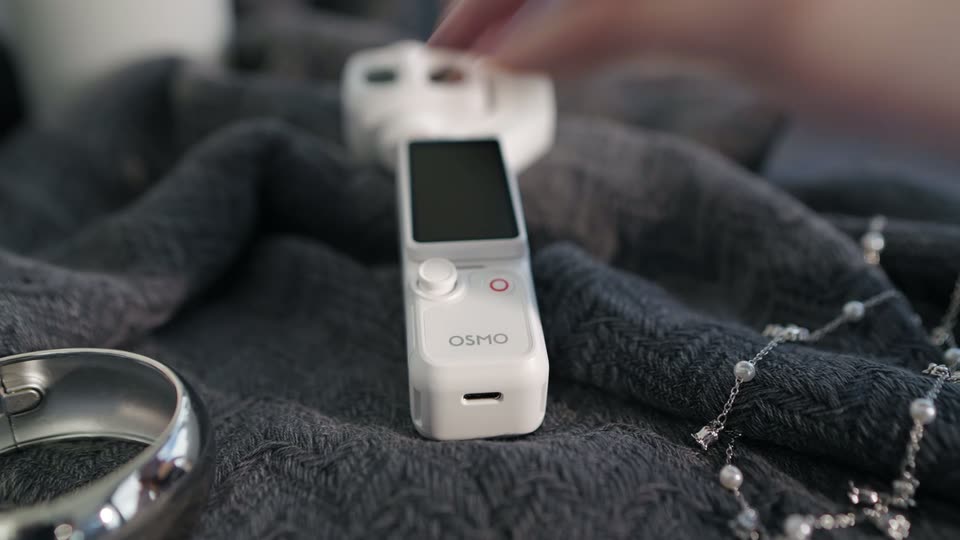
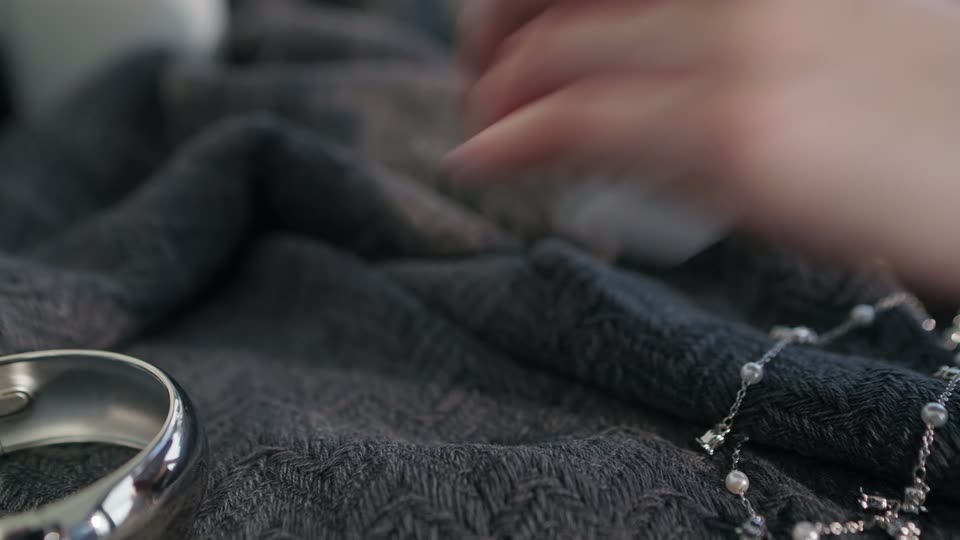
Close-up of the gimbal being set onto dark knitted fabric beside a watch and pearl jewelry, then the hand withdraws. It is the camera, not a separate audio recorder.

1.1s
Demo· DJI Osmo Pocket 4P is now available in Pearl White—the Dual-Camera Cinematic Pocket Gimbal Camera.

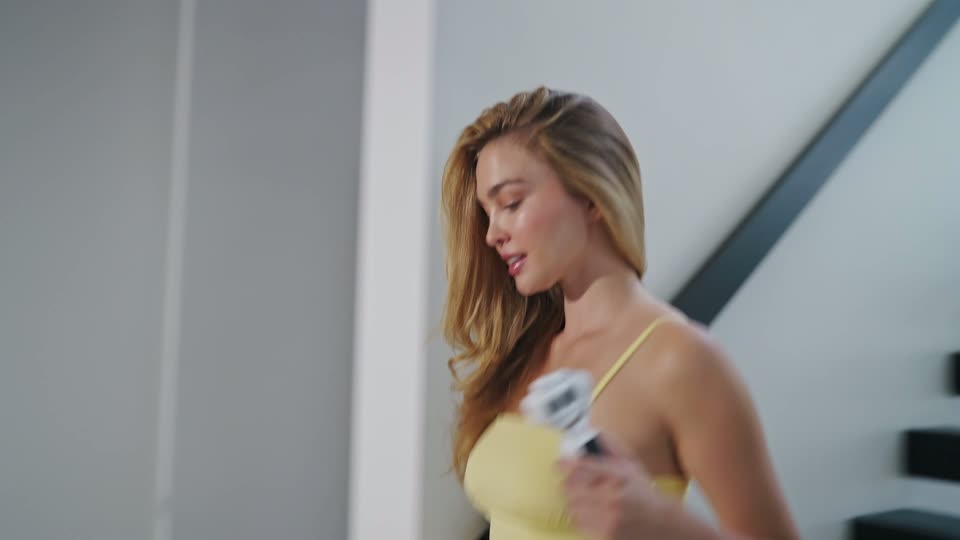
A woman in a yellow dress walks by an interior staircase, looking down at the white gimbal in her hand.

1s
Demo· DJI Osmo Pocket 4P is now available in Pearl White—the Dual-Camera Cinematic Pocket Gimbal Camera.

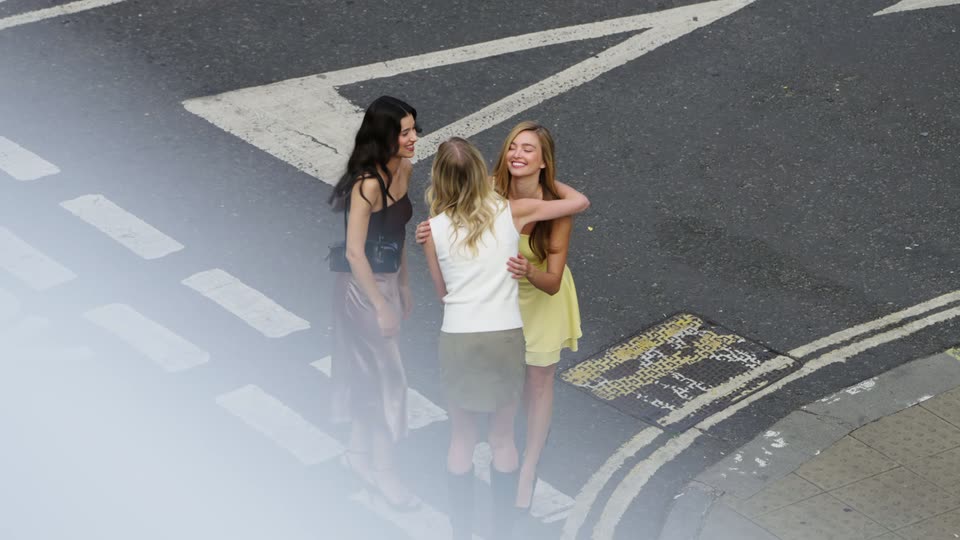
High-angle street view of three women gathering and gesturing at an intersection, with soft foreground haze.

0.8s
Demo· DJI Osmo Pocket 4P is now available in Pearl White—the Dual-Camera Cinematic Pocket Gimbal Camera.

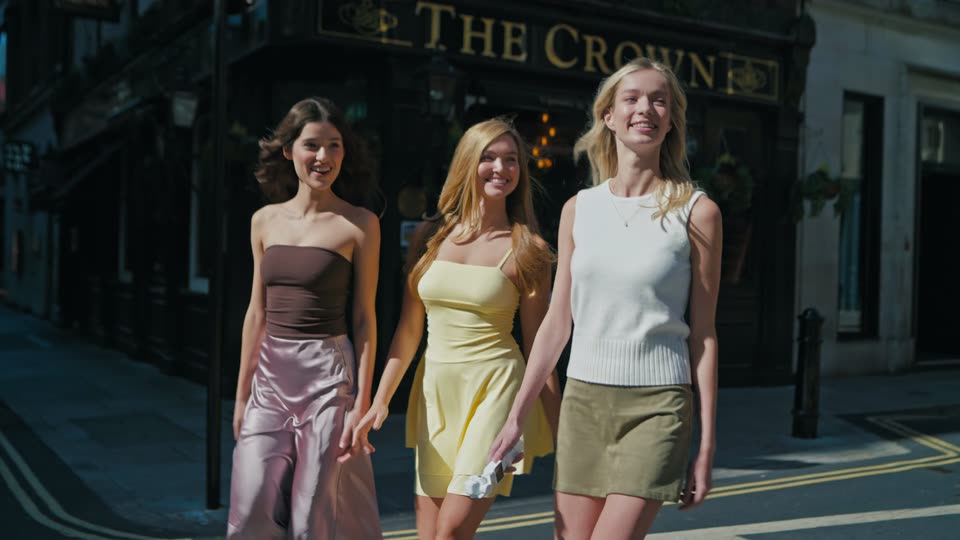
Three friends walk together past The Crown pub in a sunlit London street; their approach supplies the motion.

0.8s
Demo· DJI Osmo Pocket 4P is now available in Pearl White—the Dual-Camera Cinematic Pocket Gimbal Camera.

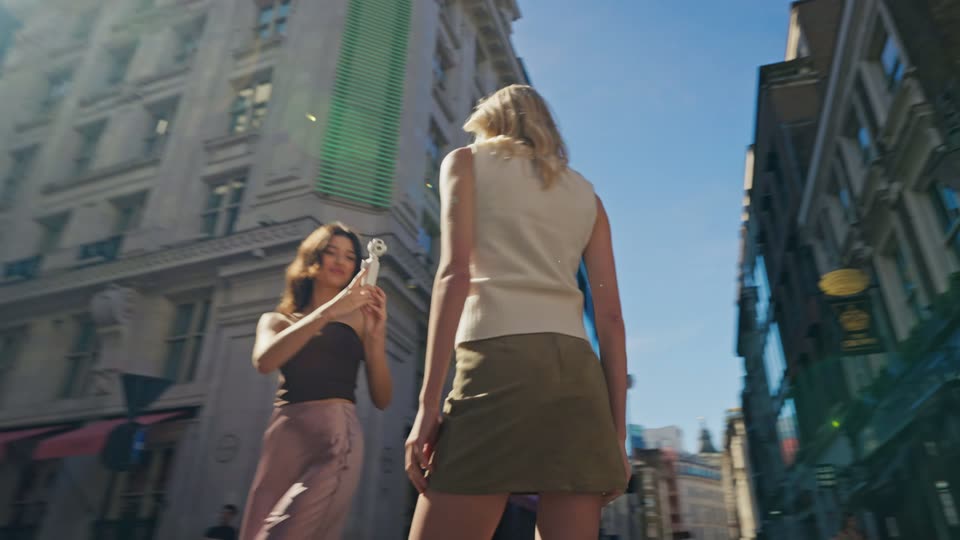
Over the brunette’s shoulder, the white gimbal points toward a blonde friend on the street; the woman and her hair move within the composition.

0.8s
Demo· DJI Osmo Pocket 4P is now available in Pearl White—the Dual-Camera Cinematic Pocket Gimbal Camera.

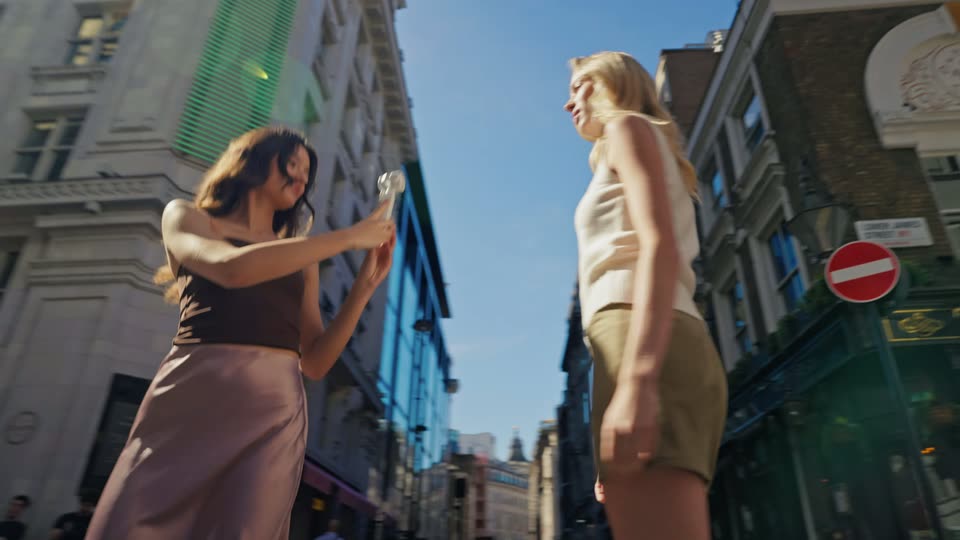
Low-angle street view of the brunette holding the gimbal toward her blonde friend, with tall buildings and a diagonal lens flare behind them.

0.8s
Demo· DJI Osmo Pocket 4P is now available in Pearl White—the Dual-Camera Cinematic Pocket Gimbal Camera.

Side view of a blue convertible travelling along a coastal road between fields and sea. This begins the driving montage; the previous tracking caption does not persist.

0.8s
Demo· DJI Osmo Pocket 4P is now available in Pearl White—the Dual-Camera Cinematic Pocket Gimbal Camera.

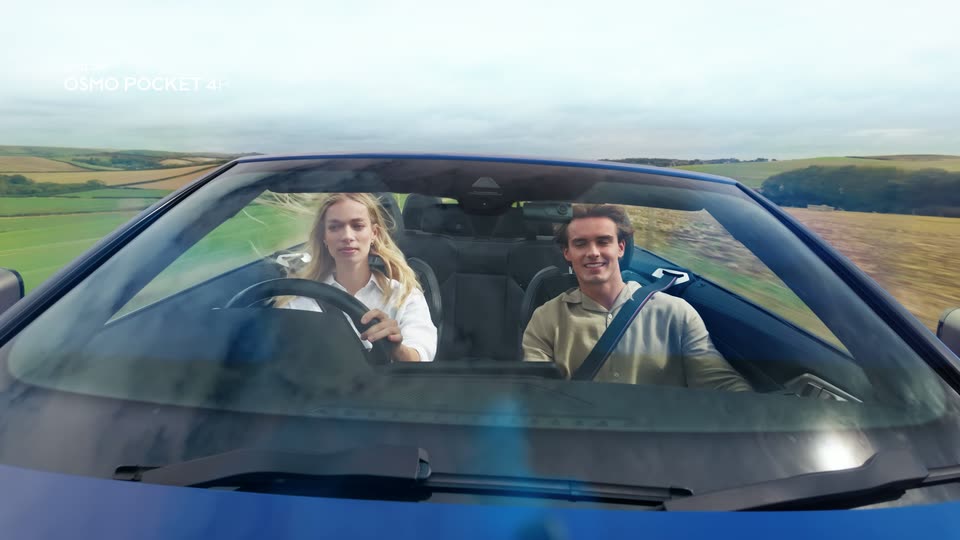
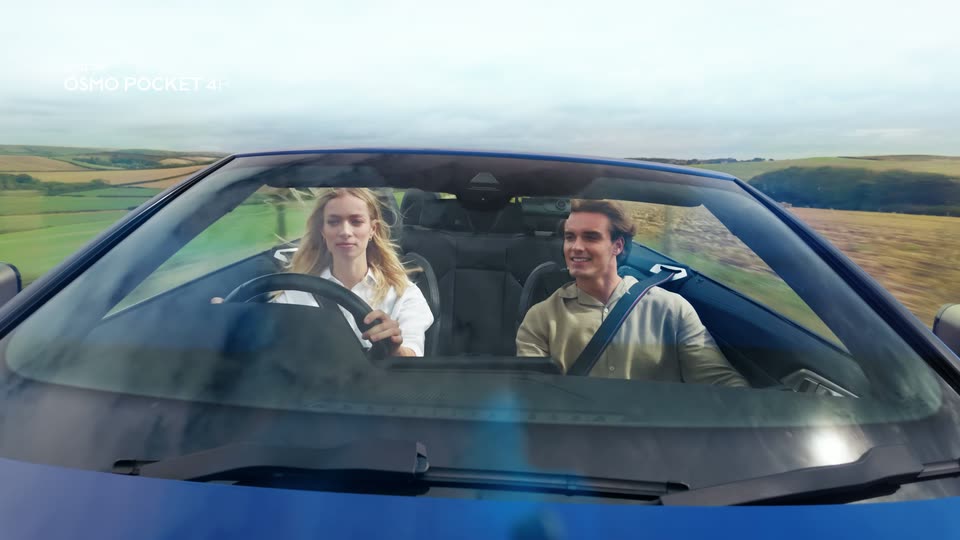
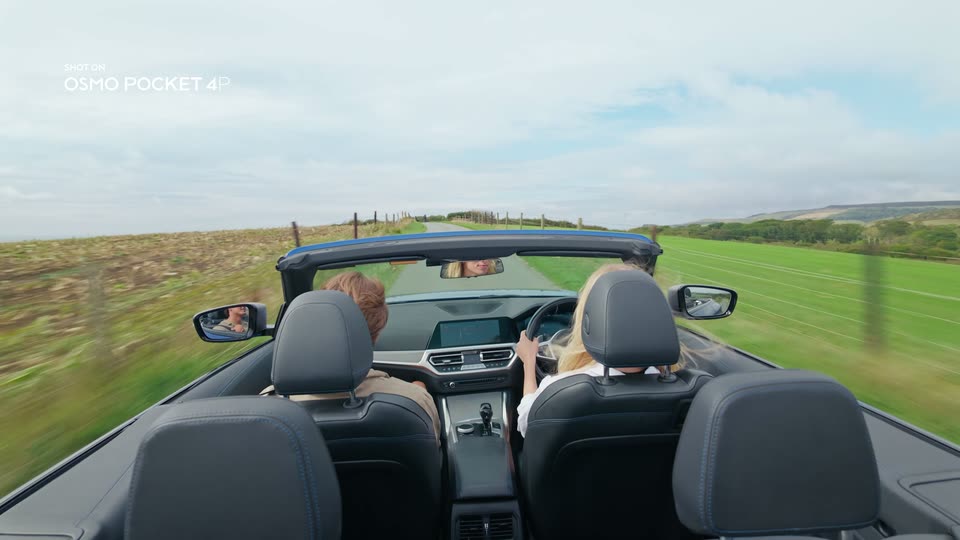
Front view through the blue convertible’s windshield, showing a woman driving and a man in the passenger seat as the countryside passes behind.

0.8s
Demo· DJI Osmo Pocket 4P is now available in Pearl White—the Dual-Camera Cinematic Pocket Gimbal Camera.

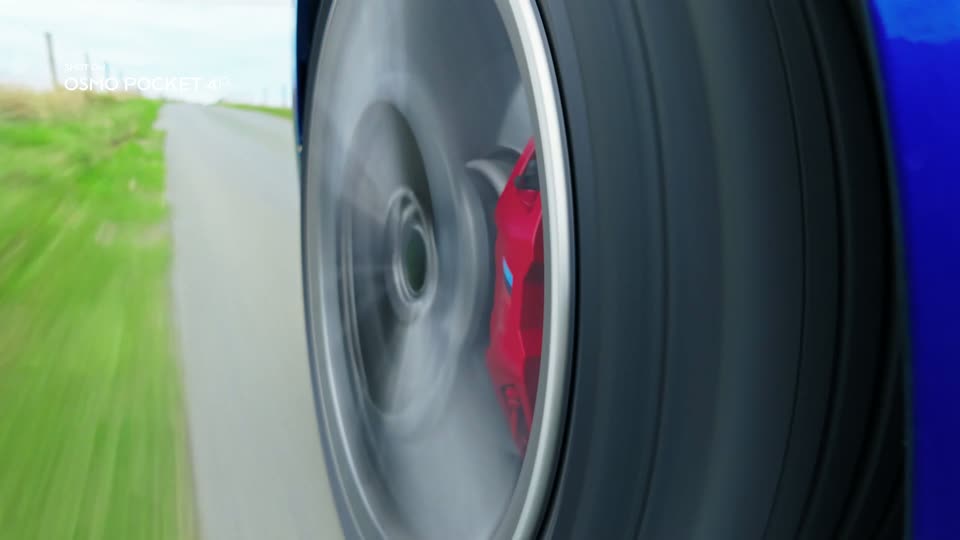
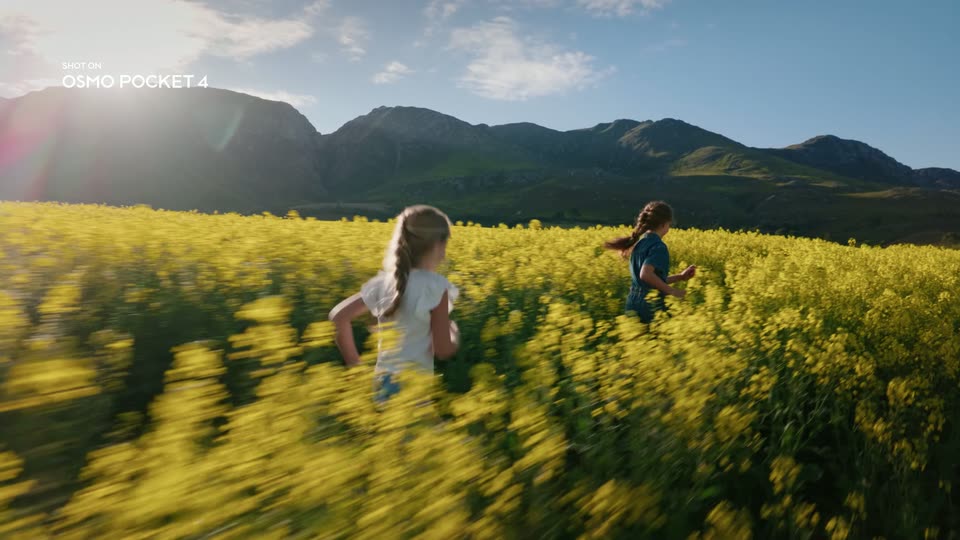
Low close-up of the spinning wheel and red brake caliper, with roadside grass streaking past and a small SHOT ON label in the corner.

0.9s
Demo· DJI Osmo Pocket 4P is now available in Pearl White—the Dual-Camera Cinematic Pocket Gimbal Camera.

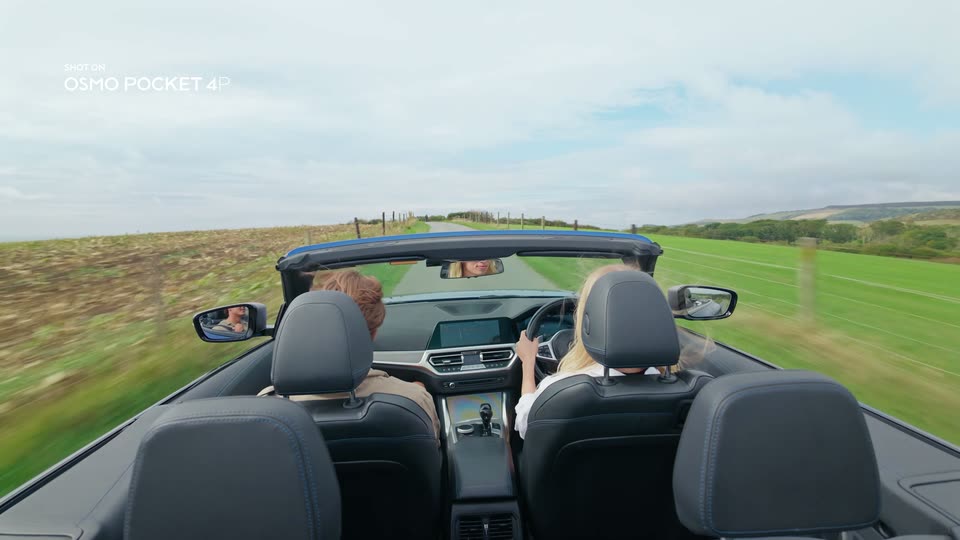
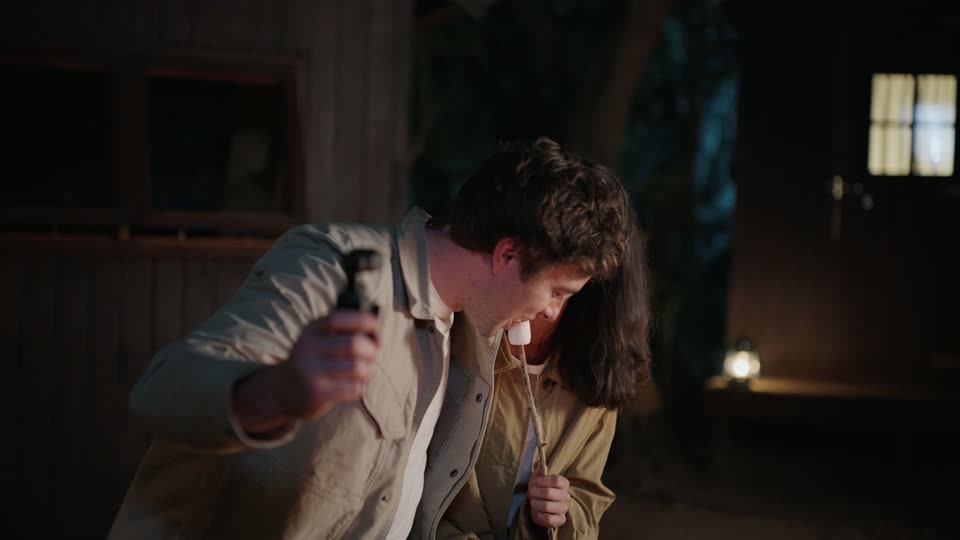
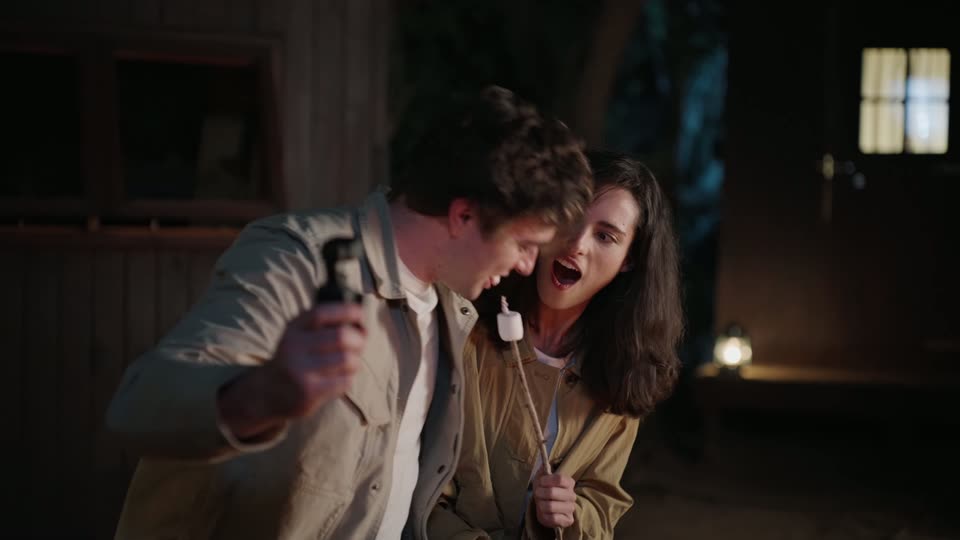
View from behind the convertible’s seats: the male passenger holds the small white gimbal while the woman drives through open countryside.

0.9s
Demo· DJI Osmo Pocket 4P is now available in Pearl White—the Dual-Camera Cinematic Pocket Gimbal Camera.

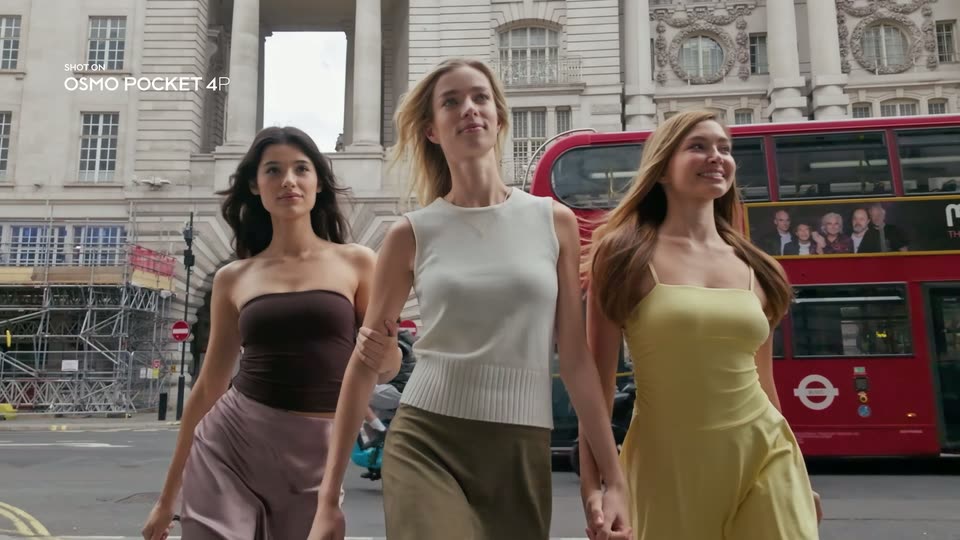
Three women approach past a red London bus, holding hands; SHOT ON OSMO POCKET 4P remains a small corner caption.

0.8s
Demo· DJI Osmo Pocket 4P is now available in Pearl White—the Dual-Camera Cinematic Pocket Gimbal Camera.

Two friends laugh as they walk near Cafe Royal. CAFE ROYAL and GREEN BAR are physical building signs moving with the filmed view, not animated titles.

0.8s
Demo· DJI Osmo Pocket 4P is now available in Pearl White—the Dual-Camera Cinematic Pocket Gimbal Camera.

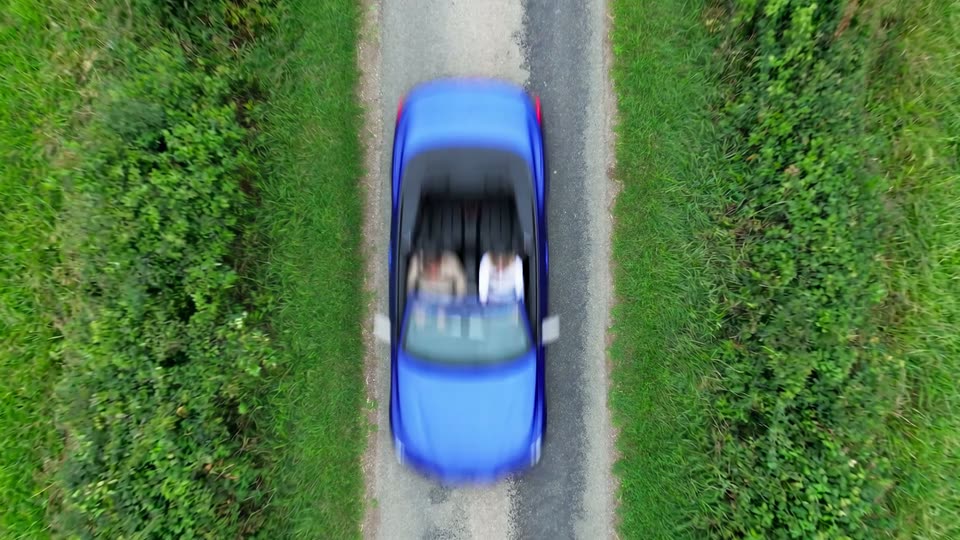
Top-down shot of the blue convertible moving along a narrow road through green grass. This is a new driving image, separate from the night fill-light demonstration.

0.9s
Demo· DJI Osmo Pocket 4P is now available in Pearl White—the Dual-Camera Cinematic Pocket Gimbal Camera.

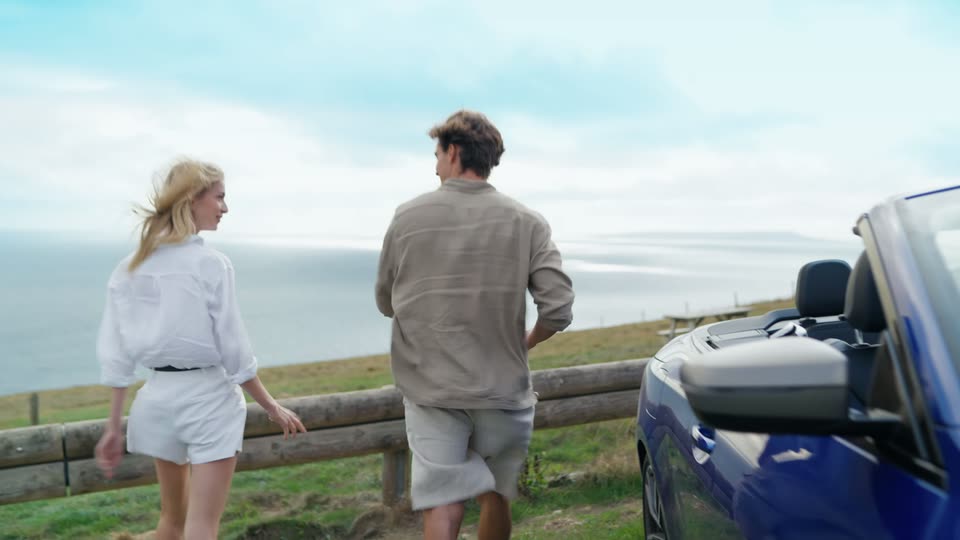
The couple stands beside the parked blue convertible at a coastal overlook, turning toward each other with sea behind them.

0.8s
Demo· DJI Osmo Pocket 4P is now available in Pearl White—the Dual-Camera Cinematic Pocket Gimbal Camera.

Low side view of the couple climbing wooden coastal steps; the man holds the white gimbal toward the woman ahead of him.

0.8s
Demo· DJI Osmo Pocket 4P is now available in Pearl White—the Dual-Camera Cinematic Pocket Gimbal Camera.

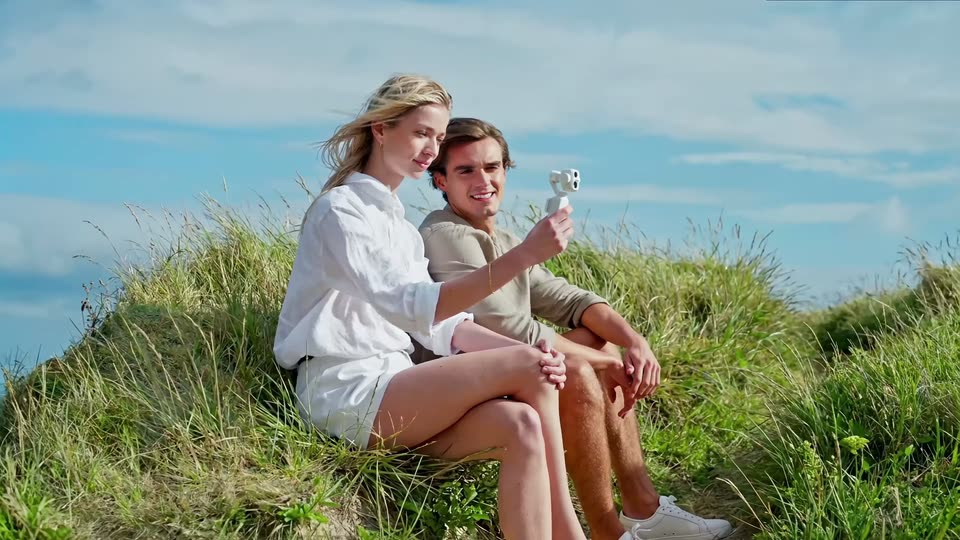
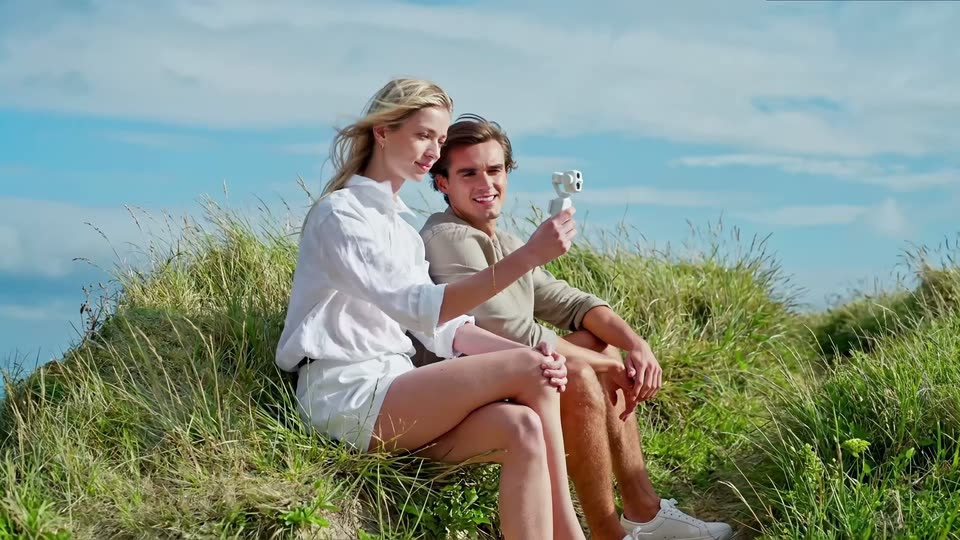
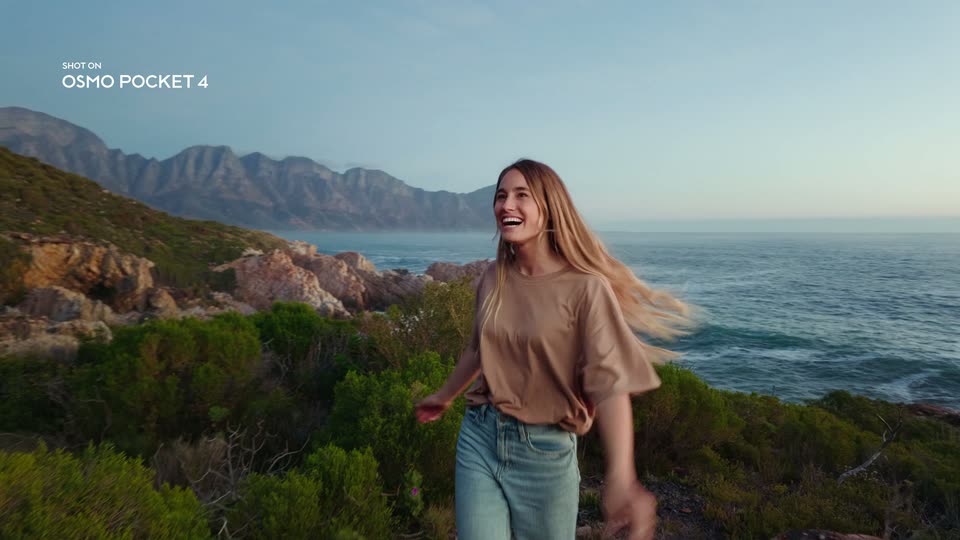
The couple sits together on a grassy cliff with the woman holding the white gimbal for a selfie, wind moving her hair and the grass.

0.8s
Demo· DJI Osmo Pocket 4P is now available in Pearl White—the Dual-Camera Cinematic Pocket Gimbal Camera.

Close view of the smiling man handling the white gimbal against a soft grassy background; there is no large feature headline on this shot.

2.4s
Demo· DJI Osmo Pocket 4P is now available in Pearl White—the Dual-Camera Cinematic Pocket Gimbal Camera.

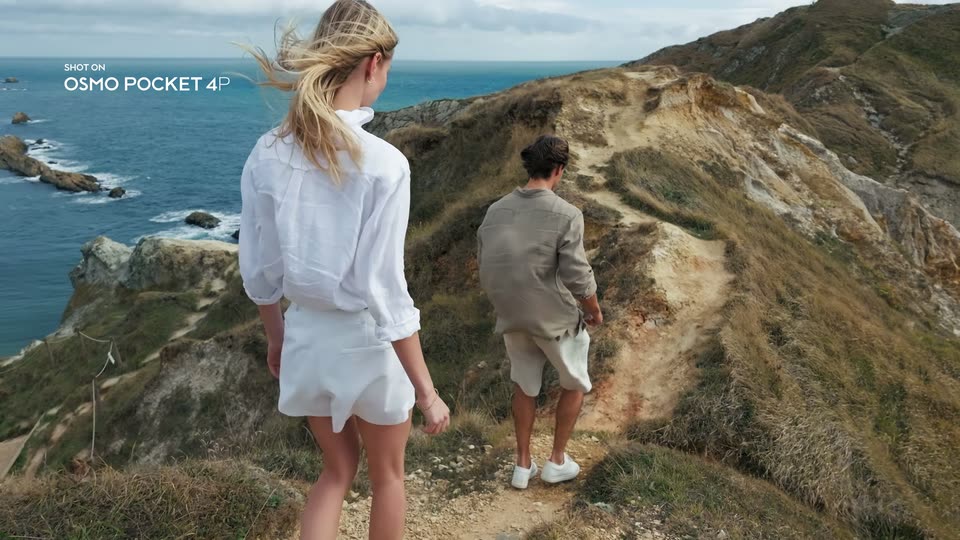
Rear view of the couple descending the grassy coastal path toward the sea; the small SHOT ON caption remains, without the previous large dynamic-range headline.

0.8s
Demo· DJI Osmo Pocket 4P is now available in Pearl White—the Dual-Camera Cinematic Pocket Gimbal Camera.

A side tracking view follows the blue convertible across the green coastal landscape.

0.8s
Demo· DJI Osmo Pocket 4P is now available in Pearl White—the Dual-Camera Cinematic Pocket Gimbal Camera.

Rear-seat view of the moving convertible with the road and fields spreading ahead, under the small SHOT ON caption.

0.8s
Demo· DJI Osmo Pocket 4P is now available in Pearl White—the Dual-Camera Cinematic Pocket Gimbal Camera.

Three women pose beside the Thames with Westminster behind them, holding the small gimbal toward themselves; the device is not a phone.

0.8s
Demo· DJI Osmo Pocket 4P is now available in Pearl White—the Dual-Camera Cinematic Pocket Gimbal Camera.

The corresponding close selfie view shows the same three friends with Westminster behind; the small SHOT ON caption holds in the corner.

0.3s
Demo· DJI Osmo Pocket 4P is now available in Pearl White—the Dual-Camera Cinematic Pocket Gimbal Camera.

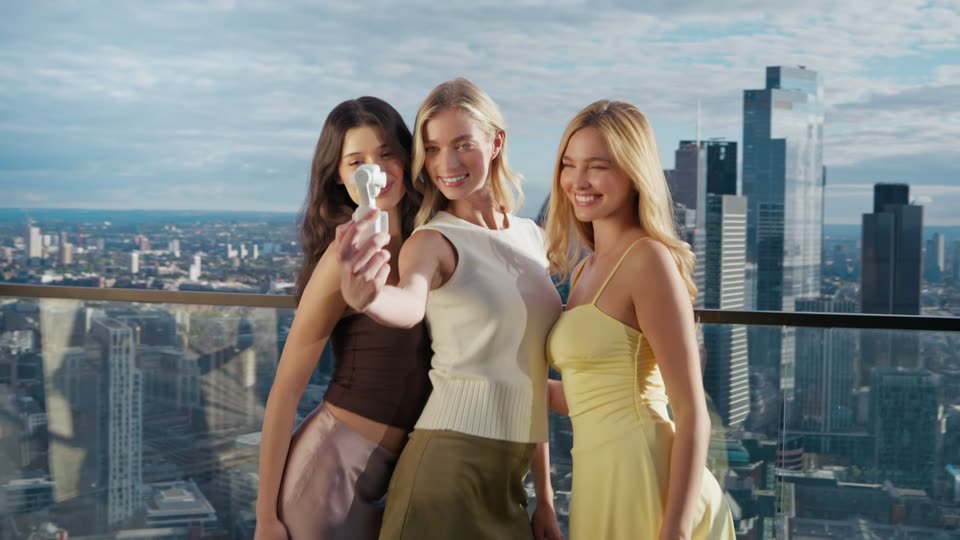
Brief recap of the three friends on the balcony, smiling with the white gimbal held toward the viewer.

0.3s
Demo· DJI Osmo Pocket 4P is now available in Pearl White—the Dual-Camera Cinematic Pocket Gimbal Camera.

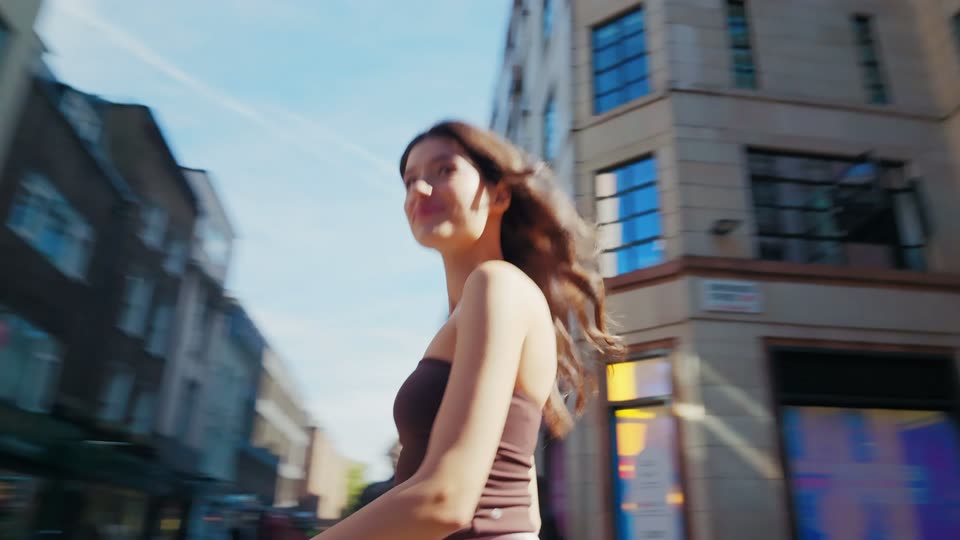
Brief low-angle street recap of the brunette looking back as she walks between the buildings.

0.3s
Demo· DJI Osmo Pocket 4P is now available in Pearl White—the Dual-Camera Cinematic Pocket Gimbal Camera.

Brief recap of the couple sitting on the grassy cliff, holding the gimbal for a selfie.

0.3s
Demo· DJI Osmo Pocket 4P is now available in Pearl White—the Dual-Camera Cinematic Pocket Gimbal Camera.

Close product recap of the white gimbal held in front of the blonde woman, with the apartment window blurred behind.

0.4s
Demo· DJI Osmo Pocket 4P is now available in Pearl White—the Dual-Camera Cinematic Pocket Gimbal Camera.

Close-up of a finger operating the gimbal’s screen and rotating display in front of the blonde woman; the device motion is not a camera tilt.

0.3s
Demo· DJI Osmo Pocket 4P is now available in Pearl White—the Dual-Camera Cinematic Pocket Gimbal Camera.

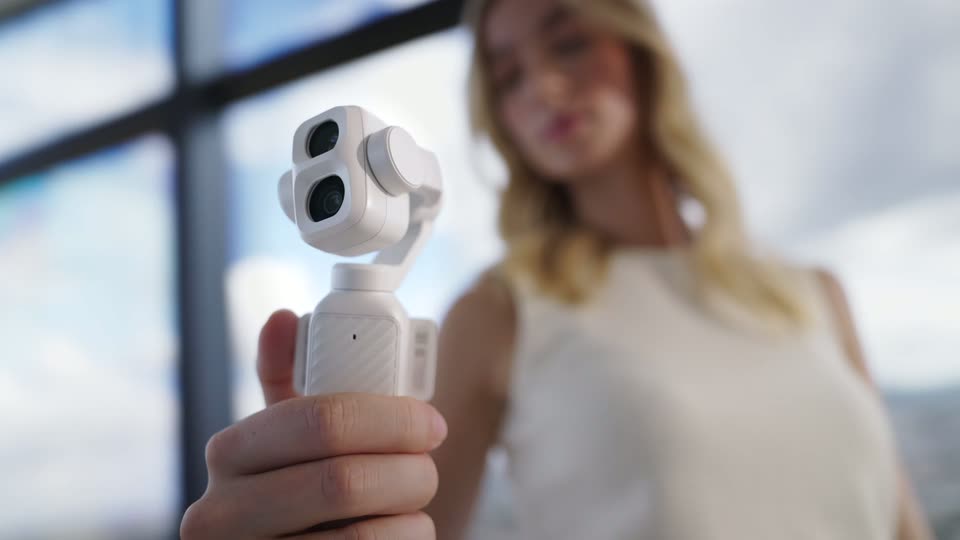
Street close-up of the dual-lens white gimbal held upright in front of the brunette; this is a new angle after the screen operation.

4.1s
Demo· DJI Osmo Pocket 4P is now available in Pearl White—the Dual-Camera Cinematic Pocket Gimbal Camera.

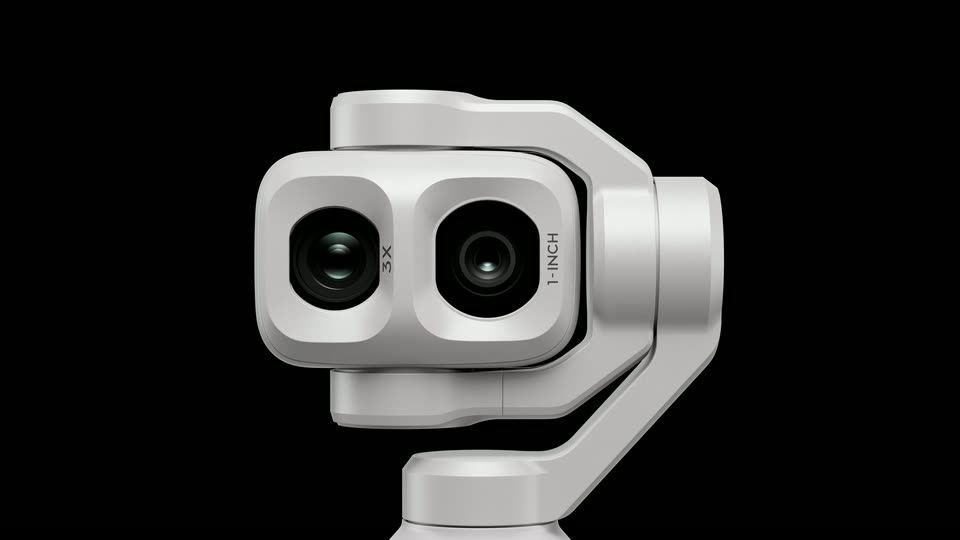
White gimbal rendered on black: a close dual-lens view pulls back to reveal the handle, then the screen and camera head rotate in a continuous product animation.

1.9s
Demo· DJI Osmo Pocket 4P is now available in Pearl White—the Dual-Camera Cinematic Pocket Gimbal Camera.

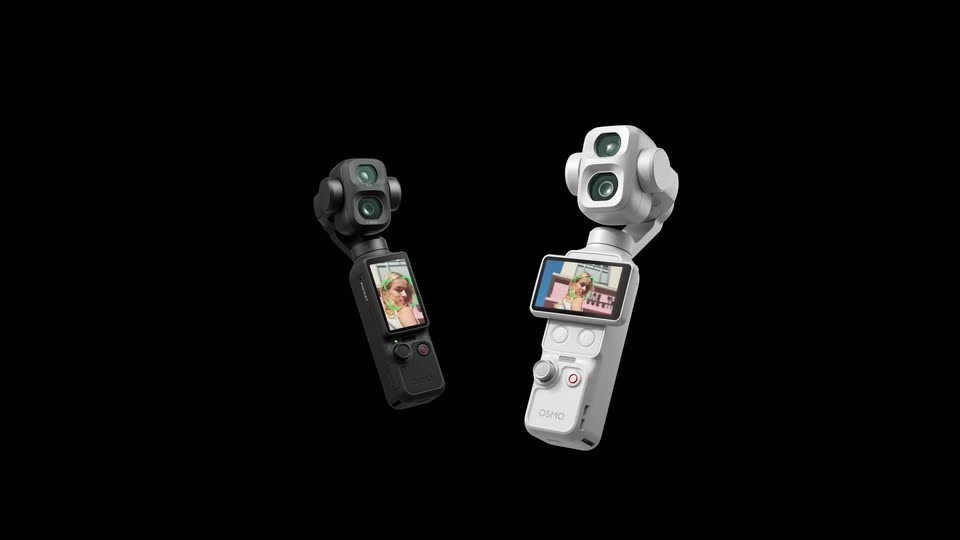
Black and white gimbals appear together in the render on black, rotating and receding before they fade away.

1.5s
Demo· Motion Graphics Explainer Video for Podcasting Platform | Chord

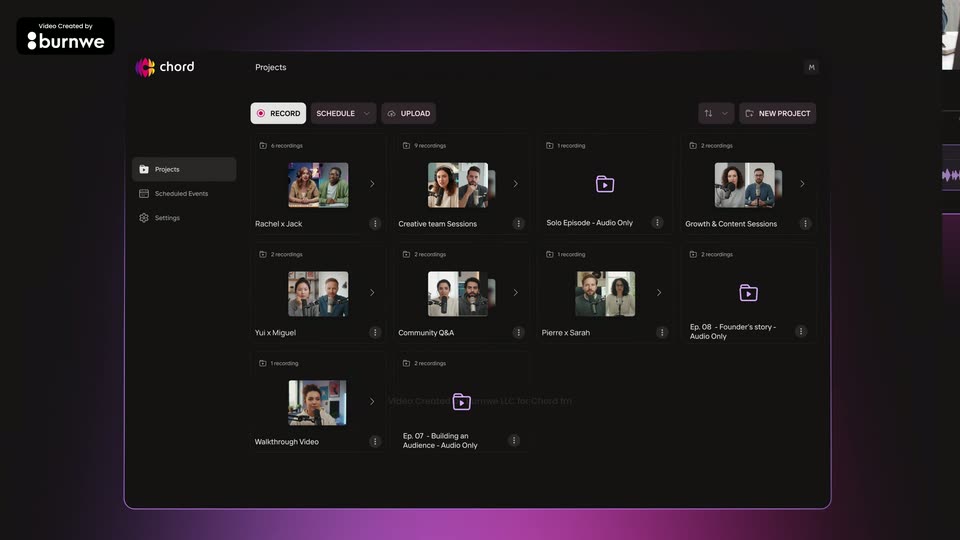
The Chord projects dashboard floats as a tilted 3D panel with a purple glow along its lower edge. The grid of recording cards scales up into place while a cursor hovers over one thumbnail.

1.4s
Demo· Motion Graphics Explainer Video for Podcasting Platform | Chord

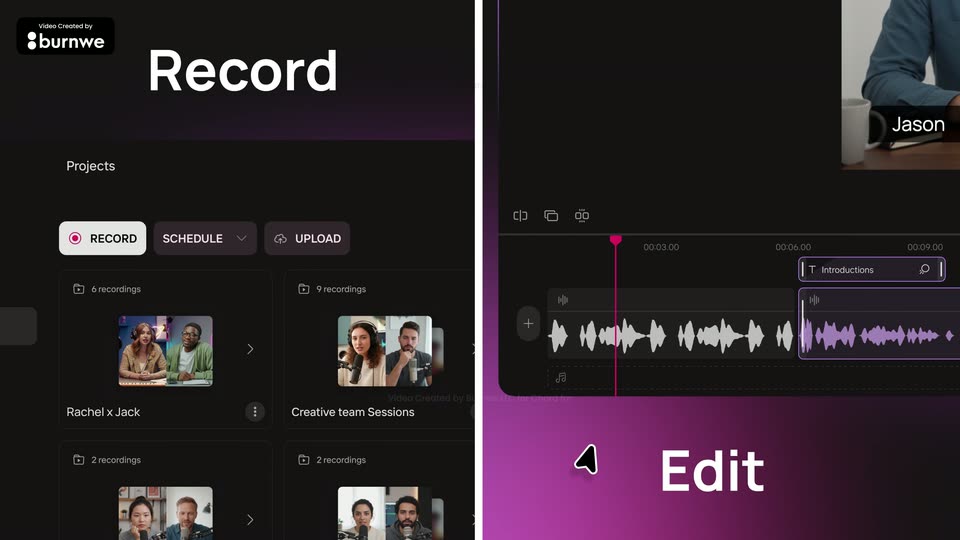
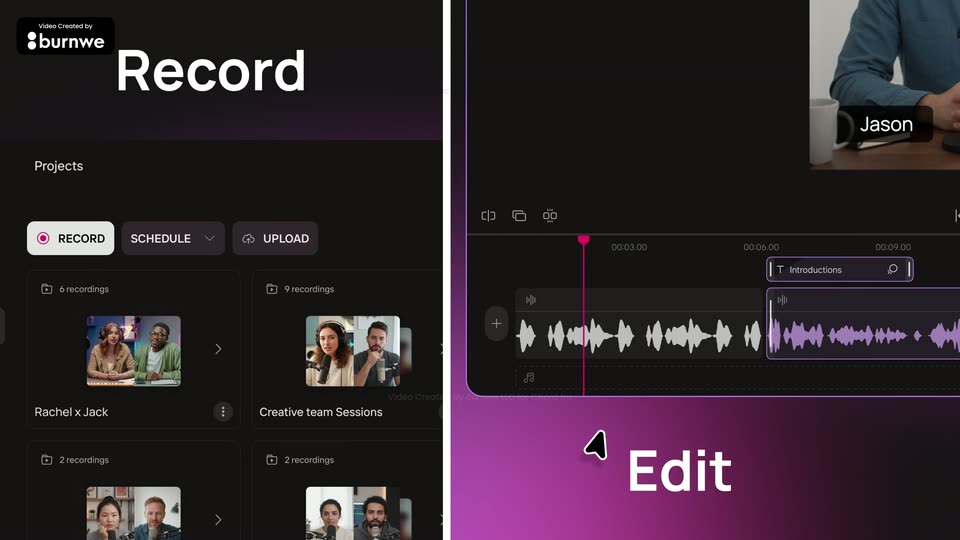
Split screen: left shows the Projects view with Record, Schedule, Upload buttons and a grid of recording cards; right shows the editor timeline with waveforms and a speaker preview. 'Record' sits top left, 'Edit' bottom right, each fading in as the panels build, a cursor drifting across.

0.5s
Demo· Motion Graphics Explainer Video for Podcasting Platform | Chord

A static split screen places two interface views side by side. Left: a dark Record dashboard with a row of buttons and a grid of recording cards. Right: an editor timeline with a purple waveform and a small video preview, labeled Edit beside a cursor arrow.

2.4s
Demo· Motion Graphics Explainer Video for Podcasting Platform | Chord

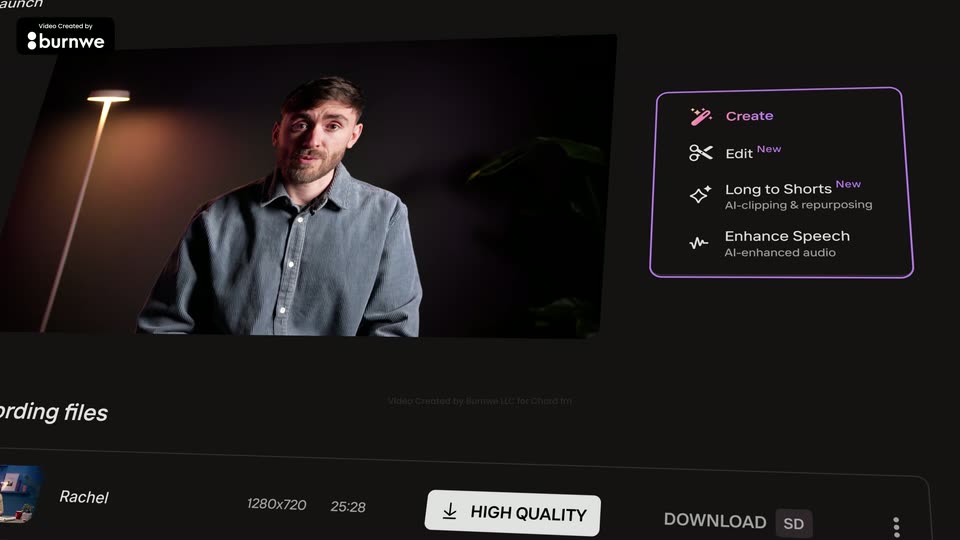
A dark app dashboard in 3D perspective shows a video of a man in a blue shirt above a list of recording files, with a feature menu at right. The camera zooms and tilts to reframe on the video and menu, pushing the file list out of frame.

2.4s
Demo· Introducing Center Stage

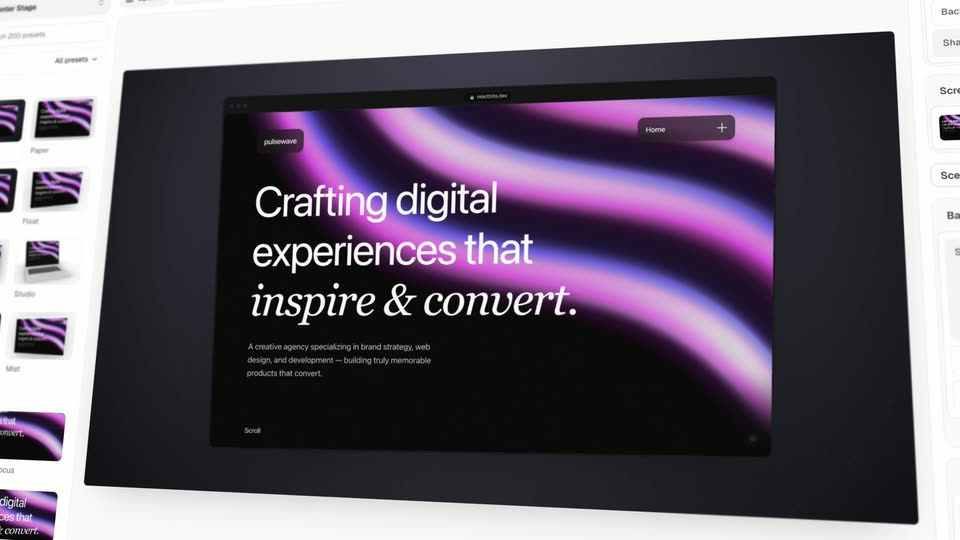
A perspective view of the Center Stage editor shows preset thumbnails at left and a large canvas. A small screenshot is dragged onto the canvas; the preview changes to Crafting digital experiences that inspire & convert. The editor remains the same composition throughout; no physical laptop is visible.

1.3s
Demo· Introducing Center Stage

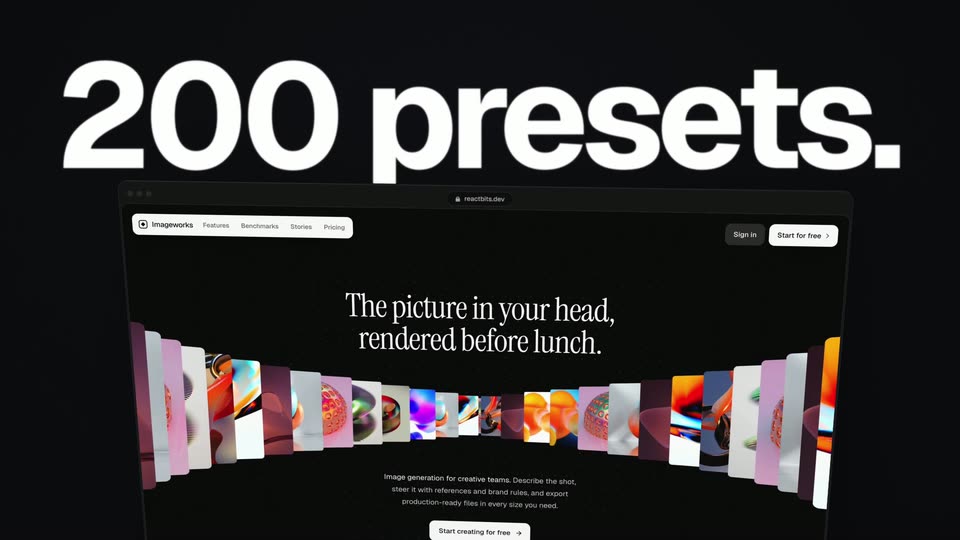
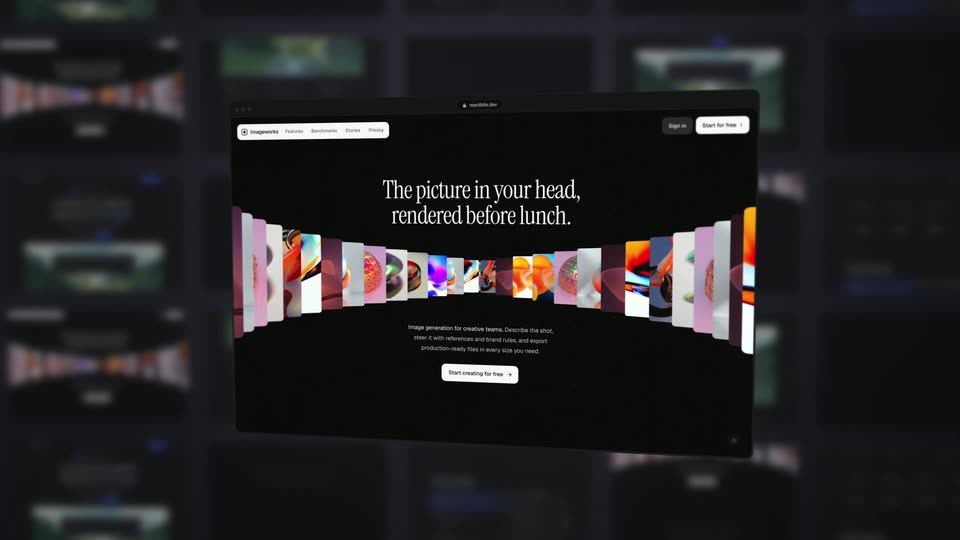
Large white 200 presets. sits above a dark example website with a curved strip of colorful images. The website is a floating screen composition, not a laptop chassis. The shot gives way to a wider preset gallery.

1.4s
Demo· Introducing Center Stage

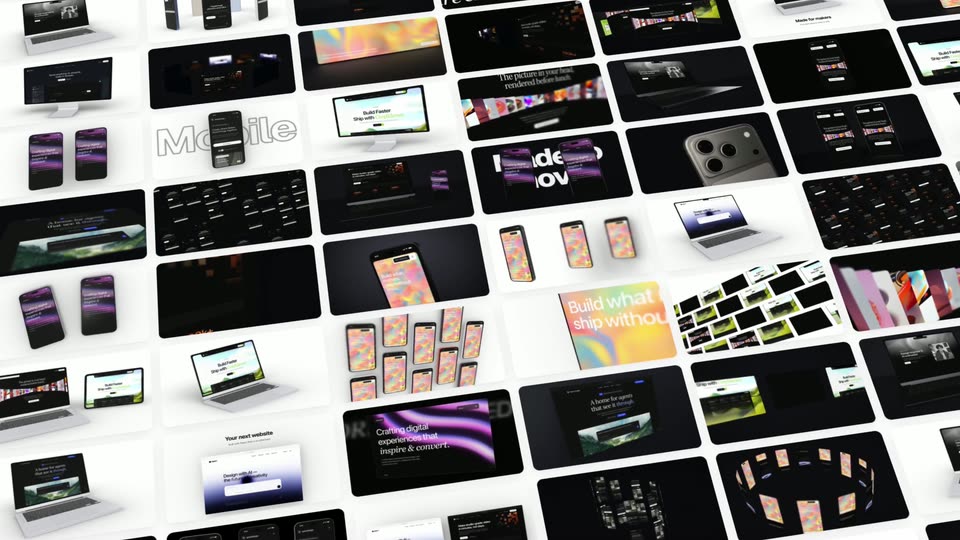
The view pulls back across a tilted mosaic of preset thumbnails, mixing website panels and device examples on white gutters. The continuous widening at12.05s reveals more of the same gallery rather than cutting to a new shot.

0.7s
Demo· Introducing Center Stage

A close smartphone in perspective displays the Crafting digital experiences page on purple, against a dark background. Its angle and framing ease slightly as it comes into focus.

0.7s
Demo· Introducing Center Stage

A dark website panel floats in front of blurred tiled copies. Its serif headline and curved image strip remain part of the website while the foreground panel shifts gently in perspective.

0.9s
Demo· Introducing Center Stage

Independent browser panels with green landscape imagery float and turn at different depths on a white field. No separate foreground caption or phone hardware is established in this shot.

1s
Demo· Introducing Center Stage

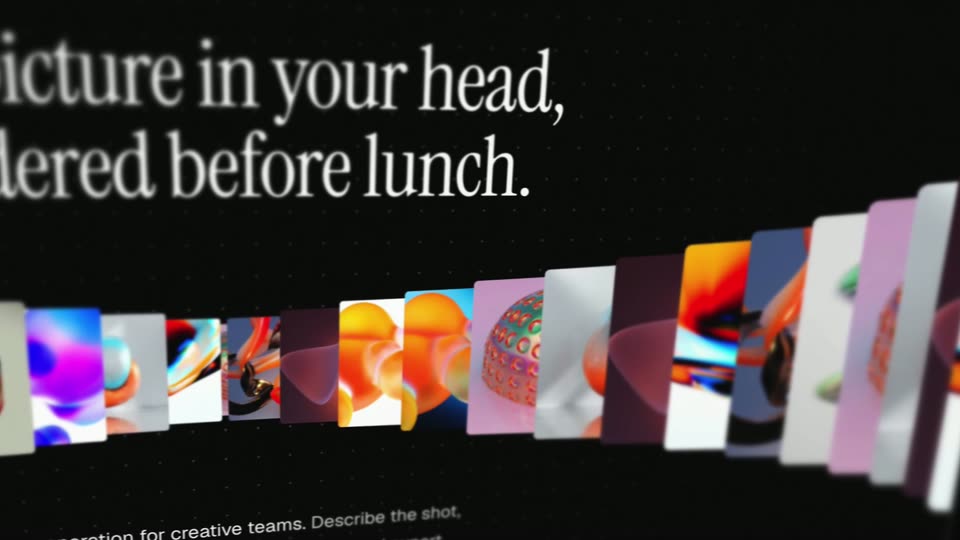
A close, angled crop of the dark example website moves laterally across its serif headline and curved strip of colorful images. The words move with the whole website plane, not as an independent kinetic caption.

1.1s
Demo· Introducing Center Stage

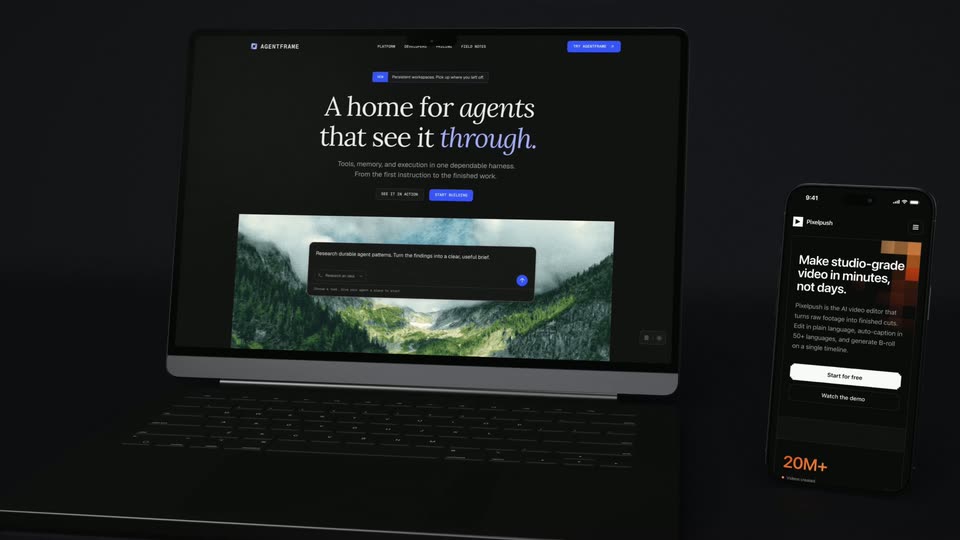
A laptop and a smaller phone stand together in a dark studio composition. The laptop website reads A home for agents that see it through.; the phone shows a different mobile page. The camera moves slightly closer without any large overlay caption.

0.8s
Demo· Introducing Center Stage

Two dark smartphone renders, one front and one rear, float beneath a purple spotlight. The front screen shows React Bits, and the pair changes angle and grows slightly in frame.

1s
Demo· Introducing Center Stage

A perspective row of light and dark browser panels recedes across a white field with violet wisps. The view moves sideways through the row, with the foreground panel moving faster than the distant panels.

0.9s
Demo· Introducing Center Stage

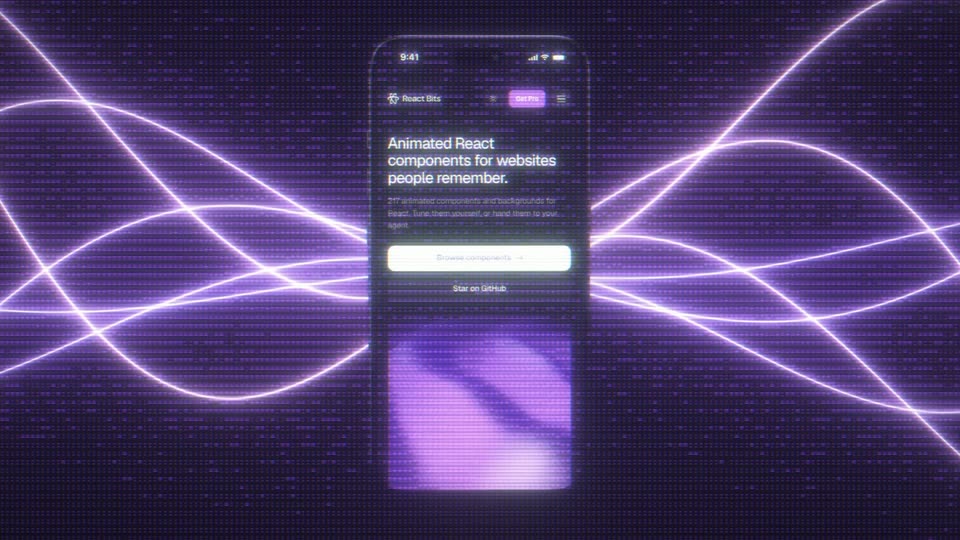
An upright phone displaying React Bits holds in front of luminous purple wave lines and a fine horizontal texture. The animated waves supply the motion behind the device.

0.9s
Demo· Introducing Center Stage

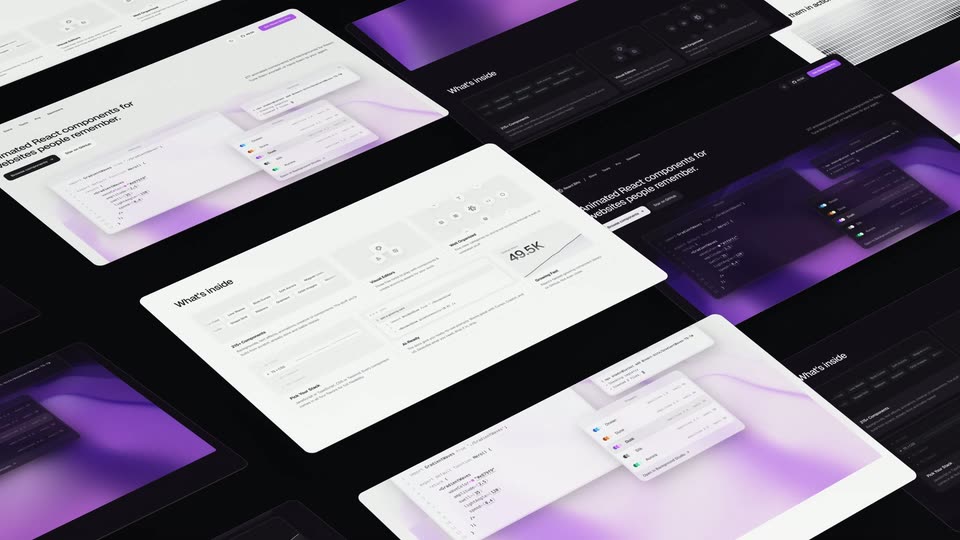
Rows of tilted light and dark website panels fill the frame diagonally. The array shifts across the view; these are repeated interface planes, without identifiable physical device frames.

0.9s
Demo· Introducing Center Stage

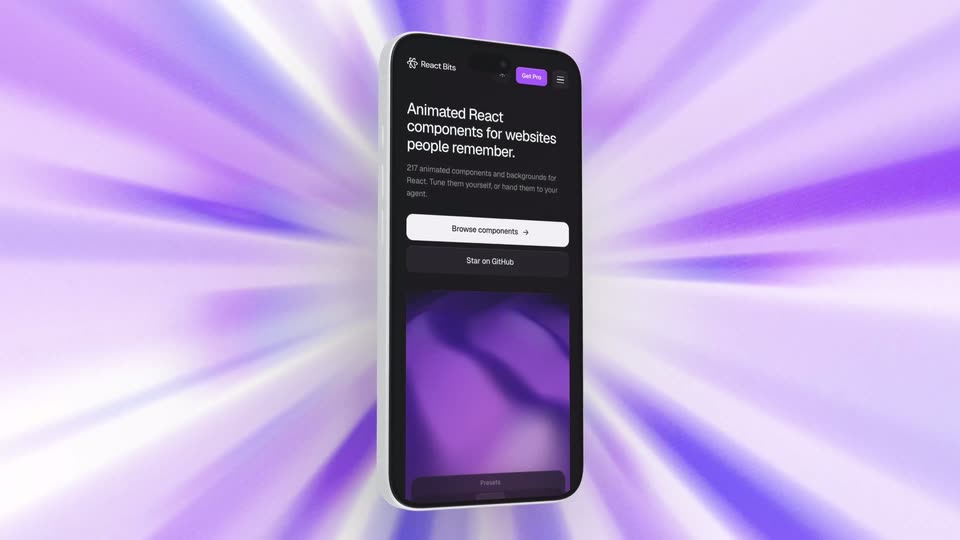
A smartphone turns from edge-on to a front view over a purple and white radial burst. The device rotation is the main motion while the landing page remains attached to its screen.

0.3s
Demo· Introducing Center Stage

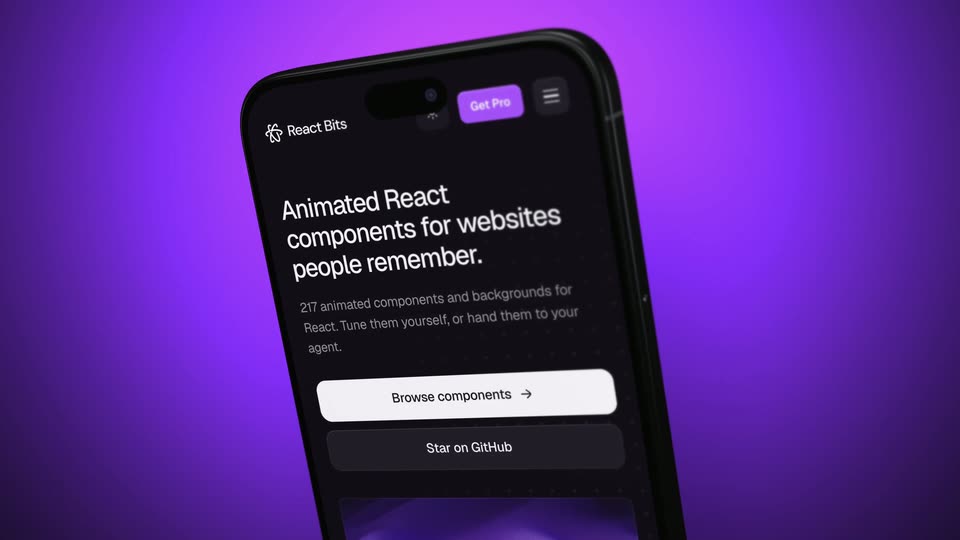
A close tilted smartphone shows the React Bits landing page against a smooth purple gradient. This is a distinct shot from the preceding radial-burst phone, ending at the hard cut to interface panels.

0.2s
Demo· Introducing Center Stage

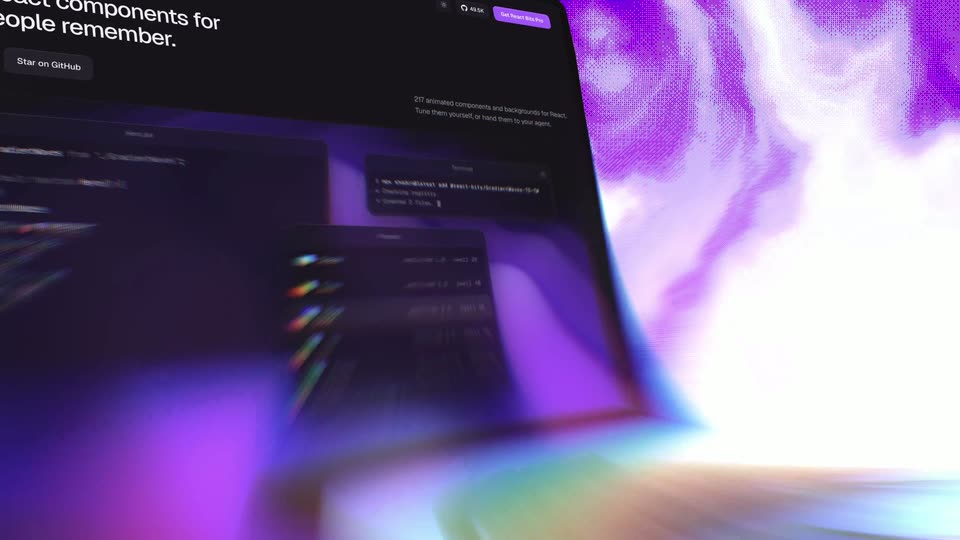
A brief close view of dark purple interface cards shows a Terminal command card and a presets list. It is a separate hard-cut insert, not the previous phone flattening into an editor and not observed live typing.

0.3s
Demo· Introducing Center Stage

A tilted white React Bits website fills the frame, headed Animated React components for websites people remember. A light preset interface occupies the lower part. This remains a product example, before the closing offer card.

0.5s
Demo· Introducing Center Stage

The montage switches to a dark purple website/preset example, then bends and smears into a white flash. The closing Center Stage label has not yet formed; this is the last example shot.

1.1s
Demo· AI Shopkeeper Launch Video | Noodle Seed

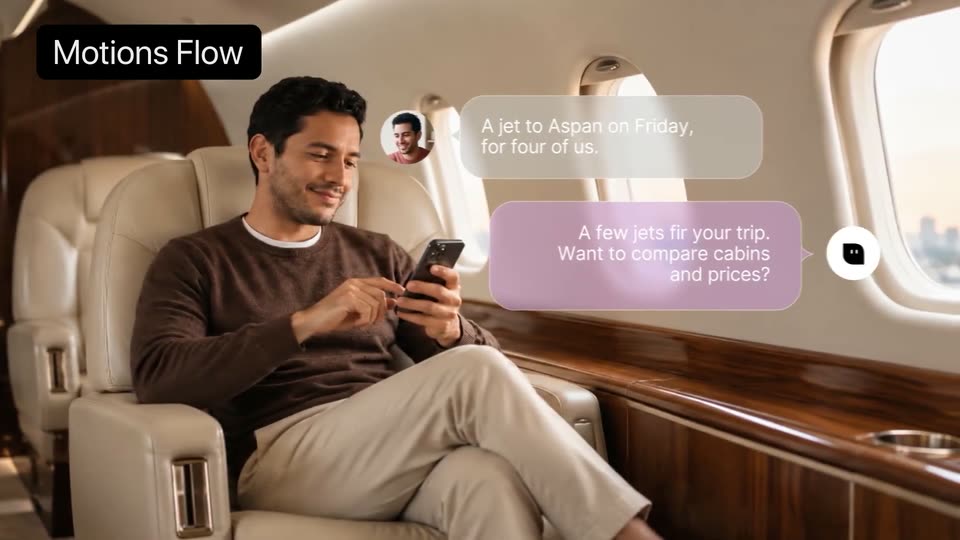
A man in a brown sweater sits in a cream leather jet seat, smiling at his phone. A gray chat bubble with a small avatar scales in, then a pink reply bubble with a bot icon appears. A black “Motions Flow” tag sits top left.

1.7s
Demo· AI Shopkeeper Launch Video | Noodle Seed

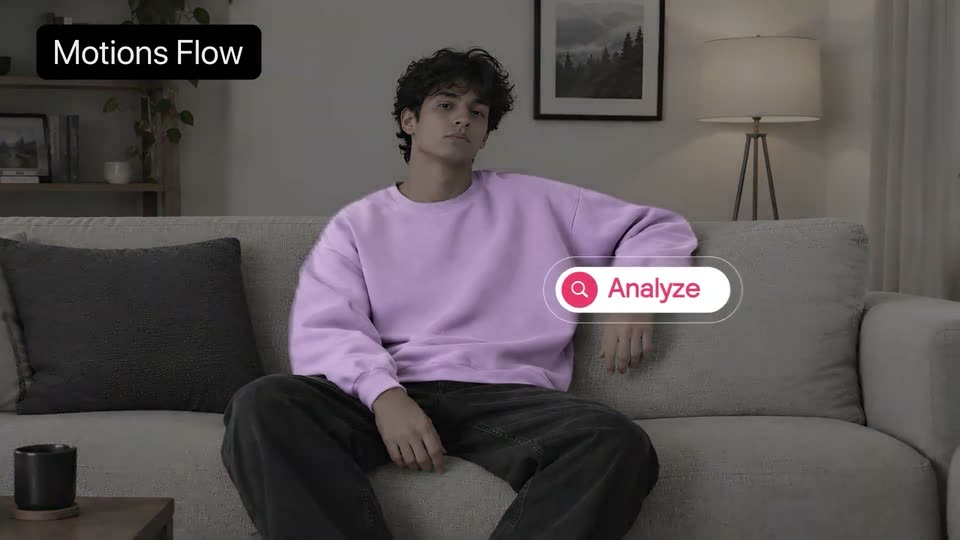
A man in a lavender sweatshirt sits on a gray sofa, glancing around. A caption, “A jet to Aspan on Friday, for four of us,” scales in, then a white pill with a pink search icon and “Analyze” scales in beside him.

0.4s
Demo· The Pika x ChatGPT Plugin Extension is here

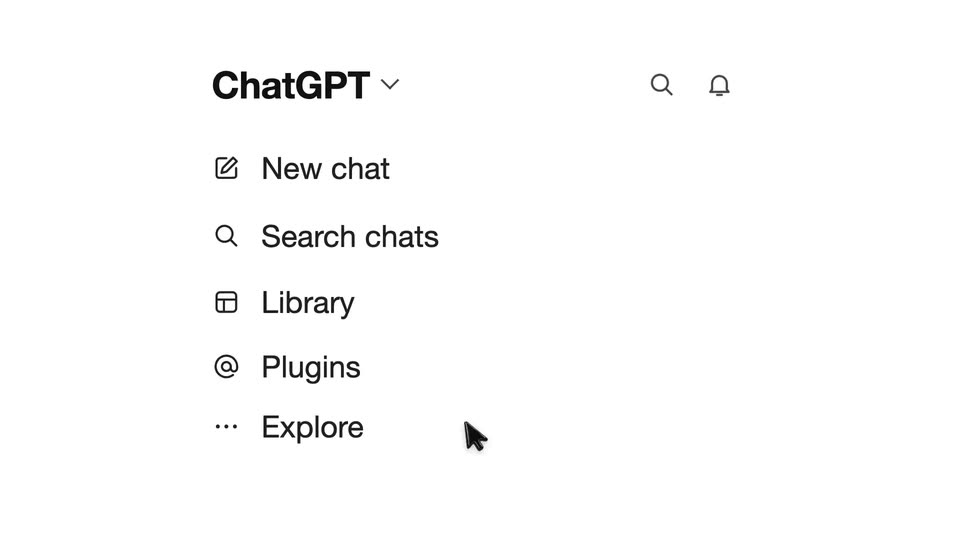
On a white background, the ChatGPT wordmark and header icons darken, then five menu rows with small line icons fade in one after another from top to bottom.

1.1s
Demo· The Pika x ChatGPT Plugin Extension is here

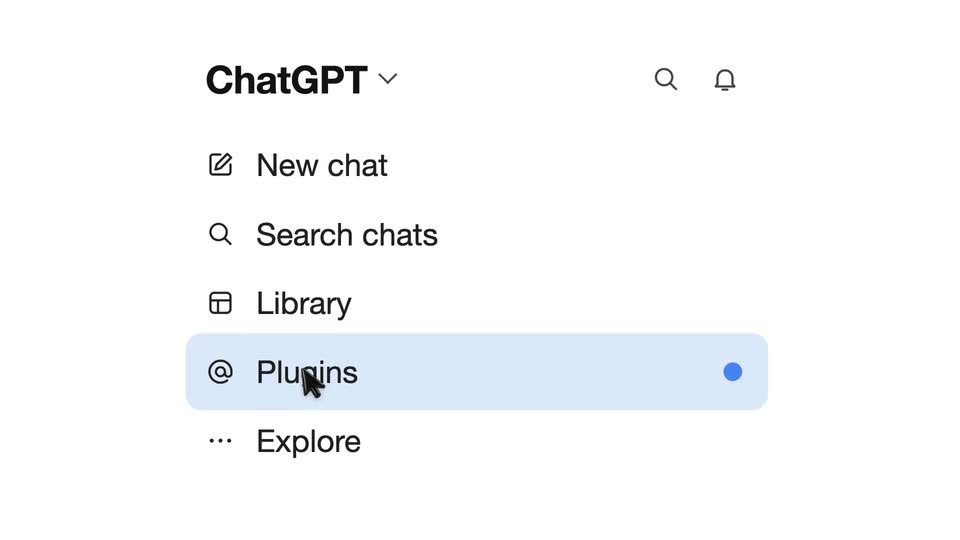
A white sidebar menu under a ChatGPT header lists New chat, Search chats, Library, Plugins and Explore. The cursor glides onto Plugins, the row fills with a light blue pill highlight, and a small blue dot appears at the right edge.

2.1s
Demo· The Pika x ChatGPT Plugin Extension is here

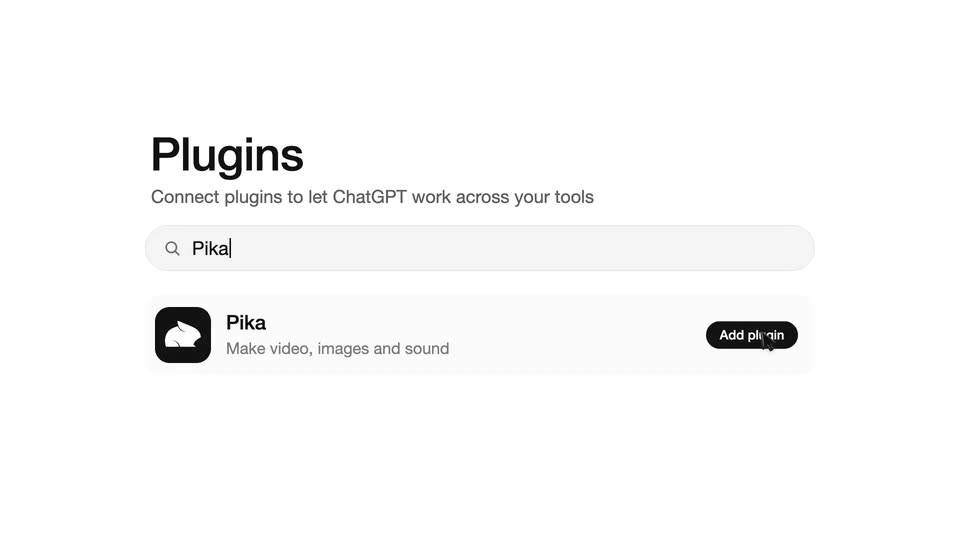
A light gray ChatGPT plugins page fades in, the Plugins heading and subtitle scale up, a cursor types Pika into the search bar over the Pika plugin row, then the page crossfades to the centered ChatGPT logo and wordmark.

1s
Demo· The Pika x ChatGPT Plugin Extension is here

A white ChatGPT sidebar starts on the logo and chat options, then scrolls down to center the Pika plugin icon and name. A dark caption scales in while the frame stays locked.

2s
Demo· The Pika x ChatGPT Plugin Extension is here

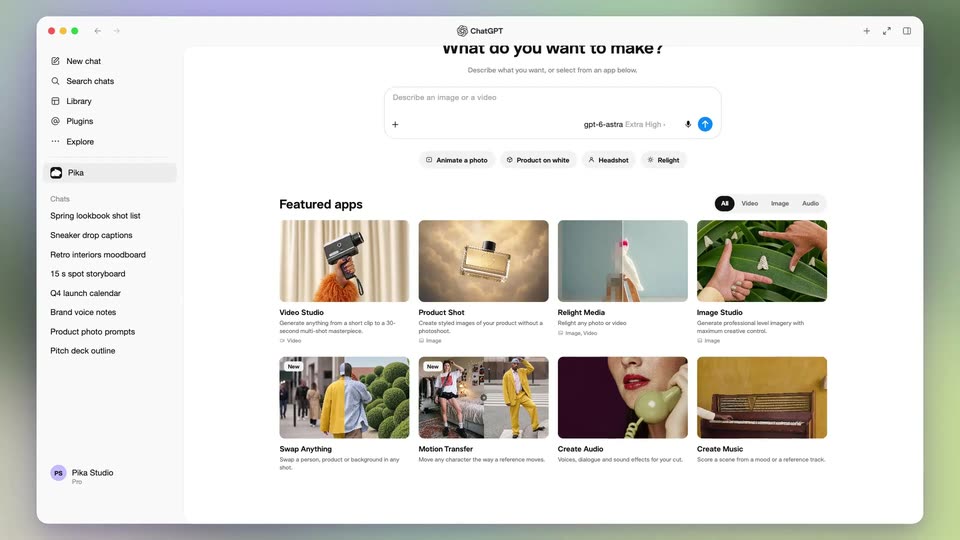
A flat ChatGPT window sits centered on a light gray backdrop. The page scrolls down, the question header sliding out of frame as the featured apps grid fills the view, then scrolls back up to the top.

5.1s
Demo· The Pika x ChatGPT Plugin Extension is here

The ChatGPT interface shows the Pika prompt field. The view zooms in as the prompt is typed, then a pink sneaker photo drops into the field. The view reframes to the right edge and the cursor clicks the blue send button.

2.1s
Demo· The Pika x ChatGPT Plugin Extension is here

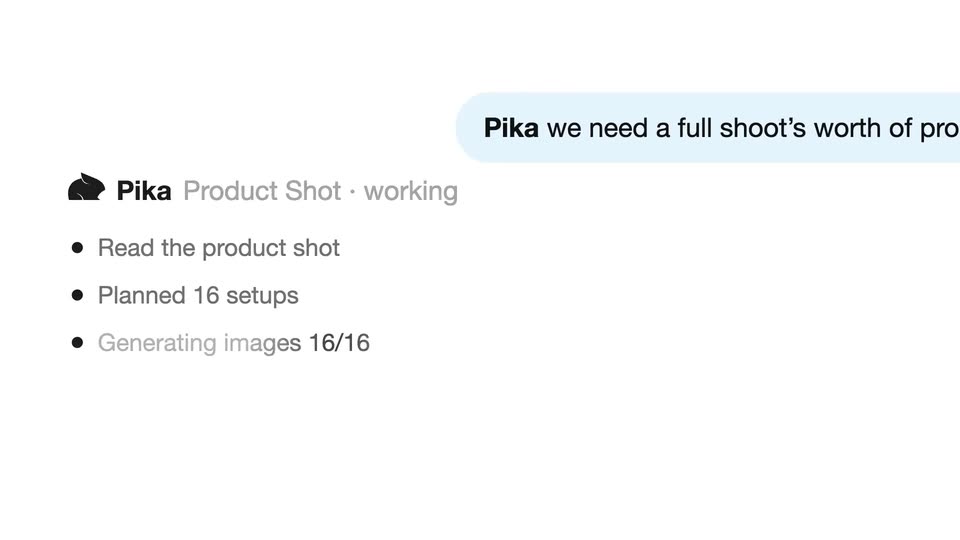
On a white interface, a right-aligned chat bubble and a left progress list update as the agent works. A white panel then opens to reveal three pink sneaker shots in a row under a top bar.

6.2s
Demo· She Has No Idea She’s Being Watched | Gojiberry Motion Design Video

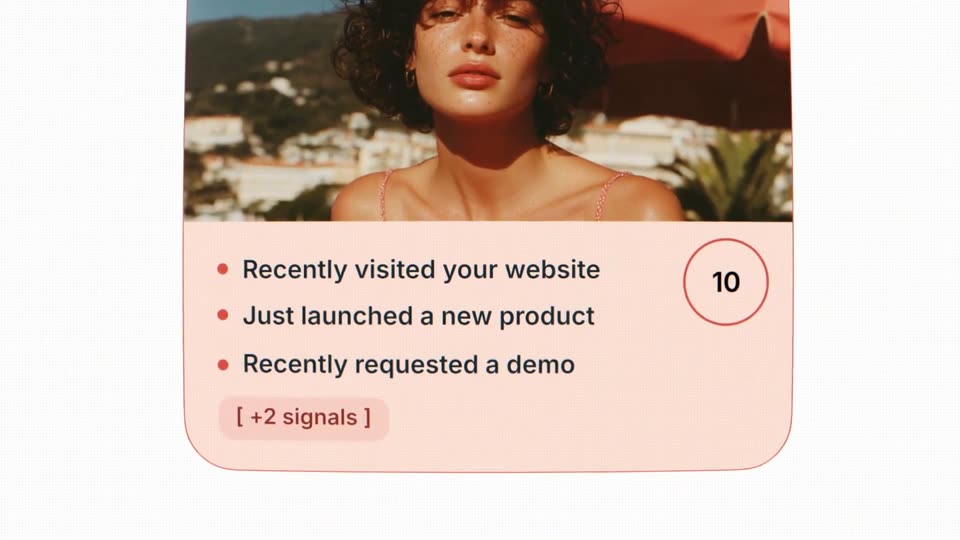
A contact card with a photo and signal list centers on white, then zooms in as it tints teal to peach and the score counts 1 to 10. Two new signal lines and a [+2 signals] chip appear. The camera pulls back to a 3D row of cards receding.

3.1s
Demo· She Has No Idea She’s Being Watched | Gojiberry Motion Design Video

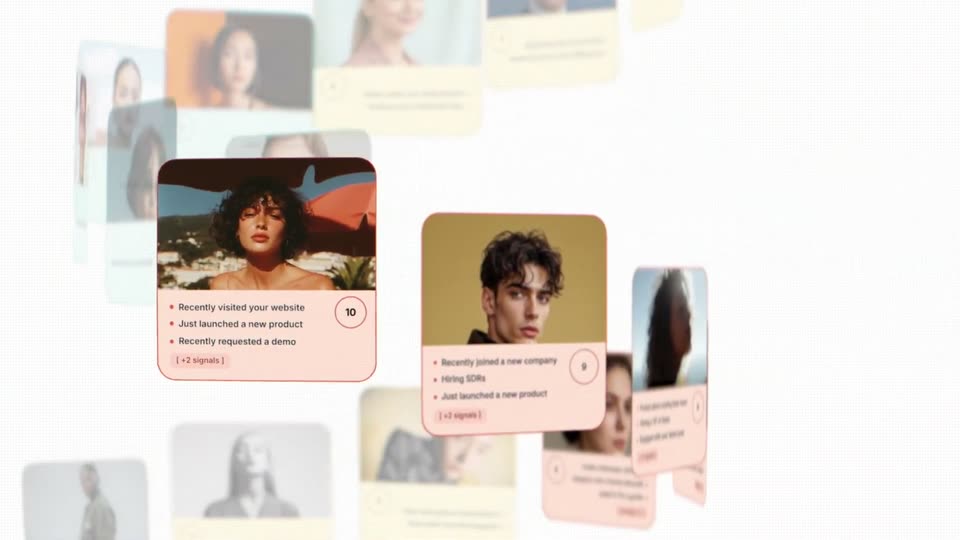
Profile cards with headshots and signal bullets recede in 3D perspective; the front card stays sharp while the camera pulls back to a scattered grid of cards, and the headline 'and the reason' fades in at the right.

8.9s
Demo· Introducing Elorian Glimpse

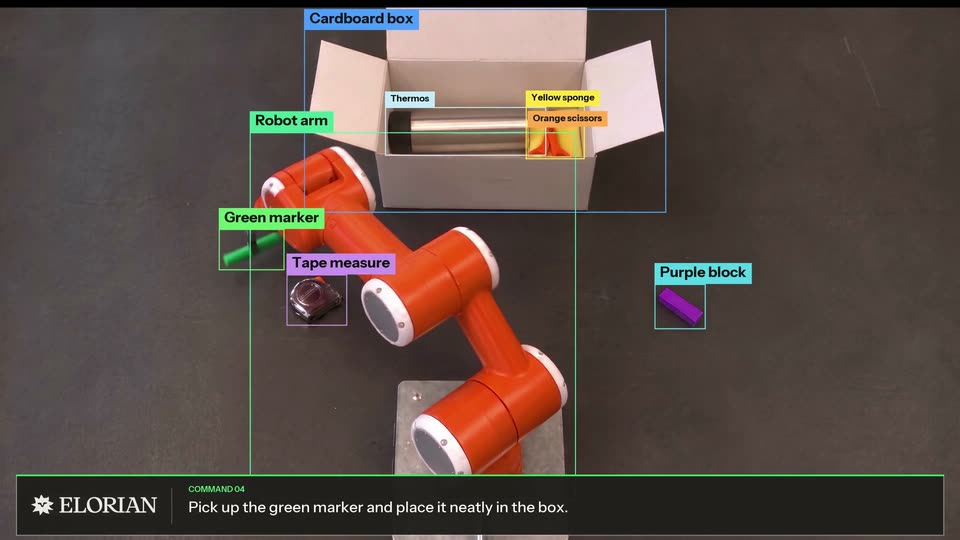
One continuous overhead view shows an orange robot arm moving objects into an open cardboard box. Colored bounding boxes track the arm and items while the lower command bar changes with the demonstrated pick-and-place actions; the camera and table remain fixed throughout.

13s
Demo· Introducing Elorian Glimpse

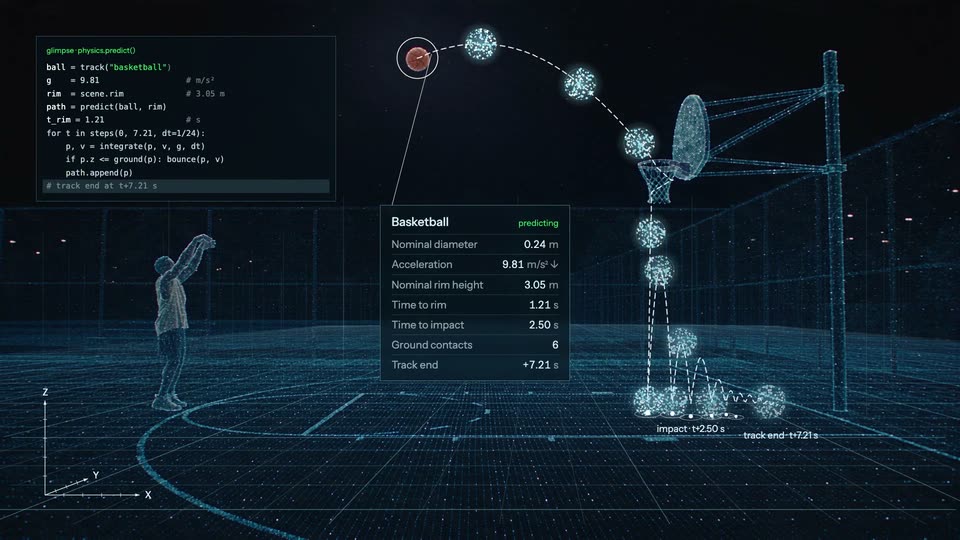
A player in a cream sleeveless top prepares and shoots on an outdoor basketball court. The view rapidly widens with motion blur, then the same court progressively dissolves into a cyan point cloud; an orange tracked ball follows an annotated arc and bounces while a code panel and measurements appear.

7.7s
Demo· Introducing Elorian Glimpse

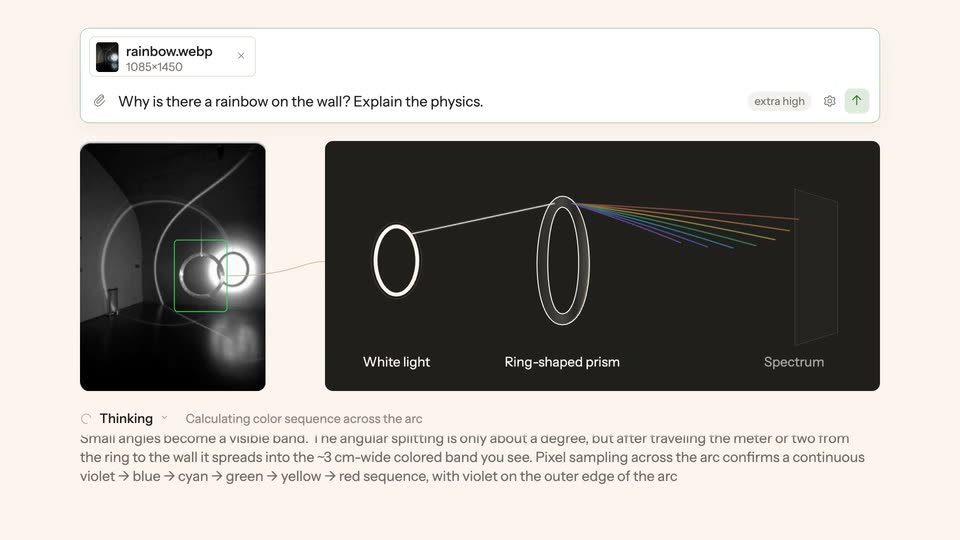
A Glimpse chat interface on a pale pink background. A photo of glowing rings sits in a prompt that types out, then the layout reflows: the photo shrinks left as a dark panel draws white light through a ring-shaped prism into a spectrum, and an answer box types in below.

1.5s
Demo· High-Converting AI GTM Workflow Launch Video | Orange Slice

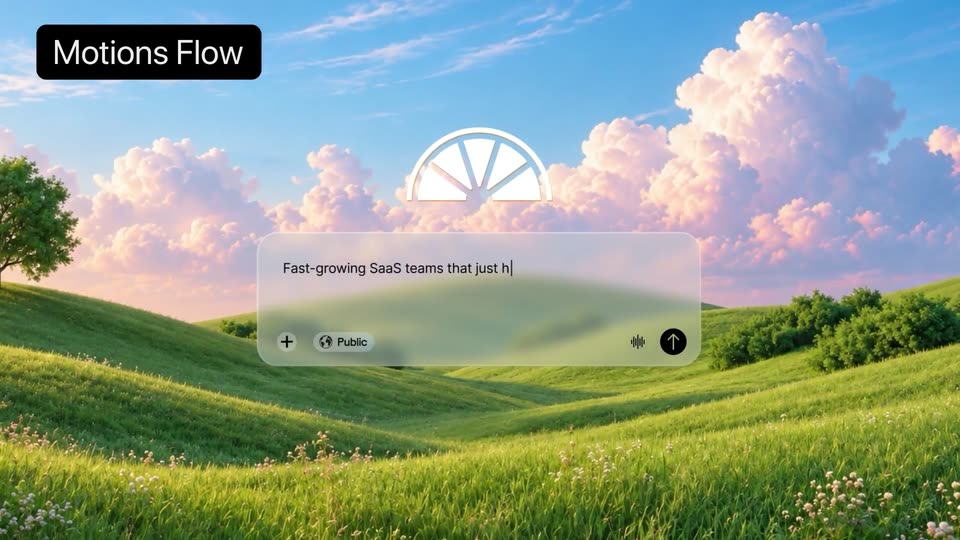
A frosted-glass input panel floats over a 3D meadow with pink clouds, a white line-art logo above it. Placeholder text types out left to right in the field while a Public tag and an up-arrow button sit in the footer row.

1.5s
Demo· High-Converting AI GTM Workflow Launch Video | Orange Slice

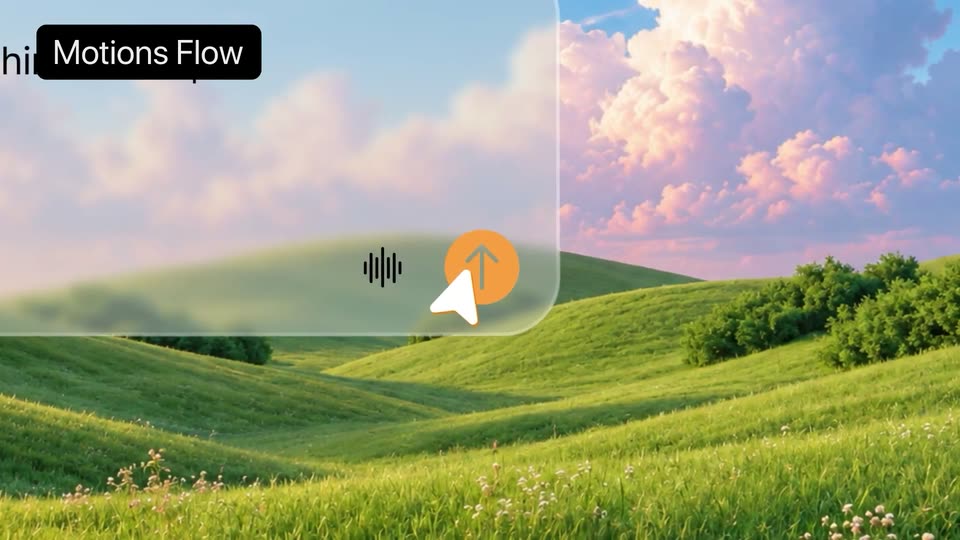
A translucent interface card floats over a sunlit green meadow under pink clouds. The card holds a waveform icon and an orange up-arrow button. A white cursor slides in and rests on the button as the card settles. A black Motions Flow tag sits in the top-left corner.

2.4s
Demo· High-Converting AI GTM Workflow Launch Video | Orange Slice

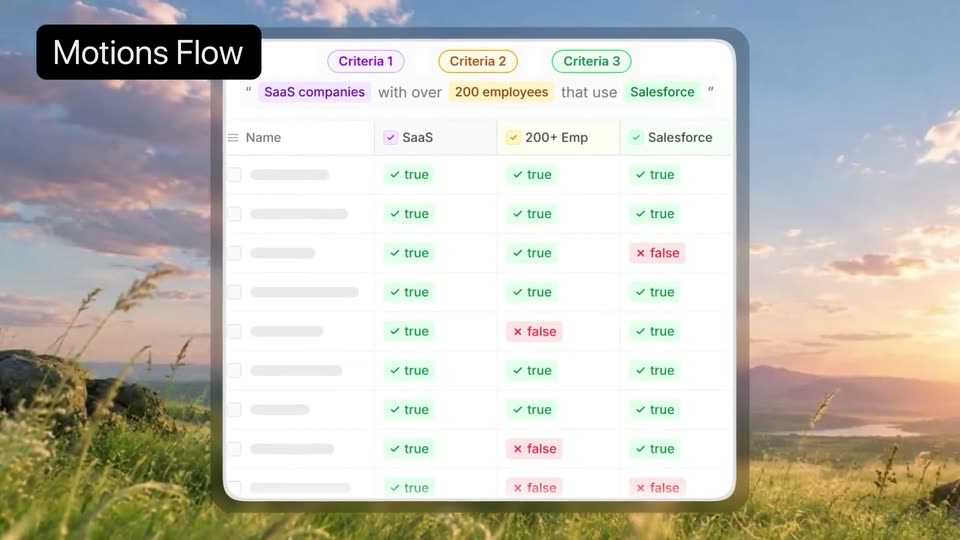
A white table card with three criteria pills and rows of true and false chips floats over a sunset meadow. The card scales up to fill the frame and softens into blur, while a black Motions Flow tag holds the top-left corner.

3.7s
Demo· High-Converting AI GTM Workflow Launch Video | Orange Slice

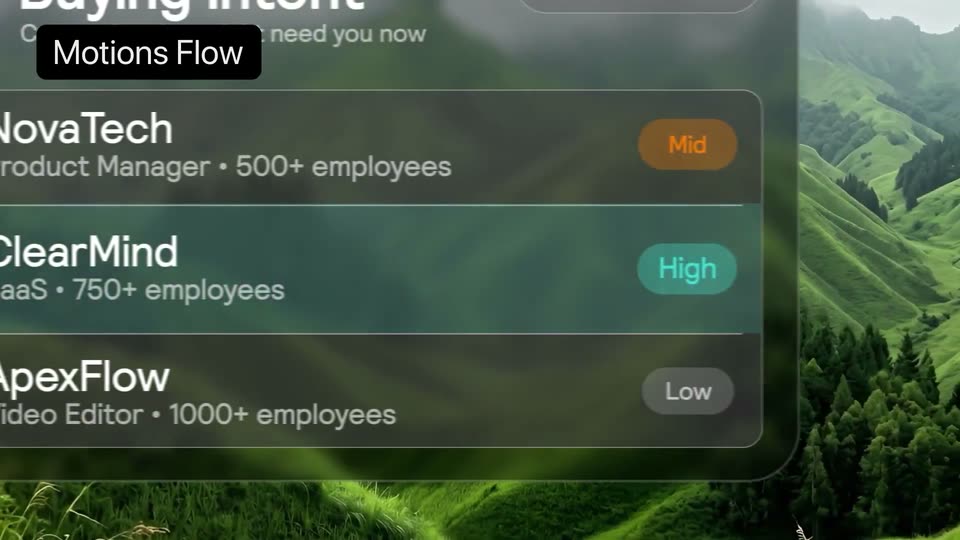
A frosted glass Buying Intent panel hovers over a misty green mountain landscape. Three company rows with Mid, High and Low badges populate the list, then the view pushes in on the rows.

7.2s
Demo· High-Converting AI GTM Workflow Launch Video | Orange Slice

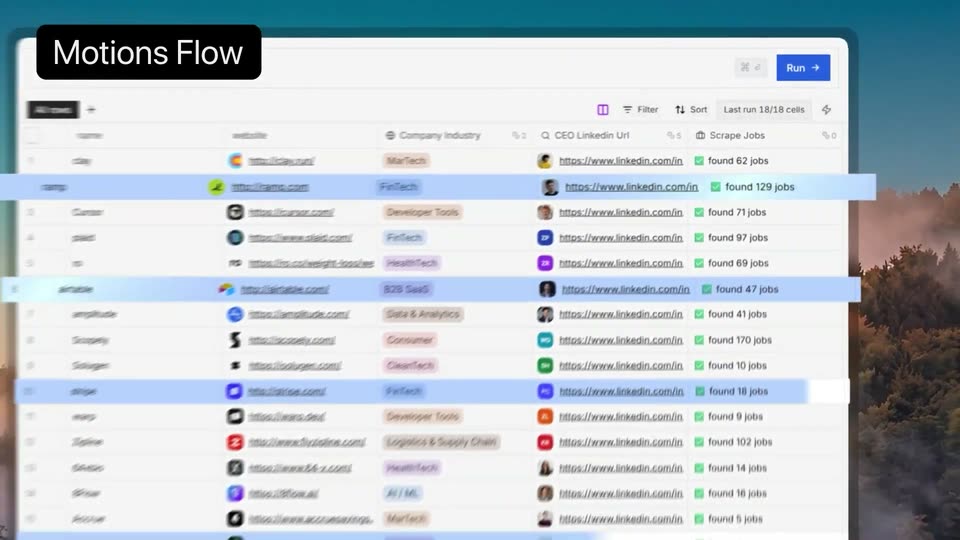
A spreadsheet interface floats in 3D over a misty forest backdrop. The view pans right across rows of company names and websites as Generating cells flip to green found X jobs tags, then the camera pulls back to the full card and blurs out fast.

2.8s
Demo· Meet Jockey, TwelveLabs' video intelligence agent, now in general availability

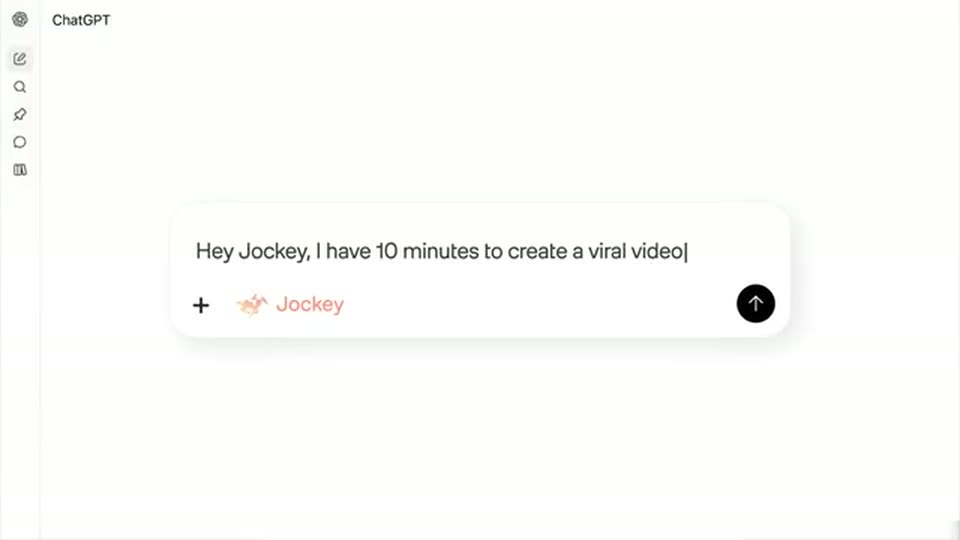
The ChatGPT composer replaces the platform card. A Jockey chip appears, the prompt Hey Jockey, I have 10 minutes to create a viral video types in, and an orange cursor clicks send, turning it into a peach user bubble.

1.2s
Demo· Meet Jockey, TwelveLabs' video intelligence agent, now in general availability

A rapid push into the chat response reveals the large line Let’s get started! beneath the cropped peach user message. The response holds in the enlarged framing.

3s
Demo· Meet Jockey, TwelveLabs' video intelligence agent, now in general availability

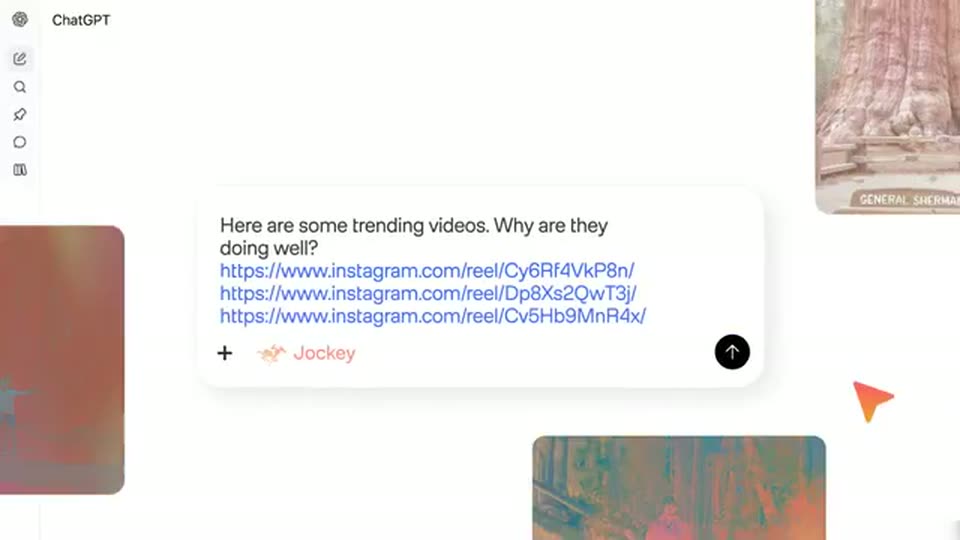
A hard edit returns to the full ChatGPT composer. The prompt Here are some trending videos. Why are they doing well? types with three Instagram links while forest thumbnails slide around the input and the orange cursor clicks send.

3.7s
Demo· Meet Jockey, TwelveLabs' video intelligence agent, now in general availability

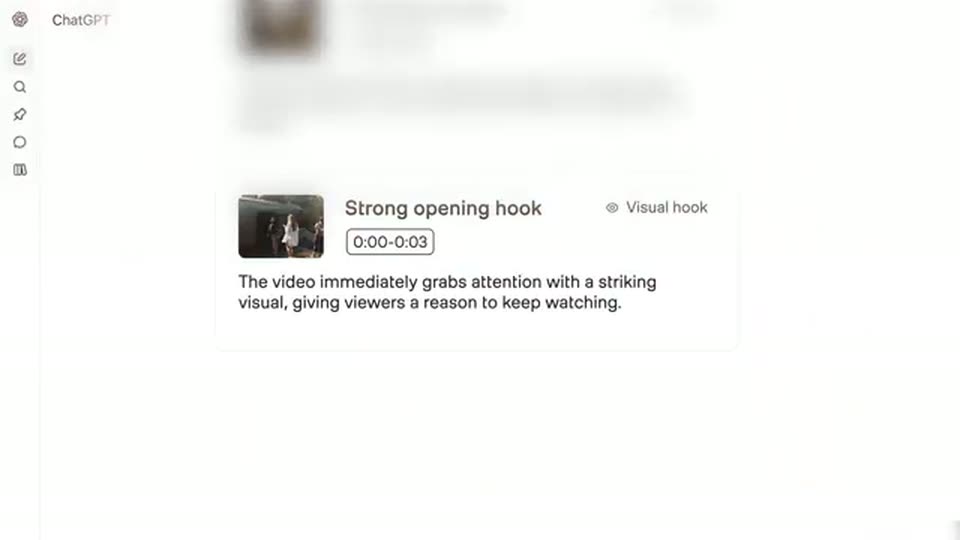
Forest video cards float into an overlapping cluster with the word Analyzing. A bright dissolve reveals the results, and the same answer scrolls continuously through Trending location, Strong opening hook and Satisfying payoffs; these are three analysis reasons, not separate shots at12379ms.

2.6s
Demo· Meet Jockey, TwelveLabs' video intelligence agent, now in general availability

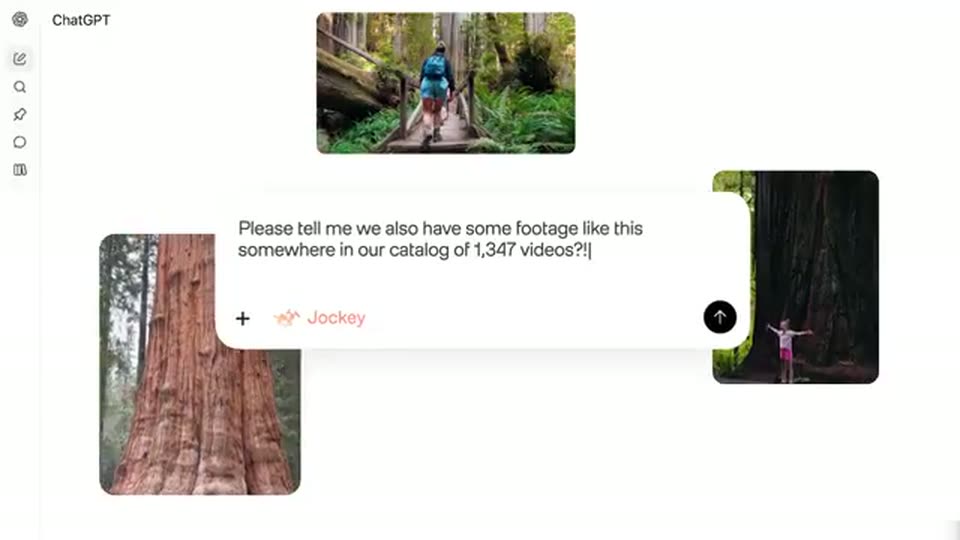
The scrolled analysis dissolves into a composer surrounded by three forest clips. The user types Please tell me we also have some footage like this somewhere in our catalog of 1,347 videos?! and the orange cursor sends it.

2.5s
Demo· Meet Jockey, TwelveLabs' video intelligence agent, now in general availability

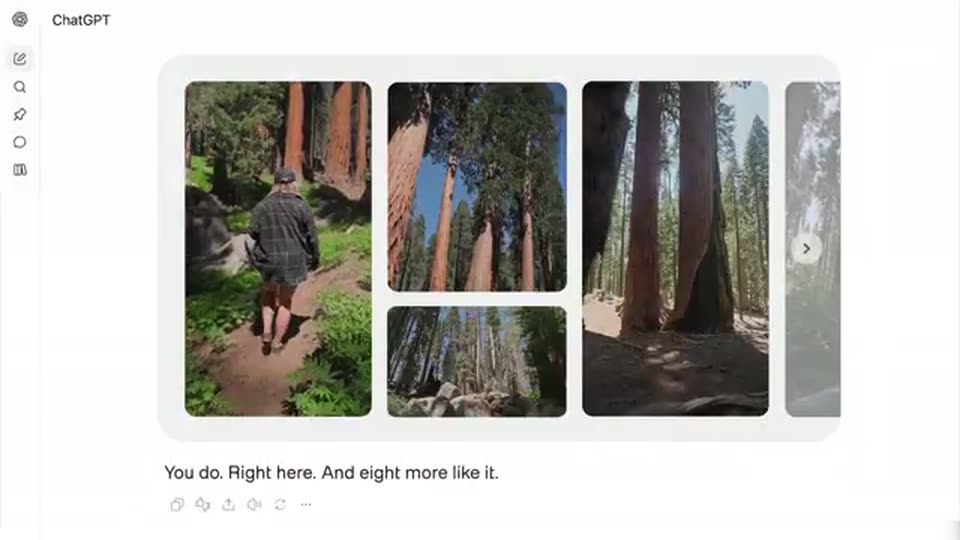
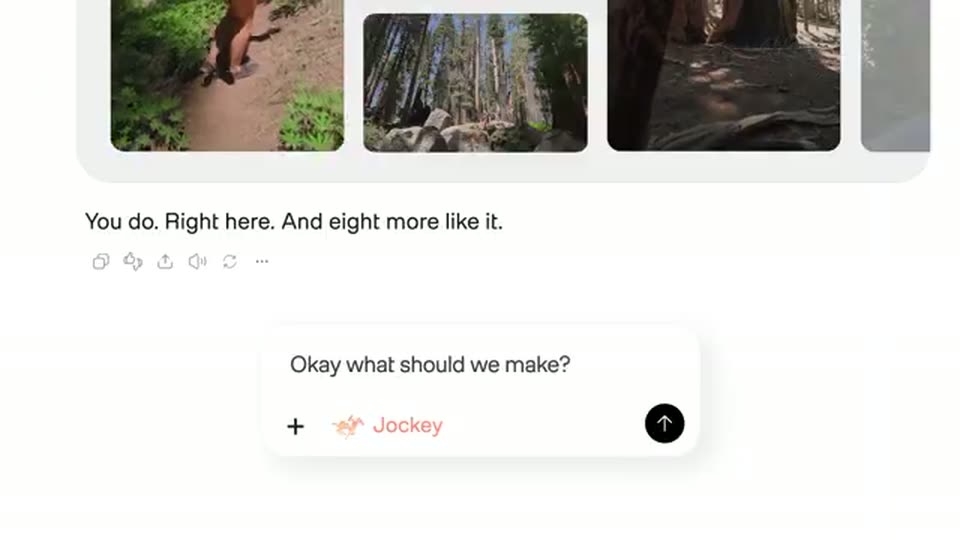
Through a bright dissolve, a rounded gallery assembles forest clips: a walker at left and redwood views beside it. The reply types You do. Right here. And eight more like it. The view starts pushing into the same gallery.

2.3s
Demo· Meet Jockey, TwelveLabs' video intelligence agent, now in general availability

A continuous push and upward reframe of the same forest gallery makes room for a composer. Okay what should we make? types into the input beside the Jockey chip; the gallery remains above.

1.9s
Demo· Meet Jockey, TwelveLabs' video intelligence agent, now in general availability

The peach user bubble reads Okay what should we make? while the assistant types A 15-second reel. Lead with the reveal, then the best reactions. The Jockey composer begins entering below.

2.1s
Demo· Meet Jockey, TwelveLabs' video intelligence agent, now in general availability

A close framing tracks across the input as Sounds like a plan, let’s make it! types in. The orange cursor clicks the black send arrow beside the Jockey chip.

1.2s
Demo· Meet Jockey, TwelveLabs' video intelligence agent, now in general availability

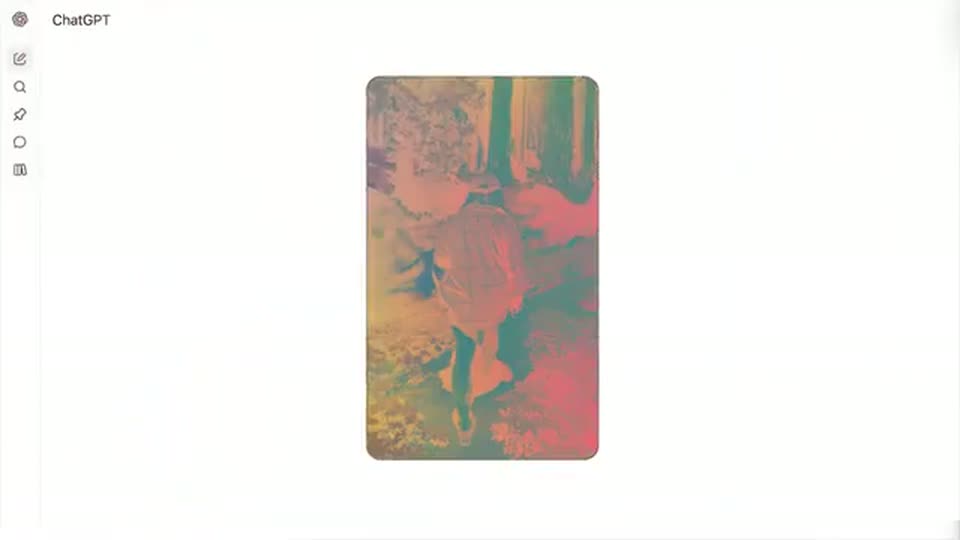
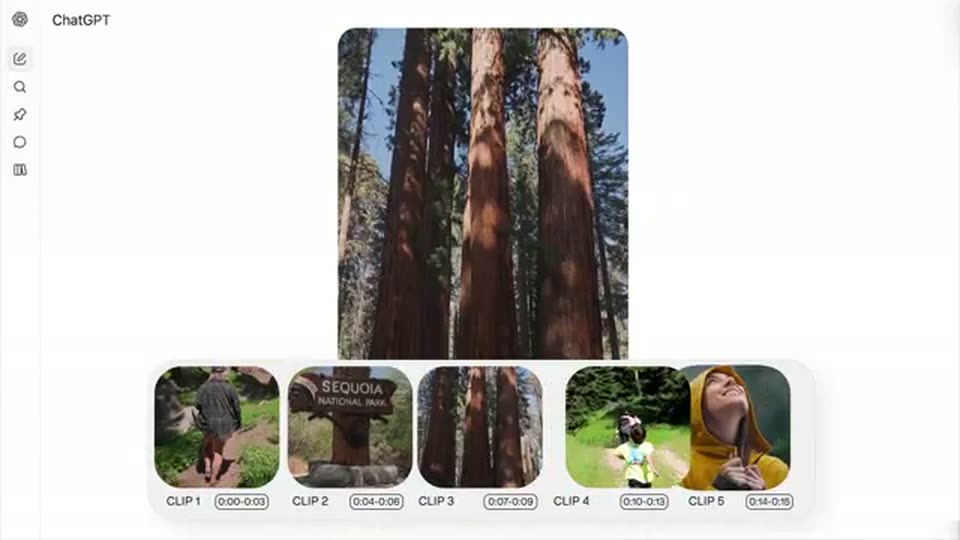
Floating forest-video cards assemble into a tight vertical stack and resolve into the large vertical preview with a five-clip filmstrip. This is an interface animation; the clipped text from the preceding composer is not a new title.

2.9s
Demo· Meet Jockey, TwelveLabs' video intelligence agent, now in general availability

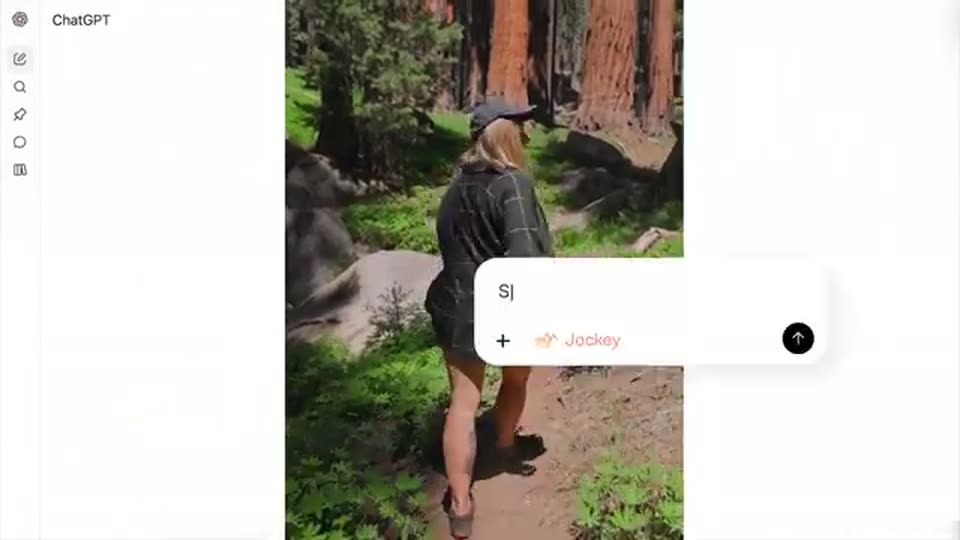
The same vertical clip shows a cap-wearing person in plaid walking through redwoods. The five-clip filmstrip fades and the view reframes downward into a composer where Swap the last clip with the one before types. The walking shot remains continuous across28261ms.

1.9s
Demo· Meet Jockey, TwelveLabs' video intelligence agent, now in general availability

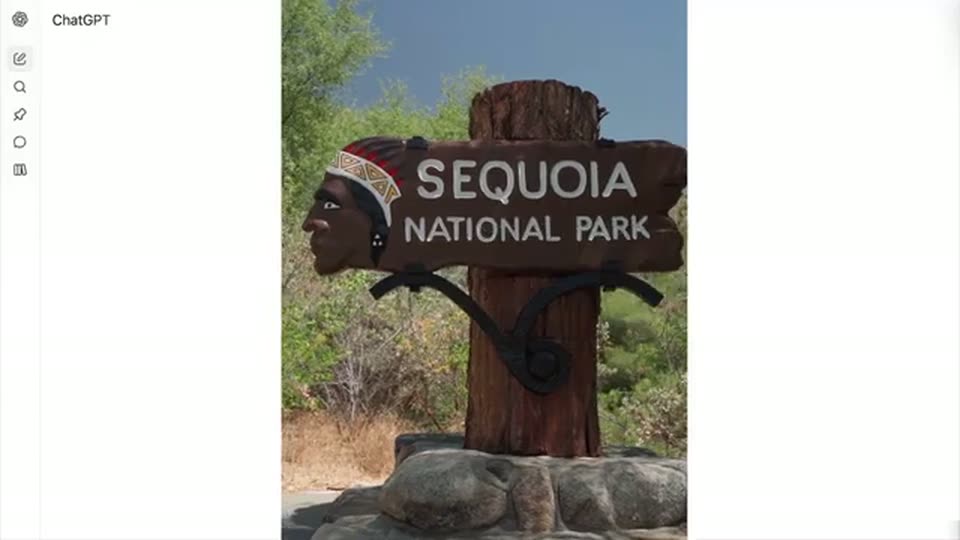
The vertical preview hard-cuts to a carved SEQUOIA NATIONAL PARK sign. The swap request is sent, its composer fades, and the five-clip timeline returns below the same sign.

1s
Demo· Meet Jockey, TwelveLabs' video intelligence agent, now in general availability

The large vertical preview switches from the park sign to sunlit redwood trunks while the five-clip timeline stays below.

1.1s
Demo· Meet Jockey, TwelveLabs' video intelligence agent, now in general availability

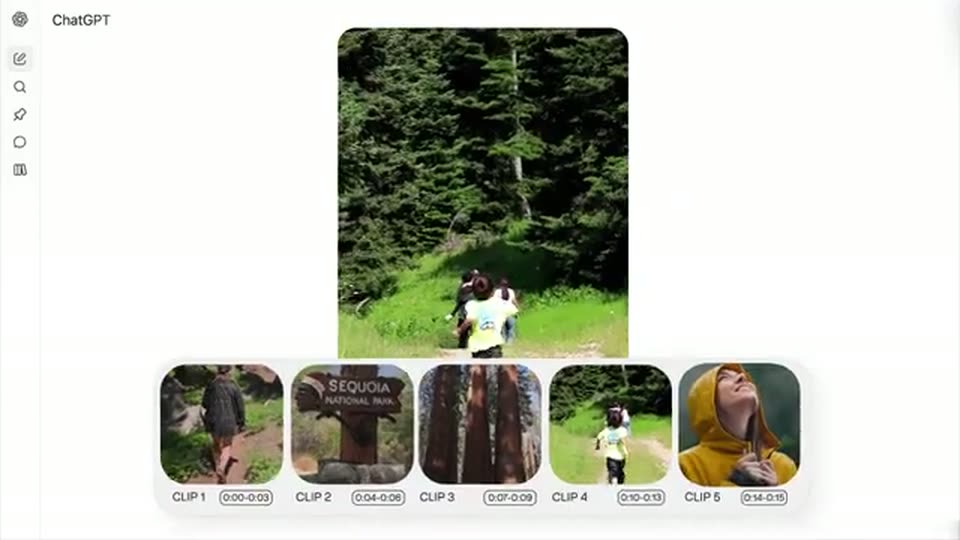
The large vertical preview switches to a person standing in a bright grassy clearing beside dark forest. The timeline remains and the preview scales down before the next input.

3s
Demo· Meet Jockey, TwelveLabs' video intelligence agent, now in general availability

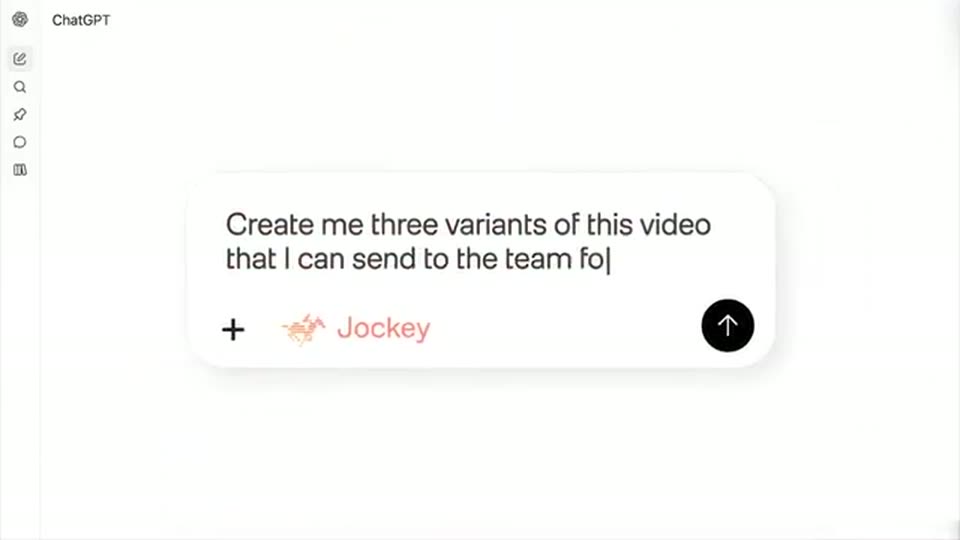
A close composer types Create me three variants of this video that I can send to the team for approval. The orange cursor enters and clicks the send button.
2.1s
Demo· Meet Jockey, TwelveLabs' video intelligence agent, now in general availability

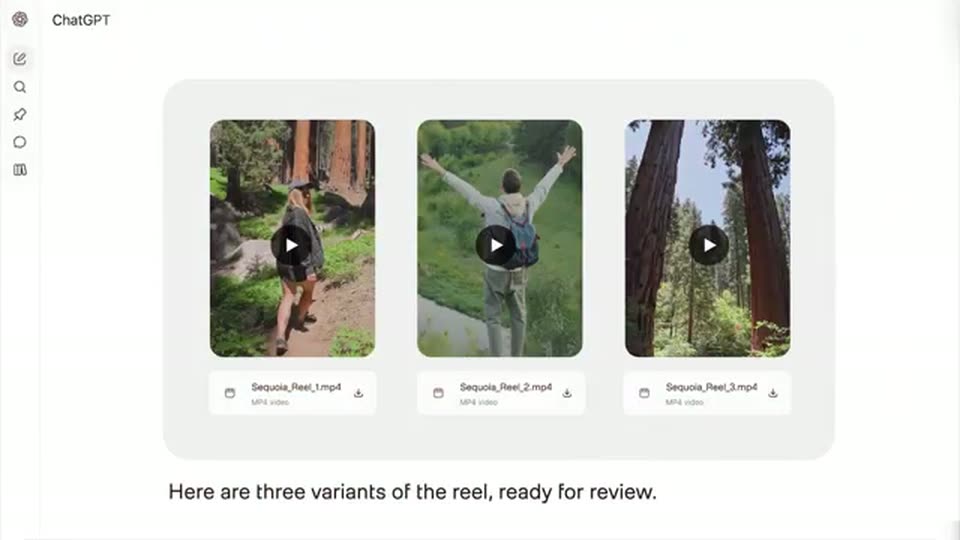
A bright dissolve reveals three vertical forest-video variant cards with play icons and MP4 filenames. The assistant reply types Here are three variants of the reel, ready for review.

2.4s
Demo· Introducing Instant Soundtracks

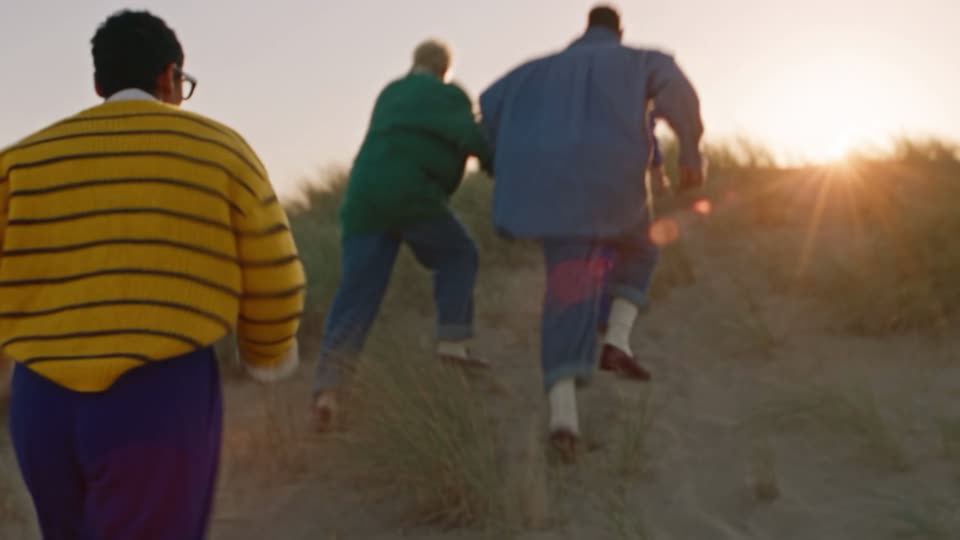
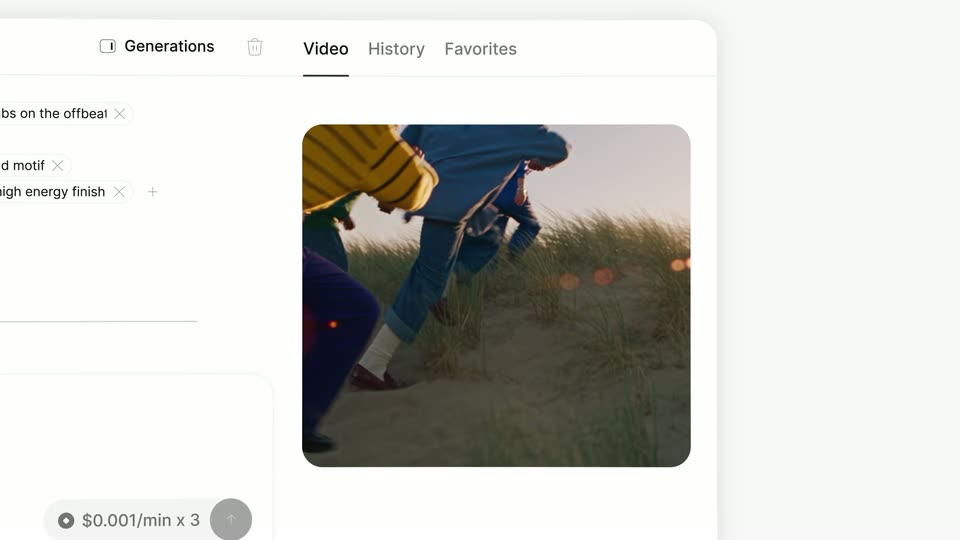
A rounded-rectangle window opens and wipes from a close-up of a power adapter to a full-frame shot of a group running up a sandy dune toward the setting sun. The footage pulls from soft blur to sharp focus as the camera follows them from behind.

0.8s
Demo· Introducing Instant Soundtracks

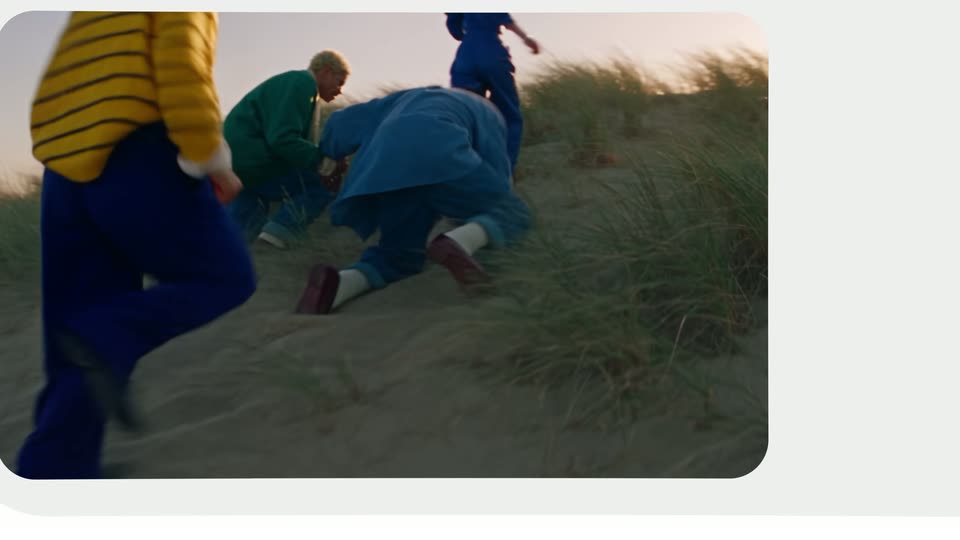
Three figures in bright jackets sprint up a sunlit sand dune, the blue-suited one collapsing mid-stride. The frame tightens into a rounded white card, isolating the fall inside a circular window.

1.6s
Demo· Introducing Instant Soundtracks

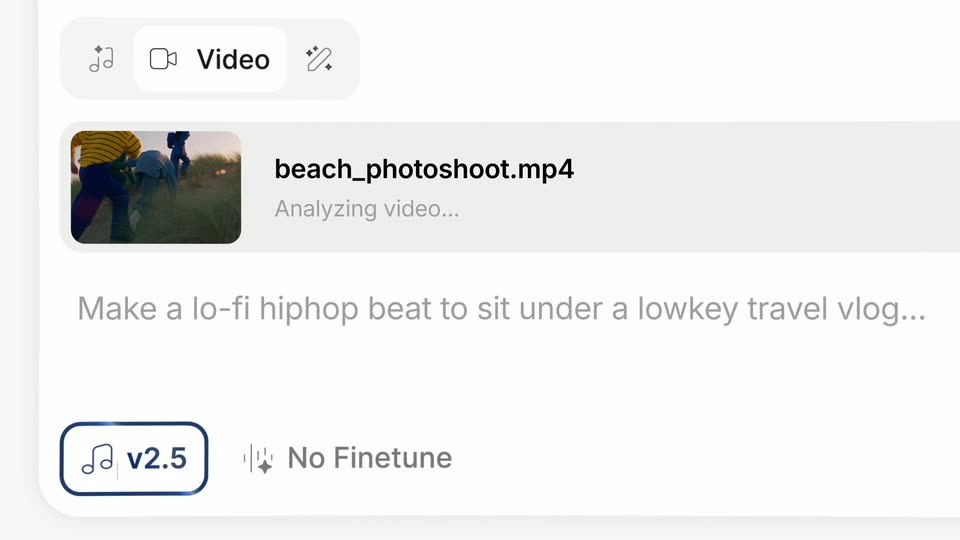
A light UI card for video-to-music generation holds the frame. A selected 'Video' tab tops a row with a beach thumbnail, the filename 'beach_photoshoot.mp4' and an 'Analyzing video...' loading line, while a gray prompt and a 'v2.5' / 'No Finetune' control row settle at the bottom.

0.8s
Demo· Introducing Instant Soundtracks

Close-up of a white rounded input card on a light gray background. Gray placeholder text at the top left fades out as the circular up-arrow button turns from gray to black and slides left toward the card's center.

1.6s
Demo· Introducing Instant Soundtracks

Close-up of a pale interface card: a dark circular up-arrow button stays fixed at center while a light blue panel slides in from the right, revealing the gray headline, then drifts upward.

0.8s
Demo· Introducing Instant Soundtracks

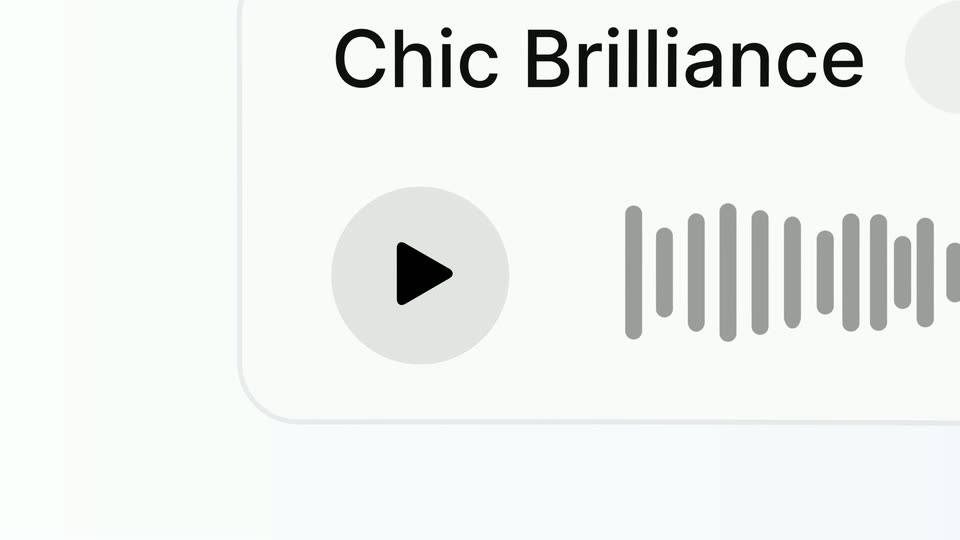
Tight on a gray play button and the title Chic Brilliance on a white card, the frame zooms out to reveal the full player row: a Music v2 pill, a genre caption and a long gray waveform.

1.2s
Demo· Introducing Instant Soundtracks

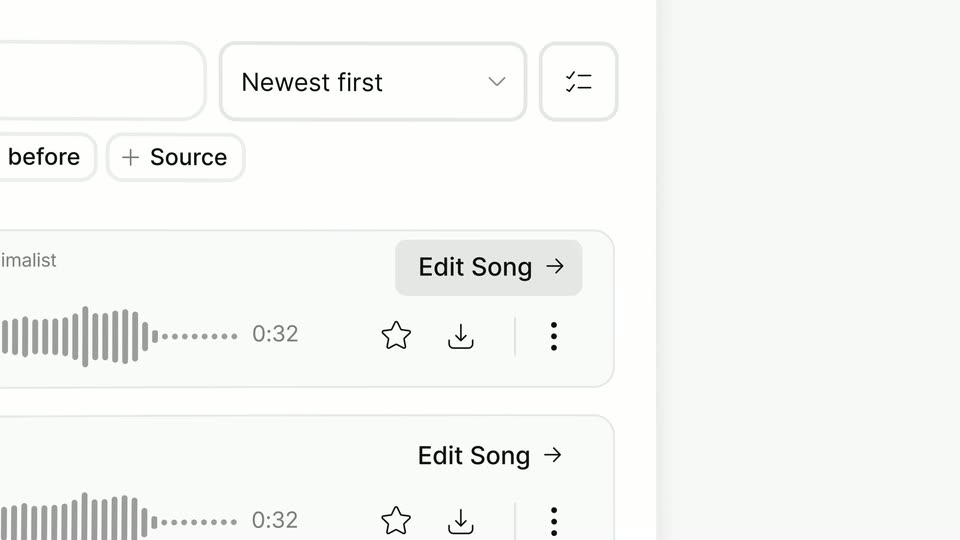
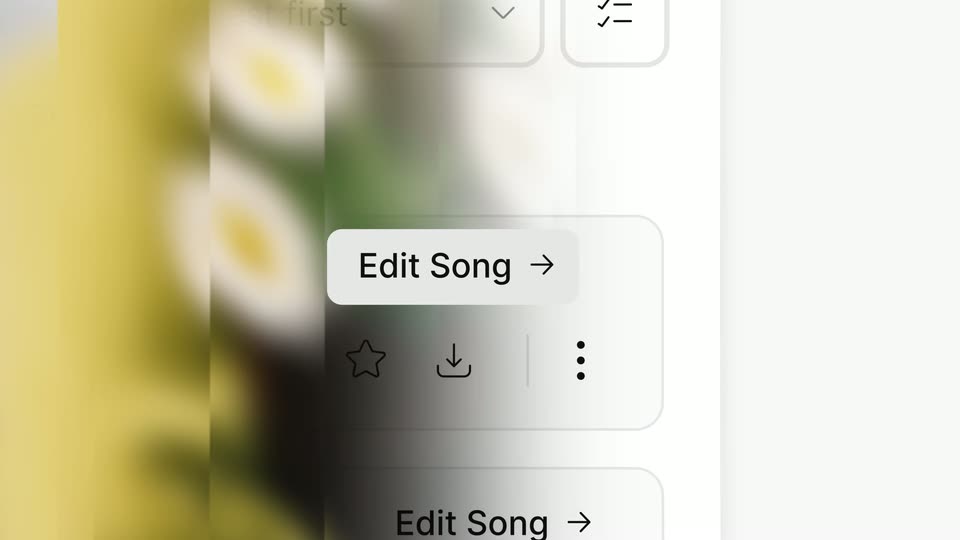
A music library interface pans slowly to the right. Filter chips for date and source sit above a Newest first dropdown. Song rows show gray waveforms, a 0:32 length, and star, download and menu icons beside an Edit Song button.

0.6s
Demo· Introducing Instant Soundtracks

A tight crop of a song list, waveforms and Edit Song buttons, reframes through a soft blur into a wider view of two pill buttons, Music and Generate music, on a light gray panel.

2.7s
Demo· Introducing Instant Soundtracks

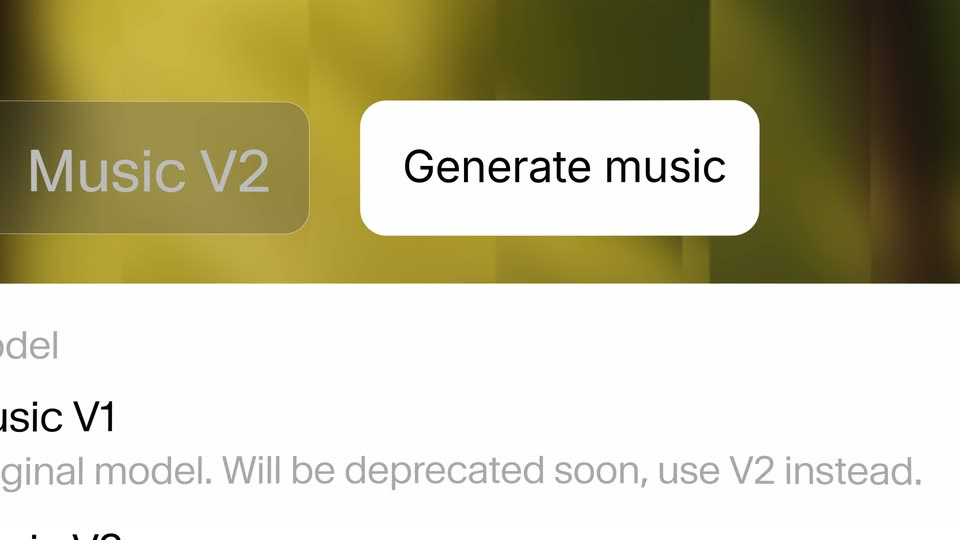
A music-generation UI over a blurred olive background. A model dropdown lists Music V1, V2 and V2.5 with descriptions. The camera zooms in until the white Generate music button dominates the frame as a dark shape enters from the top left.

1.6s
Demo· Introducing Instant Soundtracks

A timeline interface shows a filmstrip of a sunset field clip above a music track labeled Generating music. The waveform fills in, the label clears, and four SFX clips update from Initializing SPX placeholders to named clips.

0.8s
Demo· Introducing Instant Soundtracks

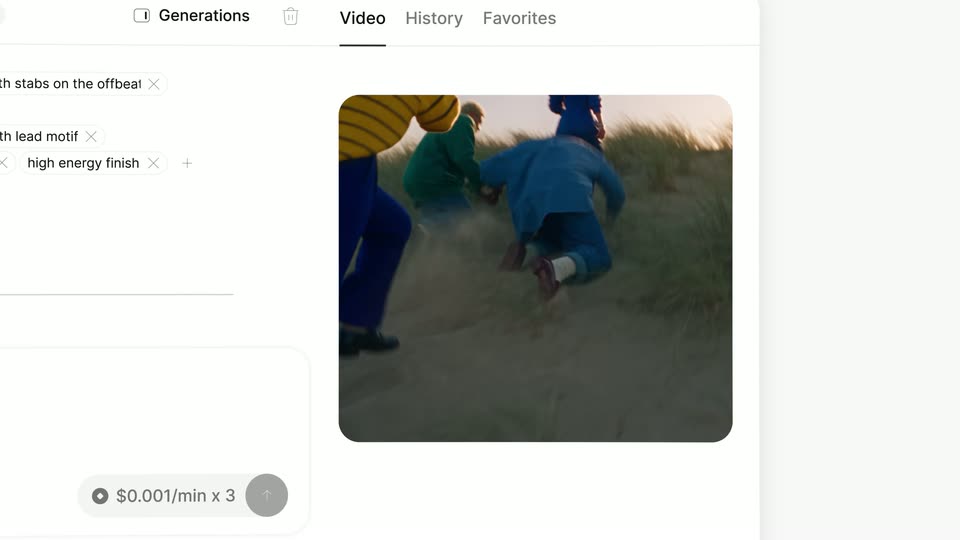
A light video editor shows prompt tags on the left and a clip of runners in a field. The view zooms in, reframing onto the tags and the generated video card on the right.

1.9s
Demo· Introducing Instant Soundtracks

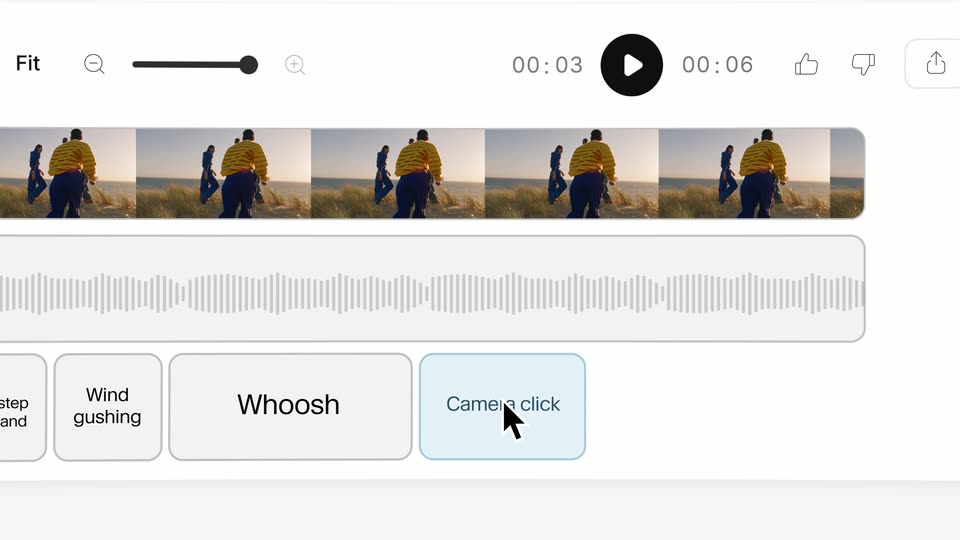
A pale interface frames a video player playing a handheld clip of kids running across a grassy hill. The frame pulls back to expose the full player: a play button, a 00:03 to 00:06 timecode, like and share controls, Publish and Download buttons, and a row of filmstrip thumbnails.

6.4s
Demo· Introducing Instant Soundtracks

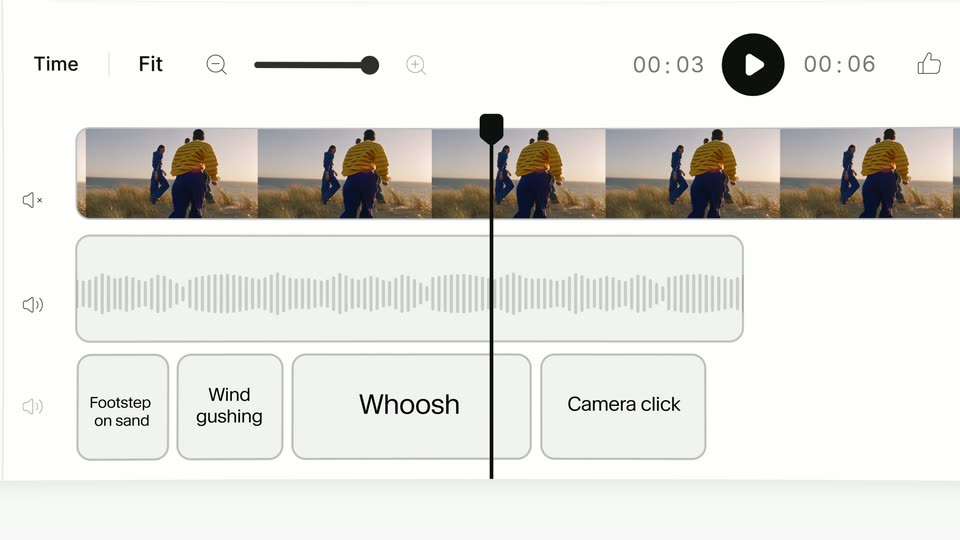
A light audio editor UI eases into frame; a filmstrip of beach frames sits above a waveform and a row of sound-label buttons. A cursor drags the waveform's right edge, then pulls the Camera click and Wind gushing buttons apart.

0.8s
Demo· Introducing Instant Soundtracks

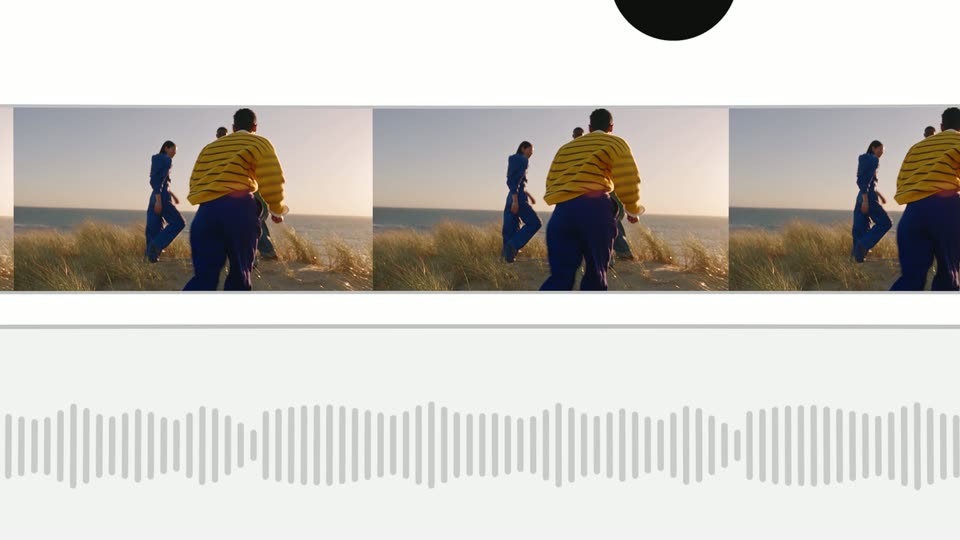
A video editor interface shows a filmstrip of a couple walking through a field at sunset, a waveform, and labeled audio clips. The view zooms in and pans down, enlarging the filmstrip until the audio labels scroll out of frame.

0.8s
Demo· Introducing Instant Soundtracks

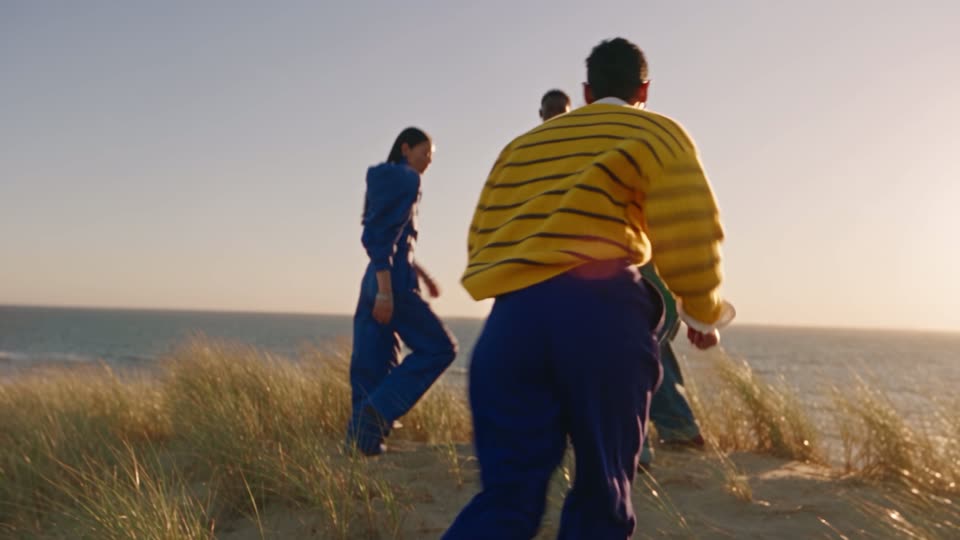
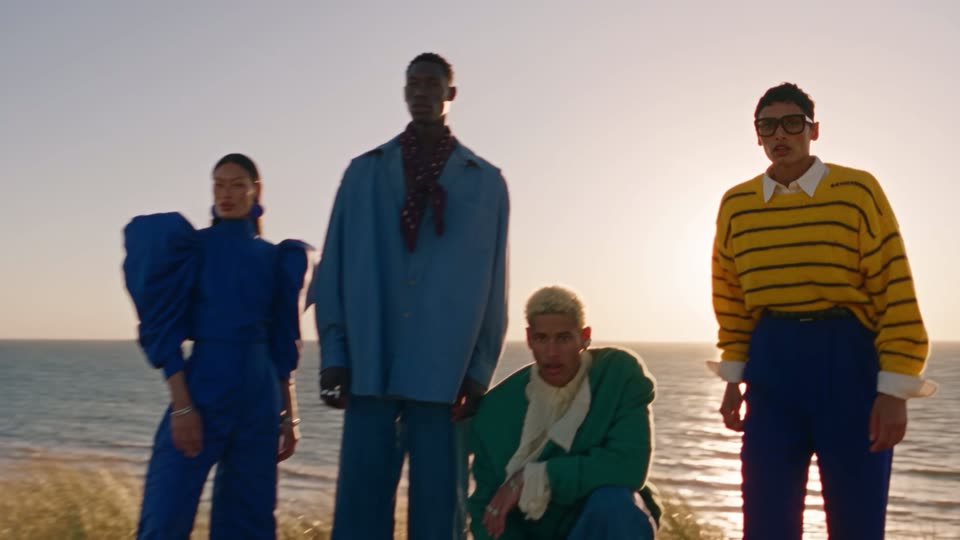
Three people walk away from the camera across a grassy dune toward a calm sea in warm sunset light. The man in a yellow striped sweater leads, a woman in a blue suit follows left. The shot opens inside a white border that wipes away to fill the frame.

2s
Demo· Introducing Instant Soundtracks

Four models in colorful outfits pose on a sandy beach at sunset, framed low against the ocean. The figure in a yellow striped sweater rises from a crouch to stand while the others hold their positions in dune grass.

0.9s
Demo· Introducing Instant Soundtracks

A vintage camera on a wooden tripod faces four silhouetted figures on a dune ridge at sunset. The image contracts into a narrow central vertical strip bordered by white, with a thin white line running down the middle.

1.9s
Demo· Announcing Lovable Growth Tools!

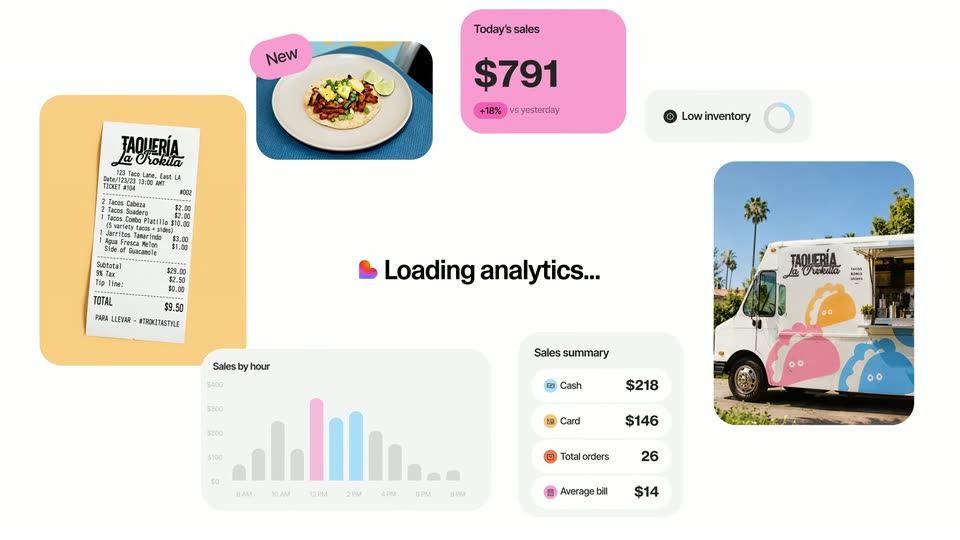
A food-truck dashboard assembles from scattered cards: receipt, dish, sales total, inventory toggle, truck photo, hourly bars, and summary. The center caption Loading analytics... stays fixed as the sales figure counts up and bars grow.

2.5s
Demo· Announcing Lovable Growth Tools!

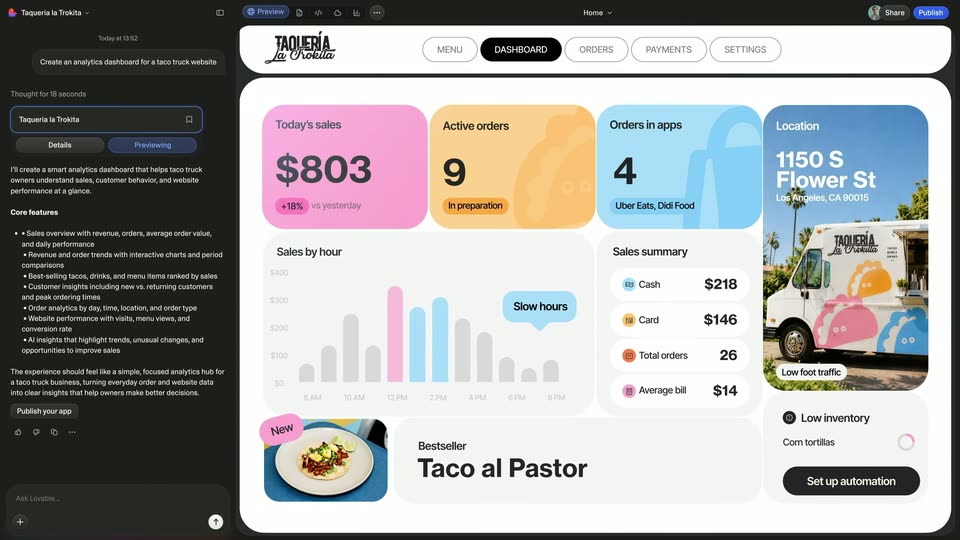
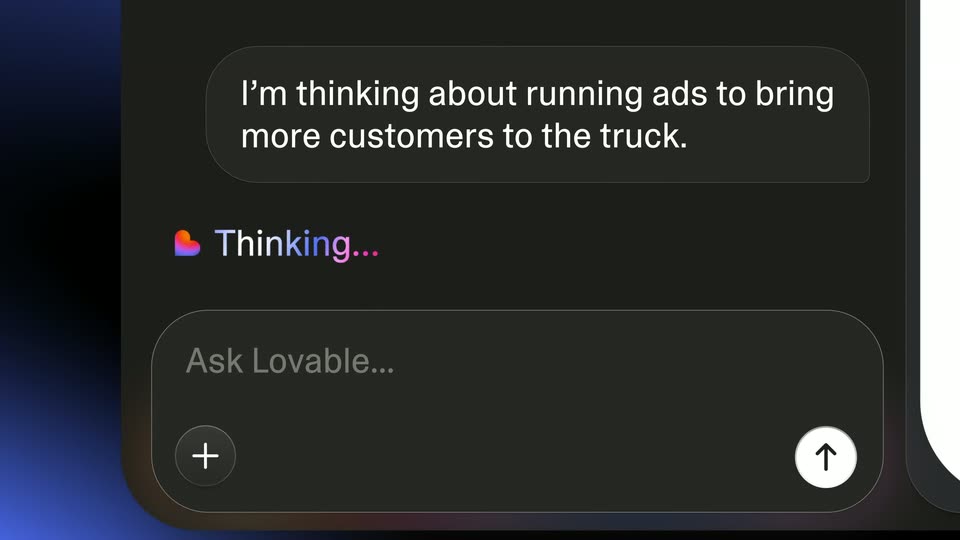
A dark chat panel left prompts an AI build as a taco-truck dashboard right fades from a pale pink ghost into full color, cards, bar chart and food photo popping in. The camera then zooms into the empty Ask Lovable input field at bottom left.

6.8s
Demo· Announcing Lovable Growth Tools!

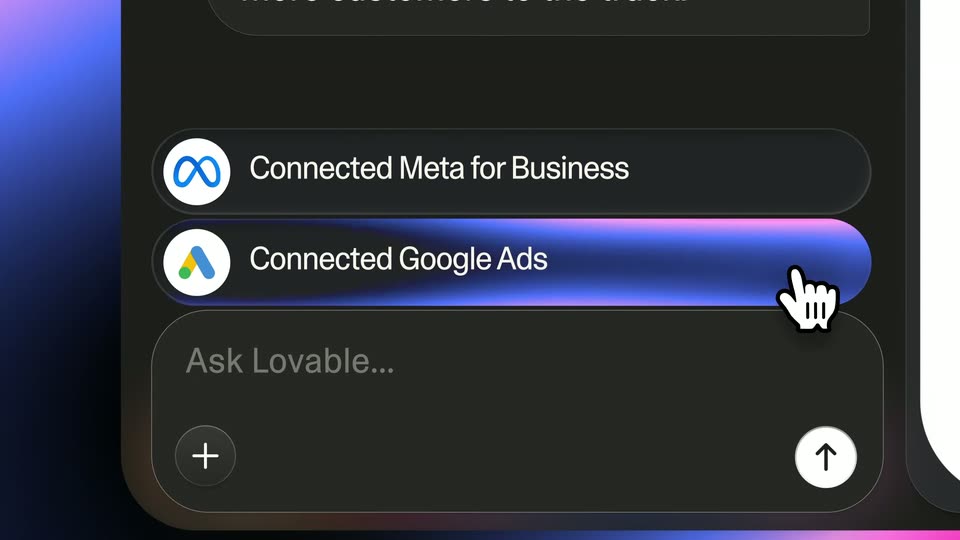
A dark chat field types a sentence word by word with a blinking caret. A hand cursor taps the send arrow, the message bubbles up, then a Meta for Business row appears and the cursor taps Connect, filling the row with a pink-to-blue gradient.

2s
Demo· Announcing Lovable Growth Tools!

A dark interface close-up shows a hand cursor tapping the blue Connect button on the Google Ads row. The row then fills with a blue-to-pink gradient sweep and its label changes to Connected Google Ads, while the Meta row above stays static.

1s
Demo· HeyReach| Motion Design Video

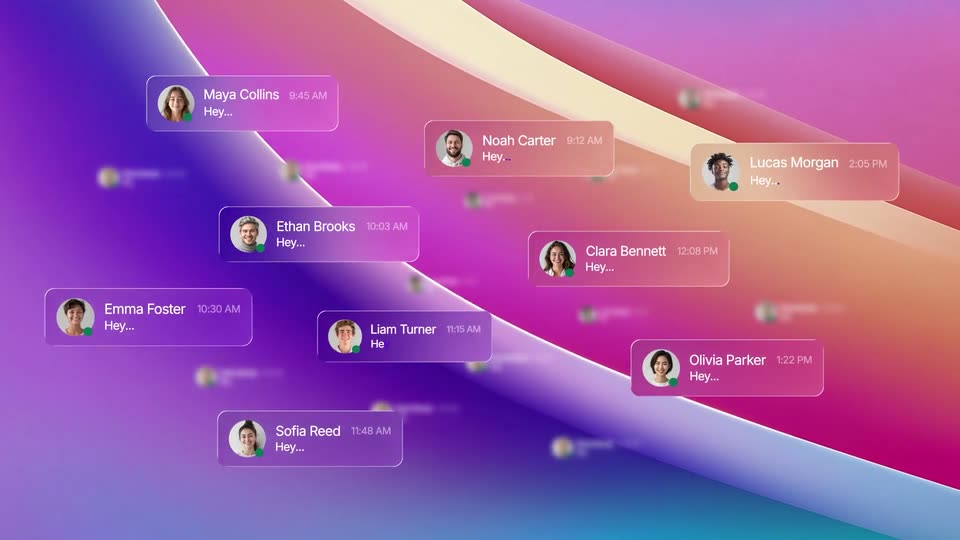
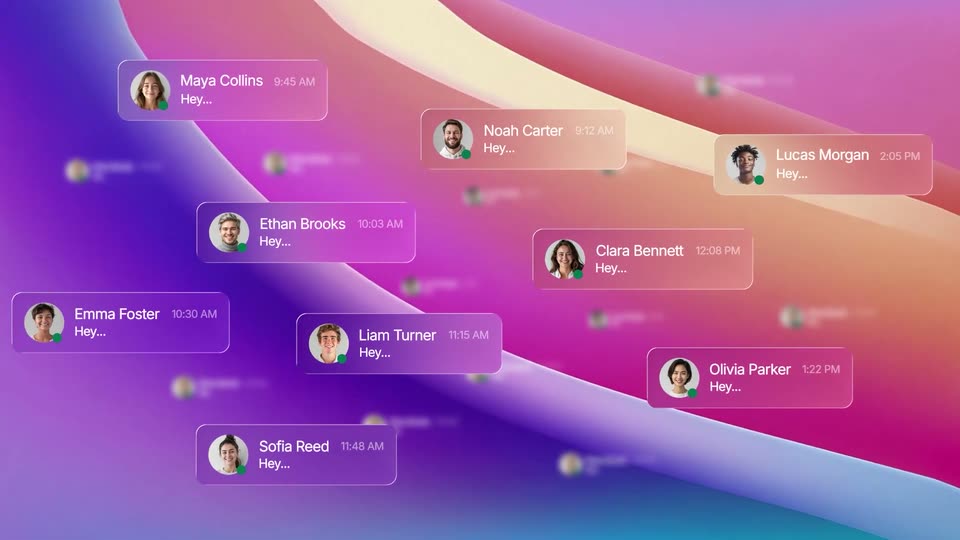
Over diagonal bands of purple, pink and orange gradient, the white “Say heyreach” title scales out of frame as a field of chat notification cards with avatars, names, times and “Hey…” comes into focus.

1s
Demo· HeyReach| Motion Design Video

A field of chat notification cards, each with a circular avatar, a name and the word 'Hey...', drifts over a curved multicolor gradient. A dark phone mockup slides in from the right, showing a lead dashboard with a large number and a line chart.

2.9s
Demo· HeyReach| Motion Design Video

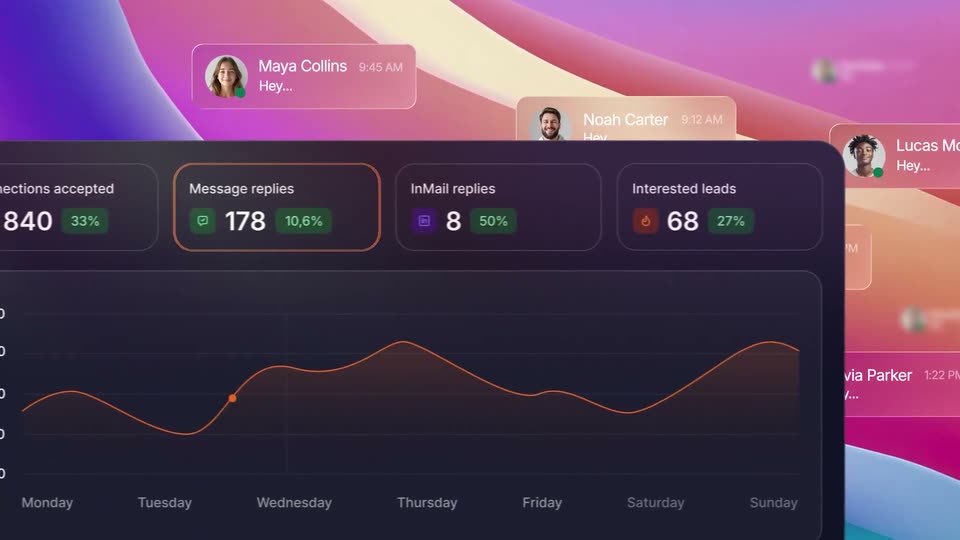
A dark analytics dashboard with stat cards and an orange line chart pans left across a colorful gradient, while blurred chat notification cards with avatars and Hey messages drift past in the background at a slower pace.

0.6s
Demo· The new HomePod mini 2: Rich, room-filling sound in a compact design.

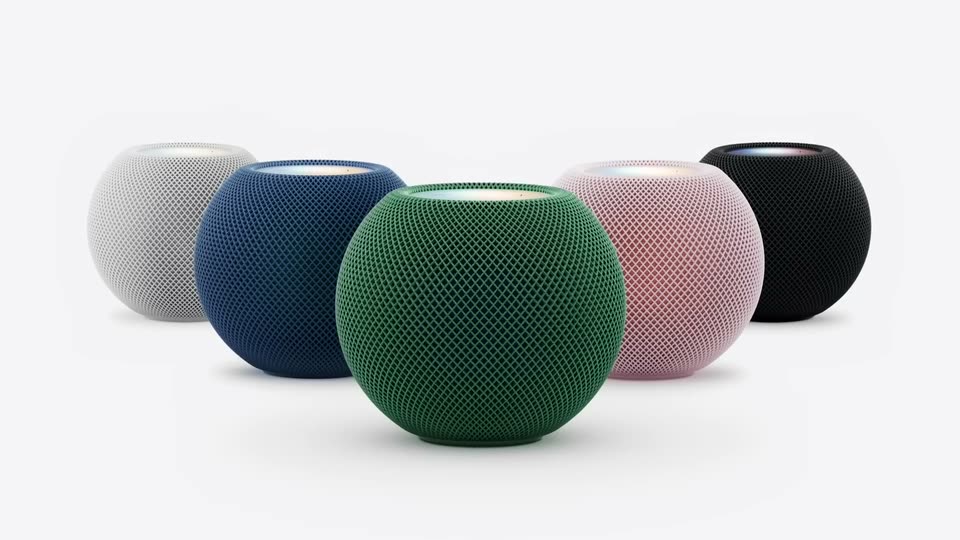
A white HomePod Mini sits left on a plain light background. A blue unit fades in just in front of it, a black unit appears on the right, then a second white unit fades in beside the black one, forming two pairs.

2.4s
Demo· The new HomePod mini 2: Rich, room-filling sound in a compact design.

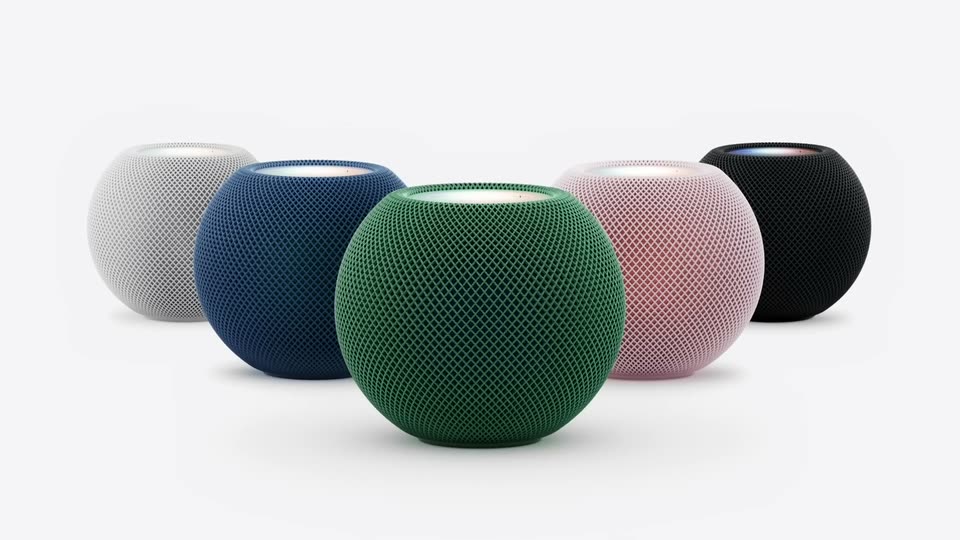
Five mesh speakers in white, blue, green, pink and black sit in a shallow row on a light gray backdrop, the green unit forward. The four other colors fade out, isolating the green speaker at center.

0.5s
Demo· Lemlist - Vidéo de présentation FR

A black screen holds a faint dark circle centered in frame, the shape slowly emerging as the opening of a logo sign-off. No text or other elements appear.

1.4s
Demo· Lemlist - Vidéo de présentation FR

The Lemlist logo pill settles at the top as “Vous contactez les” scales in, “les” in blue. A white card slides up below reading “Bonjour Victor, que voulez-vous faire ?” with a blue Démarrer button; a dark shape enters from the bottom left.

1s
Demo· Lemlist - Vidéo de présentation FR

A white chat card with a prompt and a blue button sits on a dotted pale-blue field, framed by the lemlist mark and a two-line headline. The headline and logo scale in, the card text slides up, and a dark 3D cursor arrow glides from the lower-left toward the input box.

1.8s
Demo· Lemlist - Vidéo de présentation FR

A white rounded card on a dotted pale-blue background zooms out from a close-up of the French prompt to reveal the full input box. A blue Démarrer button appears at the bottom right and a cursor moves in to click it.

0.8s
Demo· Lemlist - Vidéo de présentation FR

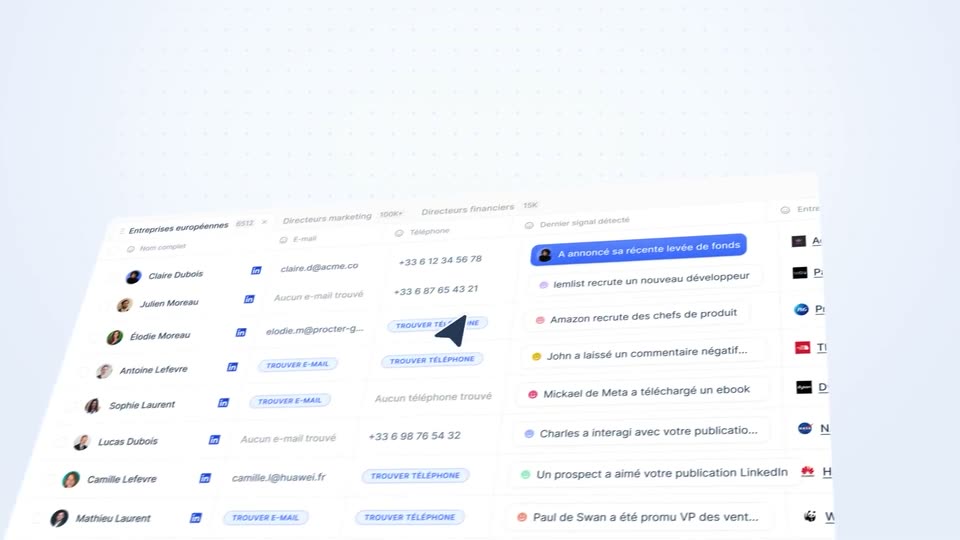
A tilted product interface resolves from a blurred close-up of a search bar into a sharp contact list, with a notification feed on the right and a cursor hovering over the rows.

2s
Demo· Lemlist - Vidéo de présentation FR

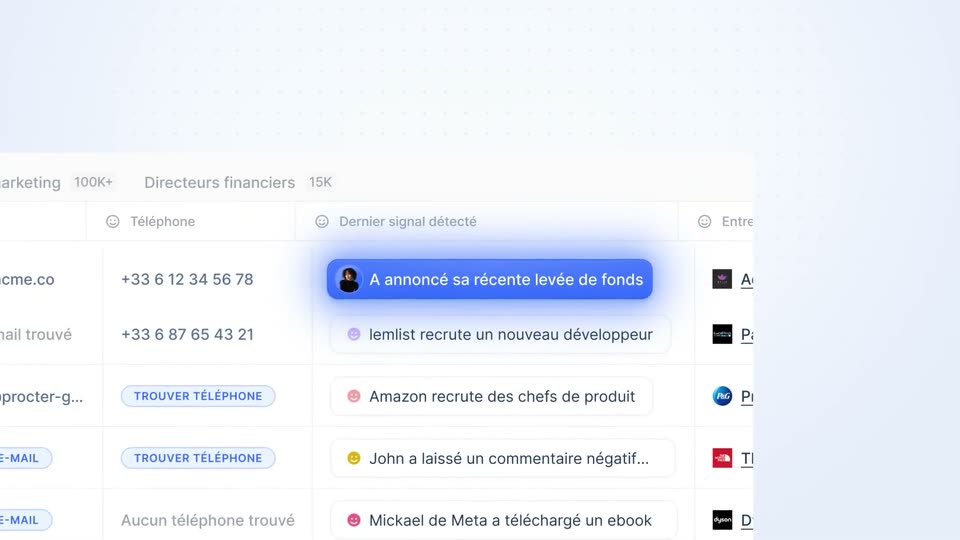
A contact list with names, emails and phone numbers tilts in 3D on a pale blue background, then zooms into the signals column where a blue pill glows above white signal rows.

1s
Demo· Lemlist - Vidéo de présentation FR

On a blue dotted background crossed by a thin horizontal line, a light notification pill holding a small avatar and white French text 'A annoncé sa récente levée de fonds' drifts left through the frame center.

1s
Demo· Lemlist - Vidéo de présentation FR

A white message card with a soft pink glow floats on a blue dot-grid background. Its French email body types in line by line, while a 'levée de fonds' pill and a small blue logo node connect to its left edge.

1.8s
Demo· Lemlist - Vidéo de présentation FR

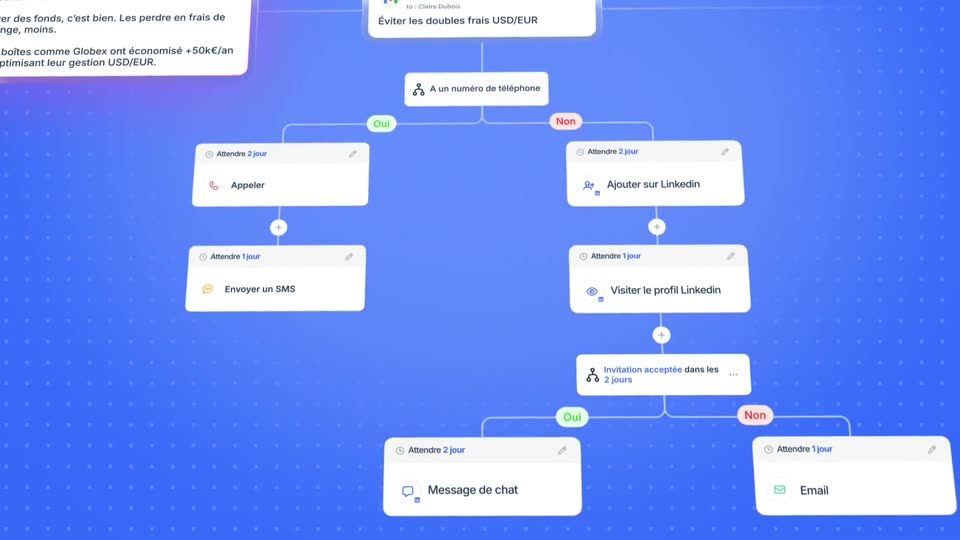
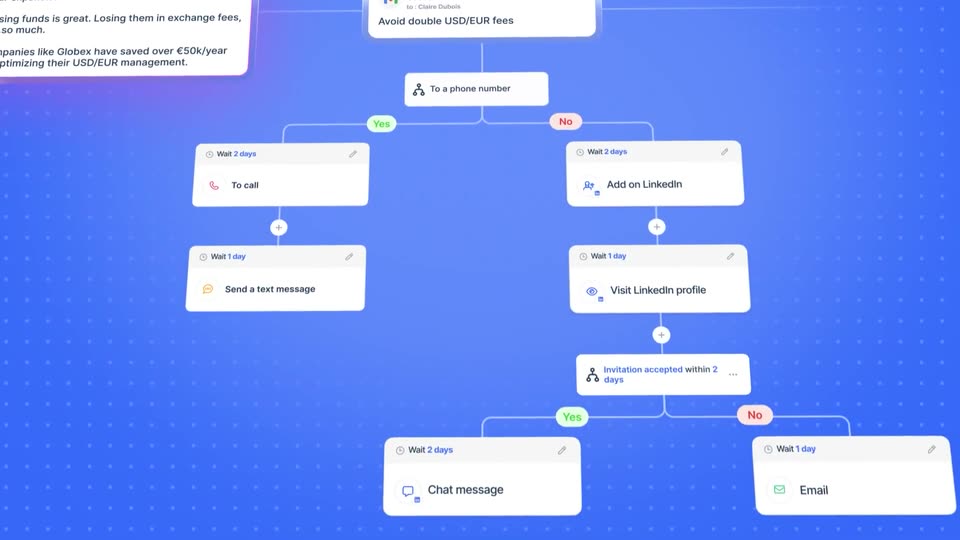
Two white message cards sit on a blue dotted grid; the view pulls back to reveal a branching workflow diagram of follow-up steps: call, SMS, LinkedIn actions and email, each in white nodes joined by thin lines.

2.4s
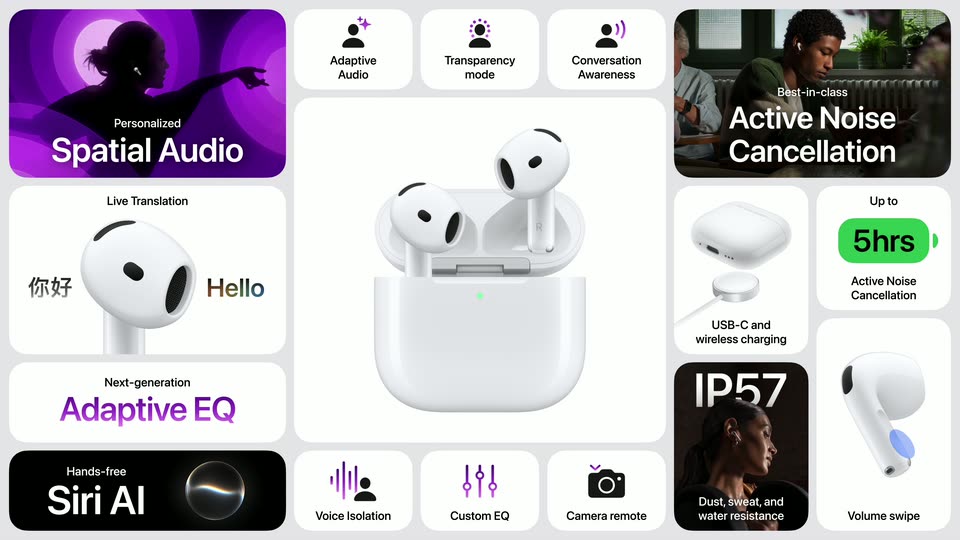
Demo· The new Apple TV 4K: The ultimate cinematic experience.

Black bold sans-serif text, “The ultimate cinematic experience”, sits centered on a plain light gray background and scales down from a large size to a small one over the clip.

1s
Demo· The new Apple TV 4K: The ultimate cinematic experience.

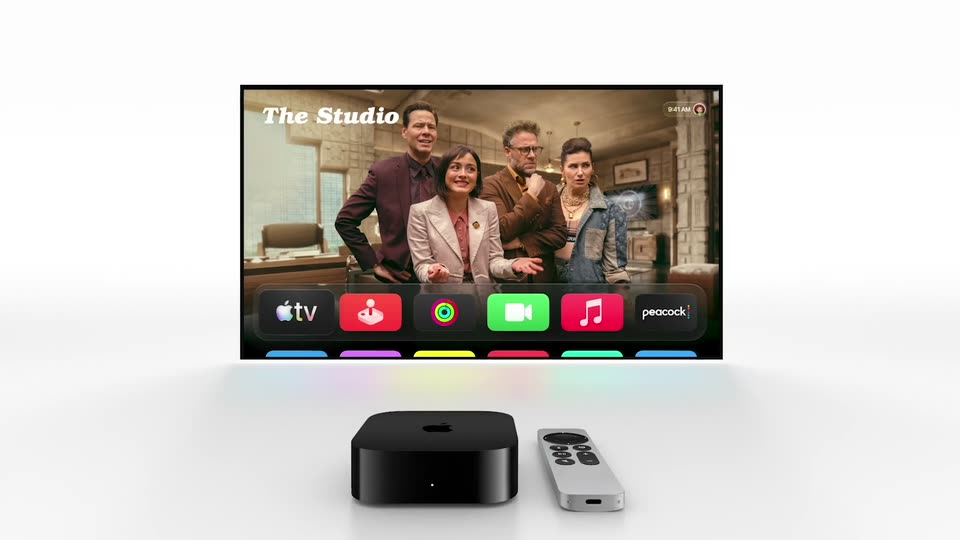
A black Apple TV box and white remote rest on a white surface below a floating TV screen. The screen shows four cast members from The Studio above a row of app icons, and the whole composition pulls back to a centered 3D layout.

0.7s
Demo· The new Apple TV 4K: The ultimate cinematic experience.

A black Apple TV box and a silver Siri remote rest on a white surface beneath a floating display. The display shows the Apple TV home screen with a show banner and a row of app icons, and it scales up gently.

1.3s
Demo· Introducing Recast in ElevenCreative

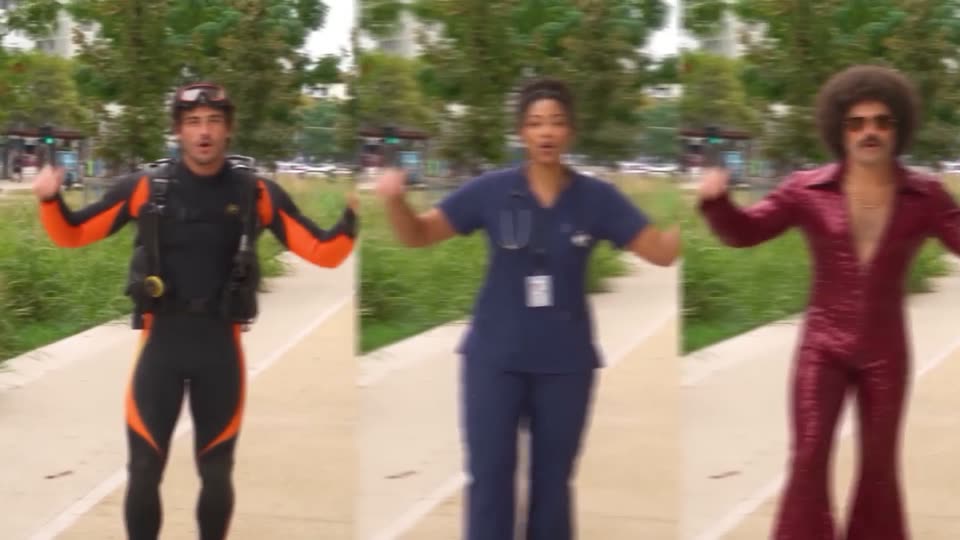
A man in a black and orange wetsuit with a scuba vest and goggles on his head stands on a city walkway, arms spread wide, then the frame punches in to a close-up of his torso as he talks.

1.1s
Demo· Introducing Recast in ElevenCreative

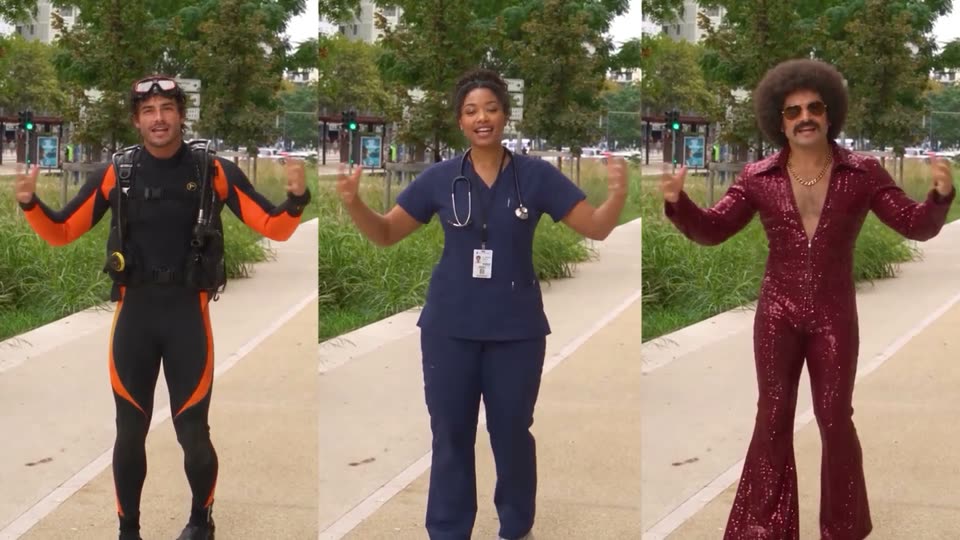
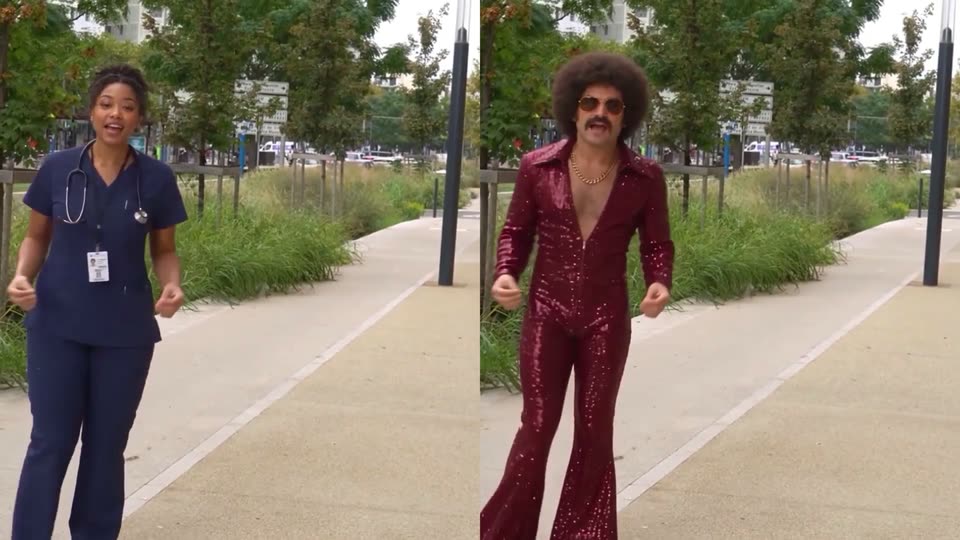
Three vertical panels line up on the same tree-lined path, each showing a different person centered and facing the camera with arms spread wide. Left wears a black and orange scuba suit, middle wears blue scrubs with a stethoscope, right wears a red sequined jumpsuit and sunglasses.

1.3s
Demo· Introducing Recast in ElevenCreative

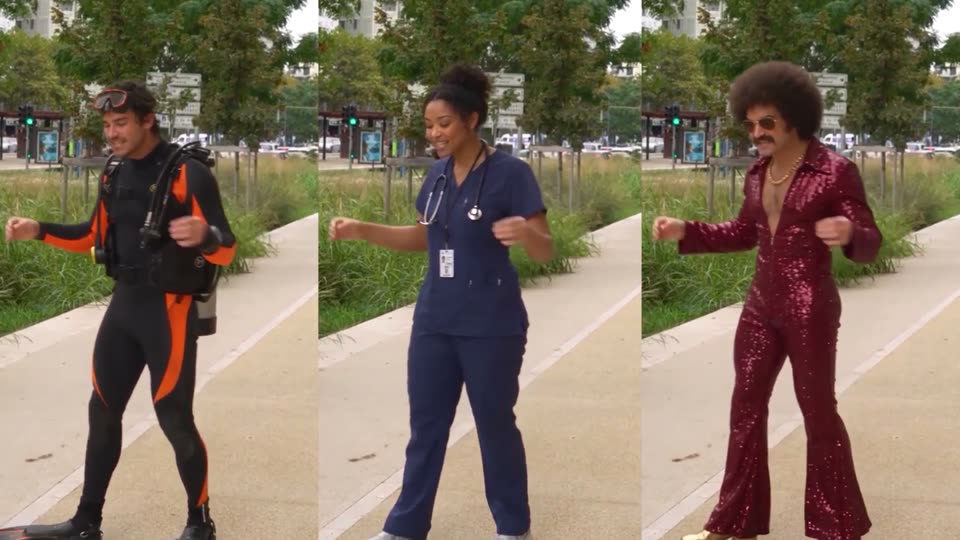
Three vertical panels show the same outdoor path, each with a different costumed performer: a diver in a black and orange suit, a nurse in blue scrubs, and a person in a red sequined jumpsuit with an afro. All three perform the same synchronized dance move.

1.3s
Demo· Introducing Recast in ElevenCreative

A split screen shows the same park walkway twice: on the left a nurse in navy scrubs dances, on the right a performer in a red sequined jumpsuit, afro wig and sunglasses mirrors the same moves in the identical spot.

1.6s
Demo· Introducing Recast in ElevenCreative

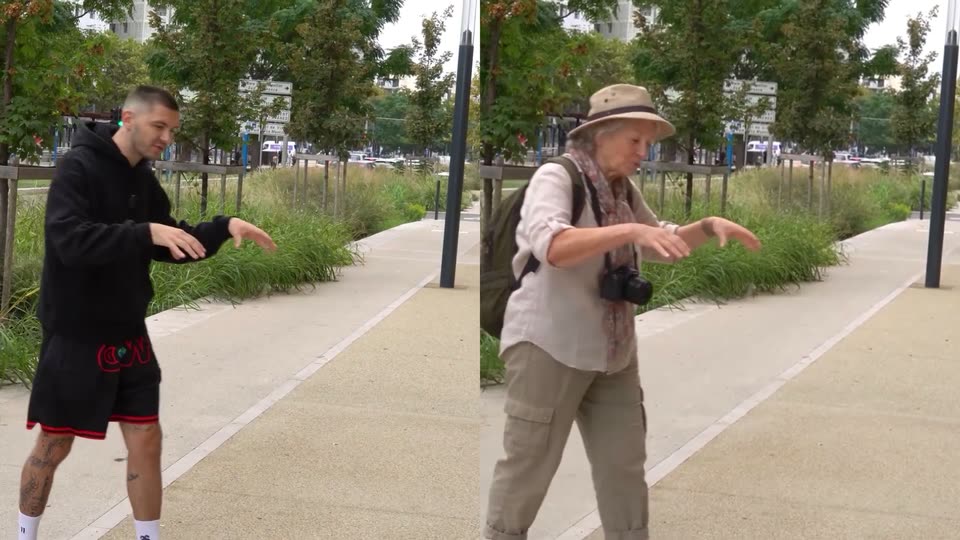
A man in a black hoodie and a woman in a hat with a camera stand on a paved park path, mirroring the same arm and hand gestures in sync.

1.3s
Demo· Introducing Recast in ElevenCreative

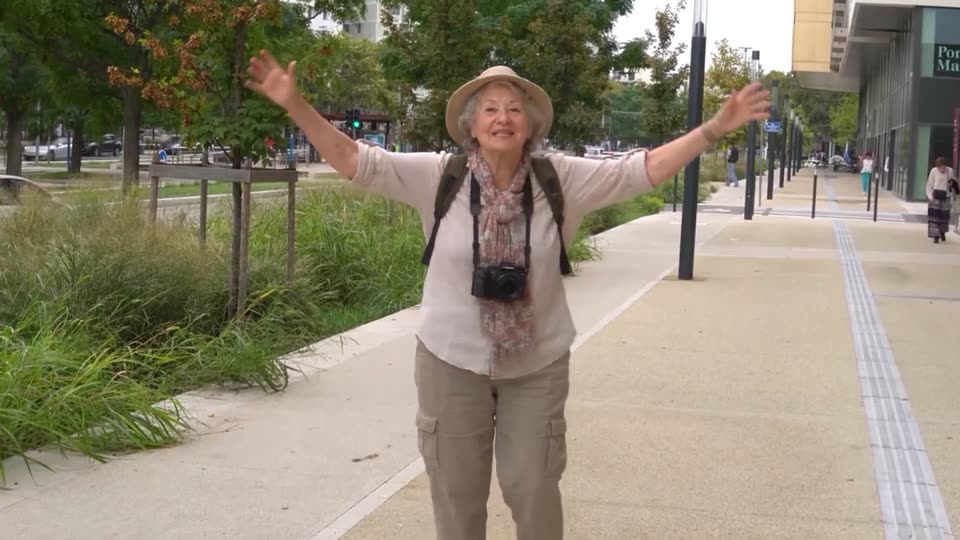
An elderly woman in a sun hat with a camera around her neck walks toward the camera on a city sidewalk, throwing her arms wide in an excited gesture. The locked-off frame holds her centered against trees and a paved walkway.

1.1s
Demo· Introducing Recast in ElevenCreative

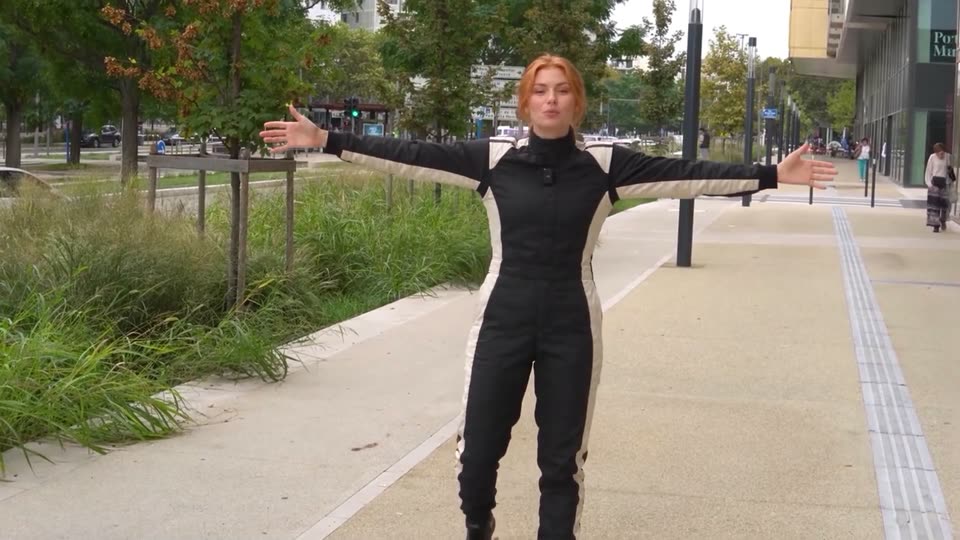
A woman in a black motion capture bodysuit with cream stripes stands on a city sidewalk, arms spread wide, facing the camera, with a small camera mounted on her chest. Behind her, a tree-lined street, tall grass, and a modern building stretch into the distance.

0.8s
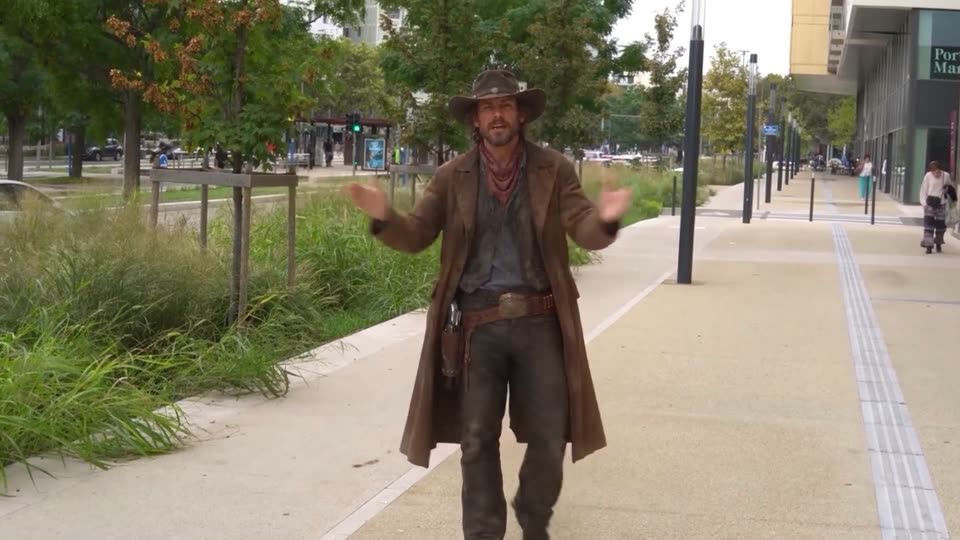
Demo· Introducing Recast in ElevenCreative

A cowboy in a brown coat and hat strides toward a locked-off camera on a paved walkway, arms flung wide, with a grassy median and a glass building behind him.

0.8s
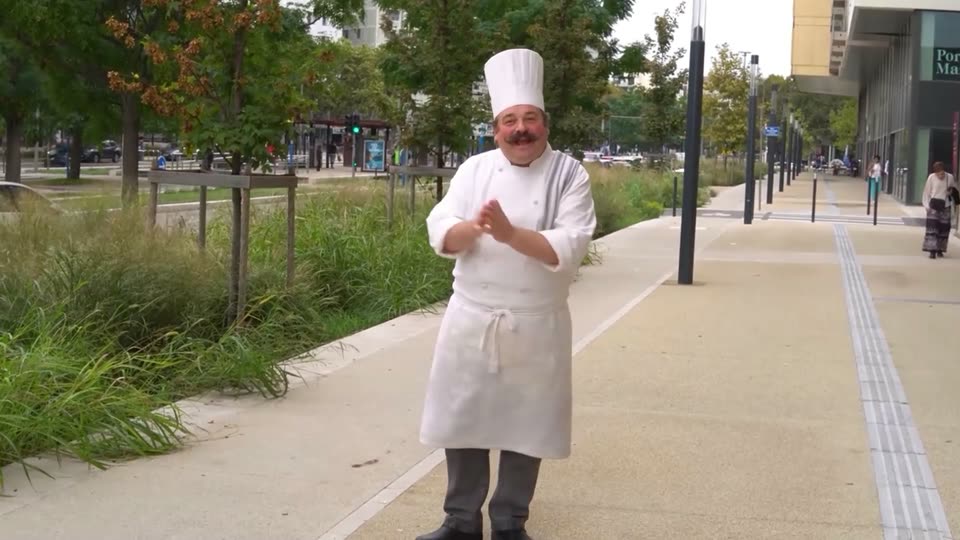
Demo· Introducing Recast in ElevenCreative

A man stands on a tree-lined city sidewalk, hands clasped at his chest, in a locked-off shot. His outfit morphs from a grey tee and brown apron into a full white chef coat, apron and toque while his pose and framing stay fixed.

0.8s
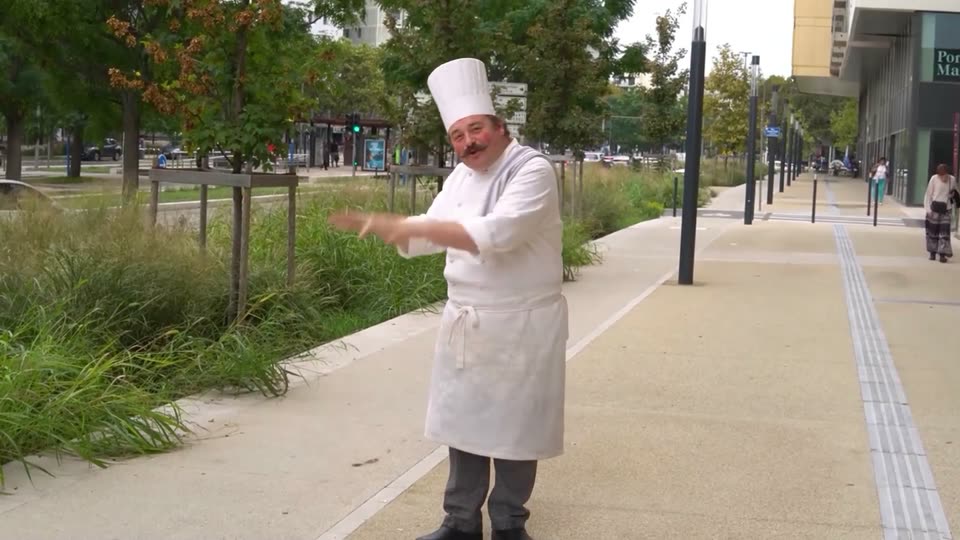
Demo· Introducing Recast in ElevenCreative

A smiling chef in a white uniform and toque stands on a city plaza, moving his hands in a conducting motion. The locked-off frame keeps him centered against trees, grass and a row of lamp posts, with a pedestrian walking past on the right.

1.7s
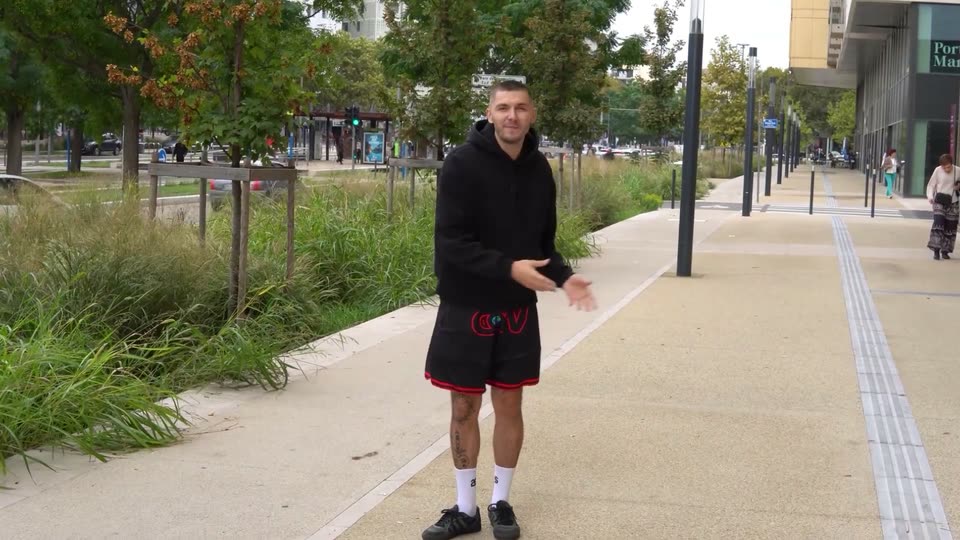
Demo· Introducing Recast in ElevenCreative

A man in a black hoodie and red-trimmed shorts stands on a city sidewalk, gesturing with both hands as if demonstrating a movement. Trees, tall grass, and a modern building fill the background. The frame is locked off.

2.5s
Demo· Introducing Glass. Make your entire company smarter

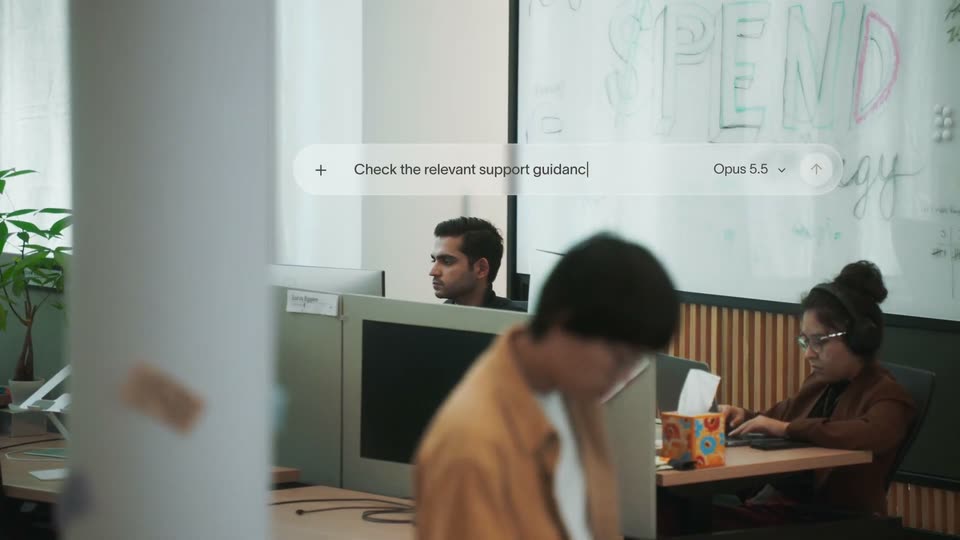
A prompt bar floats over an open office and progressively types a request while a person passes in the foreground.

1.3s
Demo· Introducing Glass. Make your entire company smarter

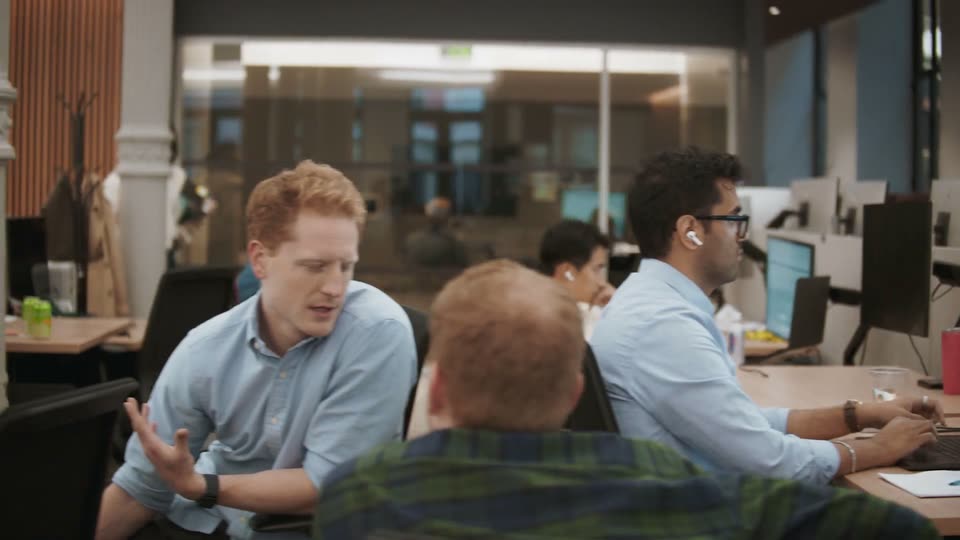
Office workers at adjacent desks turn and gesture during a conversation while a colleague works behind them. This shot does not include the invented woman holding a phone.

1.7s
Demo· Introducing Glass. Make your entire company smarter

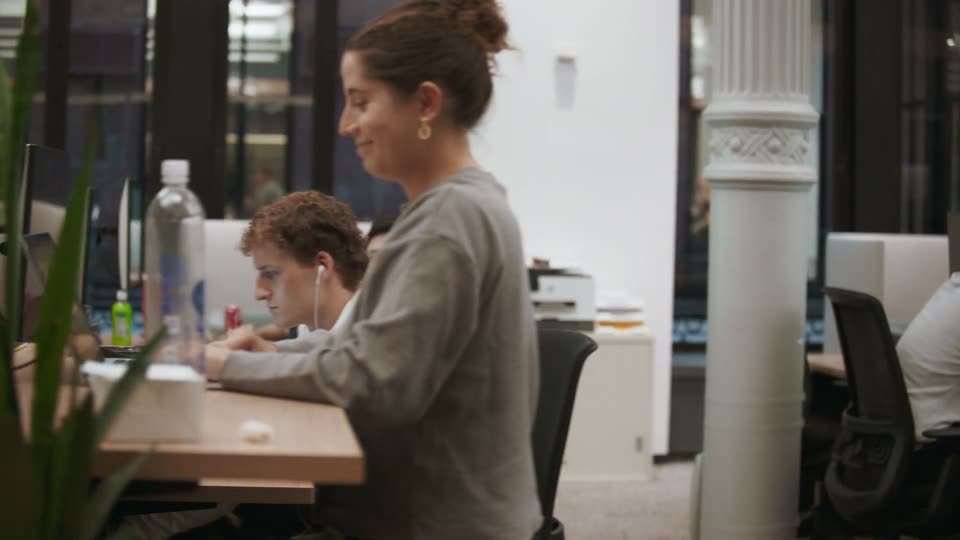
A woman in a gray hoodie turns back toward her desk as the view tracks across the office. No Chinese character or animated title is present.

2.5s
Demo· The new Apple HomeView: Keep the whole home connected, entertained, and in the know.

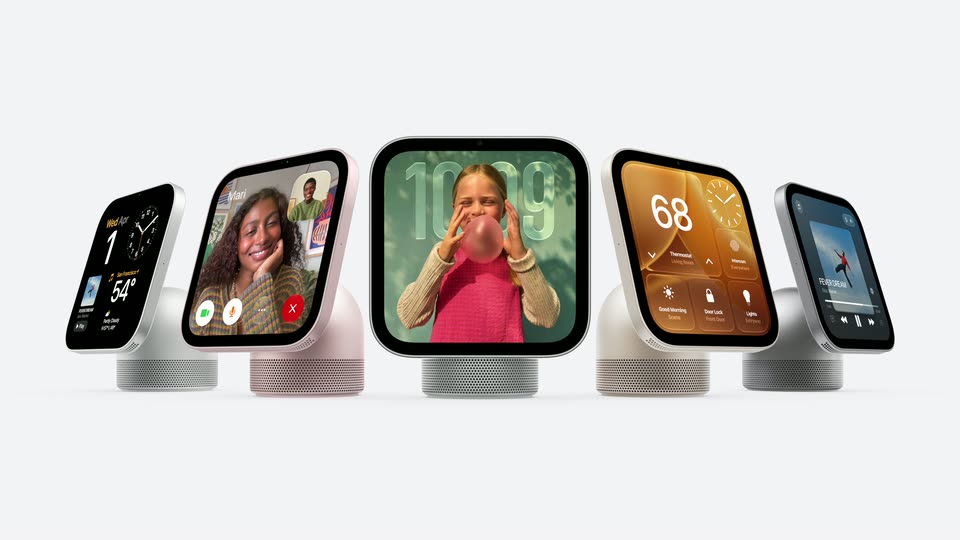
A HomeView rotates from its rear and side to face the camera. More units fan out behind it into a five-device lineup with different interfaces; one continuous 3D reveal.

0.6s
Demo· The new Apple HomeView: Keep the whole home connected, entertained, and in the know.

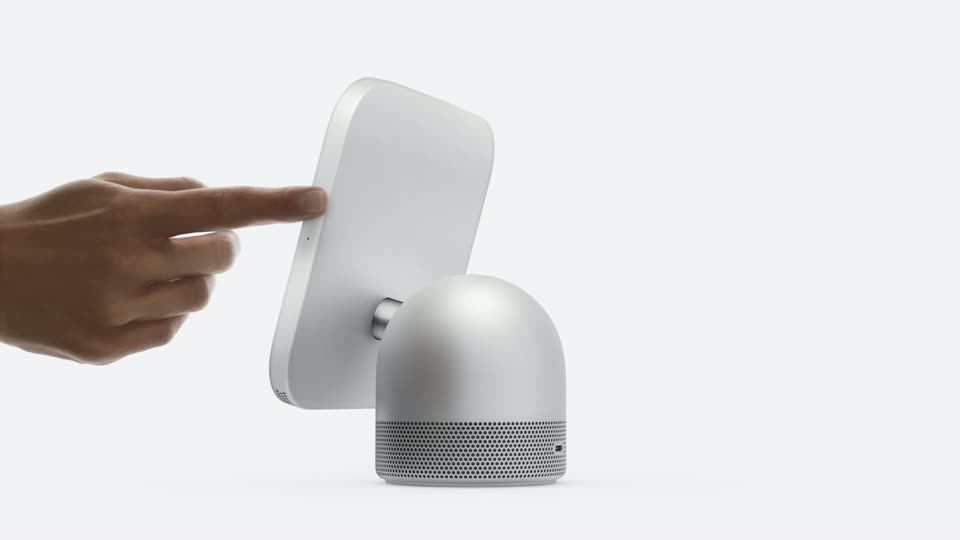
A hand tips the HomeView panel backward, revealing the rear and hinge on the speaker base.

1.1s
Demo· The new Apple HomeView: Keep the whole home connected, entertained, and in the know.

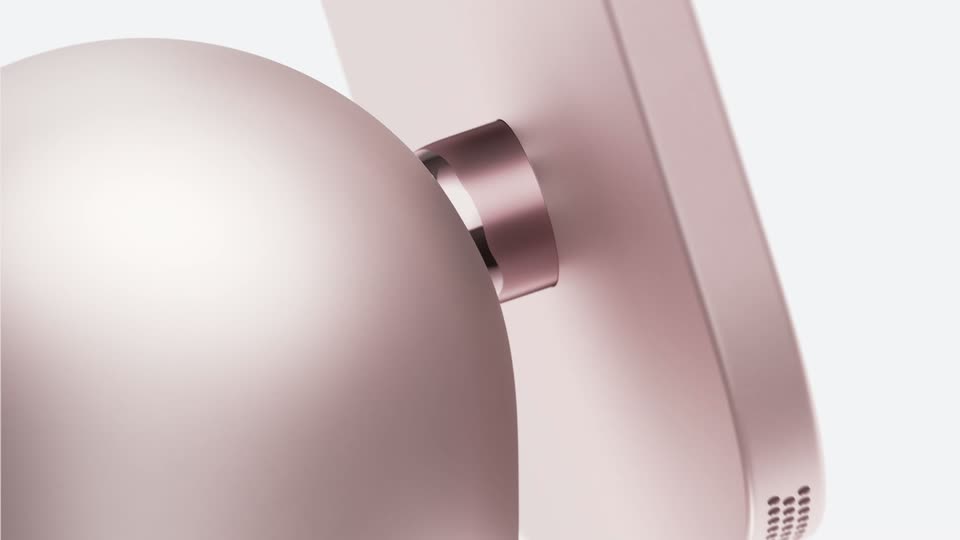
A close-up tracks across the rose-colored HomeView hinge, rounded rear housing and panel edge.

4.1s
Demo· The new Apple HomeView: Keep the whole home connected, entertained, and in the know.

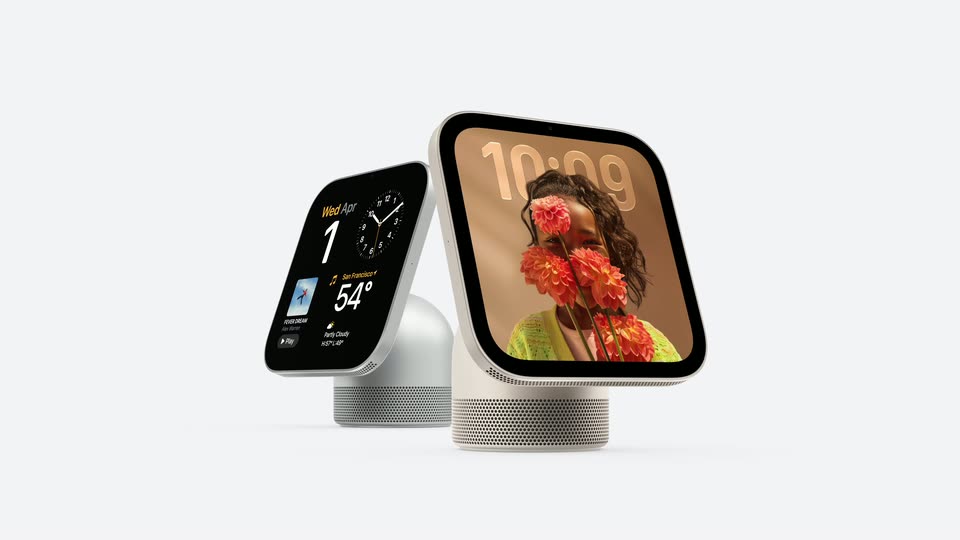
The family-photo HomeView turns as the view passes a music player, FaceTime and Snoopy displays, then pulls back to a final two-device lineup. Continuous carousel motion, with no cuts at 51.733, 52.8 or 53.6 seconds.

1.1s
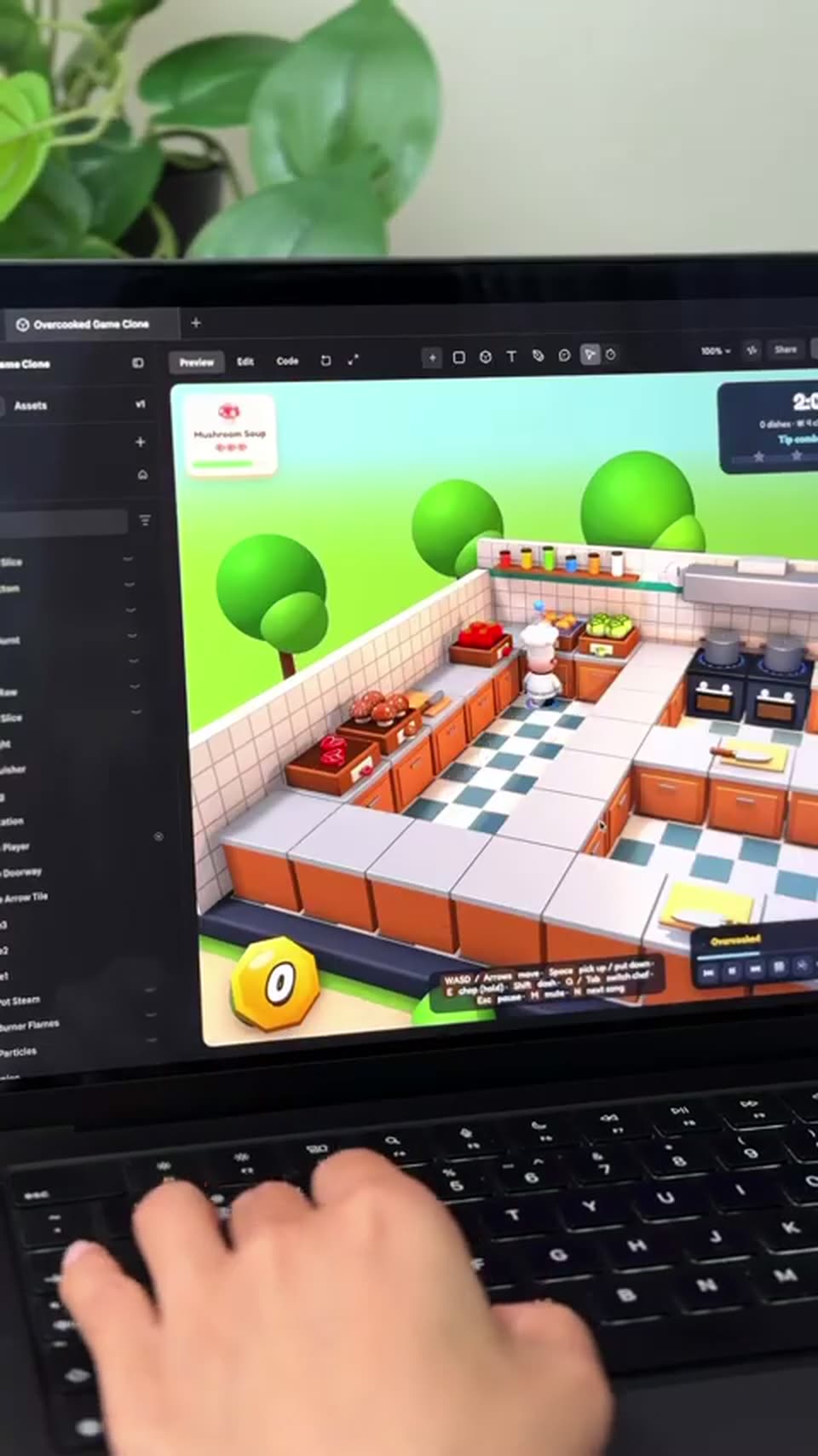
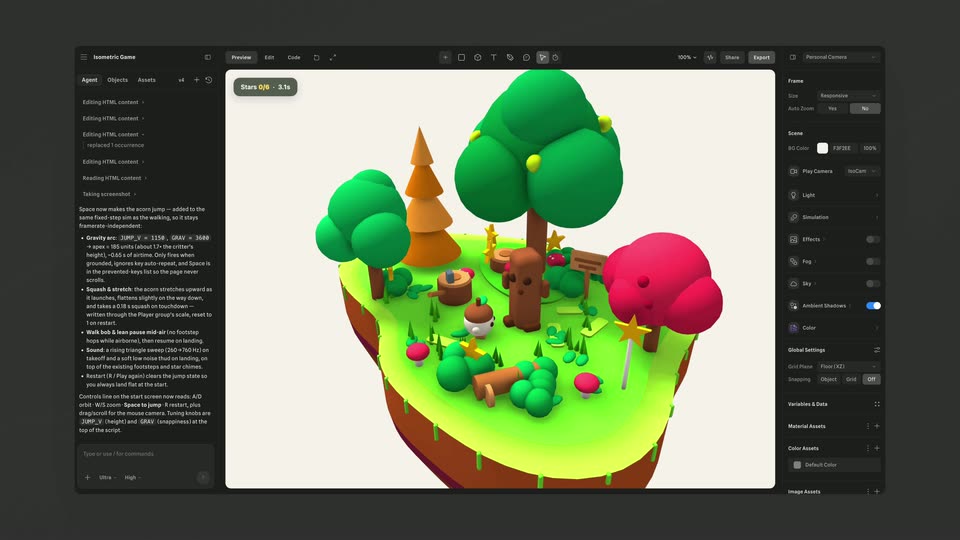
Demo· We built an Overcooked style game with Spline and Opus 5.5 🍕#3d #opus #spline #gamedev #interactive

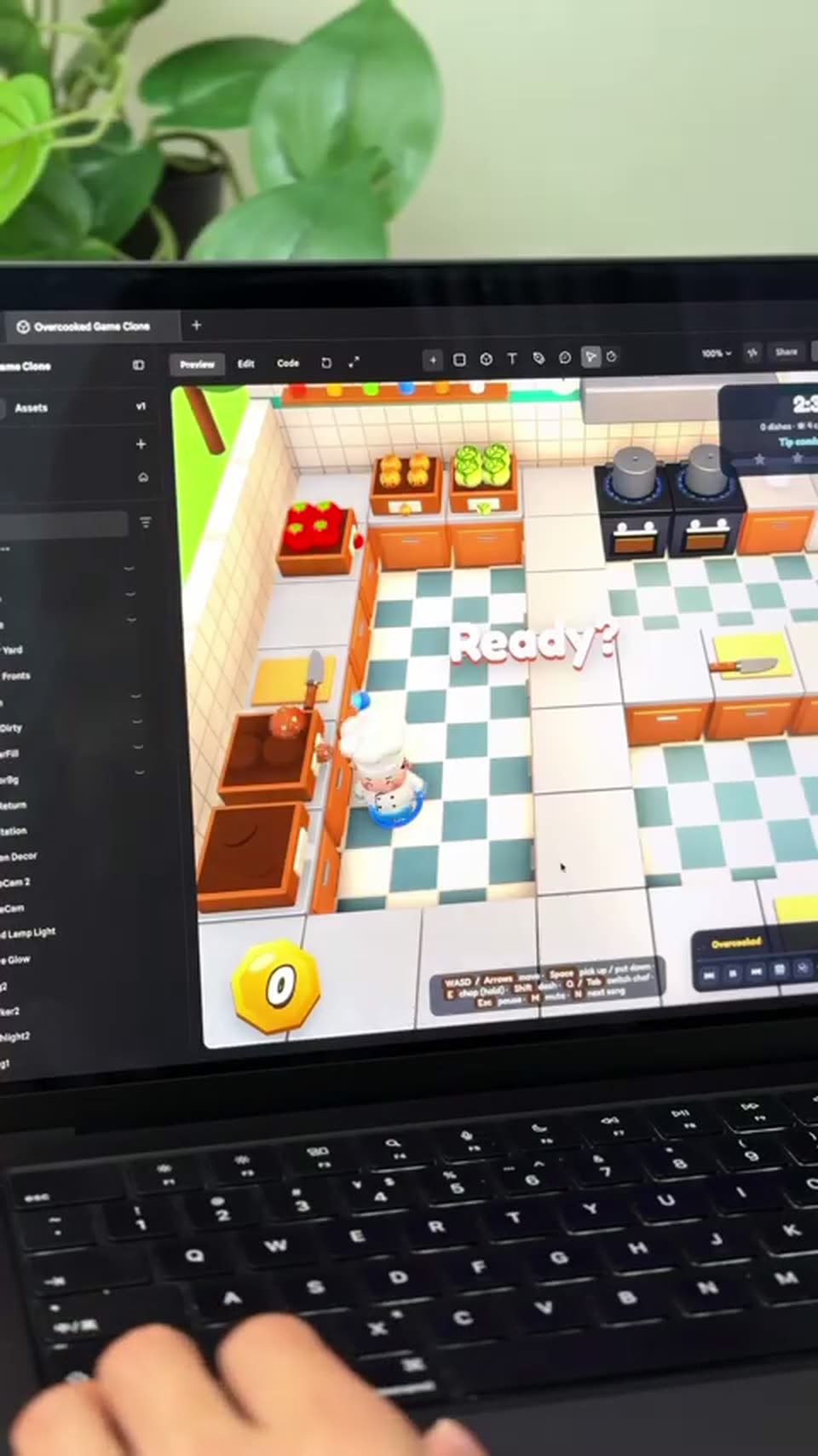
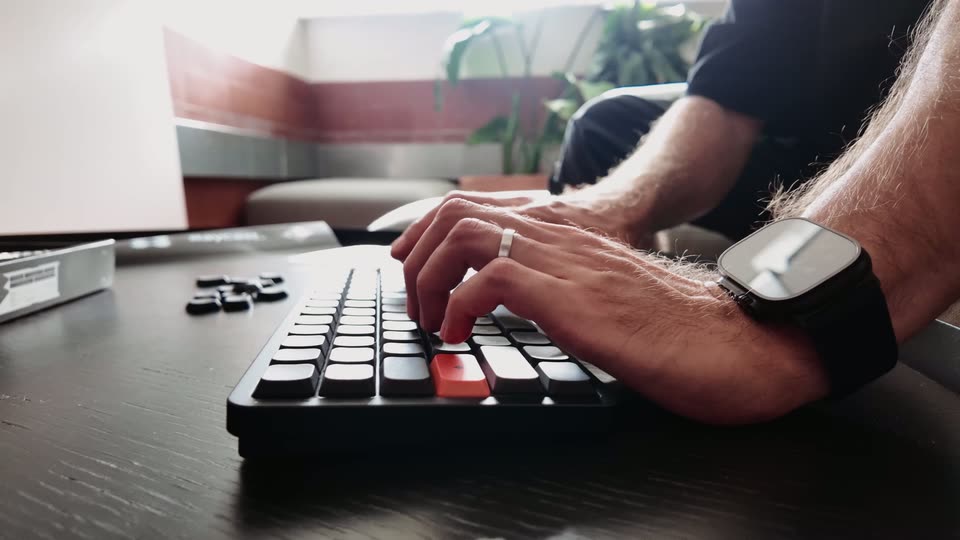
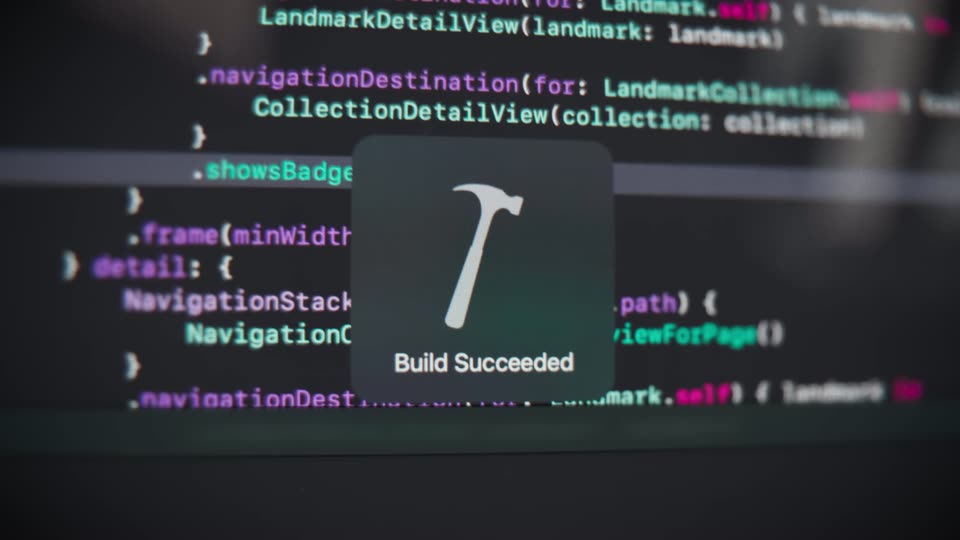
A laptop on a desk shows a 3D kitchen game in a builder preview; the KITCHEN RUSH instruction card clears to reveal the checkered floor and a Ready? prompt. A hand rests on the keyboard, a green plant blurs the background.

1s
Demo· We built an Overcooked style game with Spline and Opus 5.5 🍕#3d #opus #spline #gamedev #interactive

Locked-off shot of a laptop on a desk with a leafy plant behind; a hand types on the black keyboard while the screen shows a web editor running a 3D isometric kitchen game, the chef dashing between the counters.

1.3s
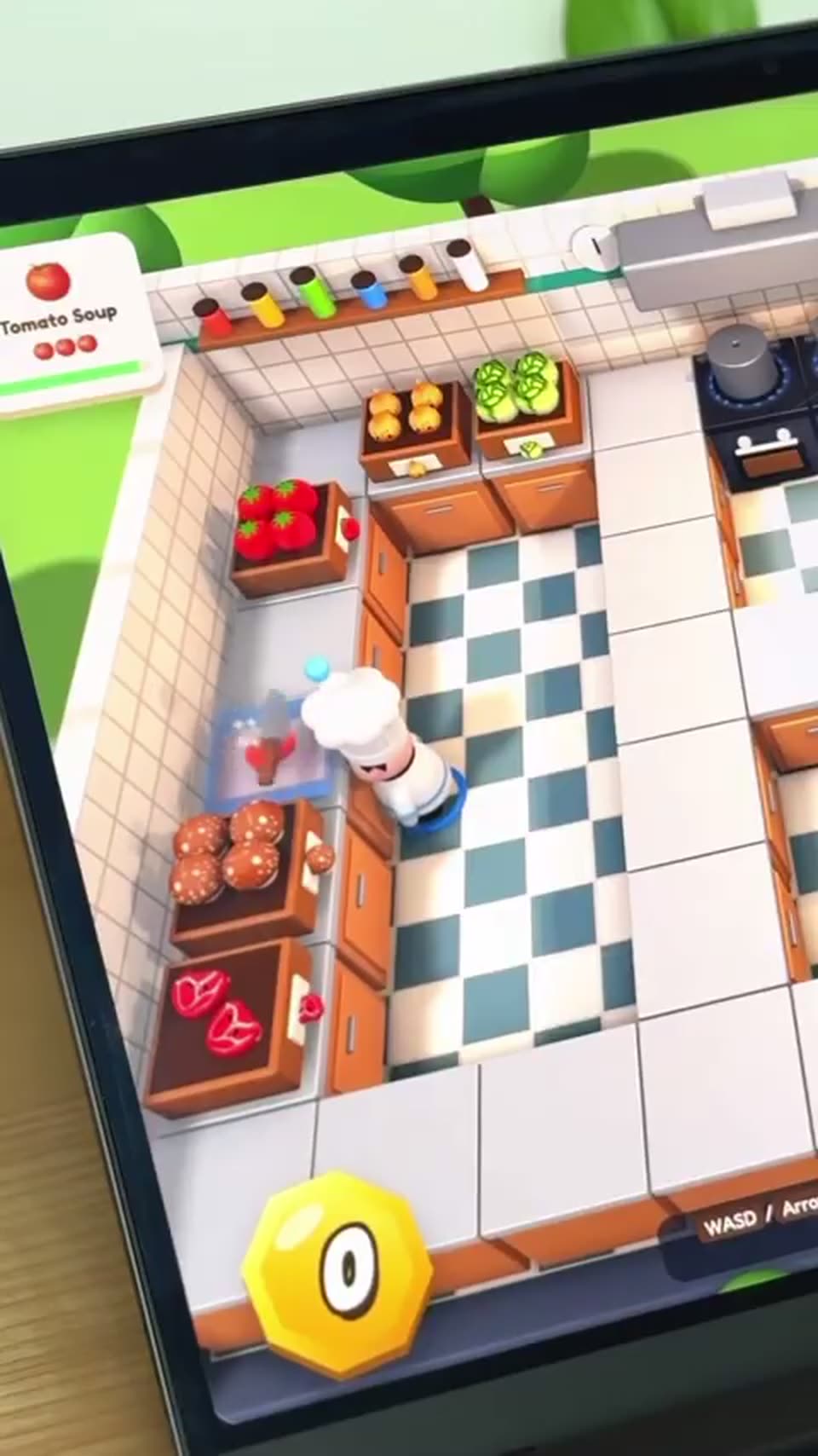
Demo· We built an Overcooked style game with Spline and Opus 5.5 🍕#3d #opus #spline #gamedev #interactive

A tilted tablet in 3D perspective shows a top-down cooking game. A chef in a white hat chops a tomato on a blue board as crates of produce fill the counters. The frame stays locked while the knife bobs up and down.

2s
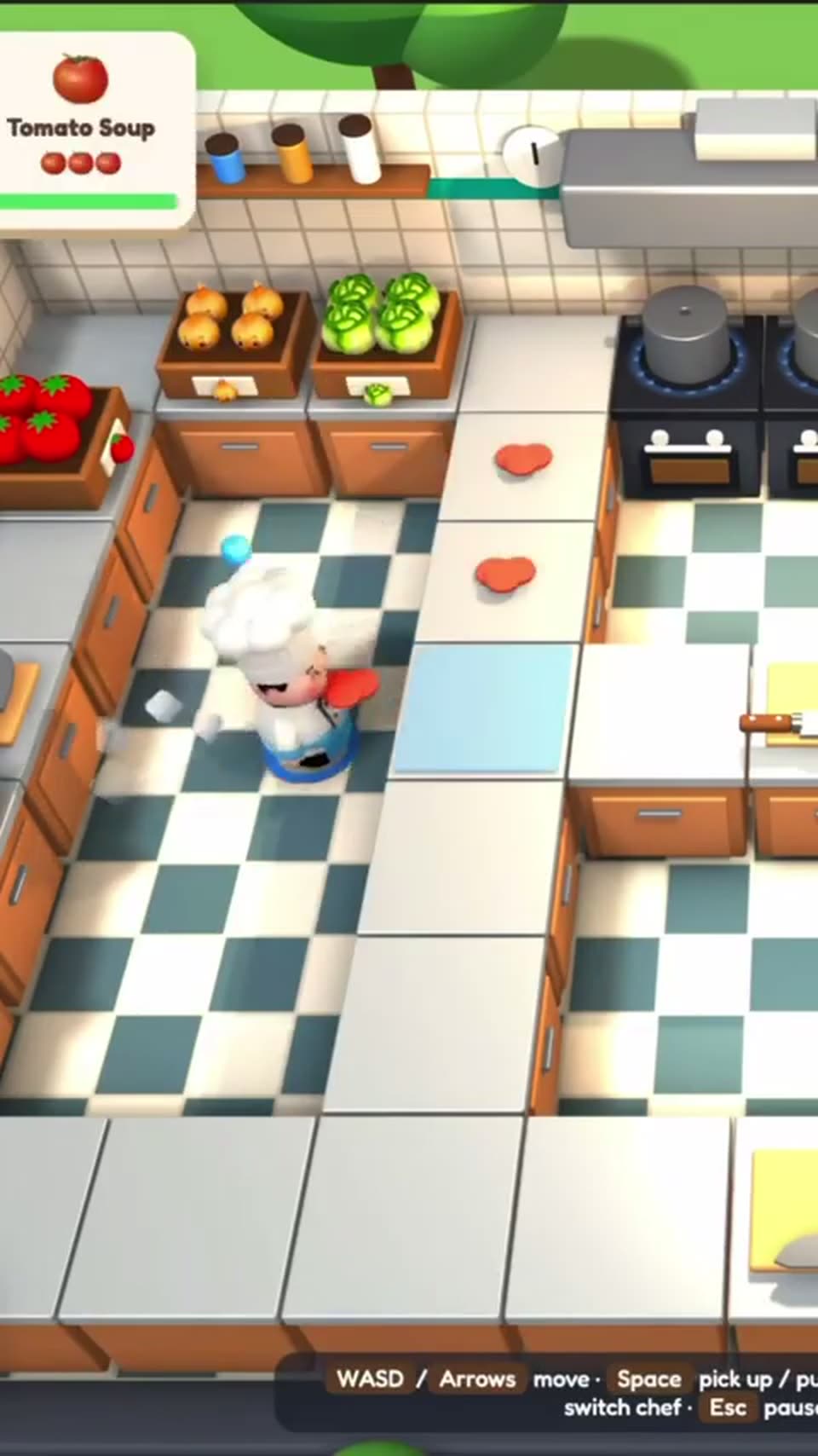
Demo· We built an Overcooked style game with Spline and Opus 5.5 🍕#3d #opus #spline #gamedev #interactive

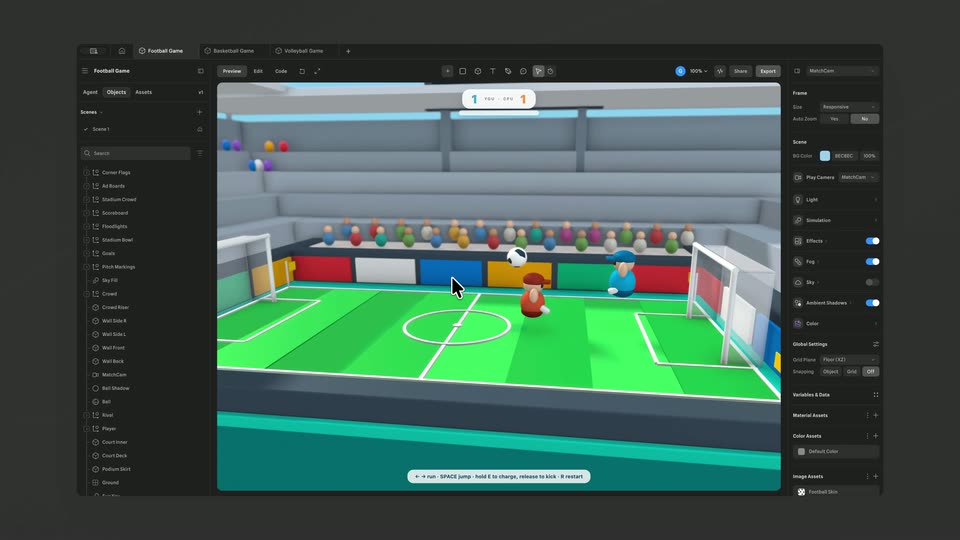
A 3D isometric kitchen game view: a chef in a white hat walks across a checkered floor toward a counter as a cutting board with a tomato appears. An order card pops in at the top left while a keybinding bar stays fixed along the bottom.

1.1s
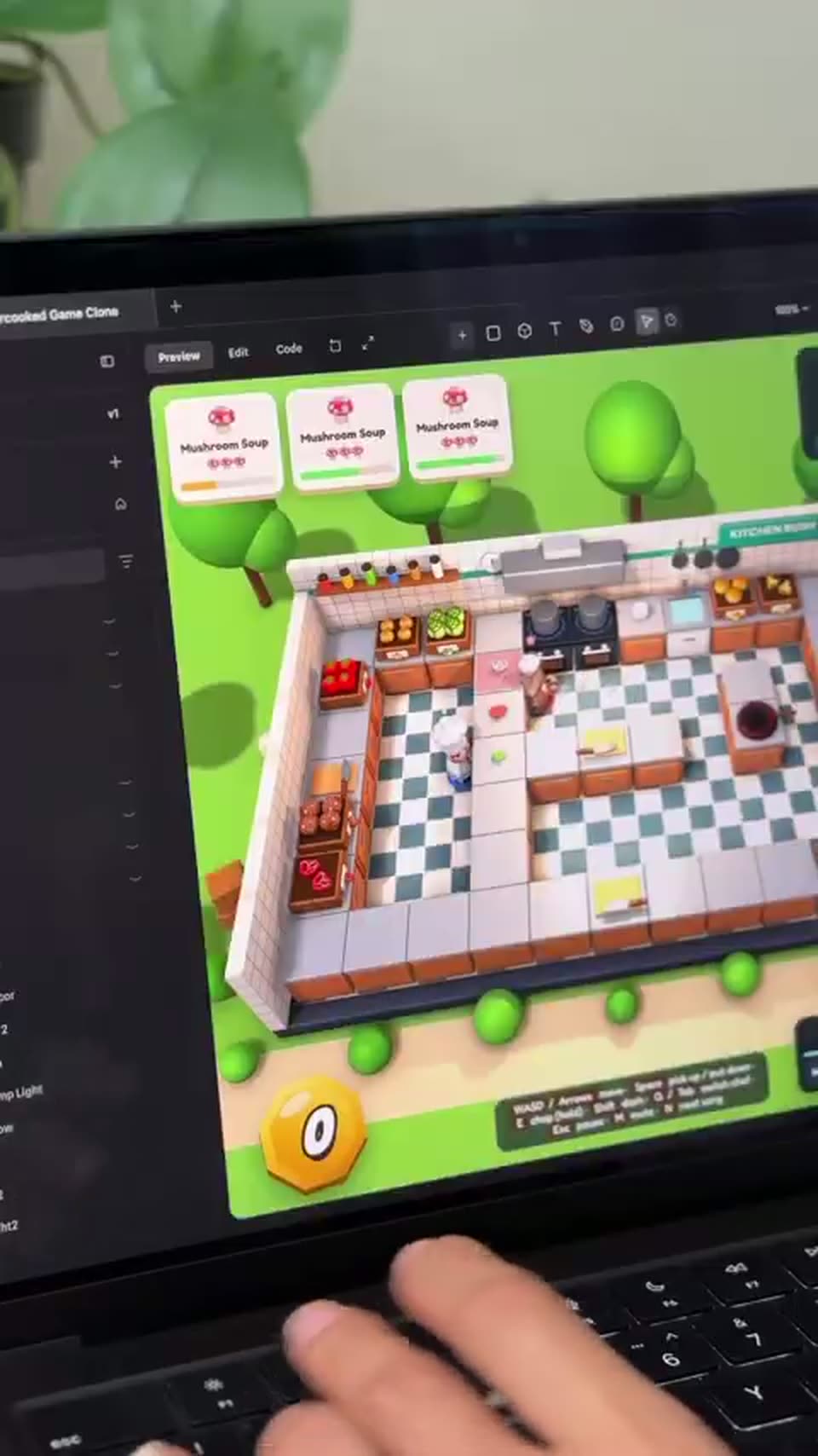
Demo· We built an Overcooked style game with Spline and Opus 5.5 🍕#3d #opus #spline #gamedev #interactive

A locked-off close-up at an angle shows a laptop screen running a game editor; its preview pane displays an isometric 3D kitchen with three order cards and a character moving between counters. A hand types on the keyboard below the screen.

2.1s
Demo· We built an Overcooked style game with Spline and Opus 5.5 🍕#3d #opus #spline #gamedev #interactive

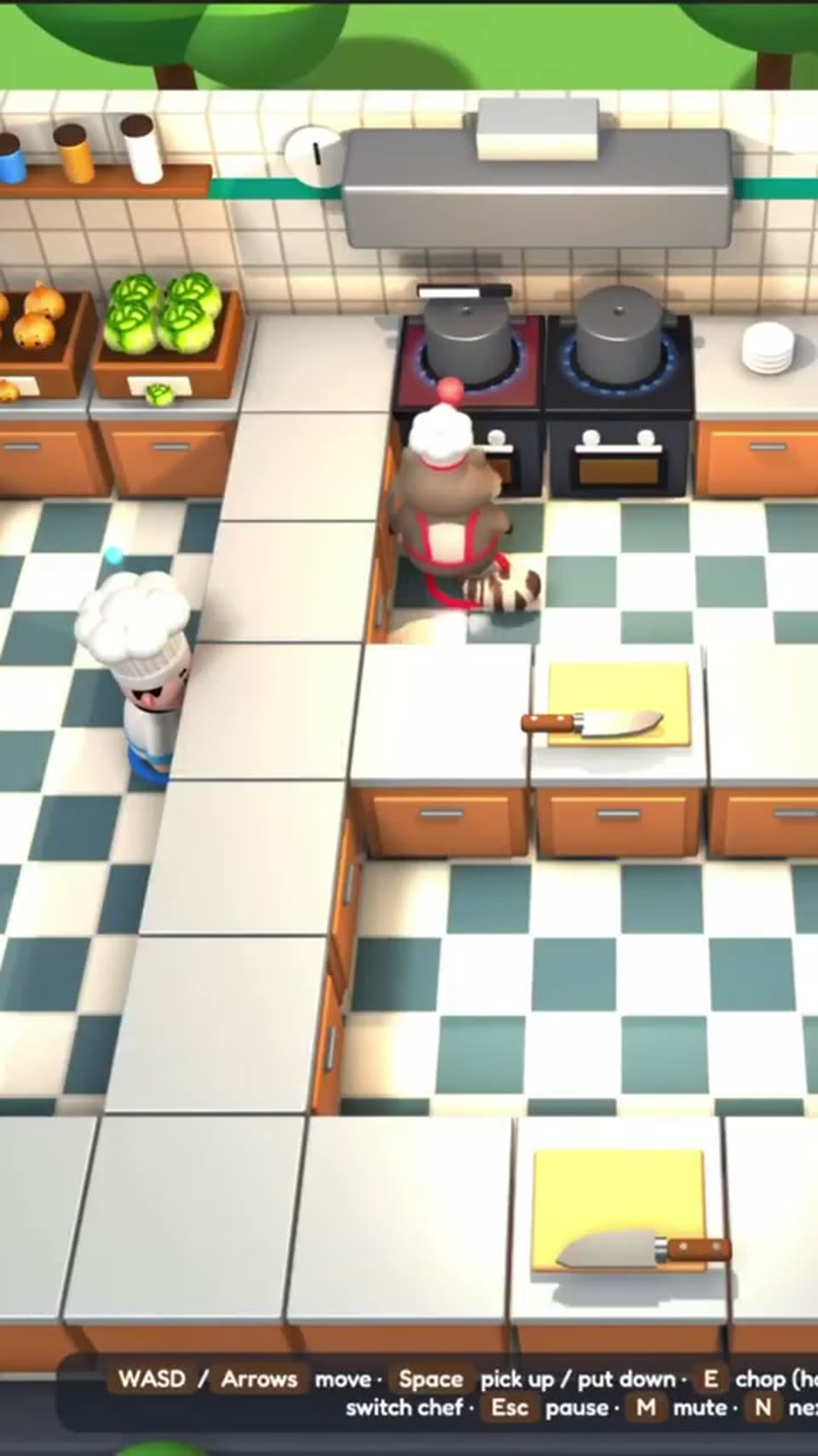
Top-down 3D kitchen with a checkered floor and orange cabinets. A white-hatted chef waits at the left counter while a second chef in a red apron moves to the stove and lifts a pot lid; an orange heart on the counter disappears mid-scene.

1.9s
Demo· We built an Overcooked style game with Spline and Opus 5.5 🍕#3d #opus #spline #gamedev #interactive

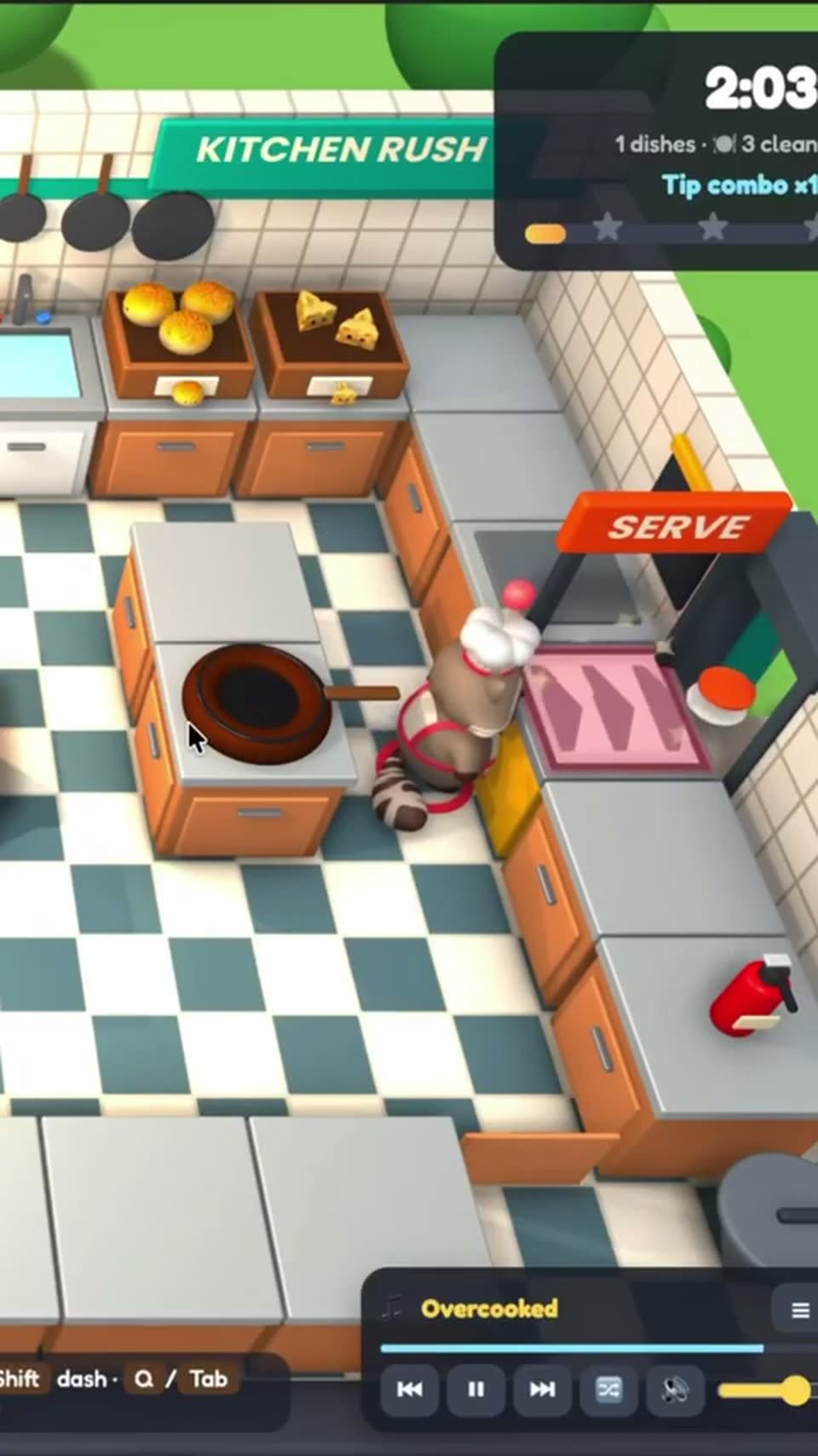
A 3D kitchen with a checkered floor and orange cabinets. A raccoon chef in a white hat runs to the orange SERVE counter and drops a dish. A frying pan sits on the stove while a timer ticks from 2:04 to 2:03.

1.9s
Demo· Motion Graphics Explainer Video for Cybersecurity Platform | EasyDMARC

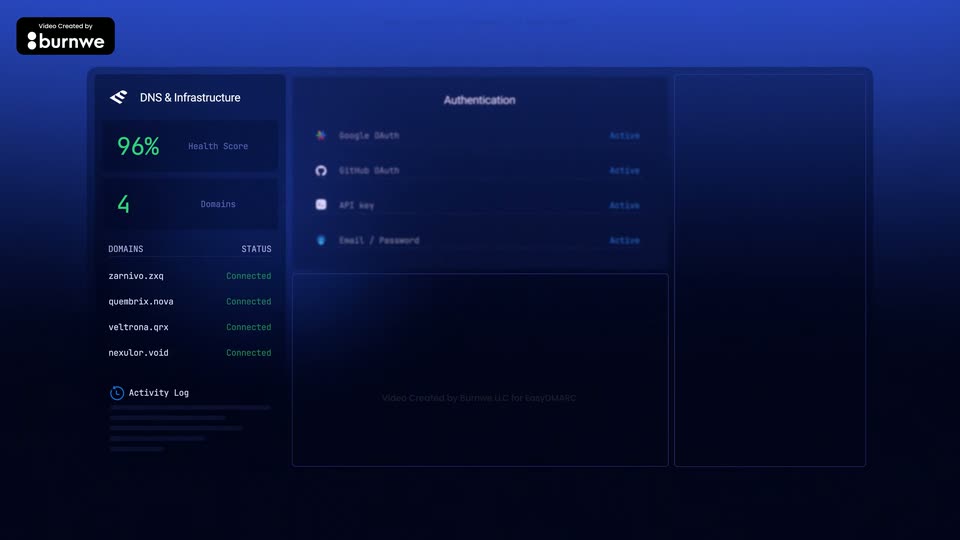
A dark blue dashboard fills the frame as three columns crossfade in sequence: a DNS and infrastructure panel, an authentication list, then an activity log. The burnwe credit badge sits top left while a faint watermark stays centered.

6s
Demo· Motion Graphics Explainer Video for Cybersecurity Platform | EasyDMARC

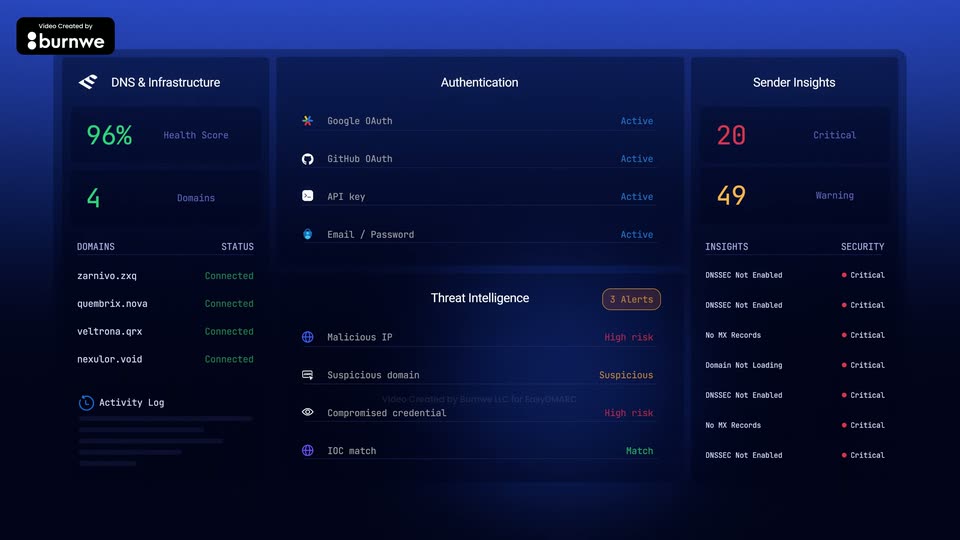
A dark blue security dashboard in three columns. The left DNS panel is lit while the middle Authentication and Threat Intelligence rows sharpen into focus, then the right Sender Insights panel fades in with red and orange counts. The layout holds, then drifts right in a slow push-in.

8.4s
Demo· Motion Graphics Explainer Video for Cybersecurity Platform | EasyDMARC

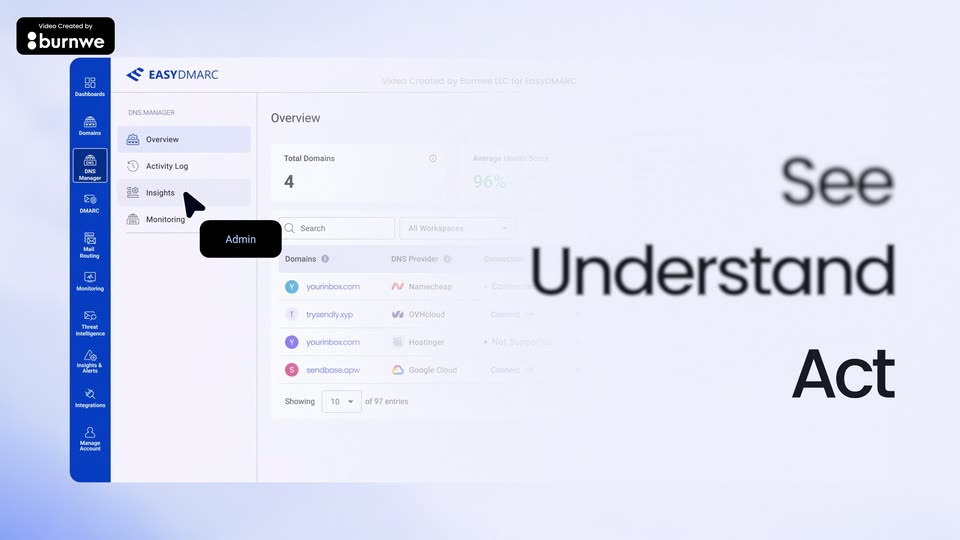
A dimmed EasyDMARC dashboard with a blue sidebar sits left while a cursor clicks the menu, an Admin tooltip trailing it. As the interface blurs and recedes, See, Understand and Act stack in on the right, then the screen clears to a blue Move.

2.9s
Demo· Motion Graphics Explainer Video for Cybersecurity Platform | EasyDMARC

A dark sentence builds word by word at center, starting from a large blue “Move” that settles into the line, while pale DNS records and IP addresses drift across the lavender background and fade out.

3.4s
Demo· Motion Graphics Explainer Video for Cybersecurity Platform | EasyDMARC

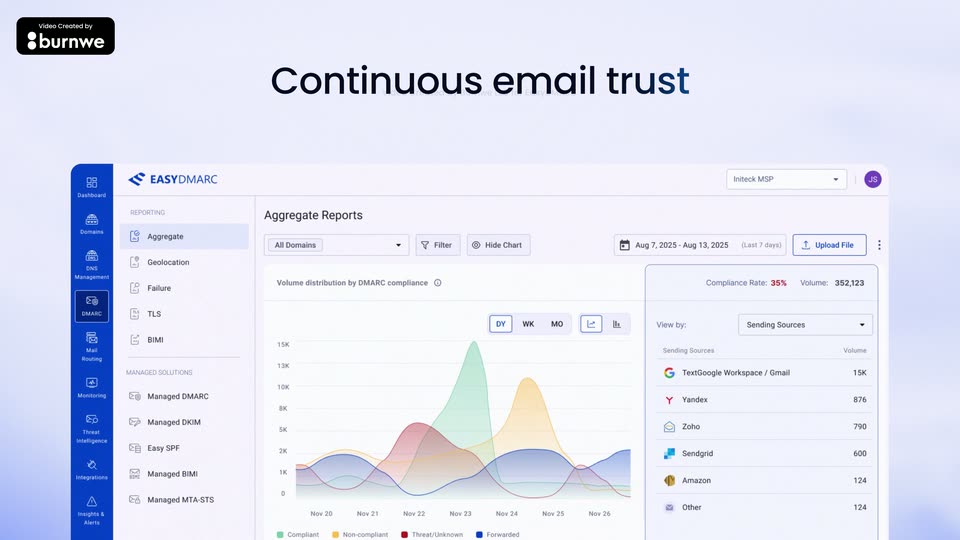
A light dashboard view of the EasyDMARC reporting screen sits in the lower two-thirds, showing an aggregate area chart and a sending-sources list. Above it, the headline reveals through a vertical glitch slice, then settles from blue to black.

0.8s
Demo· Trellis | AI Agents for Vacation Rentals | Motion Design Video

A large teal word, checkout, slides over a numbered step list on the left as a task UI panel floats on the right. Both cross-fade to the word message above a conversations screen, all on a flat light grid.

1s
Demo· Trellis | AI Agents for Vacation Rentals | Motion Design Video

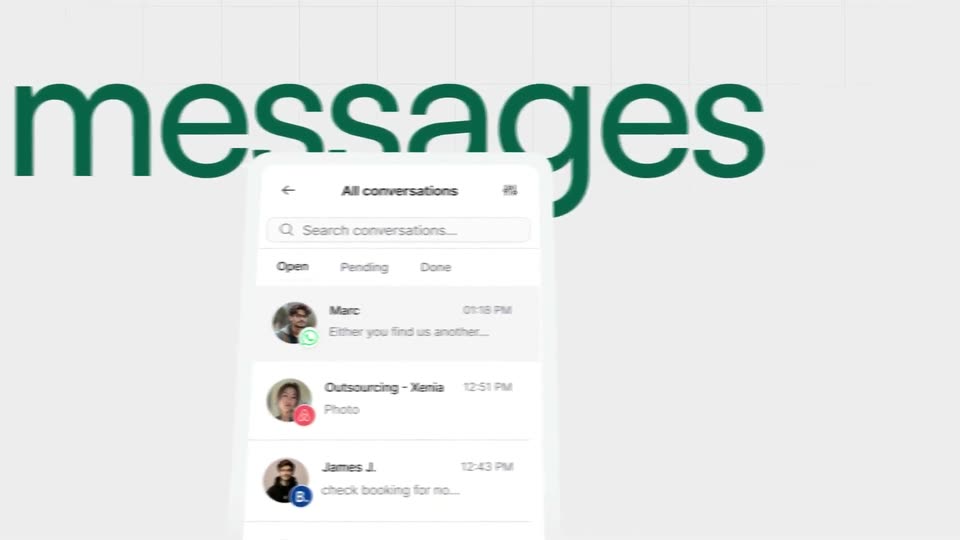
A large dark-green word messages fills the background over a faint grid. A white conversation list with contact rows slides up from the bottom, partially covering the word as the layers drift at different speeds.

0.8s
Demo· Trellis | AI Agents for Vacation Rentals | Motion Design Video

A light grid background holds a large green lowercase word, tasks. A 3D-tilted task board interface, with a left sidebar and a list of task rows, slides down across the frame, clearing the word into full view.

0.8s
Demo· Trellis | AI Agents for Vacation Rentals | Motion Design Video

A tilted 3D mockup of the app rotates between a task list and a team view while an oversized green word behind it swaps from tasks to people on a pale grid background.

0.8s
Demo· Trellis | AI Agents for Vacation Rentals | Motion Design Video

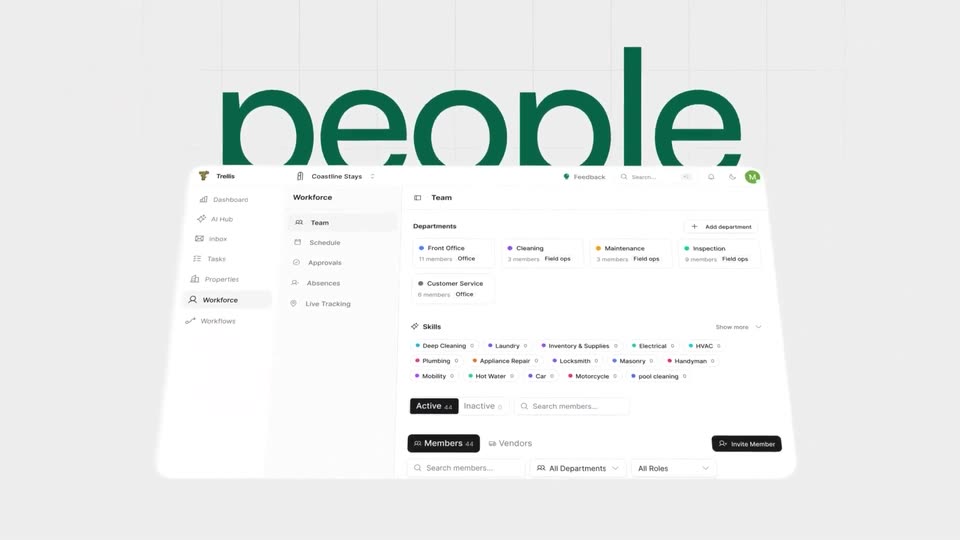
A tilted 3D card of the Team screen floats in front of a huge green lowercase word “people” on a pale grid backdrop. The card drifts up slightly as the word holds still.

4.4s
Demo· Introducing Brand Kit by ElevenCreative

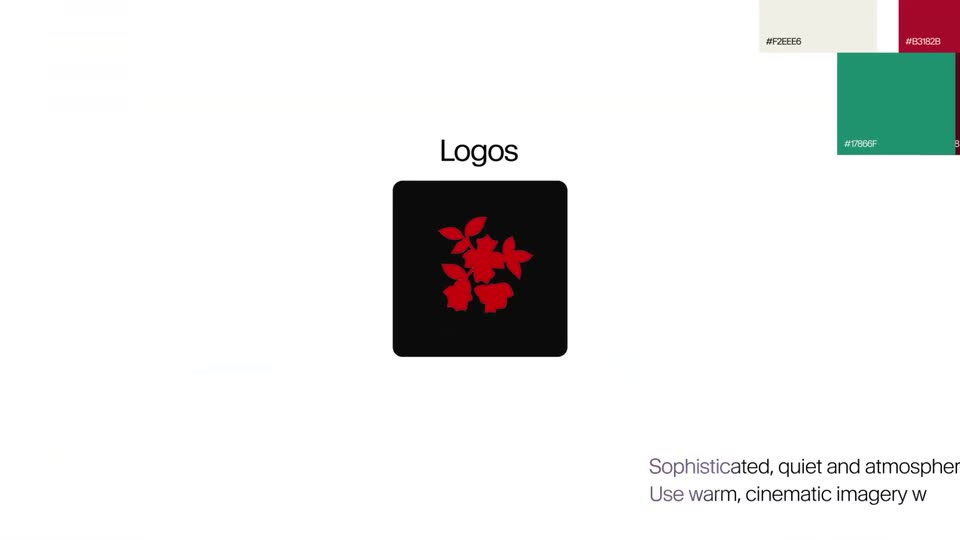
Logo cards drop into an Upload logo control and condense into the red floral Logos tile. A continuous pullback reveals the complete brand board: reference images, colors, logos, Helvetica font specimen and guidelines.

1.3s
Demo· Introducing Brand Kit by ElevenCreative

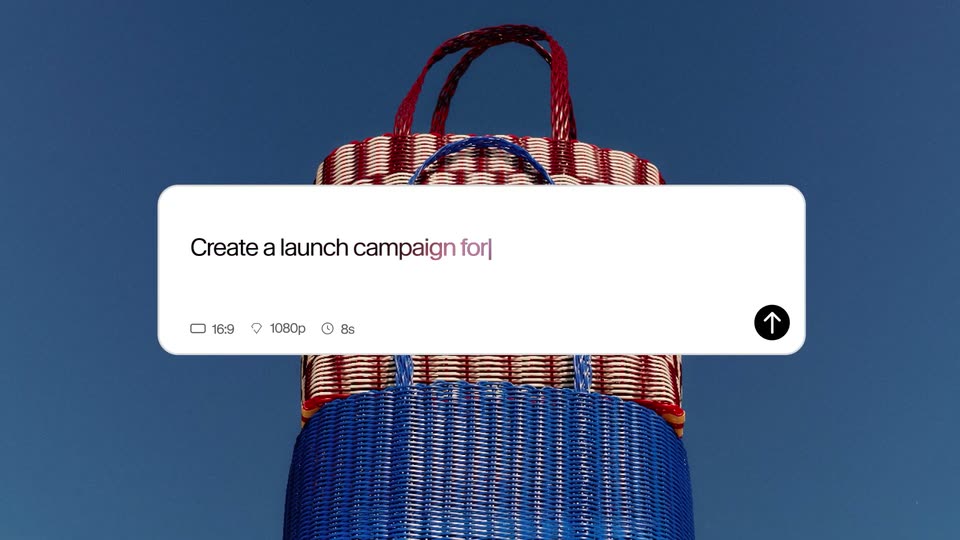
A white prompt panel sits over a red-and-blue woven bag. A caret types Create a launch campaign for, then begins the @merlot mention. The wide composition holds until the cut to a closer crop.

1.5s
Demo· Introducing Brand Kit by ElevenCreative

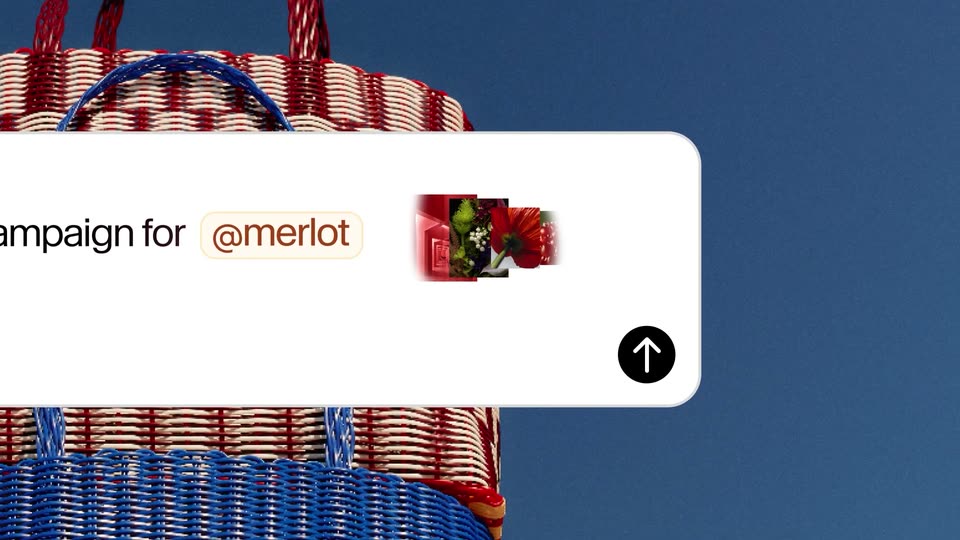
A hard cut punches into the same prompt panel and woven bag. Typing completes @merlot; the mention becomes a peach pill and a perfume-and-flower thumbnail appears beside the send arrow.

8.3s
Demo· Introducing Brand Kit by ElevenCreative

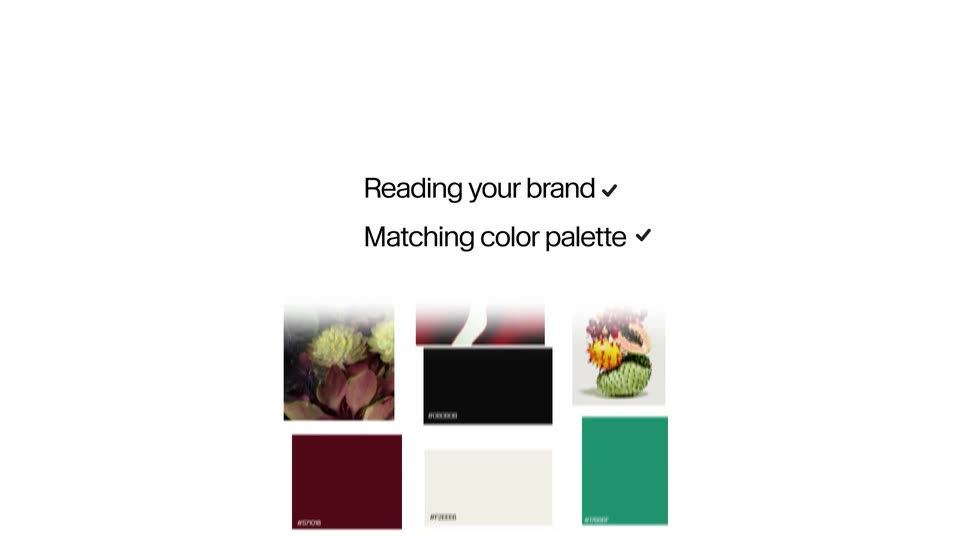
Photo cards move into a loose grid on white beside Reading your brand. The composition scrolls and transforms into color swatches and Aa type specimens as Matching color palette and Applying type appear with checkmarks. These are continuous layout animations, without a hard cut at 20.433s.

2.4s
Demo· Introducing Brand Kit by ElevenCreative

Creating outputs sharpens into a centered muted-red caption on white, gains a checkmark, then clears as the output assets begin to appear.

2.4s
Demo· Introducing Brand Kit by ElevenCreative

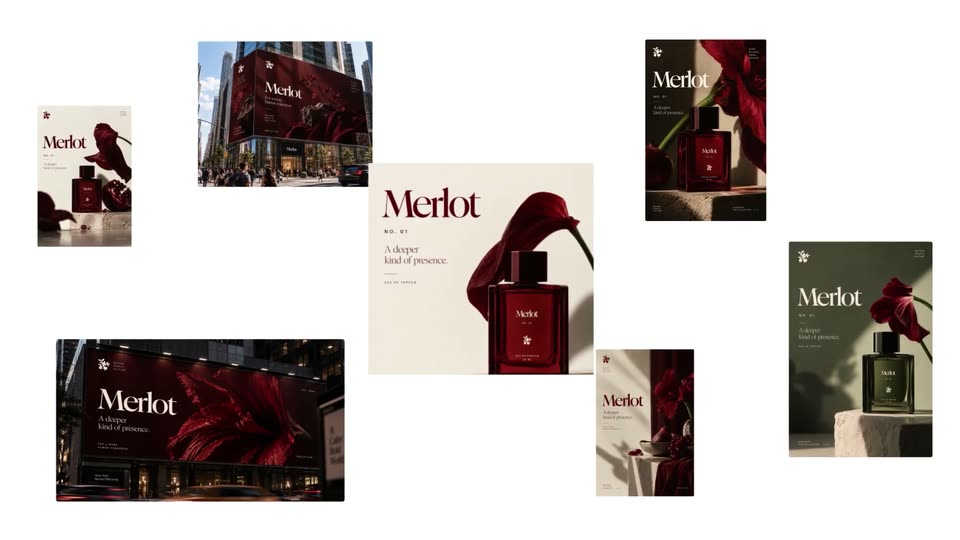
Merlot perfume campaign assets fade and drift into a collage of posters, billboards and product imagery. Surrounding cards fly outward; the central perfume artwork remains while the white background washes into a gradient and the artwork becomes a social-post card.

2.1s
Demo· Lemlist | Find Your Next Customers | Motion Design Video

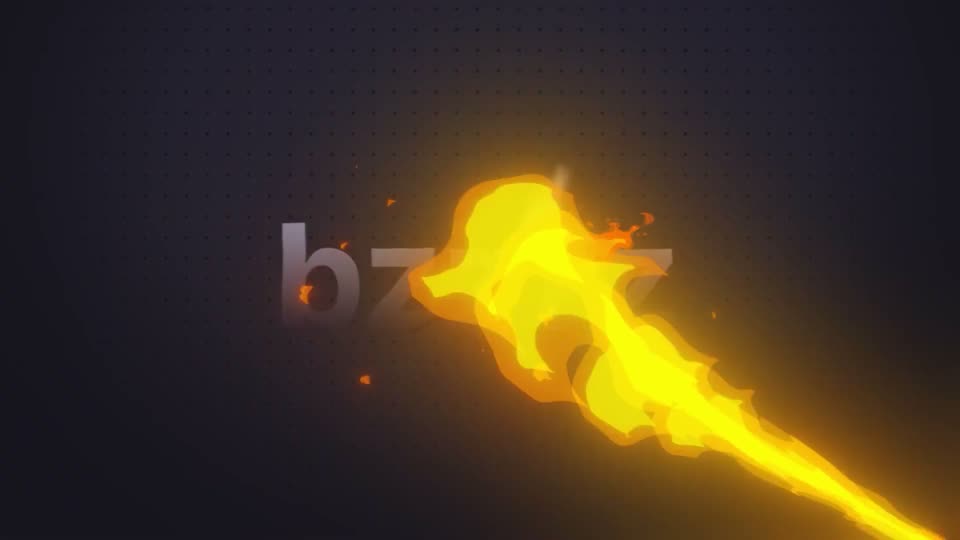
A metallic gray wordmark “bzzzz” sits centered on a dark dotted grid. A bright yellow flame streaks diagonally through the letters, sending orange sparks upward as it passes.

0.9s
Demo· Lemlist | Find Your Next Customers | Motion Design Video

The blue Lemlist icon and wordmark open blurred and enlarged, then sharpen and settle into a centered white pill on a pale dotted grid, holding still as the sign-off.

1.5s
Demo· Lemlist | Find Your Next Customers | Motion Design Video

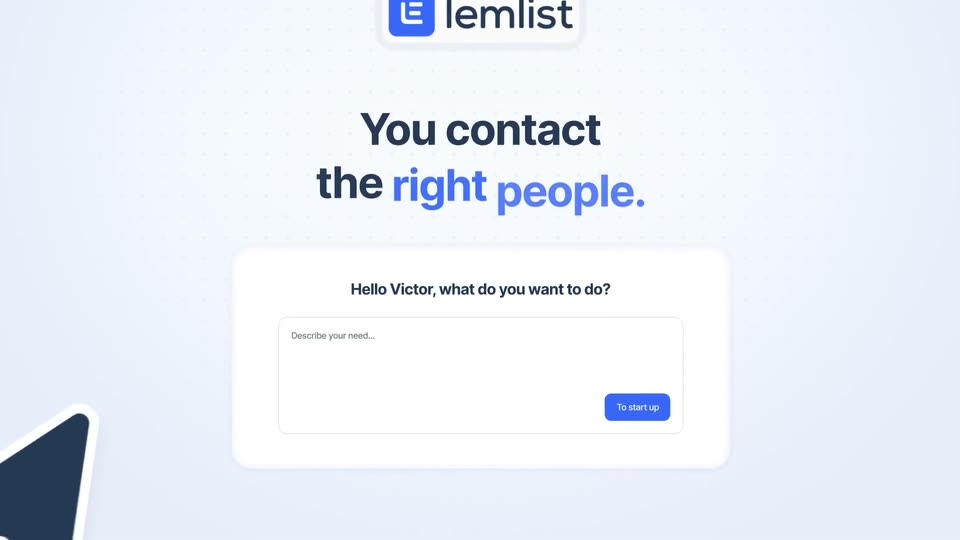
On a light dotted grid, the lemlist logo sits above a bold headline that completes to “You contact the right people.” with the last words in blue. Below, a white prompt card with an input field and a blue button drifts down as a cursor glides into the text box.

2.8s
Demo· Lemlist | Find Your Next Customers | Motion Design Video

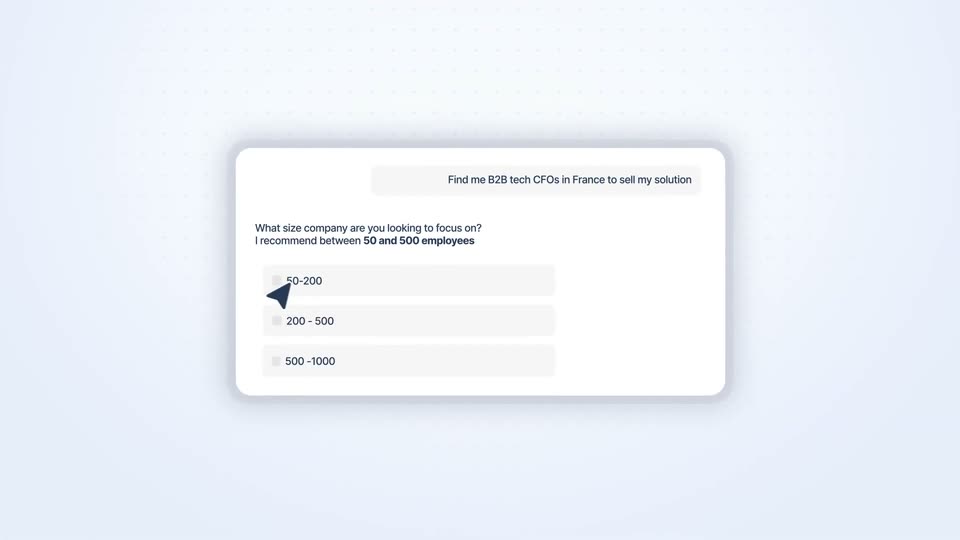
A white chat card slides in from the right and settles centered on a dotted lavender field. The prompt types into a gray pill, then a question with three size options appears. A dark cursor moves to the 200-500 row, highlighting it blue.

0.8s
Demo· Lemlist | Find Your Next Customers | Motion Design Video

A white chat card on a dotted light-blue background shows a company-size question with two checkboxes ticked and a cursor beside a tooltip. The card then blurs and slides left as a contact list panel slides in from the right.

1s
Demo· Lemlist | Find Your Next Customers | Motion Design Video

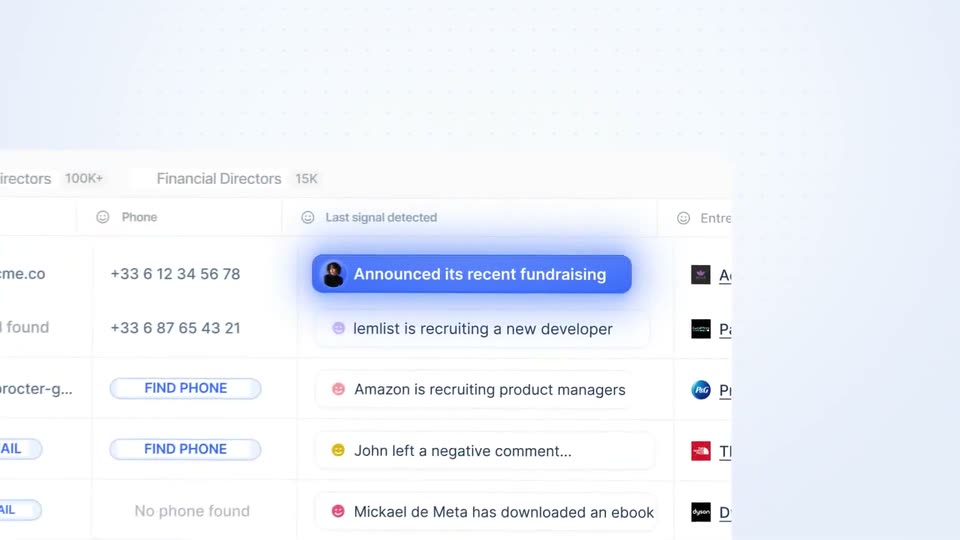
Two tilted interface panels float in perspective: a contact list with find e-mail and find phone buttons on the left, a prospect activity feed on the right. A blue “Announced its recent fundraising” badge scales in above the feed while the panels drift gently.

1s
Demo· Lemlist | Find Your Next Customers | Motion Design Video

A translucent blue notification pill with a small avatar sits centered on a dotted blue gradient, a thin horizontal line running behind it. The pill and its white text scale down to settle in place.

2s
Demo· Lemlist | Find Your Next Customers | Motion Design Video

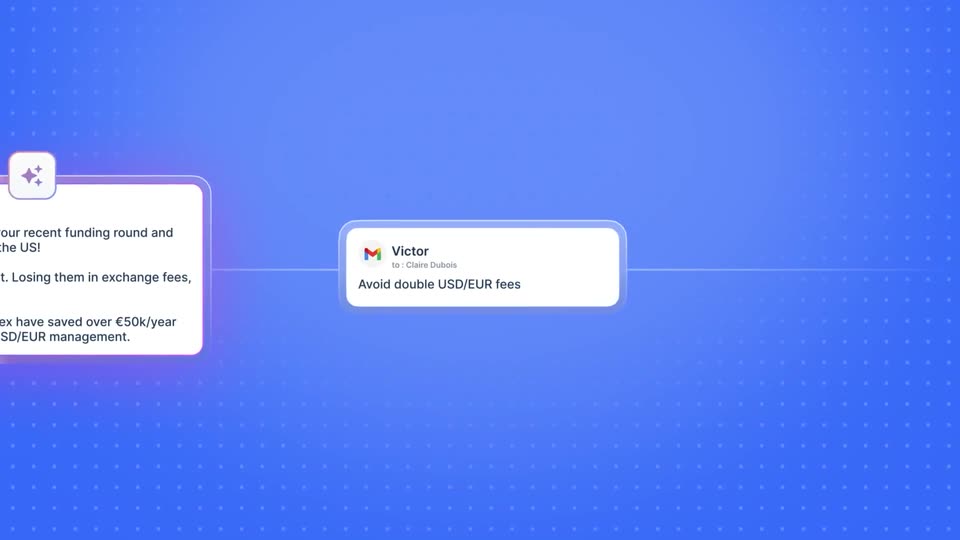
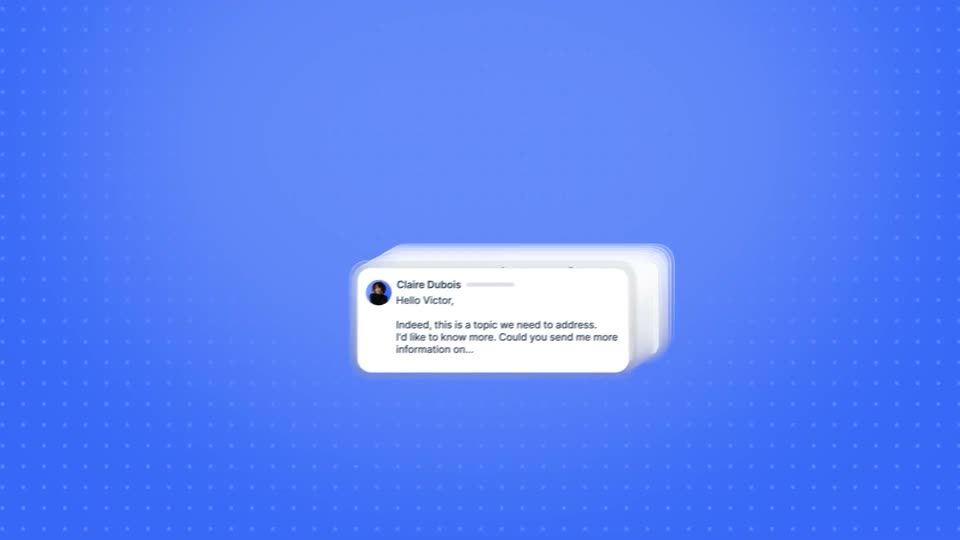
On a blue dotted grid, the camera pans right across a horizontal line of white UI cards: a funding-congratulation email, a Gmail note to Victor, and task cards for a phone number and LinkedIn, each joined by a thin connector line.

0.8s
Demo· Lemlist | Find Your Next Customers | Motion Design Video

A blue dotted canvas holds a branching workflow diagram of white node cards. The frame drifts slowly downward, revealing the lower branches that end in a Chat message node and an Email node.

1s
Demo· Lemlist | Find Your Next Customers | Motion Design Video

The word “Result” in large white bold sans-serif sits centered on a blue dot-grid background. It scales in, holds briefly, then clears from the frame while the camera stays locked off.

0.7s
Demo· Lemlist | Find Your Next Customers | Motion Design Video

A white email interface card on a blue dotted background moves downwards, scrolling the conversation to reveal the sender's name and the beginning of the message.

1.8s
Demo· Lemlist | Find Your Next Customers | Motion Design Video

A stack of white email cards with sender names and previews slides diagonally in 3D perspective across a blue dotted background, a Gmail logo riding the front card. 'More answers' appears in bold white, then a dark browser window slides up from the bottom.

1.7s
Demo· Lemlist | Find Your Next Customers | Motion Design Video

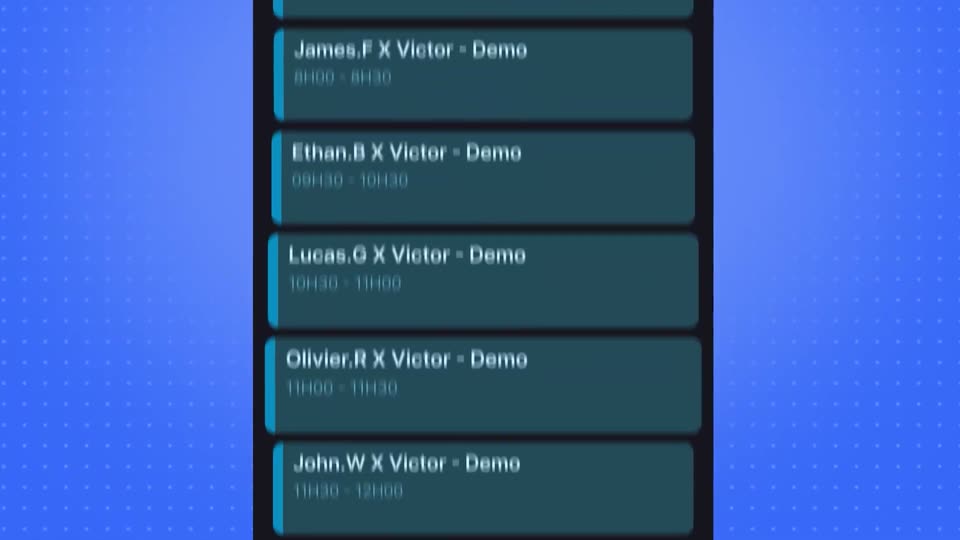
A dark calendar window takes center frame, its list of demo meetings scrolling up as white chat cards with names fade out on the left over a blue dotted grid.

0.8s
Demo· JewBuzz Love | L’amour au sein de la communauté juive | Vidéo motion design

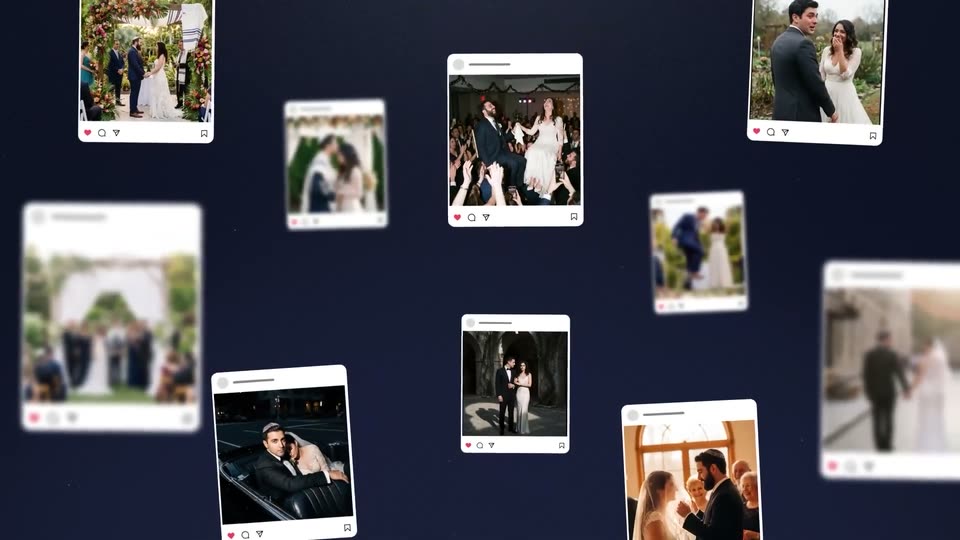
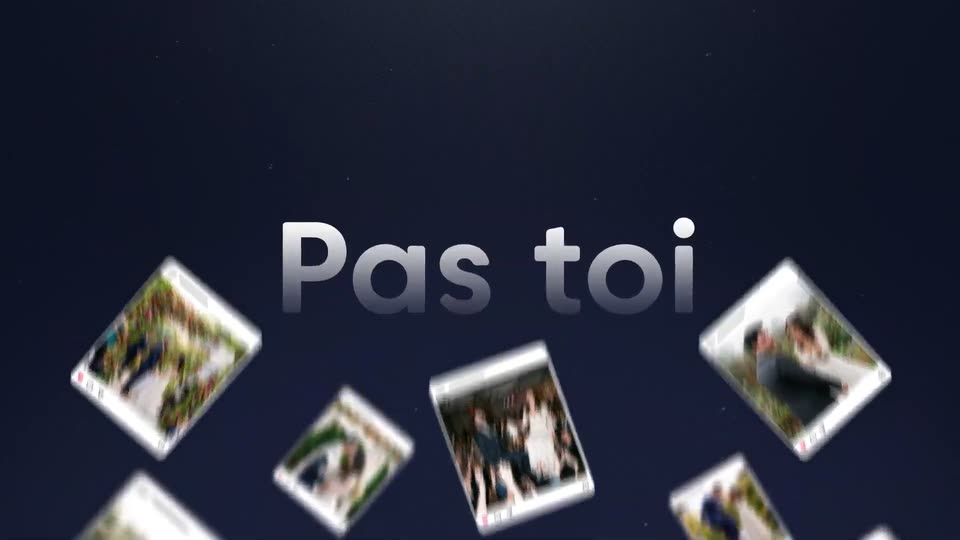
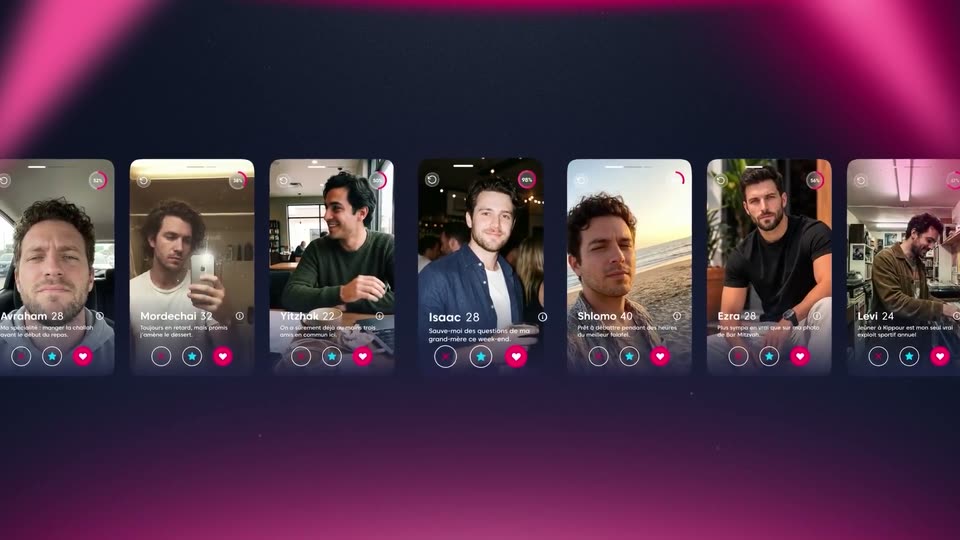
Instagram-style photo cards of wedding moments float in 3D over a dark navy field, tilted at slight angles. A few cards sit in sharp focus while the rest blur into the depth, drifting slowly as the camera holds.

1.4s
Demo· JewBuzz Love | L’amour au sein de la communauté juive | Vidéo motion design

Instagram-style photo cards of wedding scenes float scattered on a dark navy field, some sharp, some blurred in depth. The large title fades in at the center as the cards drift slowly.

5.4s
Demo· JewBuzz Love | L’amour au sein de la communauté juive | Vidéo motion design

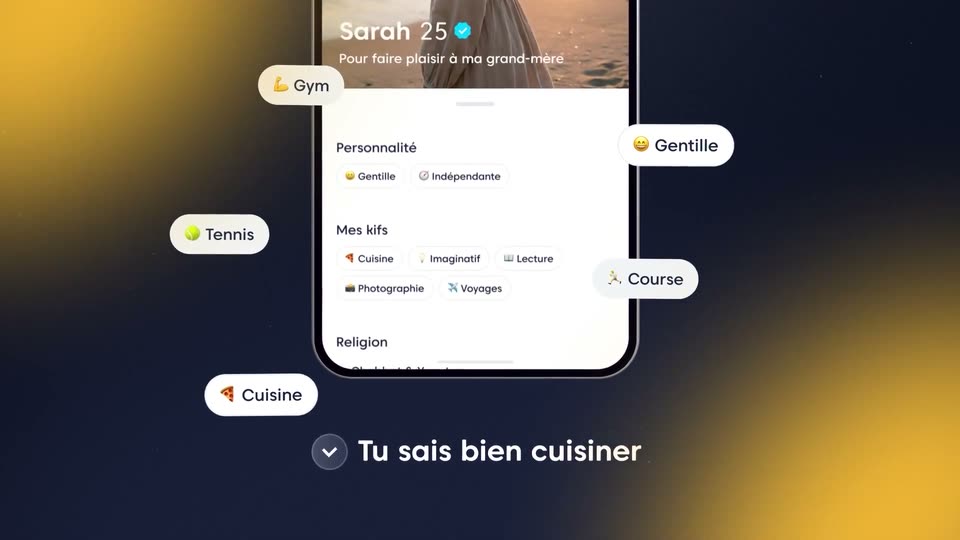
A 3D phone mockup on a dark gradient shows a dating profile for Sarah 25 scrolling down. White pill tags with emojis pop in around the phone, while French captions with a check icon appear one by one at the bottom. The background shifts from blue to pink to yellow.

1.4s
Demo· JewBuzz Love | L’amour au sein de la communauté juive | Vidéo motion design

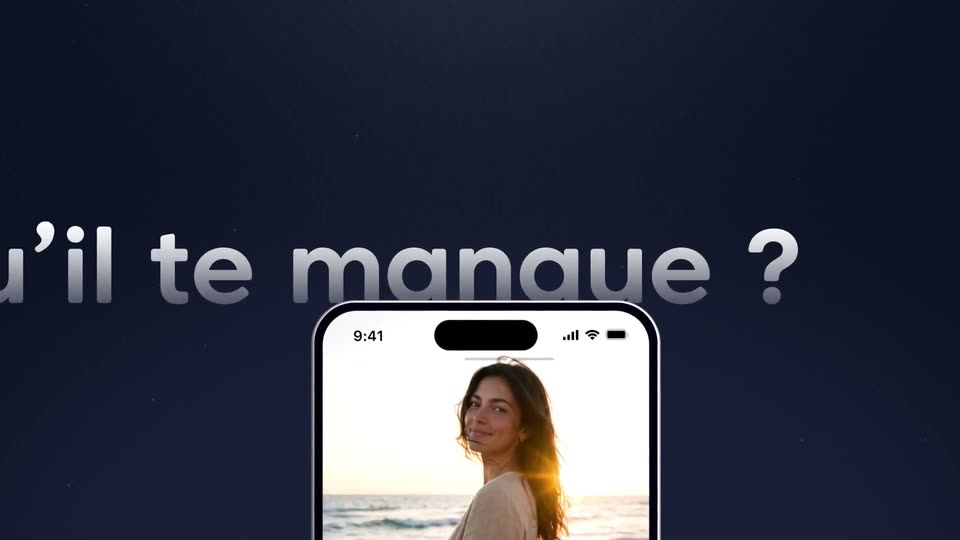
An iPhone mockup sits bottom-center on a dark navy field, its screen showing a woman at a sunset beach. A large blurred white headline, qu'il te manque ?, slides right to left behind the phone while the device stays locked off.

2.6s
Demo· JewBuzz Love | L’amour au sein de la communauté juive | Vidéo motion design

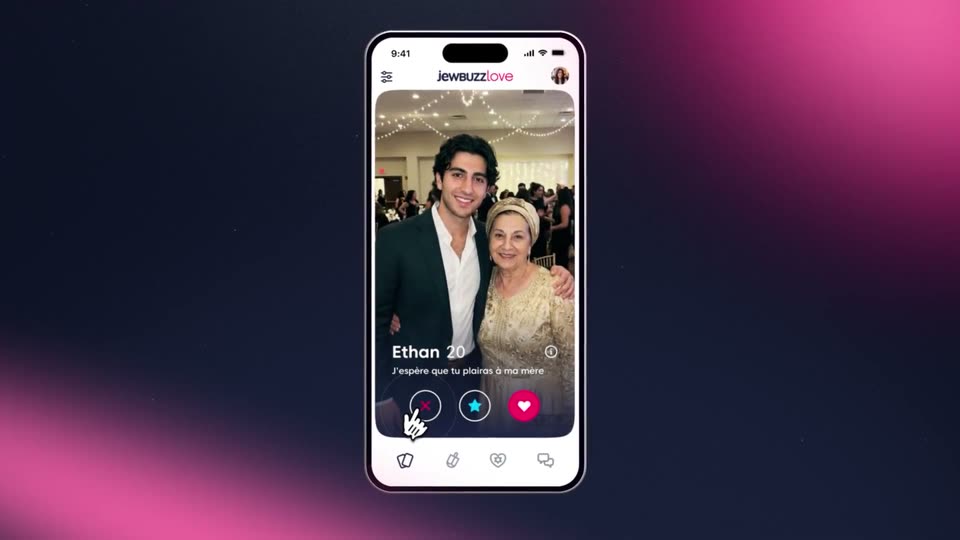
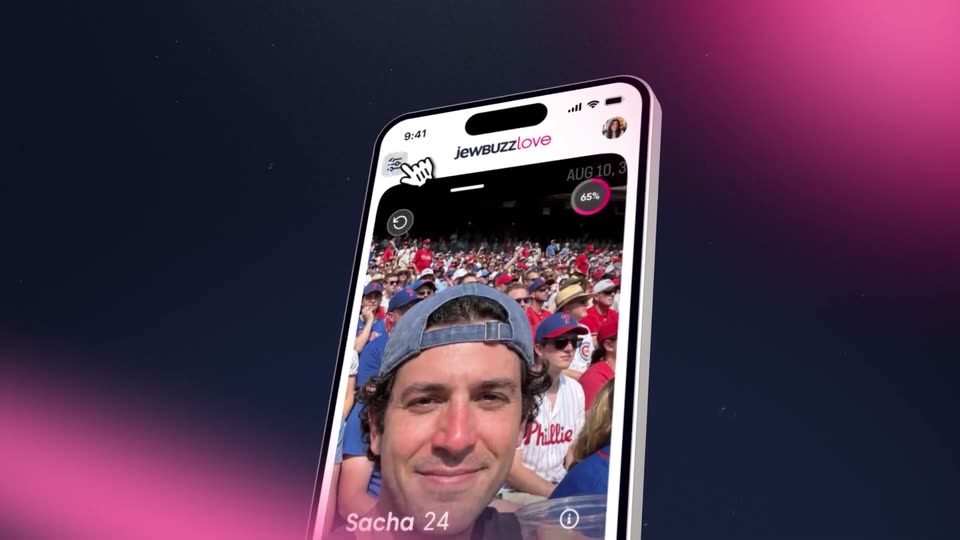
A tilted iPhone mockup floats over a dark blue field with pink glows, then rotates flat. The dating app inside cycles through profile cards: a mirror selfie, a couple, a stadium selfie. An animated hand taps the reject button, and a white X ring pulses over the couple photo.

0.7s
Demo· JewBuzz Love | L’amour au sein de la communauté juive | Vidéo motion design

A tilted smartphone in 3D perspective shows a dating profile with a man's selfie in a stadium crowd, set on a dark background with soft pink glows. The phone drifts slowly while the profile stays framed.

4.6s
Demo· JewBuzz Love | L’amour au sein de la communauté juive | Vidéo motion design

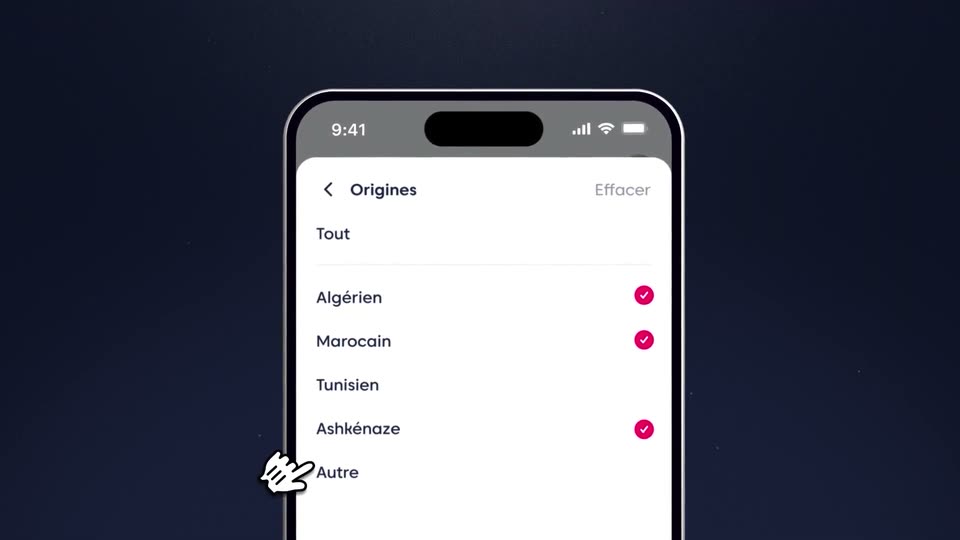
A front-facing phone mockup on a dark navy field shows an 'Origines' list. A sketch-style cursor taps down the rows, and pink checkmarks pop in beside Algérien, Marocain, Ashkénaze and Autre. A large metallic 3D 'buzzlove' wordmark sits blurred behind the device.

2.3s
Demo· JewBuzz Love | L’amour au sein de la communauté juive | Vidéo motion design

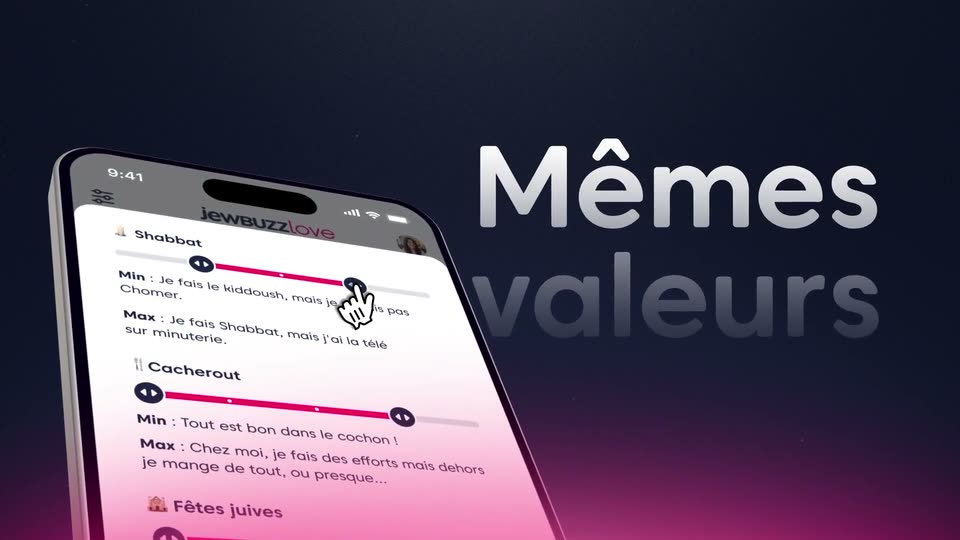
A phone mockup of the jeweBUZZlove app starts flat and centered, then tilts into 3D perspective and slides left. A hand cursor taps the Shabbat slider. On the right, the headline Mêmes valeurs appears in large gradient type against a dark navy backdrop with a pink glow.

2.4s
Demo· JewBuzz Love | L’amour au sein de la communauté juive | Vidéo motion design

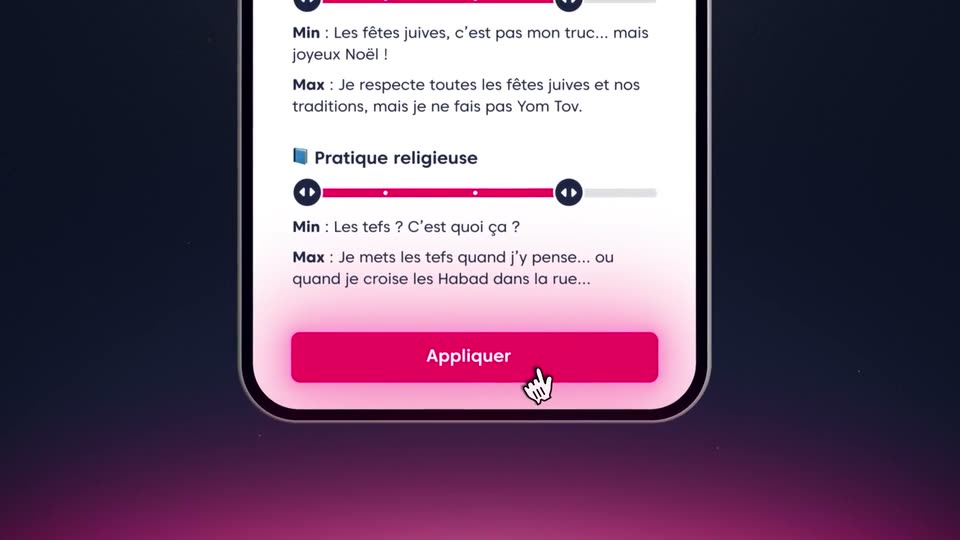
A phone screen shows a quiz card with a pink slider and a pink Appliquer button. A hand cursor taps the button with a ripple, then the frame pulls back to reveal a large gray word fading in below the device.

0.8s
Demo· JewBuzz Love | L’amour au sein de la communauté juive | Vidéo motion design

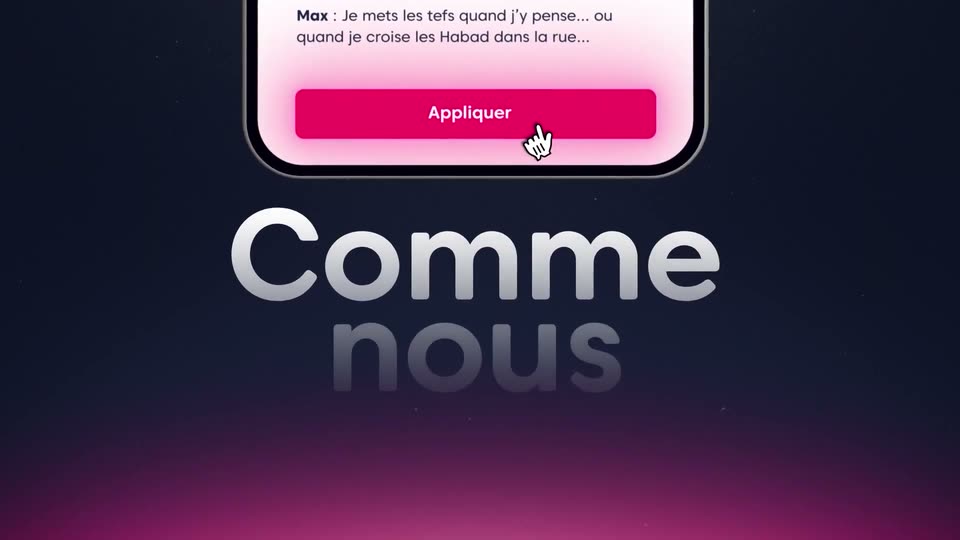
A flat phone screen at the top shows a chat reply and a pink Appliquer button under a hand cursor, while the headline Comme nous fades in below on a dark-to-magenta gradient.

7s
Demo· JewBuzz Love | L’amour au sein de la communauté juive | Vidéo motion design

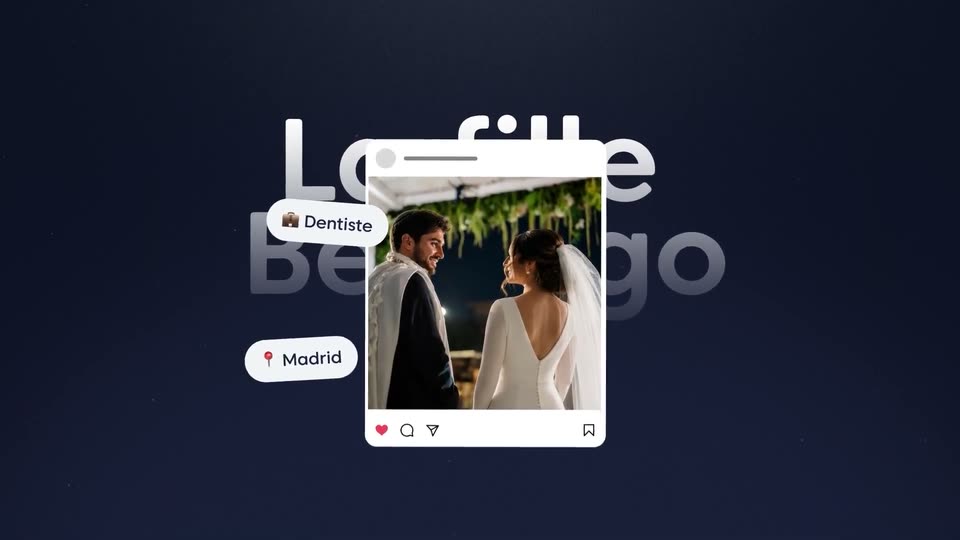
A blurred Instagram post card with a wedding photo rises from the bottom edge and sharpens as it settles at center, in front of large 'La fille Berdugo' text. Pill labels 'Dentiste', 'Madrid' and 'Gentil' pop in around the card.

1.6s
Demo· JewBuzz Love | L’amour au sein de la communauté juive | Vidéo motion design

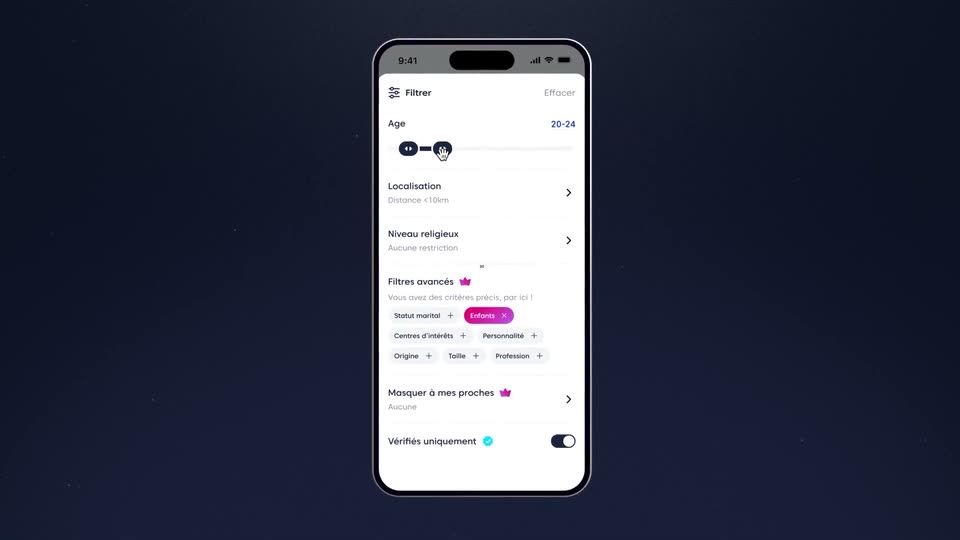
A front-facing phone mockup on a dark starfield background displays a French filter interface. A ghosted second filter screen fades out over the first, settling on the main list with the Age slider at 20-24.

3.7s
Demo· JewBuzz Love | L’amour au sein de la communauté juive | Vidéo motion design

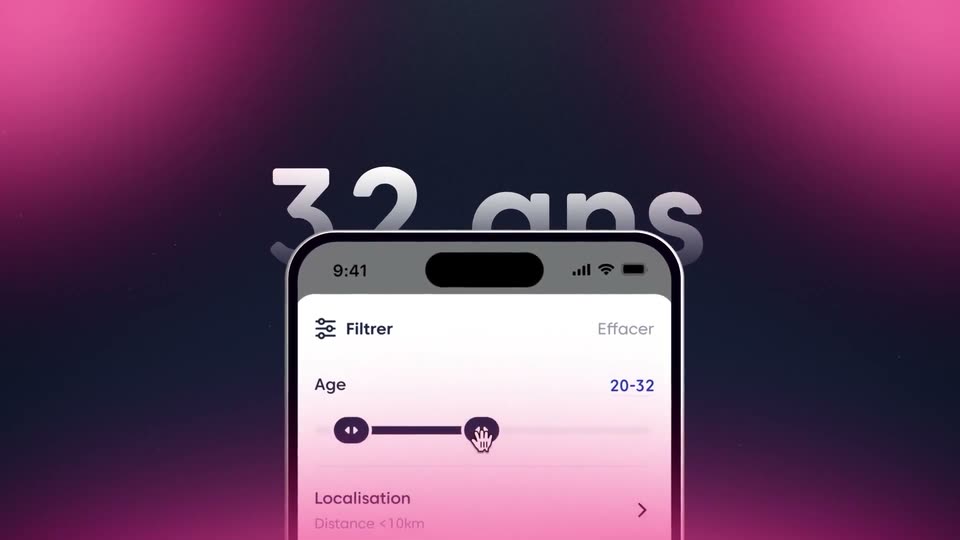
A phone mockup in 3D perspective sits before large silver text that counts up from 29 to 32 ans. The age slider on the screen tracks the change, settling at 20-32, against a pink gradient.

2.9s
Demo· JewBuzz Love | L’amour au sein de la communauté juive | Vidéo motion design

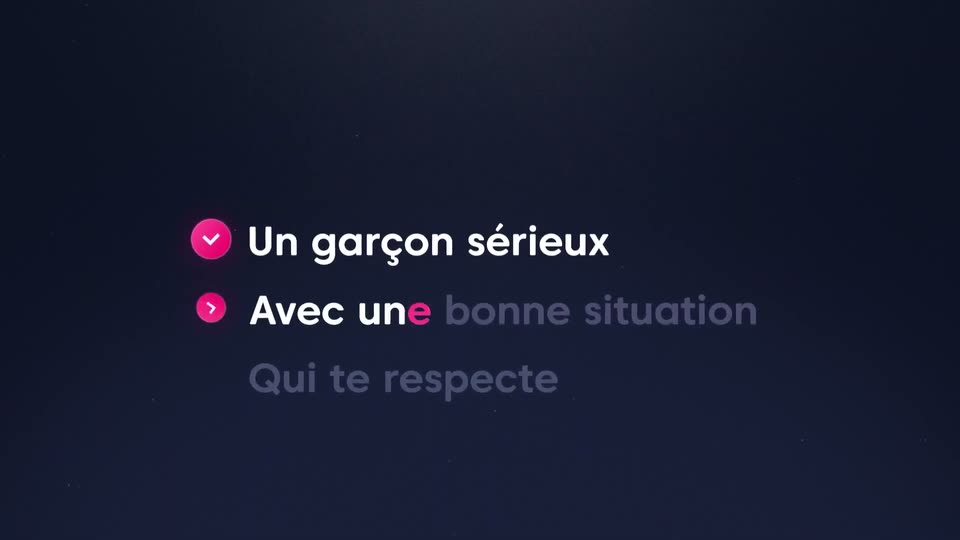
On a dark navy background, three French lines slide in one after another, each brightening from dim gray to white as a pink checkmark circle pops in to its left. Locked-off frame, faint star specks in the background.

1.5s
Demo· JewBuzz Love | L’amour au sein de la communauté juive | Vidéo motion design

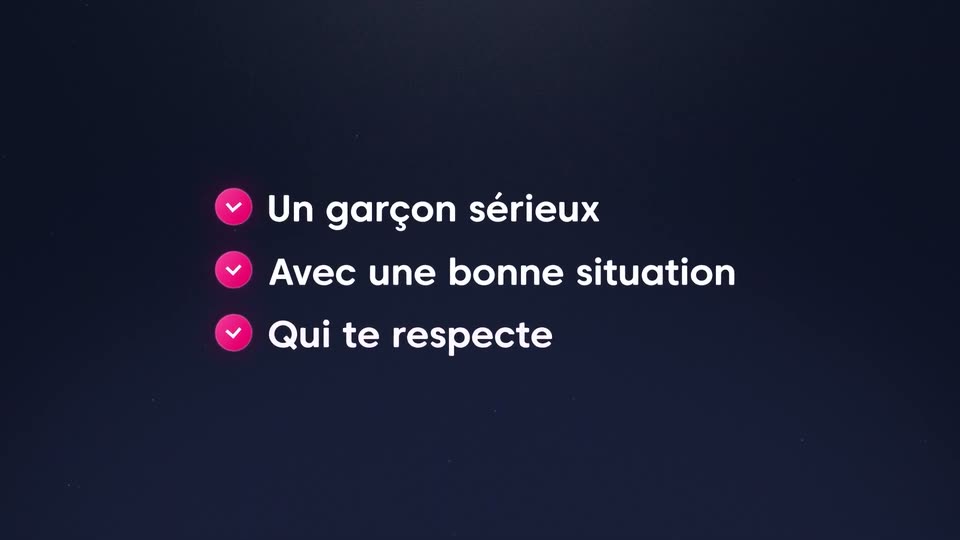
Three white checklist lines with pink circular check icons appear on a dark navy field. The first two lines settle quickly, then the third line slides in and completes from “Qui” to the full phrase.

1.9s
Demo· JewBuzz Love | L’amour au sein de la communauté juive | Vidéo motion design

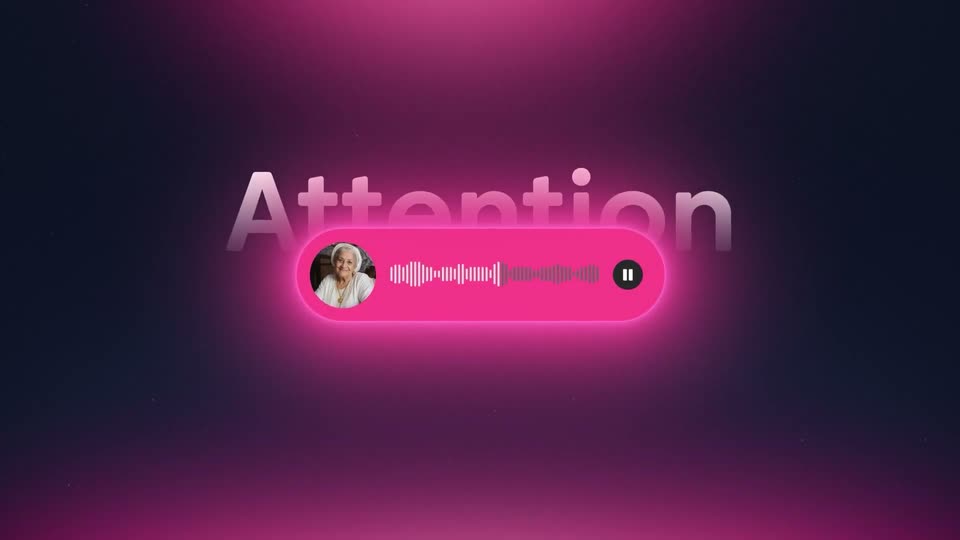
On a dark starry background, the word Attention slides in large white gradient sans. A rounded voice-message pill flares from dark maroon to glowing pink, revealing an audio waveform and pause button next to a circular photo of a woman wearing headphones.

5.6s
Demo· JewBuzz Love | L’amour au sein de la communauté juive | Vidéo motion design

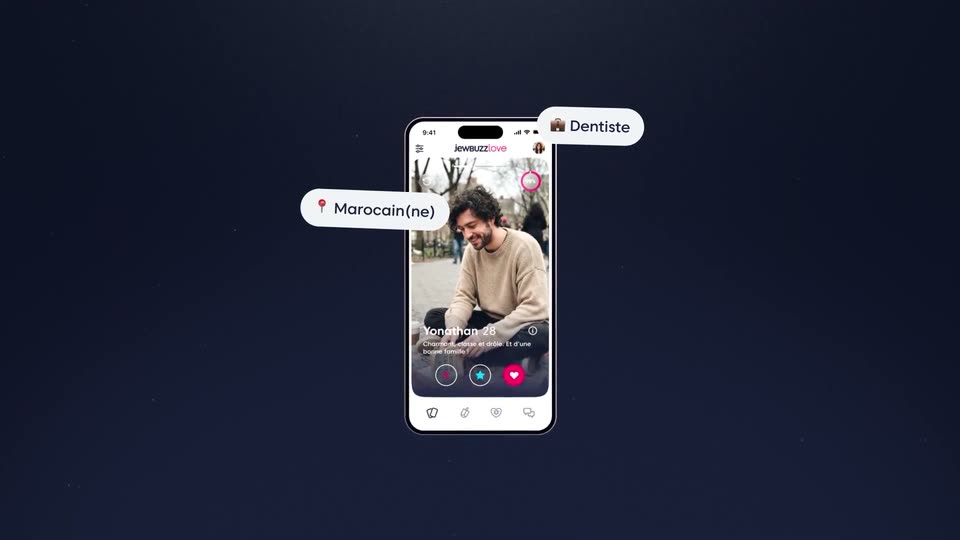
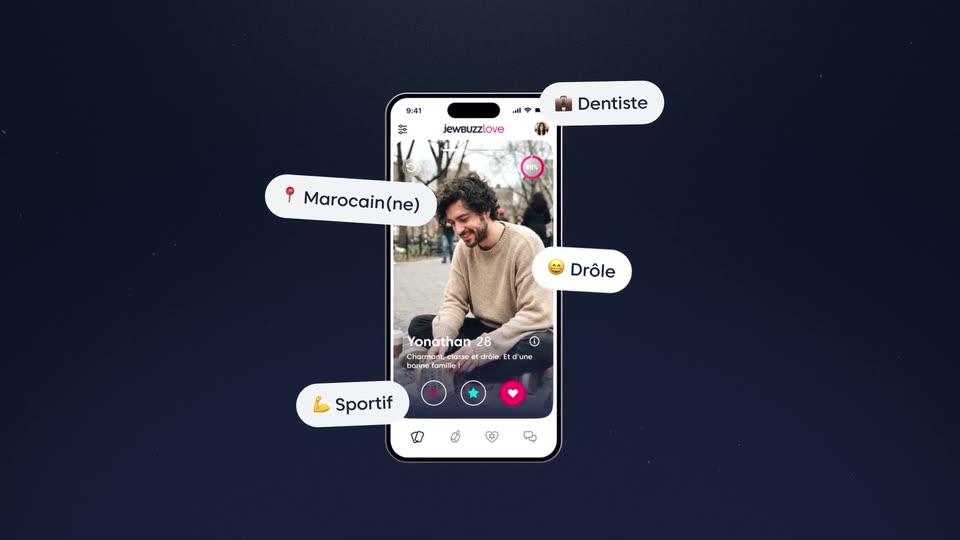
A front-facing iPhone mockup centered on a dark navy field plays a dating-app feed: a cursor taps the like button as profile cards swipe past. White pill tags with emoji icons pop out around the phone one by one: Dentiste, Marocain(ne), Drôle, Sportif.

1.5s
Demo· JewBuzz Love | L’amour au sein de la communauté juive | Vidéo motion design

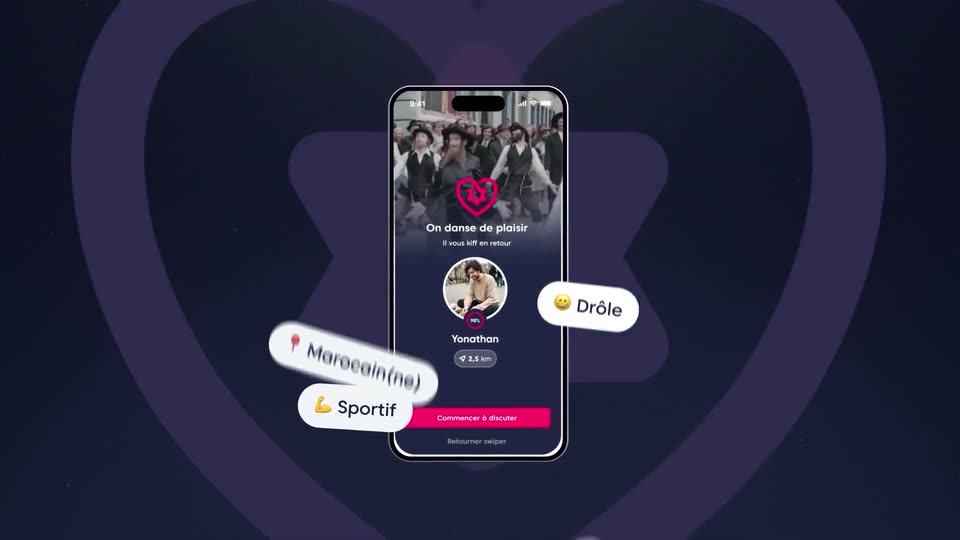
A flat phone mockup on a dark navy field shows a dating profile, ringed by four white pill tags (Dentiste, Marocain(ne), Drôle, Sportif). The screen flips to a match view as a pink heart scales in over the caption On danse de plaisir.

0.8s
Demo· JewBuzz Love | L’amour au sein de la communauté juive | Vidéo motion design

A phone mockup of a dating profile is centered over a dark blue heart that scales up. Four white pill tags with emojis drift and tilt around the device, while the phone and heart zoom in at different speeds.

4.8s
Demo· JewBuzz Love | L’amour au sein de la communauté juive | Vidéo motion design

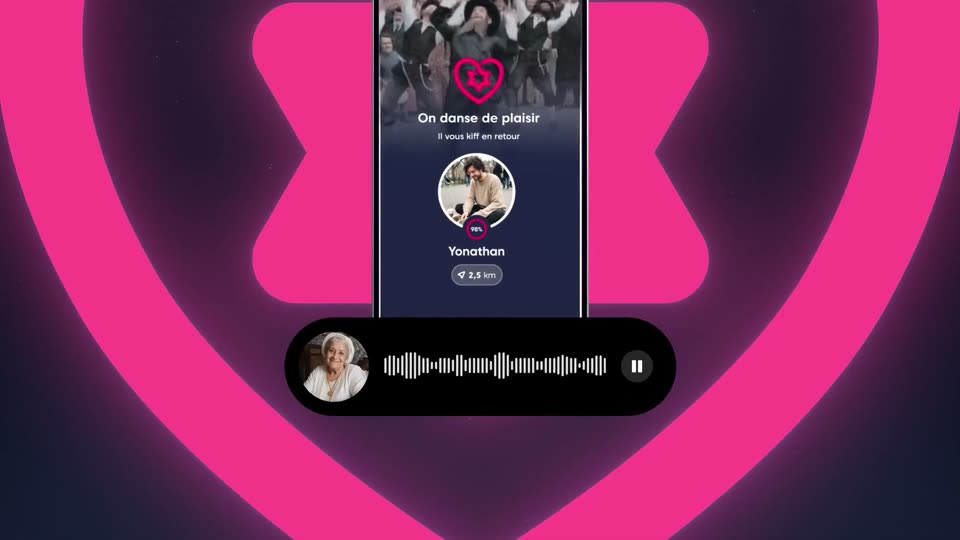
A phone mockup centered on a glowing pink heart shows a match screen with a profile photo and name. The camera zooms into the screen while a black voice-note pill with a photo, waveform and pause button slides in at the bottom.

3s
Demo· JewBuzz Love | L’amour au sein de la communauté juive | Vidéo motion design

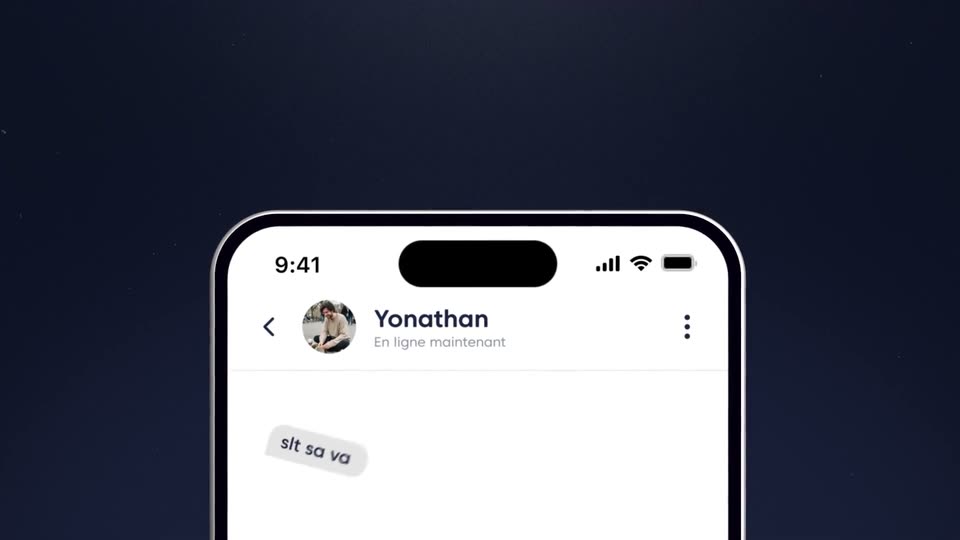
A white iPhone mockup on a dark navy background rises into frame and zooms in. Its messaging screen shows the contact Yonathan; a three-dot typing indicator is replaced by a sent message bubble.

1.5s
Demo· JewBuzz Love | L’amour au sein de la communauté juive | Vidéo motion design

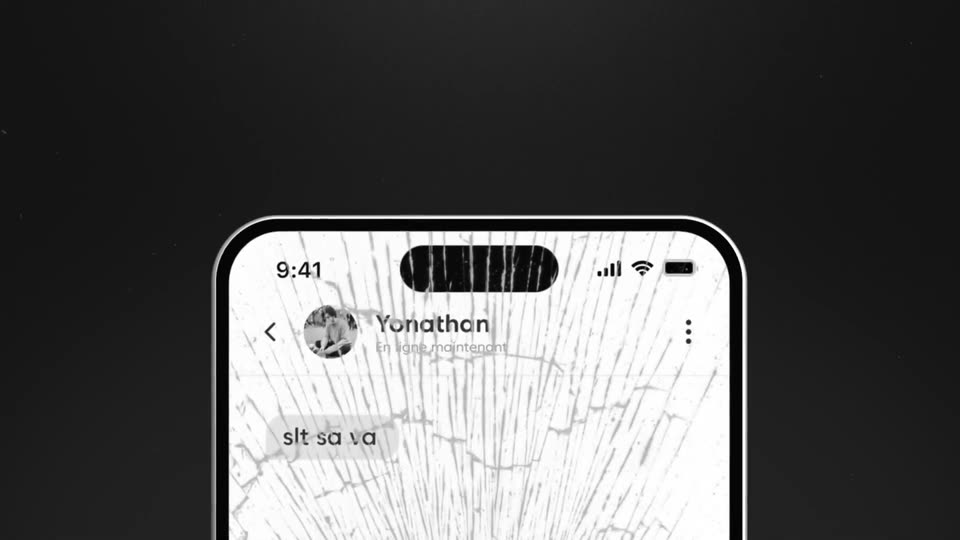
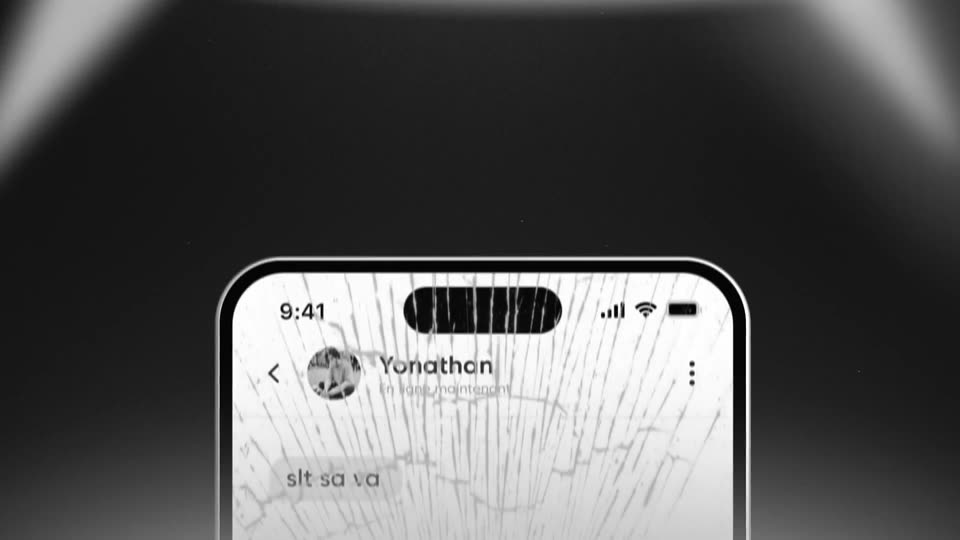
A tight crop of a chat header and message bubble pulls back to reveal the phone in 3D on black, its display split by a web of cracks radiating from the notch.

1s
Demo· JewBuzz Love | L’amour au sein de la communauté juive | Vidéo motion design

A near-black messaging screen, locked-off and static, holds a faint contact name, a short one-line message and a small timestamp in dim gray text.

1s
Demo· JewBuzz Love | L’amour au sein de la communauté juive | Vidéo motion design

A dark textured background with a soft light vignette. White text appears in the center, revealing a French sentence sequentially.

0.5s
Demo· JewBuzz Love | L’amour au sein de la communauté juive | Vidéo motion design

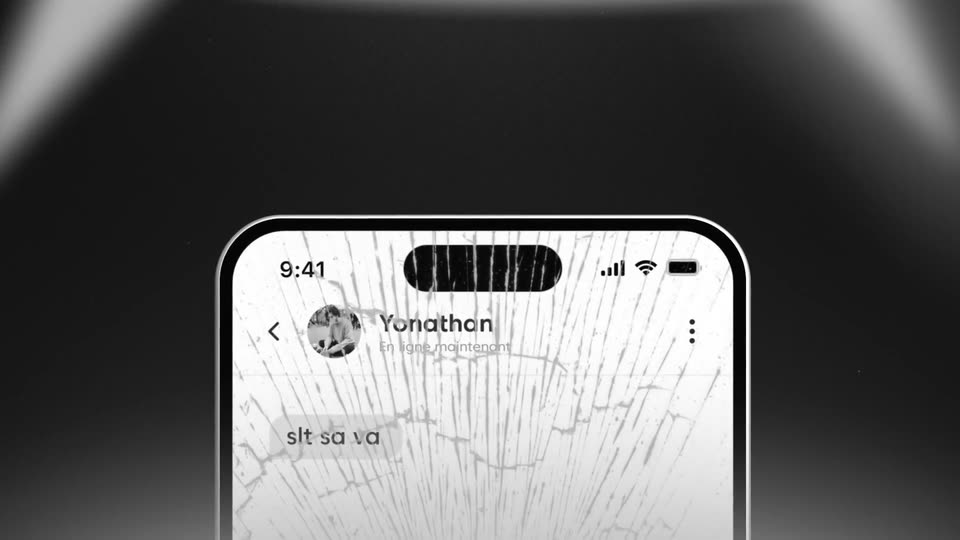
On a dark vignetted background, a centered white line reads “c’est Moi qui” and completes to “décide” as a front-facing iPhone with a cracked screen rises from the bottom, showing a chat with Yonathan.

3.1s
Demo· JewBuzz Love | L’amour au sein de la communauté juive | Vidéo motion design

Close-up of an iPhone screen showing a chat thread with a cracked-glass texture overlay. A large contact name fades in above the device while the locked-off frame holds on the broken screen.

8s
Demo· JewBuzz Love | L’amour au sein de la communauté juive | Vidéo motion design

A phone mockup with a chat screen sits in front of a giant name, then pulls back to reveal a row of dating profile cards scrolling slowly across a dark, pink-lit stage. The headline appears above while one card picks up a pink glow.

2.6s
Demo· Caviar Healthcare Software Promotional Video | Zentist x MotionCue

A tilted claim card floats in a 3D hill-and-sky landscape beside a small orange robot. The camera pushes in as the robot hops to the card's top with a 'Diagnosing issues...' bubble; a pink block wipes over the blurred frame while a caption slides and scales at the left.

1.7s
Demo· Caviar Healthcare Software Promotional Video | Zentist x MotionCue

Three side-by-side vertical panels, each a live-action portrait with a white Caviar Agent card composited over the lower half. The cards resolve from a scattered block glitch into sharp forms showing a member form, an ID-match alert, and a tooth-number fill.

1s
Demo· Best Product Launch Video | Meridian

A curly-haired woman in an apron sorts coins in a cash drawer behind a café counter. The camera pushes in on the dark register in the foreground, blurring her, while a white “September close” caption and a status chip reading “Meridian running... Categorizing transactions” hold on screen.

1.3s
Demo· Best Product Launch Video | Meridian

A gray-haired man in a navy jacket leans over a table, unrolling a wide white blueprint in a brick studio. On the right, white captions and two icon pills slide and scale in over the locked-off shot.

1.3s
Demo· Best Product Launch Video | Meridian

A warehouse worker in a tan polo writes on a clipboard while white captions and a stack of task pills overlay the frame. He then stands in a doorway, the left caption switching to the company name and the pill stack reducing to a single item.

1.6s
Demo· Best Product Launch Video | Meridian

Three stacked horizontal panels show a man facing the camera, a man looking down, and a woman looking down. White text labels and UI badges with icons are overlaid on each panel.

1.6s
Demo· Best SaaS Launch Video | ServiceUp

A soft orange-to-purple gradient fills the frame while a white headline builds word by word from the left, settling into the full line by the end.

1.9s
Demo· Best SaaS Launch Video | ServiceUp

A still headline sits over a light grid stage where an orange-purple gradient logo tile with a white S rotates at center. Two white UI cards, a Delivery Van with a Mechanical Issue tag and a Pacific Coast Collision with 2.2 mi, slide past the tile, which glows as they cross.

1.3s
Demo· Best SaaS Launch Video | ServiceUp

White notification cards slide left across a pale gray grid: a van, a Mechanical Issue chip, an orange gradient logo tile, a building photo, and a Pacific Coast Collision card with a COLLISION tag. A soft orange-purple glow trails the strip; an orange arrow appears at left.

1.9s
Demo· Best SaaS Launch Video | ServiceUp

On a light grid stage, a headline sits at left while a purple-to-orange gradient bar links a vehicle card and a shop card. At center, six agent pills stagger from a compressed stack into an even vertical list as the bar brightens.

4.4s
Demo· Best SaaS Launch Video | ServiceUp

A vertical list of steps on a light gray background scrolls upward as each word turns orange in turn, with a gradient bar extending from the active word. The bar then wipes across the frame to fill it.

3s
Demo· Best SaaS Launch Video | ServiceUp

On a soft orange-to-purple gradient, the line “Every step a fleet manager used to have to do by hand.” builds word by word in white sans, then holds. The words Approval, Communication and Payment slide and scale in over the same gradient.

7s
Demo· Introducing SimBlox V2.0!

A dark dotted background holds a flat browser window showing the Simblox partner dashboard, with the headline 'One operating system.' above it. The camera is locked off while the dashboard content scrolls down inside the window, revealing the launch checklist, recent orders and recent customers panels.

6.1s
Demo· Customer Support Software Demo | Help Scout x MotionCue

A flat Help Scout inbox screen fades in on a lavender background, listing customer conversations under a FAQs header. A black cursor glides across the rows, then clicks the inbox icon in the left sidebar, which highlights.

5s
Demo· Customer Support Software Demo | Help Scout x MotionCue

A helpdesk inbox shows a customer email from Lena Brooks. The message body types in line by line while the view slowly zooms into the message card, then eases back to the full layout.

0.8s
Demo· Customer Support Software Demo | Help Scout x MotionCue

A customer support dashboard is shown in a flat 2D view. The frame tightens onto the right-hand customer card, which lists the company name, website, location and a highlighted note, while the conversation thread on the left slides partly out of frame.

4.8s
Demo· Customer Support Software Demo | Help Scout x MotionCue

A customer detail panel on the right switches from the SignalNest company profile to the Lena Brooks contact card. A cursor clicks the Note button, expanding a note box, then the view zooms in on the panel.

1.7s
Demo· Customer Support Software Demo | Help Scout x MotionCue

A right-hand contact panel expands downward while a cursor glides down the conversation list, opening to reveal an integrations row (HubSpot, Salesforce, Shopify, Stripe) beside an email thread with Reply and Note buttons on the left.

0.9s
Demo· Customer Support Software Demo | Help Scout x MotionCue

A customer email sits in the main pane of a support app while two integration cards fade in from the left, each with a logo, a PLUS badge and a one-line caption for HubSpot and Salesforce. A cursor hovers over the Salesforce entry in the right sidebar list.

3.7s
Demo· Customer Support Software Demo | Help Scout x MotionCue

A dimmed Help Scout inbox sits in the background as four white integration cards for HubSpot, Salesforce, Shopify and Stripe line up across the frame. A black cursor glides over the cards, hovering each in turn, while the Stripe card fades in.

6.5s
Demo· Customer Support Software Demo | Help Scout x MotionCue

A translucent card showing HubSpot, Salesforce and Shopify integrations fades out over an email inbox. A cursor then hovers down the Shopify orders panel on the right before moving to the Reply button below the message.

2s
Demo· Create and launch TV ads straight from Canva

A dark screen holds a video player showing an orange ad poster reading FEED YOUR MOOD next to a black-and-white clip that cuts from a mouth to hands holding a plate of food. A progress bar advances beneath; the caption You are watching goodbiteclub sits below the player.

0.5s
Demo· Create and launch TV ads straight from Canva

A dark video-player window fills the frame, showing a red ad with large condensed sans-serif text reading QUESA and DILLAS. The text flips from black to light blue as the player's progress bar advances. A small caption below the window reads You are watching goodbiteclub.

0.4s
Demo· Create and launch TV ads straight from Canva

A dark video player shows an orange frame of oversized black stacked letters, the progress bar advancing as the clip plays. Below the player, a small caption and a bold channel name sit centered on the dark background.

0.5s
Demo· Create and launch TV ads straight from Canva

A flat video player on a dark glowing background plays a red ad whose huge rounded text flickers between blue and black. A white caption below names the channel while the progress bar advances.

0.4s
Demo· Create and launch TV ads straight from Canva

A flat video player window on a dark background shows a red poster with large black type. A progress bar with pause and volume icons runs along the bottom edge, and a small caption below reads You are watching goodbiteclub. The shot holds still.

0.7s
Demo· Create and launch TV ads straight from Canva

A flat video player mockup sits on a navy field. The left panel wipes from solid red to a black-and-white photo of a seated person holding a cup, while the right panel stays red. A blue progress bar advances and a white caption below reads You are watching goodbiteclub.

1.8s
Demo· Create and launch TV ads straight from Canva

A rounded video player sits on a dark navy screen with a small caption below it. Inside, two black-and-white photos in a split layout dissolve into a full-frame macro texture as a blue headline slides across the top.

0.4s
Demo· Create and launch TV ads straight from Canva

A flat video player sits on a dark background, its screen a red texture with bold black text reading SATISFY YOUR SCROLL. Below the player, white text reads You are watching goodbiteclub, and the progress bar fills as the timer counts down.

1s
Demo· Create and launch TV ads straight from Canva

A flat video player mockup on a dark background shows a red frame with the bold black headline SATISFY YOUR SCROLL over a black-and-white clip of a hand holding a taco. A second black-and-white clip of a hand holding a phone appears on the right.

2s
Demo· Create and launch TV ads straight from Canva

A black-and-white food clip of a chip dipping into white sauce plays inside a rounded video player on a dark navy background. The progress bar advances and the countdown timer ticks from -0:05 to -0:03 while a now-playing label reads goodbiteclub below the player.

2.4s
Demo· Create and launch TV ads straight from Canva

A flat video player on a dark background plays a red ad. Two black-and-white clips fade into the top-left and bottom-right corners, an ORDER NOW oval badge and a QR code pop in, and the progress bar advances. A caption below reads You are watching goodbiteclub.

4s
Demo· Create and launch TV ads straight from Canva

Centered medium shot of a woman in a denim jacket at a desk in a bright home office, speaking and gesturing with both hands. A purple rounded banner with the white question “What’s your marketing goal?” slides in from the bottom and holds.

5.6s
Demo· Create and launch TV ads straight from Canva

A woman with long dark hair in a denim shirt sits at a desk with a laptop, speaking to camera in a softly lit home office. A blue rounded caption bar with white text holds at the lower third, then clears. The camera stays locked off.

6.8s
Demo· Create and launch TV ads straight from Canva

A woman with long dark hair, in a denim jacket over a white top, sits in a softly lit home office and speaks to camera, gesturing with both hands. The locked-off medium shot keeps her centered against a blurred background of curtains, a plant and framed art.

3.4s
Demo· Create and launch TV ads straight from Canva

A woman with long dark hair in a dark jacket speaks to camera in a softly lit home office, gesturing with her hands as she talks. A laptop and potted plant sit blurred in the foreground, framed art on the wall behind her.

3.5s
Demo· Create and launch TV ads straight from Canva

A woman with long dark hair in a denim jacket sits at a laptop in a softly lit home office, speaking to camera. She gestures with her hands while talking. The camera holds a locked-off medium close-up, background plants and framed art blurred.

2s
Demo· Create and launch TV ads straight from Canva

A woman with long dark hair in a dark jacket sits at a home office desk, speaking to camera and gesturing with both hands. A potted plant and an open laptop sit blurred in the foreground. The frame stays locked off throughout.

7.6s
Demo· Create and launch TV ads straight from Canva

A cursor clicks the File menu in the top bar, opening a dropdown with the project title and canvas size, then hovers over the 1920px by 1080px line. The canvas shows a red FEED frame beside a black-and-white photo of a woman biting a chocolate bar.

2.8s
Demo· Create and launch TV ads straight from Canva

A woman with long dark hair in a denim jacket sits at a desk in a home office, speaking to camera and gesturing with her hands. Medium close-up, locked-off, with a laptop lid in the foreground and blurred plants and framed art behind her.

5s
Demo· Create and launch TV ads straight from Canva

A woman in a denim jacket sits at a laptop in a sunlit room and speaks to camera. A purple rounded square with a white person icon tilts in at left, followed by a red rounded square with a white question mark at right.

5.9s
Demo· Create and launch TV ads straight from Canva

A woman speaks to camera at a desk with a laptop in a home office. Two tilted rounded-square icons, a purple profile icon and a red question-mark icon, float beside her shoulders, then shrink and fade out.

5.2s
Demo· Create and launch TV ads straight from Canva

A woman with long dark hair in a dark denim jacket over a white top speaks to camera in a softly lit home office. The locked-off medium close-up holds steady as she talks, glances down, and gestures with one hand near the end. A plant, framed art and a laptop sit blurred behind her.

1.2s
Demo· Create and launch TV ads straight from Canva

A design editor screen shows a red card with the word FEED beside a black-and-white photo of a smiling woman. A mouse cursor drifts from the canvas to the Text tool in the left sidebar and hovers over it. The timeline and play button sit idle below.

2.7s
Demo· Create and launch TV ads straight from Canva

A Canva video editor screen shows a red FEED title card with a smiling woman on the canvas. The cursor clicks Add a text box, a YOUR PARAGRAPH TEXT field appears on the card, and a matching track lands on the timeline below.

15s
Demo· Create and launch TV ads straight from Canva

A design editor shows a red poster with FEED and a black-and-white photo of a person eating. The cursor drags the handle text to the corner, shrinks it, then scrubs the timeline so the poster frames change, adding a YOUR sticker and MOOD.

1.6s
Demo· Create and launch TV ads straight from Canva

A woman with long dark hair, wearing a dark denim jacket over a white top, speaks directly to camera in a home office. A laptop sits in the foreground right, with a potted plant, framed art and soft curtains in the background. The medium close-up is locked off as she talks.

1.4s
Demo· Create and launch TV ads straight from Canva

The Canva editor is open on a red FEED YOUR MOOD design with a black-and-white eating photo, above a timeline showing a teal feed audio track and video thumbnails. The cursor glides from the canvas to the Elements button in the left rail.

10s
Demo· Create and launch TV ads straight from Canva

A cursor clicks the Audio tab in the left panel, then scrolls a list of upbeat music tracks and presses play on one. The right side holds a static preview of a red food ad above a timeline.

1.9s
Demo· Create and launch TV ads straight from Canva

A video editing interface is shown, featuring a timeline at the bottom and a preview window. A cursor hovers over a track in the timeline, and a caption at the bottom of the preview instructs to drop or drag music.

1.4s
Demo· Create and launch TV ads straight from Canva

A screen recording of a video editor. The canvas holds a red ad card with a black FEED logo and a monochrome photo, above a timeline of clips and a purple audio track. A cursor glides from the timeline to the sidebar's collapse arrow.

6.3s
Demo· Create and launch TV ads straight from Canva

A video editor fills the frame: a red FEED clip plays in the canvas over a multi-track timeline. A cursor drags the right edge of the purple audio track to trim it, then the playhead moves forward and the preview switches to a hand holding a chocolate bar.

9.4s
Demo· Create and launch TV ads straight from Canva

The editor's canvas shows a red GoodBiteClub ad with a 'NOW OPEN 24 HOURS' headline and two black-and-white photos. A cursor clicks the small '@GOODBITECLUB' handle, drags its outline to enlarge it, then selects the right-side photo. Labeled clips sit on the timeline below.

1.5s
Demo· Create and launch TV ads straight from Canva

A woman with long dark hair, in a denim jacket over a white tee, sits at a desk and talks to camera, gesturing with one hand. A laptop lid sits in the right foreground; a potted plant and framed prints fill the blurred background.

0.9s
Demo· Create and launch TV ads straight from Canva

A woman with long dark hair in a denim jacket speaks directly to camera in a softly lit room, a curtained window and houseplant blurred behind her, the edge of a laptop in the lower right.

1.7s
Demo· Create and launch TV ads straight from Canva

A woman with long dark hair in a denim jacket sits in a warm home office, speaking to camera with small hand gestures. Teal curtains, houseplants and framed pictures sit softly blurred behind her, the edge of a laptop at the lower right. Locked-off medium close-up.

1.7s
Demo· Create and launch TV ads straight from Canva

In the Canva editor, a red canvas shows the black “FEED YOUR MOOD” headline beside a black-and-white photo of a hand holding a drink at a car window. A text toolbar drops in at the top and a context menu pops up by the headline as the playhead moves.

7.6s
Demo· Create and launch TV ads straight from Canva

A Canva-style editor shows a video timeline where the cursor drags a text track's edge, right-clicks to split it, then opens the text color panel and types a hex value. The canvas preview plays through red title cards and a black-and-white close-up.

1.4s
Demo· Create and launch TV ads straight from Canva

A Canva editor window fills the frame. A black-and-white pastry clip plays in the center preview as a @GOODBITECLUB caption types out, then the cursor drops to the timeline and drags a clip edge.

1.7s
Demo· Create and launch TV ads straight from Canva

In a design editor, a context menu with Split highlighted disappears as the cursor drags a cyan text block on the timeline to the right, stretching it; a small time tooltip pops up above the block while the video canvas stays still.

1.8s
Demo· Create and launch TV ads straight from Canva

A Canva editor screen shows a red food-ad design on the canvas while a cursor selects a text block on the timeline. The playhead jumps between marks and the canvas preview updates to a black-and-white bowl shot.

3.2s
Demo· Create and launch TV ads straight from Canva

Screen recording of the Canva editor. The cursor drags the playhead along the timeline; the preview canvas flips from a dark video frame to a red NOW OPEN 24 HOURS slide, then to a grayscale photo. A right-click menu opens and closes over the tracks.

12s
Demo· Introducing Continuum: A Real-Time Video Operating System | Runway Labs

A white splash card reading Continuum, with a blurred circular photo at its center, fades out to an empty dotted workspace. The cursor drifts up to the top tabs, clicks one, and a NASA article page fades in from the top edge.

1s
Demo· Introducing Praxis-1 | Runway

A wheeled robotic arm stands before a black bookshelf in a bright room. The arm extends and retracts while objects on the shelves shift and swap places. The frame is locked off; small white labels sit in the corners.

1.6s
Demo· Introducing Praxis-1 | Runway

Night tennis court under floodlights: a tall vertical sensor rig on a wheeled base stands near the net as tennis balls dot the blue surface. Cut to a red-walled warehouse where a bicycle rests on a rolling platform before open dock doors.

1.1s
Demo· Introducing Praxis-1 | Runway

A warehouse with red corrugated walls and two open loading bays full of boxes. A tall white robot with two gripper arms stands on the right on a wheeled base; a black bicycle rests on a dolly at left. The camera holds a static wide shot.

1.1s
Demo· Introducing Praxis-1 | Runway

A bright lab wall of planted aquarium tanks under strip lights, with a white robotic arm at right, gives way in a quick transition to a white library hall lined with floor-to-ceiling shelves and a black bench at center.

4s
Demo· Introducing Runway Ads | Runway

A dark analytics dashboard reveals from a tight framing on the campaign title, which slides left and shrinks into the header as a green Active badge scales in. Five metric cards fill with ticking numbers and a bar chart grows its columns.

1.4s
Demo· Introducing Runway Ads | Runway

A black screen fills with a dense grid of short clips and stills, each showing people holding or pouring a beverage can on bold colored backgrounds. The tiles light up quickly to form a full mosaic wall of ad variations.

3.5s
Demo· Introducing Runway Ads | Runway

A dense grid of short clips and product shots fills the frame, each showing a person drinking from a branded can. A cursor hovers over one tile, then most tiles fade to black, leaving a scattered few.

18s
Demo· Meet the all new Codex Cloud

A man on a green sofa talks and gestures while a white command bar floats top-left; a cursor stops dictation and typed text fills the bar, which then slides off-screen as he lifts the laptop lid to show its logo.

4.9s
Demo· Meet the all new Codex Cloud

A bearded man sits on a green sofa holding an open laptop. A white UI card overlays the top left; a cursor picks Cloud in a dropdown, then checks the lasercube environment. The card vanishes and the man snaps the laptop shut.

3.1s
Demo· Meet the all new Codex Cloud

A bearded man in a blue shirt sits at a wooden table, tapping a flat tablet with both index fingers, then raising his hands to gesture as he speaks to the camera. A mug, notebook and phone sit on the table in a bright room.

3.5s
Demo· Meet the all new Codex Cloud

A bearded man in a navy shirt over a white tee sits in a bright living room, speaking to camera and gesturing with both hands. A green sofa and yellow cushion stay softly blurred behind him.

11s
Demo· Meet the all new Codex Cloud

A bearded man sits at a wooden table with a tablet, mug and notebook, talking and gesturing. He lifts his phone as a chat screen appears on the left, where a message is typed on a keyboard and queued.

6.9s
Demo· Meet the all new Codex Cloud

A bearded man in a dark shirt talks to camera, holding a phone in a clear case in one hand and gesturing with the other: pointing, open palm, tapping his temple. Static medium close-up with a soft-focus living room behind him.

10s
Demo· Meet the all new Codex Cloud

A bearded man sits at a table with a laptop and phone, gesturing as a white chat panel on the left updates: a timer counts up, queued prompts appear, a question card slides in. He sets the phone down; the shot cuts to a close-up of him smiling.

4.7s
Demo· Meet the all new Codex Cloud

A bearded man in a blue shirt sits in a living room and speaks, a green couch blurred in the background. He glances to the side, looks down, then meets the camera as he talks, his expression shifting from thoughtful to smiling.

2s
Demo· Meet the all new Codex Cloud

A bearded man in a blue shirt sits at a round wooden table with an open laptop, a mug and a pink notebook. He looks down at the screen, then lifts his gaze to the camera with a faint smile in a bright, softly lit living room.

2s
Demo· Meet the all new Codex Cloud

A flat, locked-off browser window shows a dark laser-simulator interface. A cursor clicks a scene in the left list, and the central 3D view swaps from a wireframe starship to a glowing line-art blossom, then the frame blurs out.

1.8s
Demo· Meet the all new Codex Cloud

A dark control-room interface fills the frame: a left menu highlights one show, a center grid holds the OpenAI blossom logo in white lines, and a right panel shows a man at a laptop. A hand cursor rests on the selected row while the layout settles.

0.8s
Demo· Meet the all new Codex Cloud

A dark control-room interface lists starter shows with a hand cursor on OpenAI Blossom, while the line-drawn OpenAI logo sits on a grid preview. The frame then whips into an angled, motion-blurred reframe of the same screen.

5.8s
Demo· Meet the all new Codex Cloud

A browser window shows a dark laser-lab interface with an assistant chat panel left and a video-call inset of a man at a desk. The view zooms into the interface as a cursor clicks Codex Pet Blink, and a blue line-art robot fills the preview grid.

2.4s
Demo· Best AI SaaS Product Video | Apollo

A near-white card centers the two-line headline, which fades in from a soft blur, holds, then fades out to blank. The frame is locked off with no camera move.

1.5s
Demo· Best AI SaaS Product Video | Apollo

A white interface panel with a dark left sidebar and gray placeholder lines sits in 3D perspective on a pale blue gradient. The panel rotates gently, tilting from a side angle toward the viewer and back.

4.8s
Demo· Best AI SaaS Product Video | Apollo

A two-panel interface fades in over a soft blue-lavender gradient: a dashboard of task, calendar, resident and move-in lists on the left, an AI chat thread on the right. The camera zooms in to frame both as one window, then the view blurs out.

6.1s
Demo· A Fresh Look for Gem | UI Animation & Sound Design

Six labeled tiles orbit the headline with AI-powered solutions, then collapse into colored spokes around a central black logo as that work better together appears below. The camera zooms past the blurred logo to the AI App Review Agent tile; a cursor clicks it, revealing a white UI panel.

1.3s
Demo· Introducing dots, always-on agents built to handle everything.

A bearded man in a green shirt gazes off-camera in a warm, blurred office. A cut reveals a reverse angle: a tablet on a wooden wall displays a chat message from Alfred, the man's head soft in the foreground.

1.6s
Demo· Introducing dots, always-on agents built to handle everything.

A man seen from behind stands before a wood-paneled wall holding a large screen that displays a chat with Alfred. A gray message bubble about the fall launch sits on screen, then a yellow reply bubble pops in near the bottom.

0.8s
Demo· Introducing dots, always-on agents built to handle everything.

A tight close-up of a bearded man in a dark green shirt looks off to the left in a dim, warm-lit room. A brief crossfade overlays a second angle of his face at the start, and white subtitles caption his dialogue along the bottom.

1.7s
Demo· Introducing dots, always-on agents built to handle everything.

A woman with long dark hair sits at a control console, back to camera, watching a wall-mounted screen. The screen shows a Teams chat: an avatar labeled Felipe and a message bubble about consumer experience numbers. A lit desk lamp and wood paneling fill the set. The frame stays locked-off.

1.7s
Demo· Introducing dots, always-on agents built to handle everything.

A close-up of a woman with dark hair and gold earrings, gazing up and to the right with a slight smile. A blurred presentation screen with a magenta shape fills the background. She listens, head still, as the camera holds on her face.

2.1s
Demo· Introducing dots, always-on agents built to handle everything.

A monitor shows a blue dashboard with metric cards and a bar chart, a person's head blurred in the left foreground. A blob-shaped cursor with a beret glides across the chart's bars. A caption reads Felipe's Computer at the bottom.

2.8s
Demo· Introducing dots, always-on agents built to handle everything.

A woman in profile smiles in a wood-paneled studio, watching a wall screen where a white notes card sits on purple. A small pink blob mascot moves down the action items list, checking boxes, while a large background screen shows a blue blob in a black beret.

1.8s
Demo· Introducing dots, always-on agents built to handle everything.

A close-up of a chat interface on a screen shows a purple heart avatar with sunglasses above the name Jojo and a gray message bubble. A dark-haired head sits out of focus in the lower right against a wood wall. The frame is locked off and static.

1.5s
Demo· Introducing dots, always-on agents built to handle everything.

A woman with long dark hair stands in profile in a wood-paneled room, speaking. A wall tablet shows a chat message, and a large screen behind her displays a blue cartoon character with a black hat. The frame is locked off and static.

3.5s
Demo· Introducing dots, always-on agents built to handle everything.

A woman with long black hair speaks in profile, facing left, against a blurred office background with a wooden panel and blue screen. The locked-off close shot holds as she talks, with soft lighting and shallow focus.

1.7s
Demo· Introducing dots, always-on agents built to handle everything.

Over the out-of-focus head of a person, a tablet shows a chat with Jojo: a gray bubble sits on the left, then a purple reply bubble slides in from the right and types out a message.

1.7s
Demo· Introducing dots, always-on agents built to handle everything.

A close-up of a smiling woman with dark hair looking off-camera. The background is out of focus, showing warm bokeh lights and a screen. She wears a dark top and a small gold earring.

1.5s
Demo· Introducing dots, always-on agents built to handle everything.

Over-the-shoulder close-up of a phone chat screen: a gray message bubble and a purple reply with a thumbs-up reaction sit above a three-dot typing indicator, while an out-of-focus dark head blocks the right side of the frame.

1.9s
Demo· Introducing dots, always-on agents built to handle everything.

A woman with long black hair stands in profile in a wood-paneled room, watching two wall screens: a chat thread on the left, a blue cartoon face on the right. A white lamp and a lit control panel sit below; the frame holds as a message bubble scales in.

2s
Demo· Introducing dots, always-on agents built to handle everything.

A monitor on a wood desk shows the Sunday Cake Co site while a person's dark head stays out of focus in the right foreground. A cursor glides over the page and a consultations form pops in over the cake hero image.

0.9s
Demo· Introducing dots, always-on agents built to handle everything.

A woman in a black vest stands in profile in a warm wood-paneled room, smiling and speaking toward a wall-mounted screen showing a purple recipe layout. A large display behind her shows a blue cartoon character. The locked-off frame holds on her reaction.

1.4s
Demo· Introducing dots, always-on agents built to handle everything.

Close-up of a woman with long black hair and a gold hoop earring, speaking and smiling toward the left of frame. Soft-focus office background with warm bokeh lights; locked-off camera, she talks and laughs through the short clip.

1.1s
Demo· Introducing dots, always-on agents built to handle everything.

A woman in a striped shirt stands in profile in a wood-paneled room, then the frame tightens to her hand holding a phone. The screen shows a chat with a pink heart avatar and a magenta message bubble.

0.8s
Demo· Introducing dots, always-on agents built to handle everything.

Over-the-shoulder close-up of a hand holding a phone in a purple case. The screen shows a chat app with pink message bubbles and heart stickers, and the hand tilts the phone while the conversation scrolls.

1.3s
Demo· Introducing dots, always-on agents built to handle everything.

A hand holds a phone showing a chat screen with pink message bubbles. The focus drops sharply as the person's dark shoulder moves in front of the camera, blurring the phone until the frame is mostly black.

1.4s
Demo· Introducing dots, always-on agents built to handle everything.

A hooded figure walks toward the camera along a dark path, silhouetted against a large projection screen showing a daytime park with trees and benches. The figure's face stays in shadow as they approach the lens.

0.7s
Demo· Introducing dots, always-on agents built to handle everything.

A hooded figure in a dark hoodie walks away down a paved path toward a large glowing white panel overhead. The dim park backdrop shows trees, benches and a fence, with a pink sign on the left.

1.6s
Demo· Introducing dots, always-on agents built to handle everything.

A silhouetted woman in a blazer walks away from the camera through a dim office at night. A glowing chat screen on a stand sits to her left, and a red table with chairs fills the background as she moves deeper into the room.

0.9s
Demo· Introducing dots, always-on agents built to handle everything.

Shot from behind, a person in a dark jacket walks down a dim street at night, holding a phone whose screen glows yellow. The figure moves away into the low light.

2.4s
Demo· Introducing dots, always-on agents built to handle everything.

A person in dark clothing and a shoulder bag walks from the right foreground into a dim open-plan home. Warm interior light gradually reveals a kitchen island, dining table and stools as they move away, the frame locked off.

1.2s
Demo· Introducing dots, always-on agents built to handle everything.

In a dim kitchen, a person in a dark green shirt stands with their back to the camera and closes the open refrigerator door. The stainless door carries magnets and a yellow drawing; a warm lamp glows on the counter in the background.

1.9s
Demo· Introducing dots, always-on agents built to handle everything.

In a dim home office, a man in a black shirt bends to adjust a wood-framed device on a stand. Its yellow screen shows a timer and three round buttons. A lit lamp and a framed abstract painting sit left; a blurred plant fills the foreground.

3.2s
Demo· Introducing dots, always-on agents built to handle everything.

A man in a green shirt stands at a kitchen counter, lifting a whisk from a glass bowl of batter as it drips. A smartphone lies face-up on the counter showing a call screen. The camera tilts up from the bowl to his face as he looks down.

1.2s
Demo· Introducing dots, always-on agents built to handle everything.

A wooden-framed display on a stand glows in a dim living room, its yellow screen building a webpage from a blank white block into a grid of clothing photos and thumbnails. A small cursor hovers at the screen's edge. The foreground stays softly out of focus.

1.2s
Demo· Introducing dots, always-on agents built to handle everything.

A bearded man in a dark green shirt over a white tee looks down, then lifts his gaze with a faint smile. He stands in a warm kitchen with wooden cabinets and potted plants behind him, framed in a static medium close-up.

1.5s
Demo· Introducing dots, always-on agents built to handle everything.

In a dim room, a wooden-framed tablet on a stand shows a yellow storefront with tennis apparel; a blurred figure in the foreground holds a phone, and a cursor hovers over a product photo on the screen.

1.8s
Demo· Introducing dots, always-on agents built to handle everything.

A man in a dark green jacket stands at a wooden kitchen island, stirring a bowl of pale mixture. Warm lamps glow behind him among framed art and a tall plant. A phone and a green bottle rest on the counter. The camera holds a static medium-wide shot.

1s
Demo· Introducing dots, always-on agents built to handle everything.

A bearded man in a dark green jacket stands at a wooden counter, head down, stirring a pale batter in a glass bowl. A warm kitchen with wood cabinets and a green tile backsplash fills the background; the shot stays static on his upper body.

2.4s
Demo· Introducing dots, always-on agents built to handle everything.

Locked-off shot past a blurred foreground: a wood-framed tablet on a stand in a dim room shows a live call with Alfred. A status line and a Public Racquet Club card fade in below the call panel while the timer ticks.

1.3s
Demo· Introducing dots, always-on agents built to handle everything.

A bearded man in a dark green shirt over a white tee looks down in a warm, softly lit kitchen, his expression focused. Medium close-up with shallow depth of field, wooden cabinets blurred behind him.

2.6s
Demo· Introducing dots, always-on agents built to handle everything.

A woman in a black suit walks through a wood-paneled office, checking her phone, and sits at a red desk. A tablet on a wheeled stand at the left shows a chat thread. The shot cuts to a close-up over her shoulder as she settles in.

1.5s
Demo· Introducing dots, always-on agents built to handle everything.

A woman in a dark blazer sits in profile behind a red desk, looking down at her hands. She raises her head and extends her arm toward the right. A blurred potted plant frames the right edge of the shot, with foliage soft in the background.

3.5s
Demo· Introducing dots, always-on agents built to handle everything.

A woman in a black blazer sits at a red-clothed table in front of a wooden wall, speaking and gesturing toward a laptop. The medium shot stays locked off as she talks and raises her hand.

2.5s
Demo· Introducing dots, always-on agents built to handle everything.

A woman with long dark hair sits at a table, speaking and gesturing with her hands. She is framed in profile, with a red surface in the foreground and blurred plants behind her.

1.9s
Demo· Introducing dots, always-on agents built to handle everything.

A monitor on the left shows a presentation of stacked cards with charts; the content scrolls and a cursor hovers over the Consumer experience card as its chart animates. Behind it, a blurred woman works at a red desk in a warm office.

1.9s
Demo· Introducing dots, always-on agents built to handle everything.

A woman in a white jacket walks a paved path toward a bench in a constructed park, then bends to reach the seat. A pink phone-shaped sign on a tripod stands left, while a printed forest backdrop covers the rear wall behind her.

0.8s
Demo· Introducing dots, always-on agents built to handle everything.

A wood-framed tablet on a stand displays a video call with a pink gradient, a heart avatar named Jolje, and a 00:19 timer. Call control buttons fade in at the bottom. A blurred foreground and a dark wooden fence frame the device.

1.6s
Demo· Introducing dots, always-on agents built to handle everything.

A wood-framed tablet on a tripod stand shows a pink call screen with a heart avatar, the name Jojo, and a timer ticking from 00:19 to 00:20. A blurred person and a mossy plant frame the dark room in a locked-off shot.

5.4s
Demo· Introducing dots, always-on agents built to handle everything.

A woman in a white blouse and black vest sits on a park bench holding a phone. To her left, a tablet on a tripod shows a pink call screen with a contact and dial buttons. The static wide shot frames the path, bench and trees.

3s
Demo· Introducing dots, always-on agents built to handle everything.

A woman in right profile holds a magenta phone and smiles, in sharp focus against a dark, shallow-depth background where a blurred magenta screen flashes a white panel. She stays still, looking down at the device.

1s
Demo· Introducing dots, always-on agents built to handle everything.

A smartphone on a tripod stand displays a purple social feed with a tweet thread; a blurred woman occupies the right foreground as focus racks from soft to sharp onto the screen, a mossy tree trunk framing the left edge.

2.1s
Demo· Introducing dots, always-on agents built to handle everything.

In a locked-off medium shot, a man in a green jacket cracks eggs at a wooden kitchen island. The phone on the counter lifts and tilts toward the camera, its screen showing a calendar and a lesson registration card.

2s
Demo· Introducing dots, always-on agents built to handle everything.

A tablet on a stand in a dim living room shows a lesson registration form; a cursor moves down and clicks the Register button while a small cartoon sticker bounces beside it. The locked-off shot keeps a blurred object in the foreground.

1.7s
Demo· Introducing dots, always-on agents built to handle everything.

A bearded man in a green jacket and white tee stands in a kitchen, head tilted down as he speaks. The wooden cabinets behind him stay soft and out of focus while the frame holds a locked-off medium close-up.

2s
Demo· Introducing dots, always-on agents built to handle everything.

A foreground monitor shows a chat thread with Felipe; the list scrolls up and a new gray bubble about a moved finance review slides in. Behind it, out of focus, a woman works at a red desk with a laptop.

2.5s
Demo· Introducing dots, always-on agents built to handle everything.

A woman in a dark blazer sits at a desk in profile, framed behind the blurred red back of a monitor, gazing at a screen off frame. Soft office light, plants and wall art out of focus behind her. The shot holds steady.

2.5s
Demo· Introducing dots, always-on agents built to handle everything.

A woman with long dark hair sits at a desk behind an open laptop, speaking and lifting one hand in a small gesture. The warm wood-paneled room stays soft and out of focus behind her, a red laptop lid blurs the foreground, and the frame holds still.

1.5s
Demo· Introducing dots, always-on agents built to handle everything.

A woman in a dark brown jacket sits at a red desk, arm extended toward a laptop, as she speaks. Blurred green plants frame the foreground and background in a dimly lit room. The locked-off medium shot keeps focus on her profile.

1.5s
Demo· Introducing dots, always-on agents built to handle everything.

A monitor on a stand in the foreground shows a weekly calendar, its top events shifting from red to blue as a cursor moves and a small blue character bobs. Behind it, a woman works at a red desk in a softly blurred office.

1.1s
Demo· Introducing dots, always-on agents built to handle everything.

A woman in a park sits on a wooden bench, smiling at a pink-cased phone, then stands and walks away holding it. Small schedule captions like 'Focus time 2:00 - 3:00pm' slide and scale in over the locked-off shot.

1.4s
Demo· Introducing dots, always-on agents built to handle everything.

A man in a green jacket stands at a kitchen island, looking down at his phone. He turns and walks off to the right, blurring out of frame, leaving the warm, art-lined kitchen empty.

1.3s
Demo· Introducing dots, always-on agents built to handle everything.

Three people walk toward the camera across a concrete plaza before a glass-walled building. The underexposed shot renders them in near silhouette. The center woman carries a shoulder bag, the left figure a backpack. The camera holds a low static frame.

8.7s
Demo· Live Action meets Motion Graphics | SaaS Explainer Video | Astra

A 3D-tilted ASTRA dashboard mockup floats on a dark grid; the camera orbits it flat and zooms onto the left panel. The top lockup trims from ARTIZENT · ASTRA to ASTRA as the headline AI operating foundation and subline FOR YOUR ENTERPRISE slide in beside it.

4.7s
Demo· Live Action meets Motion Graphics | SaaS Explainer Video | Astra

A tilted dashboard mockup sits at the center of a dark grid, ringed by floating app icons with category labels. A circular spotlight expands to reveal the scene while the line One governed layer types in below.

3.6s
Demo· Live Action meets Motion Graphics | SaaS Explainer Video | Astra

A tilted 3D ASTRG dashboard sits at the center of a dark grid, ringed by floating white UI cards (Skills, Projects, Persona Manager, Golden Repositories) that drift in layered depth. The cards ease into place as the right Projects panel fills with a list of rows.

5s
Demo· Live Action meets Motion Graphics | SaaS Explainer Video | Astra

A white ASTRA dashboard mockup floats in 3D perspective over a dark grid floor. Four feature cards scattered around it fly off screen, then the camera slowly orbits the tilted interface, settling on the overview view.

6.8s
Demo· Live Action meets Motion Graphics | SaaS Explainer Video | Astra

A bald man in a checkered shirt speaks to camera on a dark backdrop, gesturing. Yellow line graphics draw in around him: a speedometer gauge, rings with check marks, a dollar ring, and a node network, labeled Performance, Governance, Cost, Impact. They fade out at the end.

1.6s
Demo· Live Action meets Motion Graphics | SaaS Explainer Video | Astra

A bald man in a light checkered shirt speaks to camera against a dark backdrop, gesturing with both hands. Large yellow words, Gradually and Suddenly, appear on either side of him, timed to his speech, while a small burnwe credit box sits top left.

0.5s
Demo· Flux Theory launch film with Ranbir Kapoor

Close-up of a finger flipping open the black cap of the orange-label THE REBEL body-wash bottle. It is not a perfume atomizer.

0.8s
Demo· Flux Theory launch film with Ranbir Kapoor

Close-up of the shirtless man pouring body wash from the inverted orange-label bottle into his cupped palm.

0.6s
Demo· Flux Theory launch film with Ranbir Kapoor

A wider bathroom shot continues the pouring action beneath the shower head and beside the bright window.

2s
Demo· Flux Theory launch film with Ranbir Kapoor

The man brings foamy hands to his face and neck beside the window; LONG-LASTING FRAGRANCE builds at left.

2.7s
Demo· Flux Theory launch film with Ranbir Kapoor

A cross-dissolve shifts to a close profile as he tilts his chin upward and massages his neck; the fragrance claim clears.

2.5s
Demo· Flux Theory launch film with Ranbir Kapoor

A cross-dissolve brings a closer view of him rubbing his shoulder with eyes lowered.

2.5s
Demo· Flux Theory launch film with Ranbir Kapoor

A cross-dissolve shows the foamy torso and arm being washed. RICH CREAMY LATHER builds at left.

2.3s
Demo· Flux Theory launch film with Ranbir Kapoor

A cross-dissolve shows a frontal view of him rubbing foam across his chest and shoulders.

2.9s
Demo· Flux Theory launch film with Ranbir Kapoor

A cross-dissolve shifts to his raised chin and neck; he turns his head and continues washing.

3.2s
Demo· Flux Theory launch film with Ranbir Kapoor

A cross-dissolve reveals his back covered in lather against the ribbed bathroom wall.

2.9s
Demo· Flux Theory launch film with Ranbir Kapoor

Five Flux Theory body-wash variants sit on a shelf. The large angled headline builds above them, then holds. The bottle lineup stays in place.

1.7s
Demo· Autodesk Forma Launch Film at Autodesk University 2026

A dissolve resolves into colleagues standing around a plan-covered office table. The camera moves past foreground backs to reveal the woman explaining the paper plan to the group; the same shot continues without a cut at44.800s.

1.7s
Demo· Autodesk Forma Launch Film at Autodesk University 2026

A low-angle close-up holds on a large architectural blueprint spread across a white table. Several hands enter the frame: one points along a pencil line, another grips a red pencil, a third rests on a ruler. The shot stays still as the pointing hand traces the drawing.

1.8s
Demo· Autodesk Forma Launch Film at Autodesk University 2026

A wide locked-off shot of a conference room where six people sit around a table with laptops, facing a wall display showing a 3D site model. White subtitles read at the bottom of the frame.

1.3s
Demo· Autodesk Forma Launch Film at Autodesk University 2026

A man with black-framed glasses in a light blue shirt speaks in profile against a red wall, partly hidden by a blurred shoulder in the foreground. Subtitles at the bottom of frame change as he talks, and the Autodesk logo sits in the corner.

2s
Demo· Autodesk Forma Launch Film at Autodesk University 2026

A short-haired woman in a cream top talks and gestures at a meeting table, a blurred laptop in the foreground and a marker-covered whiteboard behind her. Subtitles read “collaborating together” then “in real time.” The Autodesk logo sits in the lower right corner.

0.9s
Demo· Autodesk Forma Launch Film at Autodesk University 2026

A close-up shows a person's hands typing on a keyboard and resting on a black mouse at a desk. Colorful props, a red toy bus and a small crocheted figure, sit blurred in the background under shallow focus. The white Autodesk logo holds in the bottom right corner.

1.6s
Demo· Autodesk Forma Launch Film at Autodesk University 2026

The camera drifts sideways behind the blue-shirted engineer at his dual monitors, exposing a street plan and map in the open office. The subtitle introduces simultaneous plan and section views.

1.2s
Demo· Autodesk Forma Launch Film at Autodesk University 2026

Close-up of a man with black glasses in a dark polka-dot shirt, speaking to an off-camera interviewer in a blurred office interior. Subtitles appear at the bottom as he talks, and the frame stays locked off.

0.8s
Demo· Autodesk Forma Launch Film at Autodesk University 2026

Over-the-shoulder, locked-off shot of a man in a blue shirt and glasses watching a monitor. The screen shows a web app with a 2D section drawing above an aerial plan view of a campus, the plan view crossfading as it updates. A white caption sits at the bottom.

1.1s
Demo· Autodesk Forma Launch Film at Autodesk University 2026

A locked-off close-up of a design software screen: a road plan view with lane labels sits above a satellite aerial map. The right panel switches from a section list to an add-lane menu as a cursor hovers, and white subtitles read across the bottom.

1.4s
Demo· Autodesk Forma Launch Film at Autodesk University 2026

Over-the-shoulder shot of a person at a desk; the monitor shows a street-design tool with an aerial map over a plan and section view, its dimension labels changing as the design updates. The frame pushes in slightly. White captions run along the bottom.

1.2s
Demo· Autodesk Forma Launch Film at Autodesk University 2026

A close-up of a monitor showing a street-design interface with a cross-section diagram; a cursor hovers over it as the dimension labels update. A subtitle sits at the bottom and the Autodesk logo marks the corner.

0.8s
Demo· Autodesk Forma Launch Film at Autodesk University 2026

A Forma Street Design interface fills the frame over a satellite intersection, with white building footprints, side panels, and a blue alignment line. The map pans slightly while lower-third captions swap, and a cursor rests on the line.

1s
Demo· Autodesk Forma Launch Film at Autodesk University 2026

Top-down satellite map of a street lined with pale building blocks and trees. A thin blue line extends downward along the road centerline, its end tracked by a black cursor. A dark caption bar at the bottom reads “from the planning level phase”.

1.5s
Demo· Autodesk Forma Launch Film at Autodesk University 2026

The camera pans left across the engineer's dual monitors: a light Forma map on the right and a dark CAD plan on the left. His face passes off the right edge as the subtitle says into Civil 3D.

1.5s
Demo· New Apple child safety features help parents keep kids safe online

A white settings card labeled Personal Information scales in at center, tilted in 3D over a blurred app-screen background. Two glossy violet spheres travel in depth around the card, one above and one below, casting a soft purple glow.

6.3s
Demo· New Apple child safety features help parents keep kids safe online

A close-up of a 'Most Used Today' card listing app icons with a purple circle above it. The camera pulls back to reveal the full iPhone screen: a purple avatar, the name Violet, three control buttons, a weekly bar chart, and a Personal Information row.

1.4s
Demo· Introducing Skills: Teach the Framer Agent to design more like you and your team

A row of dark website mockups sits in 3D perspective, the center about page framed by a glowing cyan wireframe box. The panels rotate from a tilted angle to face the viewer while the camera holds still.

1.3s
Demo· Introducing Skills: Teach the Framer Agent to design more like you and your team

A dark about page assembles in 3D perspective: blue outline boxes snap around each text block while the layout scrolls downward, angled side panels drifting at the edges for depth.

4.7s
Demo· Introducing Skills: Teach the Framer Agent to design more like you and your team

A dark website mockup in 3D perspective shows an Our principles section, its three cards filling with text. The camera pulls back to the full page, then widens to a row of panels, the center glowing. It fades to black, then a chat input box fades in.

1.7s
Demo· New in Raycast AI: Automations, Projects and a new Harness

A dark macOS settings window is centered on a black background with soft diagonal light streaks. The right pane shows a red play icon above the title Automations and a list of suggested automations, while the left sidebar highlights the AI section. The frame stays locked and static.

4.5s
Demo· New in Raycast AI: Automations, Projects and a new Harness

A dark app settings screen with a left sidebar and an Automations panel. The camera slowly pushes in on the schedule card, where Daily is selected, Friday is highlighted, and a Next run line fades in at the bottom.

1.5s
Demo· New in Raycast AI: Automations, Projects and a new Harness

A dark settings window sits centered on a black background with soft white diagonal streaks. The Automations page shows a red icon, a title, and a schedule panel with day toggles and a 4:00 PM time field. The frame stays locked-off and static.

2.3s
Demo· New in Raycast AI: Automations, Projects and a new Harness

A dark chat-app mockup floats in 3D perspective over blurred diagonal bands. The camera drifts and zooms into the left sidebar, bringing the pinned and recent chat titles into focus.

5.3s
Demo· New in Raycast AI: Automations, Projects and a new Harness

A dark chat app shows an Edit Project dialog over a sidebar of saved chats. The frame tightens on the dialog as memory bars load and a directory path fills the field, then eases back to the full window.

5s
Demo· New in Raycast AI: Automations, Projects and a new Harness

A dark chat window sits on a blurred diagonal backdrop. An Edit Project panel fades out, then four status lines appear one after another in the chat column, ending with a Done message.

1s
Demo· New in Raycast AI: Automations, Projects and a new Harness

A dark settings window floats at a slight 3D tilt over a black background with blurred diagonal light streaks. The sidebar marks the AI pane and the main panel lists Models & Providers with two subscription rows. The shot holds still.

3.7s
Demo· New in Raycast AI: Automations, Projects and a new Harness

A dark settings screen for Models & Providers fills the frame as the camera slowly zooms in. The Local AI Subscriptions toggle flips on, and the Claude and ChatGPT rows change from gray placeholders to green connected statuses.

9.1s
Demo· New in Raycast AI: Automations, Projects and a new Harness

A dark Raycast settings window sits centered on a black field of blurred diagonal white streaks. The Models & Providers page shows the AI tab active; the two Manage Models rows fade in beneath the account list while the window slowly scales up.

2s
Demo· Introducing Studio 4.0, the agentic video editor in ElevenCreative

A video editor window sits on a soft gradient background, opening with a brief crossfade. The center preview plays a climber on a rock face while the timeline playhead advances, the left Library panel and right agent chat stay static.

1.4s
Demo· Shot on iPhone 18 Pro: "new trick” by ROSÉ

A group of young people sit on a patterned couch at the edge of a pool, with several others perched on the tiled pool rim behind them. The blonde woman at the center turns her head and looks around while the others shift and chat.

1.8s
Demo· Shot on iPhone 18 Pro: "new trick” by ROSÉ

A blonde woman in a striped dress and yellow plaid jacket crouches on the gym floor in front of a green drum kit, gesturing toward the camera. A drummer, a man in a leather jacket, and dancers move around road cases behind her.

1s
Demo· Shot on iPhone 18 Pro: "new trick” by ROSÉ

A blonde woman in a striped tank and a yellow argyle sweater turns to look over her shoulder at the camera. The frame is washed in warm haze and lens flare, with a crew and mirrors blurred in a warehouse background.

0.8s
Demo· Shot on iPhone 18 Pro: "new trick” by ROSÉ

First-person view of hands gripping a drone controller with a phone mounted in the center, its screen showing the drone's camera feed. Behind, a rider performs a trick over a padded pool table. A small disclaimer sits at the bottom.

0.9s
Demo· Shot on iPhone 18 Pro: "new trick” by ROSÉ

Extreme close-up of a dark red phone's dual camera lenses against a soft tan background. The aperture blades inside the left lens close and reopen while the frame stays locked. A small gray disclaimer caption sits at the bottom.

1.1s
Demo· Shot on iPhone 18 Pro: "new trick” by ROSÉ

A suited skater hangs mid-air over a wall where a woman reclines, board in hand. The shot cuts to a heavy motion-blur frame of a seated woman in a school uniform gripping a skateboard. A small disclaimer line sits at the bottom.

0.7s
Demo· Shot on iPhone 18 Pro: "new trick” by ROSÉ

A girl in a blue school uniform and sunglasses lies on a concrete ledge, hand over her eyes, as a motion-blurred motorcycle rushes past on the left. The locked-off frame holds on her pose while a small disclaimer caption sits at the bottom.

0.9s
Demo· Shot on iPhone 18 Pro: "new trick” by ROSÉ

A blonde singer kneels on a patterned rug, gripping a microphone and singing toward the lens. Behind her, a band plays drums and guitars while dancers move in a sunlit hall with arched windows.

1.3s
Demo· Shot on iPhone 18 Pro: "new trick” by ROSÉ

A blonde woman in a striped dress dances in a vaulted hall, captured on a spinning fisheye lens with heavy motion blur. The shot then cuts to a low angle framing a gimbal camera rig in the foreground, recording her in the background.

1.5s
Demo· Shot on iPhone 18 Pro: "new trick” by ROSÉ

A camera rig with a small monitor holds the foreground, its screen framing a blonde dancer in a striped top and plaid skirt inside a curved ornate hall. The surrounding set whirls with heavy motion blur while the monitor stays steady, a red REC dot glowing.

0.7s
Demo· Shot on iPhone 18 Pro: "new trick” by ROSÉ

A blonde woman in a blue jacket grips the top bar of a chain-link fence and dances, smiling at the camera. Behind her, an outdoor basketball court holds a few standing figures, with houses and a hoop under a gray sky.

1s
Demo· Shot on iPhone 18 Pro: "new trick” by ROSÉ

A blonde girl in a blue jacket stands behind a chain-link fence, raising her hand then turning away, while a group of people dance on gym mats in a schoolyard at dusk.

0.8s
Demo· Shot on iPhone 18 Pro: "new trick” by ROSÉ

Several dancers jump and spin on floor mats in a paved lot, seen through a chain-link fence that fills the foreground. The locked-off camera holds the wide shot as the caption 'Additional software used' rests at the bottom center.

1.2s
Demo· Shot on iPhone 18 Pro: "new trick” by ROSÉ

A close-up follows a player's hands on a red electric guitar, the strumming hand blurred by motion while the fretting hand shifts chords. The handheld camera shakes and reframes around the neck and body. A small white credit line sits at the bottom.

1.2s
Demo· Shot on iPhone 18 Pro: "new trick” by ROSÉ

A caged red phone on a pole whips through a spinning wooden room, the camera rotating fast so the background and two musicians smear into streaks. A hand holds a guitar neck in the lower left, the device held steady in frame.

2.2s
Demo· Shot on iPhone 18 Pro: "new trick” by ROSÉ

A blonde performer in a harlequin top and shorts sprints through a sunlit hall toward a drum kit, then a fast whip pan lands on her dancing with arms raised beside a man in a cap.

0.9s
Demo· Shot on iPhone 18 Pro: "new trick” by ROSÉ

A red iPhone with a triple-lens camera sits in a metal testing rig, back facing the lens. The teal-lit industrial background streaks with motion blur as the camera drifts, keeping the device sharp in a tight close-up.

1.2s
Demo· Shot on iPhone 18 Pro: "new trick” by ROSÉ

A blonde dancer in a striped outfit spins at the center of a crowded hall as a band plays around her. Sparks rain down across the frame while the camera tracks her movement.

0.6s
Demo· Shot on iPhone 18 Pro: "new trick” by ROSÉ

A blonde woman lies on a patterned rug, holding a black phone horizontally in front of her face as she films. Behind her, a band with drums and guitars plays inside a tent. The phone lifts across the top of the frame.

2.3s
Demo· The new Pika platform

A cream landing page scrolls up past a green parrot image and a row of model chips, settling on the centered headline APPS FOR EVERY CREATIVE NEED as NEED slides in. A camera photo and a purple Create Video card rise into view at the bottom.

1.5s
Demo· The new Pika platform

A product interface shows a video preview panel on the left cycling through short clips while a vertical menu list on the right scrolls upward, the purple-highlighted row staying on Talking Head. The menu labels slide past as the list moves.

1.6s
Demo· The new Pika platform

A vertical list of editing options scrolls up on the right while a preview image on the left swaps from a bird on a ladder to a perfume bottle on clouds; a cursor moves in and highlights the Product Shot row.

2.8s
Demo· Introducing Reception, powered by ElevenAgents

A glowing white-to-orange orb sits at the center of a black field crossed by thin concentric rings, its colors shifting as it pulses. The view pulls back, the rings drift out of frame, and a large green lens disc grows around the now smaller orb, with a faint rounded-rectangle outline on its left.

6s
Demo· Introducing Reception, powered by ElevenAgents

A circular cutout opens to full frame over a blurred green, yellow and blue gradient. A translucent chat thread types itself out: a Reception bubble greets, a right-aligned bubble types the booking request word by word, then a second Reception bubble types a follow-up question.

1.6s
Demo· Introducing the new iPhone 18 Pro

A dark cave mouth frames the open sea with a small boat, then the view cuts to a person holding an iPhone in landscape, filming a rocky island on the water.

1.4s
Demo· Introducing the new iPhone 18 Pro

A person stands waist-deep in the ocean holding a phone in a waterproof case, framed at water level with a rocky headland and breaking surf behind. The camera drifts gently as the person holds the device up.

0.8s
Demo· Introducing the new iPhone 18 Pro

A hand holds a phone as it is submerged underwater, the frame hazy and green with churning water and a dense field of bubbles swirling around the device. A small two-line disclaimer sits at the bottom.

0.8s
Demo· Introducing the new iPhone 18 Pro

A hand holds a white iPhone in a black waterproof case against a deep blue backdrop. Water droplets and ripples cling to the case surface, catching the light.

1.8s
Demo· Introducing the new iPhone 18 Pro

A surfer in a black wetsuit crouches low on a white board, riding a breaking wave with arms spread for balance. The camera tracks him from the side as white spray kicks up behind him, rocky cliffs filling the background under a clear sky.

0.7s
Demo· Introducing the new iPhone 18 Pro

A surfer in a black wetsuit carves a wave toward a sandy beach backed by green cliffs, then tumbles into the water as spray flies. The camera rides low at the water's surface, tracking the fall.

0.8s
Demo· Introducing the new iPhone 18 Pro

A surfer in a dark wetsuit crouches inside the barrel of a breaking wave, shot low at water level. The frame opens dim and submerged, then brightens to full daylight as a rocky headland and scattered clouds fill the background.

1.7s
Demo· Introducing the new iPhone 18 Pro

A dark rock formation with eye-like holes stands in a mountain valley at dusk. A small drone with bright lights climbs across the upper left sky while the frame holds on the silhouette.

1.1s
Demo· Introducing the new iPhone 18 Pro

A man in a dark hooded jacket holds a smartphone on a gimbal, studying its screen in near darkness. The frame fades up from black to reveal his face and the phone's triple-lens camera.

1.6s
Demo· Introducing the new iPhone 18 Pro

In a dark room, a phone on a tripod shows a night landscape in its camera app. A finger taps the left-side exposure controls, then slides the white balance bar on the right, the 3800K readout updating.

1.2s
Demo· Introducing the new iPhone 18 Pro

A camera app interface frames a dusk mountain scene with a bright moon in the viewfinder. The white balance panel on the right switches from 3800 K to Daylight as the yellow selector moves, and the left exposure readout updates.

1.5s
Demo· Introducing the new iPhone 18 Pro

A man in the dark looks at a smartphone held in front of him, his face illuminated by the screen.

2s
Demo· Introducing the new iPhone 18 Pro

A night landscape under a star-filled sky with the Milky Way. A large rock formation shaped like a face stands centered, with a glowing white ring hovering above it like a halo. A small caption sits at the bottom. The shot is static.

0.9s
Demo· Introducing the new iPhone 18 Pro

A hand holds a rose iPhone Pro, back facing the camera, against a dark background. The shot starts soft and racks into sharp focus on the triple-lens camera module as the phone tilts slightly.

0.5s
Demo· Introducing the new iPhone 18 Pro

A swarm of small cyan glowing dots drifts across a black field, densest at the center and thinning toward the edges. A faint blue reflection shimmers on a dark surface at the bottom. The particles float and twinkle in place.

0.8s
Demo· Introducing the new iPhone 18 Pro

A wide, static view of a dark cave whose ceiling and walls are densely studded with small glowing blue-green points of light. Their reflection shimmers on a still pool of water in the lower frame, with black bars framing the sides.

1.1s
Demo· Introducing the new iPhone 18 Pro

A surfer in a dark wetsuit rides the face of a breaking wave, foam exploding around the board. The camera tracks alongside at water level, the sun flaring in the upper right corner.

0.6s
Demo· Introducing the new iPhone 18 Pro

A black action camera sits in white sea foam at water level, its screen glowing blue, as a wave rolls over and submerges it. A surfer in a wetsuit lies blurred in the background.

0.8s
Demo· Introducing the new iPhone 18 Pro

A dark macro shot begins out of focus and racks onto a glossy circular element, a lens or port, as a small highlight catches its rim and the surrounding surface resolves into view.

0.5s
Demo· Introducing the new iPhone 18 Pro

A dark cave interior framed by jagged rock walls on both sides. A bright sun flare glows in the upper right and a thin beam of light cuts diagonally through the mist. The camera drifts slowly as the flare swells into a starburst.

0.6s
Demo· Introducing the new iPhone 18 Pro

Extreme close-up of a maroon phone's rear camera module, one lens in sharp focus with two blurred lenses above it. A faint glint drifts across the central lens glass against a black background, shallow depth of field.

1s
Demo· Introducing the new iPhone 18 Pro

A dim starry sky with the Milky Way arching over a silhouetted rocky peak brightens and the view widens, revealing more of the night and a faint glow at the horizon.

0.7s
Demo· Introducing the new iPhone 18 Pro

A man in a dark jacket stands low in frame, head tilted back toward the night sky. Snow-capped mountains sit silhouetted behind him under a star-dusted dark sky. The shot holds in low-key light with only a faint glow on his face and the peaks.

0.6s
Demo· Introducing the new iPhone 18 Pro

Extreme close-up of a copper-toned camera module with three lens rings, shallow depth of field, warm rim light along the edge. The view slides down the dark metallic body, then cross-dissolves into a dim rocky landscape with a faint figure.

0.6s
Demo· Introducing the new iPhone 18 Pro

A dark rocky formation, shaped like stacked boulders or a stone sculpture, rises from a dry grassy slope against a black sky. The scene slowly brightens, revealing the rough texture of the rocks.

1.2s
Demo· Introducing the new iPhone 18 Pro

A macro close-up of a black drone camera module, the central glass lens sharp over two blurred foreground lenses under cool studio light. The key light falls away, dropping the frame to near black with only thin rim highlights on the metal edges.

18s
Demo· New AirPods 5: Everything announced about the best Active Noise Cancellation in an open-ear design

The view pulls back from a centered white earbud case to reveal a grid of rounded feature cards that fade and scale into place around it. The cards carry icons, photos, and labels; the layout holds static once settled.

1.3s
Demo· Best SaaS Product Demo Video 2026 | Elefta

A soft blue gradient of horizontal bands fills the locked-off frame. A centered white headline scales up from a small size into place at the middle of the screen.

1.5s
Demo· Best SaaS Product Demo Video 2026 | Elefta

A blue gradient field of soft horizontal bands holds the white headline “Sell more”, which scales up as the background resolves into a blurred, blue-tinted watch marketplace interface, completing the sentence “Sell more and never miss out”.

0.8s
Demo· Best SaaS Product Demo Video 2026 | Elefta

The Eleetta dashboard settles into view on a pale blue gradient: a left sidebar of menu items beside a grid of watch cards, each with a photo, model name and dealer tag. The panel slides in from a slight offset, an initial echo fading to a crisp frame.

0.5s
Demo· Best SaaS Product Demo Video 2026 | Elefta

Three bold headlines, 'Real inventory.', 'Real dealers.', 'Real time matching', slide in stacked on the left of a light blue field as a white watch-inventory dashboard blurs and drifts to the right.

1.8s
Demo· Best SaaS Product Demo Video 2026 | Elefta

A light blue panel holds three bold navy taglines that cycle focus, while a flat inventory screen on the right lists watch cards with photos and names. The UI title crossfades to “Inventory”.

2.5s
Demo· Best SaaS Product Demo Video 2026 | Elefta

Three headline lines on the left swap focus, the active one sharp in dark navy, the rest blurred blue. Right, the inventory dashboard floats as a white card of watch tiles, then the frame blurs out.

0.8s
Demo· Product Feature Video for VetRec - Veterinary AI Assistant

On a soft yellow and blue gradient, a blue bar waveform with a sine line fades out as a round V badge and the VetRec AI Receptionist greeting fade in on the left. The beliv8 logo sits in the top-left corner.

4.3s
Demo· Product Feature Video for VetRec - Veterinary AI Assistant

A pastel gradient chat screen builds a transcript: the AI greeting sits at top while the caller's reply types out word by word in blue, and a checkmarked confirmation list scrolls upward, each new row highlighted in a white bar.

0.8s
Demo· Product Feature Video for VetRec - Veterinary AI Assistant

A light blue-and-yellow gradient frame holds a chat mockup: the VetRec AI Receptionist avatar and a two-line greeting on the left, a customer's booking message and photo on the right, and three checkmark rows below. The chat fades out as the V logo scales up to the center.

1s
Demo· Motion Graphics Explainer Video for AI Platform | Arvist

The Arvist claim-draft interface floats over a warehouse background. A notification card slides in from the right with a new-claim alert as the screen shifts left to make room.

4.1s
Demo· Motion Graphics Explainer Video for AI Platform | Arvist

A 3D warehouse interior frames a floating claims dashboard and an email notification card. The shot racks from soft focus to sharp as form fields auto-fill with shipment data, then a cyan outline glows around the panel.

1s
Demo· Motion Graphics Explainer Video for AI Platform | Arvist

A 3D interface mockup of the Arvist claims app floats over a static warehouse set. The parsed claim draft form crossfades into the claims management dashboard while a side card switches from an incoming email notice to a claim status tracker.

3.1s
Demo· Motion Graphics Explainer Video for AI Platform | Arvist

A claims management dashboard floats as a 3D mockup over a warehouse set, rotating from a tilted perspective to a flat front view. A cyan glow lines its top edge while a toast at the top reports a new claim email.

0.4s
Demo· Motion Graphics Explainer Video for AI Platform | Arvist

A tilted interface mockup hovers over a warehouse aisle, showing a shipment inspection panel with photo thumbnails and a full progress bar. The green Load verified badge scales in, then the panel crossfades into a drafted dispute letter with subject line and contact email.

3.4s
Demo· Motion Graphics Explainer Video for AI Platform | Arvist

A dispute letter interface card floats in 3D over a warehouse of stacked teal and brown cartons. The camera scrolls down the document body, ending on an attachments panel with three checked files and an Approve & Send button.

1.2s
Demo· Motion Graphics Explainer Video for AI Platform | Arvist

A white assessment card with a blue Draft Dispute Letter button sits on a pale background. The frame pulls back, the card shrinks into the top left, and a generated dispute letter appears on the right, its full text visible.

1.6s
Demo· Motion Graphics Explainer Video for AI Platform | Arvist

A white card on a gray background holds an auto-drafted dispute letter with gray placeholder lines and bold key fields. The Approve & Send button fills from gray to teal while the letter scrolls up a line and the sign-off scales.

2.3s
Demo· Motion Graphics Explainer Video for AI Platform | Arvist

A light claims-detail screen shows a status timeline and an inspection-evidence panel. A centered Respond to Claim modal fades in over the dimmed view, with a Refute claim dropdown and a refutation-note field.

0.5s
Demo· Motion Graphics SaaS Product Launch Video | Loud

A flat dark music-admin panel on a cream backdrop populates with song rows as a bold two-tone headline assembles word by word across the top.

0.8s
Demo· Motion Graphics SaaS Product Launch Video | Loud

A dark admin dashboard sits on a cream background beneath a bold black headline. The track list on the left and the detail pane on the right settle into a locked frame from a brief offset.

0.8s
Demo· Motion Graphics SaaS Product Launch Video | Loud

A dark music library list scrolls upward on an angled screen in 3D perspective against a cream backdrop, while a right-side panel shows pink waveform icons under a RECORDINGS header.

2.9s
Demo· Rive's GPU Canvas is now live for everyone

A dark engine editor holds a viewport with an animated poster: a red-haired 3D mermaid in a wobbling glass bubble, the yellow MERMAID title scaling up over a white FAMILY, ADVENTURE line. The right panel shows wave and rotation sliders; the camera stays locked off.

1.2s
Demo· Rive's GPU Canvas is now live for everyone

A dark design-tool workspace fills the frame. A purple stage on the left holds a stylized orange aircraft inside a thin white HUD frame; wireframe UI cards on the right list missile specs. The stage resizes and the canvas drifts while the aircraft holds center.

2.1s
Demo· Rive's GPU Canvas is now live for everyone

Inside a dark editor window, a 3D viewport holds a translucent orange missile model wrapped in a holographic HUD. The model and its teal reticles rotate from a tilted three-quarter view to a flat side profile while grid panels and data bars frame it.

3.1s
Demo· Rive's GPU Canvas is now live for everyone

Inside a dark design-tool stage, a vertical stack of numbered cards animates as horizontal leaderboard bars expand from selected cards, each carrying a small car icon and a player name, while a cursor moves over the list.

1.1s
Demo· Rive's GPU Canvas is now live for everyone

Two image panels on black: a large square left shows a false-color shader with two glowing blobs over a curved horizon, its palette shifting from magenta to blue; a smaller right panel shows Earth at sunrise with three colored blobs. A large numeral 2 is locked on frame.

1.4s
Demo· Rive's GPU Canvas is now live for everyone

A full 3D editor interface frames a dark canvas where a teal wireframe model carries a green callout box. The callout slides left and relabels, then the canvas fades to a light gray render of a black car on a platform.

1.9s
Demo· Rive's GPU Canvas is now live for everyone

A car's infotainment screen is filmed at an angle, showing a top-down 3D model of a black sedan centered on a light dotted grid, framed by HUD readouts for speed, time, gear and ECO mode. The camera pulls back from a tight crop to the full display.

0.7s
Demo· Rive's GPU Canvas is now live for everyone

A dark editor interface holds a checkerboard canvas where vertical orange stripes drift slowly left. A state machine bar at the bottom links Entry, Timeline 1, Any State and Exit, while a documentation panel fills the left edge.

1.3s
Demo· Rive's GPU Canvas is now live for everyone

The product editor fills the frame, its dark red viewport holding an orange wireframe satellite that slowly rotates in 3D. Side panels list component properties and code, a state machine graph runs along the bottom, and a cursor hovers over the model. Locked-off screen capture.

1s
Demo· Rive's GPU Canvas is now live for everyone

A dark HUD plays inside the Stage app window: cyan “BOOTING UP” title on top, red “TARGET LOCK” reticle and “INCOMING ATTACK” warning in the center, “CHARGE” and “SHIELD” bars below, small red and cyan blocks drifting and flickering; a mouse cursor hovers, frame locked-off.

1.4s
Demo· Rive's GPU Canvas is now live for everyone

A dark game HUD boots from black: the faint frame brightens, the magenta SOPHIA III title and cyan MODEL NORA MA-01 tag appear, then the ammo counter, boss list, and weapon selector light up. Two cursors hover over the dim central viewport showing a small table.

0.9s
Demo· Rive's GPU Canvas is now live for everyone

A Unity editor screen shows a white product viewer where black over-ear headphones rotate in 3D. As the model turns toward the camera, color swatches, a price and an add-to-bag button fade in below the product.

0.9s
Demo· Rive's GPU Canvas is now live for everyone

Inside a Unity editor window, a flat product page for the Aurel One headphones holds a turning 3D headphone model; the title, price and Add to bag button stay static while the model rotates, showing 3D embedded in a 2D layout.

0.7s
Demo· Rive's GPU Canvas is now live for everyone

A dark code editor pane with TypeScript sits left of a pink stage where a fluffy 3D bear head rotates in place, turning from its front face toward the back.

1s
Demo· Rive's GPU Canvas is now live for everyone

A green card on a dark screen shows a rounded 'Pat Mode' title and a white 'Start' pill button, with a furry brown 3D creature in a white arch between them. A cursor drifts across the creature's face as its head tilts, while a settings panel sits at the right edge.

0.7s
Demo· Rive's GPU Canvas is now live for everyone

A fuzzy brown creature with black eyes and stubby legs stands inside a white arch on a green field. Two white mouse cursors drift upward across its face while its body and tail line wiggle.

2.7s
Demo· Rive's GPU Canvas is now live for everyone

A dark design-tool interface frames a 3D football matchup in the center stage. Two glossy helmets, green and red, turn in perspective to reveal team crests while a cursor drifts across the canvas. Side panels list data fields and animation settings.

0.7s
Demo· Rive's GPU Canvas is now live for everyone

A close-up of a laptop screen shows a red-lit 3D stage with geometric floor lines and a small pink one-eyed robot at its center. A hand holding a glowing game controller rests out of focus in the foreground. The camera stays locked off.

0.8s
Demo· Rive's GPU Canvas is now live for everyone

A dark editor window shows a red one-eyed character in two panels: a flat 2D sprite on a checkerboard at left and a glowing bloom-lit render at right. The character waves while a cursor glides across the right viewport.

1s
Demo· Rive's GPU Canvas is now live for everyone

A tilted close-up of a monitor shows a game tool's viewport: a spiky-haired character stands on a pink road between red-and-white striped barriers, above a timeline of labeled clips. A second monitor blurs in the background.

0.8s
Demo· Rive's GPU Canvas is now live for everyone

Locked-off view of the Rive editor. In the dark center canvas, a stick figure character shifts its stance as red-and-white striped barriers rotate up from the cracked ground.

1.2s
Demo· Rive's GPU Canvas is now live for everyone

A dark Rive editor fills the frame, its stage showing circular icon designs with pointer, skull and star glyphs plus a black panel holding a rotating orange skull sphere. A cursor moves through the properties panel on the right.

1.1s
Demo· Rive's GPU Canvas is now live for everyone

The state machine editor sits locked on screen, its central canvas looping a clip of dark blue ocean waves with white foam. A node tree fills the left panel while state nodes for Entry, Timeline 1 and Exit line the bottom bar.

1.8s
Demo· Money is your material. Give it shape.

A tilted view of the Mercury interface shows the headline above a command bar. The phrase 'need a travel budget for the team.' types into the bar, then a result card slides up with Cancel and Create buttons.

1.4s
Demo· Money is your material. Give it shape.

A light budget card headed Business travel sharpens from a soft blur, then a large blurred blue Create budget button scales up across the center of the screen.

0.5s
Demo· Money is your material. Give it shape.

A pale gray interface holds a blue rounded “Create budget” button in a locked-off, slightly soft close-up, with thin horizontal lines above and below framing it as a list row.

1s
Demo· Money is your material. Give it shape.

The frame opens overexposed and white, then the exposure drops to a dark, low-key look, revealing a queue of office workers seen from behind, holding folders and a phone. The camera stays locked off on the line.

0.9s
Demo· Money is your material. Give it shape.

A hand holds a phone at a tilt, its screen filling the frame with a diagonal-streaked orange wallpaper. A frosted notification card sits mid-screen, showing a Mercury budget alert. The shot is locked-off and still.

1s
Demo· Money is your material. Give it shape.

A dim room holds a blue suitcase in the foreground while a person stands blurred by the window behind it. Static captions state the budget and the travel assignment over the locked-off shot.

0.8s
Demo· Money is your material. Give it shape.

A wide, dimly lit transit hall with a yellow canopy overhead. Silhouetted commuters walk across the frame in both directions while others sit and stand on a background staircase. The camera holds a steady wide shot as figures cross in front.

0.9s
Demo· Money is your material. Give it shape.

Tight close-up of a rising blue line chart on a pale blue field. A black arrow cursor glides right along the line while a dollar figure above it ticks upward, ending at $ 812,561,599.57.

4.5s
Demo· Introducing GPT-6 Astra: the most intelligent and aligned model in the world.

A woman in a tiger-print sweater walks right across a wall showing a Google Slides window. The window shifts from a blank page to a welcome dialog, then to a slide with title and subtitle fields. A wooden chair and side table sit in the foreground.

6.2s
Demo· Introducing GPT-6 Astra: the most intelligent and aligned model in the world.

A woman in a dark shirt sits at a desk in a warm home office, speaking and gesturing off-camera; a laptop glows at right, a camera rig stands at left. The shot slowly pushes in on her as a large Chinese character scales in.

2.1s
Demo· Introducing GPT-6 Astra: the most intelligent and aligned model in the world.

A 3D room shows the eBay homepage on a large wall screen behind a seated figure, then the space shifts to a dark desk with a dashboard monitor and a glowing orange rocket on a shelf.

8.8s
Demo· Introducing GPT-6 Astra: the most intelligent and aligned model in the world.

A 3D rendered man sits in a wooden chair facing a large screen showing a retro rocket in a design app; the rocket grows and floats toward him, then the scene cuts to the man in live action, gesturing as he talks in a dim, warm-lit room.

5.8s
Demo· Introducing GPT-6 Astra: the most intelligent and aligned model in the world.

A person sits in an orange chair, back to camera, gesturing toward a large floating design-app window. The window shows a cartoon rocket with a red nose and yellow flame on a dark canvas, framed by toolbars and panels. A red floor lamp and plants fill the dim studio.

3.1s
Demo· Introducing GPT-6 Astra: the most intelligent and aligned model in the world.

A man in a dark blue polo shirt talks in a dim, warm-lit studio, smiling and glancing upward before settling his gaze forward. A boom light, softbox and a camera operator sit blurred behind him in a low-angle medium close-up.

4.9s
Demo· Introducing GPT-6 Astra: the most intelligent and aligned model in the world.

A 3D-rendered lounge with a blue-to-orange gradient wall: a man in a black shirt paces before a wall-sized chat window that types a legal-drafting prompt, a small blue orb pulsing below. A laptop on a side table shows the same chat.

4s
Demo· Introducing GPT-6 Astra: the most intelligent and aligned model in the world.

A person holding a tennis racket walks from right to left across a large wall screen displaying a presentation slide with a yellow panel and the heading 24 JACKETS. A desk, chair and small monitor sit in the foreground against a blue-to-orange gradient wall.

2.4s
Demo· Introducing GPT-6 Astra: the most intelligent and aligned model in the world.

A blonde woman in glasses and a green tiger-print shirt looks up and to the side, mouth open as she speaks. The camera reframes to reveal studio equipment and a red lamp in the soft-lit room.

4.1s
Demo· Introducing GPT-6 Astra: the most intelligent and aligned model in the world.

A woman with glasses, seen from behind, stands before a large screen running a presentation app. A photo of a person in a yellow raincoat is selected and resized on screen, then the side panel closes to reveal the top ribbon. The screen stays sharp, the woman soft-focus.

2s
Demo· Introducing GPT-6 Astra: the most intelligent and aligned model in the world.

A woman on a black couch in a dim, plant-filled room speaks, then the shot cuts to a 3D laptop on a desk showing a file picker dialog open over an eBay listing page, held on a locked-off frame.

2.3s
Demo· Introducing GPT-6 Astra: the most intelligent and aligned model in the world.

A seated silhouette faces a large angled screen showing an eBay listing with a file-browser window overlaid; the window scales up and a row highlights in blue. A blue-to-orange gradient fills the room, a laptop rests on a side table.

3.8s
Demo· Introducing GPT-6 Astra: the most intelligent and aligned model in the world.

A woman with long dark hair sits in a dim room and speaks, her eyes closed at first then opening as she turns her head slightly. A warm lamp and blurred plants fill the soft-focus background.

3.6s
Demo· Introducing GPT-6 Astra: the most intelligent and aligned model in the world.

A silhouetted person sits at a desk with a laptop before a large screen showing a browser window. The photo-edit dialog over an orange furniture image closes, revealing the listing page with thumbnails and a tips tooltip. Locked-off wide shot, steady pace.

1.3s
Demo· Introducing GPT-6 Astra: the most intelligent and aligned model in the world.

A silhouetted person sits at a desk with a laptop, viewed from behind, facing a large wall screen. The screen glows with a blue-to-orange gradient and shows an eBay listing page with a photo upload grid and a dark Photo tips popup. The frame stays locked and static.

2.4s
Demo· Introducing GPT-6 Astra: the most intelligent and aligned model in the world.

A man in a dark blue polo shirt stands in a dim studio, speaking and smiling while looking off camera. A glowing softbox, a small lamp and leafy plants sit blurred behind him. The camera tracks him gently as he shifts.

12s
Demo· Introducing GPT-6 Astra: the most intelligent and aligned model in the world.

A man's back faces a wall-sized document editor where a clause is highlighted in blue. The camera opens tight on him, pulls back to reveal the 3D rendered room with laptop and lounge chair, then pushes in as he walks right and stands beside the screen.

2s
Demo· Introducing GPT-6 Astra: the most intelligent and aligned model in the world.

A man in a cream hoodie chews with chopsticks held in his mouth, eyes locked on a laptop. The view drops to the screen, where a space shooter game plays while his hand taps the trackpad.

4.1s
Demo· Introducing GPT-6 Astra: the most intelligent and aligned model in the world.

A person sits in a dark room facing a wall projection of a low-poly space game with asteroids and a rocket. It cuts to a surprised woman in a green robe, then to a presentation app close-up with a background menu open over a jacket slide.

4.1s
Demo· Introducing GPT-6 Astra: the most intelligent and aligned model in the world.

The camera opens on a close-up of the slides app, a dropdown menu over a yellow WEEKENDER slide, then pulls back to reveal a woman standing in front of a wall-sized screen with a Background dialog open. A cursor hovers on the projected interface. The screen fades to black.

1.7s
Demo· Introducing GPT-6 Astra: the most intelligent and aligned model in the world.

A blurred head and shoulder sit out of focus in the right foreground while low-poly white rock fragments and a small disc with red fins and a yellow center drift through a dark brown void. The camera arcs around the 3D shapes, shifting their depth against the still silhouette.

1.9s
Demo· Introducing GPT-6 Astra: the most intelligent and aligned model in the world.

A close-up profile of a bearded man in a light shirt looks to the right, smiling slightly as he speaks.

4.3s
Demo· Introducing GPT-6 Astra: the most intelligent and aligned model in the world.

A woman in a green patterned shirt walks left across a large projected slide deck, holding a tennis racket and ball. The deck shows a LONG WAY fashion slide on a blue-to-orange gradient. Cut to a close-up of her face as she looks up.

3.1s
Demo· Introducing GPT-6 Astra: the most intelligent and aligned model in the world.

A man in a beige hoodie sits in a dim studio, gesturing with chopsticks as he speaks. The shot cuts to a 3D render of a white bird figurine resting on a desk in a modern room.

2.8s
Demo· Introducing GPT-6 Astra: the most intelligent and aligned model in the world.

A person sits in a wooden chair in a dim room, facing a white 3D rocket model on the wall. The camera pushes in from a wide shot to a close-up over the shoulder, the rocket growing to fill the frame.

1.1s
Demo· Introducing GPT-6 Astra: the most intelligent and aligned model in the world.

Inside a 3D printer, a blue rocket print sits on the build plate beneath a white camera module. The shot cuts to a man in a white t-shirt leaning over a desk, out of focus, as he works.

1.4s
Demo· Introducing GPT-6 Astra: the most intelligent and aligned model in the world.

A man in a cream sweater bends over a small black appliance on a white counter and swings its door open, revealing a lit interior. The camera tracks in close as his hand pulls the handle, a plant and colored objects sit to the right in a dim room.

2.3s
Demo· Introducing GPT-6 Astra: the most intelligent and aligned model in the world.

A white 3D rocket hovers in the middle of a dim office set while a person works at the counter. It cuts to a close-up where the white rocket blurs in the foreground and a dark rocket figurine comes into focus as OpenA appears centered.

3s
Demo· Viral SaaS Product Launch Video Idea | Commas Webinar

A live-stream screen with a smiling host on the left; a blue offer card on the right pulls back to reveal a laptop on a desk, then expands into a checkout form as a cursor fills the payment fields.

2.4s
Demo· Viral SaaS Product Launch Video Idea | Commas Webinar

A video-call screen shows a smiling host on the left and a checkout panel on the right. A cursor clicks the blue pay button, the panel switches to a processing spinner, then a green check confirms the order.

3s
Demo· Viral SaaS Product Launch Video Idea | Commas Webinar

A dark tablet mockup floats over a sunset hillside. The frame opens tight on the right host panel with a green check, then pulls back to reveal the full device in 3D perspective, its screen split into a sales dashboard, a video call of a woman, and a live chat.

1s
Demo· Luma AI to Launch Native Arabic-Language Interface for Saudi and Arabic-Speaking Creative Community

A pale gray whiteboard canvas holds a white card carrying Arabic labels and a blue-and-purple dot logo. The view zooms in and recenters on the card, growing it toward the middle of the frame while the top toolbar slides out of view.

1s
Demo· Luma AI to Launch Native Arabic-Language Interface for Saudi and Arabic-Speaking Creative Community

A light gray product interface shows two floating menu panels with Arabic labels and a bottom icon toolbar; one row in the right panel is highlighted in black. The caption “Luma Agents” fades in at the bottom center.

1.8s
Demo· Luma AI to Launch Native Arabic-Language Interface for Saudi and Arabic-Speaking Creative Community

Two white menu cards float in 3D perspective on a pale gray backdrop, listing model names and Arabic options with icons. The view pushes in as the lists swap to new models and a row highlights black. The bottom caption shifts from Luma Agents to a new line.

3.2s
Demo· Luma AI to Launch Native Arabic-Language Interface for Saudi and Arabic-Speaking Creative Community

A light-gray backdrop holds a white rounded card. A dropdown of model names with blue NEW pills collapses, then a profile header with a circular avatar and four Arabic menu rows with line icons appears. A bottom caption swaps lines.

3.6s
Demo· Luma AI to Launch Native Arabic-Language Interface for Saudi and Arabic-Speaking Creative Community

A light-themed Arabic assistant screen shows a search bar above a grid of image cards. The frame scrolls down through the rows, ending in a soft blur, with a white caption at the bottom.

1.9s
Demo· Introducing Source by Webflow

A dark app sidebar scrolls downward, its labels blurring as they pass, while a cursor glides down and rests on the CMS row, filling it with a gray highlight pill.

3.2s
Demo· Introducing Source by Webflow

A dark views menu sits in close-up on the left behind a large serif line, 'Where modern'. The menu drops to black and the headline continues in bold sans lines: 'marketing teams', 'and their agents', 'run the web', each line holding still in sequence.

0.8s
Demo· Introducing Source by Webflow

A dark workspace frames a browser showing the ClarityOps site. The page scrolls up: a woman in a beige blazer, a gradient panel with a logo row and buttons, and a dark decision card settle into the hero, while 74%, 4 days and 96% stat blocks slide down.

0.9s
Demo· Introducing Source by Webflow

A browser window shows a pricing page with a large serif headline and a photo card, beside a dark app sidebar listing projects and sessions. The page content eases down slightly over the clip.

1.8s
Demo· Introducing Health Radar

A dark phone mockup sits centered on black, showing a Health Radar screen with a glowing arc and two labeled lists. A hand with a ring reaches up from the bottom edge toward the device.

1.3s
Demo· Introducing Health Radar

A hand holds a phone showing the Active and monitoring screen against black. The phone tilts and rotates in 3D, then fades as a glowing circular ring with the word RADAR expands in its place.

1s
Demo· Hana V2 is here to stay 🌸 #3d #3danimation #uiux #productdesign #graphicdesign

A macOS desktop with a soft blue and cream gradient wallpaper fills the frame. The Spline app icon, a black rounded square with a rainbow circle, sits at center while a white arrow cursor hovers over it; the icon sharpens from a soft blur into focus and a small install badge pops in at its corner.

1.1s
Demo· Hana V2 is here to stay 🌸 #3d #3danimation #uiux #productdesign #graphicdesign

A close-up of a light list interface. A black cursor with a white outline glides up and lands on the purple Design pill at the top, beside a blue 3D Scene pill and a green icon pill. Rows of 1 hour ago timestamps fill the white column below.

0.7s
Demo· Hana V2 is here to stay 🌸 #3d #3danimation #uiux #productdesign #graphicdesign

A dark Claude Code terminal window rests on a flat gray backdrop, the orange robot icon and version text held still. At the bottom prompt a command types out letter by letter, a block cursor trailing the growing line.

0.5s
Demo· Hana V2 is here to stay 🌸 #3d #3danimation #uiux #productdesign #graphicdesign

A dark design canvas holds a white mobile frame tagged Web Feed. As the cursor rests on its top corner, the empty content column fills with feed cards: a sunset photo, then a plate of food with yellow flowers, while the left menu items glow green.

0.5s
Demo· Hana V2 is here to stay 🌸 #3d #3danimation #uiux #productdesign #graphicdesign

On a dark editor canvas, a green-outlined sidebar labeled mono. builds under a generating label, its menu rows filling in one by one while a left panel lists accounts with Follow buttons.

0.9s
Demo· Hana V2 is here to stay 🌸 #3d #3danimation #uiux #productdesign #graphicdesign

A flat web UI cycles through three labeled views: a new-post dialog with a city photo fades out, the screen reframes to a search grid with filter chips, then to a profile feed of photo posts, each marked by a small top label.

0.7s
Demo· Hana V2 is here to stay 🌸 #3d #3danimation #uiux #productdesign #graphicdesign

Three vertical site previews sit side by side on a dark stage. The center one, outlined in blue and tagged Generating, assembles a dark fintech homepage: headline, code block, feature cards and stat row snap into place as two cursors drag at its edges.

0.8s
Demo· Hana V2 is here to stay 🌸 #3d #3danimation #uiux #productdesign #graphicdesign

A dark editor window frames three phone mockups of a music app, each outlined in orange, yellow or purple with a small tag beside it. The screens fill in with album art and play controls, and a cursor sits below the middle phone.

0.4s
Demo· Hana V2 is here to stay 🌸 #3d #3danimation #uiux #productdesign #graphicdesign

A music player UI shows a large black circular pause button with a cursor resting on it. The frame zooms into the button, which expands until it fills the screen against a fine grid background.

0.5s
Demo· Hana V2 is here to stay 🌸 #3d #3danimation #uiux #productdesign #graphicdesign

A black circle on a pale grid canvas frames two white rounded rectangles with cyan selection handles. The circle expands, shrinking the shapes, as a white cursor drifts up from between them onto the left rectangle.

0.8s
Demo· Hana V2 is here to stay 🌸 #3d #3danimation #uiux #productdesign #graphicdesign

A tilted grid of interface panels floats on a dark field, each showing a different app view: a list of image cards, a search bar, a 3D stack of cards, a dark map. The camera drifts slowly across the array, the panels holding still.

0.6s
Demo· Hana V2 is here to stay 🌸 #3d #3danimation #uiux #productdesign #graphicdesign

A rounded photo card of a kayaker on a misty lake rests on a white panel over a blurred backdrop. A cursor drifts from the image to the Save button in the bottom Share, Save, Crop toolbar.

0.8s
Demo· Hana V2 is here to stay 🌸 #3d #3danimation #uiux #productdesign #graphicdesign

Dark 3D field of floating city chips; the camera pushes in on a glowing blue Rome pill with a temple icon while San Francisco, Tokyo and New York labels blur in the background.

0.7s
Demo· Hana V2 is here to stay 🌸 #3d #3danimation #uiux #productdesign #graphicdesign

A frosted-glass weather card floats over a soft-focus grassy field, showing a location, 21° partly sunny, and a five-day forecast. The card scales up into focus while a mouse cursor hovers over the forecast row.

3.4s
Demo· Introducing Solaris our first Interface World Model | Runway

A Runway app window shows a generated fashion scene with large labels 'Interface', 'World', 'Model'. A circular cursor picks a blue shirt from the rack; the man wears it, and a thumbnail appears in the right panel.

3.7s
Demo· Introducing Solaris our first Interface World Model | Runway

A flat cafe app screen over an orange top-down food spread. A cursor drops carrots, croutons, feta and sliced red onion into a blue salad bowl, and the left glass panel's add-ons list and checkout price update with each drop.

1.2s
Demo· Introducing Solaris our first Interface World Model | Runway

A white interface frame holds a rounded panel showing a generated solar system, the sun glowing at left and labeled planets in a row, with a caption above it. The panel content drifts in a slow push-in.

0.8s
Demo· Introducing Solaris our first Interface World Model | Runway

A white editor frame with timecode and resolution markers surrounds a dark video card showing the labeled solar system. The view zooms from the full planet lineup to a close-up of Earth, Moon and Mars.

1.3s
Demo· Introducing Solaris our first Interface World Model | Runway

A white interface frame holds a dark space preview showing Earth and the Moon with thin labels. A small white dot with a fading ring drifts across the upper right of the planet. The caption sits above the card while HUD markers line the edges.

2.5s
Demo· Introducing Solaris our first Interface World Model | Runway

Split screen: a white panel on the left holds a 4x5 grid of small underwater coral-reef frames that shift subtly, while on the right a hand on dark blue pinches and draws a glowing line of light, the beam changing shape as the fingers move.

2.5s
Demo· Introducing Solaris our first Interface World Model | Runway

A full-screen dark code editor shows HTML and CSS being typed out line by line, the view scrolling up to follow the caret. A blurred image strip slides off the left edge at the start.

5.1s
Demo· Introducing Solaris our first Interface World Model | Runway

A white Runway interface displays a generated living-room clip that builds from an empty, washed-out room into a furnished, color scene. A cursor then grabs the glowing lamp and drags it across the frame, before a cut to a prompt panel beside a cyclists clip.

2.3s
Demo· Introducing Solaris our first Interface World Model | Runway

A white product interface shows a prompt column on the left and a video output on the right. The output plays three cyclists riding a wet, foggy mountain road while the prompt text streams. Timecode and spec readouts sit in the corners.

2.9s
Demo· Introducing Solaris our first Interface World Model | Runway

A rounded video player sits on a white canvas, captioned 'Generated with Solaris:' above it. The footage shows the Eiffel Tower lit at night with three blue pill buttons over it. The shot pushes in through the tower's base arch as the buttons and caption fade out.

0.9s
Demo· Introducing Solaris our first Interface World Model | Runway

A white interface displays a rounded video frame of a fiery orange scene: four dark dishes with a central flame. The flame flickers and flares brighter at the midpoint. A caption sits above the frame while UI markers line the edges.

4.6s
Demo· Introducing Solaris our first Interface World Model | Runway

A white Runway editor frame surrounds a rounded preview window labeled Generated with Solaris:. Inside, four black bowls with colored flames play; the steel wool bowl erupts in a burst of orange sparks, then the preview cuts to a calm pink-walled living room.

2.3s
Demo· Introducing Solaris our first Interface World Model | Runway

A white frame holds a rounded image of a pink living room with leather chairs, a sofa and a window. The abstract wall painting morphs from beige shapes into a blue, orange and green composition while the room stays still.

0.8s
Demo· Introducing Solaris our first Interface World Model | Runway

A white product interface centers a playing video of a sunlit city street between brownstone rows. A small circular cursor hovers near the sun as a pedestrian walks the right sidewalk. The caption 'Generated with Solaris:' sits above the frame.

3.8s
Demo· Introducing Solaris our first Interface World Model | Runway

A rounded video player sits on a white background, captioned above. Inside, a locked-off street shot time-lapses from sunset to night: the sky shifts from orange to deep blue while street lamps and window lights switch on.

2.8s
Demo· Introducing Solaris our first Interface World Model | Runway

Close-up of wet, clay-covered hands shaping a small pale pot on a spinning pottery wheel against a dark background. The wheel turns steadily as the fingers mold the rim.

3.3s
Demo· Introducing Solaris our first Interface World Model | Runway

Two flat video-player cards under a static caption Generated with Solaris: loop X-ray footage of a hand from different angles. A cursor dot hovers between them, then labels METACARPALS and SCAPHOID fade in over the bones with thin leader lines.

2.4s
Demo· Introducing Solaris our first Interface World Model | Runway

A vertical video card sits centered on a white field, playing a skateboarder who ollies down a palm-lined street. A black caption reads above it while small monospace metadata labels frame the left, right and bottom edges, and a gray runway logo rests bottom right.

1.3s
Demo· Introducing the NuPhy × Raycast Keyboard

A macro close-up of a black keyboard with red underglow begins soft and out of focus, then racks into sharp focus, revealing the keycaps, an orange accent key with a vertical dash, and a row of red LEDs on a dark textured surface.

0.6s
Demo· Introducing the NuPhy × Raycast Keyboard

A black keyboard with red backlighting sits at an angle on a dark surface. A translucent orange keycap with a star icon and a large BACKSPACE label scale over the keys, then settle into the solid orange keycap at the left.

0.5s
Demo· Introducing the NuPhy × Raycast Keyboard

A black mechanical keyboard with red backlighting between the keycaps rests on a dark felt surface, seen from a low angle with empty space to the right. An orange keycap and a thin orange light bar stand out at the top right, and the frame stays locked off.

2.5s
Demo· Introducing the NuPhy × Raycast Keyboard

A black low-profile keyboard with red backlighting fills the frame in macro. The camera glides slowly from the right edge across the keycaps to the left, resting on the orange star key. Shallow depth of field blurs the far rows.

4.4s
Demo· Introducing the NuPhy × Raycast Keyboard

A low, table-level close-up follows a pair of hands typing on a compact keyboard with black, white and one orange keycap. Spare keycaps and a box sit blurred to the left, a plant softens the background. Fingers move at a steady pace across the keys.

1s
Demo· Introducing the NuPhy × Raycast Keyboard

A bearded man in glasses and a black T-shirt sits on a gray couch in a bright room with plants and a projected logo, speaking to the camera and gesturing with his hands.

3.1s
Demo· Introducing Spline V2 - AI Agents, WebGPU and MCP

A vertical list of rounded chips, each with a line icon and label, scrolls on black. The focused chip scales up and turns white while the rest shrink and dim, cycling through New UI, Code Tab, WebGPU Renderer and PBR Workflow.

2.1s
Demo· Introducing Spline V2 - AI Agents, WebGPU and MCP

Locked-off screen of a web game editor. The preview pane plays a low-poly 3D football match: the ball flies into the net, a GOAL! pop appears and the scoreboard ticks from 1-1 to 2-1. A cursor hovers at center while feature captions animate in over the frame.

2.1s
Demo· Introducing Spline V2 - AI Agents, WebGPU and MCP

A dark 3D editor window fills the frame. A left panel lists agent steps and a right panel holds scene settings, while the center canvas shows a colorful isometric island with trees and a small character that slowly rotates in place.

7.3s
Demo· AI Feature Launch Video | Resolver x MotionCue

A silver laptop mockup floats on a dark rock against a teal backdrop, its screen showing the Resolver compliance view before cutting to a charts dashboard. Glassy dark cubes drift and rotate around it as the camera slowly orbits, while a headline and the Resolver wordmark scale in.

5s
Demo· AI Feature Launch Video | Resolver x MotionCue

A silver laptop floats in 3D on a teal gradient, its screen showing a dashboard of orange, green, red and blue bar charts plus a donut chart. Dark glass prisms drift around it at varying depths, then the frame blurs into a fast radial zoom.

0.7s
Demo· ClickUp Brain² | AI-Assisted Concept Product Video

Close-up of a young woman with red hair and freckles, her face lit by soft dusk light, gazing out a window at a blurred mountain ridge. Her eyes drift up as she holds a faint smile; the camera stays locked off.

2s
Demo· ClickUp Brain² | AI-Assisted Concept Product Video

A woman in a cream sweater holds a patterned mug at a stone counter, a dark phone and gooseneck kettle in the foreground, mountains beyond the window. A dark prompt bubble, then a Thinking panel with task chips, fade in on the left as the camera drifts right.

1.7s
Demo· ClickUp Brain² | AI-Assisted Concept Product Video

A woman in a cream sweater holds a mug and walks through a glass-walled room at sunset, reaching for a door handle. A pinwheel logo and a Thinking label sit at left with a vertical line, status text and pill tags, while a dark bubble holds a task prompt.

1s
Demo· ClickUp Brain² | AI-Assisted Concept Product Video

A person in slippers steps across a sunlit wooden deck at dusk, mountains in the background. A dark prompt box and a Thinking status with colored tags sit on the left, then fade out as the feet keep walking.

2s
Demo· ClickUp Brain² | AI-Assisted Concept Product Video

A woman with curly hair sits in a chair in profile, eyes closed, wrapped in a light hoodie. Behind her, a mountain valley fills with low clouds and pines, sun flaring over the ridge. The shot holds with a slow drift.

1.5s
Demo· ClickUp Brain² | AI-Assisted Concept Product Video

A sunlit tablet rests on a wooden slatted table as a hand taps its lock screen. The Brain logo sits top left; on the left, a notification bubble fades in, a document card slides in below it, then a share question and two pill buttons appear.

2.3s
Demo· ClickUp Brain² | AI-Assisted Concept Product Video

A curly-haired woman in a scarf stands against a blurred mountain backdrop at golden hour. She looks down, then lifts her head to smile at the camera while a static chat overlay with the Brain logo, message bubbles, a document card and two buttons sits on the left.

0.9s
Demo· Best Product Launch Video | DrM Group

White serif DrM holds center on a solid orange field. The orange panel slides left, opening a white strip on the right, as a large orange numeral 4 slides in from the left edge and DrM shifts right.

1.2s
Demo· Best Product Launch Video | DrM Group

On a white background, a huge orange “44” sits above a gray “Years later” caption. The number slides left off frame while the caption slides right, trailing a small black dash.

2.3s
Demo· Best Product Launch Video | DrM Group

A welder in a dark hoodie and welding mask works at a blue machine, the arc flaring bright with smoke. White text slides in at the lower left, first reading Years later, then switching to Every solution we engineer.

1.6s
Demo· Best Product Launch Video | DrM Group

Rounded video clips of people working in labs, offices and a workshop float on a white field with a solid orange square. Below them, the orange lowercase line 'is built on a simple principle.' assembles letter by letter while the clips keep playing.

2.2s
Demo· Best Product Launch Video | DrM Group

A white canvas holds a scattered collage of small live-action clips of people in labs and factories, drifting slowly. Orange lowercase text reads is built on a simple principle. as a solid orange square slides down and wipes the text away.

0.8s
Demo· Flexible Software Integrations - Ad | Paragon x MotionCue

A contact form card and a JSON code panel slide apart to the screen edges on a dark background, opening the center where a thin purple arc draws itself and the labels Slack and Google Drive fade in with their icons.

2.2s
Demo· Flexible Software Integrations - Ad | Paragon x MotionCue

A dark stage holds a central ringed stack icon as two columns of integration cards, Google Drive to Calendar, slide into place with dotted lines linking them to the center. The white headline fades in at the top over a faint purple grid.

1.5s
Demo· Best AI Product Launch Video | AutoHDR

The word Now in white sans-serif sits centered on a near-black field and scales down steadily. Thin purple hexagon outlines expand outward around it, forming a receding tunnel.

1s
Demo· Best AI Product Launch Video | AutoHDR

Concentric purple hexagon outlines frame a dark center while the line 'You don't leave Aryeo' types out in white at the middle, a thin cursor trailing the final letter.

1.4s
Demo· Best AI Product Launch Video | AutoHDR

A white pill button reading Edit with AI sits on a purple bar with menu and share icons. A cartoon cursor clicks it, the button turns to a glass panel with small body copy, then the label scales up to fill the frame.

2.1s
Demo· Best AI Product Launch Video | AutoHDR

A white upload card holds center on a dark background as a blurred white headline scales away behind it. The drag-and-drop prompt fades in over the Browse Files button, and a white hand cursor points at one of two small icons.

3.7s
Demo· Best AI Product Launch Video | AutoHDR

A white settings card titled Model Selections floats in 3D perspective on a dark reflective stage. A white hand cursor taps the four add-on tiles in order, each lighting up with a purple check, then presses the purple Continue button, nudging the card forward.

0.8s
Demo· Best AI Product Launch Video | AutoHDR

A flat white selection card with photo thumbnails and a purple Continue button sits centered on black. It tilts into 3D perspective, revealing a second card of interior photos to the right. A white hand cursor hovers over the buttons.

0.8s
Demo· Best AI Product Launch Video | AutoHDR

A Model Selections card with interior and exterior thumbnails and a checked add-on slides out to the left, reframing the Aryeo Customize panel and its grid of interior model photos.

1.6s
Demo· Best AI Product Launch Video | AutoHDR

A white product panel with an Aryeo header and a Customize label slides into place over a black background, holding a grid of interior room thumbnails. A thin outlined rectangle drifts left behind it at a different speed, adding depth.

0.8s
Demo· Best AI Product Launch Video | AutoHDR

Three rounded cards showing modern home interiors rotate in 3D perspective and drift right on a black background, while thin white outline frames and blue wireframe lines trace and trail behind them.

1.1s
Demo· Best AI Product Launch Video | AutoHDR

On a black background, three rounded photo cards of a modern apartment slide inward and merge into one card, which then scales up to fill a dark square frame, ending on the living room with checkered floor and yellow chair.

0.8s
Demo· Best AI Product Launch Video | AutoHDR

A dining room photo in a rounded frame starts barrel-distorted, then straightens as the lens correction slider below fills from left to right.

1.3s
Demo· Best AI Product Launch Video | AutoHDR

A rounded video frame on a dark blue field shows a sunlit dining room behind floor-to-ceiling glass; the image begins with curved lens distortion and straightens as a white grid overlay fades in, above a white pill toggle reading Lens correction with a checkmark.

1.6s
Demo· Best AI Product Launch Video | AutoHDR

A rounded frame holds a 3D living room in perspective. A white wireframe grid overlays the scene, then dissolves as flames ignite in the black fireplace. Below, a white status pill with a checkmark reads 'Adding fire in fireplace'.

1.3s
Demo· Best AI Product Launch Video | AutoHDR

A rounded-rectangle frame shows a modern glass-walled living room, the view panning past a lit fireplace and a wall TV displaying a beach scene. Two white status pills with checkmarks sit below the frame on a dark blue background with thin line graphics.

1.9s
Demo· Best AI Product Launch Video | AutoHDR

A rounded frame on dark blue holds a home interior that transforms: the dry hillside outside becomes green lawn, and a living room with patterned chairs plus a wall TV fades in. White pill labels with checkmarks pop in below, reading Adding TV screen, then Adding green grass.

0.8s
Demo· Best AI Product Launch Video | AutoHDR

On a dark blue gradient, a scattered cluster of villa interior photos slides and resizes into a tidy grid of six vertical cards, each showing the same bright dining room with large windows.

3.6s
Demo· Best AI Product Launch Video | AutoHDR

A 3D mockup of a white customer media page rotates from a steep side angle to face the camera against a dark glowing background. A white hand cursor slides across the screen, tapping the Deliver Listing, Download and Images controls as a light sweep glints over the panel.

11s
Demo· Seedance 2.5 is Now Available on Runway

A woman in a beige blazer and glasses walks toward the camera down a tree-lined park path at dusk, speaking as pedestrians pass on both sides, some blurred in the foreground. The camera tracks backward to keep her centered.

4s
Demo· Seedance 2.5 is Now Available on Runway

A woman in a tan blazer and glasses walks toward the camera through a sunlit park crowd, her face in focus while blurred pedestrians pass in front and behind. The camera tracks her steady forward motion at golden hour.

1s
Demo· Seedance 2.5 is Now Available on Runway

Two people embrace in a sunlit park while a blurred crowd walks past them. The camera arcs around the hugging pair, motion blur softening the turning figures. A small white runway wordmark sits in the bottom right corner.

2.5s
Demo· Seedance 2.5 is Now Available on Runway

A man and a woman spin together on a crowded park path at golden hour, holding hands as they twirl. The woman wears a beige cardigan and glasses with a white tote bag. Pedestrians and a dog drift past in soft focus while the camera tracks the couple turning.

4.8s
Demo· Seedance 2.5 is Now Available on Runway

A man and woman embrace on a park path at golden hour, then she turns to the camera and smiles while he lingers behind. The camera tracks her as she walks forward through a blurred crowd of pedestrians.

0.8s
Demo· Seedance 2.5 is Now Available on Runway

A smiling woman in a beige blazer stands centered in a blurred park crowd, then a glowing orange orb with a cartoon face appears in her cupped hands. The 'runway' logo sits in the bottom right corner.

3s
Demo· Seedance 2.5 is Now Available on Runway

A woman in a beige blazer walks toward the camera through a blurred park crowd, holding a glowing smiling cartoon figure. The figure starts oversized with a fiery burst and sparks, then condenses into her hands as she bends to set it on the ground.

1s
Demo· Seedance 2.5 is Now Available on Runway

A woman crouches on a park path, lighting a plush toy that glows with orange flames. A white 2D cartoon astronaut runs across the frame from left to right in front of her, while a blurred crowd walks past in the background.

0.8s
Demo· Seedance 2.5 is Now Available on Runway

A white cartoon runner with a green backpack sprints left along a blurred park path, then leaps over a low fence onto the grass as the camera tracks alongside.

1s
Demo· Seedance 2.5 is Now Available on Runway

A 2D cartoon astronaut in a white spacesuit hovers low over a sunlit park lawn, drifting toward the camera as small pink flowers with glowing blue centers dot the grass. The background trees and hedges blur with the fast forward motion.

2.3s
Demo· Seedance 2.5 is Now Available on Runway

A white line-drawn astronaut with a green backpack sprints across a sunlit park, the camera whipping from a side view to a low tracking shot from behind. The photoreal field, seated people and city skyline blur past as the figure runs toward a dark spiky creature.

0.8s
Demo· Seedance 2.5 is Now Available on Runway

A white cartoon astronaut runs across a lawn of glowing multicolored flowers, chased by a dark hunched shadow figure, with a city skyline and seated onlookers behind. The camera tracks low through the grass while a large numeral 3 sits over the shot.

0.4s
Demo· Seedance 2.5 is Now Available on Runway

A person in a red tracksuit with white stripes glides prone just above a grassy field, the camera tracking fast beside them in heavy motion blur, a park with trees and a colored field behind.

0.8s
Demo· Seedance 2.5 is Now Available on Runway

A blurred hand holds a red device in the foreground against a green hedge. The hand exits and a bald man's face emerges from the foliage. A small white runway logo sits in the lower right corner.

1s
Demo· Seedance 2.5 is Now Available on Runway

A bald man in a red and gold costume crawls low along a paved park path, tracked by a low ground-level camera. White cartoon figures and a pedestrian in blue jeans pass behind him against a hedge and autumn trees.

3.5s
Demo· Seedance 2.5 is Now Available on Runway

A woman in a tan blazer walks toward the camera along a city sidewalk, accompanied by a parade of CGI monsters and a hand-drawn astronaut. The shot tightens to a close-up of her face as cars move past.

1.3s
Demo· Seedance 2.5 is Now Available on Runway

A woman in a beige coat and glasses walks past the camera on a dusk city street as the frame pans right onto a man in a gray hoodie. A hand-drawn cartoon face floats in the lower left corner.

1.3s
Demo· Seedance 2.5 is Now Available on Runway

A man in a dark jacket and hoodie stands at a sunlit street corner, head down, adjusting a watch on his wrist. Cars pass along the crosswalk behind him while a blurred pedestrian crosses the foreground.

2s
Demo· Seedance 2.5 is Now Available on Runway

A boy in a school blazer checks his wristwatch at the center of a sunlit crosswalk, taxis streaking behind him. He then slides out of the bottom edge, revealing the full street with crossing traffic and pedestrians.

2.7s
Demo· Seedance 2.5 is Now Available on Runway

A small teal robot with a TV-screen face runs along a sunlit city sidewalk, passing a storefront window where three women sit in oversized inflatable chairs. The camera tracks forward at street level, following the robot as it rushes past the display.

2.3s
Demo· Seedance 2.5 is Now Available on Runway

A sunlit city sidewalk crowded with pedestrians. A man in Viking armor carries a sword as he runs right, a white furry creature bounding beside him. The camera tracks the pair past shop windows with mannequins.

6.9s
Demo· Seedance 2.5 is Now Available on Runway

A woman in a tan blazer walks toward camera down a city street, flanked by animated characters including a fluffy monster, a line-drawn astronaut and a flame emoji. The camera whips around as she turns, revealing a pink fluffy monster and a woman in a green suit running past.

4.5s
Demo· Seedance 2.5 is Now Available on Runway

A giant elderly woman in a rust dress walks down the middle of a Manhattan street toward a low camera at dusk, while normal-sized pedestrians cross the crosswalk and cars sit at the curb. She looms larger each step until her dress fills the frame.

0.8s
Demo· Seedance 2.5 is Now Available on Runway

A low camera looks up at a red curtain in a city street. The curtain lifts as a woman in a beige jacket and blue jeans walks forward through the gap, arms raised. Stylized figures and a pink creature stand at the edges.

1.6s
Demo· Sully AI - 120 Second Product Video

A white serif headline resolves from a soft blur at the top of a dark frame. Below it, a tilted 3D browser mockup of the athenahealth interface slides up, leaving a layered duplicate behind as it settles.

0.8s
Demo· Sully AI - 120 Second Product Video

A serif headline holds over a 3D browser mockup that quickly rotates on a dark background, turning from an athenahealth ambient note to a Sully patient dashboard with a left sidebar.

1.9s
Demo· Sully AI - 120 Second Product Video

A medical app interface floats centered on a dark gradient. The left sidebar lists roles, the main panel shows a patient name and a chat prompt, with a settings dropdown open on the right. The entire screen slowly scales up.

0.7s
Demo· Property Management Software Explainer | Deckard Longterm Rentals x MotionCue

A tilted 3D map interface window scales up on a dark blue grid background while three translucent stat cards float around it, their numbers counting up. The deckard technologies logo holds the top-right corner.

2.3s
Demo· Property Management Software Explainer | Deckard Longterm Rentals x MotionCue

A 3D interface mockup floats in perspective on a dark blue background, pairing a marker-dotted city map with a scrolling list of property cards. Floating label cards show rolling counters for identified, registered and unregistered rentals, while the brand logo holds the top right corner.

4.4s
Demo· Property Management Software Explainer | Deckard Longterm Rentals x MotionCue

A white Property form card on a dark blue field slides up into view, showing radio options, an address input, a highlighted property row and a dropdown above CONTINUE and BACK buttons. The card then wipes out into full-width horizontal blue and white bands.

4.2s
Demo· Property Management Software Explainer | Deckard Longterm Rentals x MotionCue

A Registration dialog card scales down from a close crop to full size on a dark blue field, while two white headline lines slide in to frame it. The card then blurs out of focus.

0.9s
Demo· Property Management Software Explainer | Deckard Longterm Rentals x MotionCue

A 3D-tilted dashboard mockup rotates toward the camera on a dark blue field. Its left side shows a street map with colored pins, the right side a list of property entries that populate in turn. The deckard technologies logo stays fixed in the top right corner.

3.5s
Demo· Property Management Software Explainer | Deckard Longterm Rentals x MotionCue

A 3D-tilted app window sits on a dark blue field, a pin-dotted map beside a property list. A white Rental review card slides in over the map and fills with totals, then the list panel collapses, the map widens, and a New pin tag pops in at left.

2.2s
Demo· Property Management Software Explainer | Deckard Longterm Rentals x MotionCue

A tablet mockup tilted in 3D perspective shows a light city map dotted with red, blue and yellow property markers. The map view zooms in and pans while three white 'New property identified' callout cards pop up at marker locations.

3s
Demo· SaaS Product Explainer Video Energy Management Software | Arcus Power x MotionCue

A dark blue arcus POWER dashboard assembles: sidebar, KPI cards and two charts slide in, a red spike rises in the price forecast and a Saved: $1.5 M chip pops in, then the camera pushes in on the Price Forecast panel.

3.4s
Demo· SaaS Product Explainer Video Energy Management Software | Arcus Power x MotionCue

A “Price Forecast” card with a wavy chart and red band floats in 3D perspective on a blue grid. Two white alert cards slide in from the right, then the view reframes to a wider dashboard with a timeline bar and a “Current price $24.85” readout.

4.7s
Demo· SaaS Product Explainer Video Energy Management Software | Arcus Power x MotionCue

A 3D mockup of the Arcus Power dashboard floats in a blue space with wavy line texture. The camera starts tight on the Price Forecast chart and pulls back to reveal the full panel, sidebar and demand chart.

5.3s
Demo· SaaS Explainer Video FinTech Platform | Assuryn x MotionCue

Two flat-illustrated people stand at a table with a dark laptop, pointing and gesturing at the screen. A signed document with a green seal floats up above it, then the shot cuts to a close-up of their hands shaking over the laptop.

4.5s
Demo· SaaS Explainer Video FinTech Platform | Assuryn x MotionCue

A mint payment card builds up over a faint handshake line drawing: header, Active badge and buyer name fade in, then the $200.00 payment, date and Make Payment button, then a 2/3 progress bar and autopay note.

1.1s
Demo· Introducing Cursor for iOS

A close-up of a hand holding a smartphone in a dim room, the screen showing a repo list and an on-screen keyboard. A second hand gestures at the left edge. The phone tilts gently as the thumb hovers near the screen, the interface text staying static.

0.8s
Demo· Introducing Cursor for iOS

A hand holds a tilted smartphone, its screen showing a repo list and keyboard. A finger taps the display while the other hand points at the keys, the interface staying still on a locked-off frame.

4s
Demo· Introducing Cursor for iOS

A man in a black hoodie sits in a beige armchair in a warm living room, gesturing with his hands as he speaks. The shot cuts to a close-up of two hands holding a phone that displays the app over a blue image.

1.3s
Demo· Introducing Cursor for iOS

A hand holds a smartphone in close-up, its lock screen in focus with the time and an orange mountain wallpaper. A second hand reaches in from the left, fingers extended. The frame stays locked off against a blurred room.

2.5s
Demo· Introducing Cursor for iOS

A man in a black hoodie sits in a beige armchair, holding a smartphone and gesturing with his free hand as he speaks. The locked-off medium shot frames a sunlit living room with a floor lamp, side table and wall painting; the phone screen shows a clock at 5:52.

2s
Demo· Introducing Cursor for iOS

A man in a black hoodie sits on a beige couch, holding a smartphone in one hand and gesturing with the other toward a fabric-shade lamp. He speaks to camera in a warm living room with an abstract wall behind him.

3.4s
Demo· Introducing Cursor for iOS

A man in a black hoodie sits in a beige armchair, holding an iPhone up with its screen toward the camera. He gestures while talking, then lowers the phone to his lap. A tripod lamp, a plant, and a tan canvas fill the room behind him.

2.2s
Demo· Introducing Figma Motion: Your canvas now has a timeline

A blue selection frame with corner handles reshapes from a tilted quadrilateral into a horizontal rounded rectangle on a purple canvas. Inside, a white circle holding a grab icon fades into concentric blue and white rings, while a purple cursor arrow and a black cursor arrow drift across it.

3.5s
Demo· Introducing Figma Motion: Your canvas now has a timeline

A purple canvas shows a circular logo with control handles and a black cursor. The view reframes down to the timeline, where the cursor slides to a checkmark on a blue layer bar and clicks it.

3.5s
Demo· Introducing Figma Motion: Your canvas now has a timeline

A black cursor drags the lower bezier handle in a white easing editor, curving the line into an S-shape as the values change to 0.67, 0, 0.3, 1. Left, blue dots slide along a line toward a white diamond, spacing shifting with the easing.

0.5s
Demo· Introducing Figma Motion: Your canvas now has a timeline

A light lavender toggle pill rests on a flat purple field. The dark purple circular knob, carrying a white four-pointed star logo, slides from the left end of the track to the right end.

0.6s
Demo· Introducing Figma Motion: Your canvas now has a timeline

A dark purple pill badge reading Unlocked with a star icon sits centered on a light lavender field. It scales down and drops to the lower half as the headline You saved $200 for Headphones fades in above it.

1.9s
Demo· Introducing Figma Motion: Your canvas now has a timeline

A white savings card on a violet field drifts slowly downward. A chrome cone wrapped in a metallic liquid splash spins at its center, above the Goal Reached headline and an Unlocked pill button.

2.6s
Demo· Introducing Runway Agent 2.0 | Runway

A dark chat prompt appears with a greeting and attached packaging references. A cursor places the assets in the prompt before a brand-guidelines request types in.

0.8s
Demo· Introducing Runway Agent 2.0 | Runway

White text reading brand guidelines. slides in from the left across a dark background.

0.9s
Demo· Introducing Runway Agent 2.0 | Runway

Close-up of a dark rounded card on black: a slider icon sits left of a white button bearing a right arrow. A large white cursor with a black outline moves up and presses the button, which shrinks slightly.

0.8s
Demo· Introducing Runway Agent 2.0 | Runway

On black, a thin glowing circle spins as a loading indicator beside the centered word Thinking... in pale lavender. The text scales gently while the arc rotates, slow and minimal.

0.8s
Demo· Introducing Runway Agent 2.0 | Runway

The Thinking status remains below an assistant response. New words appear above the spinner as the chat begins its asset analysis.

2.4s
Demo· Introducing Runway Agent 2.0 | Runway

A tall dark chat panel shrinks into view beside the An agent built for real work headline on white. Status lines and image references appear in the panel.

2.8s
Demo· Introducing Runway Agent 2.0 | Runway

A dark app window fades in from black. The left half holds a grid of six bright TROPi Cool brand cards, the right half an agent chat log with queued image rows and a Thinking status, all static on black.

0.8s
Demo· LIGHTMILL_ NEXT-GEN_LASER MILLING _ METALS_LM PROMO V1

A dark metallic robotic hand whips in from the left with heavy motion blur, then settles into focus as it reaches toward an out-of-focus human hand below. The word FOR holds center, then shifts left as ROBOTICS appears at the right edge.

1.6s
Demo· LIGHTMILL_ NEXT-GEN_LASER MILLING _ METALS_LM PROMO V1

A black robotic hand reaches in from the left over a bright reflective floor, its fingers curling gently while a blurred reflection shimmers below. The white caption ROBOTICS holds fixed on the right against the black void.

0.8s
Demo· LIGHTMILL_ NEXT-GEN_LASER MILLING _ METALS_LM PROMO V1

A 3D robotic arm and hand rise from a black void onto a glossy reflective floor, side-lit as the fingers slowly open. The white label MEDTECH stays fixed on the right while the hand brightens into view.

0.8s
Demo· LIGHTMILL_ NEXT-GEN_LASER MILLING _ METALS_LM PROMO V1

A white robotic arm with a two-finger gripper rests over a glossy black surface, its reflection blurred below. The gripper fingers shift slightly while the word MEDTECH holds still on the right.

0.8s
Demo· LIGHTMILL_ NEXT-GEN_LASER MILLING _ METALS_LM PROMO V1

Two quick cuts on black: a rim-lit robotic arm with a metal gripper, then a drone with a gimbal camera. White uppercase labels MEDTECH and AEROSPACE sit at the right, locked off with each shot.

2.4s
Demo· LIGHTMILL_ NEXT-GEN_LASER MILLING _ METALS_LM PROMO V1

A black drone hovers in side profile above a glowing white floor, propellers blurred, in a dark void. The word AEROSPACE sits locked on the right. A hard cut lands on a near-black frame with NOW POSSIBLE IN-HOUSE centered over a blurred circular device.

2.2s
Demo· Primer Bold & Punchy B2B Product Launch

On a white background, the headline One platform. fades in at the top and The full picture. at the bottom, while three colored pill labels, orange Reconciliation, blue Costs Overview, orange Global Accounts, stagger in and settle into a vertical stack.

2.9s
Demo· Primer Bold & Punchy B2B Product Launch

Three icon chips (orange check circle, blue money-bag square, orange valve pill) slide in on white, then bold dark lines blur in around them. The text exits and the icons melt into a single orange blob.

1.6s
Demo· Introducing Stack | AI built for accountants | by Ramp

A flat dashboard interface cross-dissolves from a stacked pair of browser windows into a single view, then the input field zooms forward and enlarges to fill the frame while the greeting, progress bar and task list fade behind it.

2.9s
Demo· Introducing Stack | AI built for accountants | by Ramp

A white search bar on a light gray background types out “Help me update the prepaid insurance schedule this month” letter by letter, then a black cursor moves to the yellow send button and clicks it, and the bar fades out.

0.8s
Demo· Introducing Stack | AI built for accountants | by Ramp

On a plain off-white field, a small gray dot at center grows while black and gray dots pop in around it, forming a loose ring. A black cursor arrow on the right disappears after the first moment.

1.1s
Demo· Introducing Stack | AI built for accountants | by Ramp

Seven black dots on a light gray field drift and split into two clusters of unequal size, the left group shrinking as a small white ring with a black outline fades in at its center.

5.9s
Demo· Introducing Stack | AI built for accountants | by Ramp

A chat screen shows a user message bubble and an assistant status that shifts from Thinking to Working, then a reply line. The view scrolls to a file confirmation card with a CSV chip and four numbered options; a cursor hovers over Yes.

2.7s
Demo· Introducing Stack | AI built for accountants | by Ramp

A white card shows a multiple-choice question with four numbered options while a black cursor hovers over option two. The card scrolls up and the view settles on three answered questions with bold responses, the cursor resting at the bottom.

2.1s
Demo· Introducing Stack | AI built for accountants | by Ramp

A white Q&A card on a pale background scrolls upward, moving the insurance questions and bold answers up the frame. Below it, a dotted spinner and status text switch from Working to Creating plan while a black cursor arrow rests to the right.

2.1s
Demo· Introducing Stack | AI built for accountants | by Ramp

A tight crop on a task card with an Open button and a hovering cursor zooms out to reveal a two-pane interface, the left panel holding the card and the right panel a Q&A thread about a prepaid insurance plan.

5.1s
Demo· Introducing Stack | AI built for accountants | by Ramp

A task card titled Update prepaid insurance zooms into view, then scrolls down past the Goal and Triggers sections to reveal the Instructions list and Success criteria checkboxes, settling on a yellow Approve button at the bottom.

7.5s
Demo· Introducing Stack | AI built for accountants | by Ramp

A cursor clicks a yellow Approve button, which blurs away. The frame cuts to a white assistant panel: a dotted spinner loads a CSV file, then a Working header and a two-line expense card slide in.

2.9s
Demo· Introducing Stack | AI built for accountants | by Ramp

A light spreadsheet shows an insurance schedule; rows for ABC Insurance and SecureTech fade in and their cells fill in one by one. A white caption card in the lower right reads “I'll add them now” above an “Editing spreadsheet” status with a gear icon.

4.8s
Demo· Introducing Stack | AI built for accountants | by Ramp

A flat off-white interface panel holds a Working header with a rotating dot spinner and two lines of assistant copy. A Task row with a gray dot appears below, followed by a Drafting journal entry sub-item linked by a dotted vertical line.

4.7s
Demo· Introducing Stack | AI built for accountants | by Ramp

A close-up of a journal-entry result card zooms out to reveal a two-pane accounting app, the left editor typing a memo line while the right panel shows the drafted entry, then the frame settles on the completed table with totals and a Post to Quickbooks button.

1.4s
Demo· Introducing Stack | AI built for accountants | by Ramp

A yellow rounded button labeled Post to Quickbooks sits centered on a pale gray field. Black cursors with white outlines drift around it, one resting at its lower edge, then the button fades to a faint ghost.

0.8s
Demo· Introducing Stack | AI built for accountants | by Ramp

A black cursor sits on a pale gray background. A white journal panel slides in, showing an Amortization table of insurance expense debit rows, with a Draft label and a yellow Posting button in the footer.

2.7s
Demo· Introducing Stack | AI built for accountants | by Ramp

A close-up of a financial interface scrolls down from an amortization table to reveal schedule totals, ending on a completion card with a cursor hovering over a button.

1.1s
Demo· Introducing Stack | AI built for accountants | by Ramp

A white task card with a green checklist icon and two action buttons rests on a pale gray field. A black cursor drifts up from the lower right and stops on the yellow Mark as complete button.

4.3s
Demo· Introducing Stack | AI built for accountants | by Ramp

A task dashboard shows a finished task; the cursor clicks “Mark as complete” and the “Close the books” bar fills green as completed counts rise from 21 to 34. The frame then pulls back to reveal the full workspace: spreadsheet, chat and checklist panels.

4.8s
Demo· Introducing Stack | AI built for accountants | by Ramp

A grid of six interface panels fills the frame. Cursors glide across them, clicking buttons that change states: a spreadsheet flips to Synced, a checklist marks rows complete, a progress bar fills and reads Complete.

1.9s
Demo· Pitch Agent: On-brand AI presentations, made for professionals

A white prompt-input card on a purple gradient scales up to fill the frame. The placeholder text types in from left to right, then the plus, list and slider icons and the Auto label fade in along the bottom.

2s
Demo· Pitch Agent: On-brand AI presentations, made for professionals

A purple gradient slide titled “End with a winning deck” holds the center of the frame as the view pulls back, revealing a grid of presentation slides with pricing, stats and copy around it.

0.7s
Demo· Pitch Agent: On-brand AI presentations, made for professionals

A grid of presentation slides rests on a purple field, the center slide in focus over a blurred green backdrop. White serif text reveals through a mask while side slides show a metric, a team photo, and headings.

0.7s
Demo· Pitch Agent: On-brand AI presentations, made for professionals

A masonry grid of slide thumbnails fills a purple screen, the center one enlarged. Its blurred flower image carries a white dot scatter and the white headline END WITH A WINNING DECK, the lower line revealing into place.

1.2s
Demo· Pitch Agent: On-brand AI presentations, made for professionals

A purple field holds a grid of presentation pages. The center yellow page reads END WITH A WINNING DECK in heavy italic caps, the lower line wiping in. A cyclist photo, a black WHAT WE page and body-copy slides frame it as the camera slowly pushes in.

2.6s
Demo· SaaS Explainer Video for Recruitment Platforms 2026 | JobWriter

A light green timer counts up from 00:10 to 00:60 at the center of a dark teal grid, while the caption this role demands scales. Two thin concentric circles sit faintly behind the numbers.

3.1s
Demo· SaaS Explainer Video for Recruitment Platforms 2026 | JobWriter

A white card with a glowing green border shows a Senior Financial Analyst posting on a dark teal field. The title and a green badge type out at the top, then three bullet lines fill in word by word with a blinking cursor.

0.8s
Demo· Introducing Gemini Omni: Create Anything from Anything

Point-of-view shot from a kayak riding white-water rapids between rocky banks. The orange bow and a black paddle stroke through the frame as the water churns, with a centered white headline held steady over the scene.

1s
Demo· Introducing Gemini Omni: Create Anything from Anything

First-person view of a tan desert horizon framed by a dark circular rim. Two white segmented hands clench at the bottom edge, fingers blurred by motion. The white line “Look what you can do” holds centered across the middle.

0.6s
Demo· Introducing Gemini Omni: Create Anything from Anything

A first-person fisheye view looks down at a skateboard nose as it rolls into a wet, mirror-finished halfpipe. The reflective surface doubles the trees and a distant water tower. The board accelerates down the ramp toward the bottom of the frame.

0.9s
Demo· Introducing Gemini Omni: Create Anything from Anything

A wooden stagecoach speeds through a desert canyon, its horse straining ahead as a thick cloud of dust billows behind. The camera tracks alongside the coach, the reddish rock walls blurring past in the background.

0.8s
Demo· Introducing Gemini Omni: Create Anything from Anything

Two hands hold a worn vintage Omni magazine cover flat on a wooden table, then tilt it slightly to the left. The cover shows a space illustration with ships, planets and a glowing burst.

0.9s
Demo· Introducing Gemini Omni: Create Anything from Anything

Two hands hold an open hardcover book flat on a wooden table. The spread shows a full-bleed illustration of a silver starfighter with blue engine glows, flying through a dark star-streaked space scene with a small planet in the lower right. The frame stays locked and still.

0.9s
Demo· Introducing Gemini Omni: Create Anything from Anything

A transparent dome shelters a futuristic city of white spires, a central tower and green trees on a cratered grey surface. The camera pulls back, shrinking the dome against a starry black sky and widening the view of the pockmarked terrain.

0.7s
Demo· Introducing Gemini Omni: Create Anything from Anything

A fisheye shot frames a skater's feet on a board at a concrete ledge. A red POW! starburst with white smoke puffs pops in small, then scales up as swirling motion lines wrap the board.

0.6s
Demo· Introducing Gemini Omni: Create Anything from Anything

A blue spotted jellyfish pulses and drifts against a black background, its bell contracting and its trailing tentacles swaying slowly. The shot holds steady on the creature as it moves.

0.7s
Demo· Introducing Gemini Omni: Create Anything from Anything

An open hand holds a clear glass sphere over a weathered wooden surface. Inside the sphere, a black-and-white checkered corridor recedes into an infinite tunnel, with a smaller hand and sphere nested at its center. The hand drifts slightly, shifting the refracted image.

0.6s
Demo· Introducing Gemini Omni: Create Anything from Anything

A bearded sailor in a blue jacket and knit cap walks toward the camera along a wooden ship deck. Rigging ropes frame the upper corners while the sea and cloudy sky curve into a circular fisheye tunnel behind him.

0.8s
Demo· Introducing Gemini Omni: Create Anything from Anything

A silver metallic hand rises from a pool of liquid metal resting on reddish rock. As it lifts, a glossy reflective sheet stretches between the fingers and the surface, catching the light. Shallow depth of field blurs the rocky background.

0.4s
Demo· Introducing Gemini Omni: Create Anything from Anything

A red-haired woman in a floral dress stands on a rocky cliff, gazing up at dozens of flying saucers hovering in a cloudy blue sky. Each saucer drops a vertical streak of light or droplets, the beams flickering as the saucers drift slowly.

0.5s
Demo· Introducing Gemini Omni: Create Anything from Anything

A top-down hurricane spins and morphs into a circular stone portal with a glowing cyan vortex at its center. A hooded figure in a long coat stands with its back to camera on a rocky alien shore, coral-like formations flanking the scene.

4.8s
Demo· Introducing Claude Design by Anthropic Labs

A white prompt card with a placeholder line and a row of icon buttons sits on a cream background. A cursor clicks the field, then a prompt is typed in while the backdrop fades to black with a faint globe outline.

2.3s
Demo· Introducing Claude Design by Anthropic Labs

A white chat card sits centered over a dark rotating globe. Two file chips and a prompt fill the box, the text typing out letter by letter with a blinking caret. A mouse cursor glides in and hovers over the orange Send button.

3s
Demo· Introducing Claude Design by Anthropic Labs

A white rounded progress card floats centered over a dark 3D globe. The status text flips from Designing to Tweaking while the Import button fades out, then the card shrinks to a small square holding the orange starburst mark as cyan arcs link city dots on the globe.

2.1s
Demo· Introducing Claude Design by Anthropic Labs

A full app window shows a chat sidebar left and a dark landing page preview with a glowing connection globe right. A cursor hovers over the preview, then the camera zooms in on the preview until the globe and headline fill the frame.

5s
Demo· Introducing Claude Design by Anthropic Labs

A wide shot of a prototype builder shows a chat panel beside a phone mockup, then the view zooms into the chat and scrolls down to reveal the assistant's summary of the built meditation app.

0.8s
Demo· Introducing Claude Design by Anthropic Labs

Split view of an AI agent panel on the left and a flat phone mockup of a meditation app on the right, with a tweaks sidebar. The frame settles from a ghosted overlay, then a hand cursor taps the Profile tab at the bottom of the phone.

3.1s
Demo· Introducing Claude Design by Anthropic Labs

In a flat prototyping editor, a phone mockup of a meditation app sits beside a TWEAKS panel. The view zooms onto the player screen as a cursor taps the Play tab, then picks the Moss swatch, shifting the phone's tint to green.

0.8s
Demo· Introducing Claude Design by Anthropic Labs

A flat grid of product interface mockups, each a different project: a 3D forest scene, a dark meditation player, a text document, a glowing DNA helix. The whole grid drifts slowly to the right and up across the frame.

0.8s
Demo· Introducing Claude Design by Anthropic Labs

A wall of floating interface panels in 3D perspective, including a 3D globe, a forest retreat page, a dark network sphere and a low-poly house render, drifts past as the camera glides sideways through the field.

2.5s
Demo· Introducing Claude Design by Anthropic Labs

A wall of small interface windows fills the frame, each a different project view: chat threads, 3D scenes, dashboards and article pages. The grid slowly pulls back to expose more panels, with small cursors resting in a few windows.

0.8s
Demo· DJI Osmo Pocket 4 is here—redefining what a pocket camera can do.

A smiling man in a green T-shirt leans on the railing of a ferry's open side, gazing at a hazy city skyline across the water. The camera tracks along the boat's interior past wooden benches and rope lines.

0.7s
Demo· DJI Osmo Pocket 4 is here—redefining what a pocket camera can do.

A smiling man in a dark green shirt holds a small black handheld gimbal camera up against a dusk city skyline. Focus pulls from his face to the device, which sits sharp in the foreground as he looks at it.

1s
Demo· DJI Osmo Pocket 4 is here—redefining what a pocket camera can do.

A wide locked-off view of a city skyline at sunset, the sun glowing low behind hazy mountains, framed by dark green foliage in the foreground. The frame holds still for the full clip.

0.5s
Demo· DJI Osmo Pocket 4 is here—redefining what a pocket camera can do.

A woman in a tan shirt and light jeans runs toward the camera with arms spread, laughing, on a coastal ridge above the sea. The camera tracks backward through green shrubs and rocky cliffs. A small white label sits in the top left corner.

0.4s
Demo· DJI Osmo Pocket 4 is here—redefining what a pocket camera can do.

Two children run through a field of yellow flowers toward distant mountains under a bright sun, the fast tracking shot blurring the foreground blooms into streaks. A small white caption holds steady in the top-left corner.

1s
Demo· DJI Osmo Pocket 4 is here—redefining what a pocket camera can do.

A man and a woman ride longboards down a mountain road toward the camera, the man holding a small black camera. Motion blur conveys speed as the woman leans and points ahead. The white center line and green hills frame the descent.

0.9s
Demo· DJI Osmo Pocket 4 is here—redefining what a pocket camera can do.

A man in a beige jacket holds a small black camera toward the lens while a woman beside him grips a rope with a white clip and looks at him, talking. They stand in a dim wooden outdoor set at night, lit by a single lantern.

0.7s
Demo· DJI Osmo Pocket 4 is here—redefining what a pocket camera can do.

A girl in a white top stands in a yellow flower field with mountains behind, arms spread wide, one hand reaching toward the lens. A second person's outstretched arms appear behind her. The camera drifts slightly as she moves, and a white caption sits in the top left.

0.5s
Demo· DJI Osmo Pocket 4 is here—redefining what a pocket camera can do.

Four friends on a coastal cliff at dusk; one raises the Osmo Pocket 4 for a group selfie while the others lift mugs and smile. Locked-off medium shot; a large character scales in over the frame.

0.4s
Demo· DJI Osmo Pocket 4 is here—redefining what a pocket camera can do.

A woman in a black off-shoulder top holds a small black handheld camera at arm's length, smiling. Behind her, a city skyline and water glow at sunset, her hair drifting. A single Chinese character scales in over the shot.

0.4s
Demo· DJI Osmo Pocket 4 is here—redefining what a pocket camera can do.

Two girls stand in a field of yellow flowers, leaning in to smell the blooms, with green mountains and a blue sky behind them. The frame is locked off and static. A small white caption sits in the top left corner.

0.6s
Demo· DJI Osmo Pocket 4 is here—redefining what a pocket camera can do.

A hand holds the Osmo Pocket 4 gimbal in front of a blurred night skyline. The gimbal head rotates toward the camera as its built-in light panel glows white. A person's face is partly visible at the right edge.

2.3s
Demo· Introducing Claude Managed Agents

The interface zooms in on a left prompt box as a query is typed into it, while a grid of template cards fills the right pane.

3.8s
Demo· Introducing Claude Managed Agents

A light product screen shows a prompt builder: a heading, three option pills, and a grid of feature cards on the right. A prompt is typed into the bottom input field, ending with a blinking caret beside an orange send button.
3s
Demo· Introducing Claude Managed Agents

A two-panel agent builder UI. The left chat panel reveals a generated cURL API call block, then an agent_id line and a Next step line. The right code editor auto-scrolls as YAML lines for the agent config are appended.

1.8s
Demo· Introducing Claude Managed Agents

Two product interface cards sit on a light gray background, a deal tracker list on the left and a dark code editor on the right. A white session transcript card scales up to the center front as a cursor appears.

6.5s
Demo· Introducing Claude Managed Agents

A transcript list of agent events scrolls on the left while a cursor selects a row, revealing a file-scan panel on the right. The cursor then hovers a header chip to open a status popover.

5.8s
Demo· Introducing Claude Managed Agents

Screen capture of an agent session interface: the cursor hovers the merges-and-acks chip, a detail panel slides in from the right showing the system prompt, then the cursor clicks the close button and the panel slides away, revealing the transcript list.

0.8s
Demo· Introducing Claude Managed Agents

The view pulls back from a tight frame on the transcript and results panels to reveal the full three-column interface, with a sessions list on the left. The middle panel lists agent actions with timestamps; the right panel shows found files and a tip.

1.8s
Demo· Introducing Claude Managed Agents

Two product windows sit side by side on a lavender gradient: a Deal tracker list on the left scrolls upward while a session transcript and agent table on the right pan into frame.

54s
Demo· The NEW Email Editor is here!

A dark email-template editor fills the frame, its cursor tapping the left toolbar to pop open component menus while the right panel flips between Layout and Text settings. A small talking-head video of a man at a microphone sits in the lower-left corner.

1.4s
Demo· Introducing Luma Agents

On a dark field, clusters of small white dots form loose rings that expand and drift apart. A soft blue glow shifts from the upper left toward the upper right as the rings grow and spread across the frame.

0.6s
Demo· Introducing Luma Agents

A man in a blue sweater sleeps with his head resting on his arms at a desk in a dim office at night. A tablet, keyboard, and monitor sit on the desk beside him. The camera holds a static medium shot with slow, still pacing.

0.8s
Demo· Introducing Luma Agents

A gray-haired man in a plaid shirt rests his head on his crossed forearms on a desk, staring wearily toward the camera. A keyboard and mouse sit in front of him; a dim wall behind is covered with pinned photos and a letter chart.

1.5s
Demo· Introducing Luma Agents

A tilted close-up of a monitor shows a search field reading “What do you want to do?” with a Create row below, lit by a warm lamp in a dark room. The shot is locked off with shallow focus.

0.7s
Demo· Introducing Luma Agents

Close-up of hands typing on a black mechanical keyboard on a wooden desk, lit in cool blue with shallow depth of field. Thin white text types out letter by letter at left with a blinking caret.

1s
Demo· Introducing Luma Agents

A man in a plaid shirt types on a keyboard in a dim, blue-lit studio, a wall of pinned photos and alphabet charts behind him. White overlay text reads 'Take my (Script)' with Script boxed, then 'Dress' pops in above. Locked-off frame.

1.1s
Demo· Introducing Luma Agents

A woman in a yellow blazer types on a laptop in a fashion studio, blurred figures and a garment rack behind her. White overlay text reads “Dress”, “Take my (Script) and create”, “Brand”, then the line extends to “the (Storyboard)” as the side words drop out.

1.4s
Demo· Introducing Luma Agents

Tight locked-off close-up of a man's eyes in cool blue light, gazing down at a screen. A thin white line reads the headline with two words boxed; four option words fade in at the sides.

1.1s
Demo· Introducing Luma Agents

Extreme close-up of a person's eyes, a blue screen glow reflected in them, holds still as white text lists prompt words around the center; the shot then cuts to a top-down view of a hand clicking a black mouse on a wooden desk.

0.8s
Demo· Introducing Luma Agents

A close-up overhead shot follows a tattooed hand on a black wireless mouse at a wooden desk. The fingers press the buttons and roll the scroll wheel in a steady, locked-off frame.

1.1s
Demo· Introducing Luma Agents

Close-up of a white rounded panel with a gray circular up-arrow button on a dotted gray field. A black cursor slides in from the bottom right and hovers the button; the frame dims and a small “Thin” tooltip pops in beside it.

1.3s
Demo· Introducing Luma Agents

A dark sci-fi render of a suited figure with raised arms standing on a giant creature's head fills the center of a light dotted grid of white cards. The side columns of cards drift slowly upward while a pink Blossom tag appears at the right edge.

1.8s
Demo· Introducing Luma Agents

On a light gray dotted canvas, a grid of small photo cards surrounds a central video window that cuts from a man at a desk to studio dancers. Yellow, red and green name pills pop in beside the cards as the cards scale.

2.5s
Demo· Introducing Luma Agents

A flat board of small media cards, video thumbnails and colored collaborator name tags surrounds a central dance video. After a brief hold, the view zooms out fast with radial blur, the cards streaking outward from the center.

1.7s
Demo· Introducing Luma Agents

The camera flies head-on through a bright office aisle as white radial streaks burst from the center, warping the view into a fast zoom. A small figure in red stays fixed at the vanishing point while the surroundings blur into speed lines.

2s
Demo· Meet Phone (4a) Pro

A silver phone turns in 3D from an edge-on angle to a straight back view, exposing the camera array and a pixelated display. The body then darkens to gray as the pixel graphic shifts to a tree shape, all on a flat light background.

1.4s
Demo· Meet Phone (4a) Pro

Three phones stand back-facing in a row on a light gray field: white, black and pink. Their top camera modules show pixelated waveforms and an up arrow, and the pink phone on the right fades into place.

0.5s
Demo· The new MacBook Pro with M5 Pro and M5 Max

A woman with dark hair in a ponytail and a navy top stares at a laptop, her brow furrowed. The silver lid sits blurred in the foreground while the office behind dissolves into soft bokeh. Her eyes track left as the shot holds tight.

0.6s
Demo· The new MacBook Pro with M5 Pro and M5 Max

A close-up shows a foot in a paint-splattered white sneaker and orange sock on a patterned rug, beside a black office chair wheel. The foot lowers from a tilted rest to flat on the floor.

0.6s
Demo· The new MacBook Pro with M5 Pro and M5 Max

A close side view follows a pair of hands in a blue sleeve typing on a dark laptop keyboard. The screen glows with a code editor on the right, softly out of focus, against a warm blurred background.

0.6s
Demo· The new MacBook Pro with M5 Pro and M5 Max

A man in an orange beanie types on a black laptop at a wooden workbench. A small white fan spins in the blurred foreground, its blades a blur. Workshop shelves and a bright window fill the dim background.

1.1s
Demo· The new MacBook Pro with M5 Pro and M5 Max

A close-up of a laptop screen shows a glowing, gradient-bordered prompt field where white text types out letter by letter, a blurred code editor behind it. The shot cuts to a macro view of the dark keyboard, focused on the enter and plus keys.

0.4s
Demo· The new MacBook Pro with M5 Pro and M5 Max

A dark macro close-up of a black laptop keyboard, locked-off frame. A finger enters from the top and presses a key, the shallow focus keeps the surrounding keycaps soft and dim.

1s
Demo· The new MacBook Pro with M5 Pro and M5 Max

Angled close-up of a laptop screen. The left pane streams a plan, text scrolling up as a numbered list types in above a gradient Responding bar. The right pane holds static Swift code. Shallow depth of field blurs the keyboard.

0.5s
Demo· The new MacBook Pro with M5 Pro and M5 Max

A man in an orange beanie and blue sweatshirt types on a black laptop at a wooden workbench in a garage with pink insulation walls. A white fan, green cutting mat and jars sit on the table. The frame holds still as “OF” and “Pro” stay locked on screen.

0.6s
Demo· The new MacBook Pro with M5 Pro and M5 Max

A close-up of a laptop screen shows blurred Swift code with a dark rounded toast reading Build Succeeded and a white hammer icon, then the frame cuts to hands typing on the laptop keyboard on a wood desk.

0.5s
Demo· The new MacBook Pro with M5 Pro and M5 Max

A tight angled close-up frames two hands typing on a silver laptop's black keyboard over a wooden desk. Fingers tap the keys in a steady rhythm, the hands shifting slightly as the shot holds steady.

0.7s
Demo· The new MacBook Pro with M5 Pro and M5 Max

Close-up of a woman with short dark hair and bangs, wearing a white collared shirt and dark cardigan, glancing down with a faint smile. The warm interior behind her is softly out of focus.

3.2s
Demo· The new MacBook Pro with M5 Pro and M5 Max

A man in a red beanie sits at a workbench in a cluttered workshop, facing a laptop. He snaps his arms up in a fist pump, then leans back with hands behind his head as the camera pushes in to a tighter frame.

2.7s
Demo· The new MacBook Pro with M5 Pro and M5 Max

Close-up of two hands typing on a laptop keyboard in a dim, warm-lit room with a blurred background. The words 'Our best performance yet' pop in one by one at staggered positions across the frame, then fade out as the typing continues.

1.6s
Demo· The new MacBook Pro with M5 Pro and M5 Max

Tight close-up of a woman with a short black bob and gold hoop earrings, set against a blurred bookshelf. She looks down and blinks, then lifts her eyes slightly toward the camera.

13s
Demo· A computer for every agent

A dark two-pane IDE view holds still: the left pane lists an agent task with a paused demo video and summary, the right pane shows a code diff with green and red lines. A man in a black sweater gestures in a small webcam inset at the bottom right.

1.9s
Demo· Scripting is Live in Rive ✨

A split view shows Lua code on the left and a pixel-art game on the right, where a small red-eyed character jumps over pits in a dark parallax cityscape while the score reads 0.

1.9s
Demo· Scripting is Live in Rive ✨

A top-down racing game runs inside a browser window. A red car races up a scrolling road past buildings and trees while a blue car leads. A side panel shows the score ticking up and a boost meter, with MAX SPEED flashing in yellow.

3.6s
Demo· Scripting is Live in Rive ✨

Top-down road: a red car drives up the middle as the asphalt and roadside trees and houses scroll down. It passes a yellow gas truck, GAS+ pops up, then BOOST slides in and the car erupts in flames inside a glow ring, pulling ahead of a blue car.

2.7s
Demo· Scripting is Live in Rive ✨

A vertical game panel shows a grid of glowing dots; face balls drop and burst into a spray of particles over the scoring slots, then a dark result card slides up from the bottom reading “Glow getter! 9,500 points & 1 tokens” with a Next Round button.
0.9s
Demo· Scripting is Live in Rive ✨

A dark game-results card displays the headline Glow getter! with a points total and a Next Round button, while a metallic 3D claw lifts to reveal a row of coin prizes below.

2.9s
Demo· Scripting is Live in Rive ✨

The Duelist X0 main menu shows a cloaked figure on a glowing circle as the cursor clicks OPTIONS and the panel expands into sliders. A cut reveals a white hatchback from behind, ringed by a blue circle and a 100% caption.

1.2s
Demo· Scripting is Live in Rive ✨

A 3D render of a car cockpit holds on the wide instrument cluster behind a blurred steering wheel. The light dashboard UI loads in place: a top-down car model with a 100% battery ring, a Rive-Mix mode dial, range, gear and power readouts fade and slide into position.

2.3s
Demo· Scripting is Live in Rive ✨

A split screen pairs a glossy black helmet with red glowing visor lines on the left, its display cycling numbers, with the Rive editor on the right, where a red wireframe builds into a HUD and a timeline node slides.

0.5s
Demo· Scripting is Live in Rive ✨

A dim 3D object with rounded lobes hovers at the top of a black frame. In the center, a thin horizontal line animates from white to a green notched outline, then settles into a green line with a small dash. The numeral 90 holds still.

1.3s
Demo· Scripting is Live in Rive ✨

A dark multi-rotor drone sits centered in a front view. The model and a green targeting HUD fade from near-black to full brightness, drawing in a center crosshair, side brackets, the label TARGET LOCKED with an alert icon, and the figure 50 below.

1.5s
Demo· Scripting is Live in Rive ✨

A white 3D gaming mouse sits centered on a dark background, its black cable looping behind it. The green HUNTER X title and three green menu buttons brighten into view.

3.8s
Demo· Scripting is Live in Rive ✨

Three flat phone mockups on a lime green background, each showing a dark Spotify-style screen. The left scrolls from an intro card into a concentric-circle race view; the middle's ringed timeline stretches as its month card swaps from May to October; the right holds a large green Bad Bunny portrait.

9.1s
Demo· Motion Graphics Brand Explainer for Creative Workflow Platform | Milanote

A whiteboard app window on a light blue backdrop zooms in as three labeled avatars drift onto a dotted canvas. The view pushes into a Script card where lines type in, then pans right across Mood Board and Video cards as checkboxes tick.

0.7s
Demo· ClickUp 4.0: World's First Converged AI Workspace

A locked-off 3D perspective of floating ClickUp panels arranged diagonally on white: a profile card, a dark home nav bar, an inbox, and a marketing list with a team roster. A large headline scales in over the still composition.

2.2s
Demo· ClickUp 4.0: World's First Converged AI Workspace

On a plain white background, 'Built to' assembles in the center and scales up, then crossfades into the larger 'kill Sprawl'. A small ClickUp logo holds the bottom-right corner throughout.

1.1s
Demo· ClickUp 4.0: World's First Converged AI Workspace

A white Chat card, then a Calendar card, tumble with motion blur across a purple-to-orange gradient. The ClickUp logo stays fixed in the bottom right corner.

0.9s
Demo· ClickUp 4.0: World's First Converged AI Workspace

White UI cards for Calendar and Teams Hub float on a grainy magenta-to-orange gradient and scroll vertically with motion blur. The ClickUp wordmark sits pinned in the bottom-right corner.

0.9s
Demo· ClickUp 4.0: World's First Converged AI Workspace

A stack of white ClickUp cards cycles vertically on a purple-to-orange gradient: Teams Hub, Brain, and My Team views slide up and out as the next card slides in from below. The ClickUp logo sits in the lower right.

0.9s
Demo· ClickUp 4.0: World's First Converged AI Workspace

A white chat card titled Brain with a petal logo and a 'Create an agent' bubble scales up and sharpens on a pink-to-orange gradient, while the ClickUp wordmark sits in the lower right corner.

0.9s
Demo· ClickUp 4.0: World's First Converged AI Workspace

A tight crop on a white chat card zooms out quickly with motion blur, revealing a grid of rounded app cards such as Calendar, Forms and Docs over a pink-to-orange gradient.

0.9s
Demo· ClickUp 4.0: World's First Converged AI Workspace

A grid of rounded app interface cards (Calendar, Brain, Dashboards, Whiteboards, Forms, Tasks, Chat, Docs) drifts slowly upward over a purple-to-orange gradient, soft shadows beneath each card. The ClickUp logo sits fixed in the bottom right corner.

0.9s
Demo· ClickUp 4.0: World's First Converged AI Workspace

A flat grid of white interface cards on a vivid pink-and-blue gradient converges into a floating 3D stack of the same panels, settling into an isometric pile over a soft blue field. The ClickUp wordmark stays fixed in the bottom-right corner.

0.6s
Demo· ClickUp 4.0: World's First Converged AI Workspace

A 3D isometric stack of white task cards on a pale blue gradient; the top cards lift apart in a fan, then settle back down into the pile.

1.1s
Demo· ClickUp 4.0: World's First Converged AI Workspace

A 3D stack of white cards with colored edges rests on a pale lavender gradient, the top card showing a Projects checklist. The top card flips over to reveal the ClickUp logo and wordmark, while a gray ClickUp logo sits in the bottom-right corner.

0.9s
Demo· ClickUp 4.0: World's First Converged AI Workspace

A white folder icon with the ClickUp mark hovers over a small, tilted 3D mockup of the app against a blue-to-orange gradient. The mockup scales up to fill the frame as the folder icon lifts away, and the headline AI Workspace fades in above it.

1.1s
Demo· ClickUp 4.0: World's First Converged AI Workspace

A 3D-tilted ClickUp inbox interface floats over a magenta-to-orange gradient, the white headline AI Workspace set above it. The camera pushes in, cropping the headline so the interface fills the frame. The ClickUp logo sits in the lower right corner.

2.3s
Demo· ClickUp 4.0: World's First Converged AI Workspace

A grainy magenta-to-orange gradient fills the frame as the white text “Designed with” scales in at center, then shifts to “pixel precision” at top left while a tilted ClickUp interface mockup sharpens into 3D perspective below, linked by a thin dashed line.

1.1s
Demo· Shopify Editions Winter ’26 | Trailer

A dim, zoomed grid of device and app mockups brightens and pulls back into a full collage on a white field. The headline '150+ updates' slides in from the left at the bottom, then the title 'Sidekick Pulse' scales up in the center.

4s
Demo· Your Favourite Artists reveal Spotify 2025 Wrapped

Three men in dark jackets and ties stand in a narrow convenience store aisle. The braided man at center gestures while talking; the man on the left pulls on a puffer jacket. The camera orbits them between stocked shelves and a glass door.

0.8s
Demo· Your Favourite Artists reveal Spotify 2025 Wrapped

A man in a navy puffer vest stands behind a market counter, hands flat on the red surface beside a small black device. Blurred snack packs frame the shot while shelves of jars and a large orange slice fill the background. He lifts his gaze as the camera eases forward.

1.7s
Demo· Your Favourite Artists reveal Spotify 2025 Wrapped

Two men in black jackets confront each other in a dim convenience store aisle. One grabs the other's arm as they lunge past shelves of bottled goods, captured in a static medium shot with a red counter in the foreground.

0.5s
Demo· Your Favourite Artists reveal Spotify 2025 Wrapped

A man in a navy puffer vest and maroon shirt stands behind a shop counter, framed by hanging snack packets, and glances upward before his gaze drops forward. Glass jars with red lids fill the shelves behind him.

0.9s
Demo· Your Favourite Artists reveal Spotify 2025 Wrapped

Three teenagers crouch between store shelves and lean toward a low camera with wide-eyed shock as the frame pushes in.

2.2s
Demo· Your Favourite Artists reveal Spotify 2025 Wrapped

A phone lies on a cluttered red desk, its screen showing a yellow sunburst behind a circular fan photo and the white line 'You're a top 0.001% fan.' above a signature. The camera pushes in until the angled screen fills the frame.

1s
Demo· Your Favourite Artists reveal Spotify 2025 Wrapped

A soft white orb glows at the center of concentric red arcs on a black background. The orb fades out, leaving a single red arc curving across the dark frame.

1s
Demo· Your Favourite Artists reveal Spotify 2025 Wrapped

A macro shot of a physical keypad with round white buttons begins blurred, then pulls into focus as a finger with a long nail taps the 1 key against a blue plaid backdrop.

0.4s
Demo· Your Favourite Artists reveal Spotify 2025 Wrapped

Extreme close-up of a manicured finger pressing the round white keys of a blue push-button telephone keypad. The finger taps the 5 key, then moves left to press the 4 key, dialing a number.

0.9s
Demo· Your Favourite Artists reveal Spotify 2025 Wrapped

A finger presses a white numbered key on a close-up dial pad, shallow focus on the buttons. Cut to a hand reaching over a dark angular keypad device with a red indicator light, dimly lit on a gray surface.

1.3s
Demo· Your Favourite Artists reveal Spotify 2025 Wrapped

Locked-off medium shot inside a red phone booth: a young woman in a blue tee holds a pink receiver to her ear, glancing up and smiling as she talks. A blue tartan phone with a green display and a few stickers sit on the plaid wall behind her.

0.9s
Demo· Your Favourite Artists reveal Spotify 2025 Wrapped

A cross-dissolve opens on a woman in a red phone booth and a man in a dark room, each holding a phone receiver, then settles into a clean vertical split-screen as they talk.

0.7s
Demo· Your Favourite Artists reveal Spotify 2025 Wrapped

Split screen shows a young woman in profile on the left and a bespectacled older man on the right, each holding a phone receiver to their ear. The woman gazes off while the man speaks, lit by dim interior light.

2.2s
Demo· Your Favourite Artists reveal Spotify 2025 Wrapped

A woman with long brown hair talks into a red phone receiver, standing in a room with red plaid wallpaper and a red-framed window onto a courtyard. A blue wall phone with a keypad hangs to her right as she gestures and lowers the receiver.

1.5s
Demo· Your Favourite Artists reveal Spotify 2025 Wrapped

A man with glasses holds a black telephone receiver to his ear in a dim, blue-lit room, then a cut shows a blonde woman holding the same receiver beside a red-framed window.

1.1s
Demo· Your Favourite Artists reveal Spotify 2025 Wrapped

A vertical split screen frames a phone call: on the left a smiling woman holds a red receiver and gestures, on the right a man with glasses holds a black receiver with a worried frown. Both stay in tight medium close-ups.

1.5s
Demo· Your Favourite Artists reveal Spotify 2025 Wrapped

A split screen shows a young woman smiling while holding a red phone receiver in a plaid booth on the left, and a man with glasses holding a black receiver in a dark room on the right. Both stay framed in close-up, listening and reacting to the call.

3s
Demo· Your Favourite Artists reveal Spotify 2025 Wrapped

A handheld device with a green pixel screen lies on a blue-and-orange checkered cloth. The camera racks focus from a soft close-up to sharp, then pushes in across the static black text until the word ILLEGAL fills the frame.

1.6s
Demo· Your Favourite Artists reveal Spotify 2025 Wrapped

A dark circular grille with a green-gold glow at its center rotates, then the shot cuts to a bristly mesh element dotted with blue points against a warm orange blur. Heavy motion blur runs through both beats.

1.2s
Demo· Your Favourite Artists reveal Spotify 2025 Wrapped

Tight close-up of a black round hair brush with bristles and a perforated head moving through long reddish-brown hair. A pink checkered sleeve sits at the lower left as the brush passes through the strands near the shoulder.

0.7s
Demo· Your Favourite Artists reveal Spotify 2025 Wrapped

A red-haired woman in a suit looks down with a faint smile while a dark-haired woman beside her holds profile and lifts a hand toward her face. The dim room glows with soft background lights.

1.1s
Demo· Your Favourite Artists reveal Spotify 2025 Wrapped

In a warm-lit salon, a red-haired woman in a pink jacket and teal tie sits in the foreground, making a playful face, while a stylist with dark curly hair stands behind her, holding a hairbrush and gesturing.

0.7s
Demo· Your Favourite Artists reveal Spotify 2025 Wrapped

Two women in a backstage room: the red-haired woman in a tie and jacket turns her head down and speaks, while the dark-haired woman beside her raises a hand to her hair. Soft warm lighting, shallow depth of field.

1.7s
Demo· Your Favourite Artists reveal Spotify 2025 Wrapped

A red-haired woman in a pink jacket and teal tie sits in a warm salon, eyes shut, then opens them and extends an open palm as she speaks. A woman behind her rests a hand on her shoulder and looks aside. Static medium shot against oval mirrors and pendant lights.

0.6s
Demo· Your Favourite Artists reveal Spotify 2025 Wrapped

A red-haired woman in a pink jacket and teal plaid tie speaks to camera in a dim salon, while a second woman in a patterned top stands close behind her right shoulder. The frame holds a tight medium close-up.

3.9s
Demo· Your Favourite Artists reveal Spotify 2025 Wrapped

A close-up of long, straight copper hair fills the frame in front of a person in a mauve jacket. The camera pushes in through the strands, and the image dissolves into abstract orange streaks, then into a dark blur.

1.1s
Demo· Your Favourite Artists reveal Spotify 2025 Wrapped

Close-up of a white paneled front door with a chrome ring knocker and peephole centered in frame. The camera slowly pushes in, tightening on the hardware while soft daylight rakes across the panels.

1.2s
Demo· Your Favourite Artists reveal Spotify 2025 Wrapped

A fast push through a blurred tunnel of concentric rings settles into a round peephole that frames a woman in a gray tank top standing among warehouse shelves.

1.4s
Demo· Your Favourite Artists reveal Spotify 2025 Wrapped

A woman in a grey dress stands inside a red tartan-lined phone booth, holding a phone and gesturing while she speaks. The open booth door frames a street with potted plants and a building.

0.9s
Demo· Your Favourite Artists reveal Spotify 2025 Wrapped

A person in a green hoodie stands in a home hallway, holding a phone in one hand and tapping the screen with the other, glancing up while waiting for a response.

0.9s
Demo· Your Favourite Artists reveal Spotify 2025 Wrapped

A man in a red hoodie and black head wrap sits at an office desk, holding a phone in one hand and gesturing with the other as he speaks. A lit desk lamp and the edge of a red monitor frame the foreground, with a red telephone on the desk.

1.1s
Demo· Your Favourite Artists reveal Spotify 2025 Wrapped

A red-haired woman in a peach blazer and green tie grimaces in a warm-lit salon, while a stylist with dark curly hair stands behind her, one hand on her shoulder. The shot holds steady on the two as the woman's face shifts from an open-mouthed look to a closed-eye wince.

0.7s
Demo· Your Favourite Artists reveal Spotify 2025 Wrapped

A man in glasses and a blue sweatshirt sits at a studio table, holding a phone in both hands and glancing down at it. Behind him a monitor shows an orange podcast title card; a microphone and a camera on a tripod frame the shot. Static medium shot.

0.9s
Demo· Your Favourite Artists reveal Spotify 2025 Wrapped

A locked-off exterior shot frames an elderly woman in a teal top at an open upper-floor window of a tan brick house, holding a phone near her face.

0.6s
Demo· Your Favourite Artists reveal Spotify 2025 Wrapped

A woman in a gray dress stands in a red tartan phone booth, holding a pink banknote and talking, then a cut to a young man in a green hoodie at a doorway tapping a white phone.

0.5s
Demo· Your Favourite Artists reveal Spotify 2025 Wrapped

A blonde woman in a brown tracksuit stands before a blue fence and an Avery Hill Road sign, speaking to camera. Fallen leaves blanket the ground, and yellow-leafed trees and houses fill the background.

1.3s
Demo· Your Favourite Artists reveal Spotify 2025 Wrapped

A man in a hi-vis vest checks his phone in a bus doorway, then a seated woman gestures with open palms. A torn-paper edge wipes across the frame, revealing the doorway over the bus interior.

0.9s
Demo· Framer: Stop Waiting. Start Shipping.

Two tilted browser windows float over a dark perforated metal surface. The top window is white, showing the tagline, a Get Comet button, and red and blue circular graphics; the bottom window is dark with the same tagline. The camera eases back to center them.

1.9s
Demo· Framer: Stop Waiting. Start Shipping.

A white landing page fills the monitor, then the camera pulls back to reveal a black desk with acoustic panels, a wall clock, and a phone. A serif headline and a Get Comet button sit on the page above a dark-mode card.

3.2s
Demo· Framer: Stop Waiting. Start Shipping.

A 3D desk against a perforated black wall holds a floating screen. The screen shows a white browser page that crossfades into a dark space view with a document, then the word It's pops in at center before the scene fades to black.

1.1s
Demo· Tana Outliner Offline Is Here

A man in a brown t-shirt and dark cap talks to camera on a wooden deck, gesturing with both hands. An open laptop with stickers sits in the foreground right. Behind him, a lake and mountain range stretch under a clear sky.

2.2s
Demo· Tana Outliner Offline Is Here

A laptop sits on a wooden desk in a softly lit room, its screen showing a list of questions with AI model names. A cursor moves down and clicks the send button as a Send tooltip pops up, while a white logo hovers above the lid.

2.3s
Demo· Tana Outliner Offline Is Here

A laptop on a wooden desk in a bright room displays a dark meeting-notes interface; lines of notes with colored #tags scroll and update on screen while a white T logo hovers above the laptop and drifts slightly downward.

2s
Demo· Tana Outliner Offline Is Here

A laptop on a wooden desk displays a dark app interface that switches from a Learning Goals list to a Past Meetings list, as a book cover panel slides in from the right. A cursor hovers the sidebar beneath a white logo floating above the lid.

0.8s
Demo· Tana Outliner Offline Is Here

A laptop rests on a wooden desk in a blurred office, its screen showing a task board with In progress and Done columns. A white geometric logo hovers centered above the screen. The frame is locked-off with no motion.

0.8s
Demo· Tana Outliner Offline Is Here

A laptop on a wooden desk in a sunlit room shows a dark note-taking app. The screen scrolls from a task and project list to a lecture summary page. A white geometric logo hovers above the device.

0.7s
Demo· Tana Outliner Offline Is Here

A silver laptop sits on a wooden desk in a sunlit room, its screen showing a note app where a lecture summary list scrolls upward. A white geometric logo hovers above the lid. The frame stays locked off.

3.2s
Demo· Tana Outliner Offline Is Here

A laptop on a wooden desk displays a dark task-list screen, a white Notion logo floating above it. A cursor hovers over the tasks, the list scrolls to reveal a new item, and the cursor moves to the header checkbox.

1s
Demo· Introducing Connectors

A white message input bar with placeholder text and a row of icons slides in over a light gray field. Behind it, a bright orange gradient shape morphs from a rounded capsule into a sweeping arc, then into a diagonal beam.

5.5s
Demo· Introducing Connectors

A white prompt bar floats over pale gray with orange-yellow ribbons drifting behind it. A typed prompt fills in word by word above a row of small icons. The send arrow then gains a blue ring as the field turns into a sent message with a round avatar.

2.4s
Demo· Introducing Connectors

A white chat card fades and slides up over orange ribbon loops on a light gray field. A blue user bubble sits at the top, three gray step rows fade in beneath it, and a blue reply bubble with a Hubspot icon and close icon slides in at the bottom.

5.5s
Demo· Introducing Connectors

A white chat card on a gray background with orange shapes lists integration steps. A ring highlights the Connect to Hubspot button, the list adds a connected row, then scrolls to a Discord prompt where a ring highlights its button.
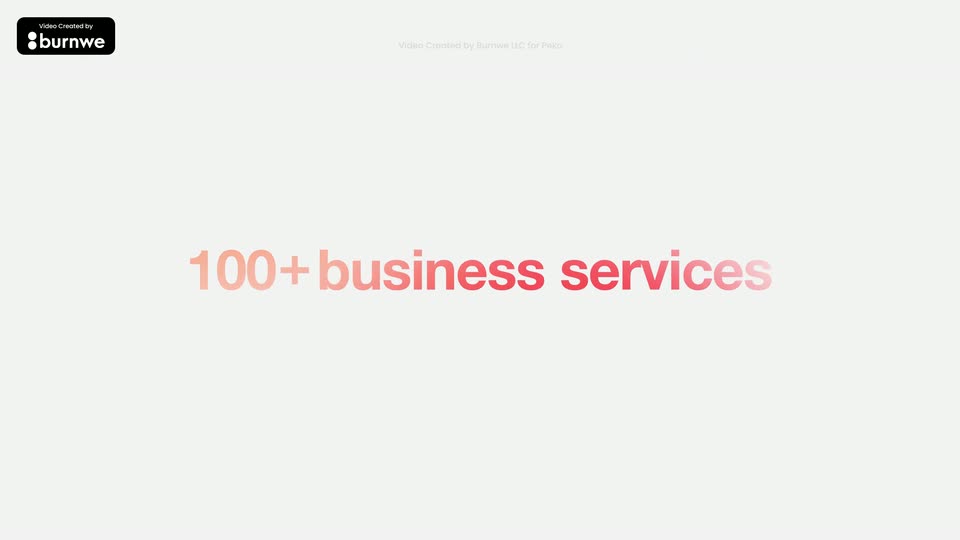
3.4s
Demo· Introducing Connectors

A white dashboard card titled Customer Feedback Summary rises to center over looping orange and yellow ribbons. Its two data tables fill row by row while line, donut and bar charts draw in on the right.

4.8s
Demo· Introducing Connectors

A white prompt bar floats centered over flowing orange and yellow ribbons. The placeholder is replaced by a typed sentence that fills the box line by line, the send icon glows, and a white bar wipes across the top at the end.

5.3s
Demo· Introducing Connectors

A white chat card sits over an animated orange and yellow wavy background. A blue user message bubble tops the card. The step list scrolls down, revealing Gmail, Calendar and Dropbox connector prompts, each with Dismiss and Connect buttons. An orange outline highlights each Connect button in turn.

1s
Demo· Introducing Connectors

A flat list of connector steps collapses into a thin dashed line as a Gmail “Read Emails” card fades in above it, a small orange arrow pointing down from the card. Organic orange shapes drift across the pale gray background.

2.4s
Demo· Introducing Connectors

On a light gray field with orange and yellow ribbons drifting in the corners, three white cards with Gmail, Calendar and Dropbox icons slide in one after another down a vertical flow, joined by orange arrows, as their labels settle into place.

1.8s
Demo· Introducing Lovable Cloud & AI

A man and a boy sit on a dark sectional in a warm loft, facing the camera. The man talks while the boy holds an open laptop on his lap. A small screen behind them shows a glowing pink heart. The frame stays locked-off and static throughout.

1.8s
Demo· Introducing Lovable Cloud & AI

A bearded man in a gray shirt gestures while talking to a boy in a blue hoodie who works on a laptop on a couch. White text “10 year old” sits at right, then the larger name “Theo” appears below it. The frame stays locked off.

5.4s
Demo· Introducing Lovable Cloud & AI

A bearded man and a boy sit on a dark sectional in a loft with hanging bulbs. The man gestures, then clasps his hands while speaking; the boy holds a silver laptop on his lap. A small screen behind them shows a shifting pink and blue heart.

2.4s
Demo· Introducing Lovable Cloud & AI

A bearded man in a gray shirt sits on a couch beside a boy in a blue hoodie using a laptop. The man claps his hands, then clasps them. Warm string lights glow in the blurred background, and a small screen on the left shows a pink heart.

8.9s
Demo· Introducing Lovable Cloud & AI

Split layout on a near-black background: a chat input on the left types a math-app prompt word by word, while a rounded video on the right shows a boy in a blue hoodie on a couch with a laptop. A glowing gradient ring flashes around the input at the end.

3.9s
Demo· Introducing Lovable Cloud & AI

A bearded man and a boy sit on a brown couch in a dim living room. The boy works on a silver laptop on his lap while the man leans in, speaks, then gestures with both hands as the boy looks up at him.

0.8s
Demo· Introducing Lovable Cloud & AI

A bearded man in glasses and a boy in a navy hoodie sit on a dark sofa in a warm loft. The man explains with open, gesturing hands while the boy looks up from a silver laptop resting on his lap. An Edison-bulb chandelier glows in the background.

4.8s
Demo· Introducing Lovable Cloud & AI

A bearded man with glasses in a gray shirt sits on a couch and speaks to someone off-camera, framed in a medium shot. Warm blurred chandelier lights glow in the dark background behind him.

3.8s
Demo· Introducing Lovable Cloud & AI

Split layout: right side holds a rounded frame with a bearded man in glasses on a couch, gesturing while talking. Left side, a cursor clicks a gray Publish button that turns white; a blue glow then blooms across the dark panel as a white Published badge pops in.

0.7s
Demo· Suno Studio – The first-ever generative audio workstation

A man with dreadlocks in a yellow sleeveless shirt sits on a couch in a sunlit home studio, holding an acoustic guitar. He reaches to a laptop on a side table showing a DAW with colored track lanes, while microphones and a drum kit frame the locked-off shot.

1.5s
Demo· Suno Studio – The first-ever generative audio workstation

Low angle close to an upright piano keyboard in a warm, dimly lit room. A hand reaches in from the left and presses the keys while bright window light flares behind a microphone stand.

1.6s
Demo· Suno Studio – The first-ever generative audio workstation

A tight, angled close-up of an audio editor timeline, shot with shallow depth of field. A pink waveform track and a smaller orange clip sit blurred, split by a thin orange playhead line. The focus slowly pulls onto the orange clip's waveform while the frame holds still.

1.2s
Demo· Suno Studio – The first-ever generative audio workstation

A tight close-up follows a pair of hands playing a dark wooden piano, the fingers soft with motion as they move across the keys. Warm sunlight pours in from a window behind, backlighting the scene against a soft, out-of-focus interior.

1.1s
Demo· Suno Studio – The first-ever generative audio workstation

A man with braided hair and a gold chain sits on a couch, singing into a stand microphone while strumming an acoustic guitar. Bright window light fills the background, with houseplants and dark curtains framing the shot.

1s
Demo· Suno Studio – The first-ever generative audio workstation

A drummer in a red shirt strikes a snare drum in a warm-lit rehearsal room, hands moving over the kit as the camera holds a close, slightly soft focus on the cymbals and shell.

0.8s
Demo· Suno Studio – The first-ever generative audio workstation

A singer in an orange plaid shirt holds a microphone near their mouth in a warm-lit studio, a drum kit behind them. A pink light glows on their raised hand and the mic as they count in to perform.

2s
Demo· Suno Studio – The first-ever generative audio workstation

A man in an orange plaid shirt and cap sits in a sunlit wood-paneled studio, mouth open, holding a small pink shaker. A large dark ring spins past the foreground, heavily motion-blurred, shedding small pale fragments before exiting left.

3.3s
Demo· Suno Studio – The first-ever generative audio workstation

A person in a red striped shirt and backwards cap stands with their back to the camera, guitar headstock in hand, facing two out-of-focus musicians in a warm-lit room. The shallow focus keeps the foreground figure sharp while the band blurs behind, and the figure leans forward at the end.

1.1s
Demo· Suno Studio – The first-ever generative audio workstation

A person with long dark hair sits in profile before a bright light panel, an orange ribbed cylinder on a white stand held in front of their face. The shot begins dark and brightens to reveal the warm room and a plant on the right.

1.1s
Demo· Suno Studio – The first-ever generative audio workstation

In a warm-lit rehearsal room, a man in a red striped shirt and cap walks from the left to the drum kit, sits down, and starts playing as the camera pans to follow him.

0.9s
Demo· Suno Studio – The first-ever generative audio workstation

A person's arm and hand move across the blurred foreground in front of a laptop on a wooden stand. The laptop screen, in soft focus, shows a video editing timeline with red, blue, green and purple clips in a dim warm room.

0.9s
Demo· Suno Studio – The first-ever generative audio workstation

Soft-focused, a man in a cap and orange striped shirt walks across the foreground of a sunlit living room, revealing a woman in yellow on a sofa and a laptop with a colorful screen. A large character “州” holds still over the frame.

6s
Demo· Suno Studio – The first-ever generative audio workstation

A man with dreadlocks sits on a couch in a sunlit home studio, playing an electric guitar and singing into a studio microphone. The camera slowly pushes in from a wide shot to a close-up of his face. A laptop with a multitrack session sits to the right.

3.6s
Demo· Suno Studio – The first-ever generative audio workstation

Extreme close-up of a smiling woman's open mouth in warm indoor light. A large orange sphere slides across the frame from the right, passing in front of her face and briefly hiding it, then settles near her chin as she holds it.

1s
Demo· Suno Studio – The first-ever generative audio workstation

A person with dreadlocks in a mustard shirt sits on a couch, playing an electric guitar. Their hands glow purple against the warm orange light as the strumming hand moves over the strings. The camera holds a tight close-up on the guitar neck.

1s
Demo· Suno Studio – The first-ever generative audio workstation

A woman in a white dress strums a white electric guitar and sings into a stand microphone against a warm orange backdrop, guitars racked to her left. The frame dissolves into a soft blur at the end.

1.3s
Demo· Suno Studio – The first-ever generative audio workstation

A close-up of a man with braids and gold earrings in a warm studio, mouth open as if speaking, then a hard cut to hands strumming a black electric guitar with a white pickguard.

0.8s
Demo· Suno Studio – The first-ever generative audio workstation

Overhead view of a player in a red checkered shirt strumming a pink electric guitar in a dim room. A magenta glow blooms across the frame, lighting the hands and the white guitar neck.

0.9s
Demo· Suno Studio – The first-ever generative audio workstation

A man with braided hair in an orange sleeveless top plays a white electric guitar in a bright room, a purple lens flare washing over him as he strums.

0.6s
Demo· Suno Studio – The first-ever generative audio workstation

A dim close-up of a curved wooden form amid blurred foreground props. A pink beam of light sweeps across the object, briefly glowing its silhouette before the scene darkens again.

2s
Demo· Suno Studio – The first-ever generative audio workstation

A guitarist in a red plaid shirt plays a pink electric guitar under warm light, then the cut lands on a smiling drummer with dreadlocks and a cap behind a drum kit in a studio.

0.8s
Demo· Suno Studio – The first-ever generative audio workstation

A band plays in a plant-filled room with a wooden wall and bright windows. A guitarist's blurred back and pink guitar neck fill the foreground; a singer stands mid-frame and a second musician plays at a mic on the left. Soft focus and magenta-yellow overlays wash the frame.

2.9s
Demo· Suno Studio – The first-ever generative audio workstation

On a dark gray background, lyric text slides left across the frame. The phrase currently centered is sharp white with a warm glow, while the surrounding words blur into purple. Soft bokeh dots drift at the top right as each line comes into focus.

0.4s
Demo· Suno Studio – The first-ever generative audio workstation

A man in a red shirt strums an acoustic guitar under pink and red light in a dim room. The phrase “something to say” slides across the frame over the footage.

2.3s
Demo· Suno Studio – The first-ever generative audio workstation

A tight close-up follows a player's hand along the guitar neck as the fingers press the strings, all washed in deep purple light. The frame stays soft and hazy, drifting into a blur as the hand moves.

1.5s
Demo· Suno Studio – The first-ever generative audio workstation

A woman in a yellow top laughs behind an orange microphone against a warm terracotta wall. Shallow focus shifts from her smiling face to the mic in the foreground as the shot holds.

1.7s
Demo· Suno Studio – The first-ever generative audio workstation

A person in a cap, seen from behind, stands in a warm pink-lit room while a magenta cloth on a pole sweeps across the left foreground. A lamp and a table sit softly out of focus in the background.

2.3s
Demo· Suno Studio – The first-ever generative audio workstation

High-angle shot of three musicians playing in a warm, orange-lit room, a blurred plant edge in the foreground. The frame cuts to a tight close-up of a hand fretting a bass neck under magenta light.

1.9s
Demo· Suno Studio – The first-ever generative audio workstation

A tight close-up follows a hand on a guitar neck, the fingertips lit purple as they press and strum the strings. The camera stays close to the fretboard, slightly handheld, with a warm-lit couch blurred behind.

1.6s
Demo· Suno Studio – The first-ever generative audio workstation

A woman with long dark hair in a white lace blouse plays a pale acoustic guitar at a microphone against a warm terracotta wall. She strums and sings while the camera drifts slightly right in warm side light.

0.9s
Demo· Suno Studio – The first-ever generative audio workstation

A person in a cap and orange striped shirt stands in a warm sunlit room, head tilted up, as the camera arcs around them past a glowing lamp and potted plants.

1.5s
Demo· Suno Studio – The first-ever generative audio workstation

A man in a yellow shirt strums an acoustic guitar and sings in a sunlit room. The camera pans left to reveal him behind a table holding an open laptop with a glowing rainbow screen, while a woman in a cap sits at the right edge.

1.4s
Demo· Suno Studio – The first-ever generative audio workstation

A man with dreadlocks and a yellow shirt plays an electric guitar in a sunlit room, turning his head as warm light fills the frame.

0.9s
Demo· Suno Studio – The first-ever generative audio workstation

A woman in a white lace top and colorful necklace stands before a microphone against a warm red wall, smiling softly as a guitar neck crosses the frame. The shot holds steady in a medium close-up.

0.5s
Demo· Suno Studio – The first-ever generative audio workstation

A person in an olive cap and orange plaid shirt smiles in profile against a soft-focus interior, then turns toward the camera as a motion-blurred disc streaks past the upper frame.

6.6s
Demo· Introducing Notion 3.0: Agents

A white card labeled Bug Wrangler, with a cowboy-hat face icon, sits centered on a light background. The view zooms out to reveal a wide grid of many agent cards, each with a colored icon and a name.

5.1s
Demo· Introducing Studio 3.0 — The Best AI Audio Models in One Editor

A 3D-tilted window of the Studio 3.0 editor sits on a dark, glowing background. It brightens from black, then slides right to reveal a vertical white list of feature names on the left, while a man talks in the embedded video preview.

1s
Demo· Money Possibilities

Static extreme close-up of a dark-haired person in profile under warm rim light, eyes closed then opening around a cigarette as smoke drifts. A large FINANCIAL TIMES headline slides in over the frame.

1.1s
Demo· Money Possibilities

A black Revolut card sits in the opening of a brown knitted pouch, its chip and a metal zipper pull visible. A hand enters from the right, fingers curling around the card to lift it from the fabric.

0.7s
Demo· Money Possibilities

A tight close-up of a woman with dark curly hair and bangs, lit from the side in low light. She smiles faintly, then lowers her eyes and head as the shot holds.

1.6s
Demo· Money Possibilities

A hand holds a black Revolut card flat over a white square card reader on a brushed metal table, a latte in a paper cup at the bottom edge. The hand moves the card to tap the reader. Locked-off tabletop shot.

0.8s
Demo· Now Available: Replit Agent 3

A pale gray field holds a horizontal orange band with a yellow-to-white gradient pill and a pale circle at the right edge. The band widens to fill the frame, and the pill swells into a large yellow circle on solid orange.

1.4s
Demo· Now Available: Replit Agent 3

A bald man with a red beard, wearing a navy jacket over a white shirt, speaks directly to camera against a plain light backdrop. He makes a small open-hand gesture while talking.

2s
Demo· Now Available: Replit Agent 3

Three orange line-drawn knot shapes sit evenly spaced on a light gray field. Each loops and redraws itself in place, the strokes drawing and erasing as the loops open and close.

1.5s
Demo· Now Available: Replit Agent 3

A bald man with a red goatee, wearing a navy jacket over a white tee, talks to camera against a plain white wall. Chest-up framing, static locked-off shot, soft even lighting.

1s
Demo· Now Available: Replit Agent 3

On a pale gray field, two orange and yellow curved ribbons rotate in place, twisting from a slanted hook into a vertical band beside a closed ring.

0.9s
Demo· Now Available: Replit Agent 3

A pixelated half-circle arch of square blocks, orange fading to yellow, spins counterclockwise on a pale gray field, the yellow band traveling from the top to the left.

0.9s
Demo· Now Available: Replit Agent 3

On a light gray field, an orange rounded multi-lobed shape rises from the bottom, then exits left as a broad yellow curve sweeps in from the right and a yellow dot grows at the lower left.

4.5s
Demo· Now Available: Replit Agent 3

Three orange loop icons with labels sit on a light field, then the frame zooms out to a grid of feature cards, each pairing a big number or icon with a short headline.

5.5s
Demo· Introducing Warp Code | The fastest way from prompt to production

A dark Warp window sharpens from blur into focus over a defocused Western town set. A cursor slides in from the lower right, hovers the Open repository card and pops a small tooltip.

5.8s
Demo· Introducing Warp Code | The fastest way from prompt to production

A dark terminal window in 3D perspective shows the WARP.md markdown file; the document scrolls upward through Build and Run, Testing, Linting and Formatting, Platform Setup and Architecture Overview sections while a white cursor hovers. The window floats over a blurred outdoor backdrop with a brick wall and car.

3.3s
Demo· Introducing Warp Code | The fastest way from prompt to production

A terminal window with a split view: raw markdown on the left, rendered document on the right. The shot starts blurred and snaps into focus as a hand cursor hovers over the preview pane.

1.4s
Demo· Introducing Warp Code | The fastest way from prompt to production

A dark terminal window floats over a blurred outdoor backdrop. It opens on a markdown file with code and preview panes, then reframes to the prompt line where a caret types a short command above a model selector.

4.3s
Demo· Introducing Warp Code | The fastest way from prompt to production

A dark app window sits locked over a blurred outdoor scene. A GitHub issue panel sharpens into focus, a $EDITOR dropdown opens on the right with the $EDITOR row highlighted, then the panel slides down out of frame.

4.3s
Demo· Introducing Warp Code | The fastest way from prompt to production

A dark chat window sits over a blurred outdoor backdrop, showing a user prompt asking the agent to recap a branch, with a Thinking status line below. A white cursor drifts across the window while the frame stays locked off.

5.5s
Demo· Introducing Warp Code | The fastest way from prompt to production

A dark editor window floats over a blurred beach. The left chat panel types out messages and stacks git command boxes; the right diff view scrolls through code. A hand cursor glides across, hovering and clicking elements.

0.5s
Demo· Introducing Warp Code | The fastest way from prompt to production

A split editor view fills the screen, markdown notes on the left, Rust code on the right, a terminal line at the bottom. A small review window with a hand cursor vanishes in the first beat, leaving the main interface.

8.1s
Demo· Introducing Warp Code | The fastest way from prompt to production

A dark terminal window floats in 3D perspective over a blurred outdoor backdrop, pulling into focus. The prompt types “run my project”, highlights it, then swaps to “cargo check --workspace” and types “cargo run --features”, ending on the full terminal with code.

21s
Demo· Introducing Warp Code | The fastest way from prompt to production

A dark split terminal shows a Rust backtrace on the left and source on the right; the left pane scrolls to new compiling lines while a caret types a fix note into the agent box, then an @-mention file dropdown opens as the background blurs.

8.9s
Demo· Introducing Warp Code | The fastest way from prompt to production

A tilted Warp window floats over a blurred desk, its left chat panel streaming an agent reply that expands into a checkbox task list while a cursor clicks between the panes; the right pane holds static Rust code.

5.3s
Demo· Introducing Warp Code | The fastest way from prompt to production

A dark settings window floats over a blurred outdoor backdrop. The agent profiles list scrolls up while the cursor moves, then the Opus Planning card zooms forward to fill the frame as the rest of the interface blurs.

7.5s
Demo· Introducing Warp Code | The fastest way from prompt to production

A dark editor window floats over a blurred coastal backdrop, split into an agent chat pane left and a code diff pane right. A white cursor glides to the top-right corner and hovers a button, popping an “Open file” tooltip.

4.3s
Demo· Introducing Warp Code | The fastest way from prompt to production

A dark code editor window floats over a blurred outdoor backdrop, showing Rust source with line 129 highlighted. A text cursor moves down the lines, a chat note slides into the top right, then the window reframes smaller to reveal a terminal line running cargo check.

1.5s
Demo· Introducing Warp Code | The fastest way from prompt to production

A dark terminal window floats over a blurred outdoor photo. The prompt line and the cargo check command sit at the top, then hundreds of Checking lines stream in rapidly to fill the window, ending on a progress bar; a mouse pointer hovers in the center.

4.8s
Demo· Introducing Warp Code | The fastest way from prompt to production

A dark code editor window with a file-tree sidebar floats over a blurred outdoor backdrop. A cursor scrolls the tree and hovers over folders, then the window zooms out to reveal more code lines in the main panel.

4.9s
Demo· Introducing Warp Code | The fastest way from prompt to production

A dark terminal window hovers over a blurred beach backdrop. The cargo check log scrolls past checking lines, then a red mismatched-types error with code snippets and notes fills the lower half. A white cursor rests mid-screen.

3.8s
Demo· Introducing Warp Code | The fastest way from prompt to production

A dark code editor window sits over a blurred outdoor backdrop. A diff panel rises from the bottom offering a one-line fix, and the cursor moves to the highlighted Accept button and clicks it, marking the corrected line green.

1.2s
Demo· Introducing Warp Code | The fastest way from prompt to production

A dark terminal window floats in 3D perspective over a blurred beach backdrop. It shows cargo check output with red error lines and a green diff line, while a hand cursor rests at the right edge; the bottom prompt reads cargo build.

4.1s
Demo· Introducing Warp Code | The fastest way from prompt to production

A code editor interface displays a terminal pane on the left with scrolling build logs and two code panes on the right with Rust code. A mouse cursor is visible in the terminal pane, set against a blurred office background.

5.5s
Demo· Introducing Warp Code | The fastest way from prompt to production

A dark monitor in 3D perspective, tilted against a blurred dock background, shows a split terminal: the left pane lists project files with a pointer over one entry, and the right pane fills with red code as an editor opens. The screen defocuses at the end.

9.9s
Demo· Introducing Warp Code | The fastest way from prompt to production

A dark editor window tilts in 3D perspective over a blurred desk. The left chat pane scrolls as the agent's reply and git commands appear, the right diff panes swap from Rust source to a markdown guide, and a cursor hovers over the text.

1.9s
Demo· Introducing Figma’s new glass effect

A locked-off close-up: a dark toolbar with plus, bookmark, dots and speaker icons slides down over a yellow card, shifting from black to orange to a glowing yellow pill. Then abstract shapes drift on black: a rainbow bar, a green circle, a yellow orb and a white pill.

1.8s
Demo· Introducing Figma’s new glass effect

Rounded green, rainbow-gradient and blue bars drift horizontally across a near-black field, while faint outlined circles of fine radial lines glide behind them at different speeds, creating layered depth.

0.9s
Demo· Introducing Figma’s new glass effect

A white paragraph on black drifts upward while a pill-shaped glass lens with a rainbow refraction rim slides across it, bending the letters behind it into colored streaks. A blue selection box with corner handles frames the line “creating dazzling.”

0.8s
Demo· Introducing Figma’s new glass effect

A frosted glass pill holding a blue waveform slides left to right across a block of white story text on black, refracting the letters and casting rainbow chromatic edges as it moves.

2.8s
Demo· Headphone (1): Control your sound

A model in a gray vest walks on a treadmill at the center of a concrete studio set, then lifts both hands to the headphones at their neck. Other models in translucent white coats and green sit or stand around, with a large forest backdrop on the right.

4.3s
Demo· Headphone (1): Control your sound

A low-angle shot follows a woman with short black hair as she lifts silver over-ear headphones onto her head. She settles them, then tilts her face upward, gazing off frame. The background is a pale concrete wall with a red pipe along the ceiling.

2.1s
Demo· Headphone (1): Control your sound

A woman with short dark hair and white over-ear headphones stands centered against a soft-focus pine forest, looking straight into the lens. The camera pushes in slowly as she holds a still, neutral expression.

2s
Demo· Headphone (1): Control your sound

A woman in headphones stands center against a forest backdrop while a crew member on the left runs a standing fan and another on a ladder adjusts the top edge. The locked-off frame holds as her hair stirs in the breeze.

1.8s
Demo· Headphone (1): Control your sound

A man in a white shirt wearing white over-ear headphones stands in profile in a gray test room and speaks, his head turning slightly. In the blurred background, a technician in a gray suit and black cap holds a tablet and watches. Acoustic foam panels line the wall behind him.

2s
Demo· Headphone (1): Control your sound

A model in a white and grey jacket and white headphones walks a metal runway toward camera, framed by two observers in white coats and black hats holding clipboards, against a giant moon-surface backdrop.

1.6s
Demo· Headphone (1): Control your sound

A close-up of a man in a white shirt wearing white over-ear headphones. He reaches up with his hand to adjust the earcup. The background features a blurred, light-colored slatted structure.

2.6s
Demo· Headphone (1): Control your sound

A low-angle close-up follows a pair of white perforated sneakers as they bounce on a dark treadmill belt. The feet lift off the moving surface and jump into the air, while rows of blue chairs sit blurred in the bright minimalist room behind.

2.4s
Demo· Headphone (1): Control your sound

A low-angle camera looks up at a person in a white shirt wearing white over-ear headphones. The view tilts from their face to the crown of their head as they lean overhead, set against a white perforated wall and a concrete ceiling with fluorescent strip lights.

2.2s
Demo· Headphone (1): Control your sound

In a white gallery, a person in pale clothing floats horizontally in mid-air before a tall moon-surface panel. A figure in a clear raincoat stands at right with a tablet, and a seated person in a black cap watches from the foreground. Blue chairs line the back wall.

2s
Demo· Headphone (1): Control your sound

A man in a white tracksuit and headphones walks a treadmill in a white lab while a woman in a lab coat crosses the foreground. A second person sits on a bench behind. A monitor shows a black headphone on a white card, gray zigzag panels at right.

2.3s
Demo· Headphone (1): Control your sound

A woman with black hair and bangs wears white over-ear headphones, eyes closed, then opens them and looks ahead. The shot cuts to a close-up of the earcup as her hand reaches in and presses the control panel.

1.8s
Demo· Headphone (1): Control your sound

A woman with black hair and bangs wears white over-ear headphones, eyes closed, then opens them and looks ahead. The shot cuts to a close-up of the earcup as her hand reaches in and presses the control panel.

1.6s
Demo· Headphone (1): Control your sound

A young woman with a black bob and over-ear headphones stands before a giant aerial cityscape backdrop, gazing upward. The medium shot holds steady while the frame drifts slightly, dropping a concrete pillar at the left edge.

2.9s
Demo· Headphone (1): Control your sound

A person with short dark hair and bangs wears white over-ear headphones, adjusting the ear cup with one hand while gazing off to the side. Shot from a low angle against a blurred cityscape backdrop.

1.2s
Demo· Headphone (1): Control your sound

Close-up of a woman with short dark hair and bangs wearing silver over-ear headphones. She raises a hand to the earcup, then lowers it, against a blurred wall of photos.

1.8s
Demo· Headphone (1): Control your sound

A person with short dark hair and over-ear headphones dances in a white room, swinging their arms and shifting across the frame. A large cityscape mural covers the right wall behind them. Low angle, handheld framing.

1.3s
Demo· Headphone (1): Control your sound

A person in a black tee, gray cropped vest, dark cargo pants and white headphones dances behind rows of empty blue chairs. The low angle frames them against a plain gray wall with a vertical white pipe, as they step and swing an arm overhead.

1.7s
Demo· Headphone (1): Control your sound

Low tilted angle on a person in a green vest and white headphones who spins and throws their arms up in a bright white room above cream cabinets, motion blur streaking the frame.

1.1s
Demo· Headphone (1): Control your sound

A woman with short dark hair and white over-ear headphones moves and gestures in a bright room, a barred window at the right. Handheld camera tracks her with slight motion blur from a low angle.

1.6s
Demo· Headphone (1): Control your sound

Wide static shot of a concrete studio. A dancer in grey with white headphones moves center frame, arms out. Two figures in white lab coats work at a cart left. A tilted panel with an aerial city photo stands right, blue chairs in the foreground.

1s
Demo· Introducing a new generation of Airtable - built for the AI era

A teal-sidebar strategy board on a dotted background sharpens from blur into focus, showing three goal cards linked to sub-cards with progress bars and status tags. A white outlined caption sits centered at the bottom.

1s
Demo· Introducing a new generation of Airtable - built for the AI era

A locked-off view of a dark brainstorm board interface, four runner inspiration cards, floating on a light blue dotted grid. A white caption, 'to become the builder's superpower.', sits centered along the bottom.

1s
Demo· Introducing a new generation of Airtable - built for the AI era

A light blue dotted backdrop frames a CRM screen, Pipeline Radar, with a brown left sidebar and a table of account rows showing tiers and funding stages. A small loading spinner rotates at the bottom right as a white caption sits at the bottom.

1s
Demo· Introducing a new generation of Airtable - built for the AI era

A dark event-planning interface sits flat on a dotted light-blue background. An open attendee profile card overlaps a seating chart of circular headshots, while a white caption runs along the bottom edge.

1s
Demo· Introducing a new generation of Airtable - built for the AI era

A locked-off view of the A&R tracking dashboard: an orange sidebar, an artist card with a headshot, and a contract PDF with orange-highlighted clauses. A white caption line sits along the bottom edge, static for the full shot.

1s
Demo· Introducing a new generation of Airtable - built for the AI era

A static product screen shows a purple Location planner sidebar, a Houston map dotted with purple pins, and a white Midtown feasibility card on the right. A white caption sits at the bottom edge over a pale dotted-grid backdrop.

1s
Demo· Introducing a new generation of Airtable - built for the AI era

A dashboard UI for Northbeam product ops sits on a dotted light-blue background, showing two insight cards with AI summaries and video-call customer clips. A small spinner rotates at the lower right.

0.8s
Demo· Introducing Warp 2.0: The Agentic Development Environment

A man in glasses and a dark jacket speaks on the left. A rounded terminal window slides in on the right, showing a project path and a git command that slides into place.

3.5s
Demo· Introducing Warp 2.0: The Agentic Development Environment

A man in a dark room talks and gestures on the left while a 3D terminal window on the right types a git log command, then fills with a list of commit history lines.

2s
Demo· Introducing Warp 2.0: The Agentic Development Environment

A man with glasses and a beard stands at left against a dark studio background, speaking. At right, a tilted 3D window shows a coding agent chat above a code editor; the code scrolls and a cursor moves down toward an Apply changes button.
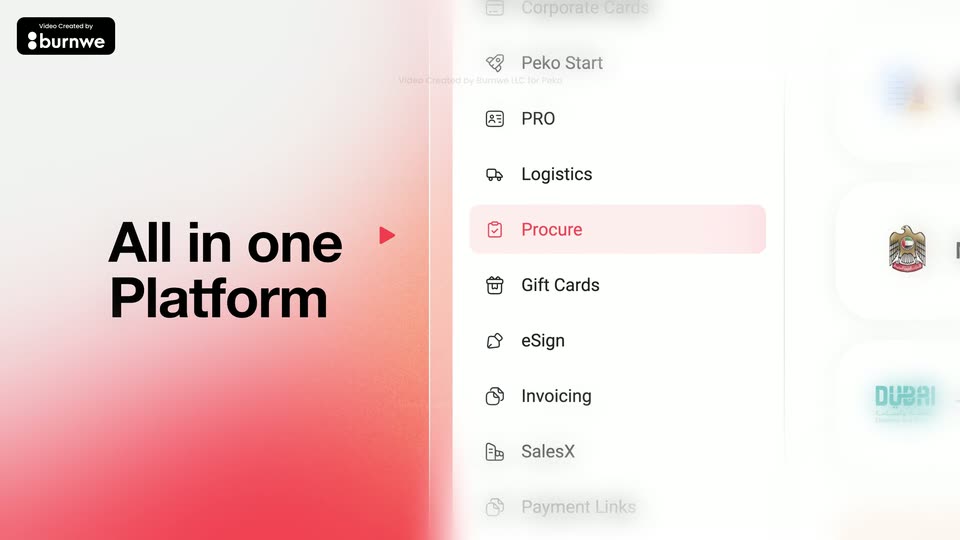
1s
Demo· Introducing Warp 2.0: The Agentic Development Environment

A man with glasses and a dark jacket speaks on the left of a dim set. On the right, a laptop screen in 3D perspective shows an AI coding chat: checkmarked task rows, file paths, and a Thinking status line at the bottom.
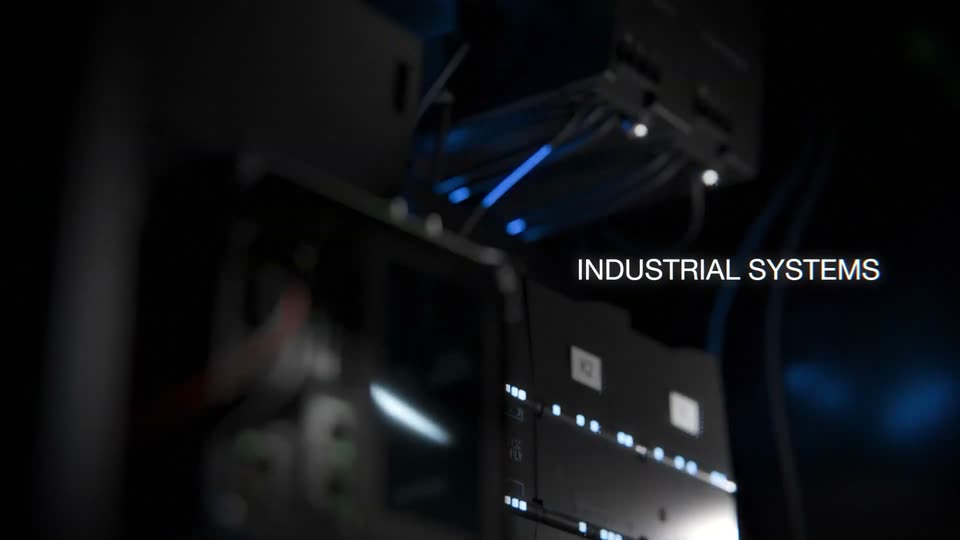
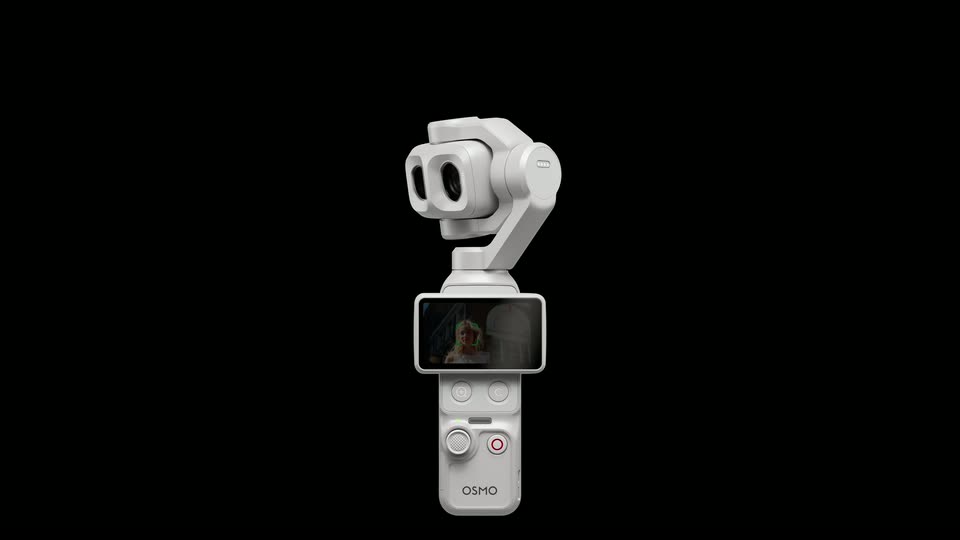
3.8s
Demo· Introducing Warp 2.0: The Agentic Development Environment

A man with glasses in a dark bomber jacket talks to camera on the left, gesturing with both hands. On the right, a dark Agents panel with three task rows scales up from a small centered card to its final size, and the first row's purple dot switches to a green check.