
Launchscene
PricingSign in

Scenes from tech launch videos

0.8s
Feature reveal· Tech Explainer Video Example: Eccasion EV Platform | Beliv8 Motion Studio

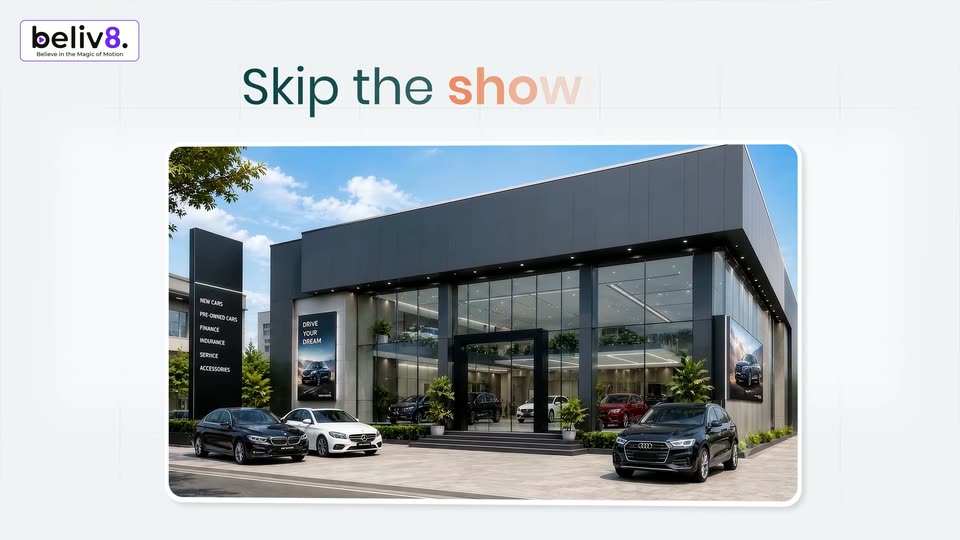
A 3D card on a light gray grid flips from an orange panel with the occasion logo and two men to a photo of an Audi dealership. Above it, the headline Skip the showroom types in word by word in teal and orange.
0.8s
Feature reveal· Tech Explainer Video Example: Eccasion EV Platform | Beliv8 Motion Studio

White grid background with the beliv8 logo top left and the headline Skip the showroom centered. A rounded frame below crossfades from a 3D dealership render to the app configurator, where a silver BMW i4 sits in 3D perspective beside a flat price panel.

1.3s
Feature reveal· Tech Explainer Video Example: Eccasion EV Platform | Beliv8 Motion Studio

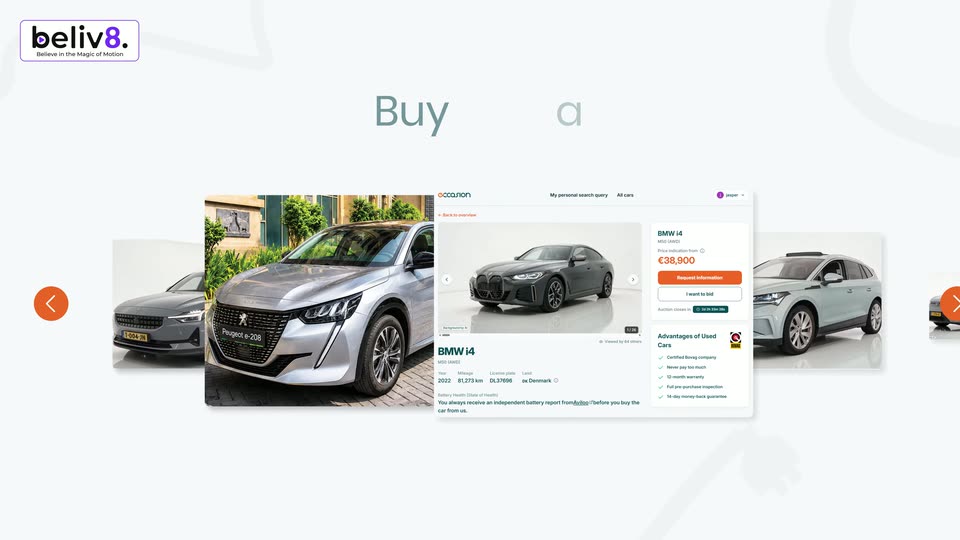
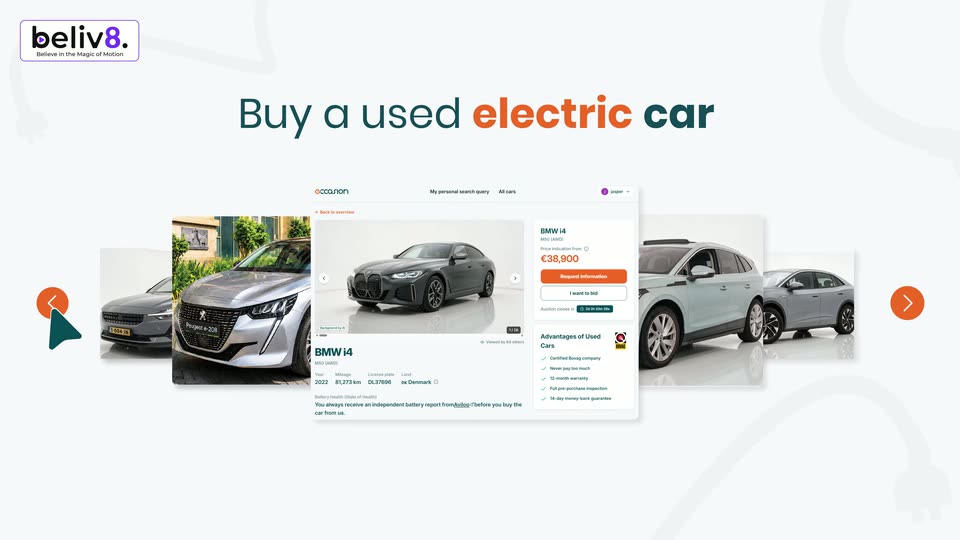
On a white background, the beliv8 logo sits top left above a centered teal and orange headline. A carousel of car listing cards sharpens into view while a teal cursor taps the orange left arrow to scroll the list.

1.9s
Feature reveal· Tech Explainer Video Example: Eccasion EV Platform | Beliv8 Motion Studio

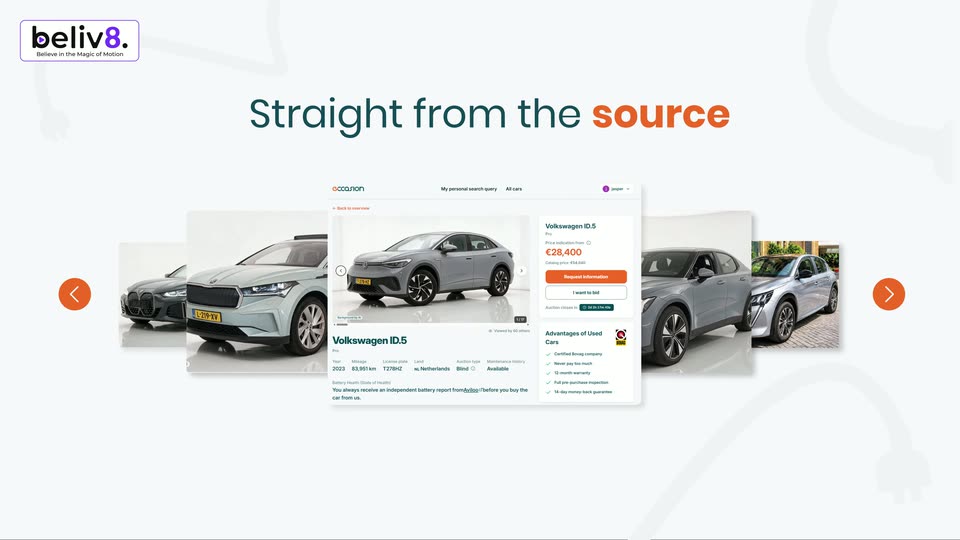
A white headline reads Straight from the source above a horizontal carousel of car listing cards. The cards slide left, the center listing changes from a Skoda Enyaq to a Volkswagen ID.5, while orange arrow buttons and a teal cursor sit at the edges.

1.9s
Feature reveal· Tech Explainer Video Example: Eccasion EV Platform | Beliv8 Motion Studio

Orange strokes spin and merge into the lowercase word occasion, gradient from orange to dark teal, on a plain light field. The word scales down and shifts left as two circular cutouts of live-action footage open on the right.

2.4s
Feature reveal· Tech Explainer Video Example: Eccasion EV Platform | Beliv8 Motion Studio

A large orange 'occasion' banner with Consumer and Lease company icons scales down and vanishes over a blurred grid of car auction cards, which sharpen into three cards. The headline 'with Car dealers' fades in as teal and orange pills label the dealer and consumer sides.

1.6s
Feature reveal· Tech Explainer Video Example: Eccasion EV Platform | Beliv8 Motion Studio

On a white background, three car listing cards (Peugeot, Volkswagen, BMW) drift slowly while two pill labels, Car dealers and Consumer, sit at center. A large two-tone headline reads with Car dealers, then swaps to for the best deals, with faint ghost text behind.

0.7s
Feature reveal· Tech Explainer Video Example: Eccasion EV Platform | Beliv8 Motion Studio

Three flat car-listing cards drift slowly at the corners of a light gray field, framing a static central headline. Faint oversized words sit behind the cards, and the beliv8 logo holds the top-left.

1.7s
Feature reveal· Tech Explainer Video Example: Eccasion EV Platform | Beliv8 Motion Studio

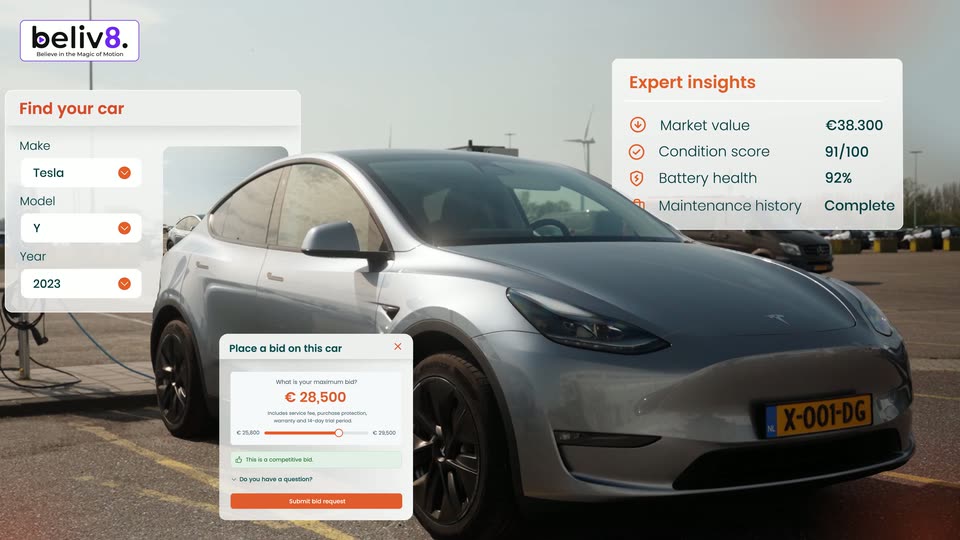
A silver Tesla Model Y is parked at a charging station in an open lot under a hazy sky. A white “Find your car” card fades in at left, its Make, Model and Year rows filling with orange checkmarks. The beliv8. badge stays fixed top-left.

3.8s
Feature reveal· Tech Explainer Video Example: Eccasion EV Platform | Beliv8 Motion Studio

A silver Tesla Model Y sits at a charging station in an open lot. White interface cards float over the shot, a search form left and an insights list right, then a bid card drops in at the bottom left as the camera pushes in.

1.3s
Feature reveal· Tech Explainer Video Example: Eccasion EV Platform | Beliv8 Motion Studio

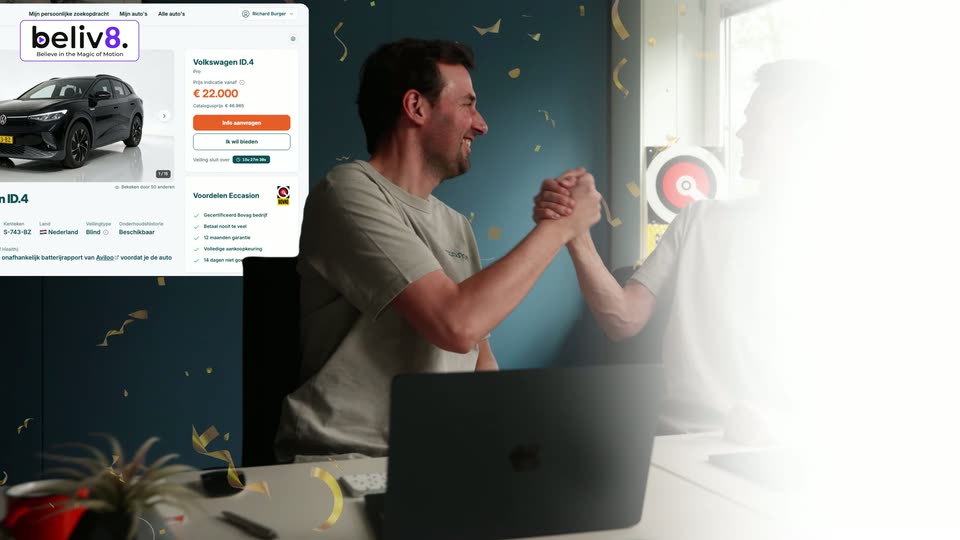
Two men in grey t-shirts sit at a desk with laptops and high-five in celebration. A car listing card for a Volkswagen ID.4 slides in on the left as golden confetti falls across the frame.

1.9s
Feature reveal· Tech Explainer Video Example: Eccasion EV Platform | Beliv8 Motion Studio

On a pale grid background, a vertical ticker of text lines slides upward through the center. The main line in dark teal and orange holds the middle while smaller light-gray lines for the car model pass above and below.

2.2s
Feature reveal· Tech Explainer Video Example: Eccasion EV Platform | Beliv8 Motion Studio

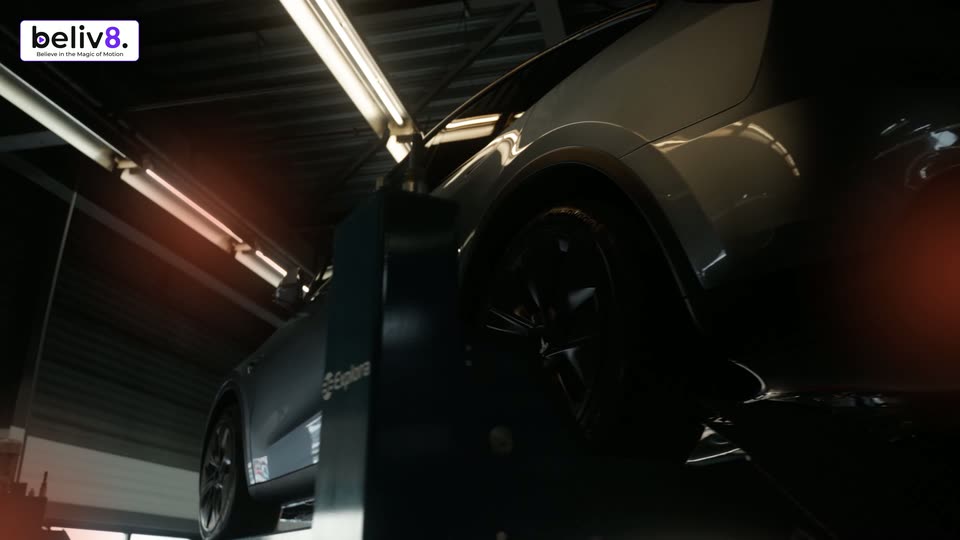
Low Dutch-angle shot in a workshop: a matte black car sits on a lift under fluorescent tubes while a blue Explora alignment arm stands in the foreground. The car travels to the right, sliding past the arm and out of frame as an orange glow holds on the left.

0.6s
Feature reveal· Tech Explainer Video Example: Eccasion EV Platform | Beliv8 Motion Studio

A rounded frame holds footage of a gray sedan in a misty car wash tunnel. The frame shrinks and drifts to the upper left while large words, Cleaned and bished, slide in from the right and left edges.

1.1s
Feature reveal· Tech Explainer Video Example: Eccasion EV Platform | Beliv8 Motion Studio

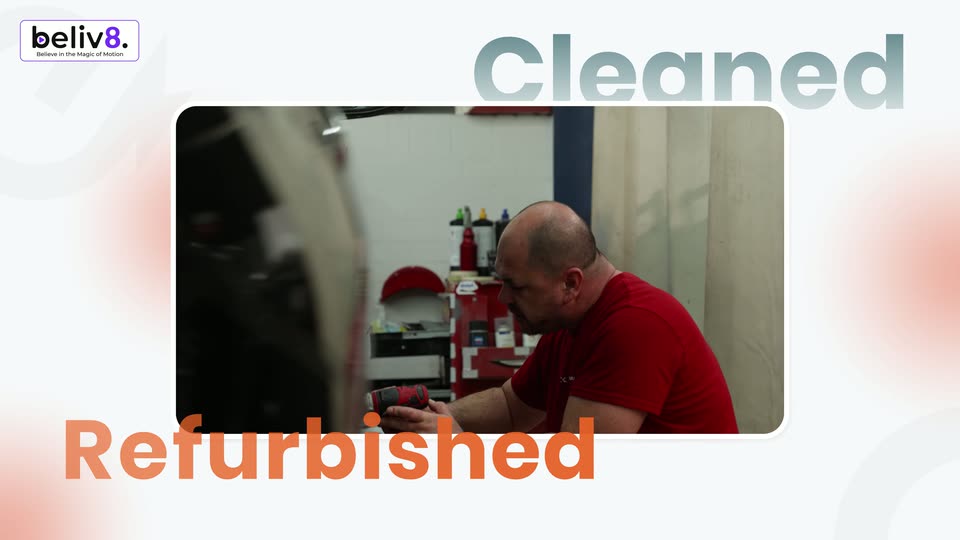
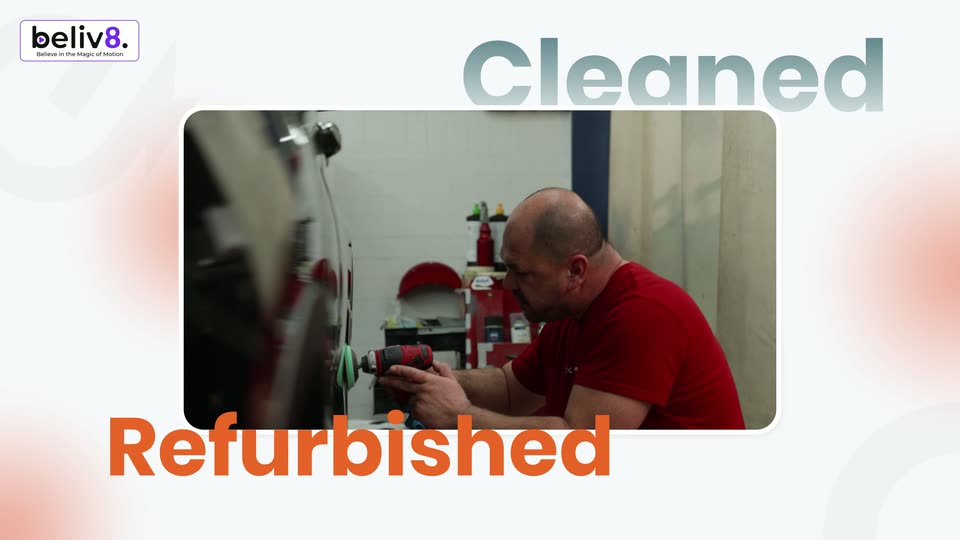
A man in a red shirt works on a car part in a workshop, framed in a rounded rectangle on a white background with soft orange blurs. The words Cleaned and Refurbished sit at the top right and bottom left, and the beliv8 logo marks the corner.

0.5s
Feature reveal· Tech Explainer Video Example: Eccasion EV Platform | Beliv8 Motion Studio

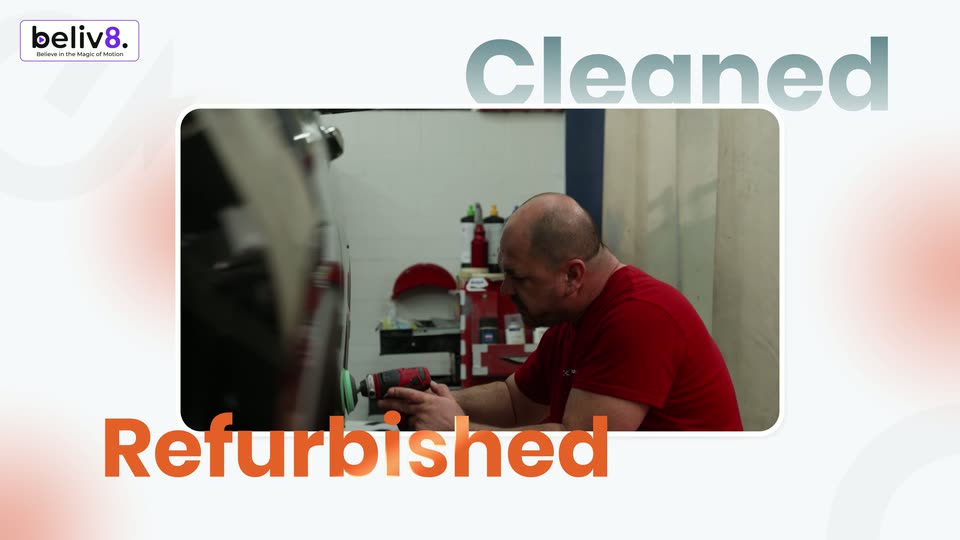
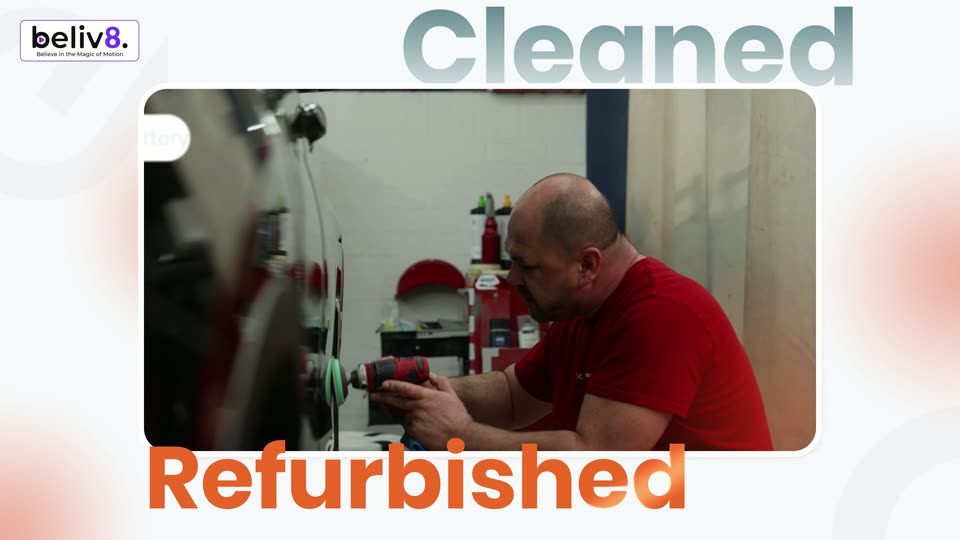
A rounded window holds live footage of a man in a red shirt buffing a dark car's panel with a drill. The window floats on a pale field with soft orange glows. Gray Cleaned anchors the top right, orange Refurbished the bottom left, the beliv8 logo sits top left.

0.8s
Feature reveal· Tech Explainer Video Example: Eccasion EV Platform | Beliv8 Motion Studio

A rounded video window on a white background shows a man in a red shirt polishing a car, framed by the words Cleaned above and Refurbished below. The window cuts to hands holding a tablet with a battery report as the words drop out.

1.1s
Feature reveal· Tech Explainer Video Example: Eccasion EV Platform | Beliv8 Motion Studio

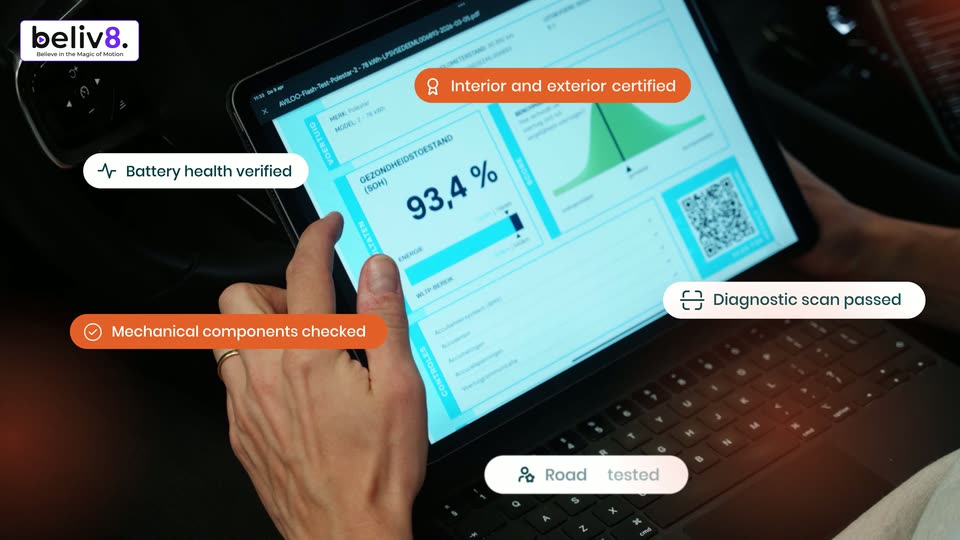
A man sits in a car's driver seat, holding a white OBD scanner in one hand and tapping a laptop on his lap that shows a battery certification report. Status pills with icons pop in around the frame while the shot stays static.

1.7s
Feature reveal· Tech Explainer Video Example: Eccasion EV Platform | Beliv8 Motion Studio

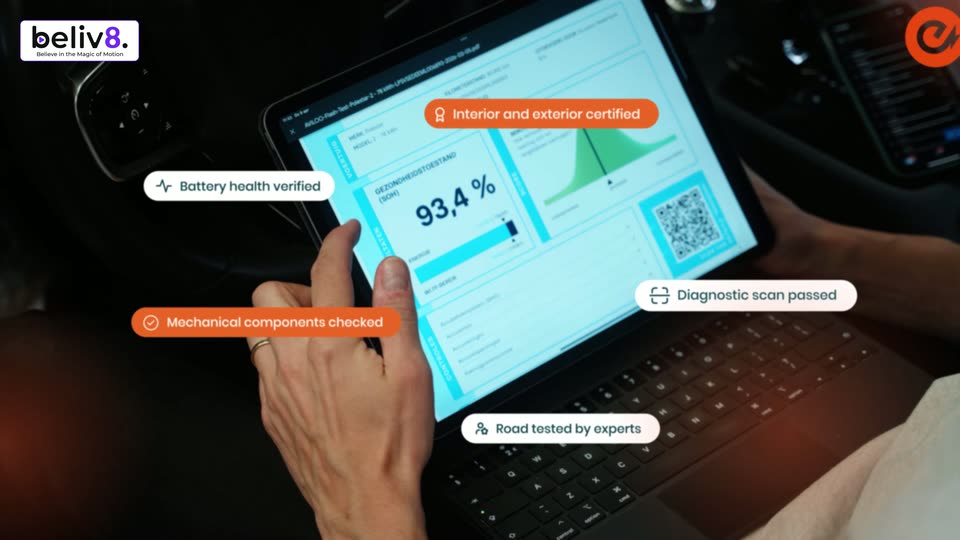
Inside a car, a hand with a ring taps a tablet showing a 93.4% battery report. Five icon pills in white and orange float around the screen, drifting at different speeds as the camera pans slightly.

3.6s
Feature reveal· Tech Explainer Video Example: Eccasion EV Platform | Beliv8 Motion Studio

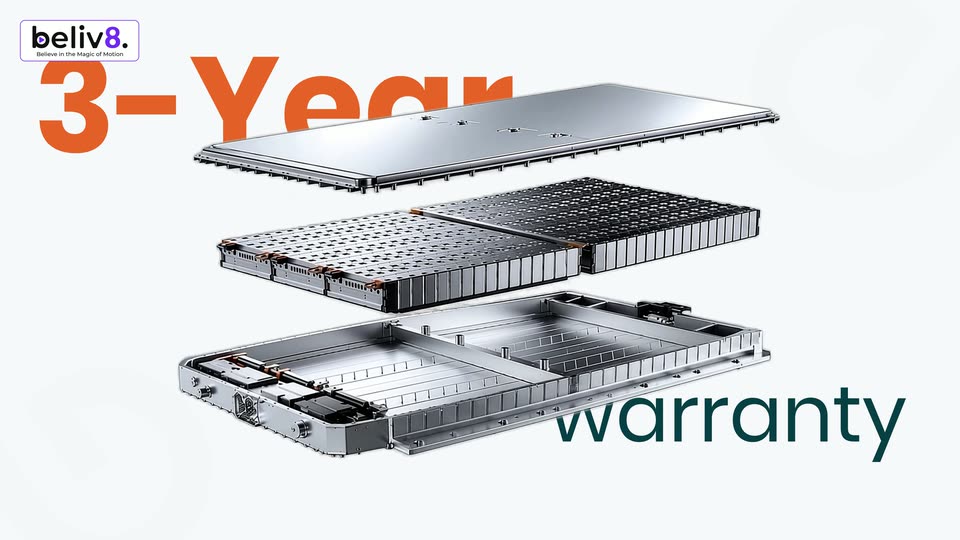
A 3D exploded battery pack rotates from edge-on to a three-quarter view, revealing three stacked metal layers: a top plate, a perforated mid-layer, and a base frame. Orange 3-Year text appears top left and teal warranty text bottom right.

0.7s
Feature reveal· Tech Explainer Video Example: Eccasion EV Platform | Beliv8 Motion Studio

An exploded 3D view of a motion module, three stacked layers, rotates in 3D space on a white background. Large orange 3-Year sits top left and teal warranty bottom right, both locked in place. The device flips to reveal its copper interior.

1.1s
Feature reveal· Tech Explainer Video Example: Eccasion EV Platform | Beliv8 Motion Studio

An orange rounded bar spins from a tilt to horizontal on the left of a white field, a white crossed-out car showroom icon fading in inside it. The headline Skip the showroom pops in teal then turns black, beside faint gray lines reading 3-Year Warranty and 14 day test drive.

0.6s
Feature reveal· Tech Explainer Video Example: Eccasion EV Platform | Beliv8 Motion Studio

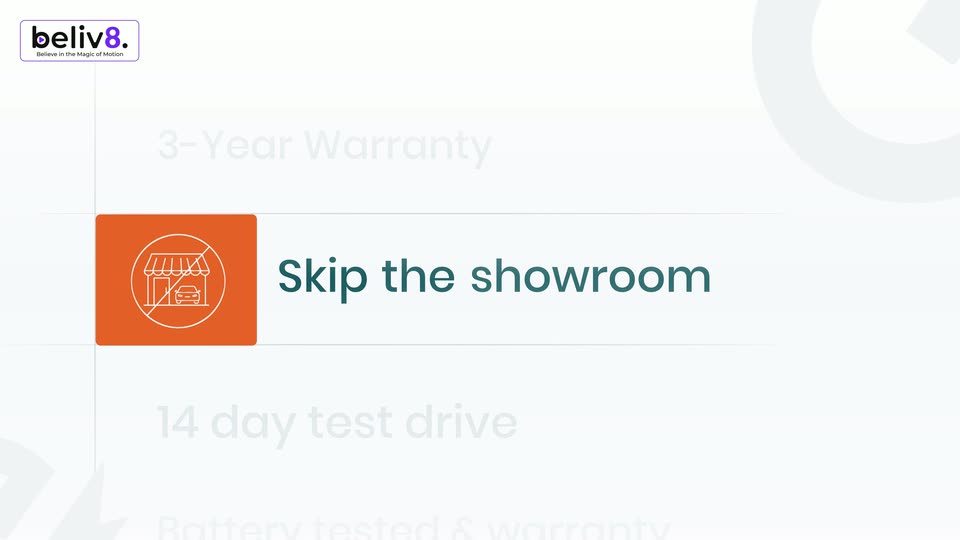
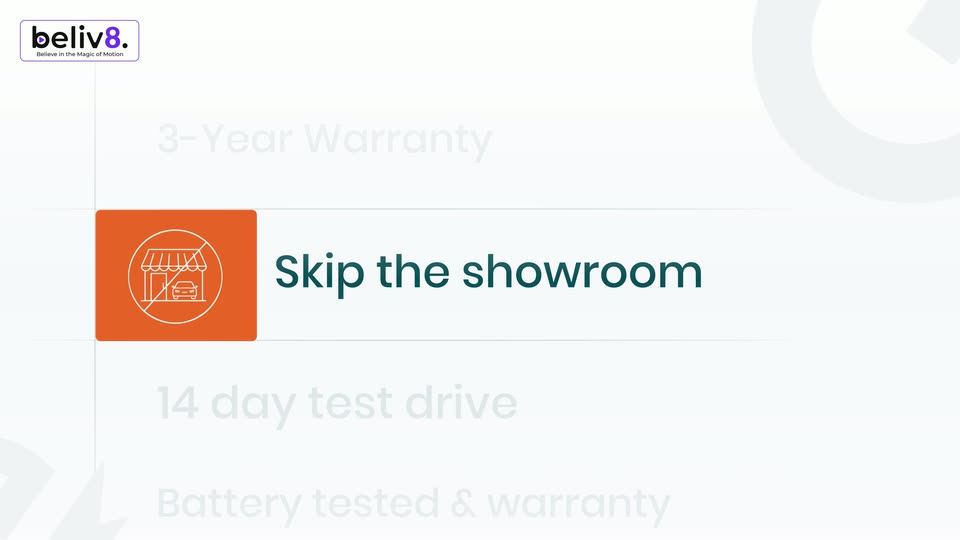
A vertical list of offers on a bright background. The middle row, an orange tile with a crossed-out showroom icon and the dark teal text “Skip the showroom,” scales up into focus while the rows above and below stay faint gray. The list drifts slightly.

1.7s
Feature reveal· Tech Explainer Video Example: Eccasion EV Platform | Beliv8 Motion Studio

A vertical list of benefit lines, each with a square icon tile, sits on a pale background. Lines light up one by one from grey to orange as the list scrolls up and the icon tile flips from orange to teal.

0.6s
Feature reveal· Tech Explainer Video Example: Eccasion EV Platform | Beliv8 Motion Studio

A wide aerial shot of a packed car lot sits in a rounded frame on a white background. The words payback and guarantee scale and slide in at the top and bottom while 14 day test drive holds steady in the center.

1s
Feature reveal· Tech Explainer Video Example: Eccasion EV Platform | Beliv8 Motion Studio

A woman in a green jacket walks toward a silver car parked before a brick building, framed in a rounded card on white. Large orange payback scales in above and teal guarantee slides up below, while white 14 day test drive scales over the footage.

2.2s
Feature reveal· Tech Explainer Video Example: Eccasion EV Platform | Beliv8 Motion Studio

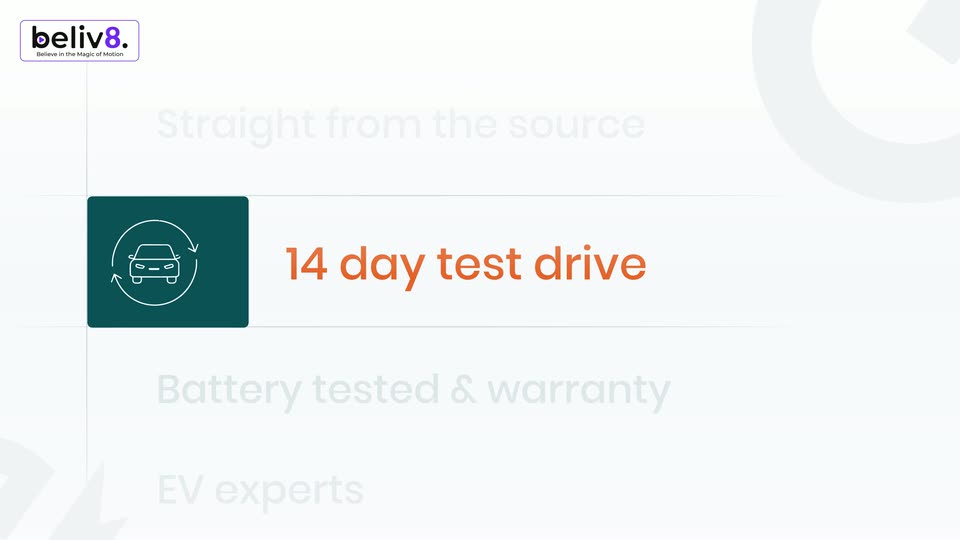
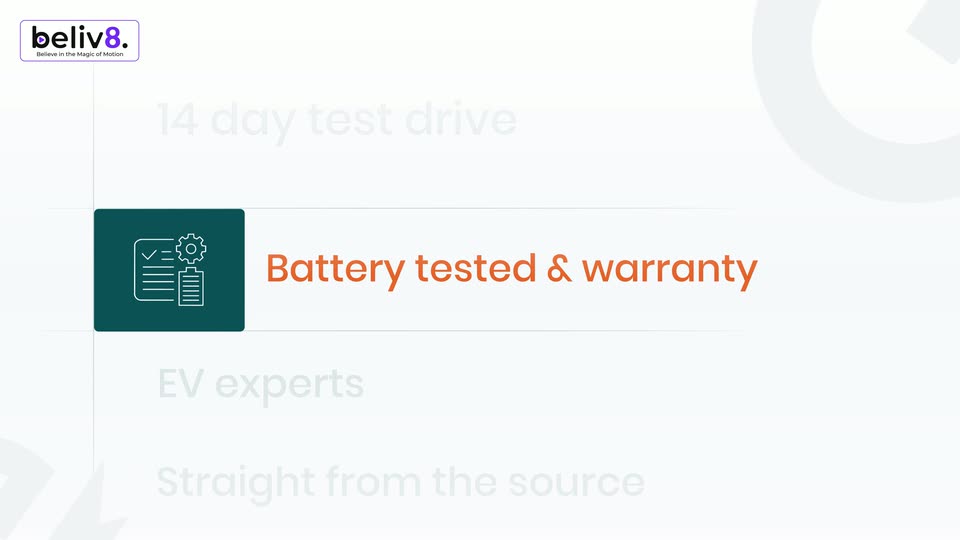
Four icon-and-label rows stack on a white field. The active row's tile flips from teal to orange and its label turns orange, then both fade to gray as the next row below activates, the list drifting up.

0.8s
Feature reveal· Tech Explainer Video Example: Eccasion EV Platform | Beliv8 Motion Studio

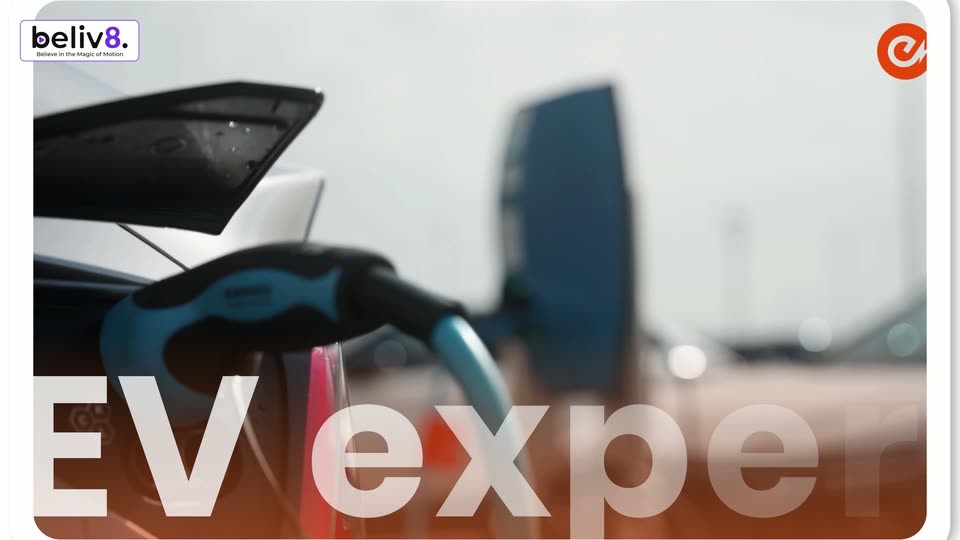
A rounded white card on a plain background holds a close-up of a red EV charging connector on a blue cable, the word occasion printed on it. White text EV experts sits centered over the card. The card drifts slowly right and down.

1s
Feature reveal· Tech Explainer Video Example: Eccasion EV Platform | Beliv8 Motion Studio

Close-up of a blue and black charging plug connected to an orange car, with a blurred office tower behind. The white title “EV experts” scales up along the bottom edge as the camera drifts slightly.

1.4s
Feature reveal· Tech Explainer Video Example: Eccasion EV Platform | Beliv8 Motion Studio

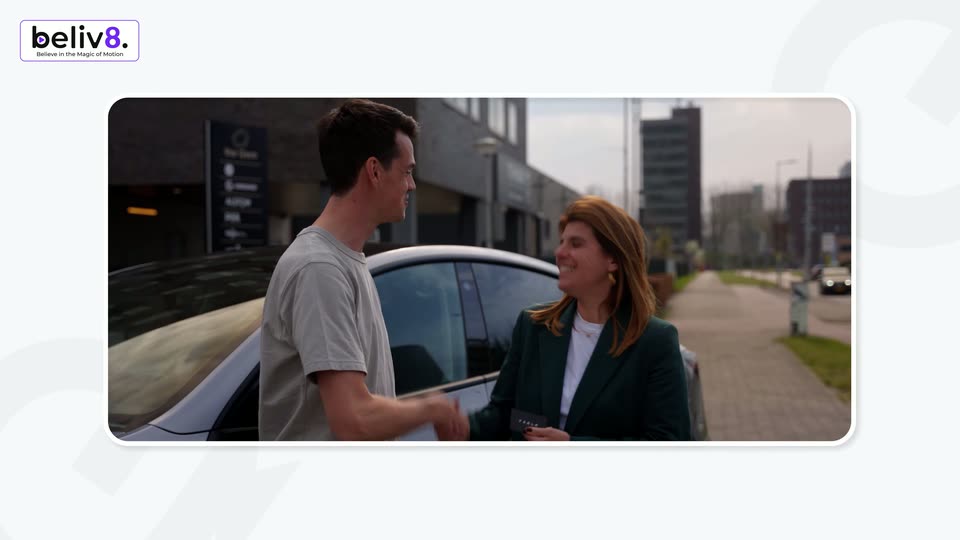
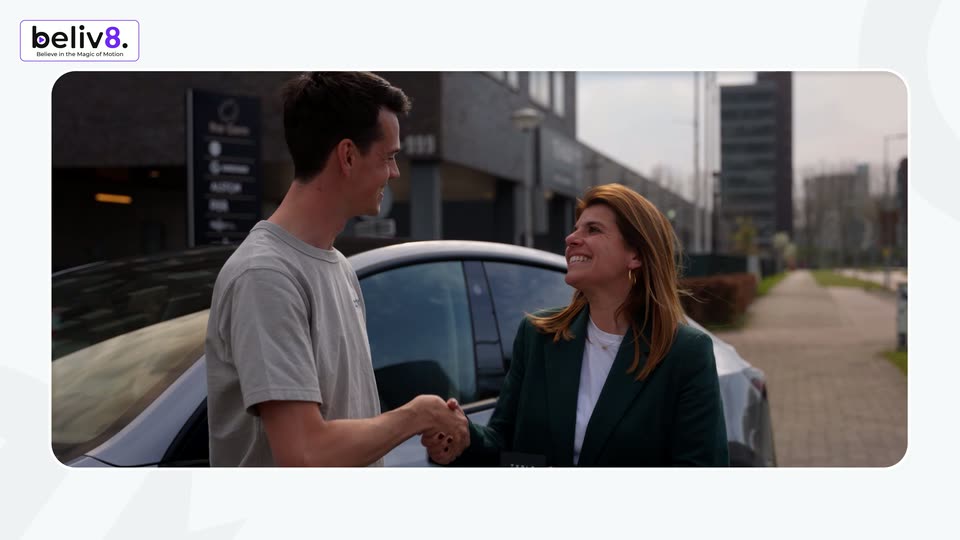
A live-action shot of a man and a woman shaking hands beside a white car begins inside a rounded window on a pale background with faint 3D shapes, then scales up to fill the frame. A beliv8 logo sits in the top-left corner.

0.9s
Feature reveal· Tech Explainer Video Example: Eccasion EV Platform | Beliv8 Motion Studio

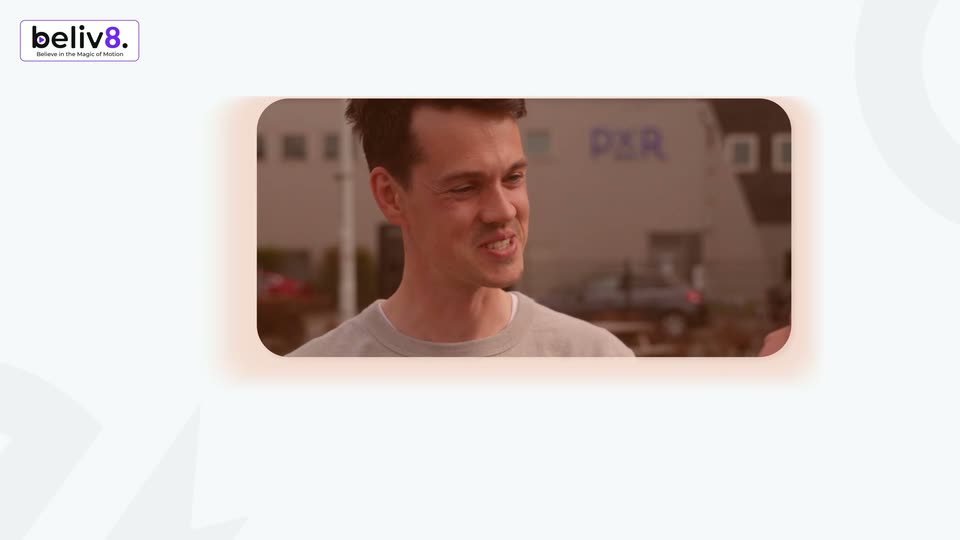
A rounded video card on a light background shows a man in a gray sweatshirt smiling and talking to a red-haired woman outside a building. The card shrinks toward the center while the beliv8 logo bug stays in the top-left corner.

1s
Feature reveal· Launch Video for LandAtlas

A dark lead-detail card sits centered against a teal-to-black gradient. Above it, the headline 'Submit your deal.' types in word by word, while the card's name, phone and address fields stay static.

1.1s
Feature reveal· Launch Video for LandAtlas

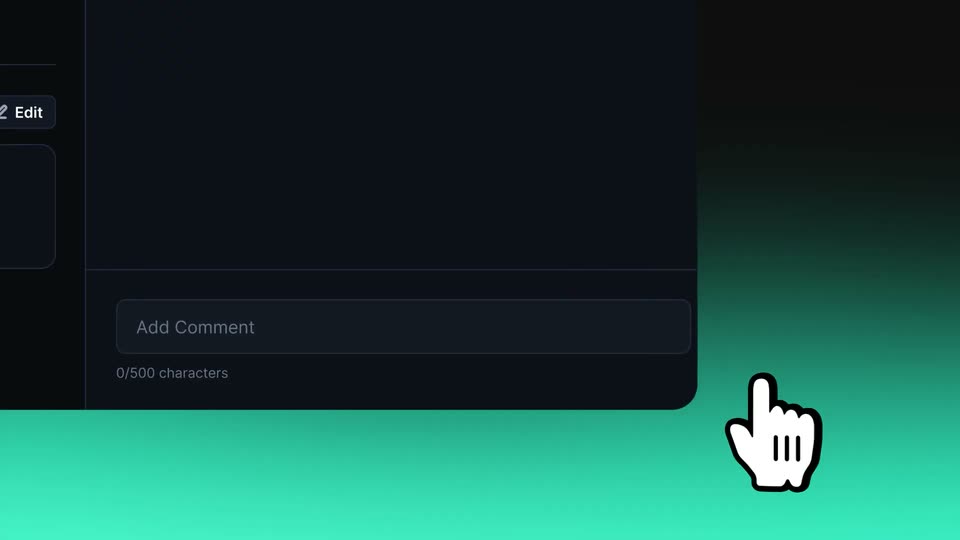
Close-up of a dark comment field with an Add Comment input and a teal Submit button. A cartoon white hand cursor hovers over the button and nudges it as if pressing, set against a teal gradient backdrop.

1.8s
Feature reveal· Launch Video for LandAtlas

On a black background with a teal glow at the bottom, the word AI and a teal four-point star appear centered, then the rest of the sentence fills in around the star, which finally drops out leaving the full line.

0.8s
Feature reveal· Launch Video for LandAtlas

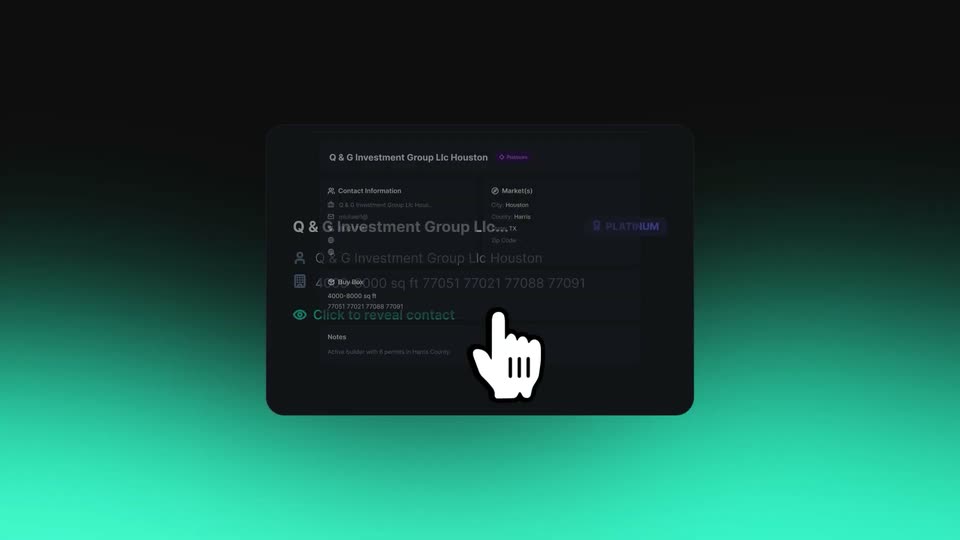
A dark contact card with a company name, address, and PLATINUM badge is centered on a dark teal gradient. A white hand cursor points at the card as the text scales slightly.

1.5s
Feature reveal· Launch Video for LandAtlas

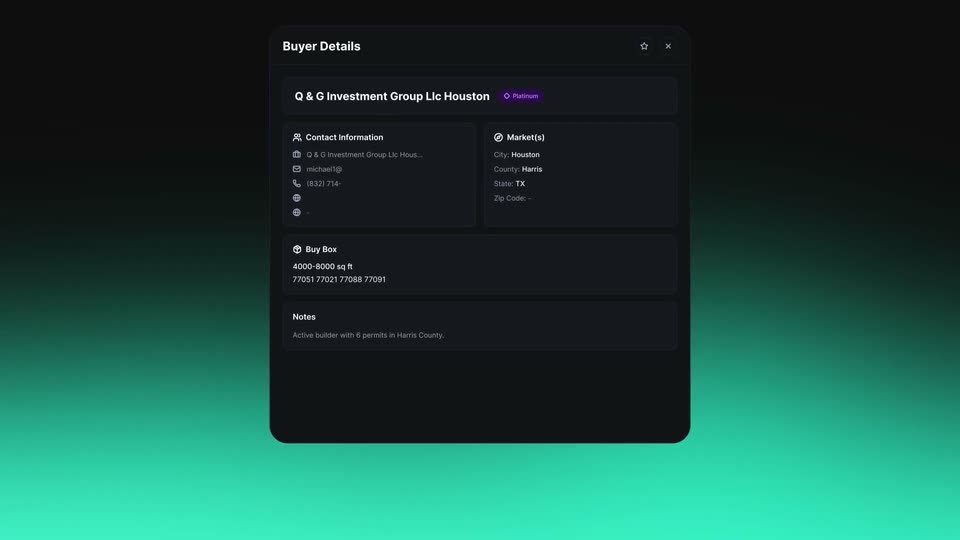
A dark Buyer Details card is centered on a teal gradient, listing contact info, markets and buy box. A white hand cursor hovers over the notes row, then fades out as the card scales up.

1.7s
Feature reveal· Launch Video for LandAtlas

On a black-to-teal gradient, the tagline types in word by word: “Updated”, then “daily by our”, then “team.”, a teal four-pointed star trailing the last word. The completed line holds for the final beat.

2s
Feature reveal· Launch Video for LandAtlas

A dark dashboard panel labeled Live Builder Feed eases down the frame, holding a scrolling ticker of company names and two stat cards. Above it, a white headline builds word by word.

1.2s
Feature reveal· Launch Video for LandAtlas

On a dark background with a teal glow along the bottom edge, the headline types in word by word. Each new word fades in as dim gray, then brightens to white, completing the sentence.

2.4s
Feature reveal· Launch Video for LandAtlas

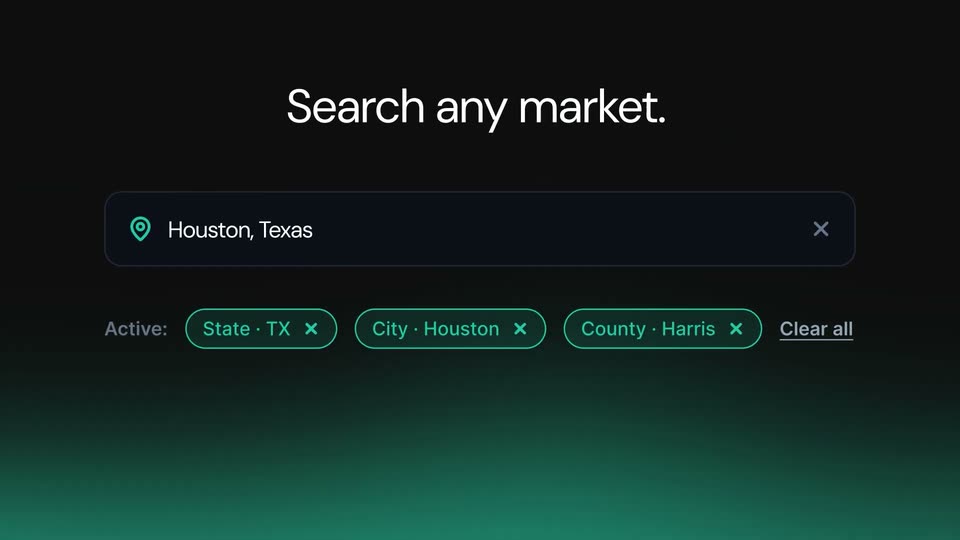
A white hand cursor taps a dark search bar that fills with Houston, Texas and filter chips, then the view cuts to a teal US map with a results panel listing builders, under a headline that types out Search any market. and switches to Results.

1.2s
Feature reveal· Launch Video for LandAtlas

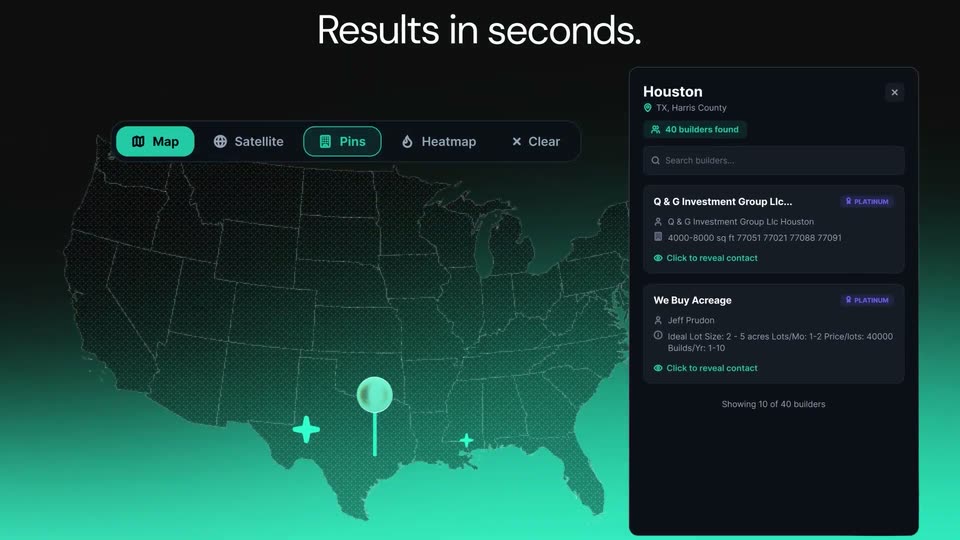
A dark 3D dot-grid US map glows teal below a pin over Texas, beside a results panel listing two builder cards; the headline “Results in seconds.” fades in above as the layout eases into place.

1.7s
Feature reveal· Launch Video for LandAtlas

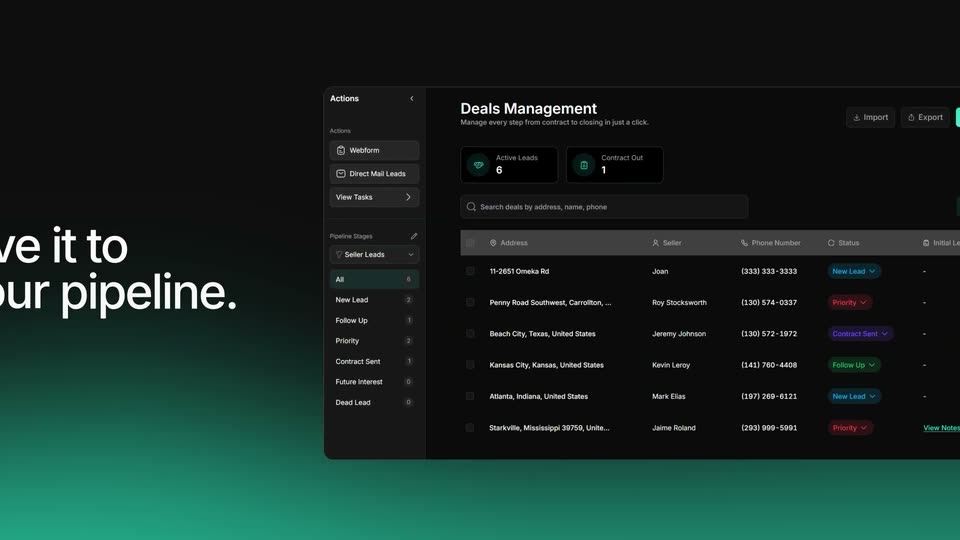
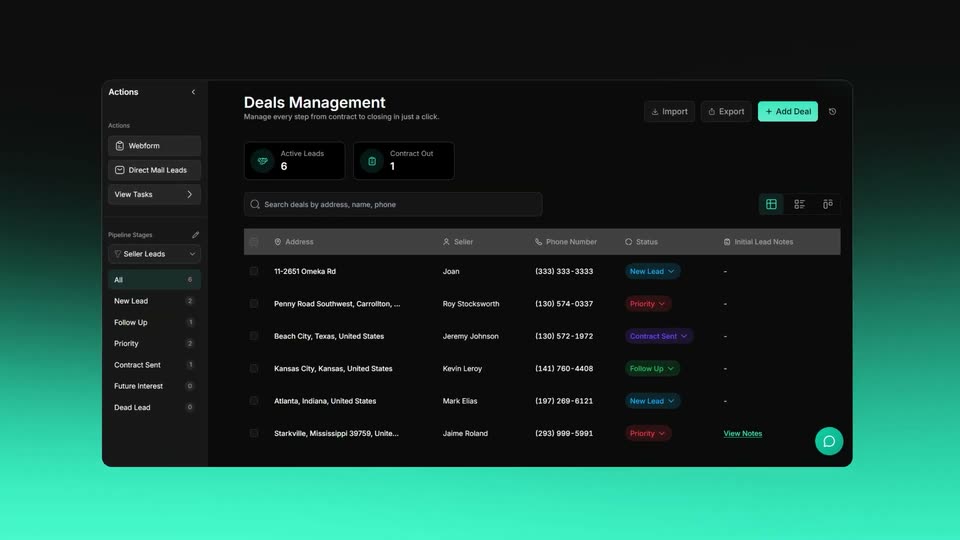
On a dark background with a teal glow, large white text “Save it to your pipeline” builds word by word on the left. On the right, a tilted 3D Deals Management dashboard rotates into view, its sidebar, stat cards and deals table visible with a pipeline-stages dropdown open.

1s
Feature reveal· Launch Video for LandAtlas

A dark deals-management dashboard panel slides in and settles on a teal-to-black gradient background. The panel shows a left sidebar, two stat cards, a search bar and a leads table with colored status tags.

1.4s
Feature reveal· Launch Video for LandAtlas

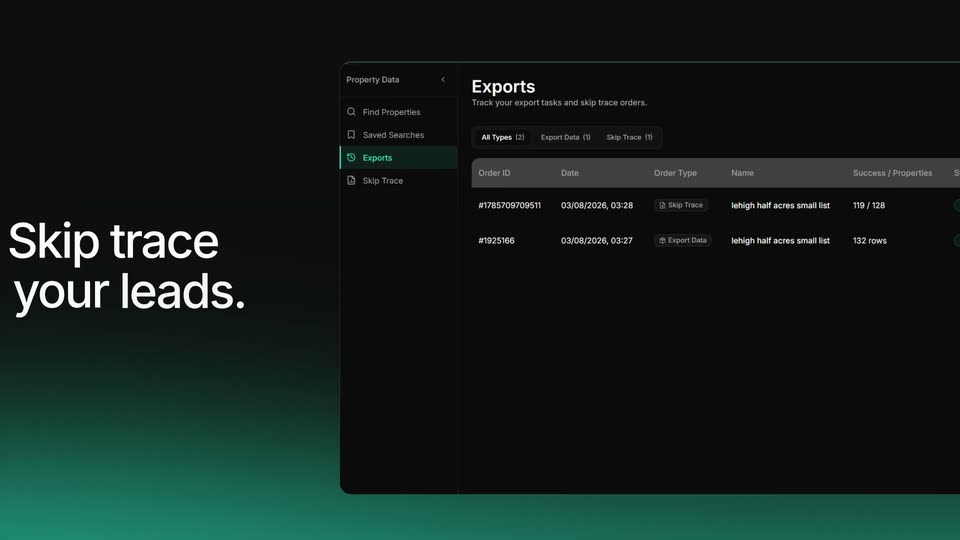
A dark exports interface slides in from the right against a teal-glow gradient, while the headline builds word by word on the left.

1.5s
Feature reveal· Launch Video for LandAtlas

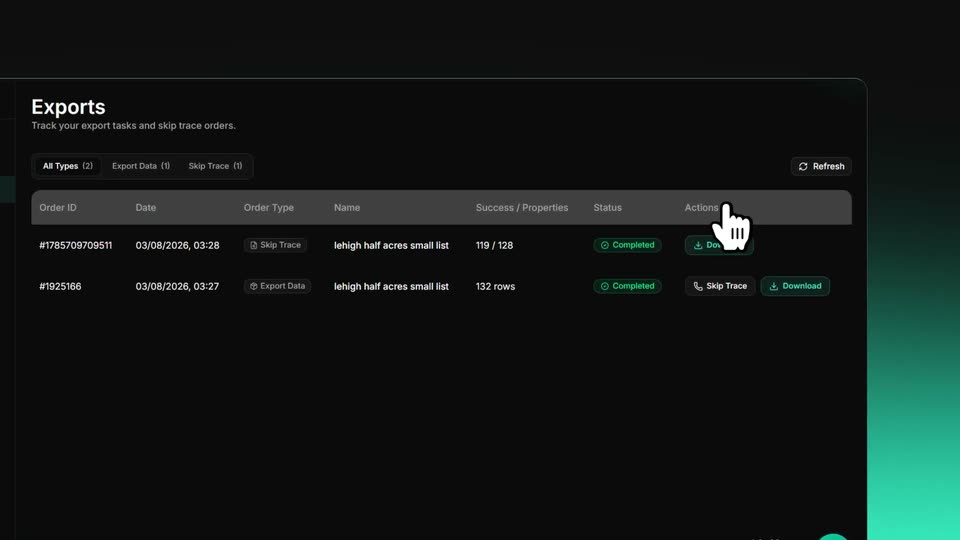
A dark Exports table with two completed rows. A ghost duplicate of the panel drifts and fades as the main panel settles into place, while a white hand cursor glides from a row action up to the Refresh button.

1.2s
Feature reveal· Launch Video for LandAtlas

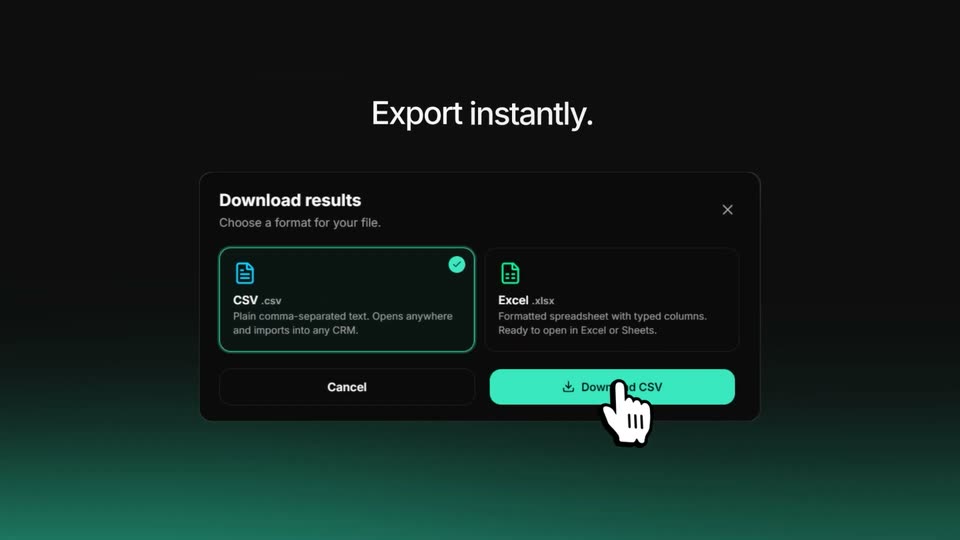
Under the headline Export instantly., a dark Download results modal settles into frame, the CSV option highlighted with a check and a teal Download CSV button below. A white hand cursor rests on the button as the blurred entrance resolves to a crisp still.

2.7s
Feature reveal· Launch Video for LandAtlas

On a black-to-teal gradient, a light-gray headline reads 'Unlock more opportunities' while a teal dot bounces back and forth across it. The text then clears and the dot grows into a teal ring framing a circular portrait of a man in a white shirt.

1.3s
Feature reveal· Launch Video for LandAtlas

A teal-ringed circular avatar pops in at the center of a dark field with a green glow below, then four more avatars fan out to the right, overlapping into a row.

1.9s
Feature reveal· Launch Video for LandAtlas

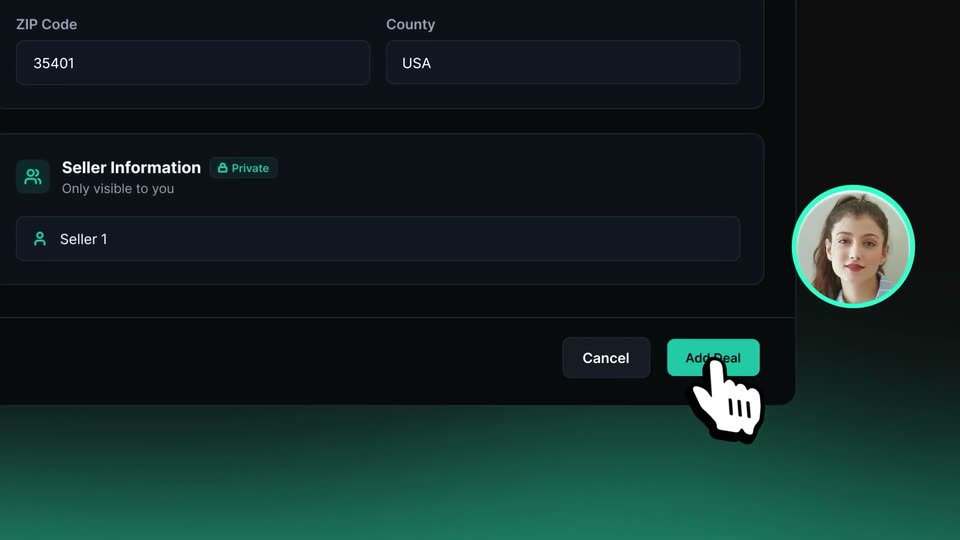
A dark Add JV Deal form modal floats on a teal-to-black gradient, ringed by circular partner avatars. The view quickly zooms down to the Deal Status dropdown as a hand cursor moves onto the teal Add Deal button.

1.9s
Feature reveal· Launch Video for LandAtlas

A dark panel shows a Deal Status field with an open dropdown listing Seller Leads, Inventory, Escrow and Closed. A hand cursor taps Closed, a checkmark appears, and the headline fades in above the panel.

0.9s
Feature reveal· Launch Video for LandAtlas

Centered on a black-to-teal vertical gradient, the white line “Track every deal.” appears; “Track every” is already set while “deal.” fades in from gray, then the whole phrase holds still on a locked-off frame.

2.1s
Feature reveal· Launch Video for LandAtlas

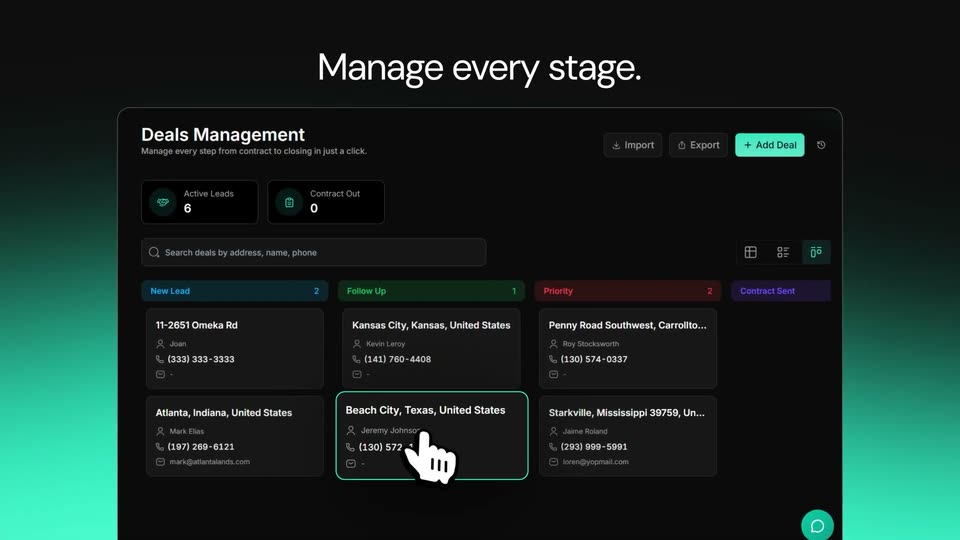
A deals management dashboard fades in over a dark background with a teal glow. The centered headline above builds word by word from “Manage” to “Manage every stage.” then swaps to “Track every deal.” as a cursor hand clicks a deal card, outlining it in teal.

3.2s
Feature reveal· Launch Video for LandAtlas

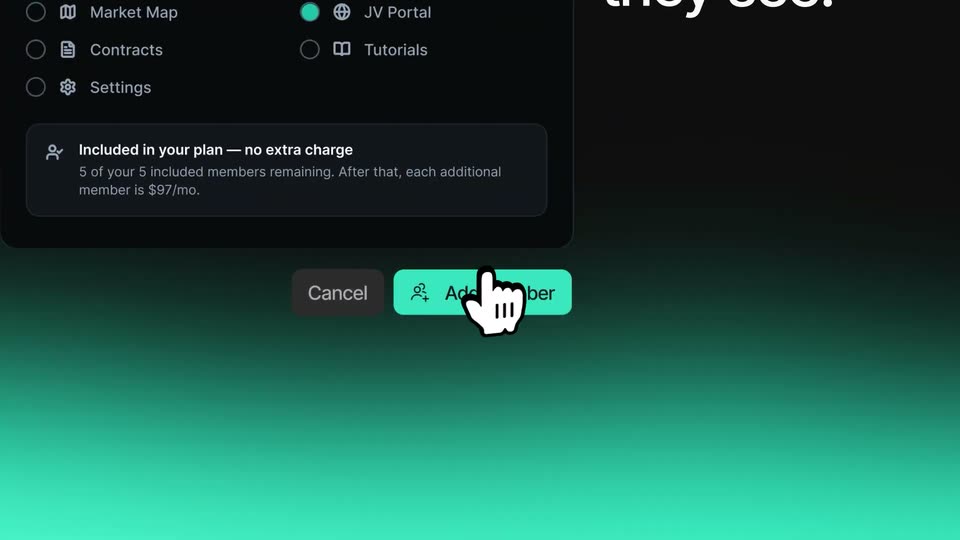
A dark Add Team Member dialog sits over a teal gradient. A white hand cursor clicks the My Companies checkbox, turning it teal, then the view pans down to the footer as the hand presses the Add member button.

4.2s
Feature reveal· 344,752 organic views: the motion design video we made for Jinko (YC)

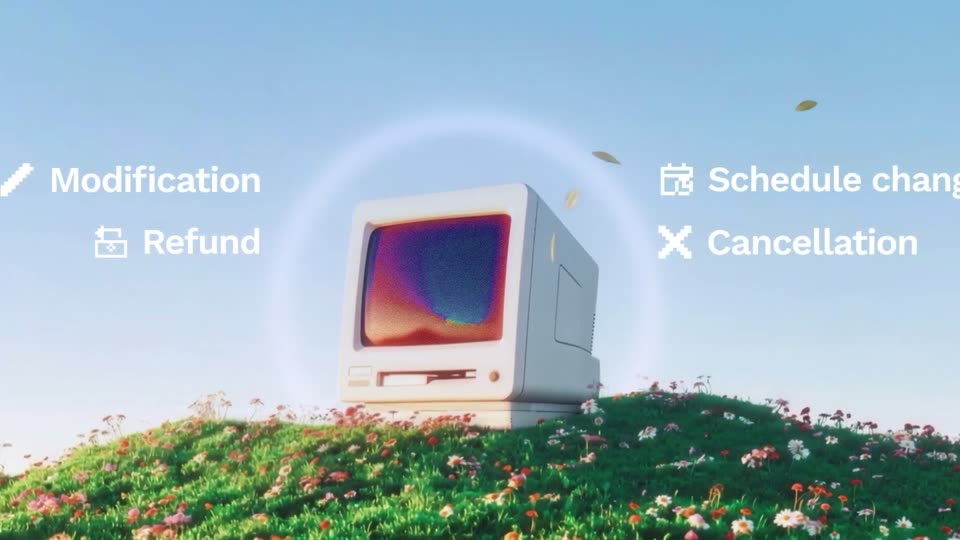
A 3D beige vintage Macintosh sits on a flower-covered hill, sharpening into focus as the headline “Jinko manages everything post-booking” assembles above it. Icon labels for Modification, Refund, Schedule change, Cancellation pop in on both sides, then the screen glows “24/7” as the frame fills with drifting white squares.

2.1s
Feature reveal· 3D YC Startup Launch Video | Neuron Industries $10M Billboard Announcement

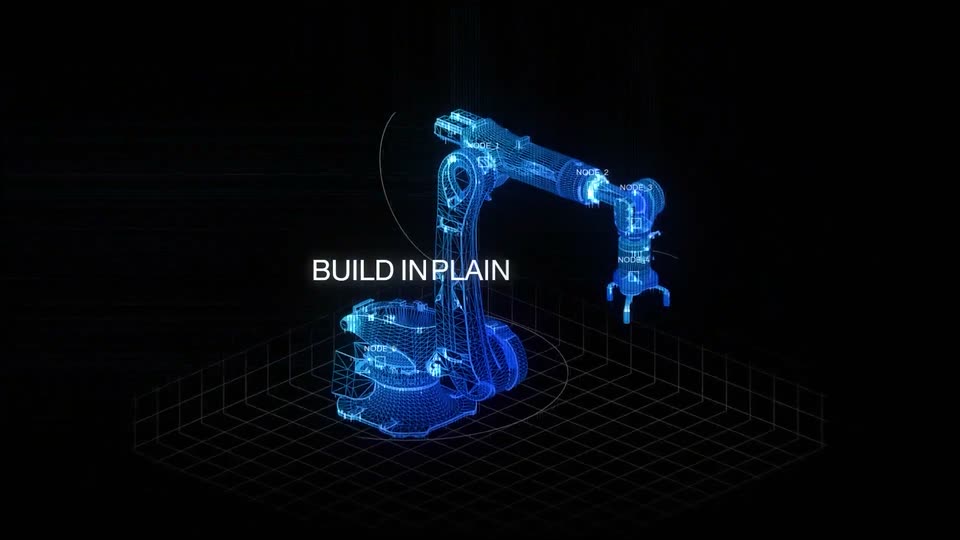
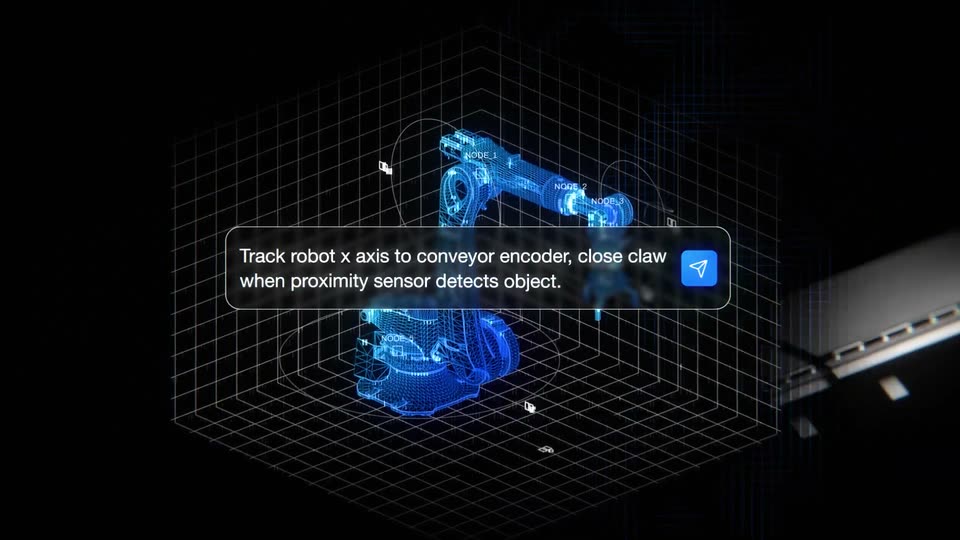
A glowing blue wireframe robotic arm forms over a dark grid floor, its joints tagged with node labels. The white headline BUILD IN PLAIN ENGLISH builds up word by word across the center as the model brightens.

2.9s
Feature reveal· 3D YC Startup Launch Video | Neuron Industries $10M Billboard Announcement

A blue wireframe robotic arm sits on a white grid plane over a black void, with thin orbit rings and node labels around it. The white headline holds center, then a rounded command box with a blue send icon slides in over it and fills line by line. A slow orbit ends as the grid and arm fade and a conveyor belt slides in from the right.

0.4s
Feature reveal· 3D YC Startup Launch Video | Neuron Industries $10M Billboard Announcement

A dark robotic arm rests beside a slatted conveyor inside a white 3D wireframe grid. The arm shifts from a translucent blue mesh to solid dark metal while a caption box explains the motion.

1.1s
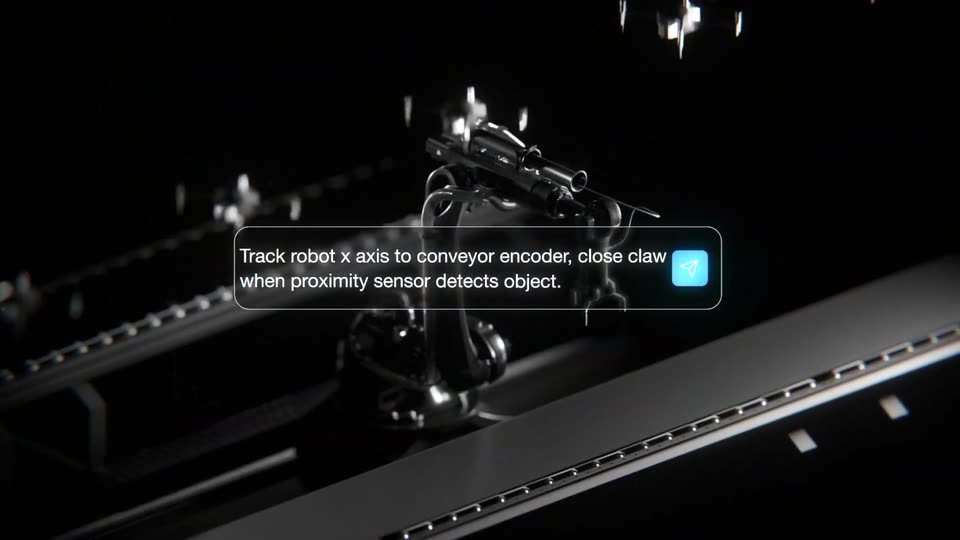
Feature reveal· 3D YC Startup Launch Video | Neuron Industries $10M Billboard Announcement

A 3D robotic arm with a claw gripper hovers over a dark conveyor rail, small propeller drones drifting in the background. A rounded caption card with a blue icon holds the instruction text, centered and static on a locked-off frame.

1.3s
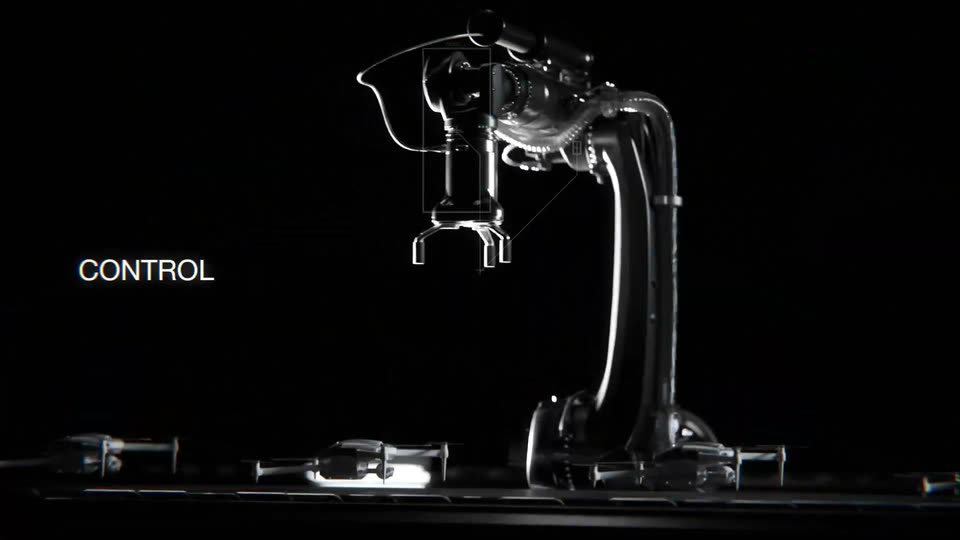
Feature reveal· 3D YC Startup Launch Video | Neuron Industries $10M Billboard Announcement

A chrome robotic arm on a black stage rotates its upper section and lowers its gripper while a thin wireframe box tracks its head. Small drones rest on the floor below, and the label CONTROL LOGIC holds at left.

3.5s
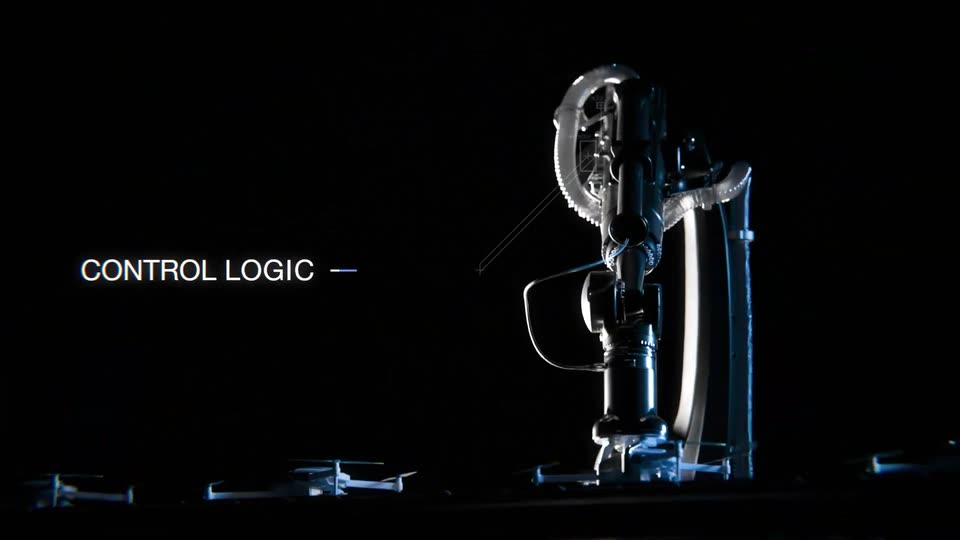
Feature reveal· 3D YC Startup Launch Video | Neuron Industries $10M Billboard Announcement

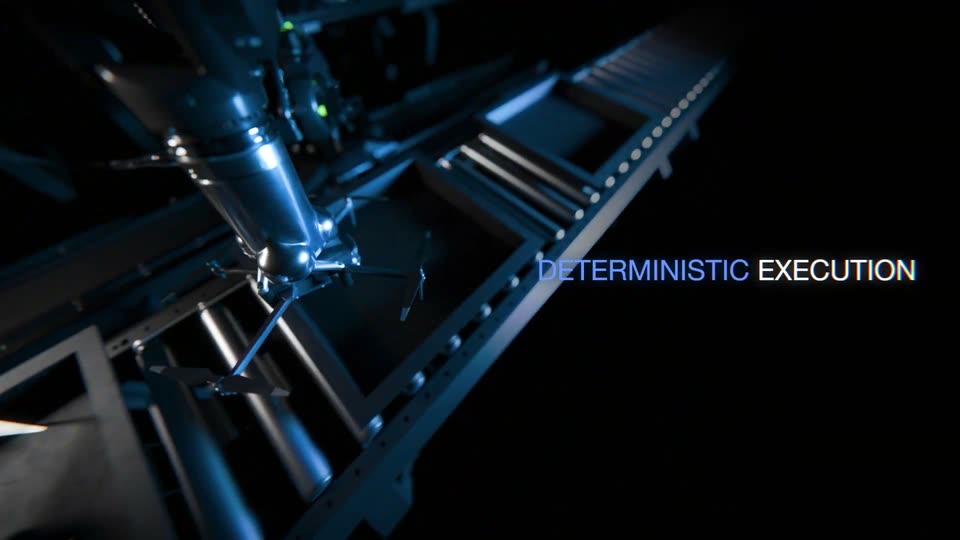
A robotic arm with a star-shaped gripper travels along a dark assembly line in a 3D render. The label CONTROL LOGIC links by a thin line to DETERMINISTIC EXECUTION on the right as the camera tracks the arm down the line.

4.2s
Feature reveal· 3D YC Startup Launch Video | Neuron Industries $10M Billboard Announcement

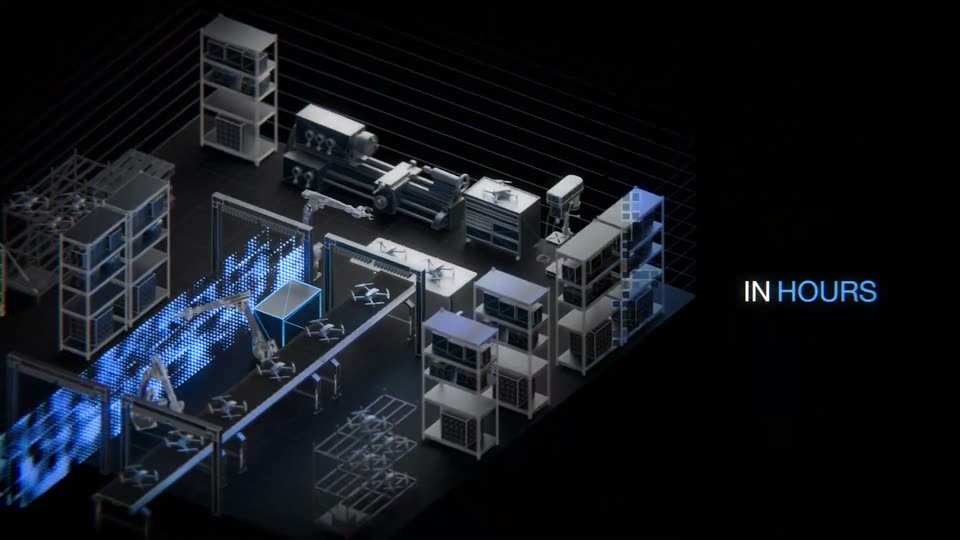
A blue point cloud assembles into an isometric 3D factory model with racks, machines and drones on black. The headline scales in at left, then the camera orbits to a new angle as 'IN HOURS' appears at right and a blue cube lights up on a workbench.

0.9s
Feature reveal· 3D YC Startup Launch Video | Neuron Industries $10M Billboard Announcement

An isometric 3D warehouse of shelving, conveyor belts, robotic arms and drones rests on a dark grid, one box glowing blue on the line. The caption “IN HOURS” and a numeric counter hold still on the right against black.

0.7s
Feature reveal· 3D YC Startup Launch Video | Neuron Industries $10M Billboard Announcement

A near-black frame holds a drone in silhouette on a flat platform with raised rails, a red light on the left and a green one on the right. The image pulls from soft focus to sharp while a small static overlay stays locked off.

0.8s
Feature reveal· Teaser: motion design + acting + AI for Gojiberry | Motion design video

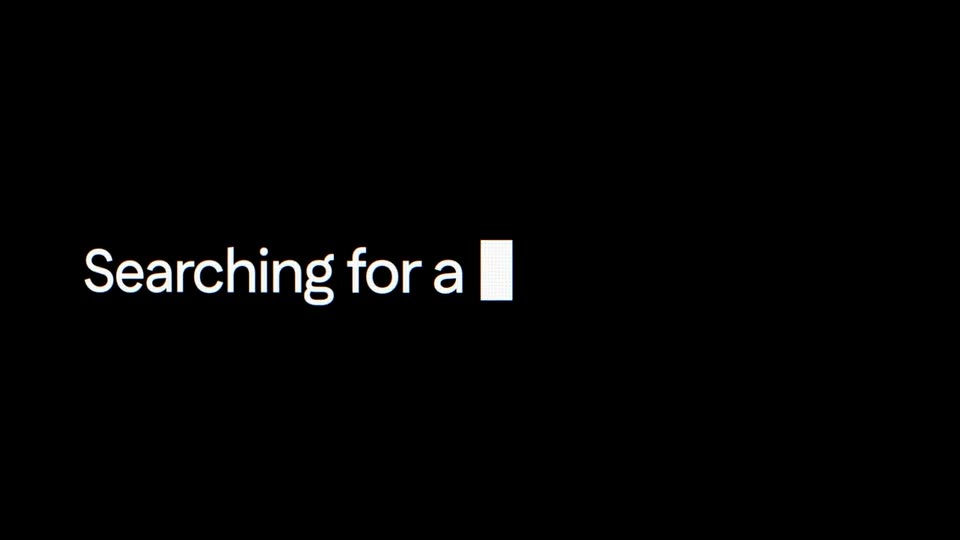
On a black background, a white sans-serif line types out word by word, a solid white block cursor trailing the last letter as it grows from “Searching for” to “Searching for a”. A small caption line sits alongside, sliding into place.

1s
Feature reveal· Teaser: motion design + acting + AI for Gojiberry | Motion design video

A lowercase line, “Searching for a founder,” scales up on black. The word “founder” shifts from coral to white while a white rectangular block holds the right edge like a cursor.

0.2s
Feature reveal· Teaser: motion design + acting + AI for Gojiberry | Motion design video

The lowercase phrase a founder flickers across a light gray field with a horizontal glitch distortion, then inverts to white on black. The text scales slightly while the frame stays locked off.

1.5s
Feature reveal· Teaser: motion design + acting + AI for Gojiberry | Motion design video

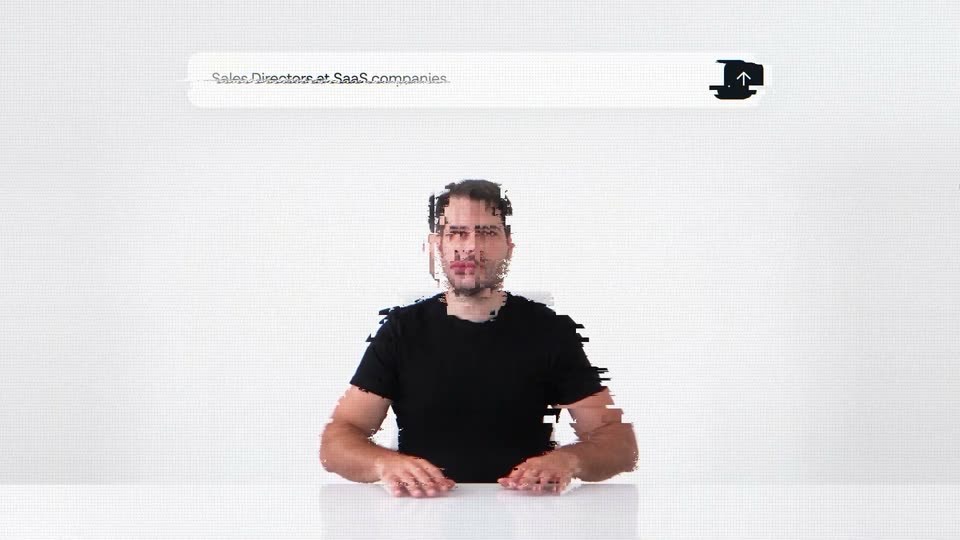
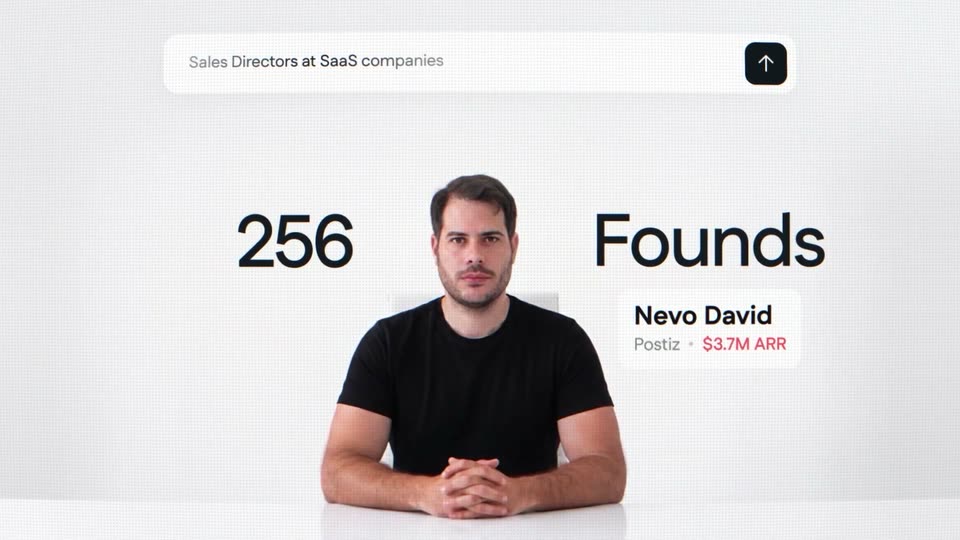
A man in a black t-shirt sits at a white table against a plain white wall, framed by a search bar above and a result card to his right. The shot opens with a horizontal slice glitch that resolves by the half second mark, while the large black text flanking him scales in.

0.8s
Feature reveal· Teaser: motion design + acting + AI for Gojiberry | Motion design video

A man in a dark blazer sits at a white table against a plain light wall, shifting his hands as a floating search bar, a large 2 Founds counter, and a Tibo name card overlay the frame.

0.7s
Feature reveal· Teaser: motion design + acting + AI for Gojiberry | Motion design video

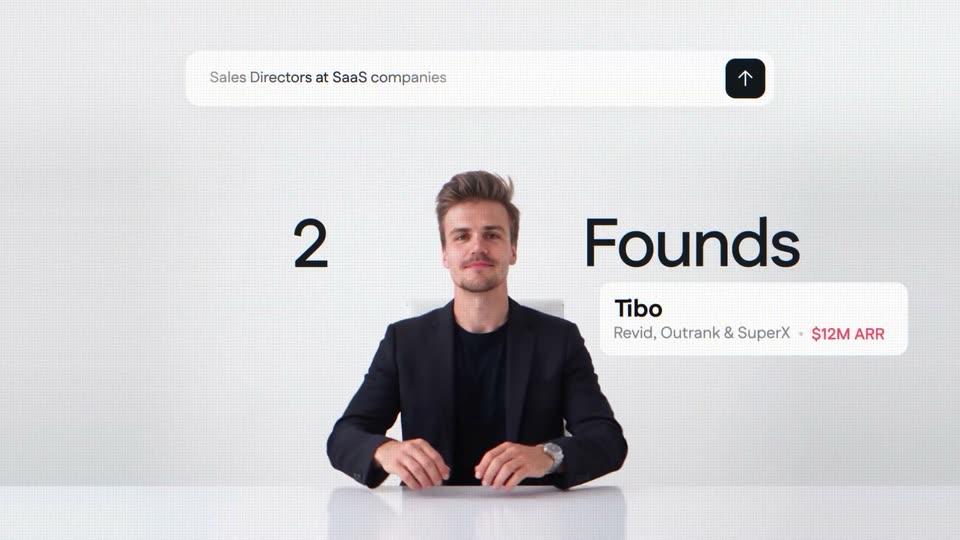
A man in a dark blazer sits at a white table on a plain light backdrop. A search bar reading 'Sales Directors at SaaS companies' hovers above him, the headline '2 Founds' flanks his head, and a card naming Tibo with $12M ARR sits at right.

1s
Feature reveal· Teaser: motion design + acting + AI for Gojiberry | Motion design video

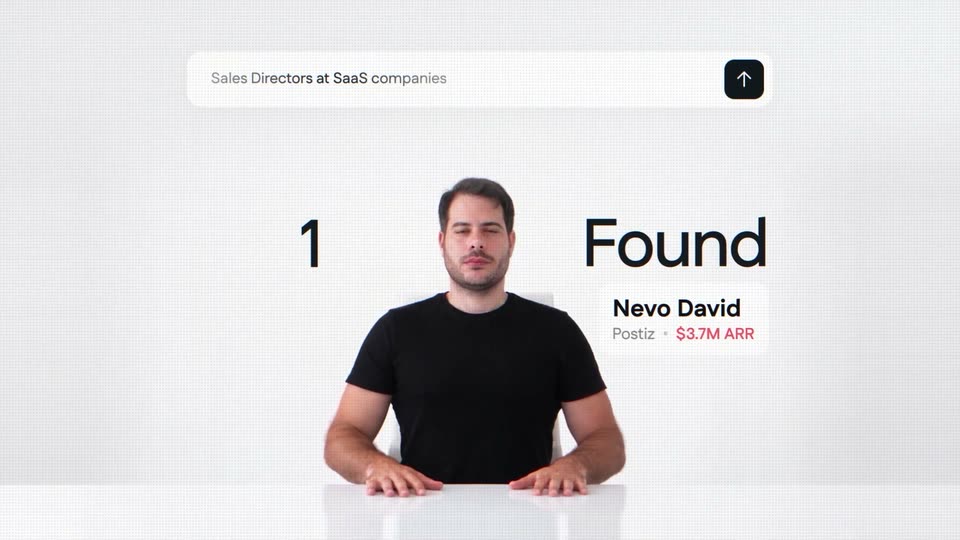
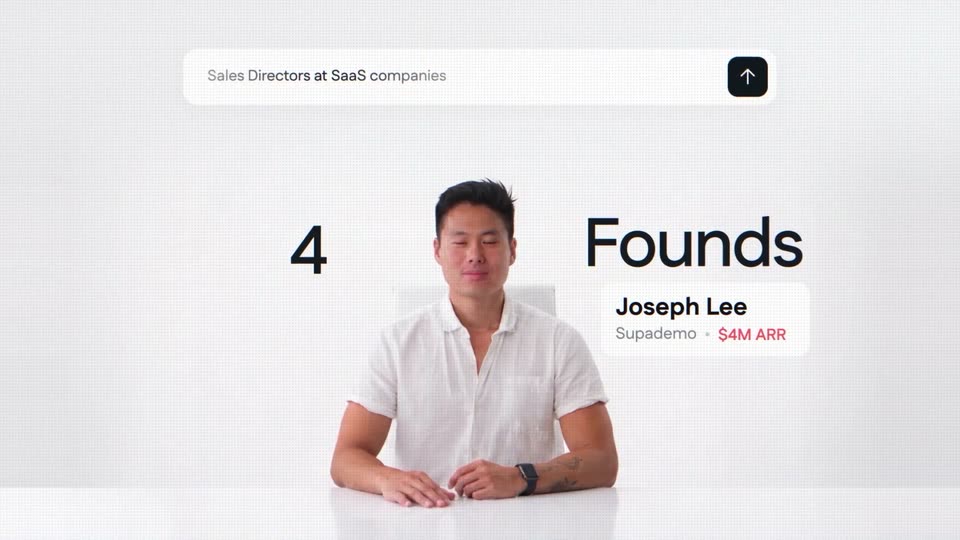
A man in a white shirt sits at a white table on a white set, under a search bar with an up-arrow button. A large '4' and 'Founds' flank him beside a white card reading 'Joseph Lee, Supademo · $4M ARR', and the text glitches near the end.

0.4s
Feature reveal· Teaser: motion design + acting + AI for Gojiberry | Motion design video

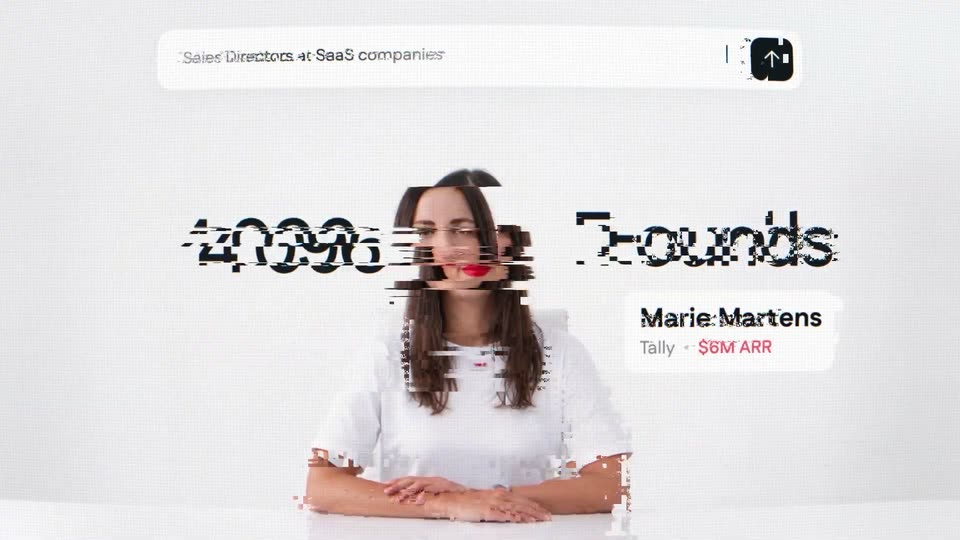
A woman in a white tee sits at a white table, hands folded, against a plain white studio wall. The frame fades in from black. A search bar sits at the top, a large 8 and Founds flank her, and a white card lists her name and company.

1.1s
Feature reveal· Teaser: motion design + acting + AI for Gojiberry | Motion design video

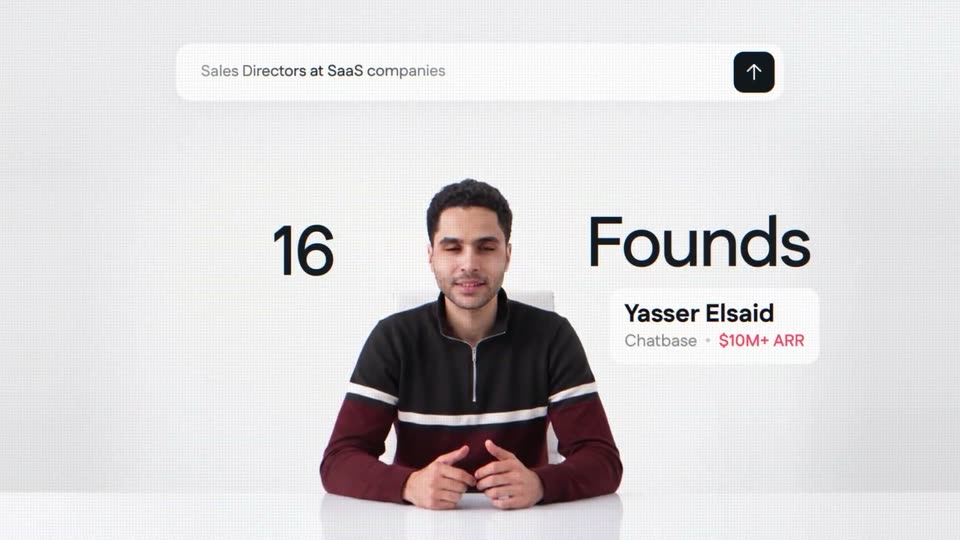
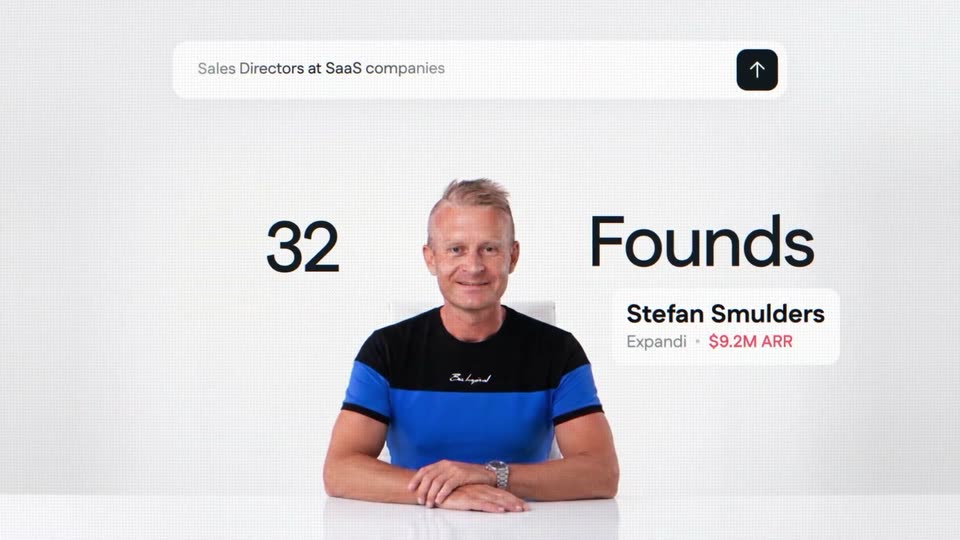
A man sits at a white desk under a search bar reading “Sales Directors at SaaS companies.” The counter rolls from 16 to 32 beside the word “Founds” as the headshot cuts to a second man and his name card with company and ARR updates.

0.9s
Feature reveal· Teaser: motion design + acting + AI for Gojiberry | Motion design video

A man in a navy T-shirt sits at a white table on a plain white set, framed by a floating search bar, a large counter, and a name card. The counter rolls from 64 to 158 as the man dissolves into a second man and the card updates.

0.4s
Feature reveal· Teaser: motion design + acting + AI for Gojiberry | Motion design video

A search bar holds at the top as a counter ticks from 1512 to 2048 beside the word Founds; a sliced glitch cut flips from a man on a dark background to a man on a white background, with a name and company caption swapping.

0.5s
Feature reveal· Teaser: motion design + acting + AI for Gojiberry | Motion design video

A man in a dark shirt sits at a white table, the image glitching, then it cuts to a second man. A large black counter shows 31,089 Founds, a top pill reads Sales Directors at SaaS companies, and a lower-right card names the speaker with company and ARR.

2.8s
Feature reveal· TagadaRx motion design video: launch the next Hims & Hers

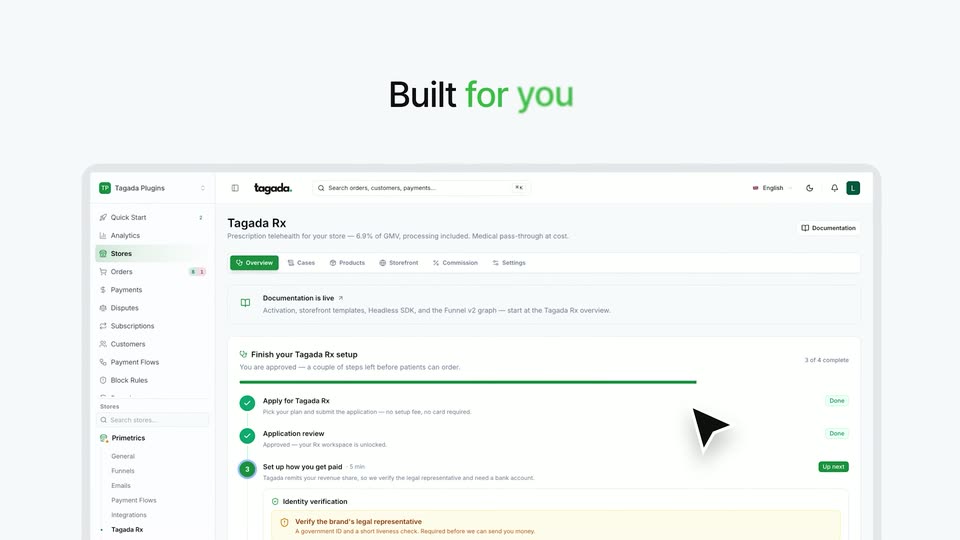
On a green gradient, the headline “One certified platform / Built for you” appears line by line, then fades out as the Tagada Rx dashboard screenshot scales up to fill the lower frame.

2.3s
Feature reveal· TagadaRx motion design video: launch the next Hims & Hers

A dark gray headline reads “With everything you need” above four white cards for Doctors, Pharmacies, Payments and Certification. A green second line, “already connected”, types in word by word as green checkmarks pop onto the cards. A tilted dashboard mockup sits below.

0.7s
Feature reveal· TagadaRx motion design video: launch the next Hims & Hers

A 3D warped halftone dot field snaps from a blurred, pinched state into focus. The headline resolves to sharp while four glassy cards (Doctors, Pharmacies, Payments, Certification) sit in a row below, joined by dashed green arrows.

1.3s
Feature reveal· TagadaRx motion design video: launch the next Hims & Hers

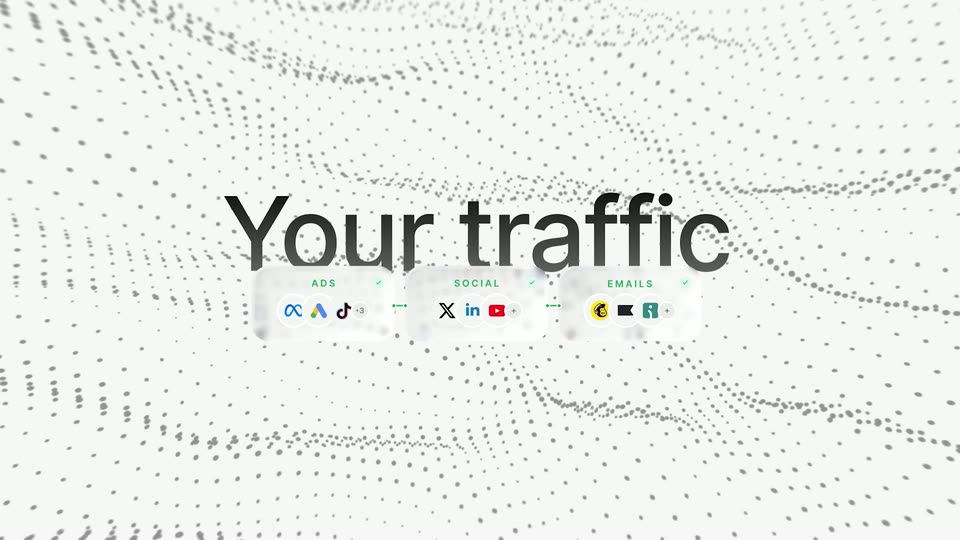
A large black sans headline “Your traffic” holds centered over a pale gray dot-grid wave. Below it, three white pills labeled ADS, SOCIAL, and EMAILS rise into focus, each carrying small brand icons.

0.8s
Feature reveal· TagadaRx motion design video: launch the next Hims & Hers

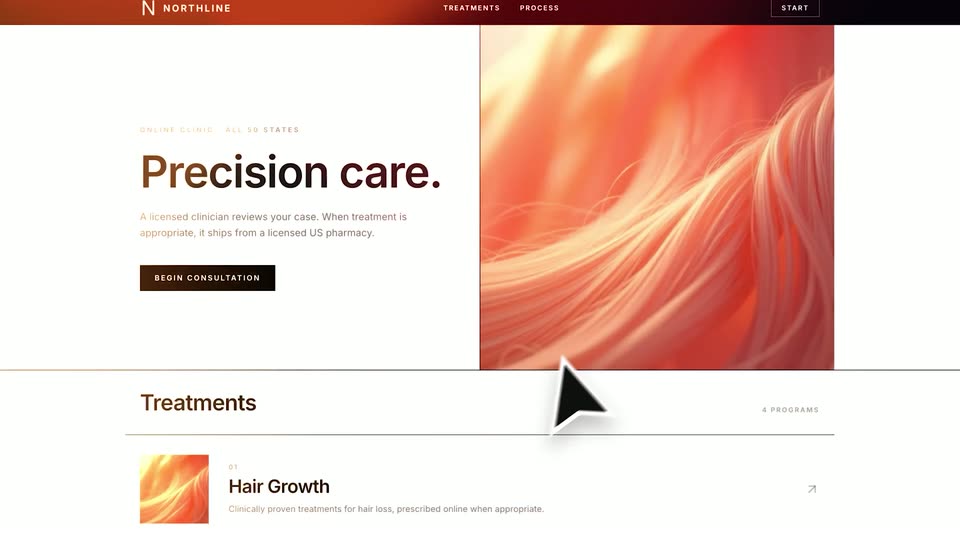
A white healthcare website mockup, tilted in 3D over a grid of fading dots, rotates to face the camera. A black cursor arrow rests at the lower edge as the screen settles flat.

0.8s
Feature reveal· TagadaRx motion design video: launch the next Hims & Hers

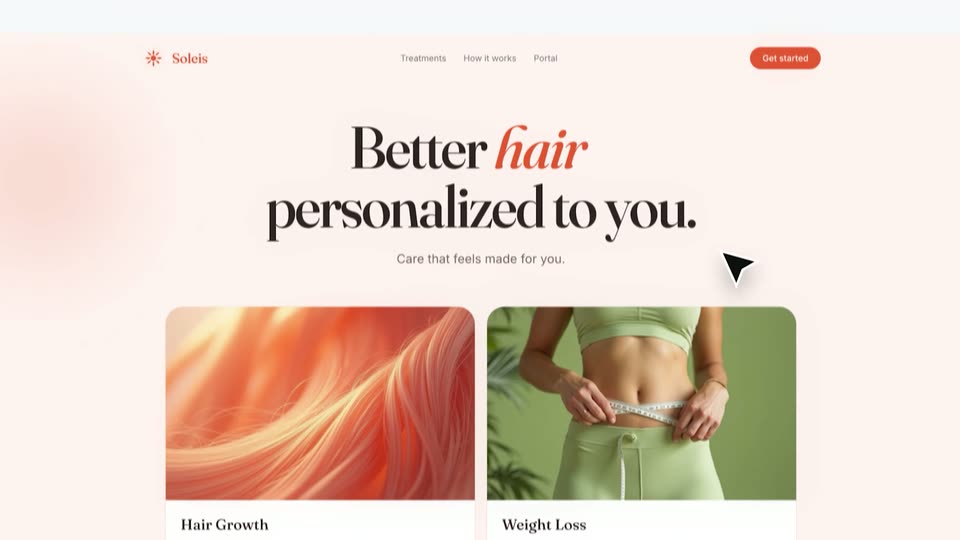
A large outlined cursor hovers over an orange hair image beside the 'Precision care.' hero, then the page scrolls down to the 'Better hair, personalized to you.' section with Hair Growth and Weight Loss cards.

0.8s
Feature reveal· TagadaRx motion design video: launch the next Hims & Hers

Soleis website hero with orange sun logo, nav links and a Get started pill. The headline 'Better hair personalized to you.' sits over two cards: Hair Growth with orange hair, Weight Loss with a measuring waist. The block shifts with a left motion blur as a cursor moves up.

1.4s
Feature reveal· TagadaRx motion design video: launch the next Hims & Hers

A centered black sans-serif line on a pale off-white field. The phrase resolves from a left-to-right blur wipe into a static line, then holds.

0.9s
Feature reveal· TagadaRx motion design video: launch the next Hims & Hers

A white listing card holding a photo of a semaglutide pen scales up in the center while the headline Sell weight loss fades in above it. Soft green ribbons drift across the bottom of the white frame.

1.3s
Feature reveal· TagadaRx motion design video: launch the next Hims & Hers

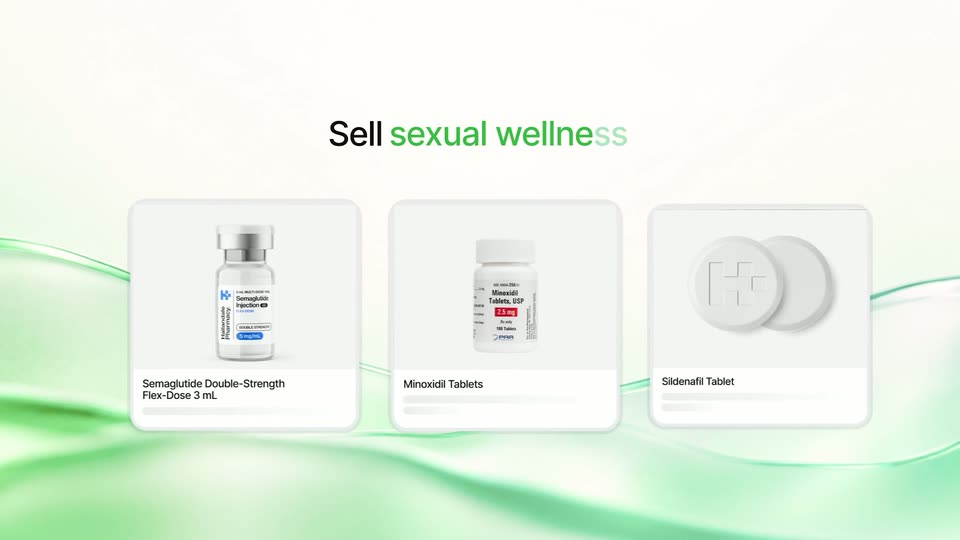
A centered headline cycles from 'Sell weight loss' to 'Sell hair wellness' and 'Sell sexual wellness' as product cards slide in below: a Semaglutide vial, a Minoxidil bottle, a Sildenafil tablet with a plus icon. Green ribbons drift across a cream backdrop.

0.8s
Feature reveal· TagadaRx motion design video: launch the next Hims & Hers

Three white product cards slide in from the left and settle under the headline 'Sell sexual wellness' on a pale background with soft green waves. The cards show a labeled vial, a white pill bottle and two round tablets with captions.

1.7s
Feature reveal· TagadaRx motion design video: launch the next Hims & Hers

A white “One-off” pill button sits centered over a pale green wavy ribbon. It slides left as a green “Subscription” pill appears beside it, and a black cursor moves to hover over the new button.

7.3s
Feature reveal· TagadaRx motion design video: launch the next Hims & Hers

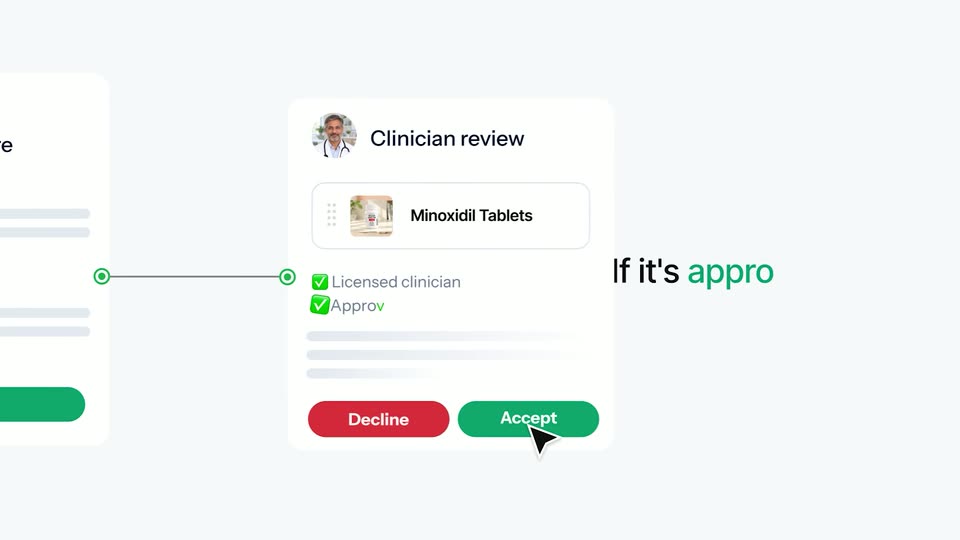
A white health questionnaire card is submitted by a cursor, then the frame pans right to a clinician review card for Minoxidil Tablets. The cursor clicks Decline, the button becomes a grey No charge, then the status flips to Approved and the cursor clicks Accept.

0.8s
Feature reveal· TagadaRx motion design video: launch the next Hims & Hers

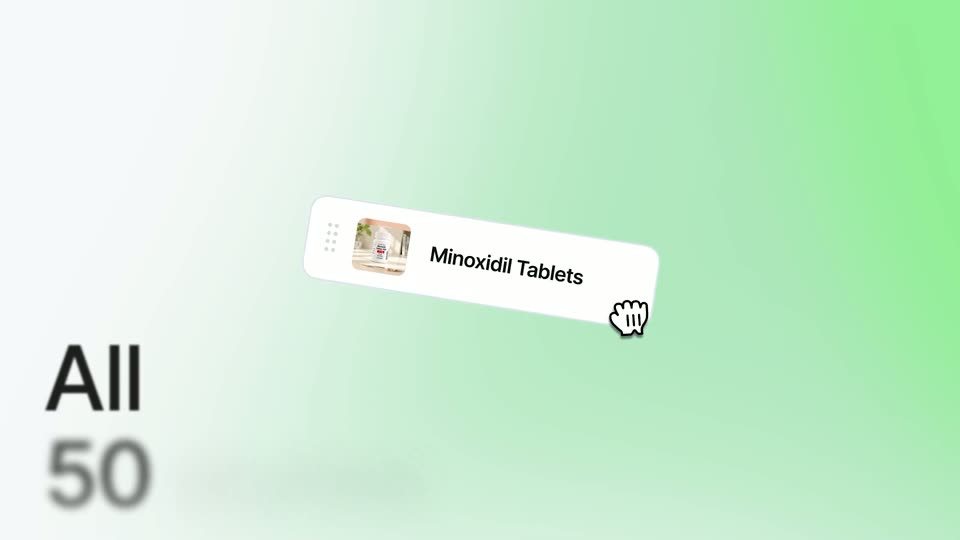
A tilted white card with a clinic thumbnail and a Minoxidil Tablets label slides to the center, hand cursor at its corner, as the Clinician review card blurs out left and large All 50 text blurs in.

0.7s
Feature reveal· TagadaRx motion design video: launch the next Hims & Hers

A tilted white product card reading Minoxidil Tablets, with a small package image and a hand cursor, floats over a green world map. Large black text All 50 states scales into focus at the lower left.

0.9s
Feature reveal· TagadaRx motion design video: launch the next Hims & Hers

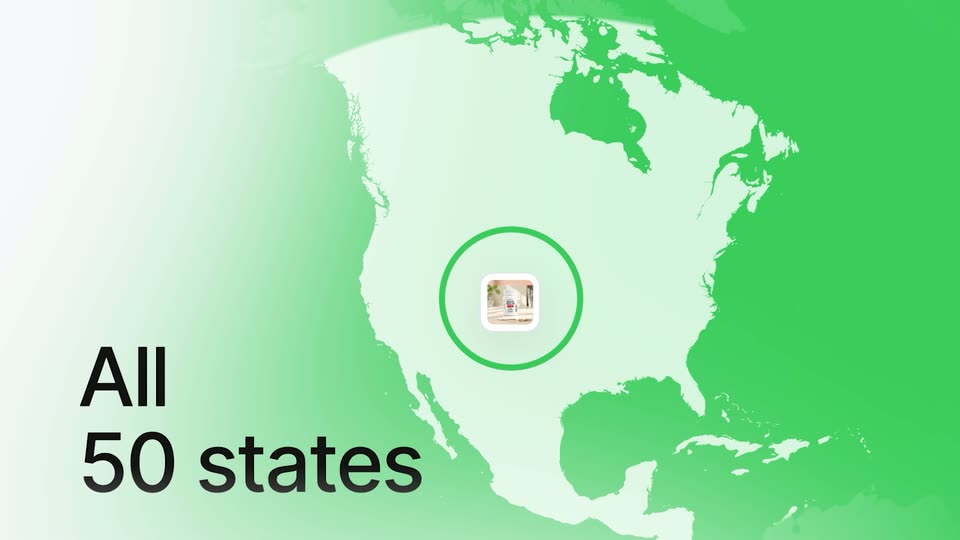
A green map of North America fills the frame with a small storefront photo at its center, ringed by a pulsing green circle. Large black text reading All 50 states scales in at the lower left while the map drifts slowly.

1.4s
Feature reveal· TagadaRx motion design video: launch the next Hims & Hers

A field of white product cards drifts through 3D space, each showing a bottle, vial or pill, with the central card in sharp focus on a pill-bottle photo. The words All and 50 states scale in over the field.

1.3s
Feature reveal· TagadaRx motion design video: launch the next Hims & Hers

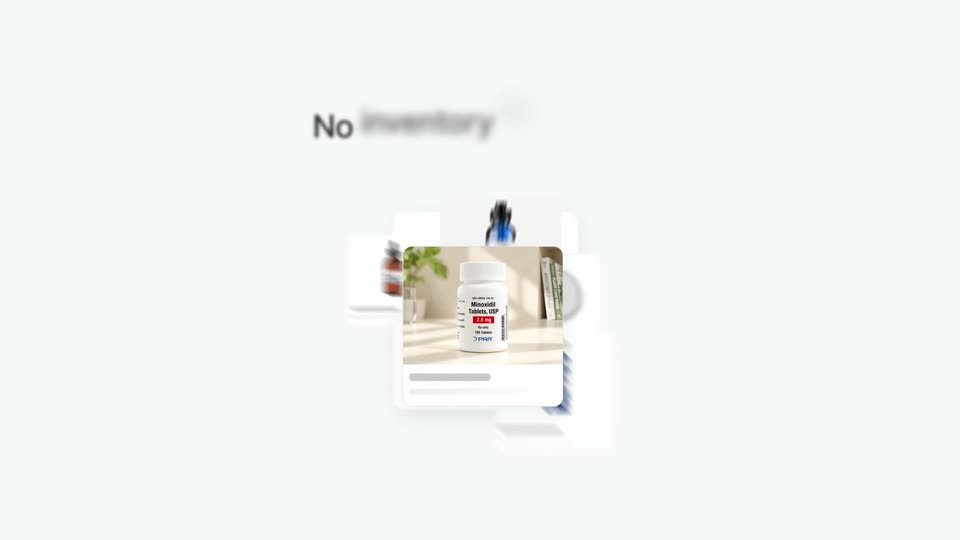
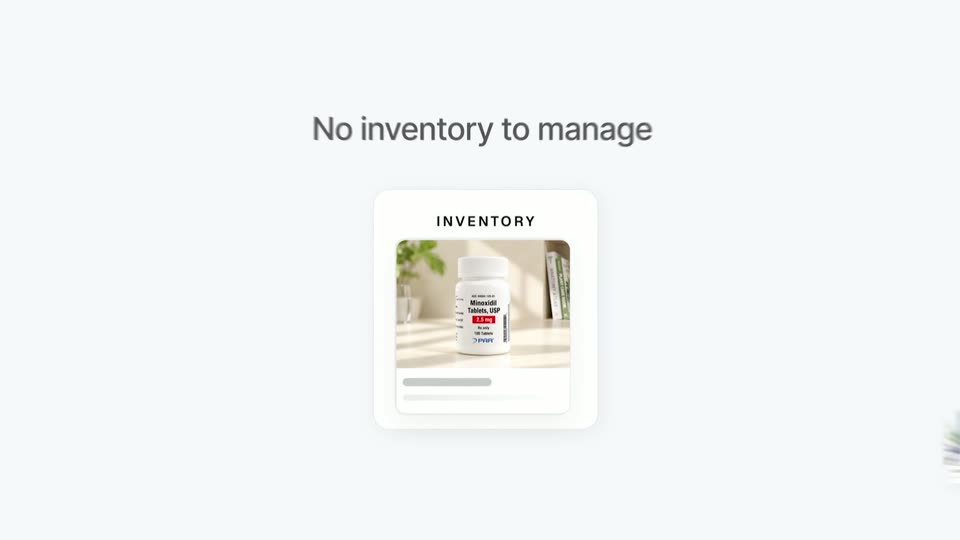
A dark headline fades in above a white inventory card holding a pill bottle photo. The card shrinks and drifts up while several doctor photo cards pop in around the edges.

3.5s
Feature reveal· TagadaRx motion design video: launch the next Hims & Hers

Scattered white cards of doctors and an inventory photo converge into an aligned row beneath the headline “No separate doctors.” The headline swaps to “No separate processors” as a fourth card, a laptop, slides in; the scene ends on a blank white frame.

1.3s
Feature reveal· TagadaRx motion design video: launch the next Hims & Hers

On a white background with soft green blurs in the corners, the dark gray headline “One partner” holds center while a white card carrying the tagadarx wordmark scales in beneath it.

4.2s
Feature reveal· Introducing the Framer MCP: Connect your favorite AI tools to Framer

The overhead bed view returns. She lowers the sleep mask, rolls to her side and settles back onto the pillow in the dark room.

0.8s
Feature reveal· Music Education Software Explainer Video | MusicFirst x MotionCue

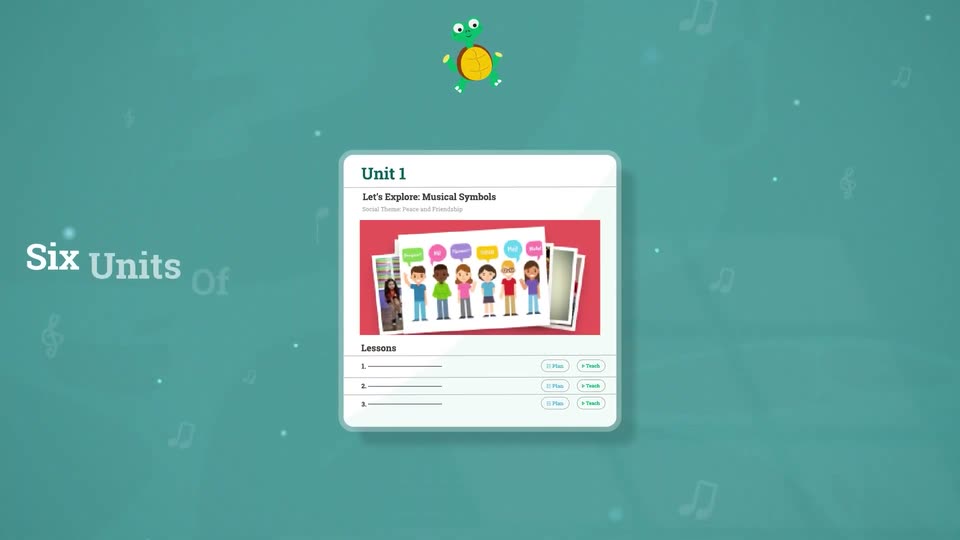
A white document card on a teal background shows a music curriculum, displaying grade tabs and a unit with cartoon children, while a green turtle bounces at the top.

1.9s
Feature reveal· Music Education Software Explainer Video | MusicFirst x MotionCue

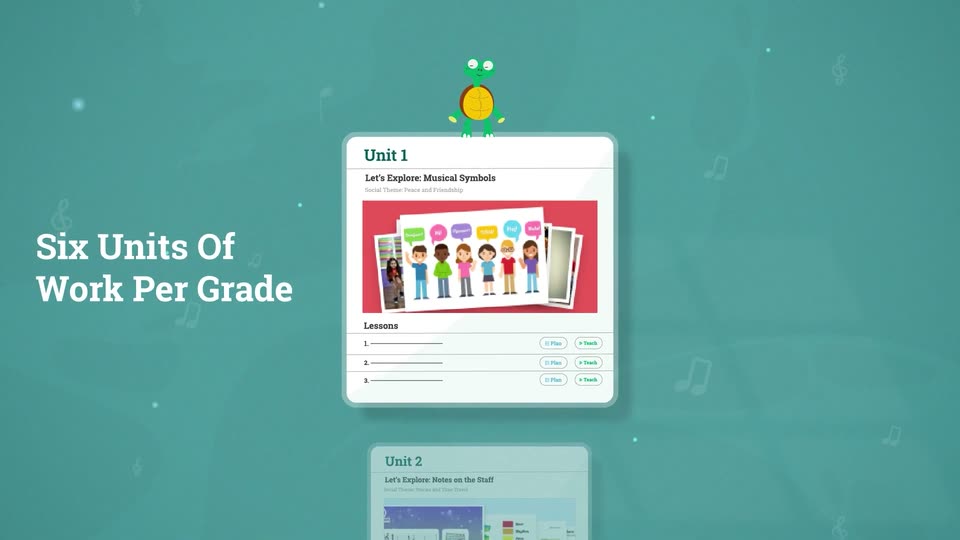
A teal field of faint music notes holds two flat curriculum cards that drift slowly upward, the lower Unit 2 card sliding into view. A green frog mascot bobs on the top card. A white serif headline, Six Units Of Work Per Grade, sits fixed on the left.

14s
Feature reveal· Music Education Software Explainer Video | MusicFirst x MotionCue

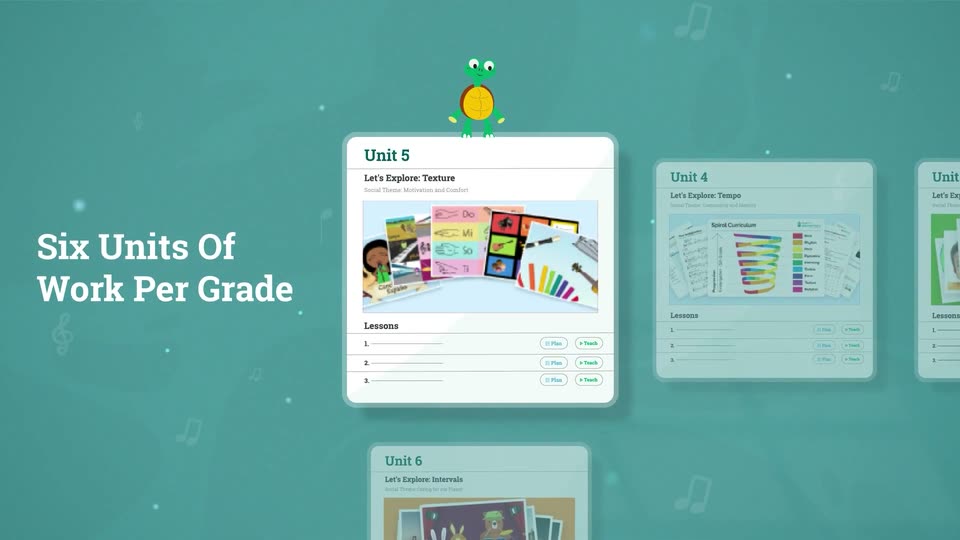
A teal backdrop with drifting music notes and dots. A horizontal carousel of white unit cards slides left, each centering under a bobbing green turtle, while the white headline stays fixed on the left.

1s
Feature reveal· Music Education Software Explainer Video | MusicFirst x MotionCue

A teal field holds two lesson cards beside a white headline, then the camera zooms into one card, filling the frame with its Teach and Plan controls and an empty content panel.

4.2s
Feature reveal· Music Education Software Explainer Video | MusicFirst x MotionCue

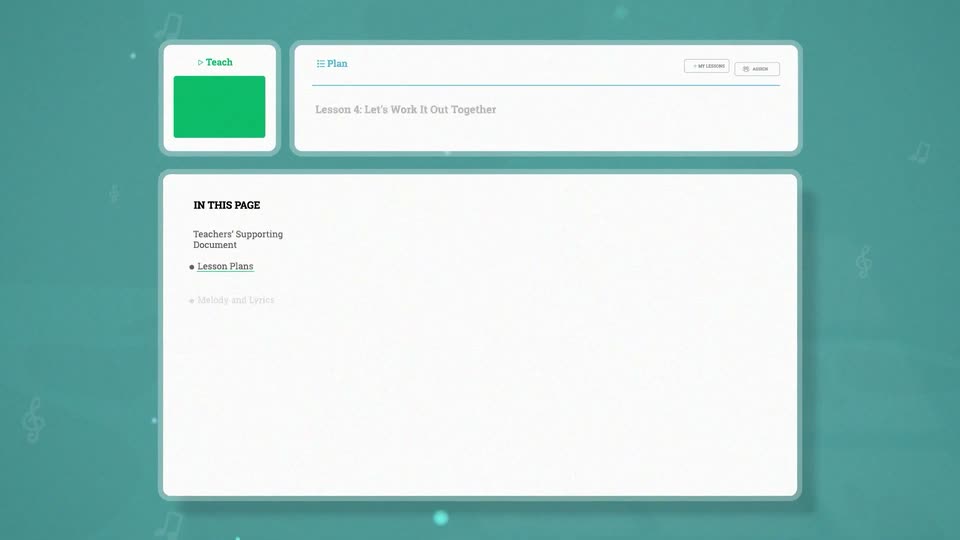
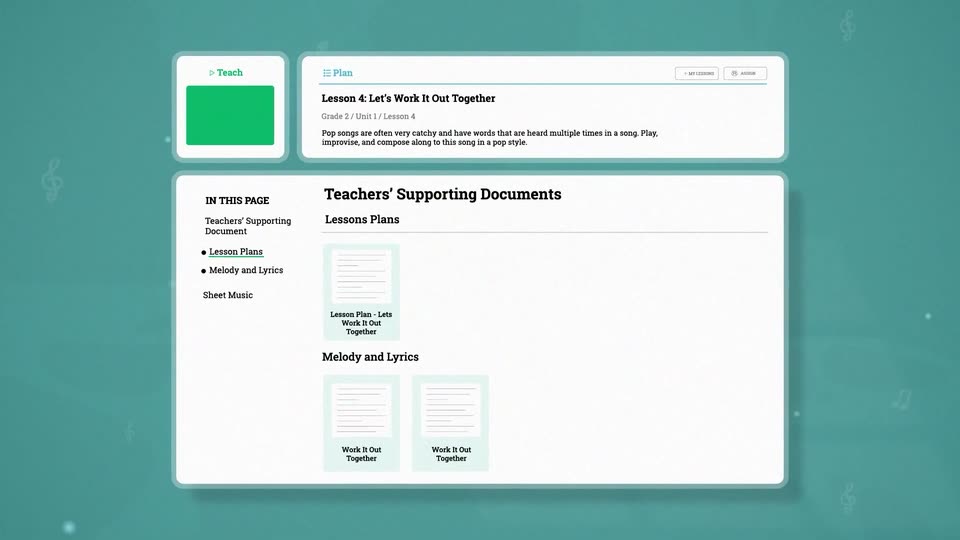
A flat teaching-platform interface sits on a teal field with faint floating music notes. The lesson header and a documents panel load in, with sidebar links and document thumbnails fading into place as the layout settles.

2.1s
Feature reveal· Music Education Software Explainer Video | MusicFirst x MotionCue

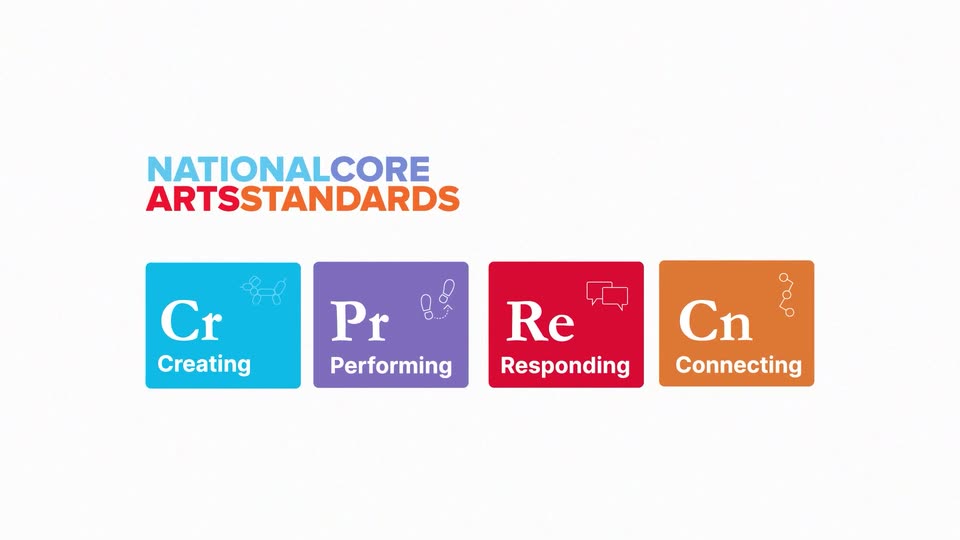
The National Core Arts Standards wordmark fades in at the top, then four colored tiles (blue, purple, red, orange) with white serif initials, sans-serif labels and small line icons fade in in a row below on a white background.

0.8s
Feature reveal· Music Education Software Explainer Video | MusicFirst x MotionCue

A white card holds the National Core Arts Standards logo above four colored tiles for Creating, Performing, Responding, and Connecting. Flat vector illustrations of a teacher, a family, and a guitarist slide in from the left and right edges to frame the card.

5s
Feature reveal· Music Education Software Explainer Video | MusicFirst x MotionCue

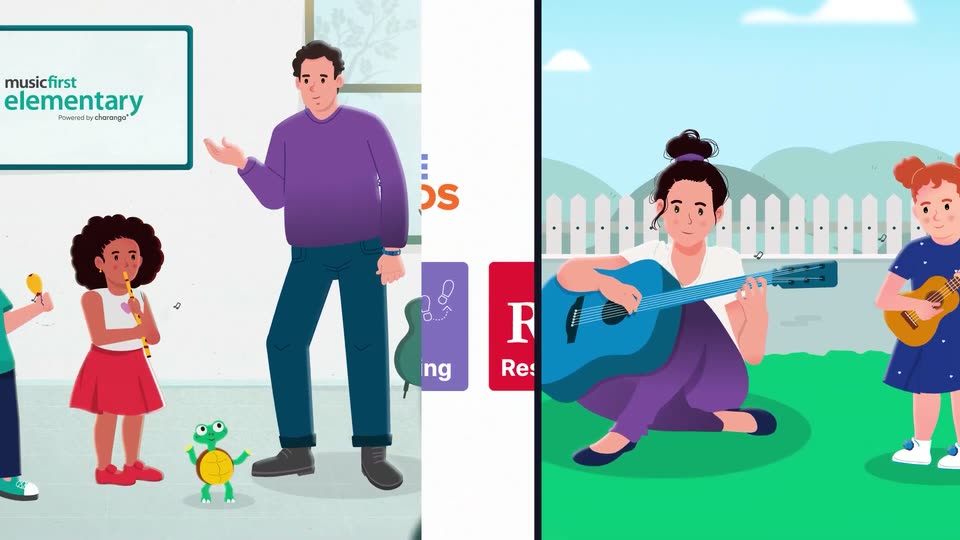
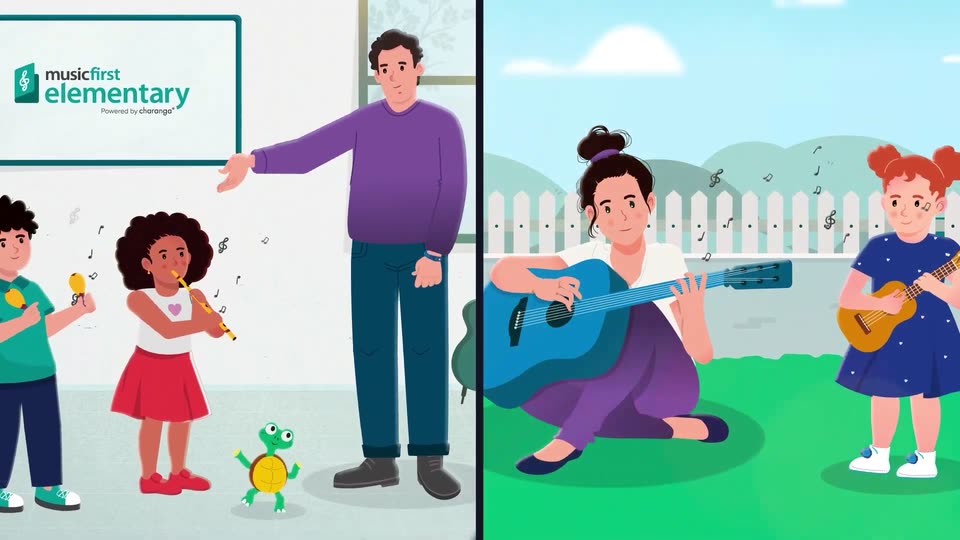
A split screen shows two flat illustrations. Left, a teacher gestures toward a whiteboard while two children play maracas and a recorder beside a turtle. Right, a woman strums a blue guitar on grass while a girl holds a ukulele. Floating notes drift around both panels.

0.9s
Feature reveal· Music Education Software Explainer Video | MusicFirst x MotionCue

A blue field of faint music notes holds the word Funk large at left, then the camera pulls back so Funk shrinks to center as Soul, Country, Bluegrass, Gospel, Hip Hop, Folk and Rock fade in around it.

3.2s
Feature reveal· Music Education Software Explainer Video | MusicFirst x MotionCue

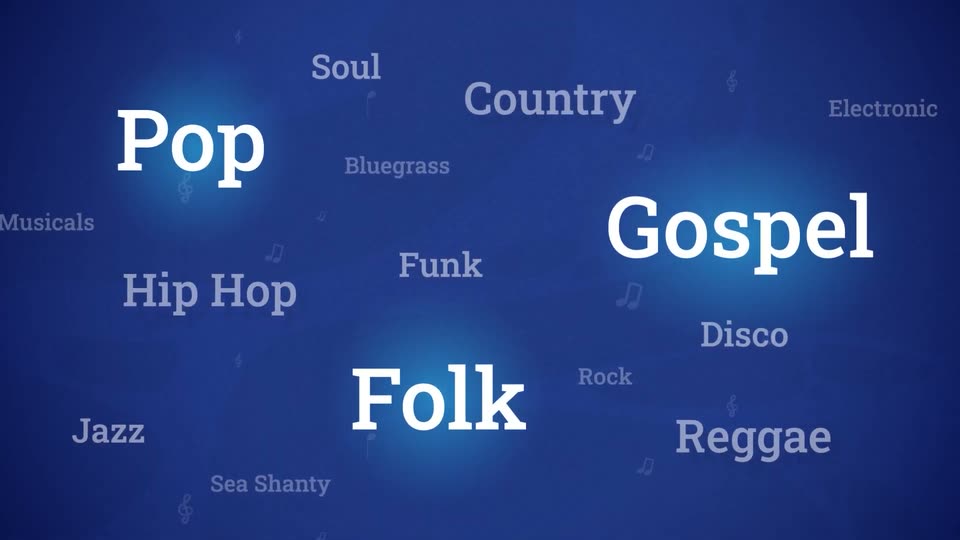
A field of music genre labels in white and gray serif type drifts slowly on a deep blue background dotted with small note icons. Pop, Gospel, and Folk pulse with a soft blue glow, then the scene fades to black.

2.7s
Feature reveal· Music Education Software Explainer Video | MusicFirst x MotionCue

On a textured blue field, the MusicFirst Elementary logo assembles: a white card icon with a teal treble clef drops in, 'musicfirst' slides in, then 'elementary' slides across in large white type, and 'Powered by charanga' fades in below.

0.8s
Feature reveal· Music Education Software Explainer Video | MusicFirst x MotionCue

The musicfirst elementary logo with “Powered by charanga” sits on a deep blue field, then slides away as the white headline “Engaging For ALL Ages” slides in and a flat illustration of a girl with orange pigtails appears in a blue circle at left.

1.9s
Feature reveal· Music Education Software Explainer Video | MusicFirst x MotionCue

On a dark blue starfield, the white serif headline slides in from the right with a motion trail. Four glowing circular avatars of illustrated people then pop in one by one, left to right, beneath the title.

0.8s
Feature reveal· Music Education Software Explainer Video | MusicFirst x MotionCue

Starry blue space: a small Earth with four cartoon avatar circles below, under the white headline. The headline slides off as the globe zooms to center, flanked by a green guitar, orange saxophone, treble clef, and white notes trailing right, with a light beam from the top left.

2.9s
Feature reveal· Music Education Software Explainer Video | MusicFirst x MotionCue

A blue globe of the Americas floats at the center of a starry dark blue field. A teal guitar, white notes, an orange saxophone and a gold flute sit on curved staff lines wrapping the globe, bobbing gently while a lens flare glints at the top left.

3.8s
Feature reveal· Music Education Software Explainer Video | MusicFirst x MotionCue

A flat illustration shows a woman playing a blue guitar while children play maracas, flute and ukulele in a fenced garden. The frame pushes in from the wide group to a close-up of the two girls on the right as black music notes float around them.

1.4s
Feature reveal· Music Education Software Explainer Video | MusicFirst x MotionCue

Flat vector illustration: a curly-haired boy in a teal polo shakes yellow maracas while a green turtle bounces beside him, notes floating. The frame cuts to a woman in white strumming a blue guitar on grass as a girl in pink dances. Locked-off camera.

1.8s
Feature reveal· Music Education Software Explainer Video | MusicFirst x MotionCue

A flat illustration shows a woman in white and purple seated on green grass strumming a blue guitar, while a girl in a red shirt kneels beside her clapping. A white picket fence and teal tree sit behind them as music notes drift upward and hands move gently.

9.2s
Feature reveal· Music Education Software Explainer Video | MusicFirst x MotionCue

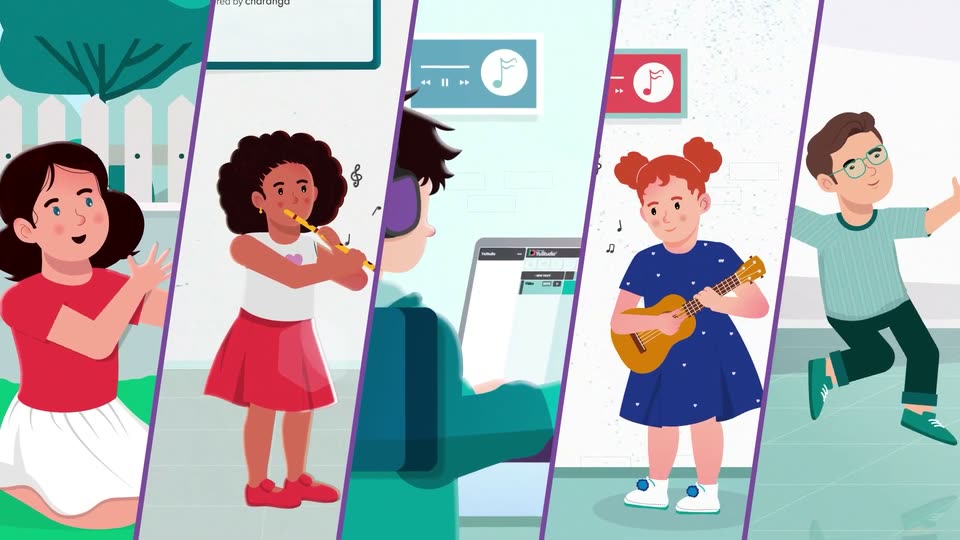
Five diagonal panels split by purple lines show illustrated kids: a girl clapping on grass, a girl on flute, a person at a laptop with headphones, a girl on ukulele, a boy dancing. Each loops a small motion as notes float, and the panels ease leftward.

1.7s
Feature reveal· Music Education Software Explainer Video | MusicFirst x MotionCue

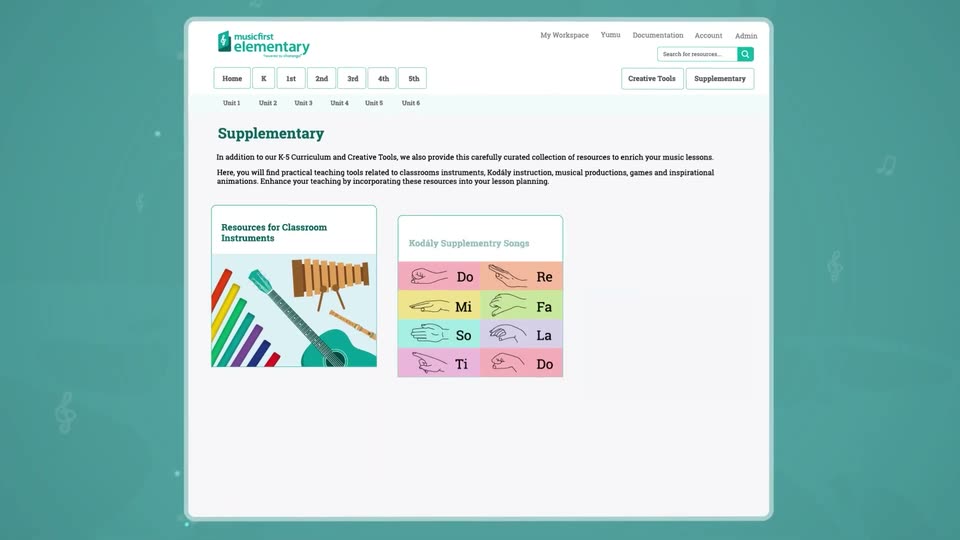
A white product interface card scales down from a close-up of its header and settles centered on a teal background with faint treble clefs at the sides. The Supplementary page fills in: three resource cards appear, the right one popping a girl illustration into an empty frame.

4.5s
Feature reveal· Music Education Software Explainer Video | MusicFirst x MotionCue

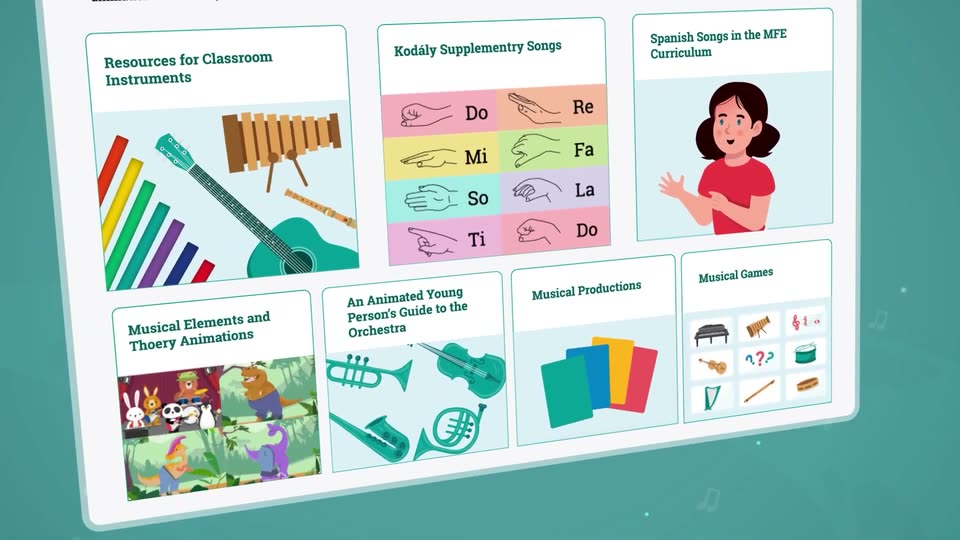
A flat webpage for a music education site rests on a teal background, then tilts into 3D perspective while the camera pushes into a grid of resource cards with instrument illustrations and song charts.

2.6s
Feature reveal· Music Education Software Explainer Video | MusicFirst x MotionCue

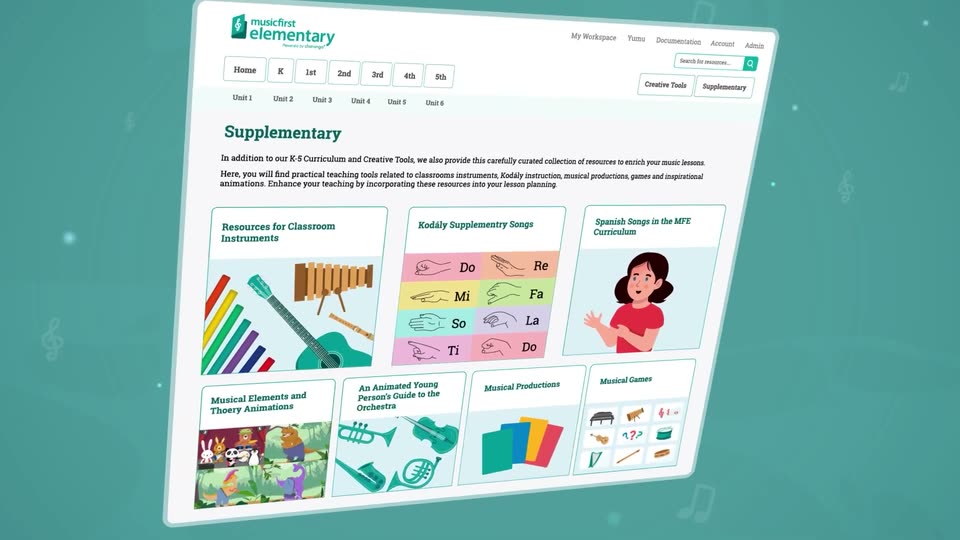
A tilted 3D plane of the musicfirst elementary Supplementary page. It opens zoomed in on the resource cards, then pulls back and levels to show the full header and six-card grid, set against a teal field of floating music notes.

3.3s
Feature reveal· Music Education Software Explainer Video | MusicFirst x MotionCue

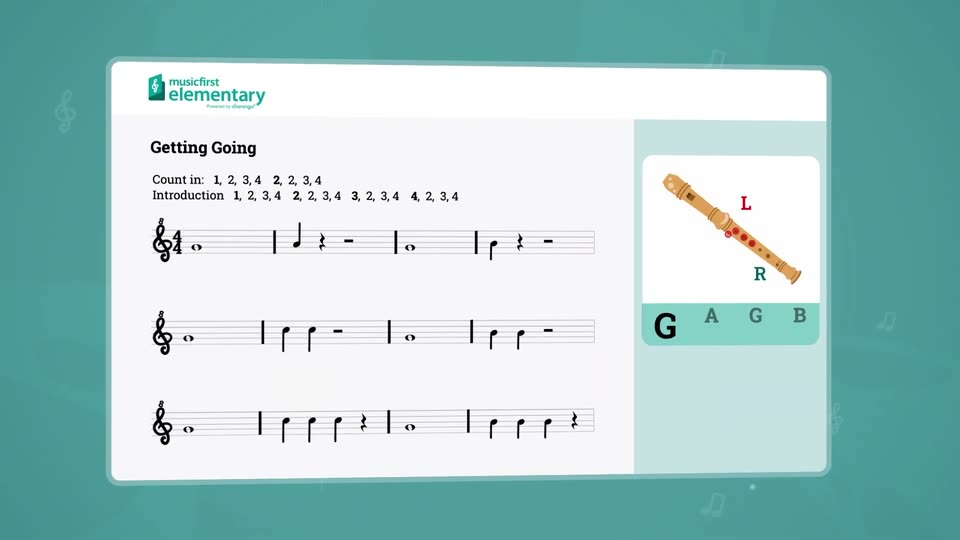
A white rounded card holding a music lesson titled Getting Going tilts in 3D over a teal background, while a recorder illustration with L and R finger labels and the letters G A G B fades into the right panel.

0.8s
Feature reveal· Music Education Software Explainer Video | MusicFirst x MotionCue

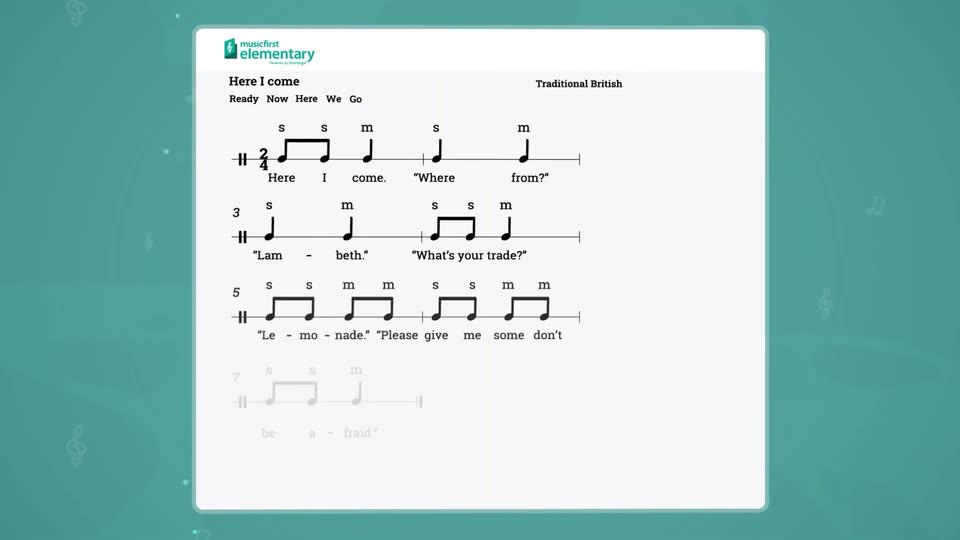
A white sheet-music page on a teal backdrop. The title “Here I come” and “Traditional British” sit at the top above the lyric words “Ready Now Here We Go”, while three staves of notes and lyrics fade in from faint gray to full black.

6.1s
Feature reveal· Music Education Software Explainer Video | MusicFirst x MotionCue

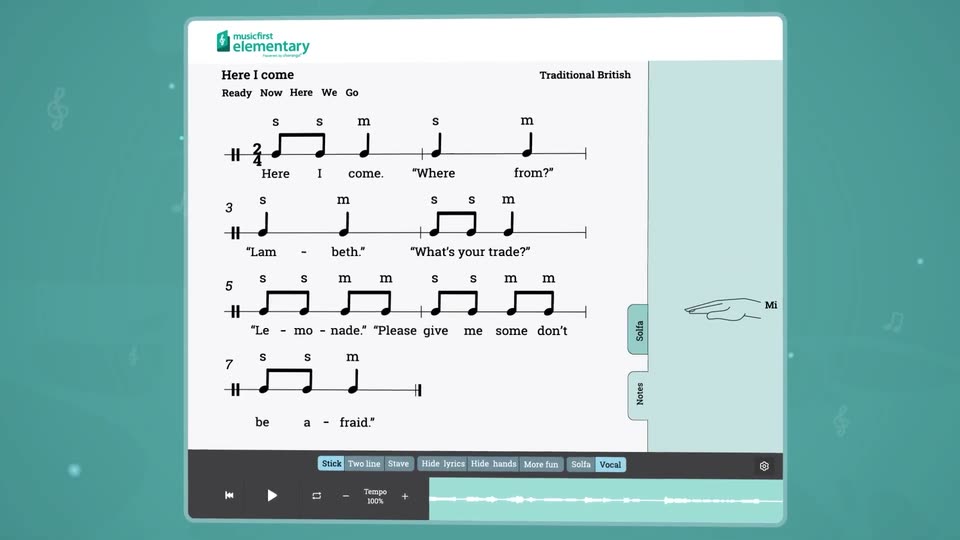
A music app's sheet-music view for 'Here I come' sits on a teal field, notes tagged with solfege syllables beside a line-drawn hand. The view zooms in on the score and hand, the hand's solfege label flips from So to Mi, then the frame returns to the full card.

0.8s
Feature reveal· Music Education Software Explainer Video | MusicFirst x MotionCue

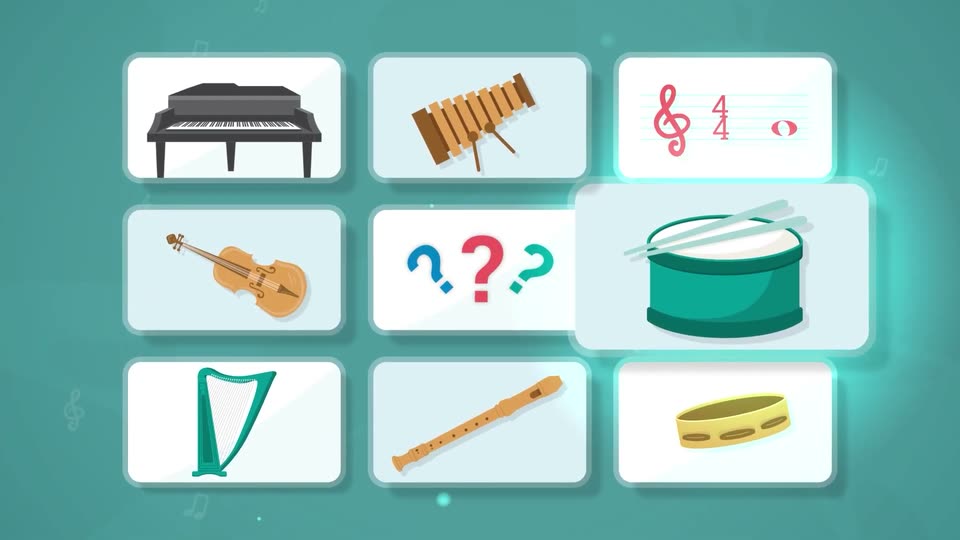
A white card with three colored question marks pulls back to become the center tile of a grid of flat instrument cards, piano, violin, drum, xylophone, harp, flute, cymbal and treble clef, on a teal field.

7.5s
Feature reveal· Music Education Software Explainer Video | MusicFirst x MotionCue

Nine white rounded cards in a 3x3 grid on a teal background show flat music icons: piano, xylophone, staff with clef and time signature, violin, three question marks, snare drum, harp, flute, tambourine. Cards lift and glow cyan in sequence while faint notes drift in the background.

0.8s
Feature reveal· Music Education Software Explainer Video | MusicFirst x MotionCue

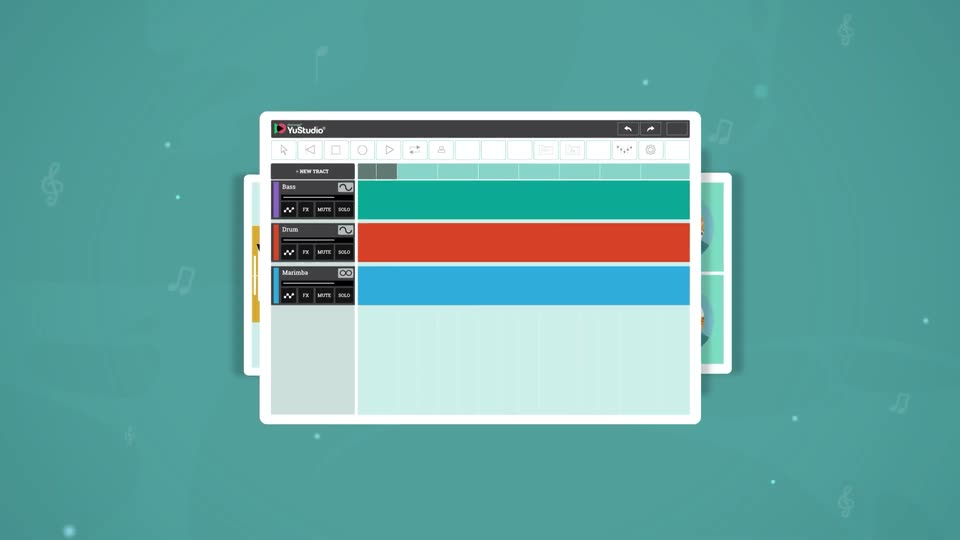
A close-up of the YuStudio DAW zooms out to reveal the full window on a teal background dotted with faint music-note icons. Three colored track lanes, teal, orange and blue, span the grid beneath a dark toolbar.

3.5s
Feature reveal· Music Education Software Explainer Video | MusicFirst x MotionCue

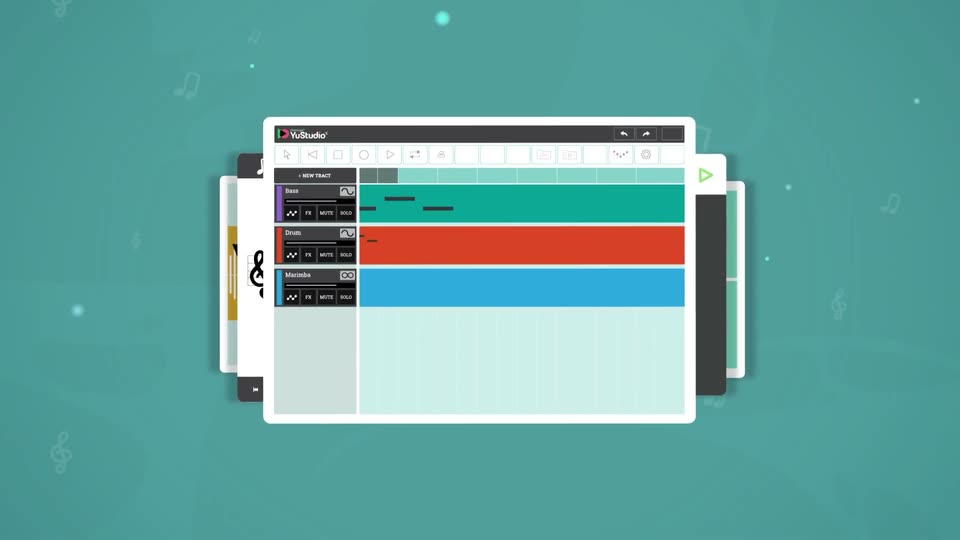
An illustrated YuStudio music app window, with teal, orange and blue tracks, sits flat and centered on a teal field of faint floating notes. Stacked window panels peek from behind. The camera then tilts the whole mockup into a 3D perspective, angling it to the right.

7.2s
Feature reveal· Music Education Software Explainer Video | MusicFirst x MotionCue

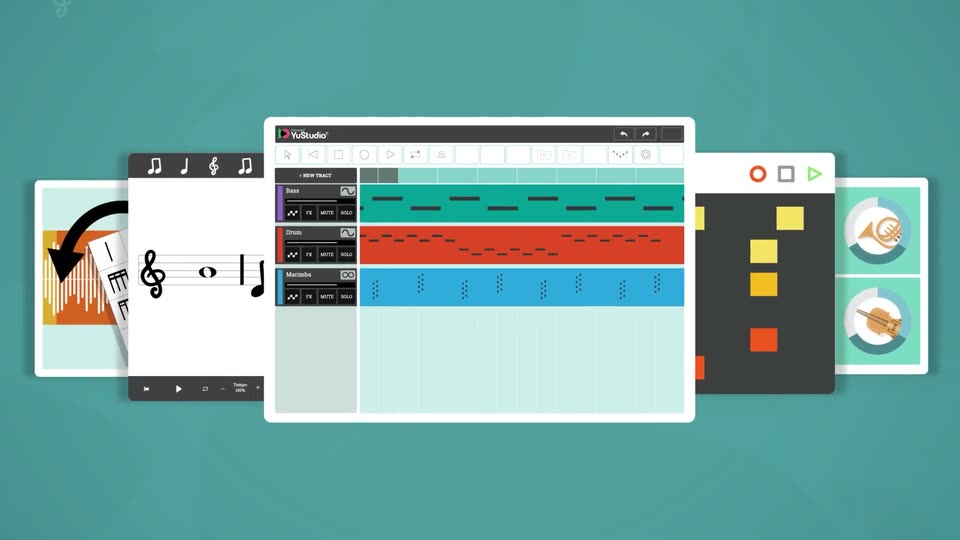
A tilted 3D mockup of the YuStudio multitrack editor rotates to face the camera as the view pulls back. Flat cards fan out behind it on both sides: a waveform card, sheet-music card, step grid, and instrument tiles, over a teal field with faint drifting notes.

0.8s
Feature reveal· Music Education Software Explainer Video | MusicFirst x MotionCue

Five stylized app screens fan out on a teal field, the YuStudio timeline centered. They blur and recede into a 3D desk scene where an animated figure in purple glasses works on a laptop running the app.

6.7s
Feature reveal· Music Education Software Explainer Video | MusicFirst x MotionCue

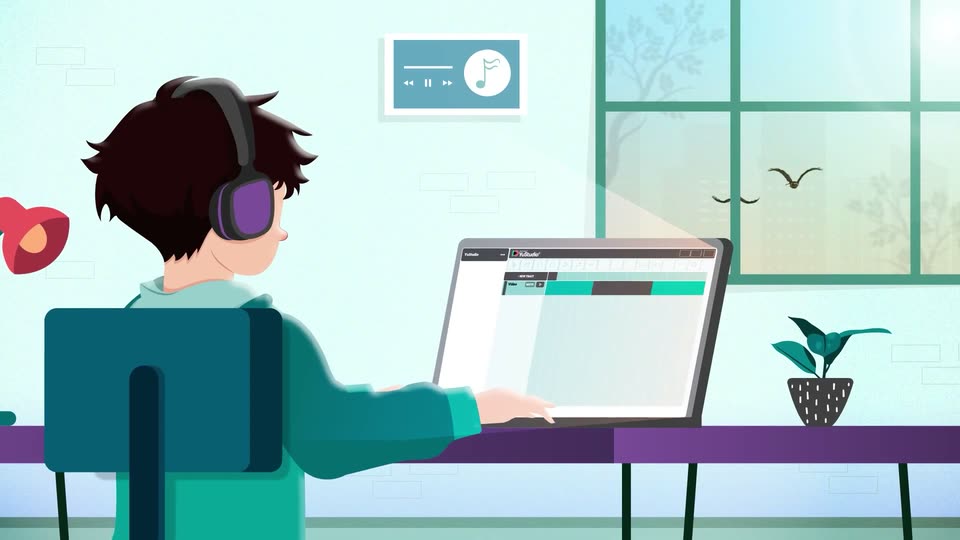
An illustrated person with purple headphones sits at a desk, hands resting on a laptop that shows a DAW timeline. The camera pushes in toward the screen and pulls back, while birds drift past the window and a plant sits on the desk.

3.7s
Feature reveal· Music Education Software Explainer Video | MusicFirst x MotionCue

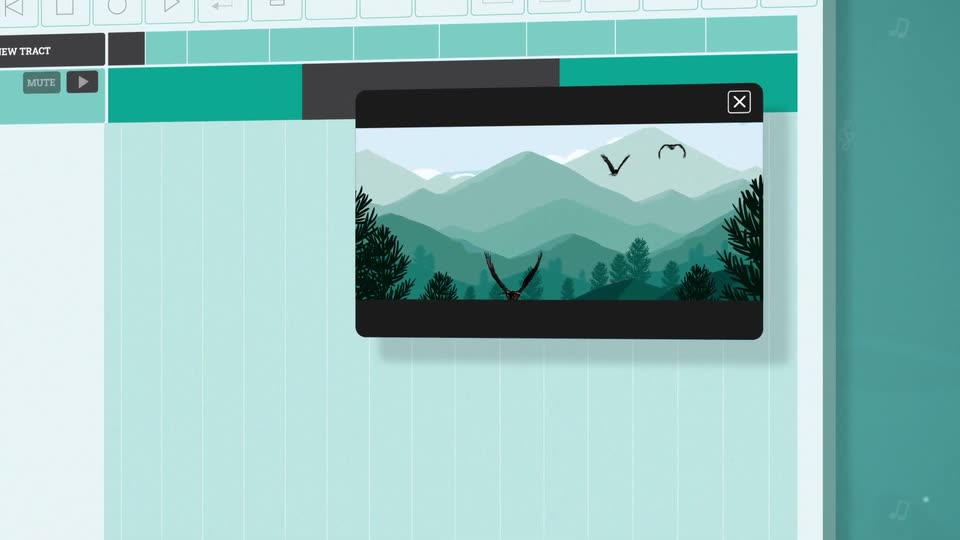
A flat teal interface of the YuStudio editor fills the frame, a black video preview showing stylized mountains and birds sits in the center. The camera zooms into the preview, then pans right to reveal a side panel with teal circle, square, hexagon and X icons.

6.1s
Feature reveal· Music Education Software Explainer Video | MusicFirst x MotionCue

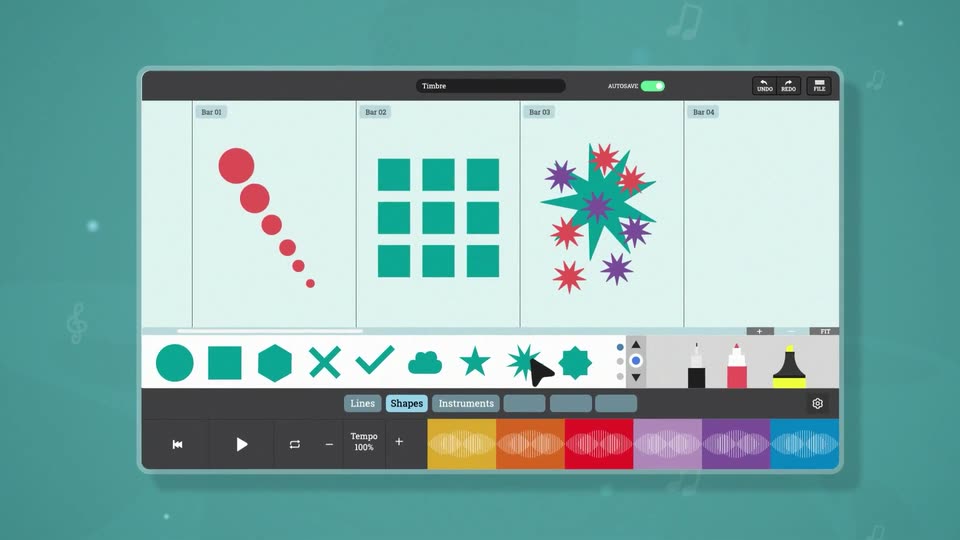
A flat music-app interface on a teal background scales in from a close-up of its toolbar. A cursor clicks shapes in the icon row, and matching shapes, red dots, teal squares, a starburst, pop into the four-bar score grid.

7s
Feature reveal· Music Education Software Explainer Video | MusicFirst x MotionCue

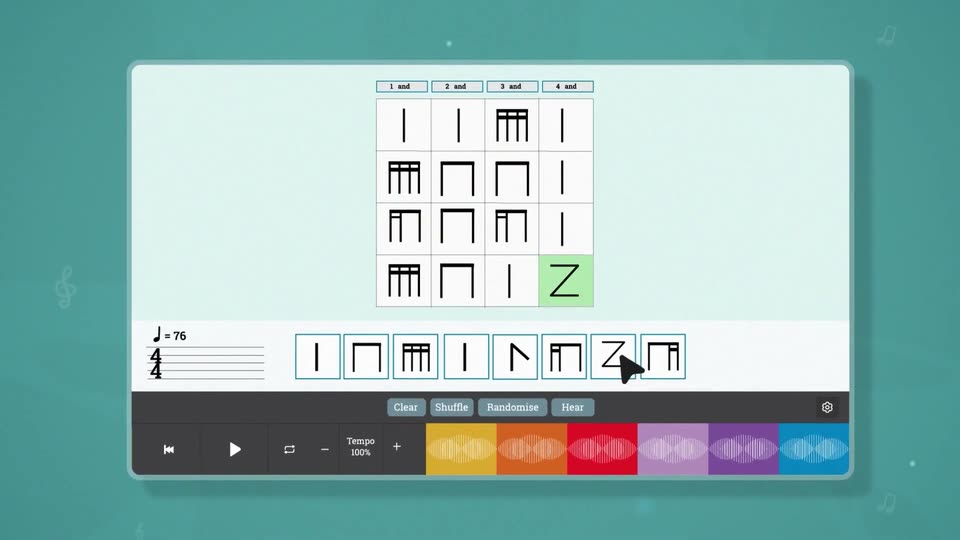
A music app screen shows a 4x4 grid of abstract notation shapes above a row of eight shape tiles. A cursor clicks through the tiles, highlighting the matching grid cells in green, then the view zooms down to the playback toolbar with colored waveform blocks.

10s
Feature reveal· Music Education Software Explainer Video | MusicFirst x MotionCue

A white product interface panel floats in 3D perspective on a teal field with faint music notes. The panel tilts from a steep angle to face the camera, then the view pushes in on the grid of six workspace cards before pulling back to a flat front view.

0.8s
Feature reveal· Music Education Software Explainer Video | MusicFirst x MotionCue

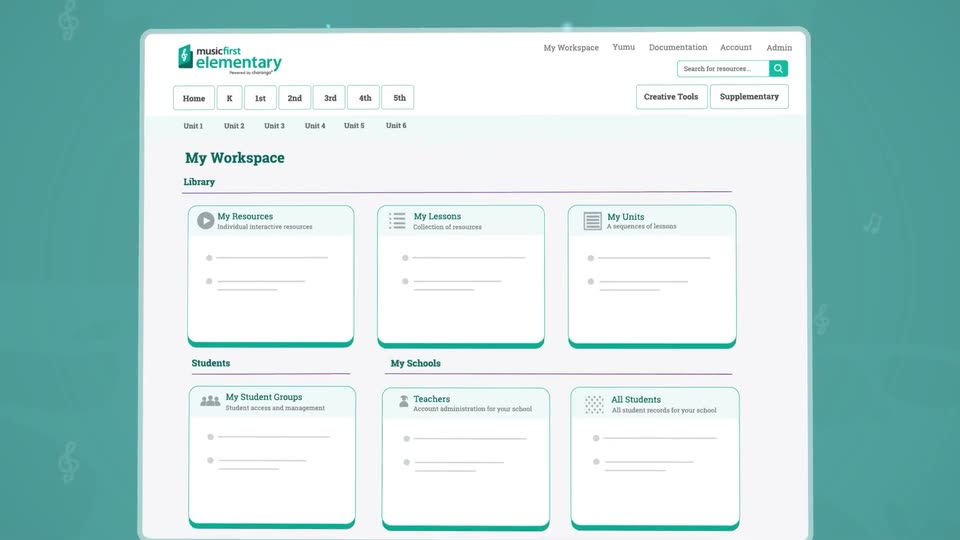
The Music First Elementary workspace grid tilts from a flat teal backdrop into a 3D angled screen while an illustrated woman in a purple blazer slides in from the right and points at it.

1.6s
Feature reveal· Music Education Software Explainer Video | MusicFirst x MotionCue

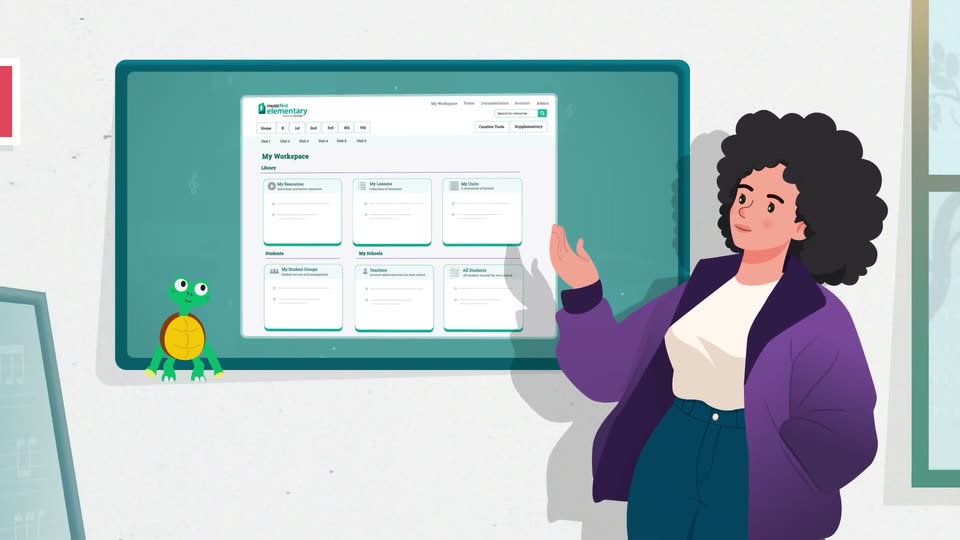
An illustrated woman with dark curly hair and a purple jacket stands at a teal wall screen, gesturing with one hand across the Music First Elementary workspace view. A small green turtle character sits at the left edge of the screen. She shifts her hand and expression over the beat.

0.8s
Feature reveal· Music Education Software Explainer Video | MusicFirst x MotionCue

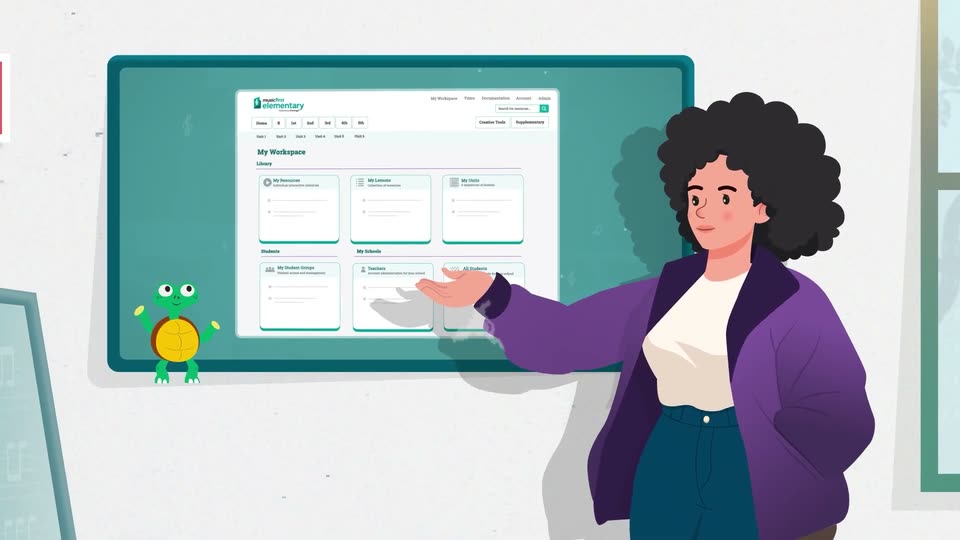
An illustrated teacher with dark curly hair and a purple cardigan points toward a large teal monitor showing a workspace dashboard of blank cards. A small green turtle mascot waves at the screen's lower corner. A puff of smoke rises and wipes the scene away.

1s
Feature reveal· Introducing Chimera

A blue and orange textured voice orb sits on a pale field; its dark central playback button changes from a play triangle to pause bars before the next graphic.

2.6s
Feature reveal· Introducing Chimera

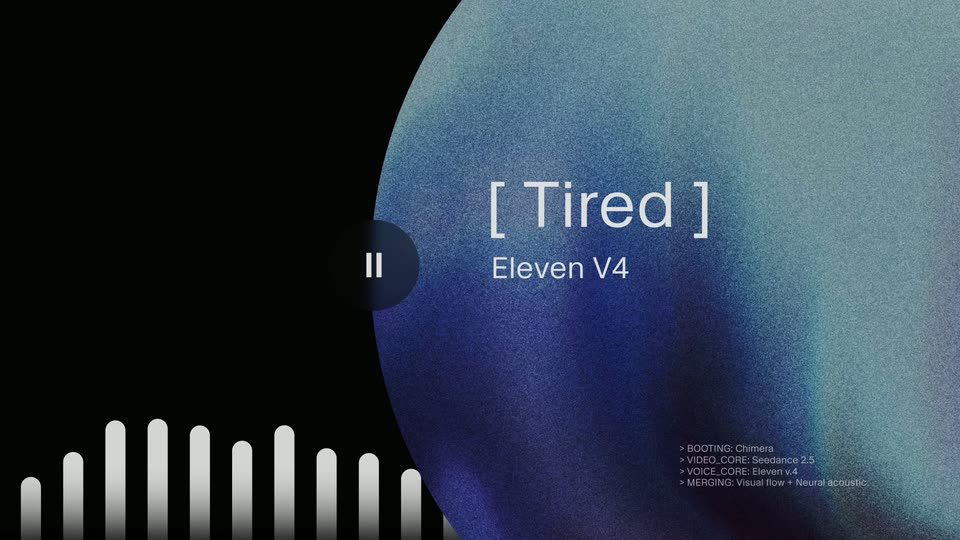
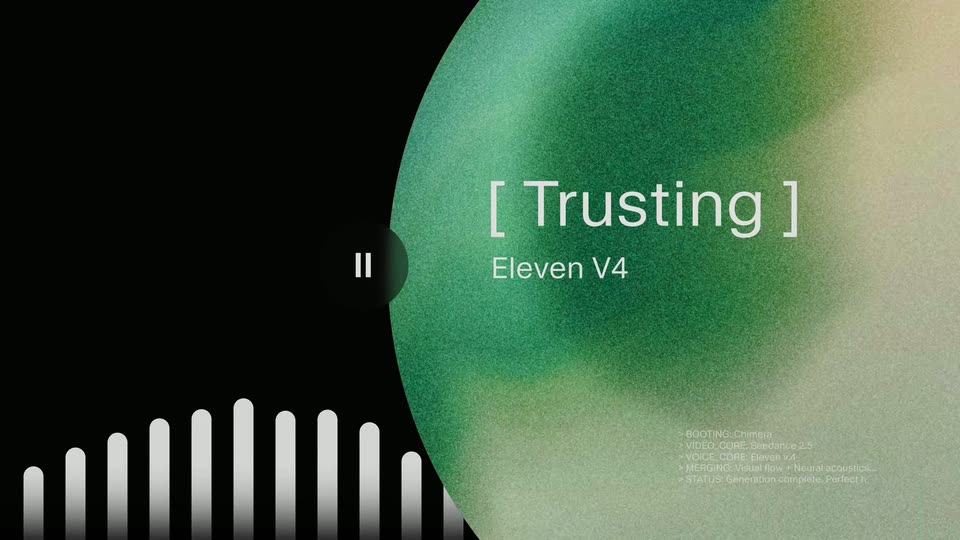
On black, a large grainy orb occupies the right side and changes from blue to orange, amber and green. Tired, Mad, Playful and Trusting labels replace one another above Eleven V4; white audio bars pulse at lower left and small diagnostic lines appear at lower right. This is one emotion carousel.

3.6s
Feature reveal· Introducing Chimera

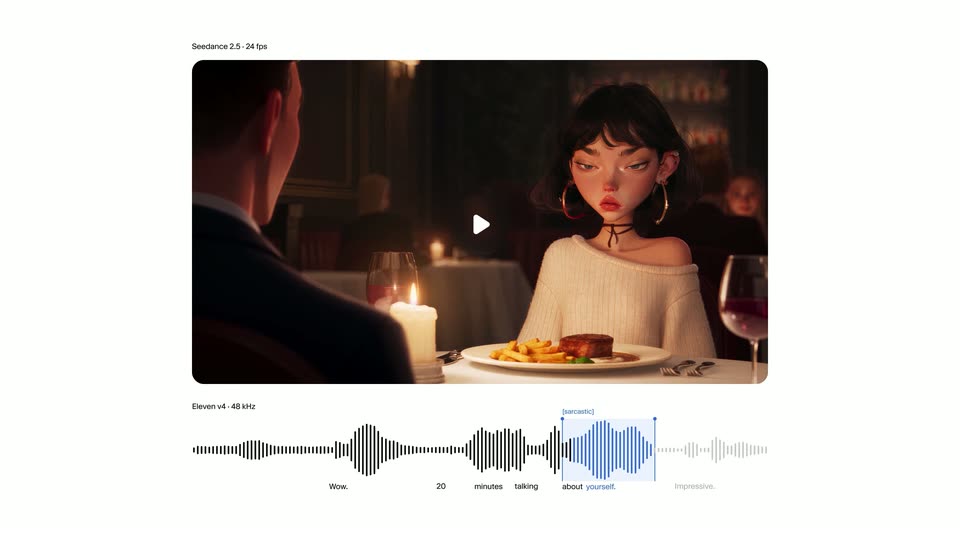
On white, a rounded video preview above an audio waveform begins as a blocky blue image. The pixels clear across the same preview to reveal an animated dinner scene; a highlighted waveform segment and a sarcastic delivery tag demonstrate control of a line. The reveal at 34 seconds does not introduce a new interface.

3.9s
Feature reveal· Introducing Chimera

The dinner preview fills the frame: a stylized 3D woman with dark hair and hoop earrings speaks across a candlelit table to a man in the foreground. Her animated expression illustrates the sarcastic voice example.

2s
Feature reveal· Introducing Claude Duet

The looping line carries the title left while Your attention, where it counts resolves word by word. The centered serif phrase holds, then fades/slides away as the next phone enters from below.

9.5s
Feature reveal· Introducing Claude Duet

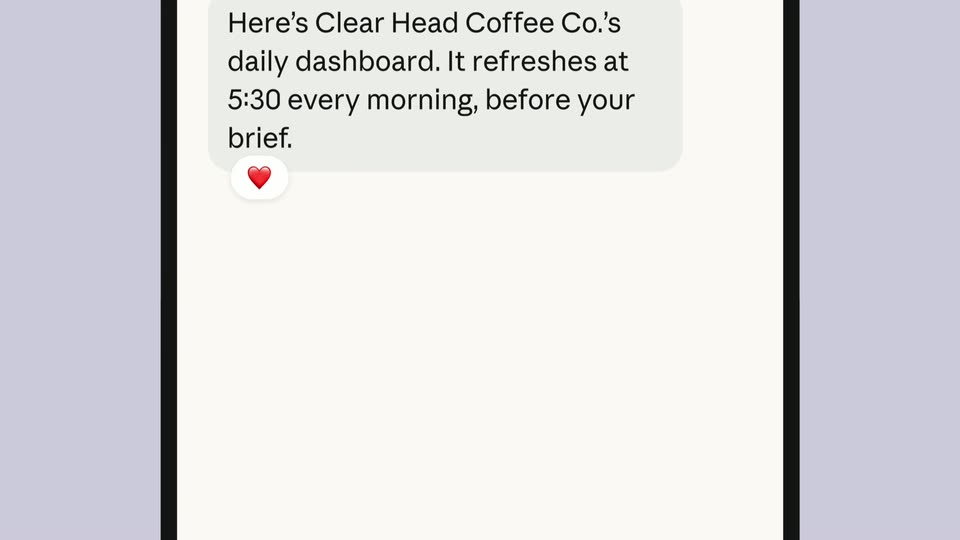
The phone chat scrolls through a proposed sales dashboard, a peach Go for it! reply, data-source details, a typing indicator and a heart reaction. A Daily dashboard card appears in that same thread with four counting metrics; the phone slides up and away. These are example figures in the film.

8.8s
Feature reveal· Introducing Claude Duet

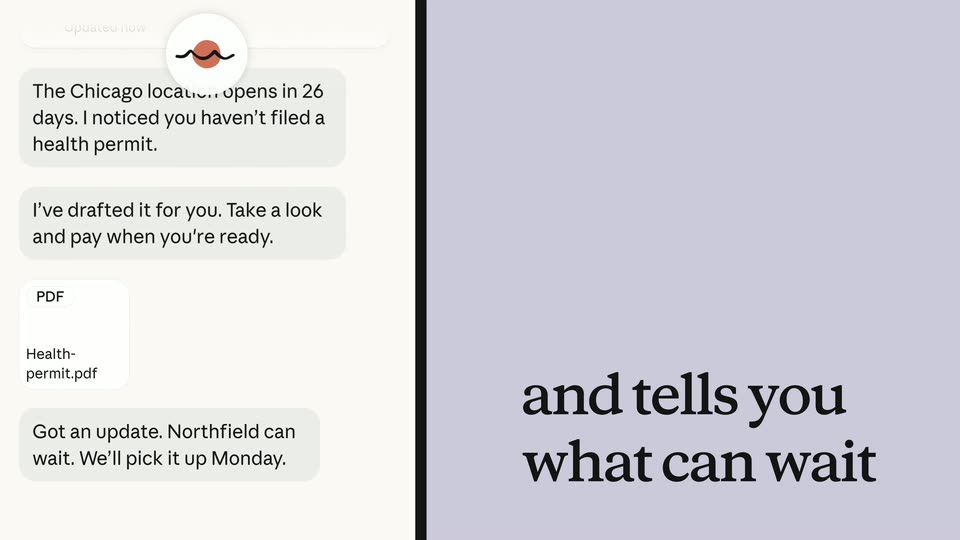
It reaches out before you ask assembles on lavender as the phone enters from the right. Messages and a Health-permit.pdf attachment appear. The same phone slides to the left while and tells you what can wait resolves on the right; a Northfield can wait message lifts from the chat. The panel swap is continuous.

3.3s
Feature reveal· Introducing Claude Duet

The phone and prior caption leave to the sides. Step away without falling behind resolves into two centered serif lines, holds, and fades back to the lavender field. The initial three spans were phases of this one title animation.

11s
Feature reveal· Introducing Claude Duet

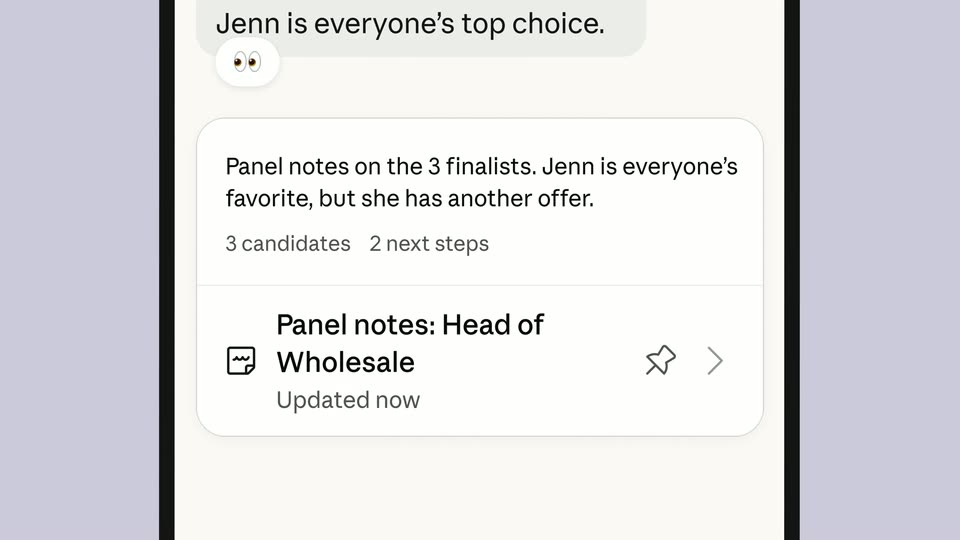
A standalone message says the panel is interviewing candidates and will send notes when finished. A thumbs-up appears; the same bubble settles into an entering phone outline. The chat continues with panel notes, a candidate card and a peach reply asking for an offer email.

4s
Feature reveal· Introducing Claude Duet

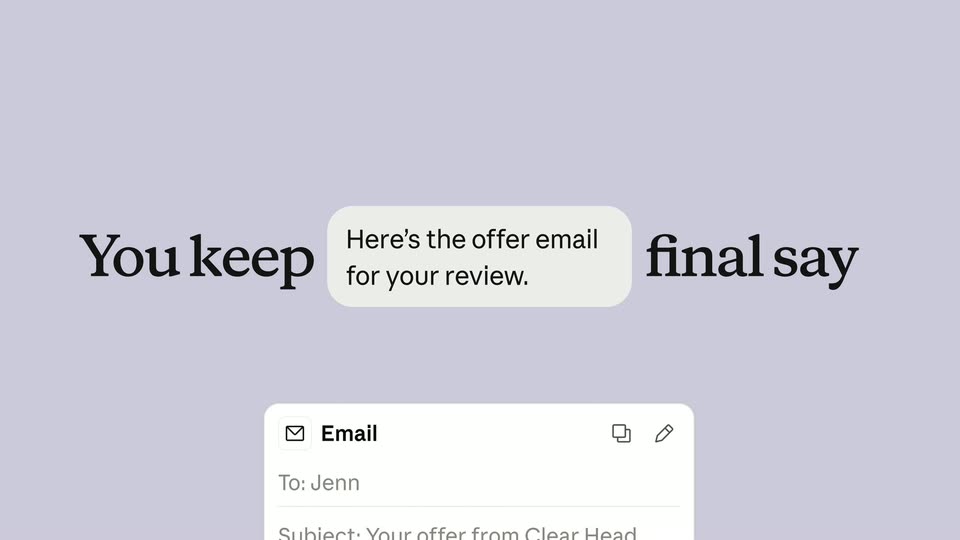
You keep the final say forms on lavender. The words separate as a small Here’s the offer email for your review. bubble enters the gap and a draft email card rises beneath it.

6.4s
Feature reveal· Introducing Claude Duet

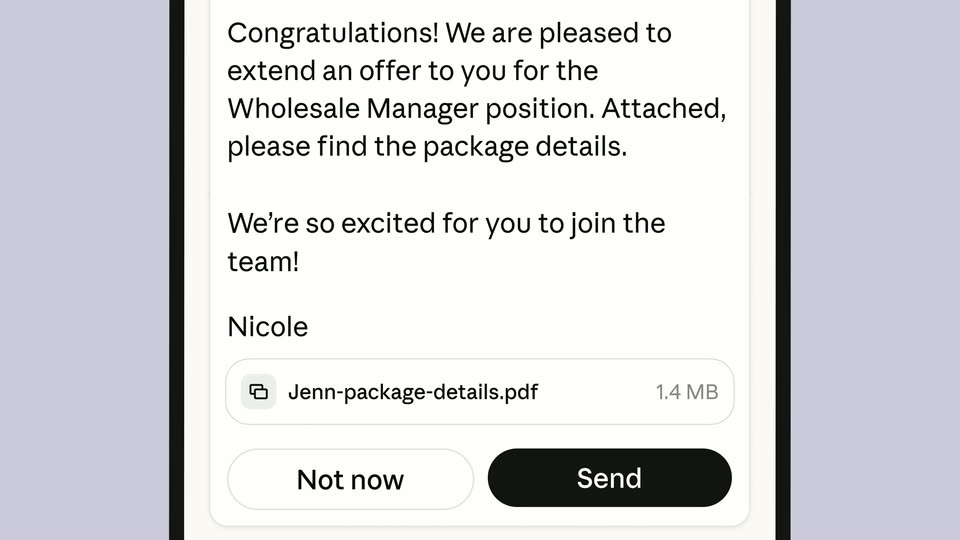
The draft email fills the phone. A peach instruction asks for an enthusiastic final line, which types into the draft above its PDF attachment and Not now / Send controls. A final approval exchange scrolls upward quickly with vertical blur, carrying the phone out. No actual email delivery is established by this demonstration.

2.8s
Feature reveal· Introducing Claude Duet

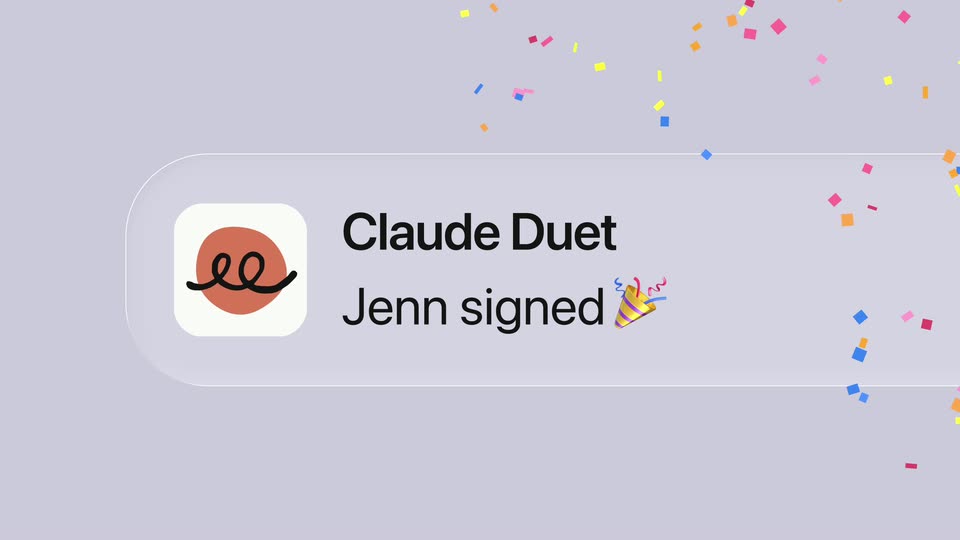
A Claude Duet notification reading Jenn signed appears on lavender, enlarges and releases colorful confetti. Its label and now timestamp stay attached to the card rather than animating as a separate headline.

3.2s
Feature reveal· Introducing Webflow Campaigns – Launch While It Still Matters

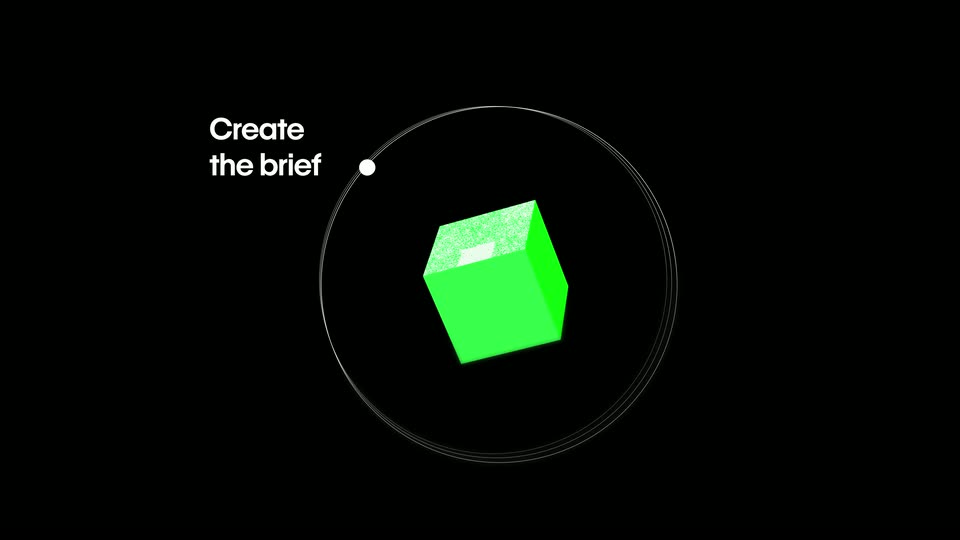
The surrounding colored solids converge into a rotating green cube inside thin orbital rings. Create the brief appears beside a ring node; the diagram enlarges and blurs toward the next interface example. No cut is introduced for a change of cube orientation.

3.5s
Feature reveal· Introducing Webflow Campaigns – Launch While It Still Matters

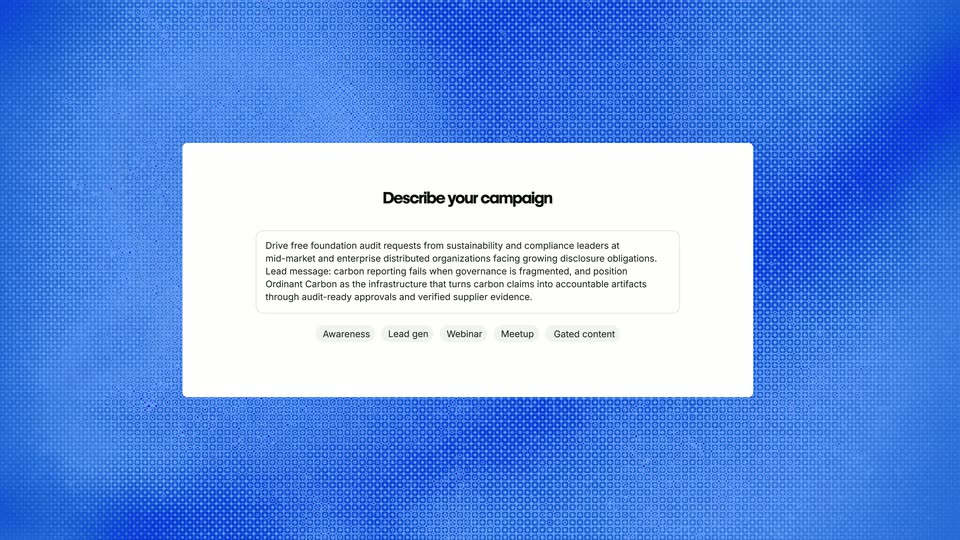
A white Describe your campaign form appears over a blue textured field, showing campaign notes and audience/topic chips. The form settles, then a bright blur carries it out.

3.3s
Feature reveal· Introducing Webflow Campaigns – Launch While It Still Matters

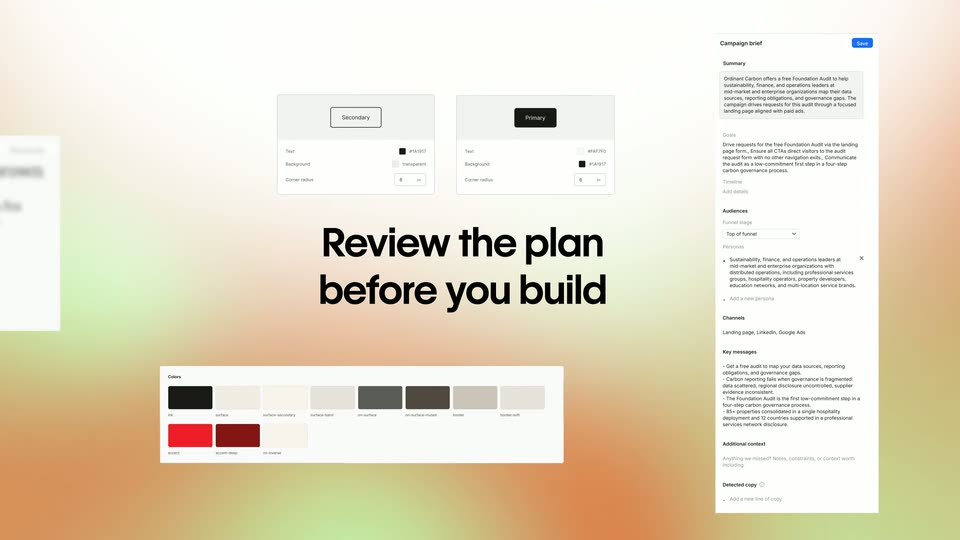
A Review the plan before you build headline forms on a warm soft gradient while campaign-brief, control and palette panels slide into an arranged overview around it.

2.5s
Feature reveal· Introducing Webflow Campaigns – Launch While It Still Matters

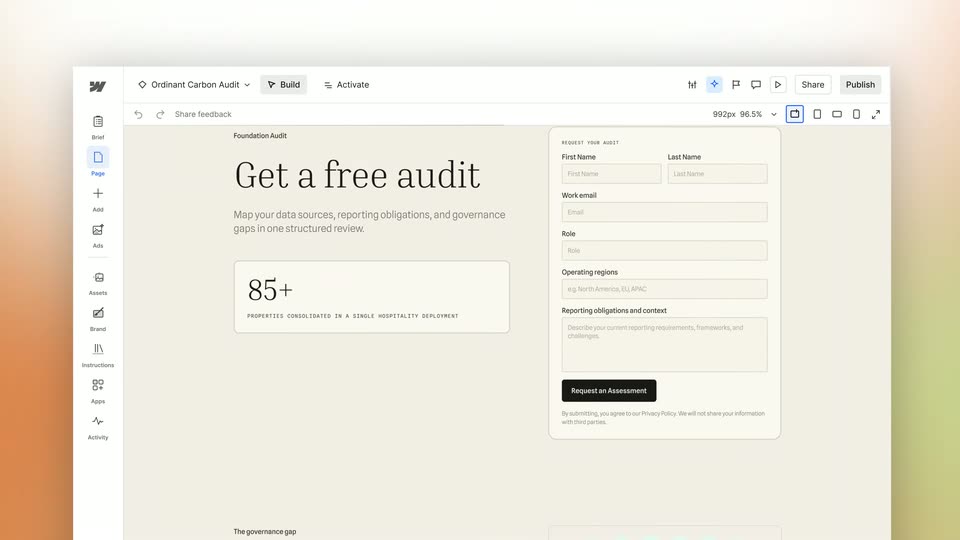
Blue pixelation clears to the ORD Carbon landing-page editor. The hero reads Get a free audit beside a request form; the canvas scrolls downward before returning to the orbit diagram. There is no separate the brief caption.

2.8s
Feature reveal· Introducing Webflow Campaigns – Launch While It Still Matters

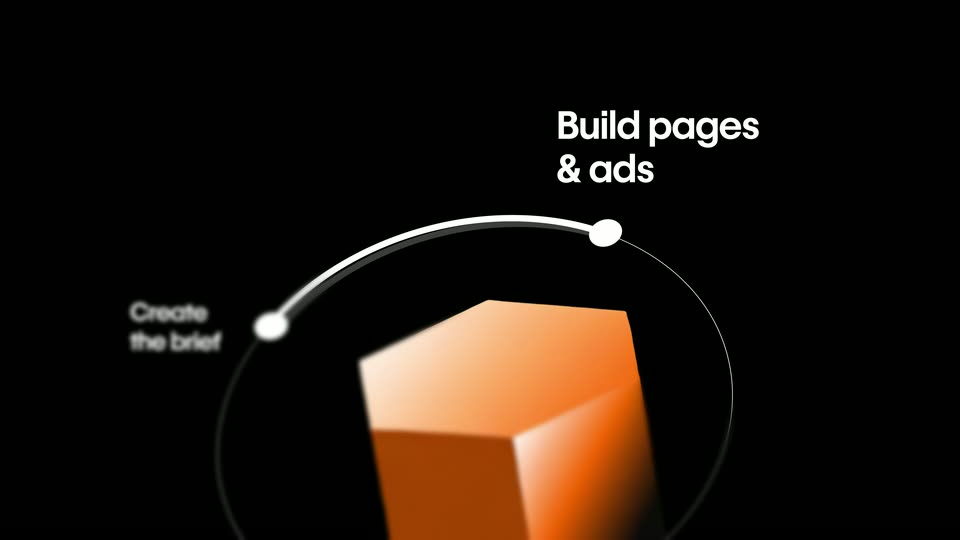
The green cube returns to the orbit diagram, turns orange and introduces Build pages & ads at the next node. The view enlarges around the orange solid before the Refine headline moves into the frame.

2.3s
Feature reveal· Introducing Webflow Campaigns – Launch While It Still Matters

Refine the design yourself assembles on black with a soft blur, holds, then a page preview rises into the frame from below.

5.9s
Feature reveal· Introducing Webflow Campaigns – Launch While It Still Matters

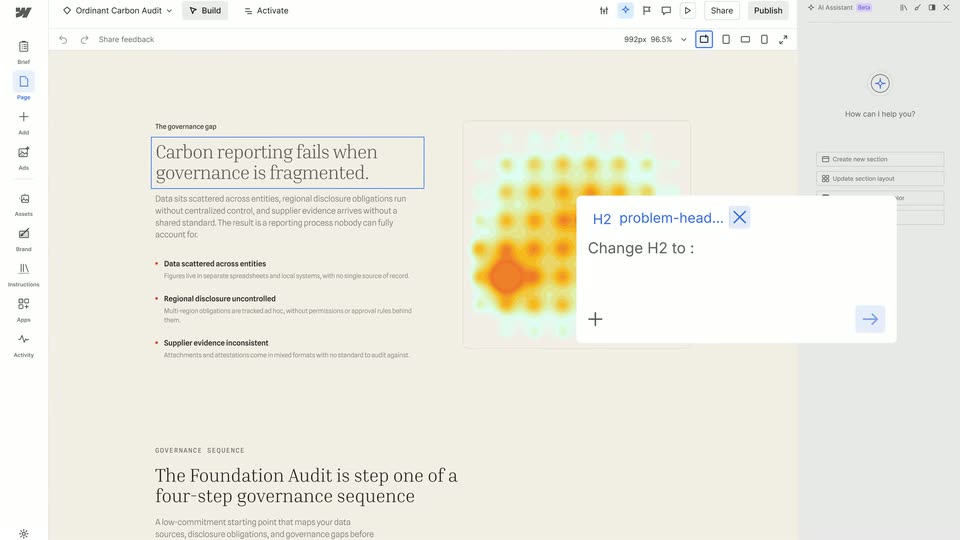
In the ORD Carbon page editor, the hero heading is edited from Get a free audit to Book a free audit. The canvas scrolls to the governance section; a selected H2 and floating prompt demonstrate changing the heading to Consistent claims need connected teams.

1.6s
Feature reveal· Introducing Webflow Campaigns – Launch While It Still Matters

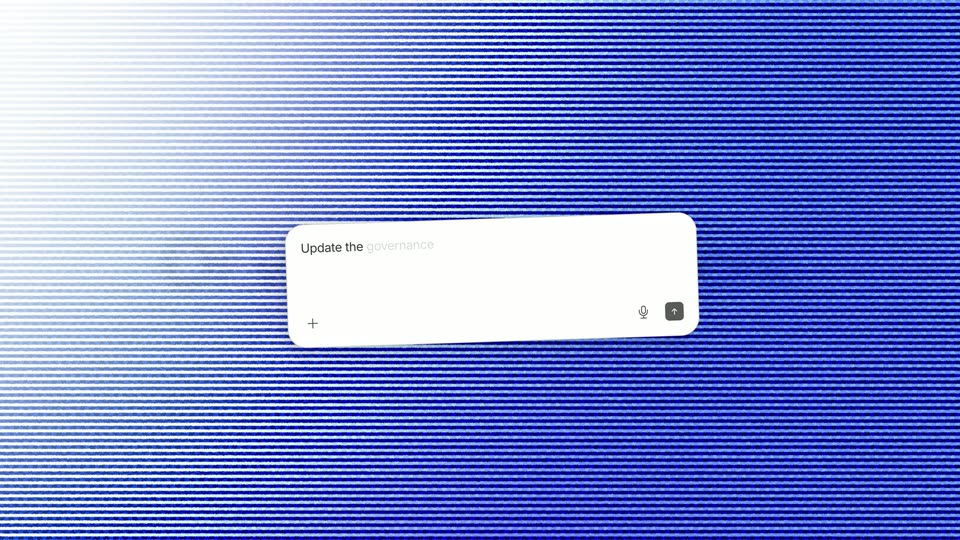
Or with your AI tools. sharpens as a centered black headline on white. The background becomes blue scanlines while a white prompt field enters in perspective.

2.4s
Feature reveal· Introducing Webflow Campaigns – Launch While It Still Matters

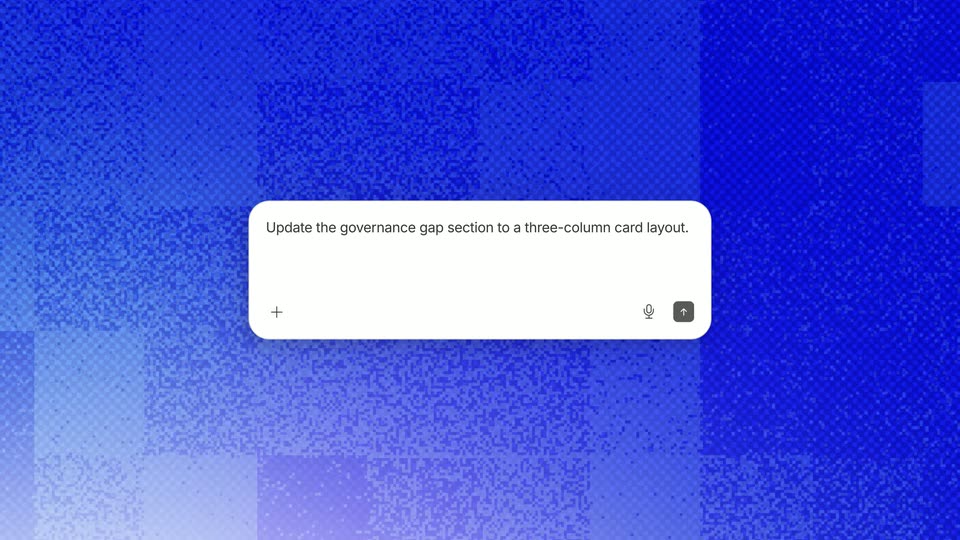
A white prompt box floats over the blue noise field as Update the governance gap section to a three-column card layout. types into it. The prompt remains the focus as the textured background moves.

3.4s
Feature reveal· Introducing Webflow Campaigns – Launch While It Still Matters

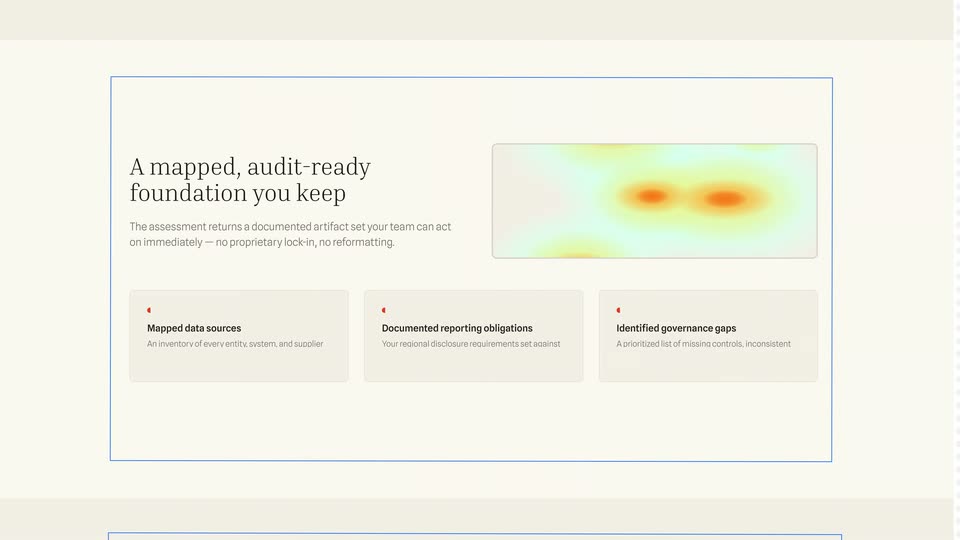
The ORD Carbon governance section is shown, followed by its results section. The heatmap and A mapped, audit-ready foundation you keep heading reflow from a two-column layout into a wide heading-and-image row above three information cards. This is a page-layout demonstration within the same interface, not an invented geographic map zoom.

1.8s
Feature reveal· Introducing Webflow Campaigns – Launch While It Still Matters

Generate matching ads assembles word by word and sharpens in the center of a black card.

1.5s
Feature reveal· Introducing Webflow Campaigns – Launch While It Still Matters

On white, an outlined document icon is replaced by a sparkling image icon in a pale blue rounded tile. The short icon sequence bridges the headline and generated-ad example.

3.5s
Feature reveal· Introducing Webflow Campaigns – Launch While It Still Matters

A close view of the ORD Carbon page editor pulls back as a matching ad preview with a building photograph appears beside it. The editor and preview share the Get a free audit headline; this is not a new page at45 seconds.

4.3s
Feature reveal· Introducing Webflow Campaigns – Launch While It Still Matters

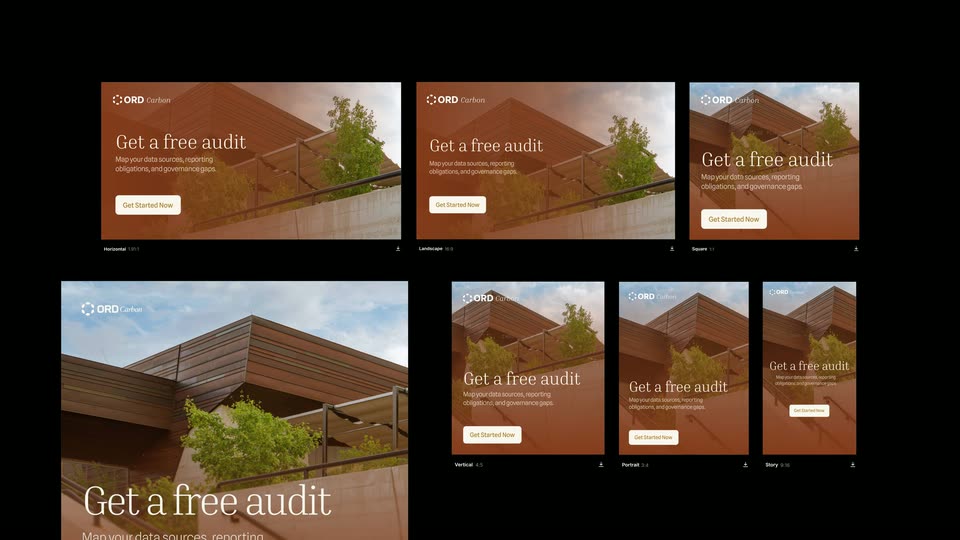
The ad preview expands into a grid of six matching creatives in landscape, square and portrait proportions. Several tiles resolve from Understanding layout placeholders into building-photo ads before the grid blurs away. No unsupported exact aspect-ratio values are asserted.

3.5s
Feature reveal· Introducing Webflow Campaigns – Launch While It Still Matters

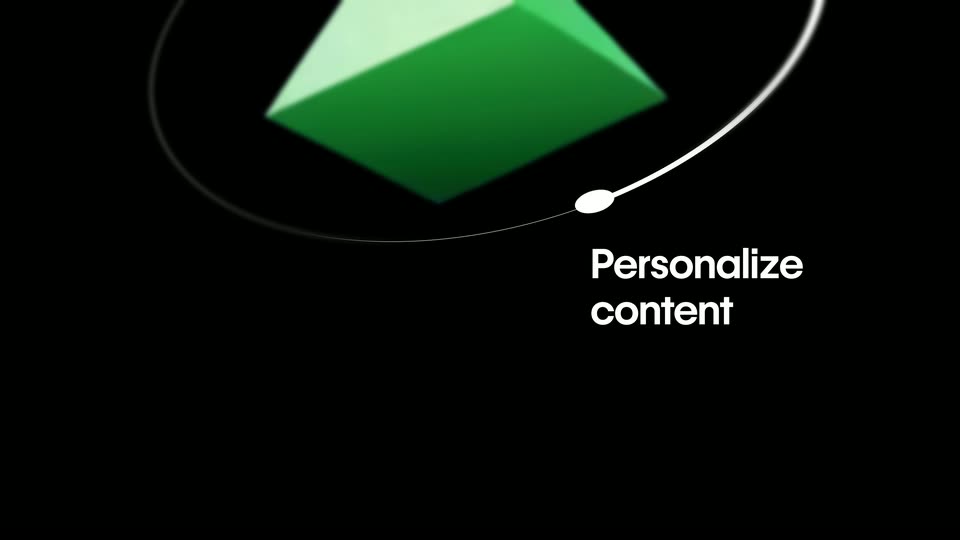
The orange solid returns in the circular workflow diagram and becomes a green pyramid as a third node introduces Personalize content. The view enlarges before the next title.

1.5s
Feature reveal· Introducing Webflow Campaigns – Launch While It Still Matters

Make a version for each audience appears over two lines on black, the trailing words resolving from blur.

5.8s
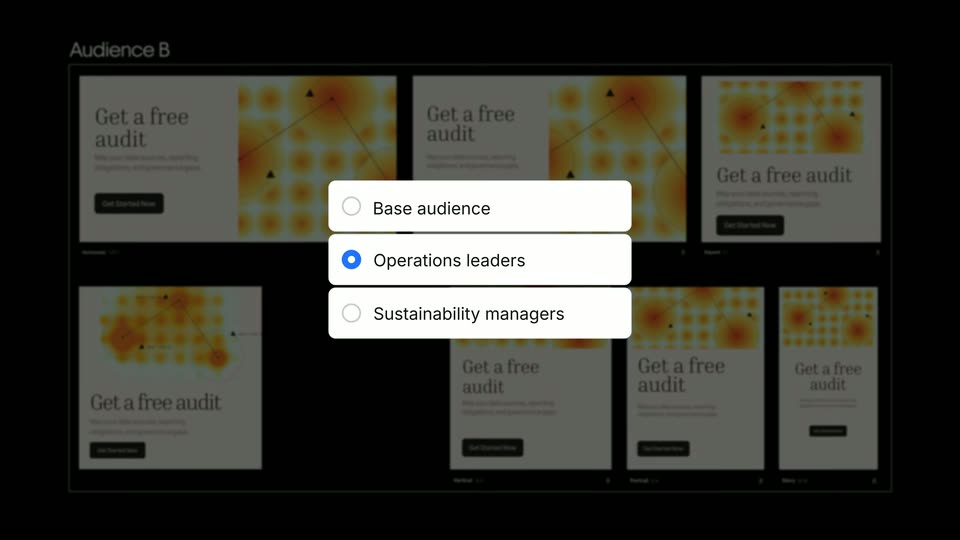
Feature reveal· Introducing Webflow Campaigns – Launch While It Still Matters

A grid of creatives appears with an audience selector in front. Its radio selection changes among Base audience, Operations leaders and Sustainability managers while the corresponding Audience A/B designs slide into view behind it. These are states of one personalization demo, not four independent scenes or email templates.

3.5s
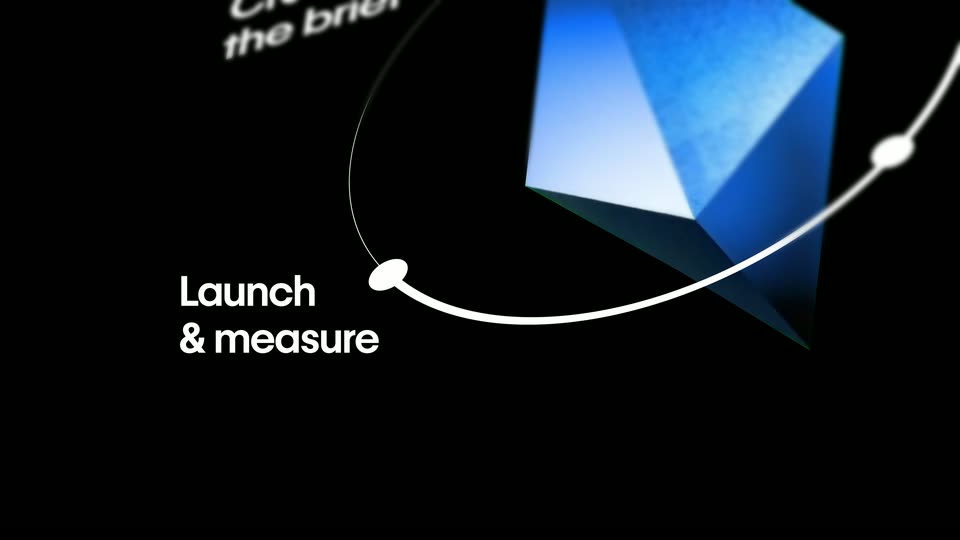
Feature reveal· Introducing Webflow Campaigns – Launch While It Still Matters

The green pyramid reappears inside the orbital workflow, turns into a blue faceted solid and adds Launch & measure as the fourth node. A continuous enlargement carries the diagram out toward the title.

1.8s
Feature reveal· Introducing Webflow Campaigns – Launch While It Still Matters

Launch to your channels assembles and sharpens as a centered white headline on black.

2.5s
Feature reveal· Introducing Webflow Campaigns – Launch While It Still Matters

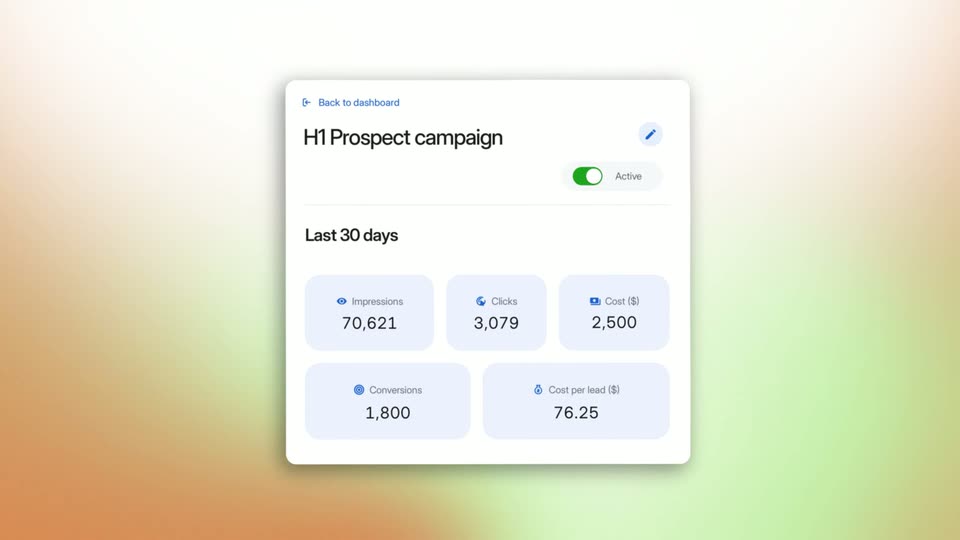
A campaign performance card rotates into view on a warm gradient. Last30days and changing metric tiles appear under an Active switch. The card is enclosed by a circular mask and blue scanlines as it transitions to the workflow diagram. The changing numbers are a film example, not verified customer results.

6.3s
Feature reveal· Introducing Webflow Campaigns – Launch While It Still Matters

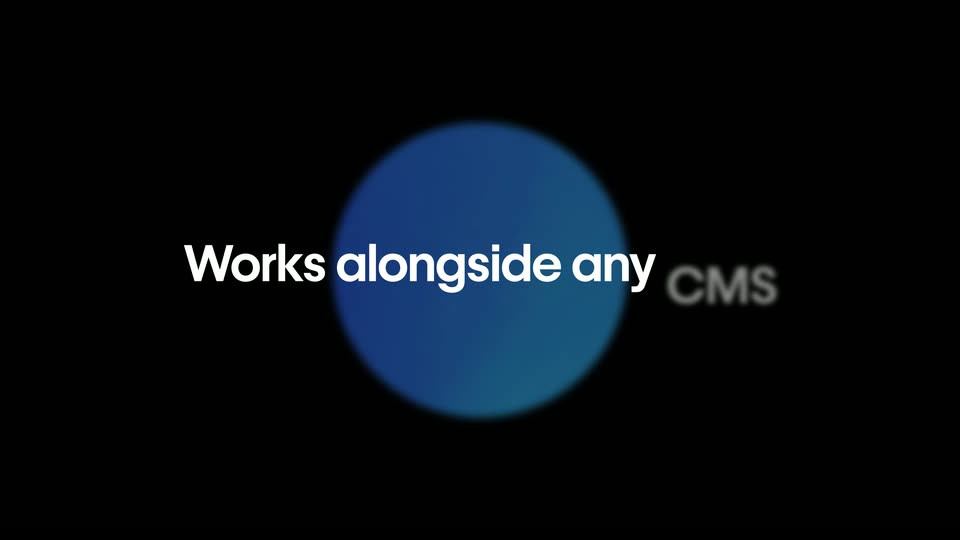
The performance card contracts into a blue sphere and the four-node workflow returns. Its labels and ring fall away as the sphere flattens into a blue disc behind Works alongside any CMS, then expands toward the next blue field.

2.3s
Feature reveal· Introducing Webflow Campaigns – Launch While It Still Matters

Learn what to improve next appears word by word on the moving blue textured background; a blocky wipe clears it toward the closing black titles.

2.4s
Feature reveal· DJI Osmo Pocket 4P is now available in Pearl White—the Dual-Camera Cinematic Pocket Gimbal Camera.

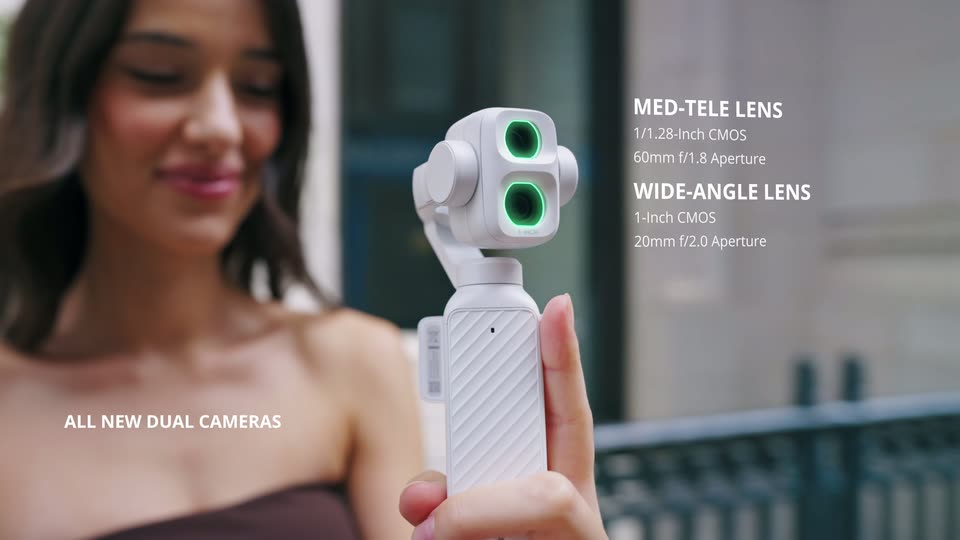
The white gimbal is held in front of a brunette. Green lens highlights alternate beside ALL NEW DUAL CAMERAS and the WIDE-ANGLE LENS / MED-TELE LENS labels; these are claims presented by the film.

0.8s
Feature reveal· DJI Osmo Pocket 4P is now available in Pearl White—the Dual-Camera Cinematic Pocket Gimbal Camera.

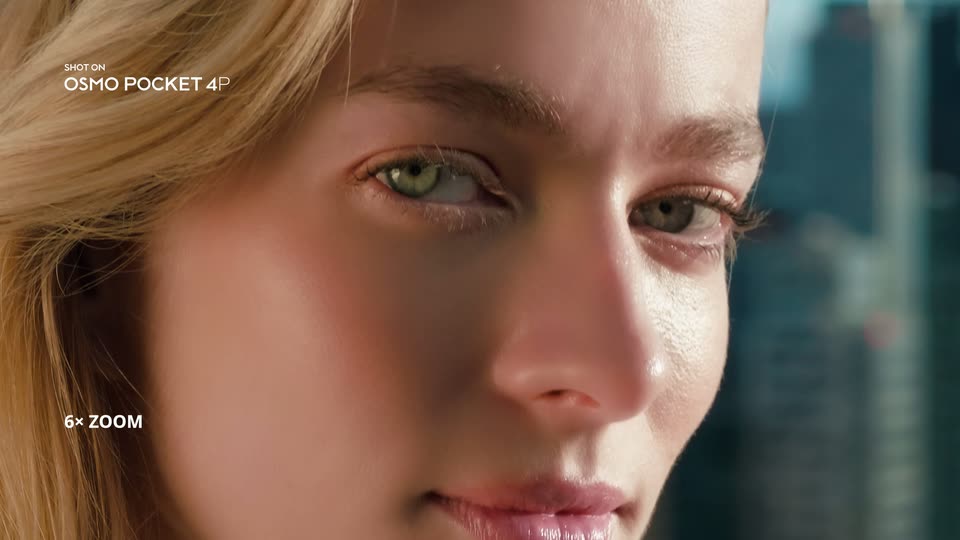
Balcony portrait of a blonde woman with skyline behind her, introduced by MED-TELE LENS FOR PORTRAITS and 3× Optical Zoom labels.

1.6s
Feature reveal· DJI Osmo Pocket 4P is now available in Pearl White—the Dual-Camera Cinematic Pocket Gimbal Camera.

The balcony portrait is reframed to a close face and then a tighter crop around the eyes, with 6× ZOOM followed by UP TO 18× ZOOM. These successive magnification examples form one comparison, not two distinct locations or a measured camera dolly.

0.8s
Feature reveal· DJI Osmo Pocket 4P is now available in Pearl White—the Dual-Camera Cinematic Pocket Gimbal Camera.

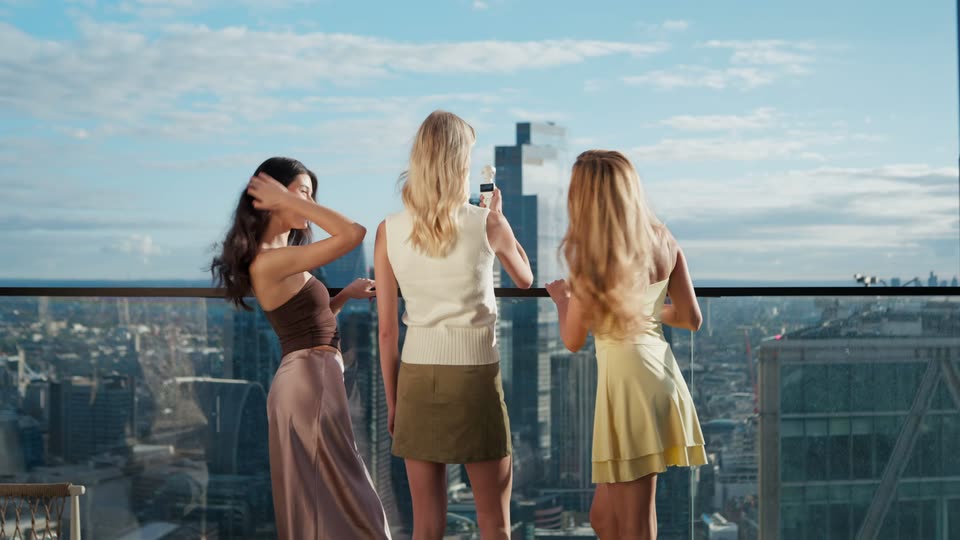
Rear view of the three friends on a high balcony; one holds the white gimbal toward the skyline. The zoom caption fades out around the transition.

0.8s
Feature reveal· DJI Osmo Pocket 4P is now available in Pearl White—the Dual-Camera Cinematic Pocket Gimbal Camera.

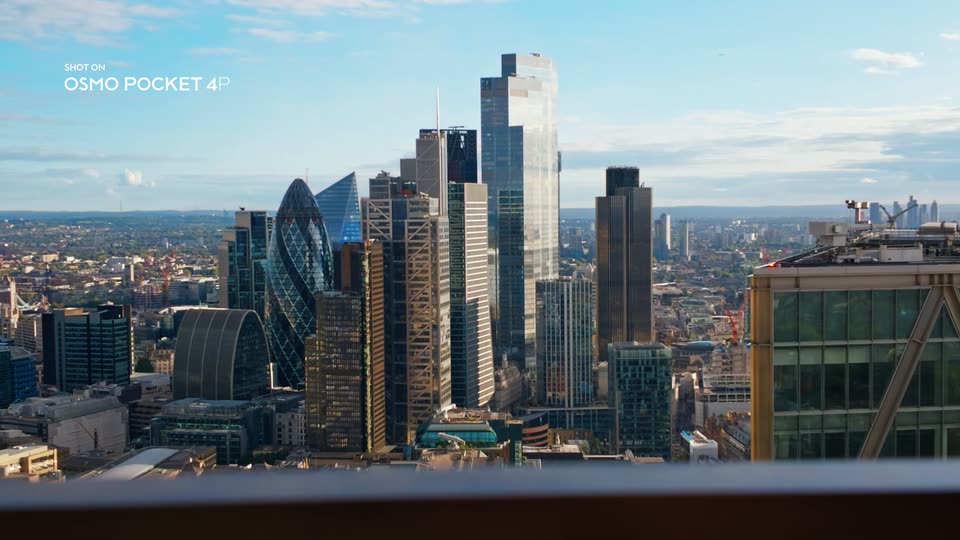
A wide skyline cutaway with SHOT ON OSMO POCKET 4P in the upper left; buildings and a blurred foreground railing fill the view.

0.9s
Feature reveal· DJI Osmo Pocket 4P is now available in Pearl White—the Dual-Camera Cinematic Pocket Gimbal Camera.

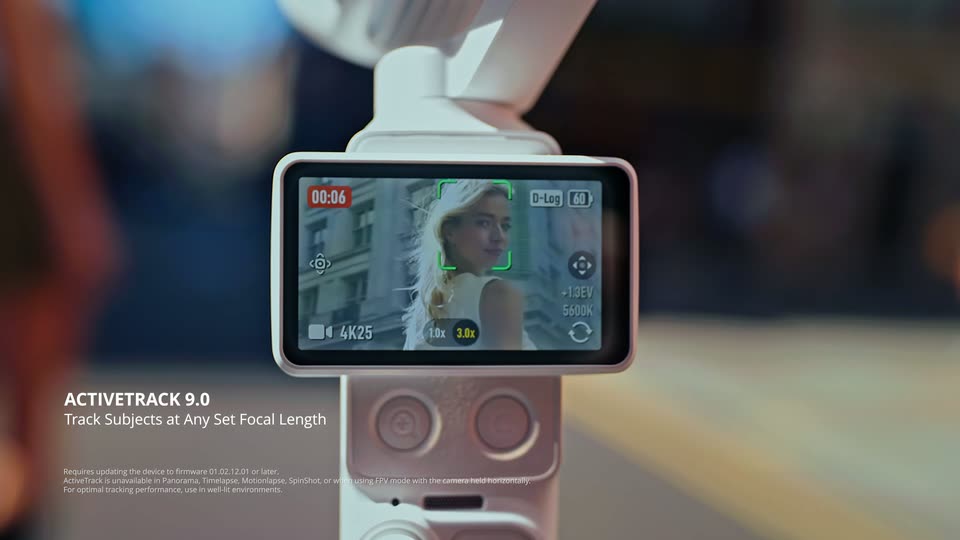
Physical gimbal screen close-up showing a face inside green tracking brackets; ACTIVETRACK 9.0 and Track Subjects at Any Set Focal Length introduce the demonstration.

1.2s
Feature reveal· DJI Osmo Pocket 4P is now available in Pearl White—the Dual-Camera Cinematic Pocket Gimbal Camera.

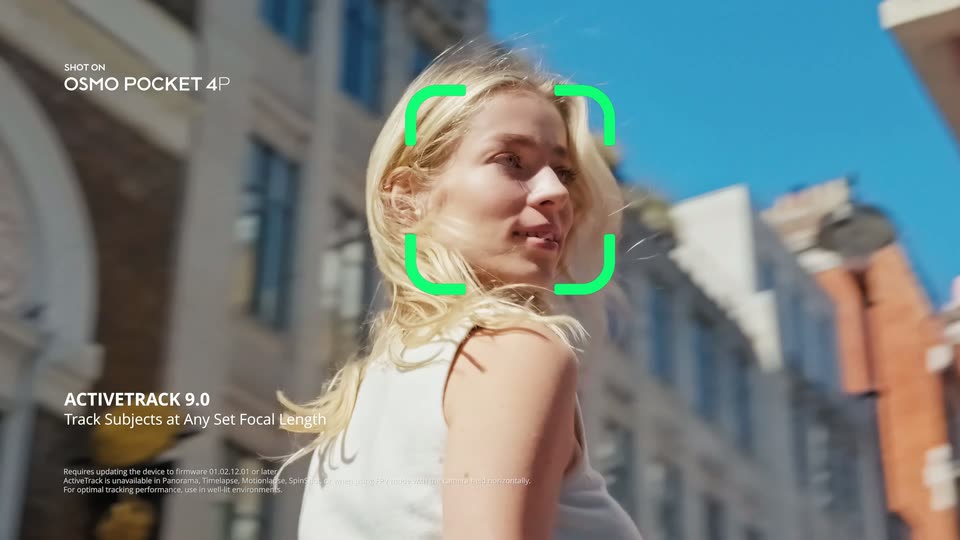
Close moving street portrait of the blonde woman with green tracking brackets following her face and the ActiveTrack caption fixed at lower left.

1.2s
Feature reveal· DJI Osmo Pocket 4P is now available in Pearl White—the Dual-Camera Cinematic Pocket Gimbal Camera.

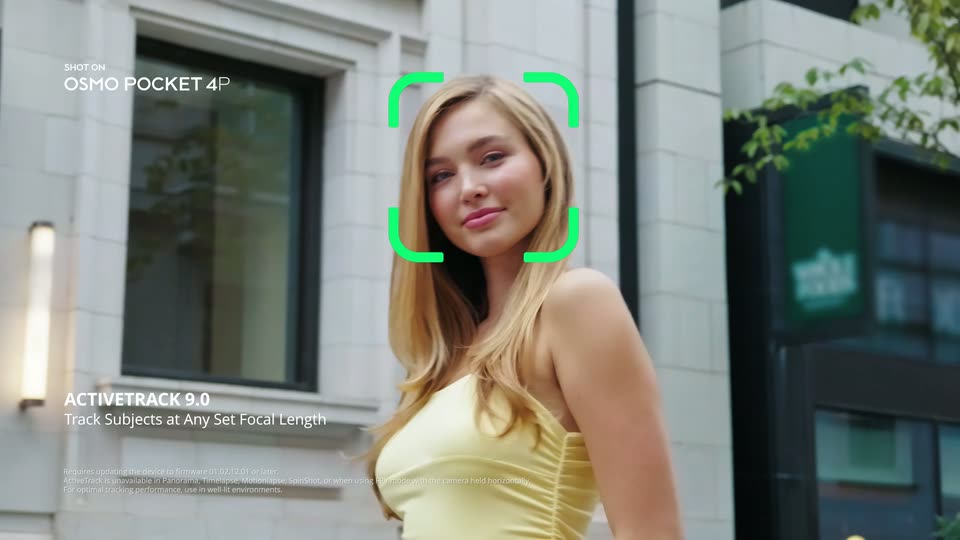
Over the brunette’s shoulder, the woman in yellow poses on the street; a passerby with white balloons briefly occludes her. The fixed ActiveTrack caption continues.

1.6s
Feature reveal· DJI Osmo Pocket 4P is now available in Pearl White—the Dual-Camera Cinematic Pocket Gimbal Camera.

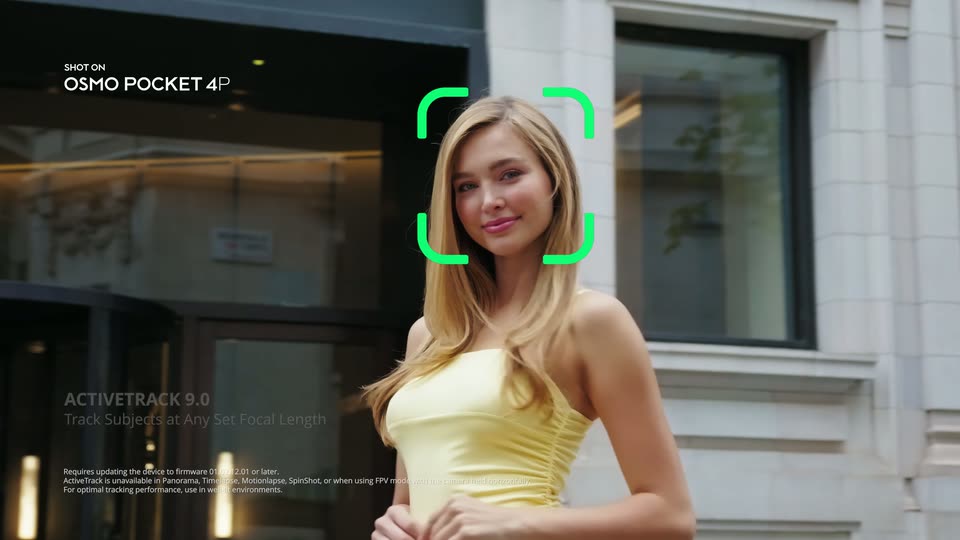
Closer street portrait of the woman in yellow with green tracking brackets and a fixed ActiveTrack label, after the preceding balloon occlusion example.

0.8s
Feature reveal· DJI Osmo Pocket 4P is now available in Pearl White—the Dual-Camera Cinematic Pocket Gimbal Camera.

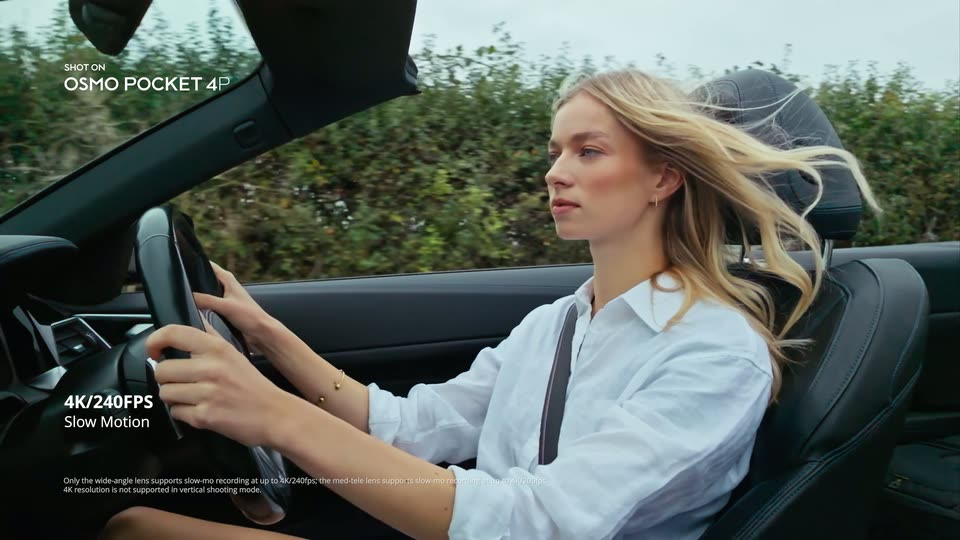
Side view of the blonde driver with hair blowing in the wind, under the film’s 4K/240FPS and Slow Motion labels. The dark interior belongs to the same blue convertible.

1.6s
Feature reveal· DJI Osmo Pocket 4P is now available in Pearl White—the Dual-Camera Cinematic Pocket Gimbal Camera.

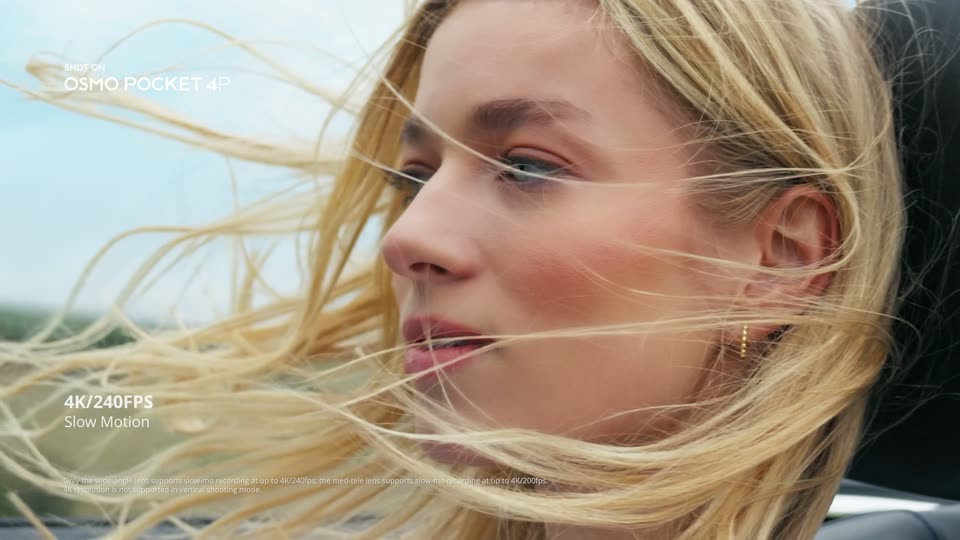
Tighter profile of the driver’s windblown hair and face, continuing the advertised slow-motion example. The visible headline is retained without inventing unreadable fine-print specifications.

0.7s
Feature reveal· DJI Osmo Pocket 4P is now available in Pearl White—the Dual-Camera Cinematic Pocket Gimbal Camera.

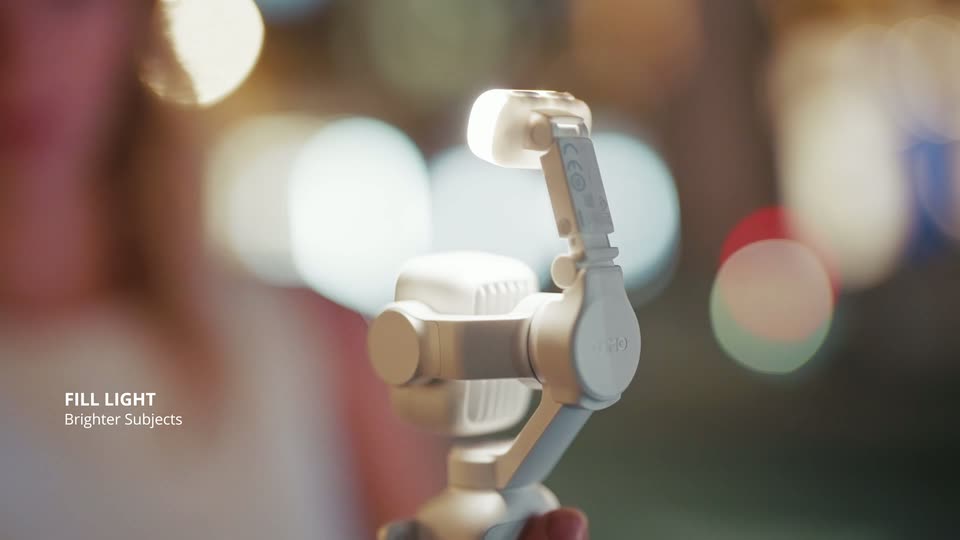
Close-up of a hand operating the gimbal’s small fill light against warm night bokeh; the light switches on under FILL LIGHT / Brighter Subjects.

0.8s
Feature reveal· DJI Osmo Pocket 4P is now available in Pearl White—the Dual-Camera Cinematic Pocket Gimbal Camera.

Night portrait of the blonde woman, her face illuminated against blurred street lights, with the fill-light feature label at lower left.

0.9s
Feature reveal· DJI Osmo Pocket 4P is now available in Pearl White—the Dual-Camera Cinematic Pocket Gimbal Camera.

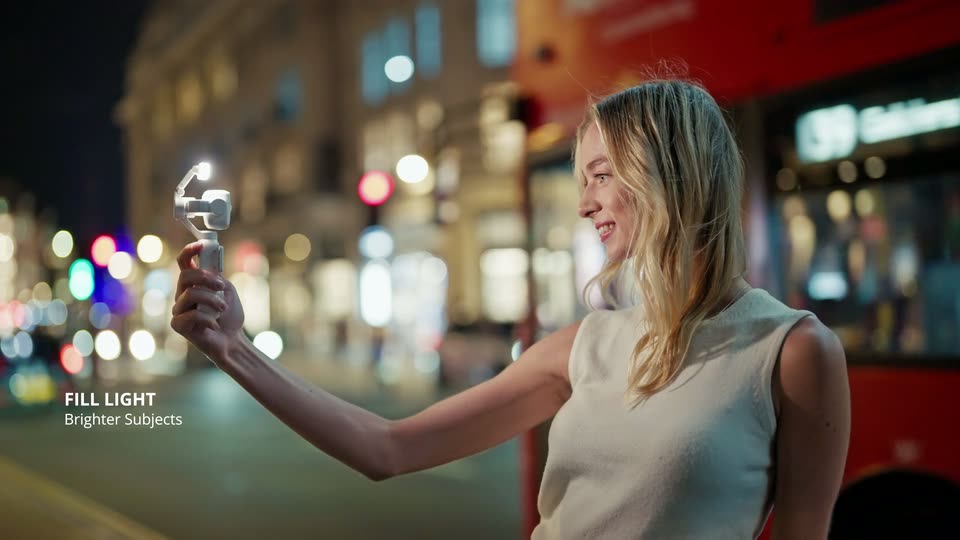
Side view of the woman holding the illuminated gimbal out at arm’s length on a night street while a red bus passes behind her.

1.6s
Feature reveal· DJI Osmo Pocket 4P is now available in Pearl White—the Dual-Camera Cinematic Pocket Gimbal Camera.

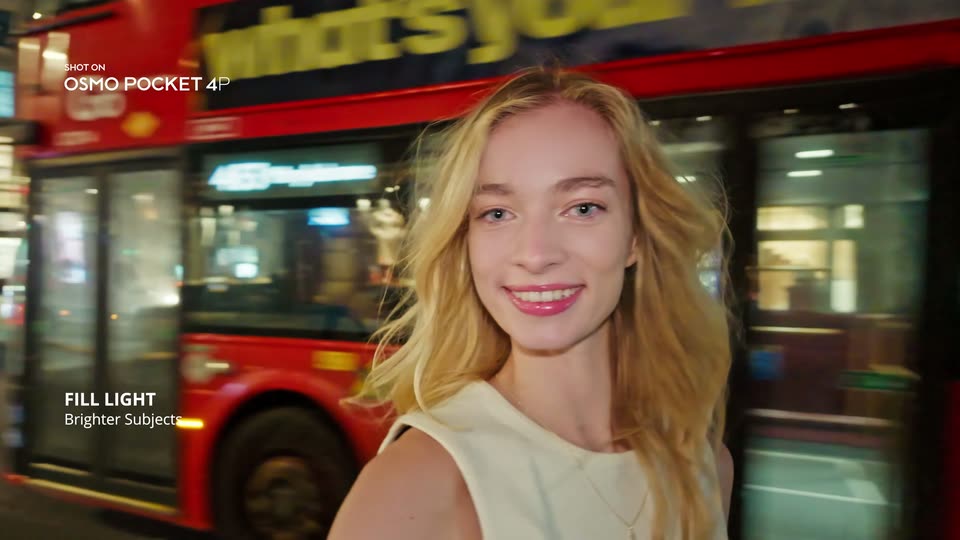
Close selfie view of the blonde woman at night, smiling toward the lens while a red bus passes behind her; FILL LIGHT / Brighter Subjects and SHOT ON remain visible.

3.3s
Feature reveal· DJI Osmo Pocket 4P is now available in Pearl White—the Dual-Camera Cinematic Pocket Gimbal Camera.

A wide view of the cove holds while a vertical wipe changes its color treatment under FILM TONE / One-Tap Cinematic Look. The landscape stays aligned; this is not a new location or an established speed ramp.

1.7s
Feature reveal· DJI Osmo Pocket 4P is now available in Pearl White—the Dual-Camera Cinematic Pocket Gimbal Camera.

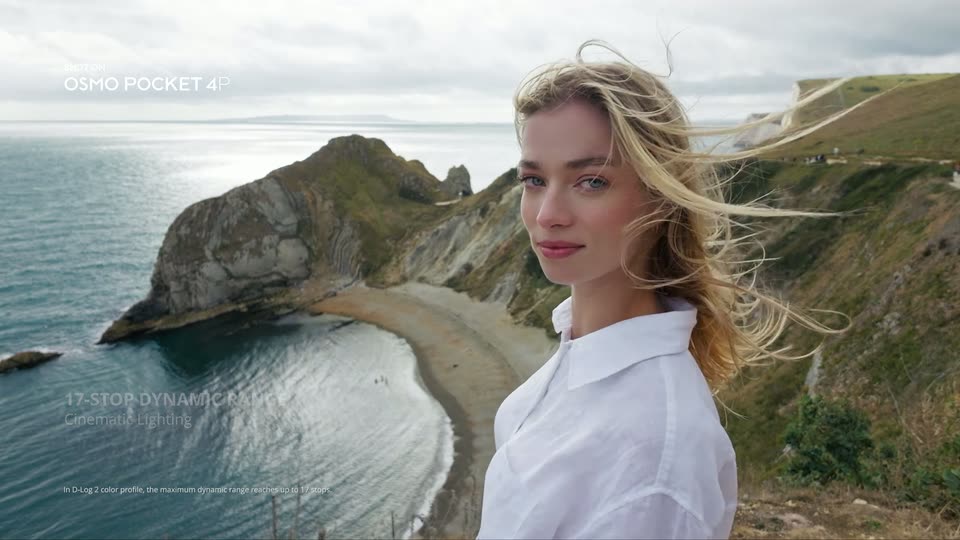
Portrait of the blonde woman at the coastal overlook, turning toward the camera with windblown hair, under the film’s 17-STOP DYNAMIC RANGE / Cinematic Lighting claim.

1.4s
Feature reveal· DJI Osmo Pocket 4P is now available in Pearl White—the Dual-Camera Cinematic Pocket Gimbal Camera.

Close coastal portrait of the woman turning toward the camera with windblown hair. IN-CAMERA BEAUTIFY / Natural Glow fades in as a fixed lower-left caption, not dominant kinetic typography.

1.4s
Feature reveal· DJI Osmo Pocket 4P is now available in Pearl White—the Dual-Camera Cinematic Pocket Gimbal Camera.

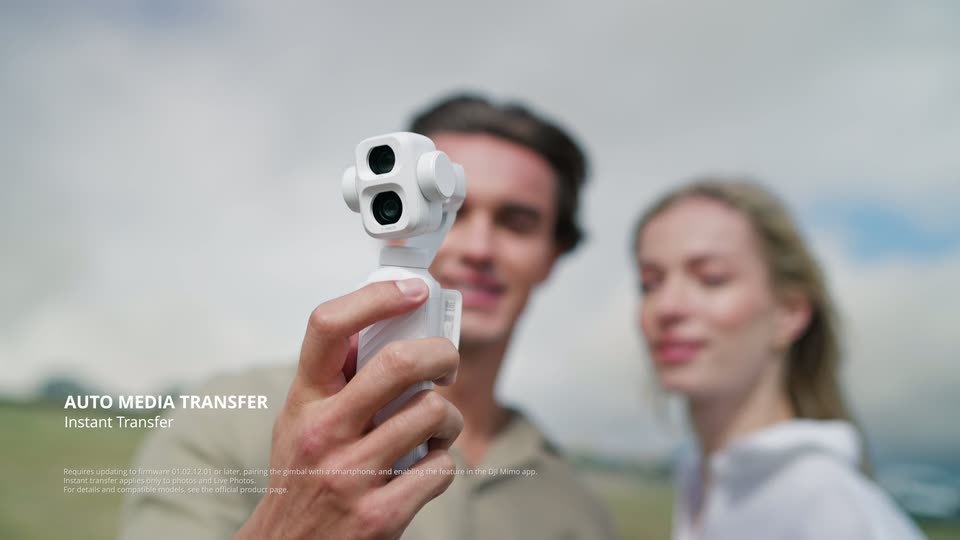
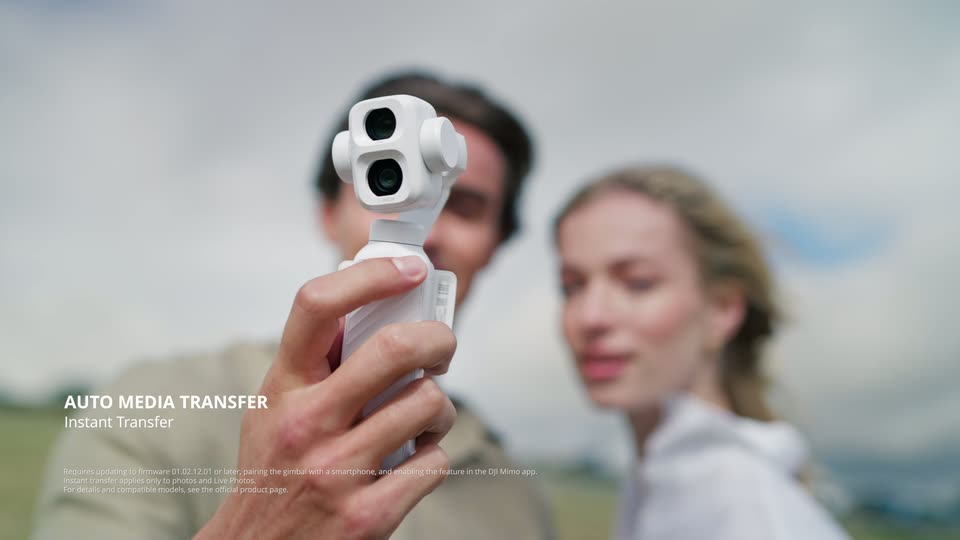
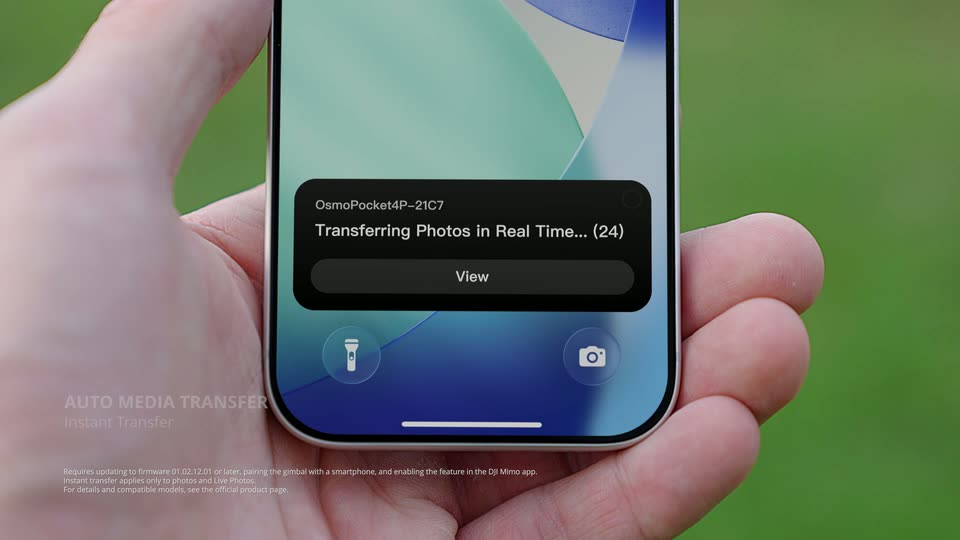
White gimbal held sharply in front of the softly blurred couple; AUTO MEDIA TRANSFER / Instant Transfer introduces the next feature.

1.3s
Feature reveal· DJI Osmo Pocket 4P is now available in Pearl White—the Dual-Camera Cinematic Pocket Gimbal Camera.

A hand holds a phone showing a dark Transferring Photos in Real Time notification and View button; the media-transfer headline stays at lower left.

1.1s
Feature reveal· DJI Osmo Pocket 4P is now available in Pearl White—the Dual-Camera Cinematic Pocket Gimbal Camera.

The couple checks the phone beside the parked blue convertible, smiling and pointing toward its screen.

1.1s
Feature reveal· Motion Graphics Explainer Video for Podcasting Platform | Chord

A magenta-to-black gradient fills the frame. The white headline 'Turn Your Content' slides in from a blurred, offset position and snaps into sharp focus at center. A small production credit badge sits top-left and a faint credit line rests at the bottom.

1.4s
Feature reveal· Motion Graphics Explainer Video for Podcasting Platform | Chord

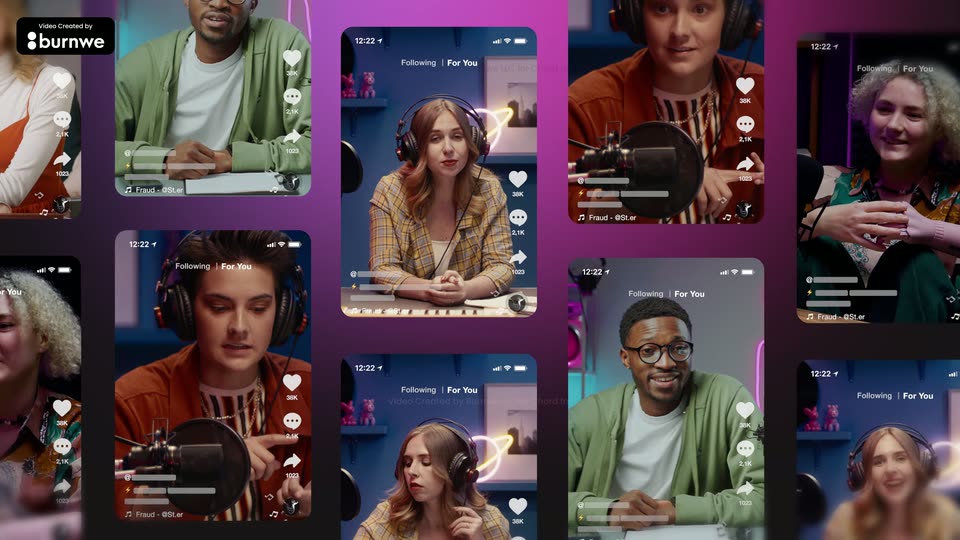
A wall of phone screens on a magenta background scrolls upward, each showing a creator with headphones inside a TikTok-style feed; a large headline slides in over the grid.

1.7s
Feature reveal· AI Shopkeeper Launch Video | Noodle Seed

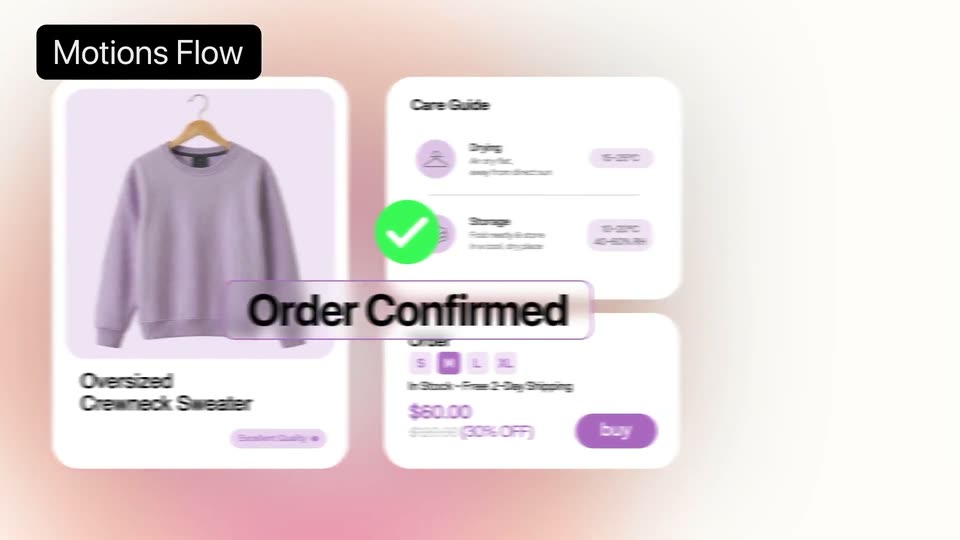
A soft pink gradient holds a flat e-commerce layout: a purple sweater product card, a care guide panel and an order form with a buy button slide into place. A green checkmark pops in and an Order Confirmed banner scales up at the center.

1.2s
Feature reveal· AI Shopkeeper Launch Video | Noodle Seed

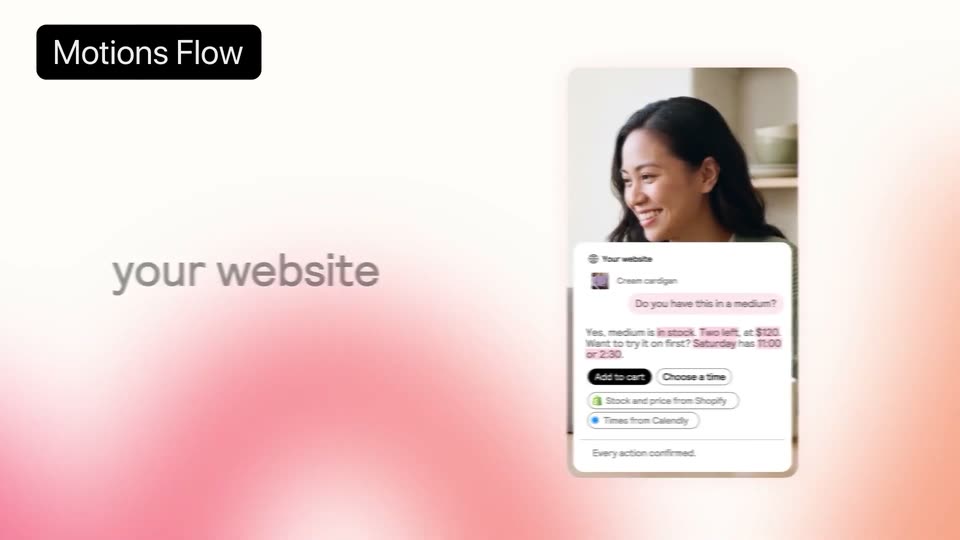
A black Motions Flow badge sits top left while a card with a smiling woman and a chat UI slides in from the right, decelerating to a stop. The gray lowercase text your website appears word by word on the left over a soft pink gradient.

1.1s
Feature reveal· AI Shopkeeper Launch Video | Noodle Seed

A phone mockup floats centered over a blurred photo of a man, showing a chat thread with Willow Goods. The words 'in' and 'chats' sit on either side of the phone against a pink-to-orange gradient, while a 'Motions Flow' badge holds the top left corner.

0.8s
Feature reveal· AI Shopkeeper Launch Video | Noodle Seed

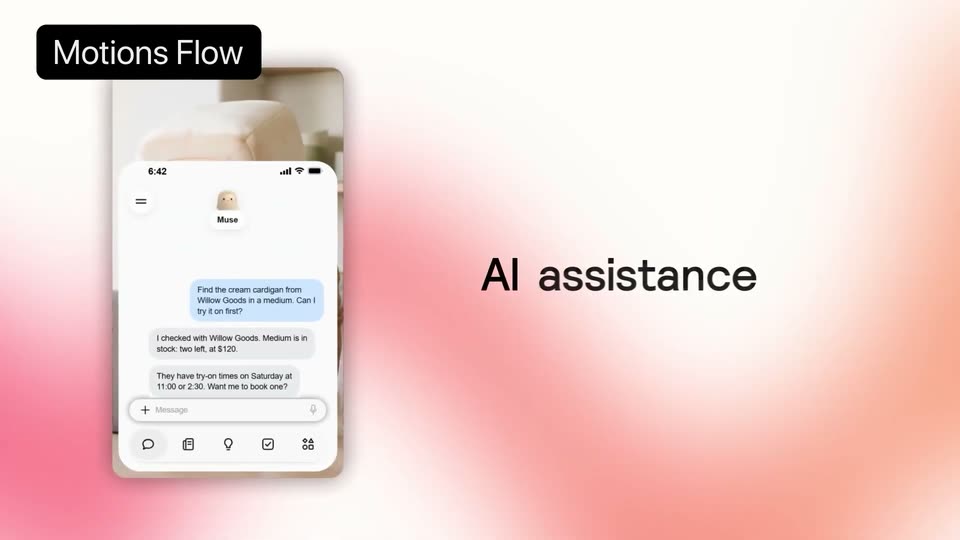
A tilted 3D phone mockup on the left shows a chat about booking a try-on, sharpening from a blur. On the right, the gray tagline 'All assistance' resolves into place over a pink gradient, with a black 'Motions Flow' label top left.

0.8s
Feature reveal· AI Shopkeeper Launch Video | Noodle Seed

A phone chat mockup sits left under a black “Motions Flow” tag, with the headline “AI assistance” on the right over a pink gradient. The frame dissolves to a blurred shop interior holding a small dark chat-bubble icon.

0.8s
Feature reveal· AI Shopkeeper Launch Video | Noodle Seed

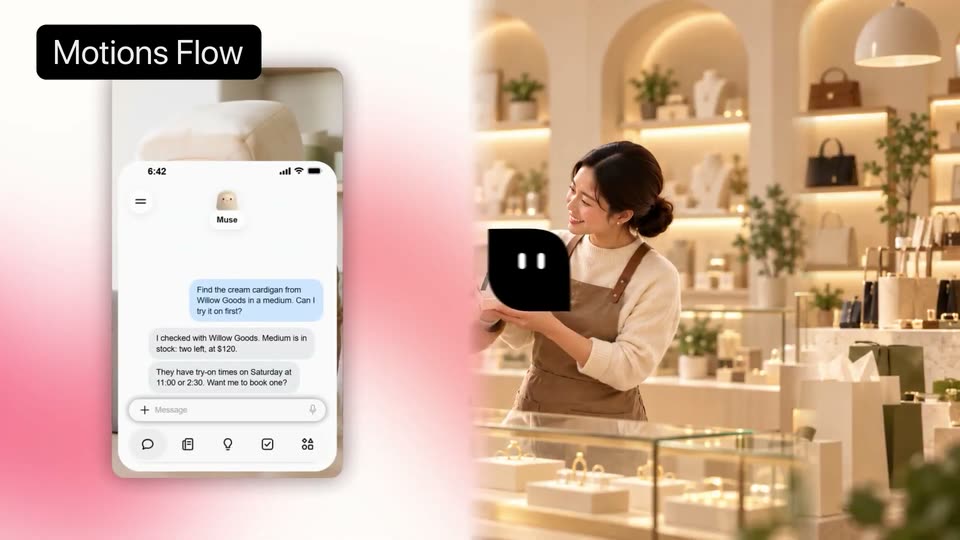
A boutique interior with a shop assistant holding a cream cardigan. A blue 3D mascot in a black beret faces her. A phone chat mockup sits at left, then a white mask wipes in from the right as the mockup clears. A black logo badge floats center.

5.3s
Feature reveal· Introducing Batches

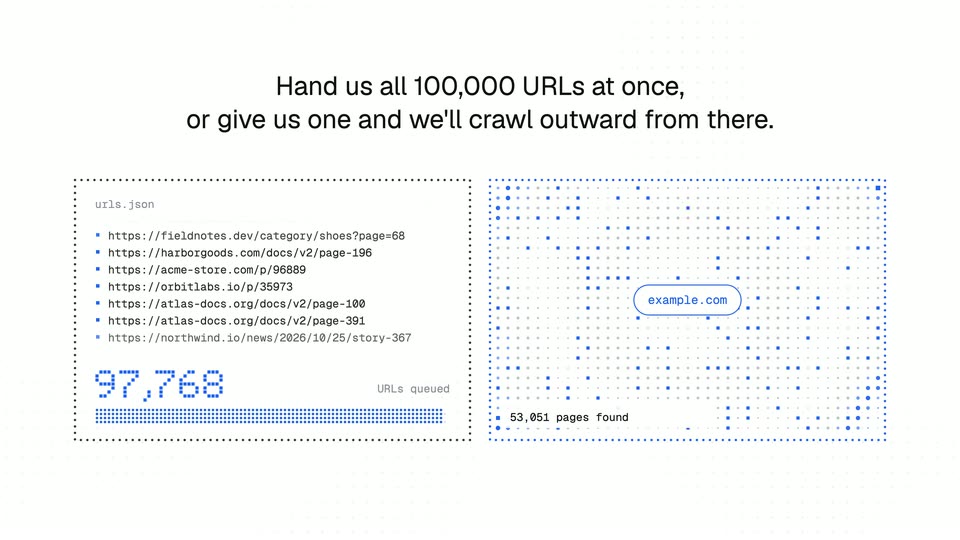
Below a two-line heading, a scrolling URL-list panel counts up to100,000 beside a crawl illustration. Dots spread outward from an example.com center while a pages-found count rises. Both panels animate within one fixed layout, illustrating the advertised batch/crawl choices rather than proving throughput.

5.9s
Feature reveal· Introducing Batches

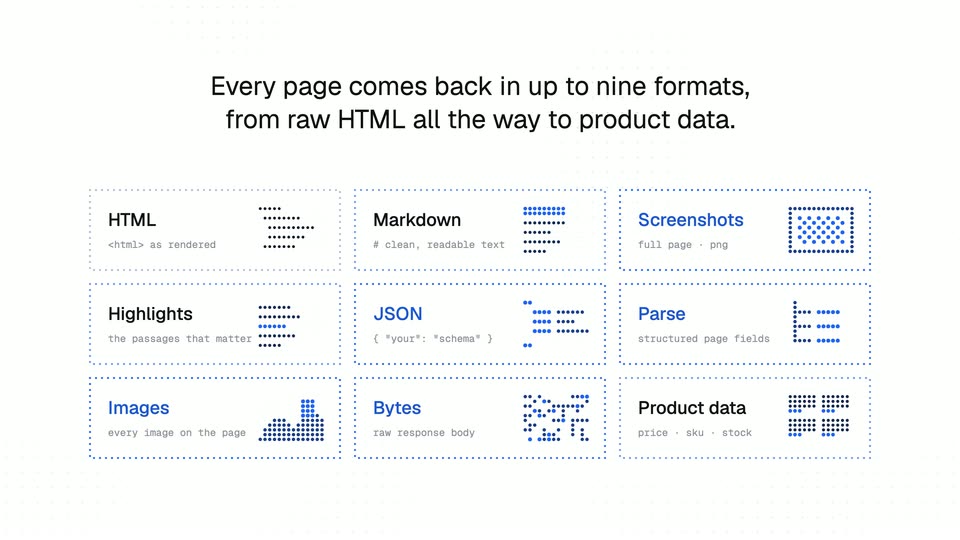
A heading explains up to nine output formats. Dashed-outline tiles appear sequentially into a3×3 grid: HTML, Markdown, Screenshots, Highlights, JSON, Parse, Images, Bytes and Product data. Their miniature diagrams animate in place; the full grid then fades through white.

3.7s
Feature reveal· Introducing Batches

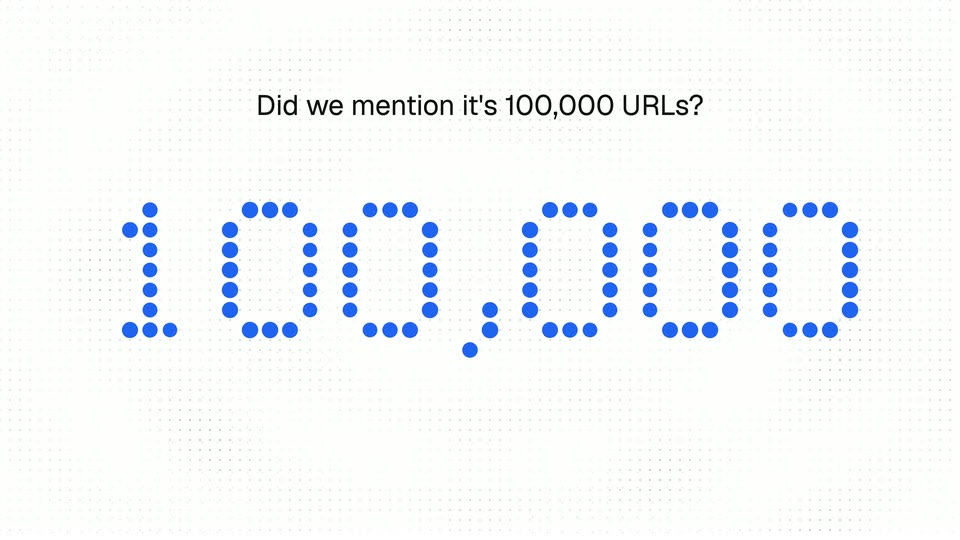
As the previous grid dissolves, Did we mention it's100,000 URLs? appears over a faint dot grid. Large blue dot-matrix digits assemble into100,000, hold and fade. The number is an advertised capacity reminder, not customer or performance evidence.

1.3s
Feature reveal· Introducing Orior in Claude

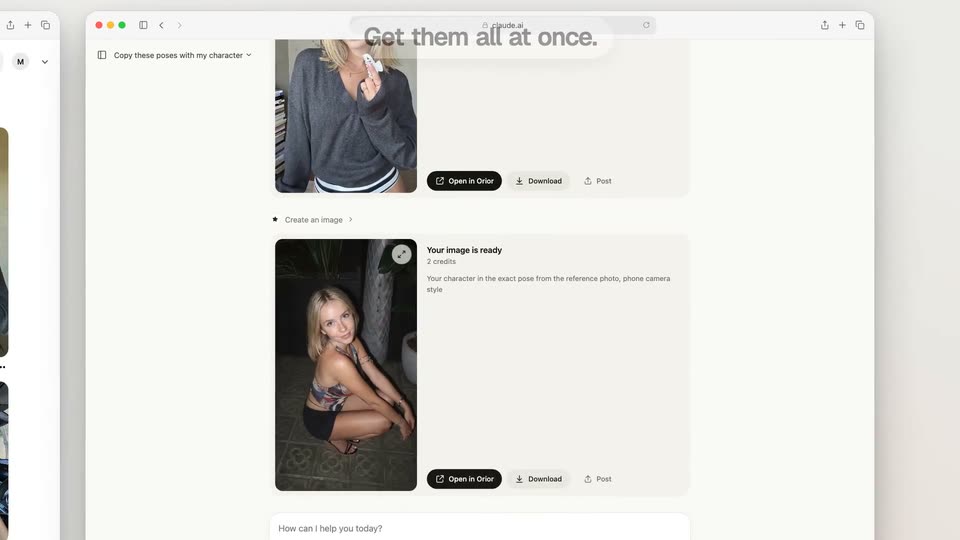
The opening title fades away over the Claude home screen. Beneath Good morning, Mila, a cursor types Copy these poses with my character and clicks the send button. The view then pulls back and blurs toward the two-window reference layout.

6.3s
Feature reveal· Introducing Orior in Claude

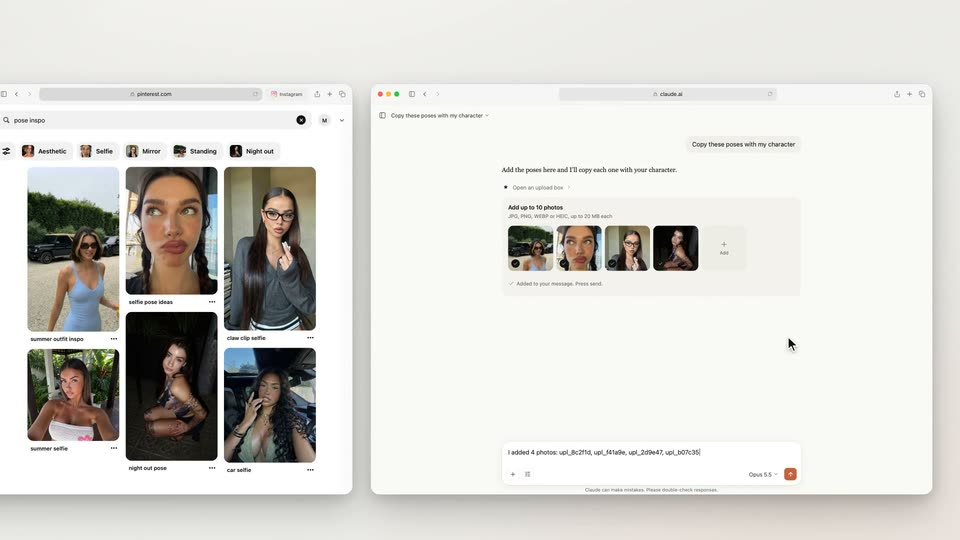
Pinterest pose references and a Claude composer sit side by side below Drag poses from Pinterest. A cursor repeatedly drags four reference photos into the same composer, with brief zoom/focus changes during the drags. The view then moves closer to the Claude conversation and its loading result card. These are continuous actions in one interface layout.

3.3s
Feature reveal· Introducing Orior in Claude

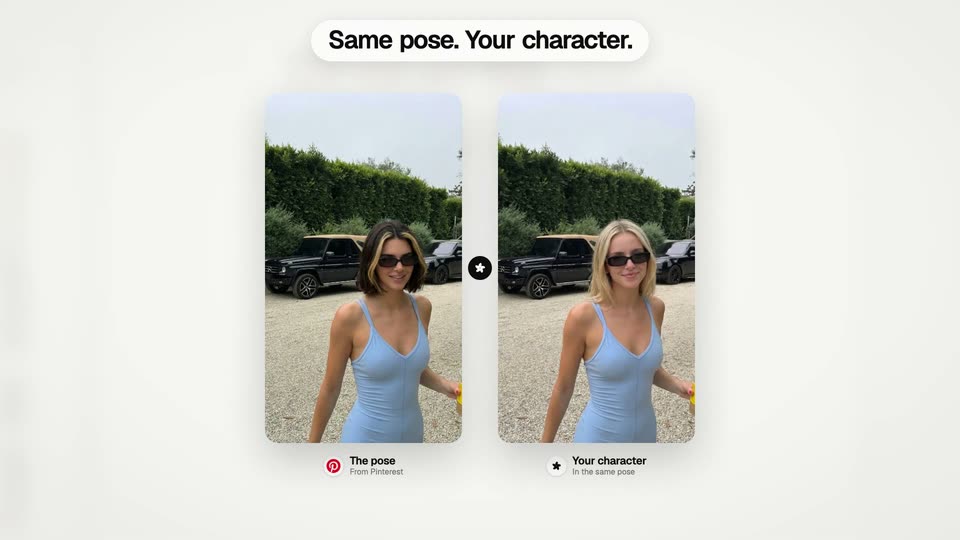
Two portrait cards appear below Same pose. Your character. The left shows the reference pose; the generated character on the right resolves from gray/blur to color with a moving reveal edge. Small labels distinguish The pose and Your character. Near the end the comparison gives way to the Claude results view.

1.5s
Feature reveal· Introducing Orior in Claude

The Claude conversation scrolls through multiple generated portrait result cards beneath Get them all at once. Each output resolves in its response card while the interface frame remains visible. The result cards then emerge onto a white field.

3.5s
Feature reveal· Introducing Orior in Claude

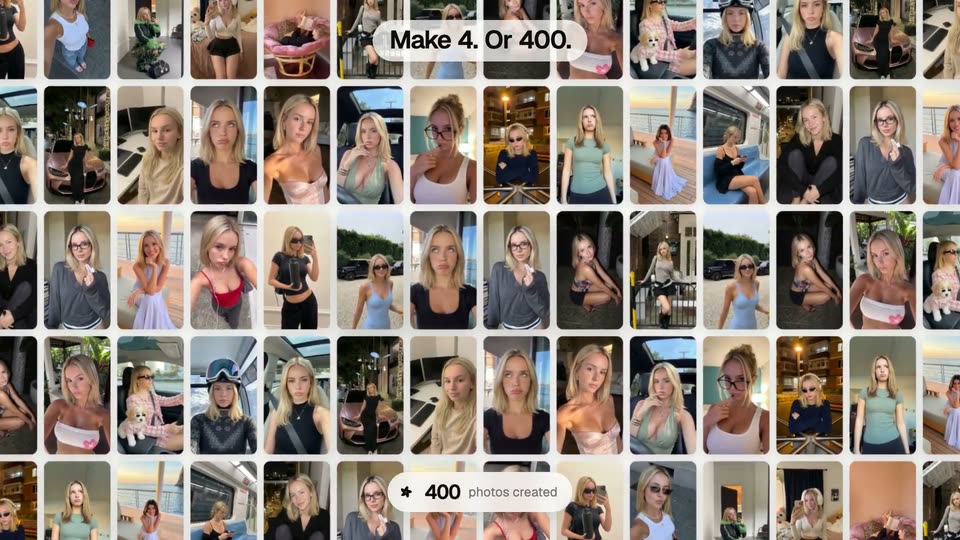
Four portrait result cards fan into a row on a white field. As the view pulls back, many more tiles populate a grid. Make 4. Or 400. builds above and a photos-created counter rapidly increases to 400 below. The layout then holds briefly before an expanding white circle clears the gallery. This illustrates the campaign claim; it is not an independently measured generation run.

2.4s
Feature reveal· The Pika x ChatGPT Plugin Extension is here

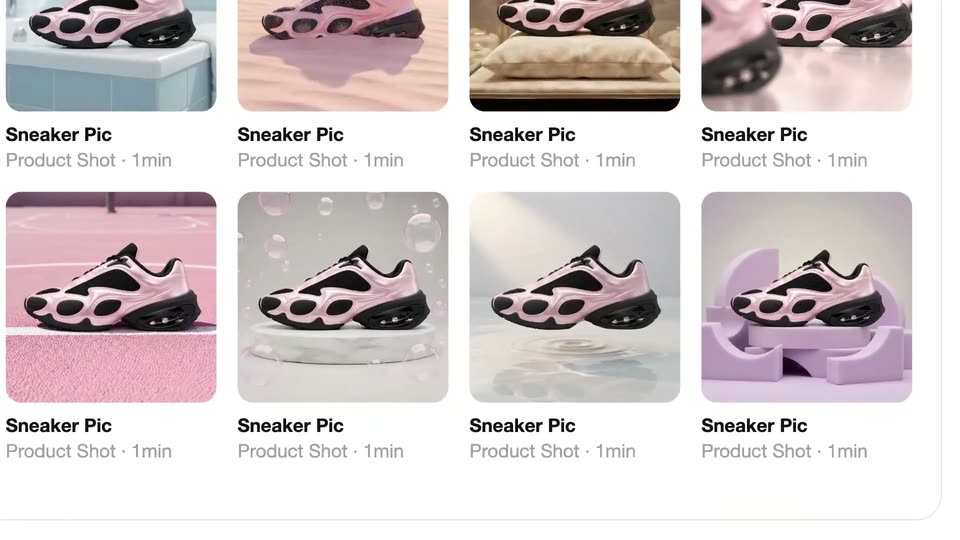
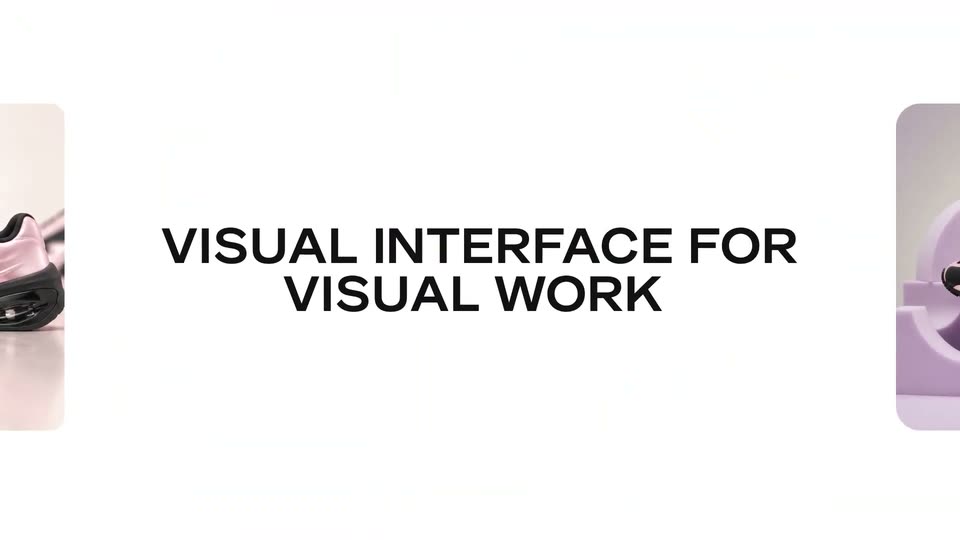
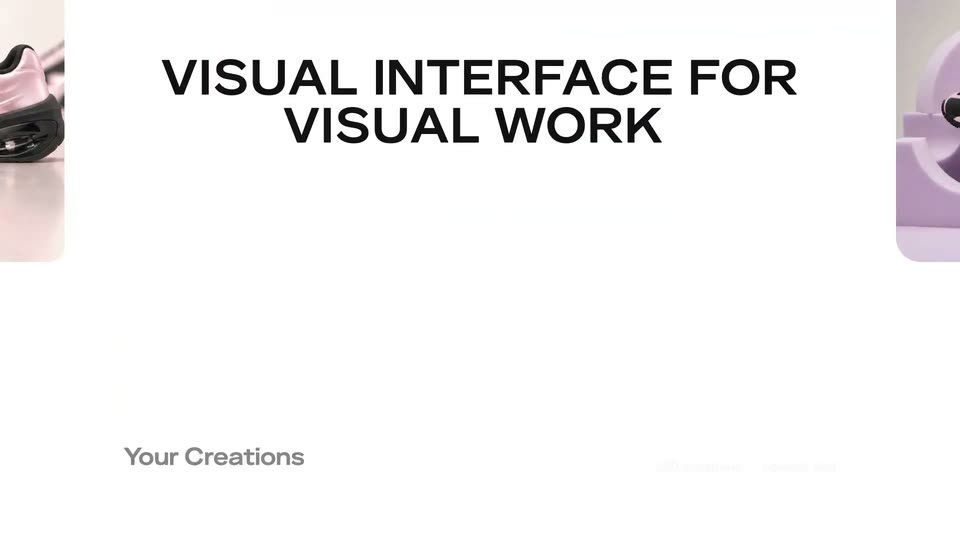
A grid of sneaker thumbnails scrolls up, then the view zooms out to a white card where two enlarged sneaker photos sit at the edges around the centered headline VISUAL INTERFACE VISUAL WORK.

0.8s
Feature reveal· The Pika x ChatGPT Plugin Extension is here

On a white background, the black two-line headline slides right while two rounded cards, each holding a pink and black sneaker on a pastel set, slide out toward the left and right edges.

0.8s
Feature reveal· The Pika x ChatGPT Plugin Extension is here

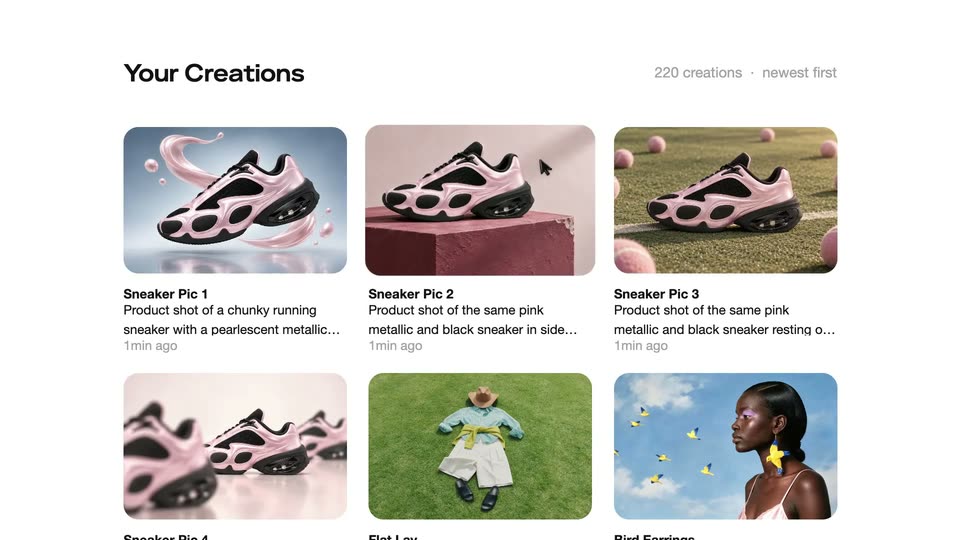
A white gallery with partial sneaker cards at the edges; the black title slides and fades out, revealing the Your Creations interface with two sneaker render cards and a count label.

0.8s
Feature reveal· The Pika x ChatGPT Plugin Extension is here

A light gallery screen titled Your Creations displays a grid of sneaker image cards with captions and timestamps. A cursor glides from the second card down to the third.

0.8s
Feature reveal· The Pika x ChatGPT Plugin Extension is here

A white gallery grid labeled Your Creations displays sneaker and lifestyle cards. A cursor hovers the middle card, which enlarges and centers while the rest blur and fade away.

0.8s
Feature reveal· The Pika x ChatGPT Plugin Extension is here

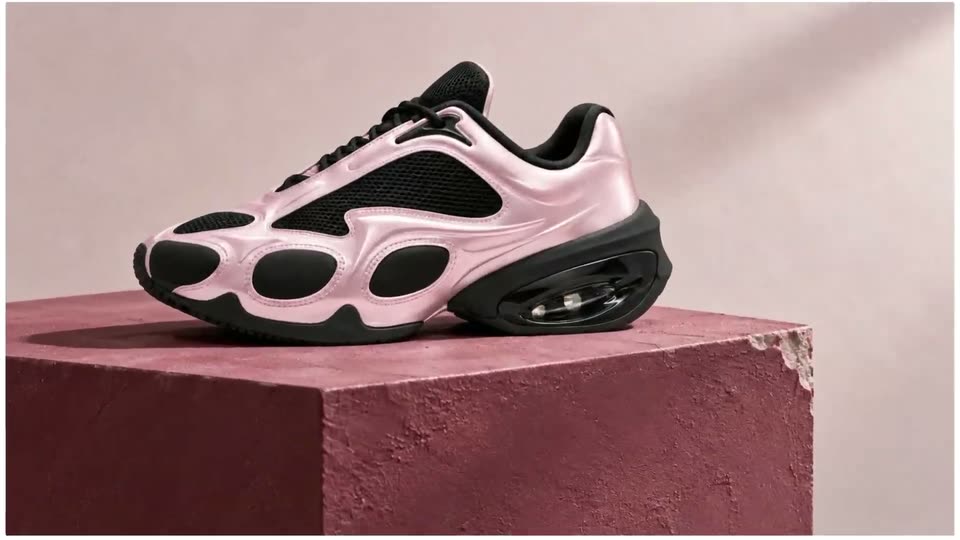
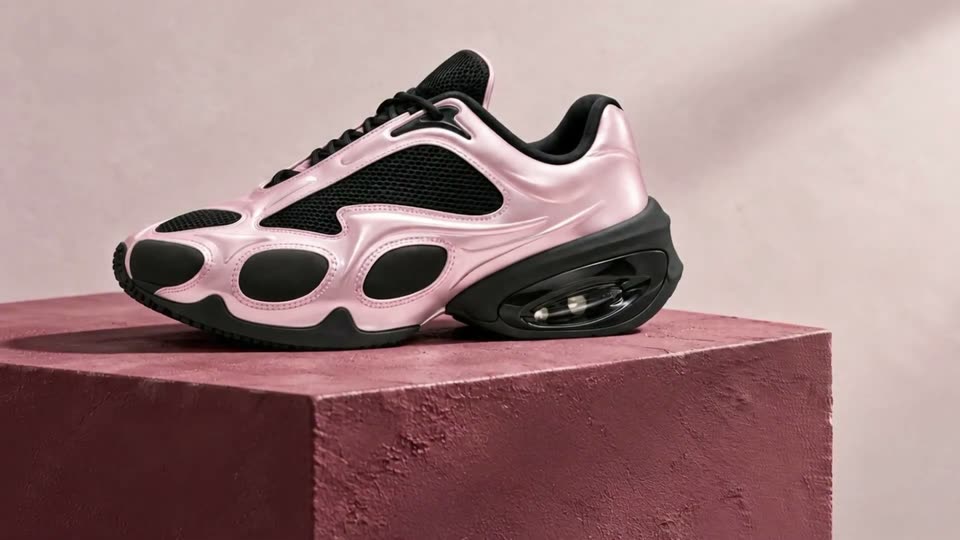
A pink and black sneaker rests on a rough pink cube against a pale wall. The camera pushes in from the full shoe to the heel unit and the chipped corner of the pedestal.

3.5s
Feature reveal· The Pika x ChatGPT Plugin Extension is here

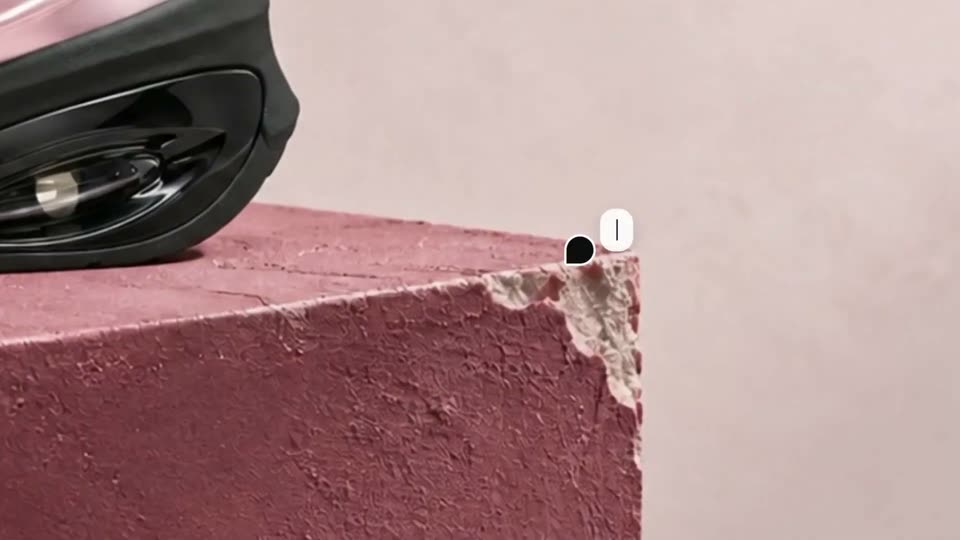
A pink and black sneaker rests on a mauve plaster block with a chipped corner. A white tag reading Fix this corner, with a cursor dot, points at the damage; the corner then smooths out and the frame pulls back to show the whole shoe.

1.4s
Feature reveal· The Pika x ChatGPT Plugin Extension is here

A pink and black sneaker rests on a textured reddish-brown block. A hand pushes a paint roller across the shoe's upper, moving left to right, against a lavender wall. The shot is a static close-up.

1.3s
Feature reveal· The Pika x ChatGPT Plugin Extension is here

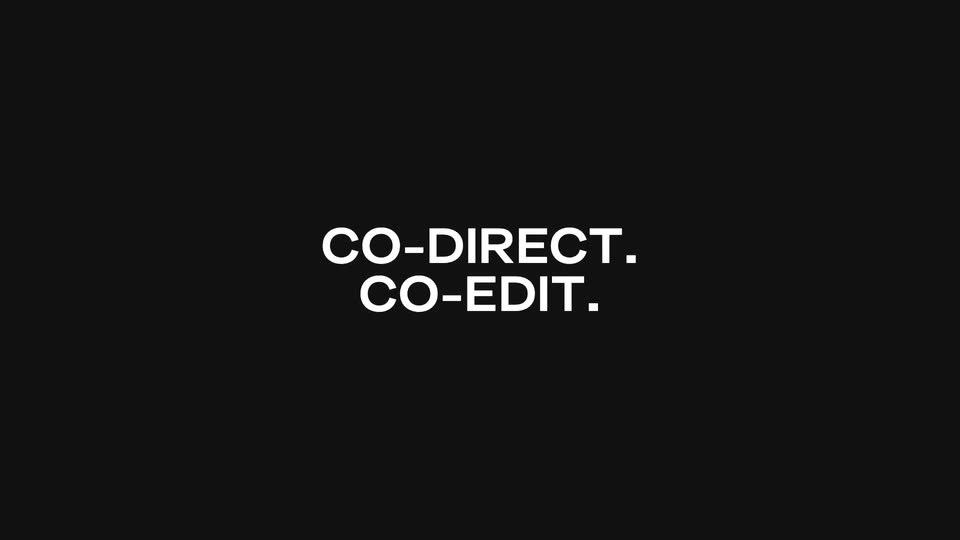
Two lines of white text slide horizontally into the center of a black frame, locking off as CO-DIRECT. stacked over CO-EDIT.

1.2s
Feature reveal· The Pika x ChatGPT Plugin Extension is here

A black frame holds two centered lines of white text, CO-DIRECT. and CO-EDIT., which slide in and then slide out on a locked-off shot.

1.4s
Feature reveal· The Pika x ChatGPT Plugin Extension is here

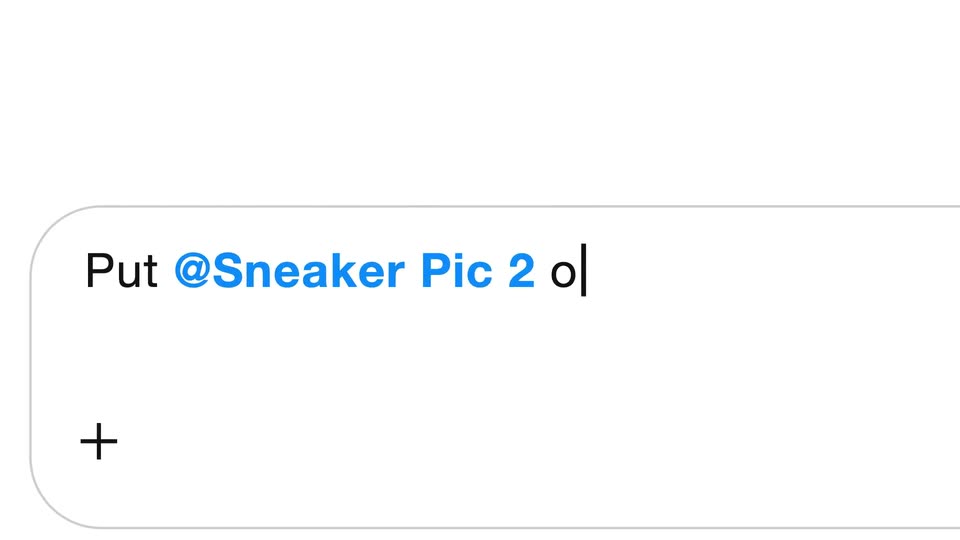
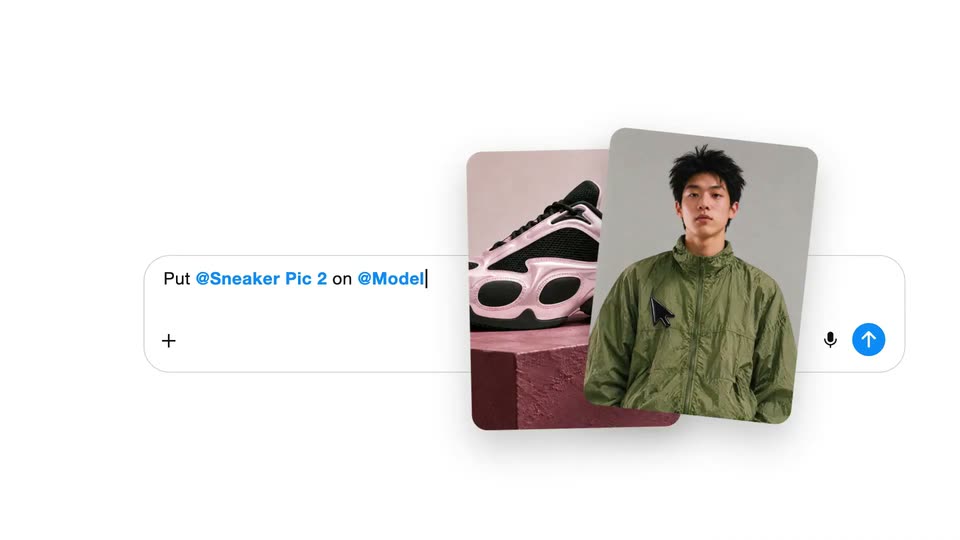
A white rounded input card with a plus mark slides left across a plain background as the line Put @Sneaker Pic 2 on @Model types out character by character, the handle in blue, ending on a blinking caret.

0.6s
Feature reveal· The Pika x ChatGPT Plugin Extension is here

Close-up of a white chat input row under a thin horizontal rule. The prompt “Sneaker Pic 2 on @Model” sits in blue and black type with a blinking caret, while a gray “gpt-6-a” tag slides in at the right edge as the row drifts slightly left.

2.7s
Feature reveal· The Pika x ChatGPT Plugin Extension is here

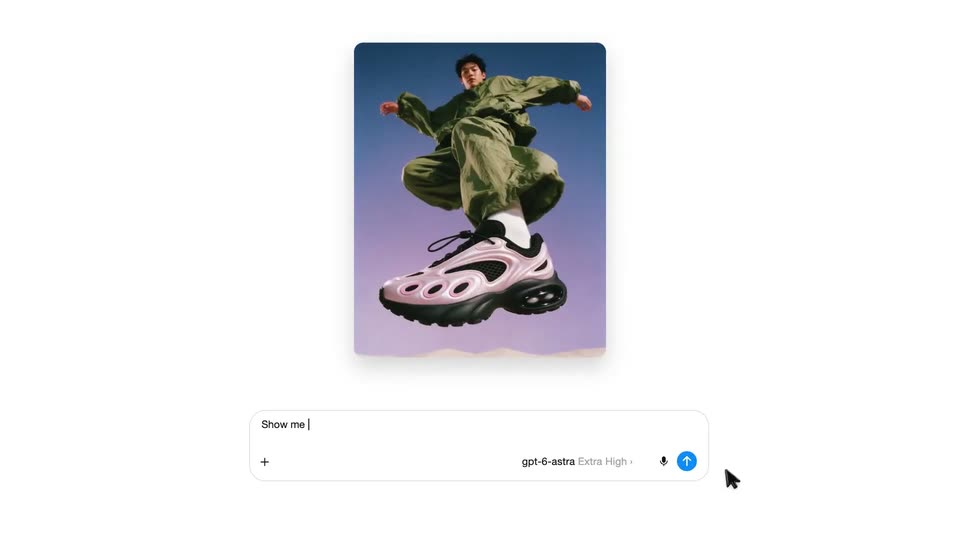
On a white chat screen, two image cards, a sneaker and a model, sit above a typed prompt. They resolve into one generated image of the model leaping on a giant sneaker, then two smaller option cards slide in at the sides as the cursor rests on the send button.

1.6s
Feature reveal· The Pika x ChatGPT Plugin Extension is here

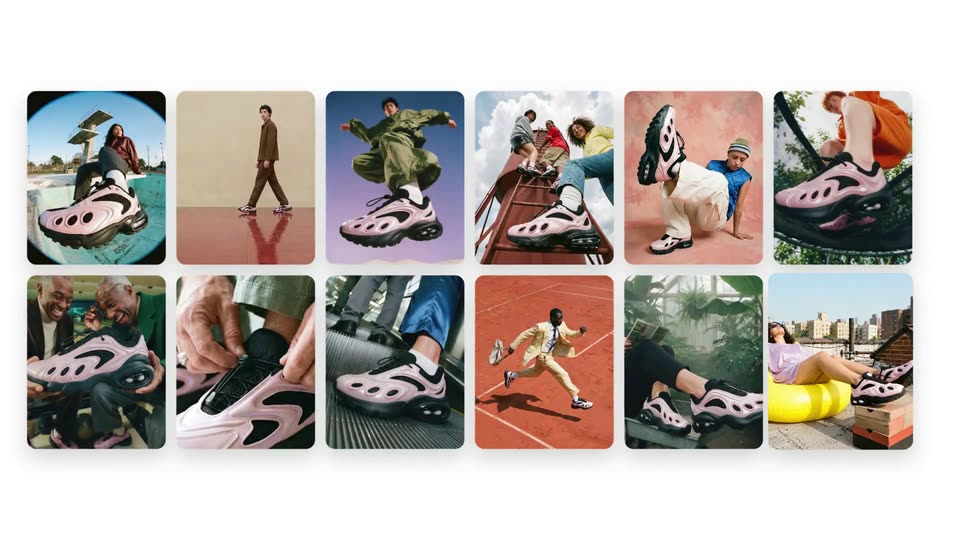
A grid of twelve lifestyle photos of people wearing pink sneakers fades and scales in on a plain white background, two rows of six; a cursor hovers at the lower right.

2.1s
Feature reveal· The Pika x ChatGPT Plugin Extension is here

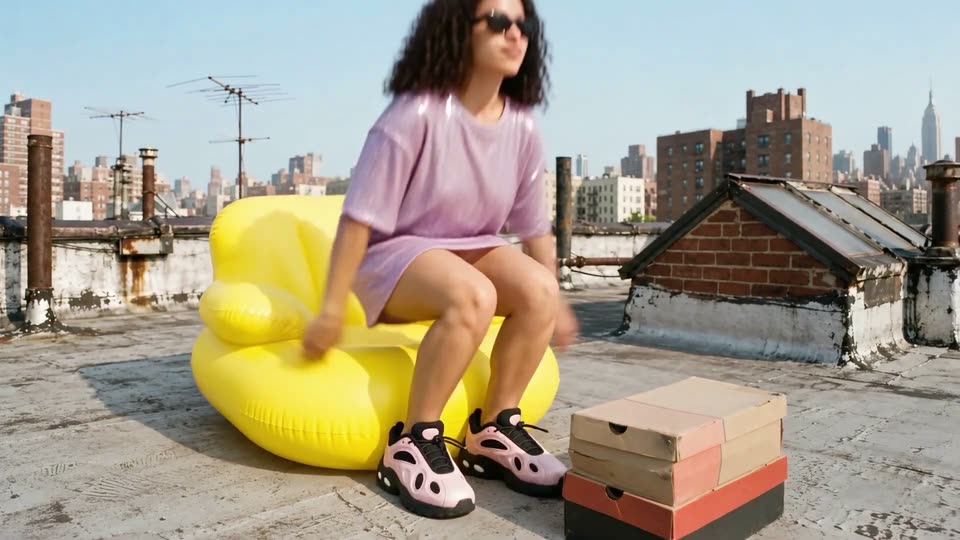
A woman in a lavender dress reclines on a yellow rooftop lounger, feet propped on stacked shoe boxes, city skyline behind. The shot tightens, then a white rounded panel with plus marks wipes in from the left to cover the frame.

2.7s
Feature reveal· The Pika x ChatGPT Plugin Extension is here

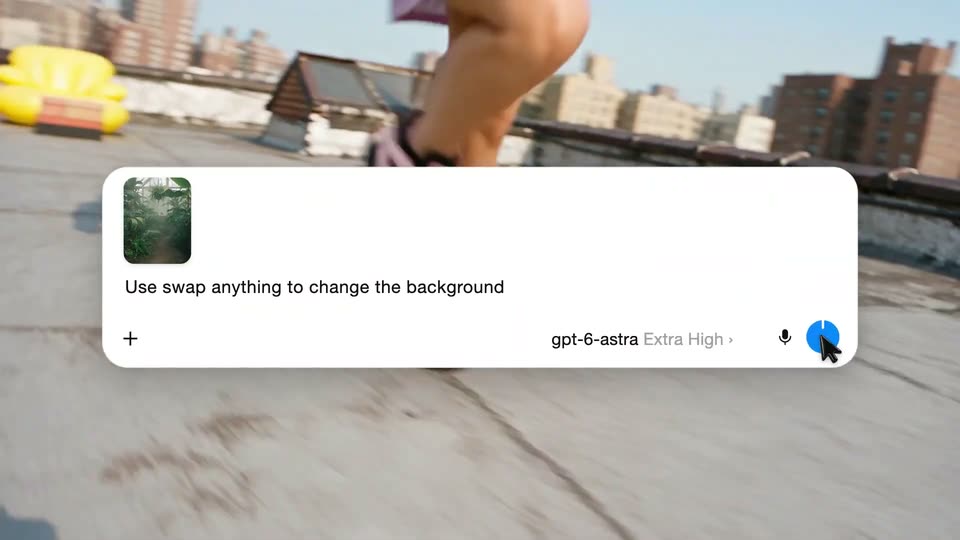
A white prompt card scales in over a rooftop running shot, its text typing out as a cursor taps the model name. The card lifts away to a split screen comparing the original and swapped backgrounds.

1.4s
Feature reveal· The Pika x ChatGPT Plugin Extension is here

Low-angle tracking shot follows a runner's legs and white sneakers at speed on a paved path, heavy motion blur, greenery and a yellow shape behind. A large numeral scales in over the action.

3.9s
Feature reveal· The Pika x ChatGPT Plugin Extension is here

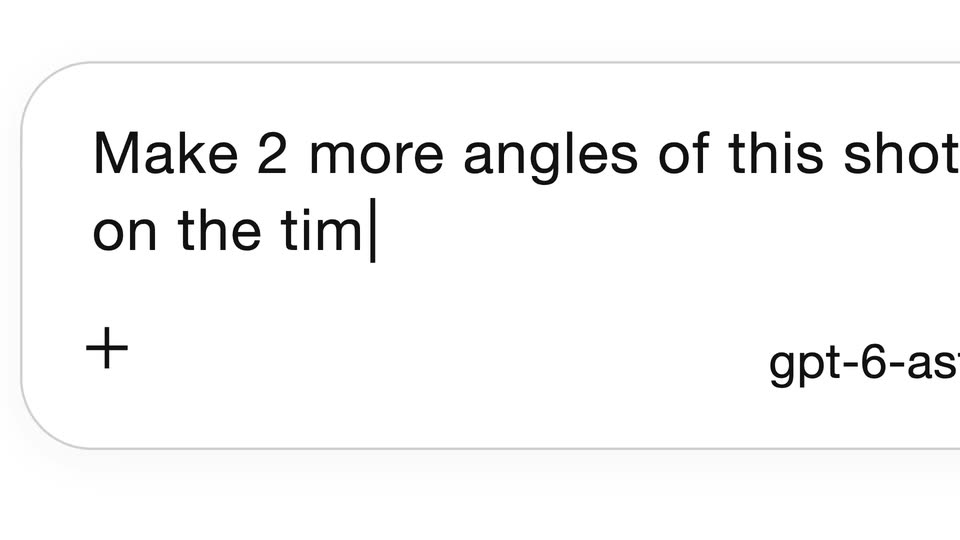
A rounded chat input box opens on the gray placeholder 'Ask anything', then a prompt is typed letter by letter until it wraps to a second line. A model selector and a blue up-arrow send button sit in the bottom row as the view pulls back.

2.4s
Feature reveal· The Pika x ChatGPT Plugin Extension is here

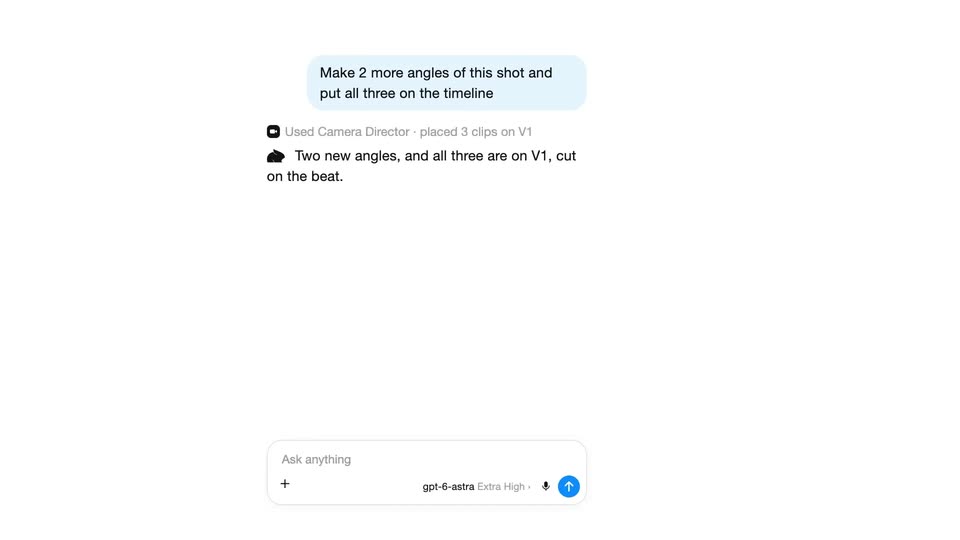
A chat panel holds a blue prompt bubble and a status line that flips to “Used Camera Director”. An AI reply types in beneath it, then a video preview of a woman on a yellow lounger plus a timeline with an Original clip appear on the right.

3.5s
Feature reveal· The Pika x ChatGPT Plugin Extension is here

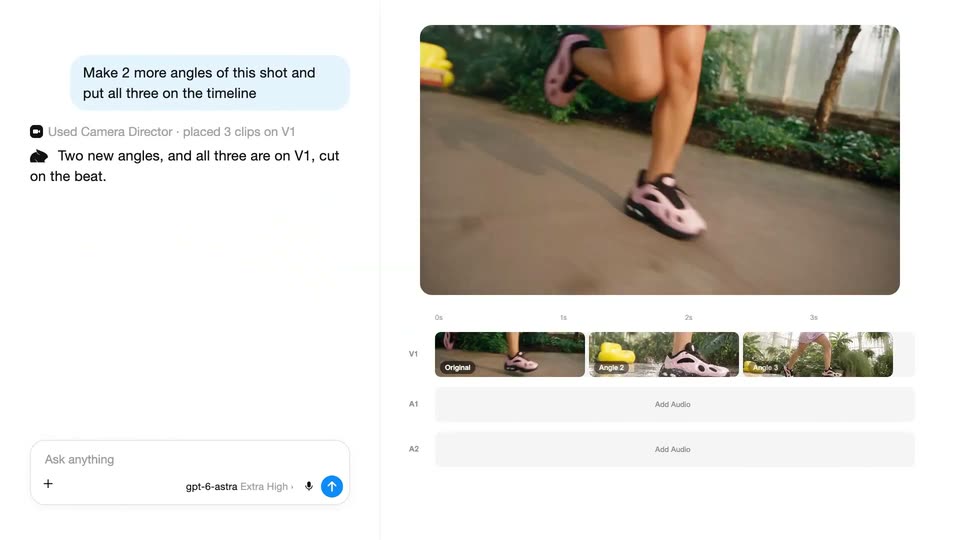
A chat panel on the left shows a prompt and two new angle thumbnails, while the right preview plays a shoe jump and the timeline fills the V1 track with three clips.

2.4s
Feature reveal· The Pika x ChatGPT Plugin Extension is here

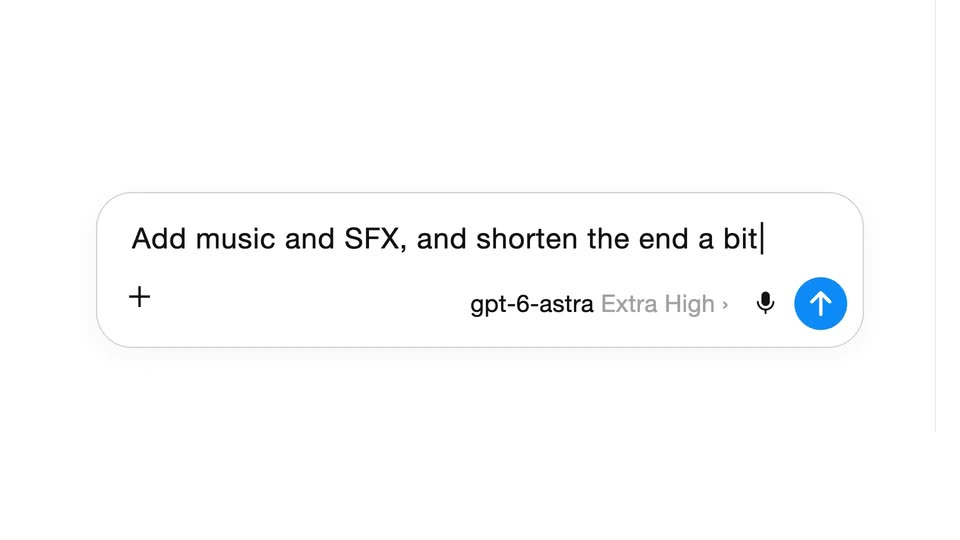
A prompt types into a centered white input field on a plain background as a timeline view fades out. A cursor then clicks the blue send button, clearing the field back to its placeholder.

0.7s
Feature reveal· The Pika x ChatGPT Plugin Extension is here

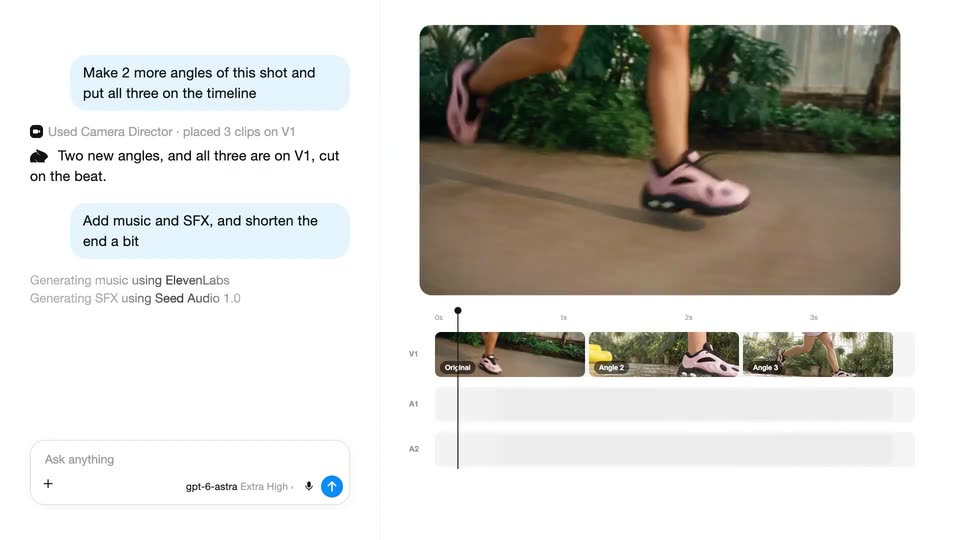
The product interface resolves from a brief crossfade into a two-panel layout: a chat log with blue instruction bubbles and gray status lines on the left, a greenhouse runner preview and a three-clip timeline on the right. The playhead holds near the 3s mark.

2.6s
Feature reveal· The Pika x ChatGPT Plugin Extension is here

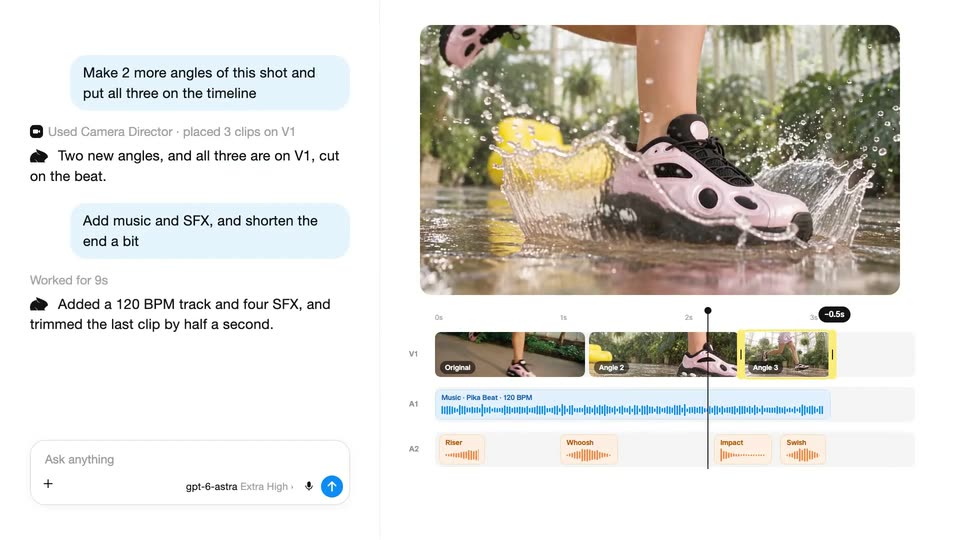
An AI video editor fills the frame: chat bubbles on the left report music and SFX added, while the right preview plays a pink sneaker stepping into water. The playhead runs across the timeline, and Riser, Whoosh, Impact and Swish labels pop onto the audio track.

2s
Feature reveal· The Pika x ChatGPT Plugin Extension is here

On a black background, white uppercase text slides in from the right and settles into a centered two-line lockup reading TAP INTO EXISTING CONTEXT. The frame stays locked off while the type eases into place.

0.5s
Feature reveal· The Pika x ChatGPT Plugin Extension is here

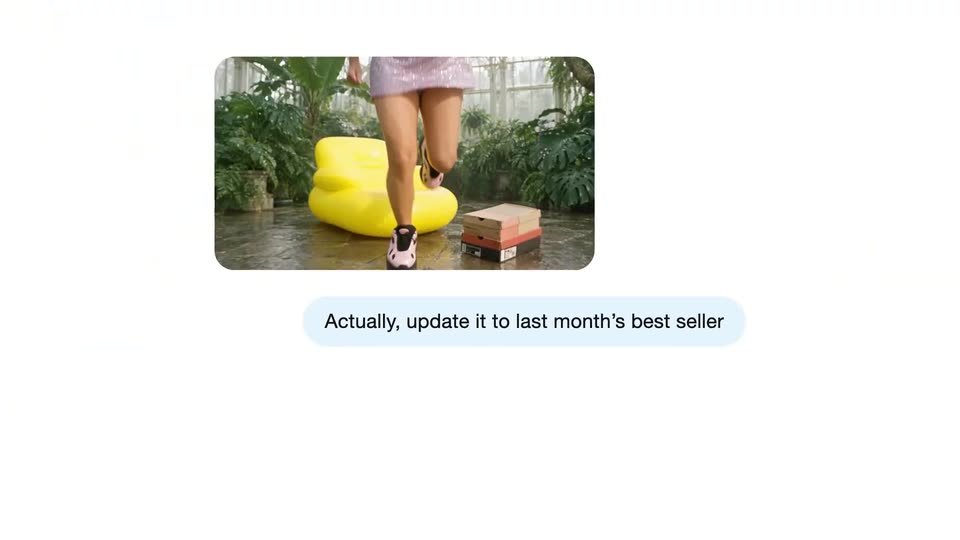
A 3D phone mockup on the right displays a ChatGPT chat with a small image of running legs, as a blurred runner's legs stride across the background. A message bubble types in: “Actually, update it to last month's best seller.”

0.5s
Feature reveal· The Pika x ChatGPT Plugin Extension is here

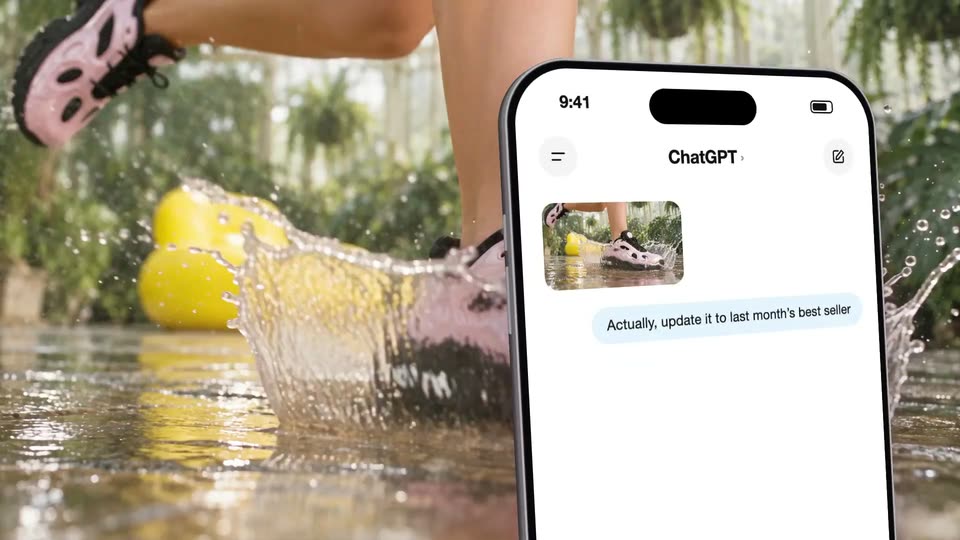
A live-action shot of legs splashing through shallow water, pink sneakers kicking droplets, fills the left. A tilted iPhone mockup slides in on the right, its ChatGPT chat showing a splash thumbnail and a blue bubble: 'Actually, update it to last month's best seller'.

0.9s
Feature reveal· The Pika x ChatGPT Plugin Extension is here

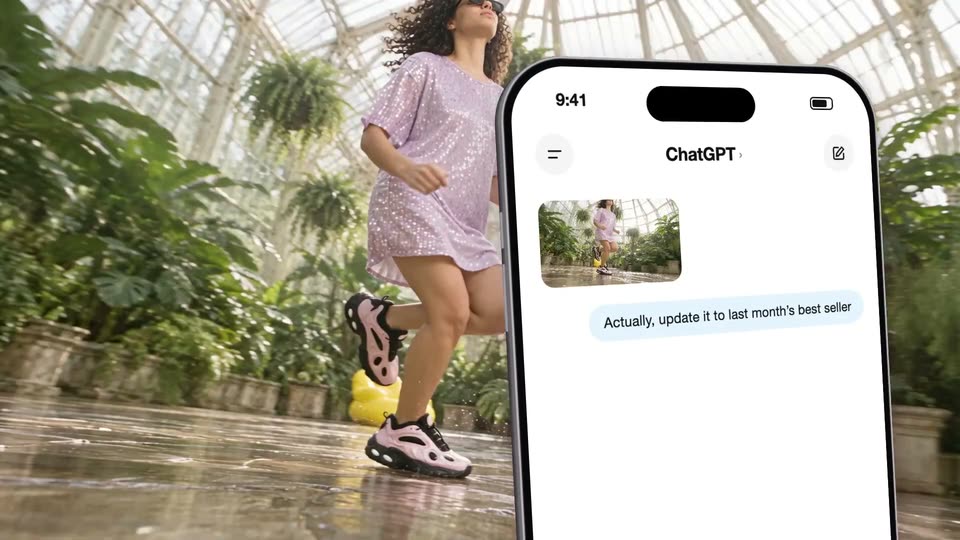
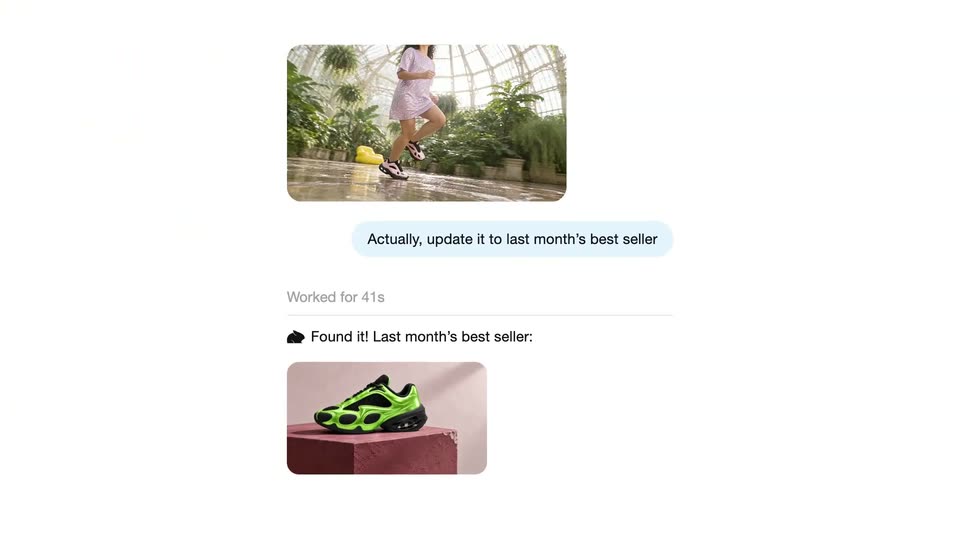
A woman in a pink dress runs through a glasshouse while a large iPhone mockup floats in the foreground, its ChatGPT screen showing a thumbnail of her and a text bubble. The view then reframes onto the screen, enlarging the header and message.

0.8s
Feature reveal· The Pika x ChatGPT Plugin Extension is here

A chat message, a video clip of a runner in a greenhouse above a light blue bubble, starts zoomed in with the text cut off at the right edge, then scales down to fit the frame.

2.8s
Feature reveal· The Pika x ChatGPT Plugin Extension is here

A white chat interface zooms out as an AI assistant's status lines appear in sequence: connecting to Google Drive, reading a sales sheet, then a green sneaker photo slides in below the user's blue message bubble.

2s
Feature reveal· The Pika x ChatGPT Plugin Extension is here

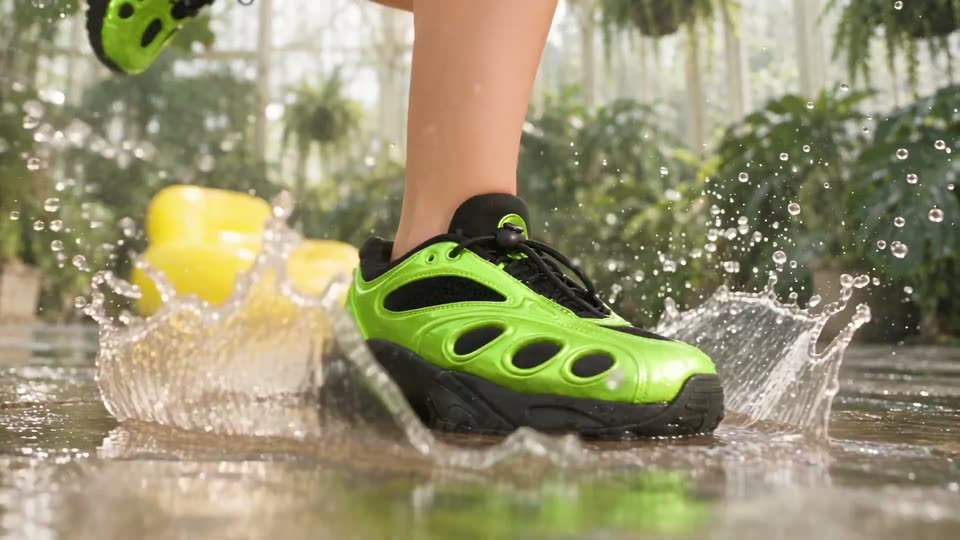
A runner's feet in green and black sneakers step through a shallow puddle on a wet tiled floor, kicking up a wide water splash. Tropical plants and a yellow seat sit blurred in the background as the camera holds a low, locked-off angle.

1.5s
Feature reveal· The Pika x ChatGPT Plugin Extension is here

On a black background, “20+” sits centered in white, then slides up as “CREATIVE” and “APPS.” slide in below it to form a three-line stack. The top two lines then slide out, leaving “APPS.” centered.

2s
Feature reveal· The Pika x ChatGPT Plugin Extension is here

A grid of rounded feature cards scrolls upward across the frame, each card pairing a sample clip thumbnail with a small caption beneath it. Rows of blank placeholders fill in with imagery as the list advances at a steady pace.

1.5s
Feature reveal· The Pika x ChatGPT Plugin Extension is here

On a black background, the white line '100+ GEN' scales up and rises to the top while 'MEDIA' and 'MODELS.' slide in below it, stacking into a centered three-line headline. The frame stays locked off.

2.2s
Feature reveal· The Pika x ChatGPT Plugin Extension is here

A vertical list of AI model names scrolls up on a plain light background while small rounded photo thumbnails drift at the edges. A white rounded card rises into the center as the gray heading 100+ GEN MEDIA MODELS. fades in over a smaller list of names.

14s
Feature reveal· Introducing Elorian Glimpse

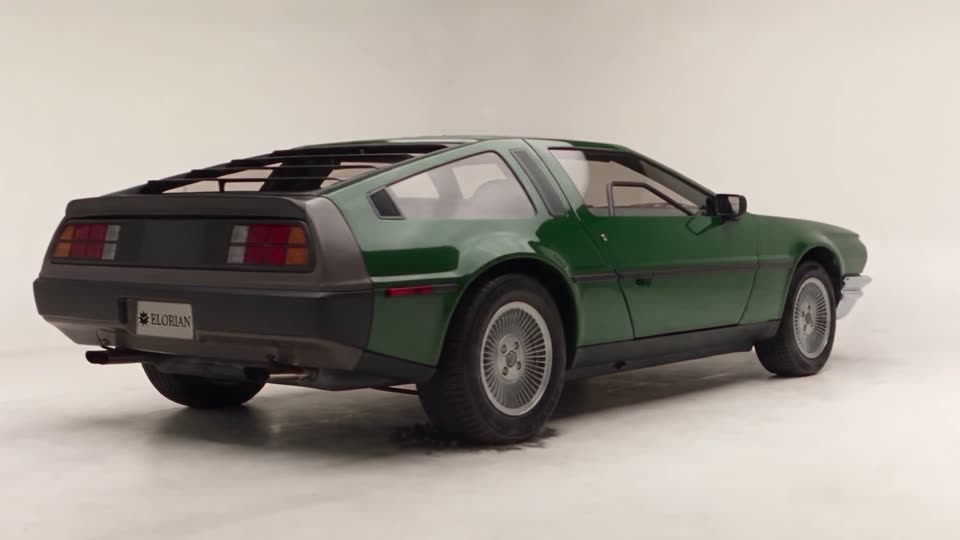
A retro coupe draws itself in pencil on textured paper. A bright vertical scan moves left to right, revealing a blue blueprint; panels separate to expose internal parts and glow pink, then reassemble and resolve into a solid green car. The model rotates to a rear view, a sunlit street progressively replaces the studio floor, and the car drives away along the road. These are connected transformations of the same car.

10s
Feature reveal· Introducing Elorian Glimpse

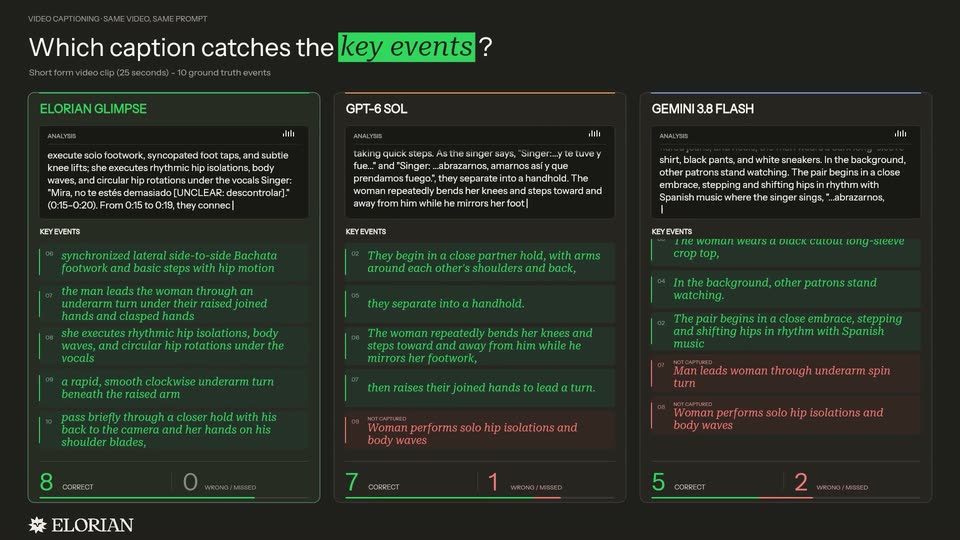
A dark three-column developer comparison graphic labels ELORIAN GLIMPSE, GPT-6 SOL and GEMINI 3.8 FLASH. Analysis text scrolls, green event entries populate, and correct/wrong counters increase, with Glimpse reaching ten correct in the displayed example. This visual reports the developer’s comparison, not an independently reproduced benchmark.

1.9s
Feature reveal· Transport One by Delhivery: The Best Product Launch Video? | Beliv8 Motion Breakdown

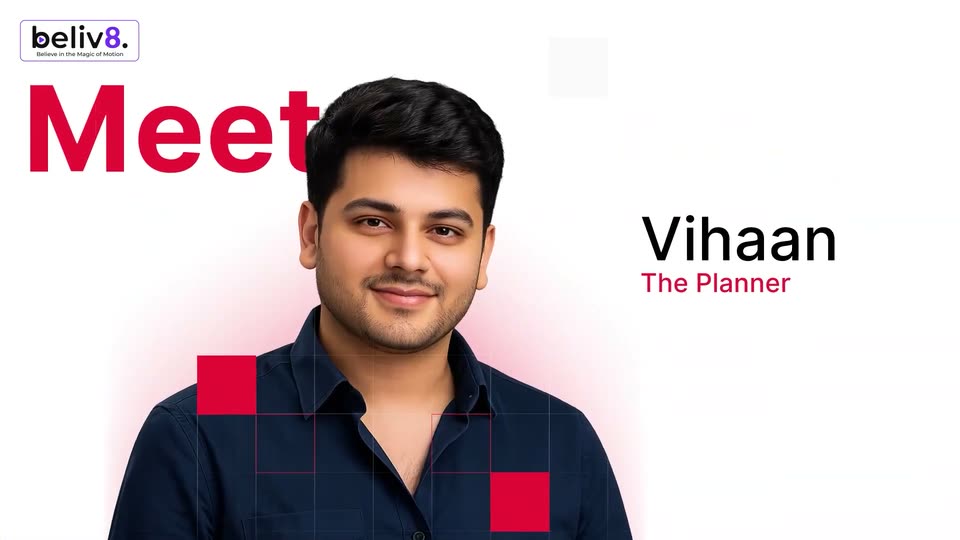
A man in a navy shirt is centered on white with a pink glow, scaling up then shrinking into a circular crop; red squares pop over him. 'Meet' slides in red on the left as 'Vihaan' and 'The Planner' slide in on the right.

0.8s
Feature reveal· Transport One by Delhivery: The Best Product Launch Video? | Beliv8 Motion Breakdown

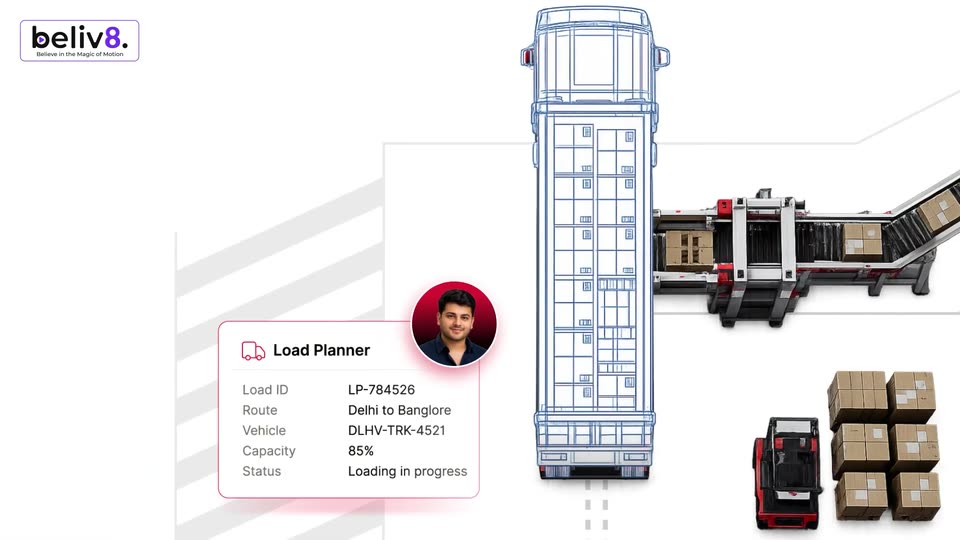
A Load Planner card with load details and a circular photo of a man in a red glow slides to the lower left, as a blue wireframe top-view truck and 3D rear-view trucks, one loaded with boxes, slide in from the right.

0.8s
Feature reveal· Transport One by Delhivery: The Best Product Launch Video? | Beliv8 Motion Breakdown

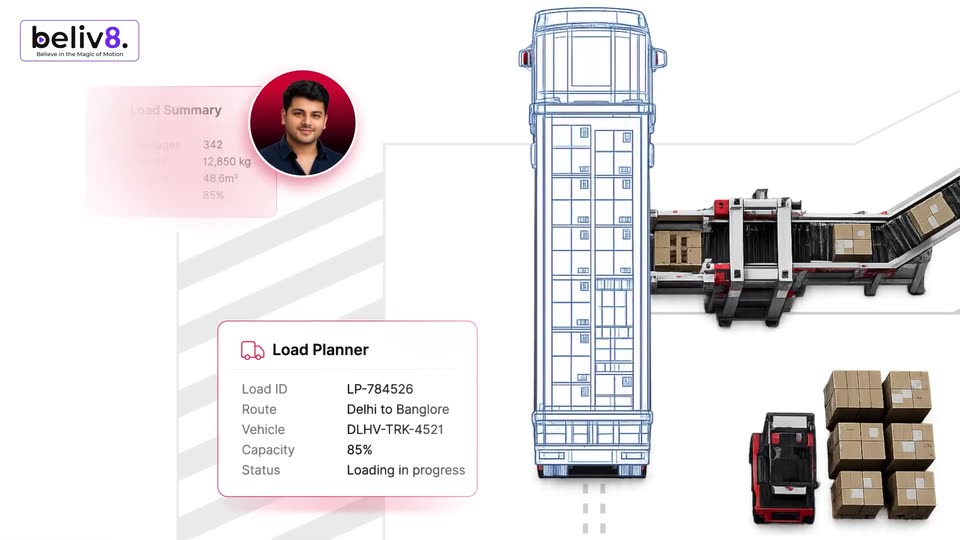
Top-down blue wireframe truck on white; a 3D conveyor loads cartons at right, forklift and box stacks below. A Load Planner card with route and capacity data sits left of the truck, a man's portrait in a red circle, and a faint Load Summary card fades in at top left.

1.9s
Feature reveal· Transport One by Delhivery: The Best Product Launch Video? | Beliv8 Motion Breakdown

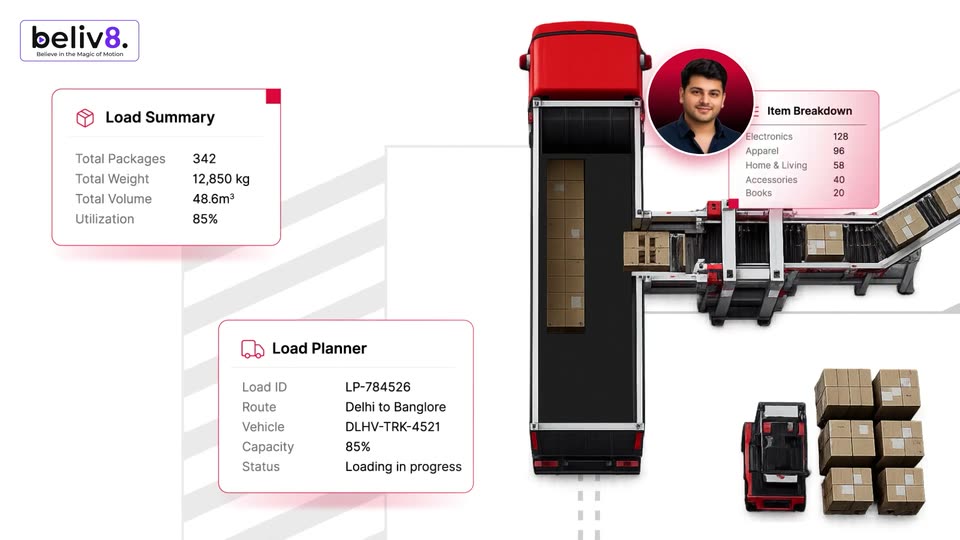
Top-down 3D render of a red truck trailer filling with boxes from a side conveyor on white. Flat load-summary, planner and item-breakdown cards sit left and right. A circular portrait of a man in a red ring drifts across the frame, linking the cards.

0.8s
Feature reveal· Transport One by Delhivery: The Best Product Launch Video? | Beliv8 Motion Breakdown

Top-down 3D view of a red truck loading at a conveyor line, framed by logistics data cards. A circular avatar slides from the right card to the center, its photo switching from a couple to a headset-wearing agent.

5.1s
Feature reveal· Transport One by Delhivery: The Best Product Launch Video? | Beliv8 Motion Breakdown

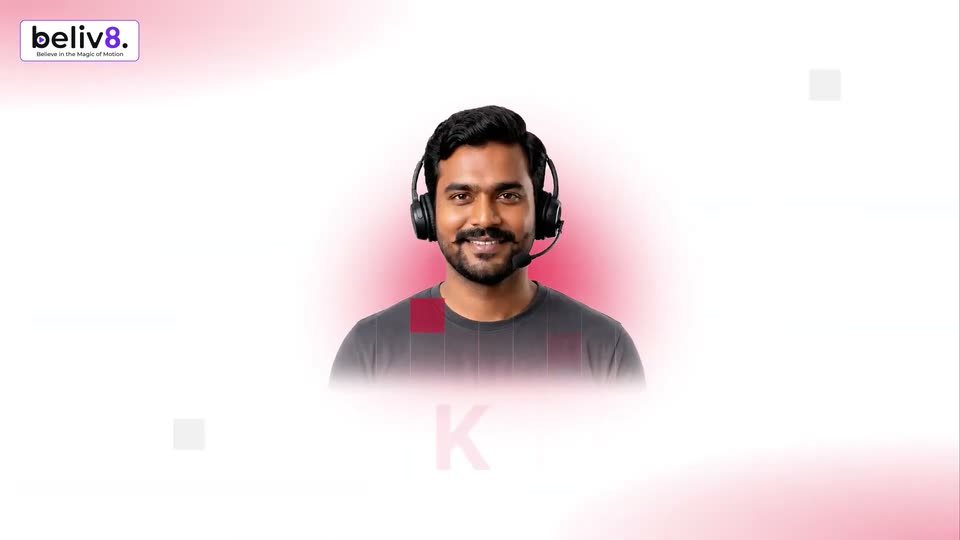
A smiling man in a headset is centered on a white background with pink corner glows and grey audio-wave bars. His name and title fade in below him as small grey squares drift in the corners.

17s
Feature reveal· Transport One by Delhivery: The Best Product Launch Video? | Beliv8 Motion Breakdown

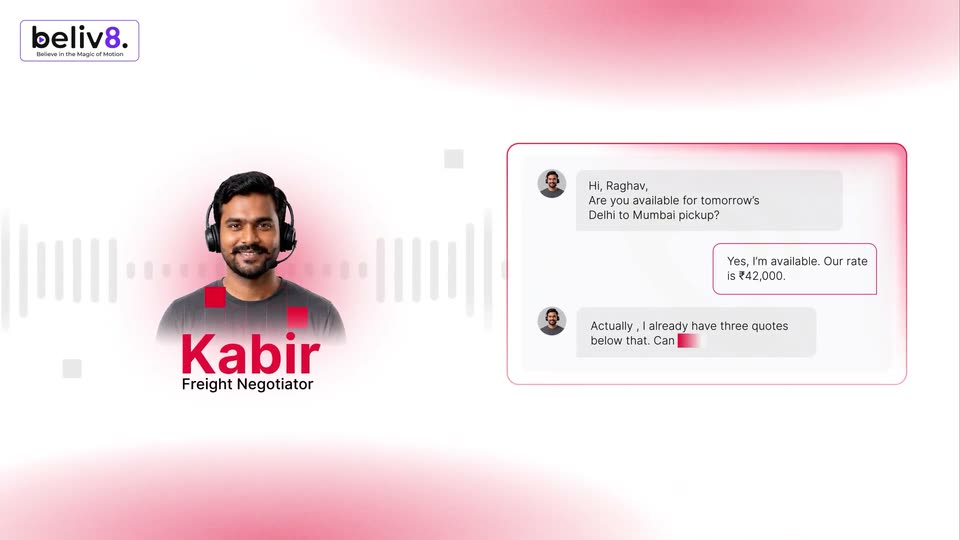
A headshot of a man in a headset sits left over a pulsing audio waveform, tagged Kabir, Freight Negotiator. Right, a chat panel types a negotiation line by line with a red caret: a pickup question, a rate, a counter-offer, and a reply.

2.4s
Feature reveal· Transport One by Delhivery: The Best Product Launch Video? | Beliv8 Motion Breakdown

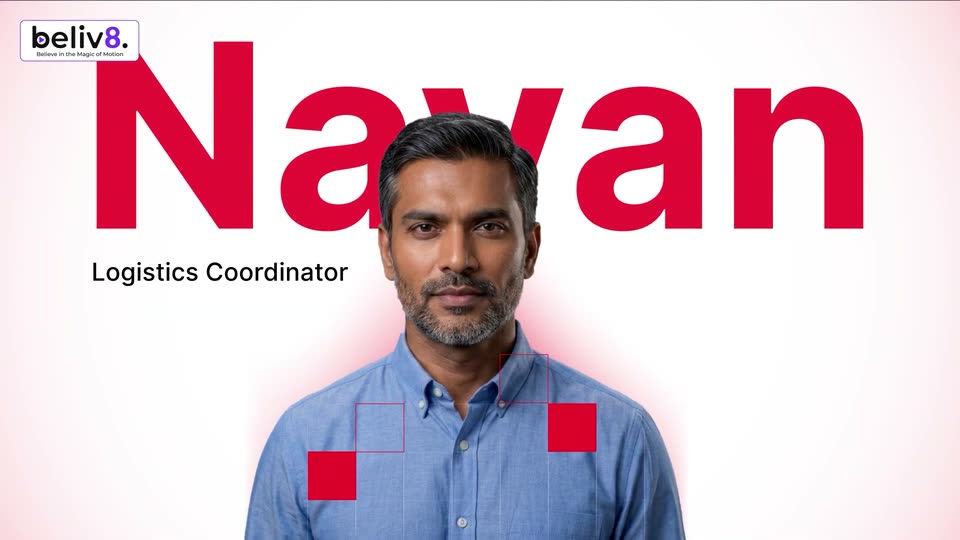
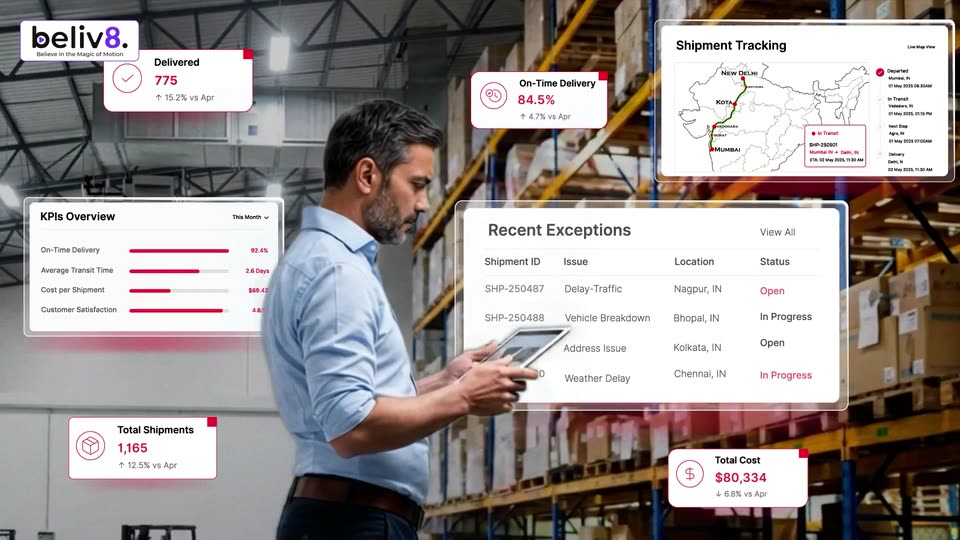
A man in a blue shirt stands centered as the huge red name Nayan and title Logistics Coordinator build behind him, red squares and an arrow popping near his chest. It cuts to him in profile in a warehouse, tablet in hand, as a Recent Exceptions card rises lower right.

4.3s
Feature reveal· Transport One by Delhivery: The Best Product Launch Video? | Beliv8 Motion Breakdown

A man in a light blue shirt stands in a warehouse aisle holding a tablet, looking down at it. White stat cards with red accents float around him, the numbers tick upward, and a KPI panel, an exceptions table, and an India tracking map slide into frame.

1.6s
Feature reveal· Transport One by Delhivery: The Best Product Launch Video? | Beliv8 Motion Breakdown

A cutout portrait of a woman in a navy sari sits on a white field. Her name Saanvi appears large and red on the right with the gray title Freight Auditor below, while small red squares, a thin grid and a hand-drawn flourish line decorate the frame.

0.8s
Feature reveal· Transport One by Delhivery: The Best Product Launch Video? | Beliv8 Motion Breakdown

A smiling woman in a navy sari holds the left side beside a large red name and a small dark title. A red circle expands over her portrait as it shrinks, and a tax invoice document slides up from the bottom edge.

3.7s
Feature reveal· Transport One by Delhivery: The Best Product Launch Video? | Beliv8 Motion Breakdown

A flat tax invoice sits on the left while a circular portrait of a woman hops between rows, each hop lighting the line in red. Four feature labels sit stacked on the right. The frame drifts left, revealing a faint rupee outline at the bottom.

2.2s
Feature reveal· Transport One by Delhivery: The Best Product Launch Video? | Beliv8 Motion Breakdown

A smiling woman in a gray shirt stands centered on a pink background. The name Anaya scales in large in red across her left side while a red-outlined box expands right to reveal the title Customer Service Lead; red squares and a grid sit over her chest.

4.4s
Feature reveal· Transport One by Delhivery: The Best Product Launch Video? | Beliv8 Motion Breakdown

A smiling woman talks on a phone at a desk in a warehouse office, framed by tilted WhatsApp and email mockups and small feature callouts. Large red words WhatsApp then SMS appear at the lower right.

0.8s
Feature reveal· Transport One by Delhivery: The Best Product Launch Video? | Beliv8 Motion Breakdown

A white 2026 calendar card settles into the center as a red-tinted copy of it scales down and fades away, leaving the clean date grid with a soft drop shadow. The beliv8 logo stays fixed in the top-left corner.

0.7s
Feature reveal· Transport One by Delhivery: The Best Product Launch Video? | Beliv8 Motion Breakdown

A flat 2026 calendar and the headline “Live in weeks” fade in over filmed red trucks parked at a dark warehouse loading bay. The beliv8 logo holds in the top-left corner.

1s
Feature reveal· Transport One by Delhivery: The Best Product Launch Video? | Beliv8 Motion Breakdown

A white field with soft pink glows in the top-left and bottom-right corners. The line “Integrates on top of existing” reveals left to right, letters shifting from pink to dark gray as the phrase completes.

2.7s
Feature reveal· Transport One by Delhivery: The Best Product Launch Video? | Beliv8 Motion Breakdown

A 3D truck trailer drives right to left along a wet highway at the bottom of a white frame. Above it, the line 'Integrates on top of existing' fades in, then 'ERP or TMS' appears in red and black below it.

2.4s
Feature reveal· GPT-Live-1.1 has new voices and better accents.

A black headline builds word by word on a white field, each new word in gray before turning black. It clears to a blue spiral logo that scales in beside the small tagline “We're live!.”

2.1s
Feature reveal· SaaS Launch Video & Motion Design | Pulse

A tilted 3D dashboard mockup of a creator funnel overview scrolls upward inside its frame while dark gray kinetic text with green accent words reads “It lets you track conversions” above and “from your organic” to the right.

1.1s
Feature reveal· SaaS Launch Video & Motion Design | Pulse

A white dashboard card lists ranked content pieces on the left beside a large black-and-green headline reading from your organic content. The whole view quickly cross-fades into a conversion funnel showing clicks, leads, calls and customers with a YouTube revenue total.

1.6s
Feature reveal· SaaS Launch Video & Motion Design | Pulse

A white dashboard list of channel cards, each with a revenue figure and a funnel of clicks, leads, calls and customers, scrolls upward. The headline “From first touch” and “to conversion.” appears word by word on the left and right edges.

1.6s
Feature reveal· SaaS Launch Video & Motion Design | Pulse

On a near-white background, the phrase 'Everything is in' builds word by word in dark gray sans, a green dot with a soft pulsing halo pops in after 'in', and 'Pulse' fades in to the right.

0.8s
Feature reveal· SaaS Launch Video & Motion Design | Pulse

A headline reading Everything is in Pulse with a green dot scales in over a dotted white background, then fades out as the view tilts into a 3D-angled product UI, where a black cursor hovers beside a YouTube node in a content source graph.

1.3s
Feature reveal· SaaS Launch Video & Motion Design | Pulse

A white funnel canvas tilts in 3D perspective while the camera pulls back to reveal the full window and sidebar. A black cursor glides down the dotted grid, where social icons link to a globe node.

0.8s
Feature reveal· SaaS Launch Video & Motion Design | Pulse

On a plain white field, the line “And that's it!” types out letter by letter in the center, then holds in a locked-off frame.

1.4s
Feature reveal· SaaS Launch Video & Motion Design | Pulse

A light analytics dashboard resolves from a faded state to full opacity under a dark Overview stats bar. The headline darkens in at the top while an oversized word slides in from the left edge.

2.7s
Feature reveal· SaaS Launch Video & Motion Design | Pulse

A black headline types out word by word on white, ending with views. in a green chip. The line slides up as a browser mockup of the Creator Funnel dashboard slides in from the right, a cursor resting on the Content menu, while Double down on appears at left.

0.8s
Feature reveal· SaaS Launch Video & Motion Design | Pulse

A tilted 3D browser mockup of a dashboard fills the right side; a left headline reads 'Double down on the content'. A cursor slides up the sidebar and clicks Content, swapping the right panel from Overview to Content and changing the revenue figure.

1.9s
Feature reveal· SaaS Launch Video & Motion Design | Pulse

A content dashboard lists YouTube videos with revenue and RPM columns. The headline at the top finishes word by word while the top row, a video earning $10,199, floats above the list with a soft green glow.

0.8s
Feature reveal· SaaS Launch Video & Motion Design | Pulse

A flat dashboard mockup with a sidebar menu and a dark revenue card holds the right side of the frame. On the left, the line “And know” fades in in dark gray, then “which platform” fades in beneath it in green, while the interface eases slightly wider.

0.8s
Feature reveal· SaaS Launch Video & Motion Design | Pulse

A marketing dashboard titled Sources shows channel cards for YouTube, LinkedIn, Instagram and X with revenue and funnel numbers. The view pulls back from a close-up of the title to the full grid as the caption makes you the most. slides in on the right.

0.8s
Feature reveal· SaaS Launch Video & Motion Design | Pulse

A revenue dashboard with four source cards sits left of the headline “makes you the most.” The panel then scales down and ghosts as a contacts funnel view with a leads table slides in to fill the frame.

1.1s
Feature reveal· SaaS Launch Video & Motion Design | Pulse

A light CRM dashboard shows a Contacts page with four stat cards and a contact table, under a headline where “Track” sits in a green pill. The view drifts down a few pixels, revealing one more row of the list.

4.5s
Feature reveal· SaaS Launch Video & Motion Design | Pulse

A green wash over a funnel dashboard fades as the view scrolls to a contacts table; a cursor hovers a row, a tooltip pops, then a detail panel slides in listing the prospect's touchpoints.

0.8s
Feature reveal· SaaS Launch Video & Motion Design | Pulse

A white journey card for Rachel Simmons floats over a blurred leads table, its timeline filling with touchpoints that end in a $3,500 conversion. On the left, the headline builds word by word into 'See every single step'.

2.9s
Feature reveal· SaaS Launch Video & Motion Design | Pulse

A flat contact-detail card for Rachel Simmons sits on the right over a white-to-green gradient, its timeline of touchpoints settling into place. The black-and-green headline completes word by word on the left, then the card slides off to the right to reveal a dark pill reading 07.

2.5s
Feature reveal· SaaS Launch Video & Motion Design | Pulse

A horizontal funnel infographic scrolls left across a white background. Black pills show 2.7K Clicks, 38 Calls and 16 Customers, green squares with arrows carry the conversion percentages, and the strip ends on the green Pulse logo and wordmark.

1.4s
Feature reveal· SaaS Launch Video & Motion Design | Pulse

On a plain off-white background, the phrase “Own a content” builds in dark gray sans, then “agency?” slides in from the right inside a green rounded box with white type.

2.4s
Feature reveal· SaaS Launch Video & Motion Design | Pulse

A browser-window UI demo: a cursor clicks New workspace, a modal fills in a client name, then the view switches to the client dashboard with a green gradient wash. A two-line headline slides in over it.

0.8s
Feature reveal· SaaS Launch Video & Motion Design | Pulse

A flat analytics dashboard fills the frame: a left nav, a dark green stat strip showing revenue, customers, calls, leads, and a green revenue line chart. A black cursor hovers over the chart while the text settles into place.

1.2s
Feature reveal· SaaS Launch Video & Motion Design | Pulse

On a white background, the headline builds word by word on the left while two notification cards stack on the right: the email alert recedes up and shrinks as the wallet payment card settles in front of it.

3.4s
Feature reveal· Announcing Lovable Growth Tools!

A locked-off close-up of the Lovable chat panel shows a prompt typed word by word, then a hard cut to a black frame with the word Launch in large white type beside a soft blue-pink glow.

1.8s
Feature reveal· Announcing Lovable Growth Tools!

The word Launch fills the center in large white type over a near-black background with a pink-to-blue light streak in the top-left corner. It scales down as the full phrase Launch your ads settles smaller and centered over a deep blue gradient.

3s
Feature reveal· Announcing Lovable Growth Tools!

Three white phone mockups sit in 3D perspective, each showing a Google Maps, YouTube or Search view for Taqueria la Trokita. The phones rotate slowly while the Maps pin, YouTube and G icons orbit above them, and product cards slide out from the screens.

2.5s
Feature reveal· Announcing Lovable Growth Tools!

A white pill search bar floats over a blurred red, yellow and blue glow while the query types from “taco spots” to “taco spots open near me”. The frame then pulls back to a Google results page with a Places map and a taco restaurant card.

1.9s
Feature reveal· Announcing Lovable Growth Tools!

A blurred search results page with a map and restaurant cards sharpens and scrolls up, settling on the Taqueria la Trokita card outlined in blue.

1s
Feature reveal· Announcing Lovable Growth Tools!

A vertical list of restaurant cards scrolls upward past a map header, each card showing a name, star rating, address, hours and a row of action buttons with photos on the right.

1.1s
Feature reveal· Announcing Lovable Growth Tools!

The word Action in oversized white type shrinks and slides left as your insights appears beside it, settling into the centered tagline over a black field with soft pink and blue glows.

0.7s
Feature reveal· Announcing Lovable Growth Tools!

A centered white headline reads “Action your insights” on a near-black field with soft blue glows in opposite corners. The line slides slightly upward while the corner glows drift diagonally; the camera stays locked off.

1s
Feature reveal· Announcing Lovable Growth Tools!

A 3D mockup of a restaurant analytics dashboard resolves from a cluttered, overlapping layout into a clean, centered view. A cursor icon hovers over a bar chart showing peak activity hours.

1.5s
Feature reveal· Announcing Lovable Growth Tools!

A light dashboard shows a Friday activity bar chart. A cartoon hand cursor moves across pink bars while a white tooltip card updates from 14 to 77 orders and the green badge from 2% to 6%. The frame pulls back to reveal a dark left sidebar.

3.5s
Feature reveal· Announcing Lovable Growth Tools!

A dark chat panel fills with three messages about a marketing plan that slide up into place one after another, the list shifting as the final line appears above a grey input bar.

1.1s
Feature reveal· Announcing Lovable Growth Tools!

A locked-off dark interface shows a 'Generating ads...' status above three rounded cards; the blue-violet gradient placeholders crossfade into pink taqueria story ads with tacos, drinks, and a $18 combo label, while the left gradient strip shifts from blue to pink.

1s
Feature reveal· Announcing Lovable Growth Tools!

Three phone mockups sit in 3D perspective over a dark backdrop with a blue and pink glow. The center phone starts large and blurred, then the trio fans out and sharpens, each screen showing a Taqueria La Rojilla food ad. Small red balloon shapes drift upward beside the phones.

0.9s
Feature reveal· Announcing Lovable Growth Tools!

Three angled phone mockups in 3D perspective show food delivery ads on a black stage with a pink and blue glow. Red 3D hearts drift upward between the devices.

4s
Feature reveal· Introducing Copilot for legal

A white prompt card with a blue-to-pink gradient border sits centered under the headline on a blue gradient. It shrinks and slides to the bottom right as the headline fades and the background cross-fades to a Word document.

6.8s
Feature reveal· Introducing Copilot for legal

A Microsoft Word window shows a legal document while the Copilot pane on the right submits a prompt, spins a loading indicator, then reveals a generated draft with a file link.

2s
Feature reveal· Introducing Copilot for legal

A Word document titled AI Governance Schedule sits with the Copilot panel open on the right. The prompt box flashes a purple outline, then the outline fades and a circular spinner spins as the draft loads.

1.3s
Feature reveal· Introducing Copilot for legal

A full-screen Word window shows the AI Governance Schedule document while the right Copilot pane displays a created-draft card and a Word Copilot input box. A soft pink gradient orb drifts slowly upward along the right edge.

7.8s
Feature reveal· Introducing Copilot for legal

A Word document titled AI Governance Schedule fills the left side beside a Copilot panel listing editable fields for Effective Date, Customer Name and Supplier Name. The Supplier Name field gains a purple ring, then the matching text in the document is outlined in purple with a label above it.

1s
Feature reveal· Introducing Copilot for legal

A Microsoft Word window displays an AI Governance Schedule legal document beside a Copilot panel with fill-in fields for date, customer and supplier. The view stays static while the cursor hovers on the ribbon.

3s
Feature reveal· Introducing Copilot for legal

A centered headline fades in on a soft blue-to-white gradient, holds, then fades out. The word “playbook” is set in italics while the rest stays upright.

13s
Feature reveal· Introducing Copilot for legal

A Word contract with a Copilot review pane listing flagged clauses. A cursor clicks the Material Model and Service Changes row; the document scrolls to section 7 and the pane expands to show the suggested edit. After Apply, the clause turns green and a comment bubble appears.

3.3s
Feature reveal· Introducing Copilot for legal

The view opens zoomed into a highlighted contract clause and its AI comment card, then pulls back to the full document with the comment docked in the right panel. A centered white headline settles over the page.

3.3s
Feature reveal· Introducing Copilot for legal

A single line of text reveals left to right on a pale blue gradient, the last three words set in italic. Near the end a white panel slides in from the left edge, sliding over the text and exiting the frame.

3.8s
Feature reveal· Introducing Copilot for legal

A Word window in Review mode displays a legal document. The Show Defined Terms button is highlighted, then underlined terms appear across the page as the view zooms into the body text.

4.9s
Feature reveal· Introducing Copilot for legal

A legal document page with a circular Arc watermark cuts to a word processor window. The view jumps up and zooms into the definitions list, where a purple outline highlights the Security Incident clause while a Back button sits below.

0.8s
Feature reveal· Introducing Copilot for legal

A Word document window blurs and slides off to the left, revealing a light blue gradient. The headline fades in word by word, the word “end” set in italics and still fading as it lands.

11s
Feature reveal· Introducing Copilot for legal

A blue gradient backdrop holds the headline “Run legal work end to end”, which fades in and out. A Chat/Cowork toggle pill then appears, morphs into a rainbow-bordered prompt card with a typed legal task, and expands into the full Copilot window.

1s
Feature reveal· Introducing Copilot for legal

A static Copilot window on a blue backdrop shows the greeting and a prefilled prompt about extracting obligations from contracts. A small multicolored ring orbits the send button at the input field's right edge.

3.9s
Feature reveal· Introducing Copilot for legal

A Copilot chat window on a blue gradient fills in: task checkmarks tick, then a summary line, an Excel file card and a draft email card fade into the center while the right Workspace panel populates. A cursor glides onto the Excel card.

2.5s
Feature reveal· Introducing Copilot for legal

A Copilot chat, an Outlook email and an Excel tracker sit in 3D perspective on a blue gradient. The Excel window pushes forward to fill the frame as the others shrink and blur, its obligation rows scrolling down.

1s
Feature reveal· Introducing Copilot for legal

A split view shows an AI chat card on the left and an Excel obligations tracker on the right. The chat card scrolls up to reveal a draft email with the tracker attached, while the spreadsheet of obligation rows stays static.

8.6s
Feature reveal· Introducing Copilot for legal

A sharp chat panel on the left scrolls through a Cowork conversation as a draft email with the tracker attached is sent, then a calendar-event request is typed and answered with an event card. A blurred Excel tracker window sits static on the right.

2.7s
Feature reveal· HeyReach| Motion Design Video

On a dark purple field, pill-shaped LinkedIn contact chips sit on concentric dashed rings at varying depths. A bright white glow rises from the bottom as the chips ease into focus and a Founder chip slides into the center.

3s
Feature reveal· HeyReach| Motion Design Video

A stack of white integration cards in 3D perspective on a dark purple background. The camera zooms out from a close-up of the Clay card, whose red Disconnected dot flips to green Connected, as the list scrolls up to reveal Make, Slack, Attio, Zapier and Instantly.

0.8s
Feature reveal· HeyReach| Motion Design Video

Stacked integration cards for Make, Slack, Attio, Zapier and Instantly sit angled in 3D perspective on a dark purple field, then the view clears to the centered headline Native integrations.

1.6s
Feature reveal· HeyReach| Motion Design Video

A dark purple gradient fills the frame with a few soft, out-of-focus colored dots drifting slowly. The white text 'Native integrations' sits centered and stays locked in place throughout the shot.

2.2s
Feature reveal· HeyReach| Motion Design Video

A large white numeral counts up from 24 to 25 on a dark purple field, the words “outbound tools” stacked to its right. Colorful app icons float at varying depths, some sharp, some blurred, drifting slowly around the type.

19s
Feature reveal· HeyReach| Motion Design Video

A dark workflow builder on a dotted grid: step cards stack vertically, 'If connected' with a green Connected pill, then Wait 3 days / Send message, a red Not replied pill, Wait 1 day / Send voice note, Wait 2 day / Follow-up, Wait 3 days / Like post. The camera scrolls down the list, pulls back to a tilted 3D tree topped by a LinkedIn senders avatar node, then glows a purple outline around one branch while the other blurs out.

1.4s
Feature reveal· HeyReach| Motion Design Video

Floating chat notification cards drift across a dark purple gradient at varying depths, some blurred. A white centered headline builds word by word from “Every response,” to “Every response from.”

1.2s
Feature reveal· HeyReach| Motion Design Video

Floating notification cards with avatars and timestamps drift in depth around a dark purple void. The centered white headline sharpens from a blurred duplicate into two clean lines as the cards glide slowly.

1s
Feature reveal· HeyReach| Motion Design Video

A tilted 3D inbox interface fills the frame, listing team conversations on the left and a chat detail with a voice waveform on the right. Three notification cards float in layered 3D space at the lower left against a dark background.

2.3s
Feature reveal· HeyReach| Motion Design Video

A tilted tablet mockup displays the Unibox inbox and a conversation thread on a dark purple gradient. Three rounded name tags, Maya in green, Ethan in blue and Bonnie in purple, slide in from the sides with small pointers aimed at the list.

2s
Feature reveal· HeyReach| Motion Design Video

Three white chat cards, each showing a short conversation thread, sit side by side on a dark purple gradient. They ease into position from a slight leftward offset at the start, then hold still for the rest of the clip.

1.6s
Feature reveal· HeyReach| Motion Design Video

Two rounded chat cards slide in from the left and lock into a side-by-side layout on a dark purple field. The left thread ends with a green bubble, the right with a blue one, each confirming a meeting time.

3s
Feature reveal· HeyReach| Motion Design Video

Centered white text builds on a dark purple gradient. The word “Except,” expands into the first line, then a second line, “have to open HeyReach,” drops in below.

0.8s
Feature reveal· HeyReach| Motion Design Video

A white app window tilts in 3D over a dark purple gradient, its header showing a Workspace 1 dropdown and tool icons. A custom arrow cursor slides to the Close button at the corner as the panel contents fade and a two-line caption holds.

1.2s
Feature reveal· HeyReach| Motion Design Video

A dark purple gradient holds a close pill and circular chat icon that fade out top right. An orange asterisk pulses center frame, then a rounded prompt card scales in with a serif What line and an input bar showing an orange send button.

5s
Feature reveal· HeyReach| Motion Design Video

A white HeyReach card with a serif headline “What are we creating next?” sits on a dark purple field. A cursor types a prompt into the input box, then moves to the orange send button as the frame zooms in on the card.

0.8s
Feature reveal· HeyReach| Motion Design Video

A white HeyReach prompt card on a dark purple background shows a typed question and an orange send button ringed by a highlight as the cursor hovers. The card content then clears, and a small status line with an orange asterisk fades in at the top left.

6s
Feature reveal· HeyReach| Motion Design Video

A white card on a dark purple field builds a status list: “Connecting to HeyReach” with an orange sunburst, then hand-icon rows for leads, campaign, sequence, launch. Sparks burst behind the card as a huge white “NO” sweeps in from the left.

3.5s
Feature reveal· ClickUp Release 4.09: List Templates in Automations, Parent Task Date Sync, and more!

A man in a black shirt sits at a desk against a blue backdrop, speaking and gesturing. A laptop with a logo sticker and a studio mic frame him. A white Create list form card with a cursor on the template field sits at the left, sharpening from blur.

0.4s
Feature reveal· ClickUp Release 4.09: List Templates in Automations, Parent Task Date Sync, and more!

A presenter in a black shirt sits at a desk with a laptop and studio mic against a blue backdrop. A UI card floats in the upper left showing a Create list form with a cursor at the Template field. The shot ends in a horizontal motion-blur wipe.

2.2s
Feature reveal· ClickUp Release 4.09: List Templates in Automations, Parent Task Date Sync, and more!

A blurred Employee Directory view sharpens into focus, then a cursor clicks the automations icon in the top bar and a side panel opens on the right listing AI Fields and automation cards.

18s
Feature reveal· ClickUp Release 4.09: List Templates in Automations, Parent Task Date Sync, and more!

A cursor configures an automation dialog: it sets the trigger to Status changed, from Awaiting Start to Onboarding, then picks the Create list action, chooses the Employee Onboarding location and types a list name. The screen cuts to workspace templates, where the Check New Name card is highlighted.

2.6s
Feature reveal· ClickUp Release 4.09: List Templates in Automations, Parent Task Date Sync, and more!

A full-screen ClickUp view with a centered Template Center dialog. A cursor moves to the Use Template button and clicks it. The dialog switches to an automation setup form, then closes to reveal the Employees list grouped by status.

5.8s
Feature reveal· ClickUp Release 4.09: List Templates in Automations, Parent Task Date Sync, and more!

A cursor opens a status dropdown over an employee table, hovers the options, closes it, then clicks a new-hire item in the left sidebar. The view reframes and zooms into a task list for that hire, showing sections for not started, in progress and complete.

2.9s
Feature reveal· ClickUp Release 4.09: List Templates in Automations, Parent Task Date Sync, and more!

A man in a black shirt sits at a desk with a laptop and a studio microphone against a blue backdrop, speaking and gesturing. A white UI card listing team time off is pinned in the top-left corner. The shot closes with a motion-blur wipe.

1.8s
Feature reveal· ClickUp Release 4.09: List Templates in Automations, Parent Task Date Sync, and more!

A tilted 3D view of a project management app on a light blue field zooms into a task list. A cursor rests on the Share button as the stage and content columns come into focus.

2.3s
Feature reveal· ClickUp Release 4.09: List Templates in Automations, Parent Task Date Sync, and more!

A light task board interface with colored stage tags fills the frame. A cursor rests on the user avatar in the top right corner, holding open a profile dropdown that lists Settings, Notifications, Themes and Personal Tools over the list view.

2s
Feature reveal· ClickUp Release 4.09: List Templates in Automations, Parent Task Date Sync, and more!

A tilted 3D mockup of a project app shows a profile panel for Eric. A cursor clicks Add time off, opening a date-picker modal and switching the panel to a Calendar tab reading No upcoming time off, the task list blurring behind.

8.7s
Feature reveal· ClickUp Release 4.09: List Templates in Automations, Parent Task Date Sync, and more!

A dimmed task list sits behind an Add time off modal. A cursor flips the calendar from October to November, clicks the 4th and 8th, the duration reads 3 working days, then the cursor presses Save.

0.8s
Feature reveal· ClickUp Release 4.09: List Templates in Automations, Parent Task Date Sync, and more!

A project-management interface shows a task table beside a user profile panel. The view zooms in on the panel, where the Calendar tab is active and an upcoming time-off entry for Nov 4-8, 2026 sits above a date picker set to Thu, Oct 08.

14s
Feature reveal· ClickUp Release 4.09: List Templates in Automations, Parent Task Date Sync, and more!

A task list fills the frame as the cursor clicks an empty assignee cell, opening a people picker. A dark tooltip warns the hovered member has time off on the task's dates. The view reframes to a team hub page with a members and time-off panel on the right.

3.9s
Feature reveal· ClickUp Release 4.09: List Templates in Automations, Parent Task Date Sync, and more!

A man in a black shirt sits at a desk with a studio microphone, hands clasped and gesturing, against a blue backdrop. A white mentions picker card floats at left listing people and tags, a cursor resting on one row; the frame ends in a horizontal motion-blur transition.

21s
Feature reveal· ClickUp Release 4.09: List Templates in Automations, Parent Task Date Sync, and more!

The view reframes from the full window to a comment box. Typing an @ symbol opens a mention picker that cycles through People, Tasks, Docs and Teams tabs, filtering live results for brand docs and GDrive files.

0.8s
Feature reveal· ClickUp Release 4.09: List Templates in Automations, Parent Task Date Sync, and more!

Ghosted overlapping app views, a task list, a chat thread and a file panel, fade out as the New Hire FAQ document page settles into full view, framed by a dark icon rail and a top tab bar.

6.6s
Feature reveal· ClickUp Release 4.09: List Templates in Automations, Parent Task Date Sync, and more!

A browser window frames a New Hire FAQ document. A cursor hovers at the Getting Started heading, an @ symbol types in, and a mention dropdown opens below it, listing people and agents under tabbed filters.

4.4s
Feature reveal· ClickUp Release 4.09: List Templates in Automations, Parent Task Date Sync, and more!

A man in a black shirt talks to camera at a desk with a laptop and studio mic against a blue wall. A task card with an open sync menu floats at left. He gestures with clasped hands, then the frame whips into a horizontal blur.

4.6s
Feature reveal· ClickUp Release 4.09: List Templates in Automations, Parent Task Date Sync, and more!

A full window of a project list zooms in on the left sidebar as a context menu opens over the list. The cursor picks More, flips the Subtask date sync toggle, and a confirmation dialog pops over the dimmed rows.

1.6s
Feature reveal· ClickUp Release 4.09: List Templates in Automations, Parent Task Date Sync, and more!

A white dialog titled 'Sync subtask dates' sits centered over a dimmed project list. The cursor glides from the dialog body to the dark Confirm button and clicks it.

1.5s
Feature reveal· ClickUp Release 4.09: List Templates in Automations, Parent Task Date Sync, and more!

A project task list shows three status groups, To Do, In Progress and On Hold, each with one task row. A cursor glides up from the empty space to the In Progress row, where a drag handle and three action icons fade in along the row.

13s
Feature reveal· ClickUp Release 4.09: List Templates in Automations, Parent Task Date Sync, and more!

A close-up of a task screen scrolls to a subtasks table; the cursor edits a due date via a calendar popup, then the view pulls back to the full page in a browser window on a blue backdrop, a tooltip confirming the task now syncs subtask dates.

3.8s
Feature reveal· ClickUp Release 4.09: List Templates in Automations, Parent Task Date Sync, and more!

A presenter in a black shirt sits at a desk with a laptop and microphone on a blue backdrop, speaking to camera. A chat overlay on the left shows a 'Forward to' menu, cursor on 'Marketing team.' The frame blurs out at the end.

1s
Feature reveal· ClickUp Release 4.09: List Templates in Automations, Parent Task Date Sync, and more!

A flat project-management screen shows a task detail on the left and an AI activity feed on the right. The view zooms in on the activity panel as a cursor hovers over a triage comment.

15s
Feature reveal· ClickUp Release 4.09: List Templates in Automations, Parent Task Date Sync, and more!

A cursor types a comment in a task thread and clicks send, then opens a Forward modal, picks a recipient from a search list, types a short note, and clicks Forward. The view pulls back to reveal the full task page.

3.8s
Feature reveal· ClickUp Release 4.09: List Templates in Automations, Parent Task Date Sync, and more!

A cursor travels down the left sidebar of a workspace app, opens a direct message chat, then the view zooms into the thread to show a forwarded message with a quoted preview and a link back to the original.

1.4s
Feature reveal· ClickUp Release 4.09: List Templates in Automations, Parent Task Date Sync, and more!

A white Slack-style thread shows a green SyncUp banner at the top and a message from Eric above a quoted reply from You. A mouse cursor glides downward across the text, ending near the compose bar.

3.9s
Feature reveal· ClickUp Release 4.09: List Templates in Automations, Parent Task Date Sync, and more!

A presenter in a black shirt sits at a desk with a laptop and a studio microphone against a blue backdrop, hands clasped, talking. A floating org chart panel with employee cards hovers at left. The scene ends with a horizontal blur wipe.

2.8s
Feature reveal· ClickUp Release 4.09: List Templates in Automations, Parent Task Date Sync, and more!

A flat product window on a pale blue field scales up from a small centered card to fill the frame, then a cursor drifts to the left sidebar and rests on the Artifacts row.

0.7s
Feature reveal· ClickUp Release 4.09: List Templates in Automations, Parent Task Date Sync, and more!

A tilted 3D view of a workspace app floats on a pale blue backdrop, a Teams list on the left and a task board on the right. A cursor hovers over a left-rail person icon while the angled interface holds steady.

1.8s
Feature reveal· ClickUp Release 4.09: List Templates in Automations, Parent Task Date Sync, and more!

A tilted task-management interface rests on a pale blue backdrop with a soft shadow. A cursor glides up the left sidebar from the teams list to Org Chart and clicks it, and the main panel swaps the task list for a small org chart of labeled avatars.

0.8s
Feature reveal· ClickUp Release 4.09: List Templates in Automations, Parent Task Date Sync, and more!

A light Teams window opens on the Org Chart view with the left navigation panel, then the frame zooms into the chart canvas. Circular avatars with names link into a hierarchy under Cass Chan, Eric and Rob Wong, the connecting lines drawn in thin gray.

1.7s
Feature reveal· ClickUp Release 4.09: List Templates in Automations, Parent Task Date Sync, and more!

A white org chart interface fills the screen. A tree of avatar nodes with names and titles settles into place under the top bar, while a cursor glides across and hovers the By levels tab.

3.2s
Feature reveal· ClickUp Release 4.09: List Templates in Automations, Parent Task Date Sync, and more!

A flat org chart view shows a central profile card above four colored sub-cards. The cursor glides to the top-right search field, types two letters, and a dropdown list of matching names drops in beneath it.

7.1s
Feature reveal· ClickUp Release 4.09: List Templates in Automations, Parent Task Date Sync, and more!

On a white dotted-grid org chart, a cursor clears the search box and a name dropdown opens; picking a name recenters the chart on a new person and their report cards. The cursor then drifts toward the Agents button.

4.3s
Feature reveal· ClickUp Release 4.09: List Templates in Automations, Parent Task Date Sync, and more!

An org chart interface in By levels mode shows a person card above a grid of member and agent cards. The view zooms out to reveal the full grid while a cursor glides from the Agents button to the top bar.

4.3s
Feature reveal· ClickUp Release 4.09: List Templates in Automations, Parent Task Date Sync, and more!

A flat Teams screen shows a command bar dialog over a wall of colorful profile cards. The query go to org chart types in, and results refresh with Go to Org Chart on top. The cursor glides toward the list.

1.8s
Feature reveal· ClickUp Release 4.09: List Templates in Automations, Parent Task Date Sync, and more!

A team workspace interface fills the frame, a cursor hovers over the first profile card. The view zooms out to reveal the app as a rounded window with a dark left rail on a pale blue background.

1.7s
Feature reveal· Introducing Glass. Make your entire company smarter

A man in a brown t-shirt sits in a mustard armchair, facing the camera and gesturing with his hands as he speaks. The bright room shows a window with a plant on the left and a wooden shelf with books on the right.

3.2s
Feature reveal· Introducing Glass. Make your entire company smarter

A man in a brown t-shirt sits centered in a mustard armchair, speaking to camera and gesturing with both hands. A potted plant stands left of frame and a wooden shelf with books and bowls fills the right side, lit by soft daylight from a window.

0.7s
Feature reveal· Introducing Glass. Make your entire company smarter

Close-up of a rounded command bar on a light gray panel. A plus icon and @ symbol sit left of black text that types out character by character, ending mid-word with a blinking caret.

0.6s
Feature reveal· Introducing Glass. Make your entire company smarter

A cropped chat message from Alex Wilson addresses Glass on a pale blue row. This is a distinct rapid UI insert before the blue message bubble.

0.5s
Feature reveal· Introducing Glass. Make your entire company smarter

A blue rounded chat bubble with white text “@Glass show me all” rests on a plain light gray background, the bubble running off the right edge of the frame. Locked-off close-up with no motion.

0.5s
Feature reveal· Introducing Glass. Make your entire company smarter

A cropped message from Natalie addresses Glass in a gray chat bubble. The next interview shot begins after this UI insert.

1.2s
Feature reveal· Introducing Glass. Make your entire company smarter

Geoff Charles speaks from the mustard armchair and gestures with his right hand. No Natalie/Glass chat labels remain over the interview.

1s
Feature reveal· Introducing Glass. Make your entire company smarter

A tilted Add files panel lists Slack, Notion, Granola, Linear and Zoom over the product chat interface.

1s
Feature reveal· Introducing Glass. Make your entire company smarter

A man in a brown t-shirt sits centered in a mustard armchair, speaking to camera while gesturing with both hands. The bright room shows a potted plant at left and a wooden shelf with books at right.

1.8s
Feature reveal· Introducing Glass. Make your entire company smarter

A woman with dark wavy hair is filmed in profile, gazing at an off-screen monitor through blurred green leaves. A slow push-in tightens the frame. White lower-third text names her on the right.

1.1s
Feature reveal· Introducing Glass. Make your entire company smarter

A tilted Glass chat answer shows an AI-spend spike and a blue bar chart. The view tightens onto the analysis card.

1.7s
Feature reveal· Introducing Glass. Make your entire company smarter

An angled product chat/document view reveals a generated landing-page design with the headline A month of AP done in minutes on the right.

1.2s
Feature reveal· Introducing Glass. Make your entire company smarter

An angled document view moves across generated prose beneath a blue writing prompt.

4.1s
Feature reveal· Introducing Glass. Make your entire company smarter

Three versions of the same woman occupy an office setup, working at different positions. Two leave while one remains at the desk, illustrating multiple employees in one.

2.9s
Feature reveal· Introducing Glass. Make your entire company smarter

Geoff Charles speaks in the armchair while white particles trace several person-like outlines around him.

4s
Feature reveal· Introducing Glass. Make your entire company smarter

A man in a dark jacket sits at a desk in a bright office, hand resting on a mouse as he watches a monitor. A white name caption fades in at the left edge.

1.2s
Feature reveal· Introducing Glass. Make your entire company smarter

A hand rests on a black mouse at a light wooden desk, fingers shifting slightly over the surface, a white keyboard to the right and a blurred monitor edge in the foreground. The locked-off close-up holds steady while a name caption sits in frame.

5.5s
Feature reveal· Introducing Glass. Make your entire company smarter

A chat interface in a workspace app. An invite dialog with a cursor on the yellow Invite button fades out. The thread scrolls down as join notifications and new messages appear one by one, ending on a reply about resolving the fee.

3.1s
Feature reveal· Introducing Glass. Make your entire company smarter

Geoff Charles speaks while a white particle outline forms around him, introducing the spend-control promise.

2.4s
Feature reveal· Introducing Glass. Make your entire company smarter

A profile shot of a worker is overlaid with a translucent daily-spend bar chart whose colored stacks build across the panel.

1.8s
Feature reveal· Introducing Glass. Make your entire company smarter

A man in a brown tee sits in a yellow armchair, gesturing as he talks. A translucent settings card hovers in front of him, showing a spend limit amount, a monthly frequency, threshold pills and a yellow Update button.

0.8s
Feature reveal· Introducing Recast in ElevenCreative

A person in a yellow knitted mask with pink hearts and sunglasses on top blows a pink bubblegum bubble, leaning on a teal car in a blue velour tracksuit and black fingerless gloves. The locked-off close-up holds still, eyes glancing sideways against a blurred background.

1.1s
Feature reveal· Introducing Recast in ElevenCreative

A woman in amber glasses and a cream satin shirt leans on a car hood, blowing a pink bubblegum bubble. The bubble deflates and two white text labels lock in on either side of her face.

0.7s
Feature reveal· Introducing Recast in ElevenCreative

An older man with white hair in a striped sweater holds a red lollipop, glances off to the side, then pops it into his mouth on a sunlit suburban street. Large white text holds on the right, a small credit on the left, frame locked off.

1.1s
Feature reveal· Introducing Recast in ElevenCreative

A low-angle shot of an older man in a white coat and blue scrubs, goggles on his head and a mask under his chin, holds a red lollipop to his open mouth on a sunny street. He glances sideways. White text 'Anyone.' sits right, 'IIEleven Creative' left, both static.

1s
Feature reveal· Introducing Recast in ElevenCreative

A low-angle shot frames a man in a judge's wig and black robe, squinting as he holds a small object to his lips, set against suburban houses and a blue sky. The word “Anyone.” sits large on the right while “IIEleven Creative” holds the left edge.

1.4s
Feature reveal· Introducing Recast in ElevenCreative

A man in a green sweater and black cap slides low across a city sidewalk, dragged by a dog on an orange leash. Pedestrians walk past a stone facade behind him. The word Anywhere. holds on the right side of the frame.

1.7s
Feature reveal· Introducing Recast in ElevenCreative

On a sunlit sidewalk, a green dinosaur mascot walks a tan dog on an orange leash, then morphs into a white humanoid robot mid-stride as pedestrians pass behind. Large white text Anywhere holds on the right, with a smaller IIEleven Creative credit on the left.

2.2s
Feature reveal· Introducing Recast in ElevenCreative

A woman walks left to right carrying three cardboard boxes past a flat yellow wall under a blue sky. Mid-stride her blue overalls swap to a green hooded cloak while the framing and pace hold steady.

1.4s
Feature reveal· Introducing Recast in ElevenCreative

Low-angle wide shot of a woman in headphones perched on a teal rooftop, legs dangling toward the camera under a blue sky. White labels flank her at either side, and a third label appears between them.

1.7s
Feature reveal· The new Apple HomeView: Keep the whole home connected, entertained, and in the know.

The two-line headline With the perfect face / for any space reveals and holds centered on pale gray.

2.1s
Feature reveal· The new Apple HomeView: Keep the whole home connected, entertained, and in the know.

Three rows of HomeView display faces slide left continuously: clocks, photos, calendar, weather, Snoopy and media. No separate cut at 8.266 seconds.

2.1s
Feature reveal· The new Apple HomeView: Keep the whole home connected, entertained, and in the know.

The first headline line is followed by a second line, Adapts to each one, on the same centered title card.

1.9s
Feature reveal· The new Apple HomeView: Keep the whole home connected, entertained, and in the know.

Five colored user avatars sit above a close-up of the HomeView screen and camera, showing a greeting, app tiles and weather. This is the home display, not an iPhone.

2s
Feature reveal· The new Apple HomeView: Keep the whole home connected, entertained, and in the know.

Siri AI is followed by A more powerful personal assistant on pale gray; a small availability disclaimer remains below.

2.3s
Feature reveal· The new Apple HomeView: Keep the whole home connected, entertained, and in the know.

The top of the HomeView screen shows a family photo and large clock digits. The question to Siri reveals above the screen while a bright Siri highlight animates over the photo.

1.8s
Feature reveal· The new Apple HomeView: Keep the whole home connected, entertained, and in the know.

A full HomeView appears with a Siri response about leaving for pickleball practice, followed by a map and blue route button. The device settles in the same shot.

1.7s
Feature reveal· The new Apple HomeView: Keep the whole home connected, entertained, and in the know.

The headline Helps you stay organized / and get things done builds on pale gray and holds until the device cut.

2.4s
Feature reveal· The new Apple HomeView: Keep the whole home connected, entertained, and in the know.

A calendar HomeView turns as other units join the carousel, bringing a Butternut Squash Soup recipe to the center and reminders to the right. One continuous product reframe.

1.8s
Feature reveal· The new Apple HomeView: Keep the whole home connected, entertained, and in the know.

The centered two-line title introduces FaceTime keeping everyone perfectly framed; the card holds before the hardware demo.

3s
Feature reveal· The new Apple HomeView: Keep the whole home connected, entertained, and in the know.

A finger tilts a HomeView panel. The view tracks across color variants to a front-facing FaceTime screen with a woman and child; the lineup and call continue without cuts at 26.133 or 26.933 seconds.

2.1s
Feature reveal· The new Apple HomeView: Keep the whole home connected, entertained, and in the know.

The centered title Start on iPhone, / continue on HomeView builds in two lines on pale gray.

3.1s
Feature reveal· The new Apple HomeView: Keep the whole home connected, entertained, and in the know.

A hand holds an iPhone music player in front of HomeView. The HomeView photo blurs into the matching player, and the hand lowers the phone out of view in one continuous handoff demo.

2.1s
Feature reveal· The new Apple HomeView: Keep the whole home connected, entertained, and in the know.

The centered two-line title Incredible audio and / stunning visuals builds on pale gray.

1.5s
Feature reveal· The new Apple HomeView: Keep the whole home connected, entertained, and in the know.

Three HomeView units turn to show a podcast/video screen, the Collect 200 player and Good Hang artwork. These are Apple HomeView devices, not Google speakers.

2.2s
Feature reveal· The new Apple HomeView: Keep the whole home connected, entertained, and in the know.

An angled HomeView shows the Collect 200 music player. A finger taps the lyrics control and the screen changes to scrolling lyrics.

2.4s
Feature reveal· The new Apple HomeView: Keep the whole home connected, entertained, and in the know.

The ultimate dashboard / for your smart home builds as a centered title card on pale gray; no device is shown in this shot.

1.3s
Feature reveal· The new Apple HomeView: Keep the whole home connected, entertained, and in the know.

A front-facing HomeView shows the amber thermostat dashboard. A finger swipes between orange and purple control pages.

1.9s
Feature reveal· The new Apple HomeView: Keep the whole home connected, entertained, and in the know.

Five HomeView devices show different smart-home panels in a lineup. Temperature and gauge values update within their screens while the devices remain fixed.

2.6s
Feature reveal· The new Apple HomeView: Keep the whole home connected, entertained, and in the know.

The two-line privacy headline builds and holds, centered on pale gray.

1.7s
Feature reveal· The new Apple HomeView: Keep the whole home connected, entertained, and in the know.

The Apple mark has a padlock shackle above it; the shackle closes while the frame remains fixed.

7.2s
Feature reveal· What’s New in Craft: Shortcuts, Widgets & More Powerful Plus Plan

A zoom pushes into the space list of a settings window. The cursor clicks Create New Space, a modal with a brown icon and name field pops in, the cursor types Travel into the field, then slides down to the blue Continue button.

3.9s
Feature reveal· What’s New in Craft: Shortcuts, Widgets & More Powerful Plus Plan

A bearded man in a tan cap and plaid shirt sits behind a closed laptop, talking to the camera. The locked-off shot frames him mid-torso in a home office with shelves, plants, and a crossword board behind him. He blinks and shifts his head slightly as he speaks.

2.3s
Feature reveal· What’s New in Craft: Shortcuts, Widgets & More Powerful Plus Plan

Split screen of two app views: left, a chat panel with stacked prompt cards; right, a shortcuts list under a search field reading “Craf”. The list scrolls down as the cursor hovers over entries, and the frame slowly pans to reveal both panels.

6s
Feature reveal· What’s New in Craft: Shortcuts, Widgets & More Powerful Plus Plan

The frame pulls back from a close-up to reveal the full Craft automation window on a blue gradient. The cursor clicks the Add to field of the last block, opening a dropdown of note names, then the view zooms in on the list.

2s
Feature reveal· What’s New in Craft: Shortcuts, Widgets & More Powerful Plus Plan

A close-up of a note app interface shows an action pill above a dropdown panel with a search field and a list of note titles. A cursor glides down the list as the entries scroll, highlighting rows in turn.

4s
Feature reveal· What’s New in Craft: Shortcuts, Widgets & More Powerful Plus Plan

A close-up of a note app shows a dropdown of note titles scrolling upward past a search field. A cursor hovers over the middle of the list. Above, a bar displays 'Add to Daily Note (Today) in My Life (My Family)'. The scroll is steady and continuous.

2s
Feature reveal· What’s New in Craft: Shortcuts, Widgets & More Powerful Plus Plan

Close-up of a Notion 'Add to' bar with an open dropdown showing a search field and a list of notebooks. A cursor moves down the list as it scrolls, revealing entries such as Project Updates and Fall Cozy Moodboard.

2s
Feature reveal· What’s New in Craft: Shortcuts, Widgets & More Powerful Plus Plan

A note-app panel with an Add to bar and a search dropdown of note titles sits on a light gray field. A cursor rests on one row, then the whole panel fades out and slides up-left while the cursor glides right.

1.4s
Feature reveal· What’s New in Craft: Shortcuts, Widgets & More Powerful Plus Plan

A tilted app window on a light gradient background shows a stacked list of quick-action rows and a right-side command palette. The window eases from a slight 3D tilt toward a flatter front view.

1.4s
Feature reveal· What’s New in Craft: Shortcuts, Widgets & More Powerful Plus Plan

A bearded man in a tan cap and plaid shirt sits behind a laptop, speaking to camera in a home office. A shelf with a framed certificate and a tile board flank him; a plant branch hangs in the right foreground. The frame stays locked off.

5.7s
Feature reveal· What’s New in Craft: Shortcuts, Widgets & More Powerful Plus Plan

A bearded man in a tan cap and plaid shirt sits behind a laptop, speaking to camera in a home office. Shelves and a crossword board fill the background. Locked-off medium shot, static.

4.3s
Feature reveal· What’s New in Craft: Shortcuts, Widgets & More Powerful Plus Plan

On a light home screen, a small Starred widget card scales up into a larger card with a blue outline, then widens into a landscape shape. The heading and card content swap to a Folder widget showing My Life while the subtitle updates.

2s
Feature reveal· What’s New in Craft: Shortcuts, Widgets & More Powerful Plus Plan

A widget settings screen with a left sidebar and a centered white card labeled Folder. The card enlarges to reveal a folder icon and an error message, while the top heading and subtitle remain fixed.

2.7s
Feature reveal· What’s New in Craft: Shortcuts, Widgets & More Powerful Plus Plan

A product page shows a Folder widget preview, a white rounded card with a folder icon and an error line. The card widens, then the view switches to a Quick Open preview with a small gradient-bordered tile. Pagination dots advance at the bottom.

1.3s
Feature reveal· What’s New in Craft: Shortcuts, Widgets & More Powerful Plus Plan

A pale interface panel shows the heading Quick Open and a gray caption above a centered rounded card with a gradient border labeled Home and My Life; the card floats on a soft shadow over a light sidebar, with dots at the bottom as the text slides in.

2s
Feature reveal· What’s New in Craft: Shortcuts, Widgets & More Powerful Plus Plan

A pale feature panel over a dimmed app window shows a single 'Home' tile with star, check and plus icons under a 'Quick Open' heading. The heading and subtitle slide out as the tile becomes a row of four labeled icon tiles under 'Quick Actions'.

2s
Feature reveal· What’s New in Craft: Shortcuts, Widgets & More Powerful Plus Plan

A light gray product screen holds a centered Quick Actions panel with a Quick Open search field and four icon buttons labeled Starred, Tasks, Daily Note and Quick Entry. A cut-off sidebar sits at the left edge and pagination dots line the bottom, the frame locked static.

11s
Feature reveal· What’s New in Craft: Shortcuts, Widgets & More Powerful Plus Plan

A document page with a Mount Fuji photo and Japanese travel notes sits beside a style panel. The view zooms in as a cursor clicks through font options, swapping the document's typeface in real time.

1s
Feature reveal· What’s New in Craft: Shortcuts, Widgets & More Powerful Plus Plan

A foldable phone mockup rests at a slight angle on a plain white background, its open screen showing a documents app with a left sidebar and a grid of colorful document cards. The device holds still for the full shot.

2s
Feature reveal· What’s New in Craft: Shortcuts, Widgets & More Powerful Plus Plan

A foldable iPhone in 3D perspective sits open on white, its screen split into two panels. The left sidebar crossfades from a document list to a Cooking folder with media thumbnails; the right panel settles into a recipe page with a cooking photo and cards.

2s
Feature reveal· What’s New in Craft: Shortcuts, Widgets & More Powerful Plus Plan

An opened foldable phone floats in 3D over a light background. Its left screen switches from a media grid of cooking photos to a checklist of kitchen categories, while the right screen holds a static note card with a chopping photo.

2s
Feature reveal· What’s New in Craft: Shortcuts, Widgets & More Powerful Plus Plan

A foldable phone stands in 3D perspective on a white background, its split screen showing a note app. The left panel holds a table of contents while the right panel scrolls up through a cooking document with photos.

1.1s
Feature reveal· The new Apple TV 4K: The ultimate cinematic experience.

A centered headline on a pale gray field, its letters filled with an orange-to-blue gradient, scales up slowly. A small gray disclaimer line sits fixed along the bottom edge throughout.

0.4s
Feature reveal· The new Apple TV 4K: The ultimate cinematic experience.

Two F1 race cars speed down a night track as fireworks burst overhead, shot low with strong motion blur. The caption scales in over the action while the Apple TV and F1 The Movie lockups sit in the corner.

0.9s
Feature reveal· The new Apple TV 4K: The ultimate cinematic experience.

A lone figure stands in a dark night street as a burst of white sparks erupts ahead, a yellow and blue car blurred at the right edge. A rapid cut lands on a worn yellow racing shoe on a pedal, the whole shot washed in motion blur.

0.7s
Feature reveal· The new Apple TV 4K: The ultimate cinematic experience.

Low-angle locked-off shot at ground level on a night race track. A dark blue F1 car's rear wheel spins in the right foreground, trailing orange sparks, as a blurred yellow car exits left beneath a receding row of track lights.

1.4s
Feature reveal· The new Apple TV 4K: The ultimate cinematic experience.

A pale gray card: the outgoing HomePod mini 2 headline crossfades into the bold black title Home theater surround sound, centered. A small gray footnote about speaker requirements scales in at the bottom.

0.8s
Feature reveal· The new Apple TV 4K: The ultimate cinematic experience.

A misty blue shot of a large furry creature rising from fog fills the frame, then the view pulls back to reveal the footage on a TV screen flanked by two HomePod speakers. A small legal caption and the Apple TV and Monarch logos sit at the bottom.

2.3s
Feature reveal· The new Apple TV 4K: The ultimate cinematic experience.

A TV plays a film as the camera pulls back to reveal four speakers in a surround layout, two black units flanking the screen and two green units at the edges, with blue sound rings spreading from each. A small black box sits below the screen.

3s
Feature reveal· The new Apple TV 4K: The ultimate cinematic experience.

A bold dark gray headline sits centered on a light gray field, then a second line drops in below it. The text shrinks as pale blue concentric rings expand outward like sound waves, while a small gray disclaimer stays at the bottom.

1s
Feature reveal· The new Apple TV 4K: The ultimate cinematic experience.

A black Apple TV box sits centered in 3D view as a blue sound-wave ring pulses from its center; the background fades from black to white and the ring softens into pale concentric circles.

1.9s
Feature reveal· The new Apple TV 4K: The ultimate cinematic experience.

On a light gray field, a dark 3D ring with a soft white disc behind it morphs into the gradient “Siri AI” wordmark at center. A small gray footnote at the bottom swaps from a microphone-support note to a rollout disclaimer.

3.2s
Feature reveal· The new Apple TV 4K: The ultimate cinematic experience.

A bold black headline, “More helpful. More powerful,” scales down from oversized to centered on a light gray field, holds, then fades out as “Siri,” fades in at center. A small gray disclaimer line stays pinned at the bottom.

0.8s
Feature reveal· The new Apple TV 4K: The ultimate cinematic experience.

A plain light gray card holds the word “Siri,” in bold black, centered, with a small gray disclaimer line at the bottom. The frame is locked off and both text elements stay still for the full duration.

3.5s
Feature reveal· The new Apple TV 4K: The ultimate cinematic experience.

White text fades in centered on a black background, reading a voice query, while an iridescent Siri light wave pulses and shifts color along the bottom edge of the frame.

0.8s
Feature reveal· The new Apple TV 4K: The ultimate cinematic experience.

A gray screen centers the white Siri question above a bright glow along the bottom edge, then cuts to a light field where the dark tagline builds word by word in the middle.

1s
Feature reveal· The new Apple TV 4K: The ultimate cinematic experience.

A plain light gray field holds the black headline “The best entertainment” centered in the frame. The text stays static for the full second, with no motion or other elements.

0.4s
Feature reveal· The new Apple TV 4K: The ultimate cinematic experience.

A blue rounded Prime Video logo tile sits centered on a light gray background with a soft reflection below. A small gray disclaimer line sits at the bottom. The logo settles in over a brief crossfade ghost of a fading headline.

0.6s
Feature reveal· The new Apple TV 4K: The ultimate cinematic experience.

A rounded tile on a light backdrop cycles through streaming logos, from a teal Disney+ mark to a black Peacock mark, with a soft reflection beneath and a small gray disclaimer caption fixed at the bottom.

0.5s
Feature reveal· The new Apple TV 4K: The ultimate cinematic experience.

A centered rounded card on a pale gray field quickly swaps its logo: the dark plate with the metallic HBO max mark becomes a blue plate with the white Paramount+ mark. A soft reflection sits below, and a small gray disclaimer stays fixed at the bottom.

0.5s
Feature reveal· The new Apple TV 4K: The ultimate cinematic experience.

A dark rounded tile with the gradient STARZ wordmark sits centered on a light gray field, a soft reflection below. The tile shrinks toward the center and blurs as the scene ends.

0.9s
Feature reveal· The new Apple TV 4K: The ultimate cinematic experience.

A black rounded tile with the colorful Apple TV+ mark sits centered on a blue gradient. It eases down slightly in scale as a soft outer glow tightens and fades.

0.7s
Feature reveal· The new Apple TV 4K: The ultimate cinematic experience.

A man with a mustache, wearing a white visor and a blue polo shirt, pulls his orange aviator sunglasses down with both hands to peek over them.

0.7s
Feature reveal· The new Apple TV 4K: The ultimate cinematic experience.

A bearded man in a navy cap and blue jacket lifts his red sport sunglasses with one raised finger, staring past a blurred arm in the foreground. The locked-off shot holds on his face against a whiteboard background.

1s
Feature reveal· The new Apple TV 4K: The ultimate cinematic experience.

A close-up of a curly-haired man in a dark coat against warm bokeh lights cuts to a bearded man lunging forward, arm outstretched. Legal text and the Prime and Spider-Noir logos hold in the lower corners.

0.8s
Feature reveal· The new Apple TV 4K: The ultimate cinematic experience.

A tattered, dark-costumed figure swings his arms in a wide, motion-blurred arc inside a dusty industrial hall with steel trusses and skylights. Stalls and onlookers sit blurred in the background. The prime logo and SPIDER-NOIR title lockup hold in the bottom right corner.

1.8s
Feature reveal· The new Apple TV 4K: The ultimate cinematic experience.

A 3D Spider-Noir figure swings on a web line down a city street canyon, the camera tracking from a wide view to a tight close-up with motion blur. Prime and Spider-Noir logo lockups and legal text sit in the corners, then a 'The best of Apple' end card appears.

1.2s
Feature reveal· The new Apple TV 4K: The ultimate cinematic experience.

A red Apple Music app icon floats centered on a pink-to-purple gradient. The icon slides up as the white Apple Music wordmark fades in beneath it, while a The best of Apple tagline scales in.

1.4s
Feature reveal· The new Apple TV 4K: The ultimate cinematic experience.

A flat gradient card holding an album tile and a phone mockup pulls back into a 3D scene. A tablet screen shows the song cover and scrolling lyrics while a phone stands in front on a white backdrop.

1.5s
Feature reveal· The new Apple TV 4K: The ultimate cinematic experience.

Two 3D devices sit on a white surface, a tablet left and a phone right. The tablet plays a song with scrolling white lyrics and red heart emojis drifting up, while a cursor taps the phone, releasing a burst of hearts.

1.5s
Feature reveal· The new Apple TV 4K: The ultimate cinematic experience.

On a green gradient background, the Apple Fitness+ icon sits in a dark rounded tile at center. Its pink and green rings draw into full circles as the tile scales up, then the white wordmark fades in below as a static line.

0.9s
Feature reveal· The new Apple TV 4K: The ultimate cinematic experience.

Three people on mats in a wood-paneled studio do jumping jacks in unison. A fitness HUD at left ticks the timer, heart rate and calories, and a multicolor ring logo holds the top-right corner as a small disclaimer caption sits at the bottom.

0.6s
Feature reveal· The new Apple TV 4K: The ultimate cinematic experience.

Three athletes work out on mats in a wood-paneled studio, overlaid with a stats HUD. The footage shrinks into a framed screen on a white background as a black smartwatch with a white band slides in at the lower right, mirroring the timer and calorie readouts.

1.5s
Feature reveal· The new Apple TV 4K: The ultimate cinematic experience.

A TV screen shows a group workout video with three trainers on mats, while an Apple Watch mockup in the lower right displays live stats ticking from 06:51 to 06:52. The composition stays static against a light gray background.

1.2s
Feature reveal· The new Apple TV 4K: The ultimate cinematic experience.

An orange gradient fills the frame with the red Apple Arcade icon, a white joystick on a rounded square, centered. The icon slides up as the white wordmark Apple Arcade appears beneath it.

1.3s
Feature reveal· The new Apple TV 4K: The ultimate cinematic experience.

Top-down illustrated campsite: a hiker with a red backpack walks a dirt path past a cooler, while a figure sleeps on a checkered blanket under floating, scaling Z's, beside a tent, umbrella and radio, with a pond at the bottom.

0.8s
Feature reveal· The new Apple TV 4K: The ultimate cinematic experience.

A flat vector camping scene: a tan hand on a brown arm reaches into an open blue cooler of ice and bottles and rises, while a figure snoozes on a checkered blanket under a striped umbrella.

1.1s
Feature reveal· The new Apple TV 4K: The ultimate cinematic experience.

Top-down 2D illustration on green grass. A bearded hiker in a straw hat and a hiker with a red backpack walk right past a blue and white camper van. The camera pans right, following them, past a log pile and a campfire on a dirt path, until a wooden signpost marked A scales in at the bottom right.

1.2s
Feature reveal· The new Apple TV 4K: The ultimate cinematic experience.

A white rounded app tile with a rainbow flower sits centered on a blurred multicolor gradient. The label Photos fades in beneath it in white. Locked-off frame.

1.6s
Feature reveal· The new Apple TV 4K: The ultimate cinematic experience.

A split screen holds two beach photos. The left panel slides up through a girl in a red sweater and a blonde woman, then out to black, while the right panel stays on the girl seated on a deck chair beside the woman.

0.8s
Feature reveal· The new Apple TV 4K: The ultimate cinematic experience.

A split screen holds two beach shots side by side: a tight portrait of a child in a yellow bucket hat and orange turtleneck on the left, and two children seated on wooden deck chairs on the sand on the right.

1.7s
Feature reveal· The new Apple TV 4K: The ultimate cinematic experience.

On a plain off-white background, the bold black word 'Fun-filled' sits centered. The words 'screen savers' fade in to the right in light gray, then switch to full black weight, completing the line.

1s
Feature reveal· The new Apple TV 4K: The ultimate cinematic experience.

A close-up of one screen showing a desert ridge, a walking figure and a translucent 00:41 timer pulls back to a row of screensaver tiles, the rightmost showing Snoopy on a bicycle.

0.8s
Feature reveal· The new Apple TV 4K: The ultimate cinematic experience.

On black, two rounded cards sit side by side: a dusk hillside on the left, Snoopy waving a striped flag in red theater seats on the right. The Snoopy card scales up to fill the frame as the landscape card slides out left, the SNOOPY label riding above it.

1.8s
Feature reveal· The new Apple TV 4K: The ultimate cinematic experience.

The shot opens zoomed into a black-framed cartoon, then pulls back to show it as a standing screen on white with a reflection. Inside, a white dog and a yellow bird sit in red theater seats with spilled popcorn, then the dog leaps and flies across the seats.

2.4s
Feature reveal· The new Apple TV 4K: The ultimate cinematic experience.

On a pale gray background, the bold black headline “Control your smart home” assembles in the center, words sliding into place with brief overlapping echoes that resolve into a clean line. A small gray disclaimer sits at the bottom.

0.8s
Feature reveal· The new Apple TV 4K: The ultimate cinematic experience.

An angled flat-screen TV on a white wall plays a snowy landscape from the show Severance. A rounded video-call tile fades in over the screen, showing a woman, a yellow LIVE badge, and the line Someone is at the door.

2.2s
Feature reveal· The new Apple TV 4K: The ultimate cinematic experience.

A flat-screen TV floats in 3D perspective on a light gray backdrop, its screen showing a live doorbell feed of a man holding flowers. A rounded glass card overlays the feed with a LIVE badge. The TV turns to face the camera.

2.6s
Feature reveal· The new Apple TV 4K: The ultimate cinematic experience.

On a light gray field, the dark headline “Siri Remote with” sharpens into focus, then a top-down 3D render of the white circular remote fades in, showing a green Find My ring with a blue center dot. Small gray legal text sits at the bottom.

3.2s
Feature reveal· The new Apple TV 4K: The ultimate cinematic experience.

A green-and-blue sonar icon with a blue center dot sits on a light gray field of faint rings, labeled Find My in bold black. The icon morphs into a solid green circle with a white checkmark as the label blurs and fades out.

1.6s
Feature reveal· The new Apple TV 4K: The ultimate cinematic experience.

A white Siri Remote floats centered on a light gray backdrop, turning from a slight side angle to face the camera as the shot holds. A two-line legal caption in small gray type stays locked at the bottom edge.

3s
Feature reveal· The new HomePod mini 2: Rich, room-filling sound in a compact design.

On a pale gray background, the tagline 'Sound in living color.' builds in at center, its letters carrying a shifting gradient that moves from pink and blue to blue and green. Near the end, faint horizontal and vertical guide lines begin to draw in at the frame edges.

6.9s
Feature reveal· The new HomePod mini 2: Rich, room-filling sound in a compact design.

On a light gray field, a green round speaker with a glass top and minus-plus marks holds center. More units in pink, mauve, white, black, blue and gray pop in around it at a steady pace, each sliding into place to form a thirteen-piece diamond cluster.

0.8s
Feature reveal· The new HomePod mini 2: Rich, room-filling sound in a compact design.

Three small round fabric speakers in green, gray and blue rest on a pale background. The frame pushes in on the green speaker until it fills the center, its white top disc and control marks enlarging with the zoom.

2.9s
Feature reveal· The new HomePod mini 2: Rich, room-filling sound in a compact design.

A light gray card holds the blue title as the gradient line appears below it. A white grid mesh dome then rises from the bottom edge.

2s
Feature reveal· The new HomePod mini 2: Rich, room-filling sound in a compact design.

A green mesh smart speaker rotates slowly on a plain light background, framed from the top so the rounded top surface and touch controls stay in view. The camera is locked off while the device spins.

1.1s
Feature reveal· The new HomePod mini 2: Rich, room-filling sound in a compact design.

Centered headline “Multiroom audio” on a pale background; a second line “throughout your home.” scales in beneath it as white mesh speakers slide in from the top and a black speaker enters from the lower left.

0.8s
Feature reveal· The new HomePod mini 2: Rich, room-filling sound in a compact design.

Four mesh speakers in white, pink, black and green frame the corners from a top-down angle, drifting slowly inward as the dark blue headline scales up in the center on a pale background.

0.8s
Feature reveal· The new HomePod mini 2: Rich, room-filling sound in a compact design.

The camera pulls back from an extreme close-up of the speaker mesh to reveal six HomePod speakers arranged in a circle on a white background, while the teal headline scales down in the center.

0.8s
Feature reveal· The new HomePod mini 2: Rich, room-filling sound in a compact design.

Five round speakers in navy, green, black, pink, and white sit in a loose circle on a pale gray field, seen from above. The group rotates slowly, the top faces tilting to reveal the plus and minus controls.

3s
Feature reveal· The new HomePod mini 2: Rich, room-filling sound in a compact design.

A green mesh speaker dome fills the bottom of a pale gray frame, its top surface glowing with shifting blue and warm light. Above it, the headline fades in word by word, with “command.” dropping to a second line.

2.2s
Feature reveal· Modern SaaS Product Launch Video | Accordio

A black 'Motions Flow' tag sits top-left on a green gradient. A leaf icon in a circle links via a green line to an orange asterisk; the chain slides left as the asterisk's container shrinks to a circle and an orange 'Ask' pill appears at right.

1.7s
Feature reveal· Modern SaaS Product Launch Video | Accordio

On a green gradient, a white circle holding a green feather icon sits left of a white pill that stretches right, revealing the orange phrase word by word. The circle then fades out and the phrase softens.

2.2s
Feature reveal· Modern SaaS Product Launch Video | Accordio

A white work-hours dashboard card with a green weekly chart sits in 3D over a blurred home-office background. The green headline builds word by word on the left while the dark caption drifts down on the right.

1.3s
Feature reveal· Modern SaaS Product Launch Video | Accordio

On a green-to-cream gradient, a frosted glass search pill with an orange sparkle icon sits center frame. The orange query 'Who still owes me?' scales in and fills the pill, while a black 'Motions Flow' tag stays fixed in the top-left.

1.6s
Feature reveal· Modern SaaS Product Launch Video | Accordio

A white invoice card hovers in 3D perspective over a blurred desk with a monitor and a printed mug. The card holds an avatar, green progress bars, an amount figure and a black Request button, while a green word on the screen behind shifts from The to There.

1.1s
Feature reveal· Modern SaaS Product Launch Video | Accordio

A frosted glass prompt bar on a soft green gradient eases down into place. A red spark icon sharpens and the red text “Draft the invoice” slides in from the left, locking off.

1.9s
Feature reveal· Modern SaaS Product Launch Video | Accordio

A 3D desktop mockup presents a light dashboard with a sidebar and a Website Design Agreement card showing a price and a green button, while green 3D stars drift across the frame in front of a softly blurred green room.

5.5s
Feature reveal· Modern SaaS Product Launch Video | Accordio

Four dark rounded chips labeled Contracts, Billing, Meetings, and Follow-Ups pop in one by one and stack in the center over blurred green light streaks. The stack then unfolds into a horizontal row that tilts into 3D perspective, with dashed lines hanging from each chip.

0.8s
Feature reveal· Modern SaaS Product Launch Video | Accordio

A dark 3D scene: a diagonal green beam crosses the frame, a glowing leaf logo sits at the center in thin rings, and small app icons orbit it. Blurred 3D text plates reading Context, Mission, Motions, Future-ism hang at the top as the camera settles from a fast rotation.

1.1s
Feature reveal· Modern SaaS Product Launch Video | Accordio

A glowing green leaf logo sits at the center of a black field crossed by diagonal green light beams, while small circular app icons slowly orbit it along thin elliptical rings. The white caption “Motions Flow” stays fixed in the top-left.

4s
Feature reveal· Trellis | AI Agents for Vacation Rentals | Motion Design Video

Five white pill cards (Schedule, Team, Vendor, Guest, Verify) connect by dashed lines to a green app icon below. The two-line headline fades in above, a circular photo of a smiling man pops in beside the icon, then the text clears as italic 'Plugged' appears.

1.8s
Feature reveal· Trellis | AI Agents for Vacation Rentals | Motion Design Video

On a light gray grid background, the two-line headline “Plugged into everything you already use” fades and scales in at center while a row of colorful app icons scrolls leftward along the bottom edge.

2.3s
Feature reveal· Trellis | AI Agents for Vacation Rentals | Motion Design Video

A ring of colorful third-party app icons rotates in 3D around a centered headline, starting blurred then snapping into focus. The icons loop along an elliptical path with depth, while the dark gray text holds in the center as the line 'already use' scales in.

1s
Feature reveal· Trellis | AI Agents for Vacation Rentals | Motion Design Video

A curved row of colorful app icons arcs across a light gray grid, captioned “all in one unified platform”. The icons clear and “Your guest has” scales in at center as a large blurred teal word slides up from the bottom edge.

0.8s
Feature reveal· Trellis | AI Agents for Vacation Rentals | Motion Design Video

Large green lowercase text “an issue” sits on a light grid background, with small black text “Your guest has” above the dot of the i. The type blurs as a white card carrying a small logo slides up from the bottom.

4.8s
Feature reveal· Trellis | AI Agents for Vacation Rentals | Motion Design Video

Two-column layout on a faint grid. Left, a green serif headline “an issue” above a numbered list that builds line by line. Right, a white card panel where agent-action cards (message analysis, vendor contact, call, calendar) slide in down a vertical timeline. Ends on the centered word “Damage”.

1s
Feature reveal· Trellis | AI Agents for Vacation Rentals | Motion Design Video

A light gray grid background holds the line Damage after, which shrinks and rises as the word checkout scales up beneath it in large dark green lowercase letters.

6.5s
Feature reveal· Trellis | AI Agents for Vacation Rentals | Motion Design Video

A large green checkout headline sits left of a vertical column of workflow cards that scroll upward. Four numbered step lines fade in beneath the headline as the cards reveal agent names, small thumbnails and green connector lines linking each task.

0.8s
Feature reveal· Trellis | AI Agents for Vacation Rentals | Motion Design Video

A large green 'people' headline hovers over the app interface. The camera pulls back through 3D space to reveal a desktop, tablet and phone arranged around the gray word 'Connected' on a light grid.

1.3s
Feature reveal· Trellis | AI Agents for Vacation Rentals | Motion Design Video

Four device mockups (monitor, phone, tablet, laptop) float in 3D perspective around a thin circle on a light grid background, each showing the same task interface. Centered, the dark word “Connected” holds still while “around you” scales in below it.

0.8s
Feature reveal· ClickUp Artifacts Feature Launch Video

A gradient flower logo with a white sparkle glows at the center of a pale field as translucent prompt pills drift horizontally at varying speeds, their example prompts scrolling past and typing in. The logo stays fixed while pills blur and sharpen with depth.

0.8s
Feature reveal· ClickUp Artifacts Feature Launch Video

A grid of rounded prompt chips scrolls slowly downward over a soft pink to lavender gradient, keeping a glowing multicolor flower logo centered in the frame.

1.2s
Feature reveal· ClickUp Artifacts Feature Launch Video

The headline “Variety of outputs.” sits centered over a soft pastel glow. Small rounded gradient icons, a card, a grid and a panel, pop in around the words and drift outward.

1.8s
Feature reveal· ClickUp Artifacts Feature Launch Video

A silver laptop in 3D perspective on a white reflective surface shows a magenta-to-orange gradient screen. Six white app icons float forward and settle into a grid, glowing, while a large headline reads Variety of outputs and tags labeled Presentation, Interactive, Document slide in.

1s
Feature reveal· ClickUp Artifacts Feature Launch Video

A waveform of gradient and gray bars compresses into a rounded pill player as a red playhead with a dot drops in from above. Pause and Stop buttons pop in below, and the headline Create audio, scales up.

0.8s
Feature reveal· ClickUp Artifacts Feature Launch Video

On white, a flat player mockup: a rounded waveform bar with a red playhead, above a gray Pause and a gradient Stop button. The headline 'Create audio,' scales and swaps to 'Create' plus a red-to-purple video tile with a play triangle and the word 'vid'.

0.8s
Feature reveal· ClickUp Artifacts Feature Launch Video

A rounded video player card with a tulip photo, a white play icon and the word video sits on a plain white background. The card zooms in and drifts right as the blue progress bar fills.

0.9s
Feature reveal· ClickUp Artifacts Feature Launch Video

The heading 'and more.' slides in above three rounded cards on a white background: an audio waveform with a red playhead, a tulip video with a play button and progress bar, and a browser window mockup. Side cards are softly blurred for depth.

1s
Feature reveal· ClickUp Artifacts Feature Launch Video

A white card holds a line chart that draws itself left to right in a blue-to-pink gradient while the headline types in above it. A faint circular dial and a small chart icon fade out at the center.

1s
Feature reveal· ClickUp Artifacts Feature Launch Video

A dark bold headline reads Interactive data visualization above a white dashboard card showing a colorful stacked bar chart. A translucent 3D dial floats in front of the chart; as it turns, the bar values update.

1.1s
Feature reveal· ClickUp Artifacts Feature Launch Video

The headline holds over a white dashboard card that eases down into frame. A donut chart draws its colored segments, the center total counts up to $2.4M, and the legend bars fill in. A blurred dial floats in the foreground.

1s
Feature reveal· ClickUp Artifacts Feature Launch Video

On a plain white background, the word Anywhere scales up and extends to Anywhere in your in dark gray, centered. Below it, workspace: drops in in pink, the colon settling into a period by the end. The frame stays locked off.

0.9s
Feature reveal· ClickUp Artifacts Feature Launch Video

The white word Chat sharpens and scales up at the center of a soft multicolor glow, framed by four blurred gradient slabs arranged as a diamond. Smaller white headline lines, Anywhere in your workspace, settle into the lockup around it.

0.6s
Feature reveal· ClickUp Artifacts Feature Launch Video

Close-up of a white rounded card with an orange-to-pink gradient glow along its top edge. A multicolored dot logo sits above a dark gray heading that types word by word, over a static light gray line. The card scales up slightly.

1.5s
Feature reveal· ClickUp Artifacts Feature Launch Video

A rounded white chat card floats over a pale gradient glow. Under the assistant greeting, the prompt “Make an interactive directory of the team.” types itself out letter by letter behind a thin caret, while a “For this task” list of options stays still below.

0.9s
Feature reveal· ClickUp Artifacts Feature Launch Video

A rotated square with a blue, purple and red gradient border sharpens on a white field as its white outline draws in, and the word Doc fades in from a soft blur at the center.

1s
Feature reveal· ClickUp Artifacts Feature Launch Video

A gradient document mockup with placeholder lines and three small squares sits in 3D perspective on a white background. A black-outlined cartoon hand pointer rises from below and taps its lower edge.

1.1s
Feature reveal· ClickUp Artifacts Feature Launch Video

A white AI assistant card settles into frame from a tight crop. A hand cursor glides from the prompt field to hover just below it, and a small gradient document icon slides to the field's left edge.

0.9s
Feature reveal· ClickUp Artifacts Feature Launch Video

A rounded square mark built from blue, magenta and orange gradient bands frames a white center where the word Task sits. The mark eases into place while a soft radial glow blooms behind the text.

1.7s
Feature reveal· ClickUp Artifacts Feature Launch Video

A close-up of a pink label reading 'Jason' on a project timeline zooms out to reveal a wider Gantt chart board with multiple task rows and a blue label reading 'Lucia'.

1.9s
Feature reveal· ClickUp Artifacts Feature Launch Video

A task board tilts in 3D perspective as two rounded name tags, blue Lucia and pink Jason, float on either side. A pink bar and a blue arc drop onto the task cards, morphing as they shift.

1.6s
Feature reveal· Introducing Brand Kit by ElevenCreative

The central perfume-and-flower artwork sits in a social-post interface over a blurred orange-blue gradient. Create social assets appears on the left; the next example replaces the artwork through a horizontal swipe.

1.7s
Feature reveal· Introducing Brand Kit by ElevenCreative

A horizontal swipe replaces the perfume post with a Merlot billboard in Times Square. The caption Launch a billboard in Times Square slides and settles on the left. The post blurs upward before the vertical ad example cuts in.

0.8s
Feature reveal· Introducing Brand Kit by ElevenCreative

Inside a vertical rounded ad frame, a hand sprays or mists a plant beside a sunlit window. Ship ads to Meta holds on the left over the orange-blue gradient; no face is present in this shot.

1.6s
Feature reveal· Introducing Brand Kit by ElevenCreative

A vertical close-up video of a woman's face plays at center over a blurred orange and blue backdrop; she glances sideways then closes her eyes. White text 'Ship ads to Meta' sits static on the left.

3.1s
Feature reveal· BabyLoveGrowth | Grow Your Traffic with AI | Motion Design Video

On a light gridded background, a ring of integration logos orbits a central black-and-orange mark. An orange button labeled Connect Your Site sits below with a cursor on it. The icons colorize, orange rings draw around them, and the button flips to green reading Site Connected.

0.6s
Feature reveal· BabyLoveGrowth | Grow Your Traffic with AI | Motion Design Video

On a cream field, the black word First sits centered above a thin orange underline. A blurred analytics dashboard, tilted in 3D perspective, rises from the bottom edge of the frame.

2.8s
Feature reveal· BabyLoveGrowth | Grow Your Traffic with AI | Motion Design Video

A tilted 3D stack of dashboard cards rotates on a peach gradient, the front analytics table card swinging to face the camera, then a flat blog article page with a photo of a woman at a mirror fills the frame.

2.4s
Feature reveal· BabyLoveGrowth | Grow Your Traffic with AI | Motion Design Video

A blog-editor interface floats at a 3D angle on a pale background. The article score counts up from 57 to 99 as the gauge fills green and the word count ticks to 2,345, while a cursor hovers over the article text.

2.2s
Feature reveal· BabyLoveGrowth | Grow Your Traffic with AI | Motion Design Video

A flat front-on view of a blog post editor: article text on the left, an Article Score panel on the right. The score counts up from 66 to 99 as the gauge arc fills green, while a cursor hovers over a blue-highlighted line of text.

2.7s
Feature reveal· BabyLoveGrowth | Grow Your Traffic with AI | Motion Design Video

A tilted 3D mockup of a blog editor sits on a white background, showing an article with a photo and a right-hand score panel. A cursor hovers over a highlighted line as the view slowly zooms in.

0.7s
Feature reveal· BabyLoveGrowth | Grow Your Traffic with AI | Motion Design Video

The word “Second” in black sans-serif scales into the center of a near-white field marked by a faint gray grid. An orange underline draws in beneath it.

1.5s
Feature reveal· BabyLoveGrowth | Grow Your Traffic with AI | Motion Design Video

A 3D mockup of a white web dashboard moves into sharp focus against a light grid background. The interface displays SEO metrics and a network tracker. A large word 'Second' scales into view.

3.8s
Feature reveal· BabyLoveGrowth | Grow Your Traffic with AI | Motion Design Video

A dashboard mockup sits behind the headline “Real ones,” then clears to a plain patterned background. The phrase continues in sequence: “Placed automatically,” “inside articles,” “Exchanged within,” key words in orange with a thin orange bracket line drawn at the left.

1s
Feature reveal· BabyLoveGrowth | Grow Your Traffic with AI | Motion Design Video

On a white field with faint blue grid squares along both edges, the headline 'Exchanged within' sits above 'our network'. 'Exchanged' is orange with a thin orange bracket line drawing around it, while 'within' and the second line fade in.

2.3s
Feature reveal· BabyLoveGrowth | Grow Your Traffic with AI | Motion Design Video

A constellation of small app icons linked by dotted lines fills a pale field with faint grid marks at the edges. Centered text “Exchanged within our network” overlays the web, then fades out as the web scales up and several nodes glow orange.

3s
Feature reveal· BabyLoveGrowth | Grow Your Traffic with AI | Motion Design Video

A flat browser card marked YOU in orange sits over a white web of link lines and glowing orange nodes. A Domain Rating chip below counts up from 38 to 97 with a green up arrow as the network drifts.

1s
Feature reveal· BabyLoveGrowth | Grow Your Traffic with AI | Motion Design Video

A bold black word 'Third' with a tapered orange underline sits centered on a pale gray field. The word scales up slightly as a light dashboard screen with a left sidebar and an Analytics header fades in behind it.

0.8s
Feature reveal· BabyLoveGrowth | Grow Your Traffic with AI | Motion Design Video

A blurred, doubled copy of the Sawmell.ai analytics screen crossfades into a sharp dashboard view. The Analytics page shows three metric cards, a line chart of organic performance and a traffic-by-country donut on a light background.

1s
Feature reveal· BabyLoveGrowth | Grow Your Traffic with AI | Motion Design Video

A SaaS analytics dashboard for BabyLoveGrowth.ai sits in sharp focus, showing stat cards, a monthly line chart and a traffic donut chart. The whole interface then blurs and recedes as the camera pulls back, closing the shot.

1s
Feature reveal· BabyLoveGrowth | Grow Your Traffic with AI | Motion Design Video

A 3D-tilted analytics dashboard mockup sits on a light gray field while oversized black words on the left swap from Visibility to Citations, letters sliding in offset. The dashboard content updates to an LLM prompt panel.

1s
Feature reveal· BabyLoveGrowth | Grow Your Traffic with AI | Motion Design Video

A 3D mockup of an analytics dashboard is angled on the right, showing a prompt, response text, and bar charts. The word Citations appears in large dark text on the left.

0.9s
Feature reveal· BabyLoveGrowth | Grow Your Traffic with AI | Motion Design Video

A black two-line headline reads Authority growth on the left over a light gray field. On the right, a white Domain Rating card floats above a blurred dashboard, its score counting up from 60 to 70 while the orange line climbs.

2.3s
Feature reveal· BabyLoveGrowth | Grow Your Traffic with AI | Motion Design Video

On a light gray background, an orange five-stage funnel diagram on the right shifts from pale to saturated orange, while the black headline 'Across every buying stage.' resolves from blur to sharp on the left, word by word.

3.5s
Feature reveal· Introducing Claude Dashboards and Claude Motion

A horizontal row of six data-warehouse connector logo tiles is highlighted in succession against a light background.

3.8s
Feature reveal· Introducing Claude Dashboards and Claude Motion

Claude chat and the generated System overview bike-share dashboard appear side by side in a browser window.

8s
Feature reveal· Introducing Claude Dashboards and Claude Motion

A rapid zoom fills the frame with the dashboard. The view scrolls downward through line charts, station dots, and a topography map to expose the morning commute pattern.

3.3s
Feature reveal· Introducing Claude Dashboards and Claude Motion

A comment prompt asks @Claude to turn the dashboard into an animation for the all-hands meeting, with the empty uphill docks as the story. Text is entered in a comment box over the map.

3s
Feature reveal· Introducing Claude Dashboards and Claude Motion

The floating station-dot map transforms into a bicycle traveling along an arc. Repeated bicycle silhouettes form a motion trail while the caption follows the curved path.

2.4s
Feature reveal· Introducing Claude Dashboards and Claude Motion

A chat panel and a canvas sit side by side. A cursor clicks the play control on a map chart; the map fills with orange, teal and grey dots plus station labels, then the frame zooms into the dotted map.

8.5s
Feature reveal· Introducing Claude Dashboards and Claude Motion

The dot map grows into a low-poly city. The same continuous shot changes from blue dawn to warm morning light; the clock advances, station callouts count down, teal ride paths draw between docks, and the camera moves closer around the terrain.

3.3s
Feature reveal· Introducing Claude Dashboards and Claude Motion

The camera dives toward an empty low-poly bike dock. A comment box overlays the animation and types @Claude Hold on the empty dock a beat longer so it lands.

2.5s
Feature reveal· Introducing Claude Dashboards and Claude Motion

Claude chat displays the requested edit beside the empty-dock animation, with Thinking then Updating artifact indicating the revision is being generated.

3.3s
Feature reveal· Introducing Claude Dashboards and Claude Motion

The empty low-poly dock animation expands in the browser. A cursor opens All comments, revealing colleagues’ feedback beside the canvas.

2.8s
Feature reveal· Introducing Claude Dashboards and Claude Motion

The view pulls back to a video-player mockup. The dock animation zooms out to the city and a 4,200 statistic; the cursor closes the comment panel, and orange mask edges wipe into the export graphic.

4.8s
Feature reveal· Introducing Claude Dashboards and Claude Motion

A hand clicks the orange Export button. Design-tool logo tiles fly outward and orbit around the button, then settle in a ring. Their letters belong to the logos rather than animated headline text.

2.6s
Feature reveal· High-Converting Job Search Launch Video | Tsenta

Career-page browser mockups fan out in 3D perspective, soft and blurred at first, then snapping to focus as the camera pans across the row. Above them, 'Career pages 50,000' appears with the number counting up, and a black 'Motions Flow' badge sits in the corner.

3.4s
Feature reveal· High-Converting Job Search Launch Video | Tsenta

On a dark orange gradient, the headline 'Tailors your Resume' builds line by line while three checkmarked names slide in below. A tilted glass resume card hovers at right; a white cursor taps its Submit button, then the card lifts up as the frame pushes in.

0.8s
Feature reveal· High-Converting Job Search Launch Video | Tsenta

A dark 3D interface holds a resume profile card and a job alert bar. The frame zooms in on the alert bar while the rest of the screen blurs out of focus.

0.8s
Feature reveal· High-Converting Job Search Launch Video | Tsenta

A white notification pill with an orange circular logo and the line Tsenta, stripe.com/jobs Senior Frontend Engineer, now floats over a heavily blurred brown document. The Motions Flow badge holds the top-left corner in a locked-off frame.

0.8s
Feature reveal· Caviar Healthcare Software Promotional Video | Zentist x MotionCue

A grid of white rectangular blocks on a pink field recedes, clearing away to expose the centered white sentence in the middle of the frame.

0.6s
Feature reveal· Caviar Healthcare Software Promotional Video | Zentist x MotionCue

A large pink lowercase word, problem, in a rounded sans, slides horizontally across a plain white background, filling most of the frame width as it pans.

1.2s
Feature reveal· Caviar Healthcare Software Promotional Video | Zentist x MotionCue

A small orange robot head with a black visor and white oval eyes floats center-frame on a pale blue backdrop, ringed by white claim cards for Skylar Brown showing dates and dollar amounts. The cards drift gently under a large static headline.

1.1s
Feature reveal· Caviar Healthcare Software Promotional Video | Zentist x MotionCue

A small orange-and-white 3D robot head hovers top left, carrying a pink pill label reading Finding correct ID. One Skyler Brown claim card is pulled forward with pink selection corners while the other cards fade and blur across a pale grid.

1.7s
Feature reveal· Caviar Healthcare Software Promotional Video | Zentist x MotionCue

A flat claims interface scrolls up as a small orange-and-white 3D robot drifts right and down. The red Member ID invalid line swaps to green ID Updated, and a green Correct ID found pill slides in on the right.

1.7s
Feature reveal· Caviar Healthcare Software Promotional Video | Zentist x MotionCue

On a pale blue field, a red headline “One glance.” sits left of a light-blue alert card outlined by red selection handles. The card shows gray “Tooth missing” text and a pink warning circle, while a smaller selected square below it slides away as the card rises.

1.6s
Feature reveal· Caviar Healthcare Software Promotional Video | Zentist x MotionCue

A light green label bar with green corner brackets slides left across a white background, carrying '#23' and a date code, while a round red-and-white button device rises from the lower left into the center. 'One tap.' holds to the right of the bar.

0.9s
Feature reveal· Caviar Healthcare Software Promotional Video | Zentist x MotionCue

A rounded orange-and-white device with a black lens strip rotates and slides left, a red burst of vertical bars flashing beside it. A green box with a date and the words One tap. scale in, while 9:02 REJECTED slides below.

4.2s
Feature reveal· Caviar Healthcare Software Promotional Video | Zentist x MotionCue

A 3D orange-and-white robot with a black visor moves left to right along a timeline of red ticks and bar strips, the camera panning to follow. It hovers over the 9:06 RESUBMITTED marker as purple and red document icons pop in beside it.

3.3s
Feature reveal· Caviar Healthcare Software Promotional Video | Zentist x MotionCue

On a near-white background, the green words “Done in” and “minutes” slide in from the left and right edges. Between them a dark-green pill with a checkmark icon and the label “Resubmitted” scales in, framed by four corner selection handles, then fills with a dotted texture.

1.4s
Feature reveal· Caviar Healthcare Software Promotional Video | Zentist x MotionCue

A 3D orange-and-white device and a 'Resubmitted' UI card sit on a dotted gray field, then it cuts to a woman sipping coffee at a desk with the device floating above her head. A bracketed caption scales in at the bottom.

0.9s
Feature reveal· Caviar Healthcare Software Promotional Video | Zentist x MotionCue

A woman in a cream top sits at a desk with a laptop, lifting a mug to her lips and smiling. A small orange and white rounded device floats beside her head. A bracketed caption scales in at the bottom center.

1.2s
Feature reveal· Caviar Healthcare Software Promotional Video | Zentist x MotionCue

A woman works at a laptop in a bright office while a small orange and white speaker floats above the machine. A caption notes the device's action, then the frame darkens as the zentist wordmark fades in.

0.8s
Feature reveal· Introducing GPT-6 in ChatGPT with Intelligent UI

A hand holds a smartphone showing a bike app with a yellow bicycle diagram, the screen tilting into focus. The background is a blurred workbench scattered with tools and bike parts.

1.6s
Feature reveal· Introducing GPT-6 in ChatGPT with Intelligent UI

A hand holds a phone over a blurred workshop of boxes and bike parts; the thumb drags the on-screen slider to 100% and the line-drawn bike diagram separates into spaced wheels while the frame turns yellow.

2.9s
Feature reveal· Introducing GPT-6 in ChatGPT with Intelligent UI

A man kneels in a garage fitting a wheel onto a yellow bike frame, cardboard and tools scattered around. A white app card on the left fills in with a bike diagram and step text, the step number ticking from 3 to 4 as he works.

3.2s
Feature reveal· Introducing GPT-6 in ChatGPT with Intelligent UI

A woman in a blue shirt and jeans walks down a sunlit concrete staircase holding a coffee cup, framed behind blurred foreground leaves. A white product card slides in on the right, revealing a San Francisco map, three Alcatraz photos, and a story section.

2s
Feature reveal· Introducing GPT-6 in ChatGPT with Intelligent UI

A hand holds a phone in front of a blurred outdoor background while the travel app page scrolls up: the route map, destination cards and the Haight-Ashbury story section slide into view, then the motion settles. The camera stays locked off.

1.5s
Feature reveal· Introducing GPT-6 in ChatGPT with Intelligent UI

A woman in a black t-shirt walks down a sunlit city street, smiling and looking up as she raises her arm gripping a purple strap. A small static location tag sits in the corner of the frame.

1.4s
Feature reveal· Introducing GPT-6 in ChatGPT with Intelligent UI

A man in a plaid shirt sits in an armchair wrapped in clear plastic, surrounded by moving boxes and lamps. He holds a phone in one hand, glances at it, and smiles. The camera holds a static wide shot of the sunlit room.

1.7s
Feature reveal· Introducing GPT-6 in ChatGPT with Intelligent UI

A hand holds an iPhone steady against a soft, blurred outdoor backdrop. The screen shows a 3D room corner with a wall color preview, and a second row of six color swatches fades in beneath the first three.

0.6s
Feature reveal· Introducing GPT-6 in ChatGPT with Intelligent UI

A man glances up from his phone while seated on a couch draped in clear plastic, in a room with moving boxes and lamps. A 2x3 grid of pastel color swatches, each labeled with a name and hex code, holds still on the right.

1.6s
Feature reveal· Introducing GPT-6 in ChatGPT with Intelligent UI

A man sits in a plastic-wrapped armchair holding a phone as the lavender wall behind him shifts to teal, matching the Eucalyptus tile in a six-swatch color grid at the right that gains a checkmark.

2.1s
Feature reveal· Introducing GPT-6 in ChatGPT with Intelligent UI

A woman in a red vest folds a green origami crane at a wooden table set with colorful paper cranes. A white tutorial card with an orange diagram and step text fades in on the left, then holds.

2s
Feature reveal· Juicebox | AI Recruiting Platform | Motion Design ADS

On a purple gradient, the Juicebox logo and a white headline fade in at the top as a product interface panel slides up from the bottom. Focus pulls from the headline to the search bar, which sharpens to reveal a typed research prompt.

4.3s
Feature reveal· Juicebox | AI Recruiting Platform | Motion Design ADS

From a blurred UI, the frame reframes onto a white search bar floating in 3D over a purple grid. Its query types in, a purple ICML, ICLR, NeurIPS chip pops below with a cursor pointing at it, and a white headline scales in.

2.1s
Feature reveal· Juicebox | AI Recruiting Platform | Motion Design ADS

A white search bar on a purple grid background holds a job query; the headline assembles above it and a caption caps the sentence below as a cursor glides in and rests on the purple send button.

0.8s
Feature reveal· Juicebox | AI Recruiting Platform | Motion Design ADS

A blurred product interface fills the frame behind a crisp white researcher card, while the headline reveals word by word at the top left. A black cursor rests idle at the right edge as the whole composition scales up.

1.6s
Feature reveal· Juicebox | AI Recruiting Platform | Motion Design ADS

A tilted 3D mockup of a talent-search results table rests on a purple field under a centered white headline. The frame eases in and brightens while a cursor hovers over the candidate rows.

2.3s
Feature reveal· Juicebox | AI Recruiting Platform | Motion Design ADS

A tilted 3D mockup of a talent-search interface sits on a purple field, its candidate list and a right-hand profile panel visible. Above it, a white headline crossfades from one line to another.

0.8s
Feature reveal· Juicebox | AI Recruiting Platform | Motion Design ADS

A white headline 'access publications and researcher data' sits above two panels: a researcher list left, a profile card with a publications chart right. The camera zooms onto the profile card as the headline scales, a cursor hovers on the Research tab circled in purple.

4.6s
Feature reveal· Juicebox | AI Recruiting Platform | Motion Design ADS

A 3D-tilted profile window scrolls down on the left. On the right, white text reading “directly in their profile, including:” gives way to a line-by-line checklist of research fields over a purple grid.

1.3s
Feature reveal· Best Product Launch Video | Meridian

A purple gradient background holds a white grid of squares. A boxed title reads Northstar Creative's Categorization at top left as question marks and blue-to-orange cells pop into the grid, with a small legend appearing at bottom right.

1.1s
Feature reveal· Best Product Launch Video | Meridian

A grid of square tiles fills the frame over a vertical gradient from deep purple to cream, one tile washed in gold, with a white question mark held in the center as the grid drifts slowly.

2.8s
Feature reveal· Best Product Launch Video | Meridian

A white transaction card with vendor Adobe and amount -$79.99 floats centered over a checkerboard grid of clips showing people at work. The grid fills cell by cell into one continuous shot of a designer on a pen tablet, while the card's Category switches from Unidentified to Software subscriptions.

1.6s
Feature reveal· Best Product Launch Video | Meridian

A flat grid of thin white squares drifts slowly over a purple gradient, some cells filling with blue-to-orange gradients while others hold question marks. White serif title 'Northstar Creative's' and gold 'Categorization' sit top-left; a small 'Indicator' legend anchors the bottom-right.

1.4s
Feature reveal· Best Product Launch Video | Meridian

A purple-to-white vertical gradient holds a white caption centered, reading firm's policies and vendor mappings. Faint outline type sits in the top and bottom bands as a static backdrop. The frame is locked off with no motion.

3.2s
Feature reveal· Best Product Launch Video | Meridian

A split-screen reconciliation graphic: a white left panel titled Bank statement lists three dollar amounts beside purple squares, mirrored on a purple-gradient right panel titled Client books with white squares and thin horizontal lines drawing in. The composition then pans left, revealing a second Client books column and a left-pointing arrow.

3.4s
Feature reveal· Best Product Launch Video | Meridian

Side by side, a purple Client books panel and a white Bank statement panel show matching ending balances. The left Unidentified row resolves to Bank service fee · -$15.00 and the difference falls to $00.00, then the frame pushes in on the left panel.

2.5s
Feature reveal· Best Product Launch Video | Meridian

On a pale beige field, a white rounded card widens from the center, revealing three labeled columns: Status, Action, Evidence. Dashed vertical guides with purple dots track the card edges as they slide outward. A tan serif title sits above and a small script mark below.

3.7s
Feature reveal· Best Product Launch Video | Meridian

On a cream field, the Meridian logo and status line sit centered, then shift top-left as three document icons with labels scale in as a list. The list compresses into a row of pill buttons and the status line swaps to the ready message.

1.1s
Feature reveal· Best Product Launch Video | Meridian

On a cream background, a purple diamond mark and the heading “Financial statements ready.” fade in above three document chips and a white card pairing the Northstar Creative and QuickBooks logos, with “Books updating” and “Period September” at right; the whole group eases gently downward.

1.3s
Feature reveal· Best Product Launch Video | Meridian

On a cream background, a purple diamond logo and headline sit above three statement pills and a white card showing the nstar QuickBooks sync with checkmarks; the whole group drifts slowly up and left.

1.3s
Feature reveal· Best Product Launch Video | Meridian

A cream background holds the sentence “Your accountants open” in black sans, with “completed books” in tan inside a thin rounded outline to the right. The frame is static and locked off for the full duration.

2.5s
Feature reveal· Best Product Launch Video | Meridian

Split screen: a man in rimless glasses looks down on the left while, on the right, a timeline labeled Completed books and a stacked approval card with the nstar logo fade in on a pale background.

3.1s
Feature reveal· Best Product Launch Video | Meridian

On a purple gradient crossed by a thin white line grid, the line Every decision logged slides in beside a circular pen icon, then Every step validated appears below with an arrow and a gear-check icon, a blurred duplicate trailing at the bottom.

1.2s
Feature reveal· Best Product Launch Video | Meridian

A man in a blue shirt and glasses types at a desk, the shot pulling from soft focus to sharp as white text scales in across the frame, layered behind his head and the monitor edge.

2.3s
Feature reveal· Best Product Launch Video | Meridian

A white notification card sits on a beige grid background. It opens in an awaiting state: a video thumbnail of a man with glasses and a purple “Approve for release” button with a cursor on the right. The card then collapses to a compact state, the heading swaps to “Reviewed by Alex Morgan · Just now”, and a large headline scales in beside it.

1.5s
Feature reveal· Introducing ElevenAgents Architect

The logo fades through a blue gradient into a close view of a white Customer support agent prompt. The question begins typing beside an @ control.

1.7s
Feature reveal· Introducing ElevenAgents Architect

A hard reframe at 8.983 seconds reveals the same prompt within a rounded blue-gradient panel. Why do customers ask to talk to a person? finishes typing and the pointer clicks the send control.

2s
Feature reveal· Introducing ElevenAgents Architect

Dark workflow, transcript and tools panels assemble around a white Gathering data checklist on a blue-purple field. Reading transcripts, Finding transfer patterns and Checking escalation rules check off; the panels then move and fade away, leaving a white tile.

2.8s
Feature reveal· Introducing ElevenAgents Architect

A light conversation view resolves from the fading tile. It reports 62% of transfer requests come after a failed account lookup and proposes a new procedure. A reply references Salesforce and WhatsApp for order lookup and confirmation.

0.9s
Feature reveal· Introducing ElevenAgents Architect

A purple chat icon on a white guide grid expands into five vertically stacked colored workflow icons with corner handles. The icon stack holds until a hard cut to the workflow rows.

1.6s
Feature reveal· Introducing ElevenAgents Architect

Colored Tell, Ask, Tool, If, Say and Else if chips fill numbered steps in a refund workflow. The rows type in and hold; this is one interface-build demonstration, followed by a hard reframe to the approval controls.

1.2s
Feature reveal· Introducing ElevenAgents Architect

A close interface view shows Reject and the dark Approve button. A pointer moves onto Approve and clicks, tinting the button as the surrounding panel clears.

4.4s
Feature reveal· Introducing ElevenAgents Architect

A woman on a call, a gradient phone tile and transcript/status cards expand into a broad drifting collage of people and interfaces. The tiles shrink and the field darkens into the scanning section.

2.2s
Feature reveal· Introducing ElevenAgents Architect

The darkened tile collage contracts into a ring of tiny squares around Scanning conversations... inside selection handles. The particles spread and settle; the lettering holds until the field fades to cream.

2.5s
Feature reveal· Introducing ElevenAgents Architect

The scanner fades into a cream guide grid. A thin white bar expands into an Alternate verification configuration diff, showing changed tools, model, turn taking and guardrails with red deletions and additions.

1.6s
Feature reveal· Introducing ElevenAgents Architect

A Proposals table resolves inside guide handles on cream. Three proposal titles populate with source labels and yellow Pending status chips.

2.7s
Feature reveal· Introducing ElevenAgents Architect

A hard cut reveals a moving mosaic of chat panels, succeeded evaluations and passed-test rows mixed with pink, blue and green gradient tiles. The panels populate and the arrangement collapses toward a central pink tile.

2.9s
Feature reveal· Introducing ElevenAgents Architect

The central pink gradient panel rounds and shrinks into a sphere within faint grid outlines. The sphere becomes a small Ask Architect launcher pill, which expands before the dictation view.

9.4s
Feature reveal· Introducing ElevenAgents Architect

On a large pink-gradient panel, a rounded prompt transcribes a spoken request for an appointment and question-answering agent. PDF and DOC chips attach, and the request adds shared documents and Spanish-speaking callers. The prompt grows but stays in the same continuous view.

1.3s
Feature reveal· Introducing ElevenAgents Architect

The configuration UI lists English as default and Spanish as an added agent language, with a model control above and LLM section below. This is a steady settings close-up, not an open dropdown or crossfade.

1.2s
Feature reveal· Introducing ElevenAgents Architect

A hard cut shows the Agent tab and blank System prompt field. The veterinary-clinic receptionist instructions fade in line by line, including appointment handling and caller preferences.

1.3s
Feature reveal· Introducing ElevenAgents Architect

A hard wider reframe reveals the complete agent settings page inside corner handles. The page fades through a pale blue wash into rounded guide outlines, which contract toward the center.

2.1s
Feature reveal· Introducing ElevenAgents Architect

The rounded guide geometry appears on near-black; to the standards you set fades into the center and then softens away. Background outlines move independently of the fixed lettering.

3.6s
Feature reveal· Introducing ElevenAgents Architect

A small customer tile expands into three live-action panels: a woman tapping her phone, a man on a call and another woman on a call. For, Real and Customers appear over the panels before the layout pulls back into a larger customer montage.

0.7s
Feature reveal· Introducing ElevenAgents Architect

A warm blue-to-gold gradient panel enlarges behind the centered line Connect Architect to — Claude.

0.7s
Feature reveal· Introducing ElevenAgents Architect

The integration caption changes to Connect Architect to — Claude Code over a warm gold gradient, with a rounded panel edge briefly reframing the background.

0.7s
Feature reveal· Introducing ElevenAgents Architect

A cool blue and maroon gradient panel carries the centered white caption Connect Architect to — Cursor.

0.7s
Feature reveal· Introducing ElevenAgents Architect

A pink and purple gradient panel carries the centered white caption Connect Architect to — Grok Bot.

0.9s
Feature reveal· Introducing ElevenAgents Architect

The caption reads Connect Architect to — ChatGPT over a blue gradient. The gradient crops into a circle that shrinks against white, bridging into the closing benefit line.

2.3s
Feature reveal· Best SaaS Launch Video | ServiceUp

On a flat light-gray background, the headline builds word by word: the first line appears in dark gray then settles to black, while the second line fills in orange, one word at a time, ending on a period.

1s
Feature reveal· Best SaaS Launch Video | ServiceUp

A static two-line headline sits beside a flat repair-order card on a pale gray grid. The card holds an orange status banner, a 3D red van, and a registration code. The card scales down toward center while the grid's orange corner markers drift outward.

5.1s
Feature reveal· Best SaaS Launch Video | ServiceUp

Four repair-order cards slide in from the right one after another, each holding a 3D vehicle (red van, gray truck, blue van, red car), a warning triangle and a source label, while the earlier cards are pushed left across a light gridded background with orange corner ticks.

1.4s
Feature reveal· Best SaaS Launch Video | ServiceUp

A soft orange-to-purple gradient fills the frame while white text scales in at center. The single word 'Doesn't' grows into the full line 'Doesn't matter where it starts.' as the camera stays locked off.

2s
Feature reveal· Best SaaS Launch Video | ServiceUp

On a light gray field, a bold headline builds line by line on the left, the word repair in orange. On the right, a repair-order card with a truck photo scales up and shifts from grayscale to color, its orange logo and red status banner growing with it.

4.5s
Feature reveal· Best SaaS Launch Video | ServiceUp

A light gray city map with purple and orange pins zooms in on an orange FLEET LOT marker as green match-percentage speech bubbles pop in. A white card slides in from the right listing the recommended shop, cost, cycle time, distance, capacity, and fleet stats.

2.1s
Feature reveal· Best SaaS Launch Video | ServiceUp

A white shop-recommendation card rises from the bottom of a light gray frame while the headline appears word by word across the center. As the card settles, its cost and cycle-time rows fade in beneath the shop name.

0.8s
Feature reveal· Best SaaS Launch Video | ServiceUp

A white recommendation card sits on a light gray background, showing a green 94% match badge, the shop name Precision Auto Body with its address, and columns for estimated cost and cycle time. A pill labeled Shop Routing Agent hovers at the top left as the card drifts slightly upward.

0.8s
Feature reveal· Best SaaS Launch Video | ServiceUp

A white recommendation card for Precision Auto Body on a pale gray background shows a green 94% match ring, address, cost and cycle-time stats. The frame slowly zooms in, bringing the distance and capacity rows into view.

2.2s
Feature reveal· Best SaaS Launch Video | ServiceUp

A white van hangs on a black gantry with orange lift arms, a 3D render on a pale gray backdrop. It rotates 180 degrees while the big headline behind it changes from black 'OWN SHOPS' to orange 'OURS', the small caption above scaling in.

1.2s
Feature reveal· Best SaaS Launch Video | ServiceUp

On a plain off-white background, “OR USE” scales in dark gray, then “BOTH.” in orange completes the line. “The” slides in from the left as soft pastel gradient circles drift in from the frame edges.

2.9s
Feature reveal· Best SaaS Launch Video | ServiceUp

A tilted ring of gradient spheres joined by thin lines floats on a pale field; the camera pulls back from a tight crop to the full orbit while the two-line headline builds in the center. A large purple sphere then scales up to wipe the frame.

1.6s
Feature reveal· Best SaaS Launch Video | ServiceUp

A soft gradient sphere, blue fading to warm orange, sits centered on a pale gray field and slowly expands in size over the shot.

2.9s
Feature reveal· Best SaaS Launch Video | ServiceUp

A white agent card with orange corner handles sits on a light grid, its body copy appearing word by word as the toggle flips to green. The view zooms into the copy, which slides up as large text.

0.8s
Feature reveal· Best SaaS Launch Video | ServiceUp

A close-up of a white settings card with a green toggle zooms out to reveal the full panel, titled Approval Agent with a purple icon. The oversized headline In seconds. stays fixed along the bottom edge of the frame.

1.1s
Feature reveal· Best SaaS Launch Video | ServiceUp

A white Approval Agent card with a purple icon, body copy and a green toggle floats over a light gray grid, cornered by orange selection handles. Large gray words “Not” and “days.” sit on either side as the card drifts down and the frame eases out.

2.1s
Feature reveal· Best SaaS Launch Video | ServiceUp

On a pale gray field, a small gray line reads 'Working on it...' above a large dark line that types out 'Reading pricing...'. An orange line '→ Reviewing warranty' then appears below, and the whole stack drifts slowly to the right.

1.6s
Feature reveal· Best SaaS Launch Video | ServiceUp

A sentence scales up from a small size to full size at the center of a light gray field, then holds still. The word SLA is set in coral orange, the remaining words in dark gray.

1.1s
Feature reveal· Best SaaS Launch Video | ServiceUp

On a plain off-white field, the question “An SLA starts slipping?” scales in, then the answer “We catch it.” builds word by word, each word fading in and darkening, on a locked-off frame.

0.8s
Feature reveal· Best SaaS Launch Video | ServiceUp

A white status card with coral corner handles sits centered on a pale gray grid. Inside, 'Repairs Moving Right Now' heads an 'Estimate audit agent' row, and a teal progress bar fills from 7% to 24% as the type snaps into its final layout.

1.4s
Feature reveal· Best SaaS Launch Video | ServiceUp

A flat white estimate card, framed by orange selection handles, sits centered on a light grid. Three line items carry Under review tags while the Estimate audit agent bar at the bottom fills, its percentage ticking from 36% to 98%.

3.5s
Feature reveal· Best SaaS Launch Video | ServiceUp

A vertical list of black service cards scrolls up into place on a light grid, each with a tow-truck icon and a green approved pill. The last card's pill flips to a red Flagged state as We flag it and a red arrow appear to the right.

1.6s
Feature reveal· Best SaaS Launch Video | ServiceUp

On a soft orange-to-purple gradient, a white sentence builds word by word in the center while a small white arrow mark slides in from the left to settle at the start of the line. The frame stays locked off.

2.1s
Feature reveal· Best SaaS Launch Video | ServiceUp

On a near-black field, a large white caption assembles word by word, reading 'But none of this means giving up control,' while a purple-to-orange gradient square slides in from the right edge.

1.5s
Feature reveal· Best SaaS Launch Video | ServiceUp

On a near-black frame, a cream block at the left edge shrinks to a small square as the headline “Run it in manual mode.” scales in beside it, settling into two lines and holding.

0.8s
Feature reveal· Best SaaS Launch Video | ServiceUp

Near-black background with the word “mode” in large gray lowercase letters. A pill-shaped toggle sits over the middle; its knob slides left to right, shifting from dark maroon to a glowing orange-pink gradient, and the label “Co-pilot” resolves in the switch’s left half.

1.9s
Feature reveal· Best SaaS Launch Video | ServiceUp

A dark frame holds a pill with Co-pilot and a gradient circle, which collapses into a glowing sphere that shifts from orange to blue. The word Auto slides in left and Pilot. right as colored spheres streak along curved orange lines across the screen.

1.6s
Feature reveal· Best SaaS Launch Video | ServiceUp

On a near-black field, thin coral and gray curves radiate from the left edge, undulating slowly. Soft gradient spheres in orange, green, blue and violet sit on the lines and drift with them, a few gliding rightward across the frame.

0.8s
Feature reveal· Best SaaS Launch Video | ServiceUp

On a black field, curved orange and gray lines radiate from the left, each carrying a gradient sphere in green, blue, orange or purple. A dark sphere with a faint red rim glows at the center as the lines and spheres drift slowly to the right.

2.4s
Feature reveal· Best SaaS Launch Video | ServiceUp

A glowing orange sphere sits center on black as thin orange and gray lines fan out from its sides. The headline 'System gets smarter' scales up above it, then 'with every repair.' fades in below. The scene cuts to a white toggle switch on a dark pill.

1.6s
Feature reveal· Best SaaS Launch Video | ServiceUp

A dark toggle switch sits centered on a black field. The white knob slides right to flip the switch on, and the background blooms into a soft purple, orange and white gradient as the knob becomes an orange-to-purple orb.

1.5s
Feature reveal· Best SaaS Launch Video | ServiceUp

On a plain light gray background, the centered line 'So repairs' in dark gray and 'move forward.' in orange scales up smoothly from a smaller size, then holds still.

1.2s
Feature reveal· Best SaaS Launch Video | ServiceUp

On a near-black background the line Even while you sleep. assembles word by word, Even while in white and you sleep. in orange, after an earlier line scales out. The frame stays locked off.

3.3s
Feature reveal· Nano Banana 2.1 On Pika

The banana peel fills the frame with mottled yellow/brown texture. PHOTOREALISTIC TEXTURE AND DETAIL resolves through pixel-like blocks inside fine corner brackets. The macro framing drifts before pulling away into the next texture vignette.

6.7s
Feature reveal· Nano Banana 2.1 On Pika

The macro texture moves into glossy cherry earrings on a blonde woman. A white banana image card and pointer animate over the earring, shrink away and replace the cherries with a tiny banana. The view continuously pulls back from her ear to her face and red bowling ball, then to her full body as she steps forward and releases the ball on the mint-green lane.

2.4s
Feature reveal· Nano Banana 2.1 On Pika

A reverse low view tracks with the rolling red ball toward white bowling pins. AT FLASH SPEED appears centered, then disappears as a white flash introduces the editing card over the same lane.

3.5s
Feature reveal· Nano Banana 2.1 On Pika

After the flash, a white card showing many bananas hovers over the red ball with a pointer, shrinks and disappears. The pins turn into a burst of bananas that continue tumbling toward the camera until one fills the lens.

2.7s
Feature reveal· Nano Banana 2.1 On Pika

The foreground banana occlusion gives way to red wooden boat planks. A continuous pull-out reveals oars, the white-suited man standing in the boat, its reflection and the calm water under a pale sky. A brief white flash closes the pull-out.

4.3s
Feature reveal· Nano Banana 2.1 On Pika

The boat scene returns from the flash. A white banana image card with a pointer floats in front of the man, shrinks into the boat and replaces it with a giant floating banana. He balances as AND PRECISE EDITING appears below, then the caption clears before the CTA.

1.9s
Feature reveal· Motion Graphics Explainer Video for AI Education Platform | BYT

A flat dashboard welcome card fills the frame, then the camera pulls back through it to reveal a wall of course cards, each stamped with an orange-purple cross, sliding with motion blur.

2.4s
Feature reveal· Motion Graphics Explainer Video for AI Education Platform | BYT

A white course card tilts into 3D on the left as a winding white path draws across a pink gradient, linking numbered lesson pills that fade in. A hand cursor hovers the right card, which expands to show locked lessons, while a new card fades in at the bottom.

1s
Feature reveal· Motion Graphics Explainer Video for AI Education Platform | BYT

A tilted 3D mockup of a learning app on a pink-to-orange gradient. A course card sits left, lesson cards link along a white path in the middle, and a lesson list on the right shows a hand cursor over Robot or Human?. A burnwe credit badge is pinned top-left.

5.2s
Feature reveal· Motion Graphics Explainer Video for AI Education Platform | BYT

A horizontal carousel of five circular cartoon portraits slides left, each character enlarging in the center as a matching name caption swaps in below. A 3D fountain pen and black glasses sit at the lower corners on a pink-to-cream gradient. The title stays fixed at top.

1.8s
Feature reveal· Motion Graphics Explainer Video for AI Education Platform | BYT

A chat screen on a pale background: a user message fades in with a round avatar, then a dark scam bubble slides up into place. A warning triangle pops onto the bubble's corner, and a teal selection frame draws around it to flag the message.

1.7s
Feature reveal· Motion Graphics Explainer Video for AI Education Platform | BYT

A flat chat screen shows a conversation between a starry planet AI avatar and a child. A hand cursor clicks, the AI's corrected message pops in, then a purple warning triangle appears at the bubble's corner as a teal-to-purple outline highlights it.

2s
Feature reveal· Motion Graphics Explainer Video for AI Education Platform | BYT

A chat bubble on a light background types out two lines of a message with a blinking cursor. The second line then highlights in blue as a hand cursor selects it, and a green check badge pops in at the top right.

1.1s
Feature reveal· Motion Graphics Explainer Video for AI Education Platform | BYT

A laptop on a wooden desk, flanked by a blue lamp and a potted cactus, displays an education app's learning journey page. The frame zooms into the screen as the page scrolls, and a large Digital Safety headline scales in at the top.

6.3s
Feature reveal· Motion Graphics Explainer Video for AI Education Platform | BYT

A 3D laptop mockup on a desk with a blue lamp and potted plants shows an education app. The page scrolls down through course cards as a large black headline changes from Digital Safety to Responsible AI to All Designed Around How Children Learn.

3.5s
Feature reveal· Motion Graphics Explainer Video for AI Education Platform | BYT

Split screen: a girl laughs on the left while a laptop on a desk shows a quiz on the right. A hand cursor clicks an answer option, which fills green as she smiles.

3.1s
Feature reveal· Motion Graphics Explainer Video for AI Education Platform | BYT

In a sunlit office, a standing woman and a seated man point at a yellow monitor while a colleague smiles beside them. Floating white progress cards for students pop in around the group, their bars filling and percentages counting up.

1.9s
Feature reveal· Motion Graphics Explainer Video for AI Education Platform | BYT

A man and woman on a couch look at a tablet and laugh. A 3D-perspective dashboard mockup floats at the right of the frame, and a second panel slides in behind it, lifting the stack upward.

2.7s
Feature reveal· Motion Graphics Explainer Video for AI Education Platform | BYT

A family of three sits on a living room floor at dusk, the mother holding a tablet and an open laptop on the table. Two lines of white text appear centered over the footage, the first line giving way to the second as its words fill in.

9s
Feature reveal· Introducing SimBlox V2.0!

On a dark dotted-grid background, a white headline sits above two side-by-side browser windows. The left admin panel and the right storefront page scroll in sync, a blue arrow linking them, while the TEMPLATES badge and subline stay fixed.

4.2s
Feature reveal· Introducing SimBlox V2.0!

A dark dotted-grid background holds a static headline top-left. A flat browser window mockup of the SimBlox partner portal scrolls its content upward, moving from widget settings to plan cards and destination flags, while a cursor hovers over the cards.

6.8s
Feature reveal· Introducing SimBlox V2.0!

Two flat browser mockups sit side by side on a dark dotted grid, each scrolling a different eSIM site, esim.co.uk and AIRESIM, while a static white headline and a WIDGETS badge hold the top. The pages move through hero, plan and flag-card sections in parallel.

10s
Feature reveal· Introducing SimBlox V2.0!

Two flat app windows sit side by side on a dark dotted grid: product catalogue left, retail listings right. A cursor filters and scrolls the left table, opens a product detail card; on the right it flips a featured toggle. Static headline and blue label pills frame the panels.

3.3s
Feature reveal· Introducing SimBlox V2.0!

Locked-off frame: a white headline and a CHECKOUT badge sit above a flat browser window on a dark dotted grid. The KwoySIM storefront inside scrolls down, moving from the eSIM hero through feature cards to Europe eSIM plans.

6.8s
Feature reveal· Introducing SimBlox V2.0!

The customer checkout stays inside the same flat browser frame. A payment-method verification dialog dims the page, then closes; a country dropdown opens and collapses before the cursor moves towards Pay. The headline and card-details-obscured label remain fixed.

10s
Feature reveal· Introducing SimBlox V2.0!

Under the fixed “SimBlox does the telecom work.” headline, the orders dashboard fills with status rows. An order-detail dialog opens and scrolls through a provisioning timeline and eSIM data, closes back to the table, then a branded delivery-email preview shows a QR code and installation information before returning to the email list. These are successive interface states inside the same browser layout.

9s
Feature reveal· Introducing SimBlox V2.0!

A browser labeled STRIPE · PARTNER ACCOUNT loads earnings, a chart and recent payments beneath “Your margin. Your Stripe.” A payment row opens a right-side details drawer and a fee tooltip appears. This is the film’s partner-payment demonstration; the visible balances do not independently establish revenue.

8s
Feature reveal· Introducing SimBlox V2.0!

Two flat phone frames show differently branded mobile apps. On-screen navigation moves through home, account, keyboard, eSIM and QR views while the headline and subline stay fixed on the surrounding dotted background.

5s
Feature reveal· Introducing SimBlox V2.0!

Two browser frames demonstrate affiliates on the left and resellers on the right. Onboarding forms and tables change inside the fixed windows; the right reseller dialog closes near the end while the left remains in the same overall layout. The distribution headline stays fixed.

1.2s
Feature reveal· SaaS 2D Animated Launch Video | LocumTenens

Three flat illustration cards of travelers (city, mountains, beach) cascade diagonally across the right side, sliding and overlapping. On the left, the dark gray headline scales in word by word as the cards move.

0.5s
Feature reveal· SaaS 2D Animated Launch Video | LocumTenens

A white folded map panel with a faint grid rotates and unfolds in 3D on a flat blue background, casting a soft shadow, as a small yellow dot fades onto its surface.

1.1s
Feature reveal· SaaS 2D Animated Launch Video | LocumTenens

A folded three-panel map with white street grids tumbles in 3D over a blue-to-teal gradient. Orange dots mark spots on each panel as the camera orbits the object, keeping it centered.

0.9s
Feature reveal· SaaS 2D Animated Launch Video | LocumTenens

A folded tri-panel map with pale road lines and three orange dots floats in 3D perspective over a blue-to-teal gradient. A black-outlined cursor arrow rises from the bottom edge and stops pointing at the right-hand dot.

1.4s
Feature reveal· SaaS 2D Animated Launch Video | LocumTenens

On a flat blue field, a white circle holds a dark blue house icon. A large white cursor with a black outline and a yellow speed trail swoops in from the right, slowing as it lands on the house, as if clicking it.

1.6s
Feature reveal· SaaS 2D Animated Launch Video | LocumTenens

A flat vector hand holds a phone on a blue background, its screen showing a Physician job card with Part-time and Day Shift tags. The hand slides up and left as a white Apply now caption and a circular check icon appear on the right.

2.5s
Feature reveal· SaaS 2D Animated Launch Video | LocumTenens

A flat light-blue clock face with pale hands sits centered on a blue field, dotted with small circles and diagonal arrows. White text builds word by word across the center.

2s
Feature reveal· SaaS 2D Animated Launch Video | LocumTenens

A cartoon man in a green hoodie raises both open hands against a blue background as flat icons pop in around him: a house, a stack of cash, a rising bar chart, a key, and a receipt stamped PAID. A tagline slides in.

1.9s
Feature reveal· SaaS 2D Animated Launch Video | LocumTenens

A flat illustration of a smiling graduate in a black cap and gown with blue trim holds a diploma aloft on a solid green field, bobbing gently. A white caption, pay off student loans faster?, slides in from the left edge.

2s
Feature reveal· SaaS 2D Animated Launch Video | LocumTenens

A flat vector illustration shows two cartoon hands typing on a blue laptop. Its screen builds an activity calendar: the date row slides in and a cursor clicks the Wed 20 tile, flashing it orange. A headline slides across the frame.
3.1s
Feature reveal· SaaS 2D Animated Launch Video | LocumTenens

On a blue field of repeating chevrons, a small white Explore button scales up at center while a cursor hovers below it. As it grows, an outlined panel expands to its right, revealing the white text new practice settings.

1.5s
Feature reveal· SaaS 2D Animated Launch Video | LocumTenens

A bold dark sans headline sits over a pale background. Below it, rounded preference tags in blue, green, orange and teal with checkmarks, plus white tags, slide from a staggered offset into a tidy four-row grid.

1.5s
Feature reveal· SaaS 2D Animated Launch Video | LocumTenens

On a solid orange background, a large white clock sits right of center as a flat white hand enters from the right edge and twists its hour hand clockwise. On the left, the line “work when” slides in above the static line “you want.”

1.3s
Feature reveal· SaaS 2D Animated Launch Video | LocumTenens

A flat line-art illustration shows a man in a green cardigan typing on a blue laptop at a desk with a coffee cup and notepad. At right, the word where appears, then you want slides in beside it.

1.8s
Feature reveal· SaaS 2D Animated Launch Video | LocumTenens

A flat vector illustration shows a person in a green shirt pointing at a July calendar card. An orange highlight moves from the 12th to the 13th and 14th as the finger tracks it, and a large blue 01 sits on the left page.
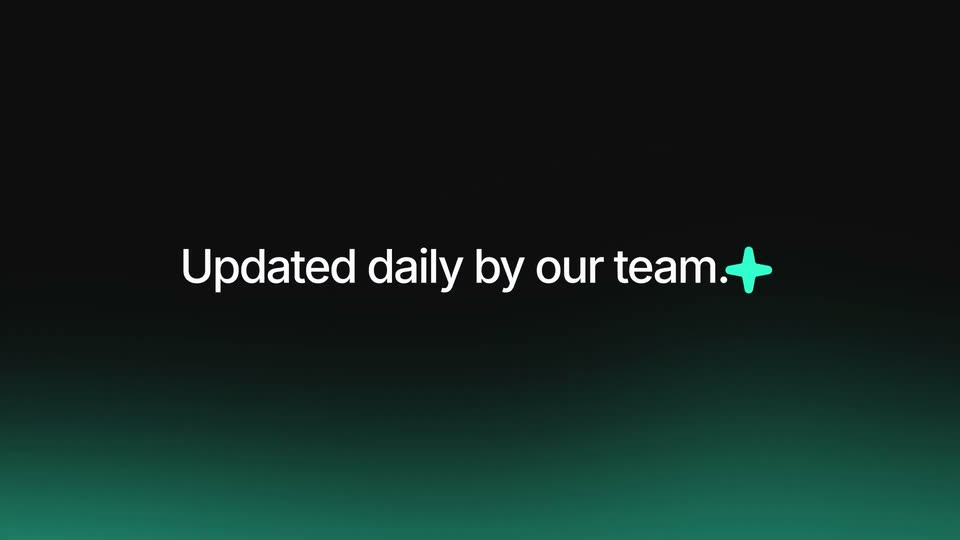
1.4s
Feature reveal· SaaS 2D Animated Launch Video | LocumTenens

On a blue field, a narrow vertical window in the center widens to reveal three flat illustration cards: two hands holding documents on top and a hand holding a green folder with a white check below. The cards then drift apart as the headline text slides in.

0.9s
Feature reveal· SaaS 2D Animated Launch Video | LocumTenens

Flat illustration on a blue background: rounded panels pop into a grid, a hand types on a laptop, a hand holds a green folder with a white check, a TO DO checklist slides into the center, and a hand holding two ID badges appears top right.

1.6s
Feature reveal· SaaS 2D Animated Launch Video | LocumTenens

A blue background holds a grid of flat illustrations of hands doing office tasks: opening a file, holding a TO DO checklist, an ID badge, signing a paper, a green folder, a calendar. A large cursor arrow and a Start button pop in at the center.

2.1s
Feature reveal· SaaS 2D Animated Launch Video | LocumTenens

A white headline reads “Think of us as your concierge” on blue as an illustrated hand in a green sleeve presses a yellow service bell, with motion lines. It cuts to a smiling man in a green shirt waving, and the word “So” fades in at the right.

2.3s
Feature reveal· SaaS 2D Animated Launch Video | LocumTenens

An animated cartoon man in a green cardigan raises his open palm on a solid blue background while white text builds line by line at the right, ending with “is show up.”

2.1s
Feature reveal· SaaS 2D Animated Launch Video | LocumTenens

A flat vector doctor in a white coat and stethoscope stands at right on a solid blue field as a patient in green slides in from the right edge. White caption lines stack at left, sliding in one by one to read “and practice great medicine.”
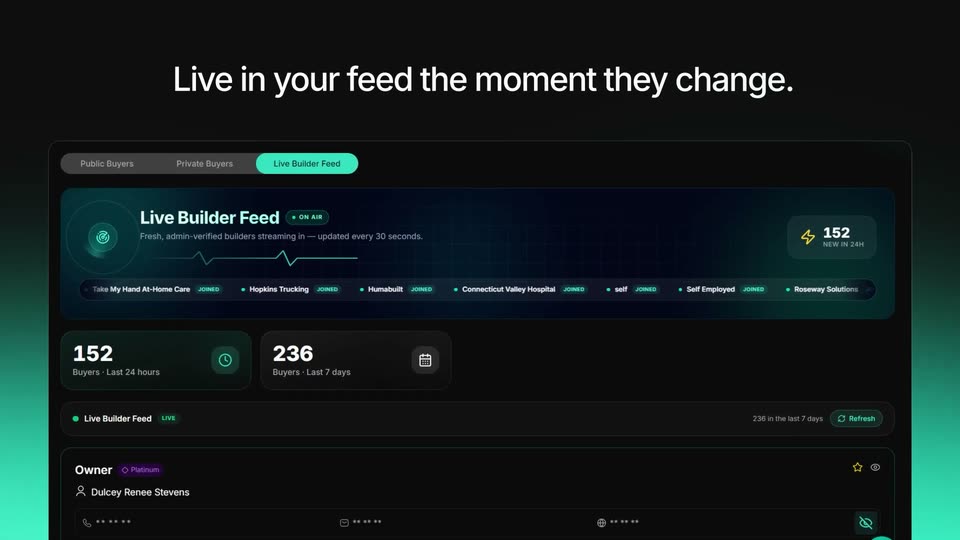
2.2s
Feature reveal· SaaS 2D Animated Launch Video | LocumTenens

On a pale blue field, a white sentence fragment slides in as a black outline cursor glides left to a solid orange circle. The circle swells to a large size on contact, then collapses to a small dot at the cursor tip.
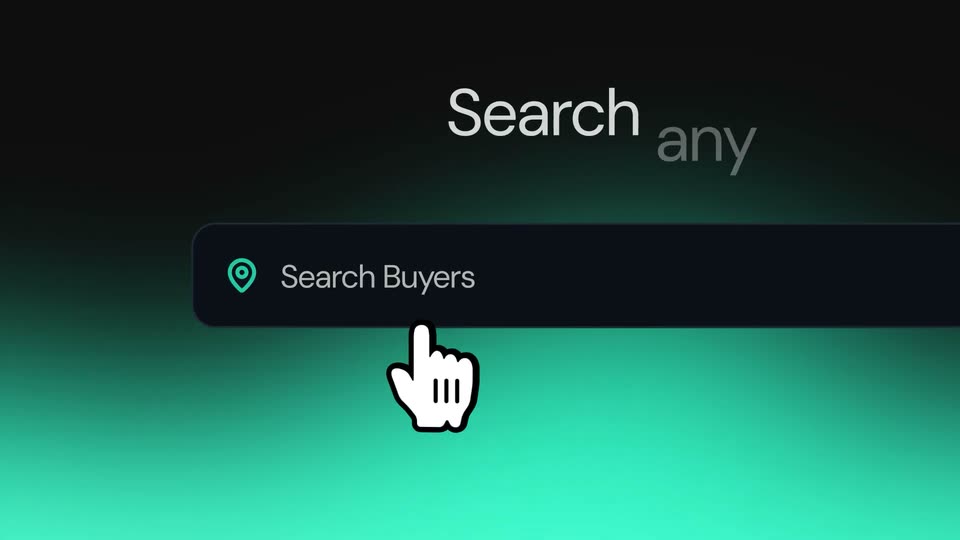
1.2s
Feature reveal· SaaS 2D Animated Launch Video | LocumTenens

On a pale blue field, a blue circle carrying a white document icon slides from the right toward the center as the orange circle behind it fades out. An outlined cursor arrow travels along the dashed line linking the two.

1s
Feature reveal· SaaS 2D Animated Launch Video | LocumTenens

A blue circle holding a white document icon with text lines sits on a pale blue field. A black cursor arrow points at it while faint blue chevrons trail to its left; the cursor and chevrons fade out, leaving the icon centered.

1.4s
Feature reveal· SaaS 2D Animated Launch Video | LocumTenens

On a flat orange chevron-patterned background, a white rounded chip labeled Specialty scales up in place while a white-outlined input field stretches to its right, revealing the muted placeholder Add Your Specialty... The frame stays locked off.

1.2s
Feature reveal· SaaS 2D Animated Launch Video | LocumTenens

A white July calendar card slides in from the left and settles centered on a green background. The month heading and date grid assemble as the columns align, and an orange marker pops onto the 19th.

1.5s
Feature reveal· SaaS 2D Animated Launch Video | LocumTenens

An illustrated figure in a green sweater reaches toward a blue list of preference rows. The finger selects 'More time with family', turning its row white with a green radio dot as the list shifts slightly.

2.2s
Feature reveal· SaaS 2D Animated Launch Video | LocumTenens

A black line-art hand reaches to the right on a pale blue field as a stream of colorful geometric shapes flows into its wrist from the left. The headline appears around it, scaling and sliding in word by word.

0.4s
Feature reveal· SaaS 2D Animated Launch Video | LocumTenens

A flat cartoon figure in a green shirt slides in from the left, arm extended, pointing at a white rounded card with a blue header bar. The card drifts right and settles on a pale blue field as the headline text scales and slides into place.

2.6s
Feature reveal· SaaS 2D Animated Launch Video | LocumTenens

A flat vector illustration shows a person in a green sweater before a browser window listing four clinician profiles with avatars and colored status pills. The composition zooms out from a large left-framed view to a centered layout as the person's arm moves to point at the yellow pill.

5.1s
Feature reveal· SaaS 2D Animated Launch Video | LocumTenens

Blue circular add-person icons begin overlapping, then spread into a cross as a cursor clicks the center icon. More icons pop in around it, growing the cluster from five to six on a pale background.

1.7s
Feature reveal· SaaS 2D Animated Launch Video | LocumTenens

A large white magnifying glass shrinks and moves left to become the search icon while a rounded search bar centers itself. A job-search query types out letter by letter inside the bar over a blue field with faint dark triangles.

1.6s
Feature reveal· SaaS 2D Animated Launch Video | LocumTenens

A cartoon man with raised fists grins on the left beside a white job card on the right. His smile closes into a happy expression as both he and the card, with a cursor on the apply button, drift gently on a flat blue field.

1.5s
Feature reveal· SaaS 2D Animated Launch Video | LocumTenens

A flat illustration of a smiling woman with a black bun, gold hoops and an orange top slides in from the right and waves her hand. The question text slides in beside her on the right.

1.6s
Feature reveal· SaaS 2D Animated Launch Video | LocumTenens

An illustrated recruiter in a yellow sweater waves beside a blue chat bubble reading “We have a job for you!” The composition then zooms into a large phone held by the recruiter and a man in a green jacket, its screen showing the same chat thread.

2.3s
Feature reveal· SaaS 2D Animated Launch Video | LocumTenens

A tilted 3D phone mockup, held by a flat cartoon woman on the left and a man on the right, shows a recruiter chat that scrolls down as the phone rotates in space on a pale blue background.

0.9s
Feature reveal· SaaS 2D Animated Launch Video | LocumTenens

The word Recruiter scales away on the left as an illustrated man in a green cardigan reaches toward floating UI elements: a green check badge, colored shapes, and a task card with a magnifier. Everything scales in, then stays within reach. slides in below.

1.2s
Feature reveal· SaaS 2D Animated Launch Video | LocumTenens

A flat illustration shows a man in a green cardigan at a laptop, reaching toward floating line icons of a checklist, stethoscope, pin and colored shapes. The headline scales and slides in at left, then a blue phone glyph and an “assignments” label pop in beside him.

1.2s
Feature reveal· SaaS 2D Animated Launch Video | LocumTenens

A thick blue curved stroke with a circular end swings across a pale gradient field as a rounded rectangle label reading Assignments slides left. The tagline Everything scales in, then stays within reach. slides in beside it.

6.1s
Feature reveal· SaaS 2D Animated Launch Video | LocumTenens

A blue line is drawn across a pale background, looping and knotting as it advances. White rounded label boxes with blue outlines slide in one after another, Assignments, Timesheets, Expenses, Travel, Contact, threading onto the line.

1.8s
Feature reveal· SaaS 2D Animated Launch Video | LocumTenens

The white headline builds word by word on a blue gradient while a white illustrated hand with a dark outline and light blue cuff rises from the lower right, cradling a green card, a blue triangle and an orange circle.

1.8s
Feature reveal· SaaS 2D Animated Launch Video | LocumTenens

An illustrated man in a green sweater and blue collar holds a blue phone, his head and shoulders shifting slightly as he glances at the screen. On the right, the line “Assignment starts Friday” and a small bell icon slide in over a pale gray background.

3.4s
Feature reveal· Premium FinTech Product Video Ad | Mezza Pay

A 3D phone mockup of the Mezza wallet slides from right to left across a soft pink gradient. As it moves, the headline Add Funds And Earn fades in on the left, then up to 35% bonus appears on the right.

1.5s
Feature reveal· Premium FinTech Product Video Ad | Mezza Pay

On a pale background with soft coral blurs, the headline “upto 20% Cashback” sits centered; it lifts as “Favourite Resturants” appears beneath it and two rounded food photos fade in on the left, with thin coral corner frames.

1.5s
Feature reveal· Premium FinTech Product Video Ad | Mezza Pay

Four food photos in white rounded frames with orange offset shadows sit in a row over a pale pink grid background. They rotate from a flat front view into a 3D perspective tilt, while the caption Favourite Resturants stays fixed below.

0.9s
Feature reveal· Customer Support Software Demo | Help Scout x MotionCue

A white task card, tilted in 3D perspective, floats on a pink gradient background. It shows a customer message titled Shipping address needs to be updated, an Active pill, and Reply and Note buttons. The card drifts upward as a cursor arrow sits at the lower left.

1.5s
Feature reveal· Customer Support Software Demo | Help Scout x MotionCue

A light gray support ticket card showing an email from Lena Brooks sits on a peach gradient background. The card slides up a few pixels while a black cursor arrow glides from the blue Reply button down to the lower left. The motion is slow and locked-off.

2.2s
Feature reveal· Customer Support Software Demo | Help Scout x MotionCue

A white email thread sits on a pink background. A black cursor types 'Yes absolutely' into the reply box at the bottom, then a new email card from Sabrina Bachman drops in above the input field.

5.8s
Feature reveal· Customer Support Software Demo | Help Scout x MotionCue

A two-thread email list sits on a peach background. A red collision flag and a dark tooltip pop up on the second email, the first thread fades out, and a hand cursor opens a Retry/Edit/Dismiss menu, hovering Dismiss.

10s
Feature reveal· Customer Support Software Demo | Help Scout x MotionCue

A white Routing settings card on a lavender gradient. A cursor scrolls down, selects Round Robin, types 8 in the limit field, and clicks Add Teammate, opening a grid of teammate cards. A green 'Changes saved' toast pops over the dimmed modal.

2.7s
Feature reveal· Customer Support Software Demo | Help Scout x MotionCue

A white tags list with colored pills and counts fades in on a peach gradient as a cursor glides across the rows. The layout then slides left, revealing a second white panel with checkboxes at the right edge.

6.5s
Feature reveal· Customer Support Software Demo | Help Scout x MotionCue

A white automation card on a soft pink gradient starts zoomed in on the If field, then pulls back to show the full card. A cursor hovers the condition and action rows as a tag row and a blue Activate Workflow button appear, then clicks the button.

5.2s
Feature reveal· Customer Support Software Demo | Help Scout x MotionCue

A reporting dashboard assembles on a light lavender background as its panels slide into place, then the view scrolls down past stat cards and a bar chart to reveal two donut charts and breakdown tables.

3s
Feature reveal· Customer Support Software Demo | Help Scout x MotionCue

A Chat Report dashboard in 3D perspective settles on a lavender field as its line graph and two donut charts draw in. Bold black text reads “See volume” on the left and “as it rises” on the right, appearing word by word.

0.5s
Feature reveal· Customer Support Software Demo | Help Scout x MotionCue

A flat analytics dashboard sits centered on a pale purple background. It morphs from a chat report to an email report, swapping the header, metric tiles, line chart and two donut charts. Black serif captions “See volume” and “as it rises” flank the panel and fade.
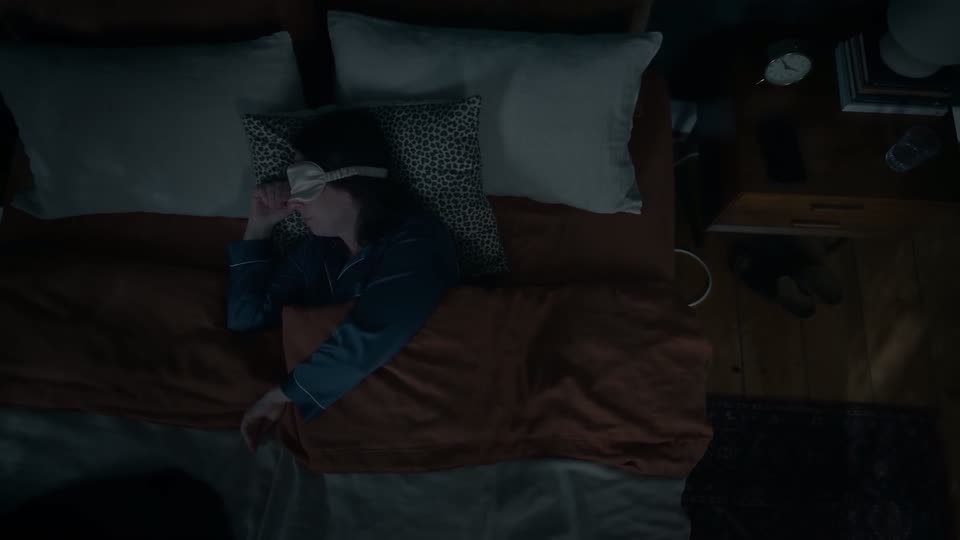
1.9s
Feature reveal· Customer Support Software Demo | Help Scout x MotionCue

A Zoho-style analytics dashboard floats in 3D on a lavender field, tilting and rotating as it swaps from an email report with line and donut charts to a happiness report with three score gauges. Large dark text reads Watch response times at right.

1.9s
Feature reveal· Customer Support Software Demo | Help Scout x MotionCue

A front-facing Happiness Report dashboard fills the frame with three ring gauges: a green 90% Great, a gray 0% Okay and a red 10% Not Good, above a small 81 score. The window eases upward into place, then drifts down to expose a second header bar at the bottom edge.

3s
Feature reveal· Create and launch TV ads straight from Canva

The Canva editor shows a red GoodBiteClub ad design above its timeline, then hard cuts to a woman in a denim jacket seated in a home office, speaking to camera and gesturing with one hand. Static framing, soft daylight.

6.3s
Feature reveal· Create and launch TV ads straight from Canva

A woman with long dark hair in a denim jacket sits in a softly lit home office, speaking to an off-screen interviewer. The locked-off medium shot keeps a shallow depth of field, blurring the curtained window, potted plant, and laptop behind her as she talks.

1.4s
Feature reveal· Create and launch TV ads straight from Canva

The Canva editor shows a red FEED design with a black-and-white eating photo in the canvas. A cursor glides from the empty middle area to the Elements tab on the left sidebar, while a multi-track timeline runs along the bottom.

4s
Feature reveal· Create and launch TV ads straight from Canva

A screen recording of the Canva editor. The cursor selects the Elements tab and types QR code into the search field, revealing a results panel with static and dynamic QR code options, while a food video preview sits on the right.

11s
Feature reveal· Create and launch TV ads straight from Canva

Full-screen view of the editor. A cursor types a URL into the QR form and clicks Generate code, then drags the resulting QR code onto the red FEED poster and to its corner.

0.6s
Feature reveal· Create and launch TV ads straight from Canva

Canva editor screen with the Static QR codes panel open on the left. A cursor drags a clip along the timeline, and the canvas preview switches from the orange SATISFY YOUR SCROLL frame to a black-and-white sandwich video.

1.4s
Feature reveal· Create and launch TV ads straight from Canva

The Canva editor's left panel shows the QR code tool while the canvas holds a red burger ad with a QR code in the corner. The selection box and floating toolbar disappear as the cursor moves away, leaving the finished ad.

6s
Feature reveal· Create and launch TV ads straight from Canva

Medium close-up of a woman in a denim jacket over a white top, seated at a desk with an open laptop, speaking to camera in a bright home office. She smiles and gestures with both hands as she talks; the camera stays locked off.

6s
Feature reveal· Create and launch TV ads straight from Canva

A locked-off screen recording of the Canva editor shows a red FEED design on the canvas. The cursor clicks Share, opens the publish panel, scrolls through More options, and hovers the Vibe icon.

1s
Feature reveal· Create and launch TV ads straight from Canva

A Canva editor fills the frame: a red FEED video preview and timeline on the left, an app panel on the right. The mouse cursor glides up from below and hovers on the purple Open button in the Vibe app card.

1.7s
Feature reveal· Create and launch TV ads straight from Canva

Screen recording of an ad editor. The left panel previews an orange FEED MOOD TV ad with black-and-white footage of a person eating; on the right, a cursor types goodbiteclub into the Creative name field, then moves to the purple Connect Vibe account button.

0.5s
Feature reveal· Create and launch TV ads straight from Canva

Screen recording of a video editor: a TV ad preview with giant stacked type on the left, a Vibe panel on the right. The cursor clicks Connect Vibe account, and the panel switches to a connection request with a purple Connect button. The ad's black type flashes to blue.

0.5s
Feature reveal· Create and launch TV ads straight from Canva

A product interface shows a red ad preview on the left and a connect dialog on the right. A cursor moves to the purple Connect button and clicks it, flashing the button.

0.4s
Feature reveal· Create and launch TV ads straight from Canva

A software interface displays a scrolling video ad preview on the left and an account connection prompt on the right. A mouse cursor hovers over a purple Connect button as the orange video text scrolls upward.

6.6s
Feature reveal· Create and launch TV ads straight from Canva

A white dialog card with two linked app logos on a light gray background walks through a connection flow. A cursor selects an advertiser row, the counter updates to one selected, then clicks Next to open a permissions list with green checkmarks; the button reads Connecting.

1.8s
Feature reveal· Create and launch TV ads straight from Canva

Left, an orange ad frame plays black-and-white footage with FEED YOUR MOOD; right, a settings panel where the cursor clicks the Advertiser dropdown and selects goodbiteclub.

0.4s
Feature reveal· Create and launch TV ads straight from Canva

A product interface splits into a video preview on the left, showing bold scrolling ad text, and a settings panel on the right with an advertiser dropdown and a creative name field. A cursor glides from the dropdown to the name field as the form is filled in.

0.6s
Feature reveal· Create and launch TV ads straight from Canva

A product interface fills the frame: a red video preview with large outlined letters on the left and a white settings panel on the right. A cursor rests near the purple Publish now button.

1.4s
Feature reveal· Create and launch TV ads straight from Canva

A blurred interface shows a video preview and a settings panel; a centered white modal reads Publishing your content with a progress bar that fills and a design quote below. The frame stays locked off.

3s
Feature reveal· Create and launch TV ads straight from Canva

A blurred ad editor and TV preview sit behind a centered white modal. The modal shows a “Publishing your content...” heading, a blue-to-purple progress bar filling left to right, and a one-line design quote. The blurred preview behind cycles through ad frames.

3s
Feature reveal· Create and launch TV ads straight from Canva

A blurred Canva editor sits behind a centered white modal with a blue-to-purple progress bar that slowly fills. In the background, the orange TV ad design flips through slides: a 24 HOURS layout with a QR code, then a FEED MOOI headline over a grayscale clip.

1.2s
Feature reveal· Create and launch TV ads straight from Canva

A success modal with a blue-to-purple gradient, a yellow paper plane and scattered confetti sits centered over a blurred website editor. White text reads 'Your content has been published!' above two buttons, 'Make a copy' and 'Check it out'. A cursor rests at the lower right.

9.1s
Feature reveal· Create and launch TV ads straight from Canva

A woman with long dark hair in a dark denim shirt sits before an open laptop in a bright home office, speaking to camera and gesturing with both hands. The locked-off medium shot holds on her through the take.

4s
Feature reveal· Create and launch TV ads straight from Canva

A woman with long dark hair in a denim shirt sits in a home office and speaks to camera, gesturing with both hands. Locked-off medium close-up with a soft-focus background of curtains, a plant and framed art.

7.2s
Feature reveal· Create and launch TV ads straight from Canva

A woman with long dark hair in a denim jacket speaks to camera from a warm home office, gesturing with her hands as she explains that flagged items are reviewed before going live. A laptop lid sits in the foreground right; the camera stays locked off with a soft, blurred background.

2.2s
Feature reveal· Create and launch TV ads straight from Canva

A woman in a denim jacket sits at a desk with a laptop in a home office, laughing and gesturing with both hands as she speaks to the camera. The locked-off medium shot keeps her centered against a softly blurred background of plants and framed art.

1s
Feature reveal· Create and launch TV ads straight from Canva

A woman with long dark hair, in a denim shirt over a white top, speaks to camera in a bright home office, gesturing with her hands. The locked-off medium shot keeps her centered against teal curtains, a potted plant and framed art.

0.8s
Feature reveal· Create and launch TV ads straight from Canva

A browser window on a blue gradient opens blurred and cropped tight on the Campaign Goal modal, then the focus sharpens and the frame pulls back to the full interface as the goal options list appears beside a stopwatch illustration.

1.1s
Feature reveal· Create and launch TV ads straight from Canva

A light campaign-setup screen with a three-step sidebar on the left and a Campaign Goal panel on the right. The Awareness row is selected with a blue outline, a cursor hovers beside it, and a blue megaphone illustration with a benefits list sits to the right.

0.8s
Feature reveal· Create and launch TV ads straight from Canva

Close-up of a white campaign goal list. The cursor hovers over the Traffic row, which is selected with a purple border and a New badge, while Awareness and Leads rows sit above and below. A laptop illustration with a bar chart appears at the right edge.

2s
Feature reveal· Create and launch TV ads straight from Canva

A white campaign-goal screen lists objective options, and the cursor moves down to select Sales. The view zooms in on the list while the right detail panel cross-fades from Leads copy to Sales copy.

2.8s
Feature reveal· We Launched Morphic and Got 350K+ Views on X

On a black dotted grid, a thin white vertical line splits the frame. Left, a broadcast-person icon with the caption “The amplification across the influencers”; right, a network icon as its caption types in. Below, a rounded card with swirling smoke and the Morphic logo slides down.

5.3s
Feature reveal· Speech is now in Beta.

A dark Suno form shows typed story text and the Style of Speech prompt for a soothing cowboy bedtime story. The view travels down and pulls back to reveal Vocal Gender, Background music Off/On and the Create control.

5.4s
Feature reveal· Speech is now in Beta.

On a teal gradient, the cowboy sample text starts as widely spaced lines, then consolidates into a left-aligned block. The active words turn white as the sample advances, while a dark rounded card identifies the cowboy voice and Western score.

6.8s
Feature reveal· Speech is now in Beta.

Over a blurred orange-blue gradient, French lines fade in one by one at the upper left. A highlight travels down the list, turning each line from dark charcoal to white in time with the whisper, while a dark rounded caption box stays at the bottom.

6.7s
Feature reveal· Speech is now in Beta.

A magenta gradient fills the frame as bold text about mitochondria highlights line by line from dark to white, while a dark rounded caption box sits at the bottom.

39s
Feature reveal· Introducing Continuum: A Real-Time Video Operating System | Runway Labs

A NASA article sits in a browser window; the view zooms into a paragraph, a dashed selection box appears, and a soft-edged video portal opens over it, playing a 3D diorama of the Golden Gate Bridge in fog that drifts into low-poly houses, then the cursor closes it.

13s
Feature reveal· Introducing Continuum: A Real-Time Video Operating System | Runway Labs

A desktop browser displays a Google results page for a battery query. A cursor moves to a right-hand drawer of blurred thumbnails, hovering over each to reveal labels, then the frame zooms into a 3D battery illustration with glowing dots.

15s
Feature reveal· Introducing Continuum: A Real-Time Video Operating System | Runway Labs

A 3D battery animation with glowing yellow electrons and soft, blurred edges floats over a Google search page. The camera pulls back to reveal the full browser window on a desktop, then a cursor clicks the close button and the illustration disappears, leaving the search results.

8.5s
Feature reveal· Introducing Continuum: A Real-Time Video Operating System | Runway Labs

A browser window of Google results closes, clearing the pale dotted desktop. Four small science thumbnails at the right edge scale up and sharpen as white pill labels appear beside them. The cursor hovers the green leaf card, which pops out and enlarges toward the center.

12s
Feature reveal· Introducing Continuum: A Real-Time Video Operating System | Runway Labs

A central app window shows an animated microscopic view of green leaf cells labeled Chloroplast. A cursor drags the right resize handle outward, widening the window until it reframes into a full leaf cross-section diagram with stoma labels.

33s
Feature reveal· Introducing Continuum: A Real-Time Video Operating System | Runway Labs

A light gray Runway interface frames a generated leaf cross-section: sunlight rays sweep the green cells as the CO2 and O2 arrows pulse and shift color. A black caption pill appears. The view zooms into the tissue where blue droplets drift, then pulls back; a cursor clicks the top controls.

0.8s
Feature reveal· Introducing Continuum: A Real-Time Video Operating System | Runway Labs

A rounded prompt window titled Inside a Leaf sits centered over a painted leaf cross-section, its prompt text fully typed with a blinking caret. A mouse cursor hovers on the window's top control bar, and a hand-drawn sun dial labeled Noon floats to the right.

1.1s
Feature reveal· Introducing Continuum: A Real-Time Video Operating System | Runway Labs

A prompt window titled Inside a Leaf floats over a watercolor leaf cross-section, its text box filled with the prompt copy. A cursor glides left across the window's top control buttons.

3.7s
Feature reveal· Introducing Continuum: A Real-Time Video Operating System | Runway Labs

A prompt card titled 'Inside a Leaf' sits centered over an airbrushed leaf cross-section, its full prompt text already typed. A cursor hovers at the top edge while sun rays shimmer and small bubbles drift through the green cell layers.

5.1s
Feature reveal· Introducing Continuum: A Real-Time Video Operating System | Runway Labs

A prompt box titled “Inside a Leaf” with a full typed prompt sits over an airbrushed leaf cutaway; sunlight rays stream in and a drawn sun dial reads Noon. A cursor hovers at the box’s top edge. At the end the box blurs and fades, revealing the illustration.

4s
Feature reveal· Introducing Continuum: A Real-Time Video Operating System | Runway Labs

A cursor clicks the close button on a centered prompt card, which fades away to reveal a full airbrushed leaf cross-section on a pale blue field. The diagram shows glowing cell layers, a Chloroplast label, sunlight rays, a Noon clock, and hand-lettered Stoma, CO2 in, O2 out labels.

34s
Feature reveal· Introducing Continuum: A Real-Time Video Operating System | Runway Labs

A pale UI screen on a dotted grid shows a prompt bar at the bottom. The camera zooms into the bar while a cursor types a 3D print prompt and opens a mode dropdown, then pulls back as a chat panel appears.

19s
Feature reveal· Introducing Continuum: A Real-Time Video Operating System | Runway Labs

A chat window shows a prompt for a 3D bike mount; a 3D handlebar model materializes in a soft oval, rotating and morphing through solid, exploded, and truss variants with orange callouts, then swaps to a text answer. A black 'Visual Thinking' pill slides in at the bottom left.

7s
Feature reveal· Introducing Continuum: A Real-Time Video Operating System | Runway Labs

A flat chat interface fills the frame: a user bubble asks for a 3D print model and a long reply about a truss arm sits below. A mouse arrow rests at the lower left while a blinking caret appears in the empty input field. The shot holds still.

6s
Feature reveal· Introducing Continuum: A Real-Time Video Operating System | Runway Labs

A flat chat window shows a user message asking for a 3D-printed bike mount and the agent's reply about a truss arm. A text cursor blinks in the bottom input field, while the runway Labs logo stays fixed in the lower-right corner.

5.4s
Feature reveal· Introducing Continuum: A Real-Time Video Operating System | Runway Labs

A flat chat interface sits centered on a pale gray grid background, showing a user question about a 3D print mount and a detailed AI reply. A black cursor drifts from the input bar to the window's close button. The runway Labs wordmark stays fixed bottom-right.

18s
Feature reveal· Introducing Continuum: A Real-Time Video Operating System | Runway Labs

A pale interface with a faint dot grid. A cursor glides from the top right to the bottom search field and clicks it; the field widens, an Auto tag and send button appear, and a prompt is typed in. Four thumbnails stack on the right edge.

15s
Feature reveal· Introducing Continuum: A Real-Time Video Operating System | Runway Labs

A browser window fades into a zoomed Google results page, then a cursor moves to the bottom bar where three round icon buttons pop in. Hovering each one reveals a small tooltip label, Mars Outpost, Liftoff, Sky to Stone.

6.8s
Feature reveal· Introducing Continuum: A Real-Time Video Operating System | Runway Labs

A white browser card shows Google results for “mars 2030 site” on a pale background, fading in and settling. The list scrolls a few lines, then the cursor glides down to the bottom toolbar and hovers a compass icon, popping a “Mars Outpost” tooltip.

9.4s
Feature reveal· Introducing Continuum: A Real-Time Video Operating System | Runway Labs

A pale product UI with top tabs and a bottom prompt bar frames a rounded video window that opens from a blurred blob into a sharp Mars outpost render. A rover drives in while the cursor taps the zoom controls. A black “Interactive Worlds” pill pops in bottom-left.

0.5s
Feature reveal· Introducing Continuum: A Real-Time Video Operating System | Runway Labs

A rendered Mars landscape with two rovers, a dome habitat and a dust plume fills a rounded mask with soft white edges. A light interface frame surrounds it, a cursor hovers mid-frame, and a prompt bar types at the bottom.

8.6s
Feature reveal· Introducing Continuum: A Real-Time Video Operating System | Runway Labs

A 3D-rendered Mars outpost at dusk fills the app window, framed by top tabs, a floating pill and a bottom prompt bar. A cursor clicks the scene, then the camera dollies in toward the glowing dome as a rover drives past on the right.

6s
Feature reveal· Introducing Continuum: A Real-Time Video Operating System | Runway Labs

A 3D Mars landscape at sunset with a glass dome greenhouse in the center; the camera pushes forward, closing in on the dome to reveal its lit interior and surrounding solar panels, while a thin UI bar with tabs and an input field stays fixed at the edges.

2.5s
Feature reveal· Introducing Runway Ads | Runway

Dark product screen: a blue Get Started button sits centered on black beside the word marketing. A cursor glides in from the lower right and hovers on the button, then the view cuts to a Connect Your Ad Platforms list with Meta and TikTok rows.

3.5s
Feature reveal· Introducing Runway Ads | Runway

A black screen opens on a white headline and subtitle above a vertical list of four ad-platform rows. The layout scrolls up, the headline exits, and a cursor clicks each Connect button, flipping it to a blue Connected state from top to bottom.

2s
Feature reveal· Introducing Runway Ads | Runway

On black, a dark rounded card grows from a small Import label into a wide panel. The label types out Importing your campaigns above a thin progress bar, then a line of ad sources scales in beneath it.

2s
Feature reveal· Introducing Runway Ads | Runway

A dark analytics dashboard shows five stat cards and a weekly bar chart. The view zooms into the right panel, 'Improve this ad with variants', where a cursor rests on the blue 'Create 3 Variants' button.

1.5s
Feature reveal· Introducing Runway Ads | Runway

On black, a dark rounded pill with a white sparkle icon scales from a small square to full width, revealing the status text Generating variants... left to right, then holds.

0.8s
Feature reveal· Introducing Runway Ads | Runway

Four vertical video cards fade in one after another from left to right on a black background, each showing a person in a car holding a soda can in green, blue, purple or orange, with a small caption below each.

6.5s
Feature reveal· Introducing Runway Ads | Runway

A black chat screen shows four vertical video clips of people holding soda cans, each with a flavor caption. A green check marks the third clip and dims the rest, then the view scrolls down to a typed reply and a cursor taps the blue send button.

0.8s
Feature reveal· Introducing Runway Ads | Runway

A dark interface shows a chat message and a Let's do it button with a cursor on it, then three vertical video panels of a woman holding a soda can slide in side by side, each labeled with a country name.

8s
Feature reveal· Introducing Runway Ads | Runway

Three vertical video panels on black show the same woman in a car holding a purple soda can, labeled United States, Mexico, Germany. A purple outline moves to each panel as she says the same line in three languages, subtitles building word by word.

2.3s
Feature reveal· Introducing Runway Ads | Runway

A dark rounded message card grows from a small chip to a wide bubble on a black field. A small dot-cluster mark sits left of the text. The first line types in word by word, then the second line scales in beneath it.

4.3s
Feature reveal· Introducing Runway Ads | Runway

A dark vertical list of cards settles into view, a message card above a '3 action items' header. The frame reframes down onto one action-item card with a market table, then pushes in on the footer where a cursor rests on the white Approve button.

2.5s
Feature reveal· Introducing Runway Ads | Runway

A dark rounded stat card on black shows the figure counting down to $41 while a green trend line draws itself left to right. It cuts to a small dark pill on the left, where a sparkle icon and a typed-in headline appear.

2.5s
Feature reveal· Introducing Runway Ads | Runway

A dark rounded notification card wipes open from the left on a black field, two lines of white text and a small stat line fill in, then two ad thumbnails and a blue Publish button fade in. The view then zooms in with motion blur toward the Publish button.

1.8s
Feature reveal· Introducing Runway Ads | Runway

Close-up of a dark UI panel with a blue rounded Publish button centered. The button scales up as a white outlined cursor slides in and rests on it, implying a click.

1.5s
Feature reveal· Introducing Runway Ads | Runway

Three vertical panels sit side by side on black, each pairing the yellow puffy headline SOME TIMES YOU'RE JUST with the blue can: a hand tilts the can over a glass, the headline fills an orange gradient, and the can rests among scattered fruit. The panels slowly scale up.

2.6s
Feature reveal· Introducing Runway Ads | Runway

A dark rounded metric card appears on black, its title sliding in as the number counts up from 1,097 to 1,214 and a green line draws. The card then shifts into a wide panel of white text.

3s
Feature reveal· Introducing Runway Ads | Runway

A dark approval card shows a stat headline, a small subline and three beverage ad thumbnails. The camera pushes in on the white Approve button while a cursor slides in from the lower right and hovers over it.

2s
Feature reveal· Introducing Runway Ads | Runway

Black cuts to a three-panel split screen of filmed product shots: a hand tilting a blue can into a glass, an orange drink being poured, and a top-down can on lychees. A bold yellow headline spans the panels, held static.

2s
Feature reveal· Introducing Runway Ads | Runway

A dark rounded stat card sits centered on black. The title and a large revenue figure slide in while the number counts up to $15,230, a green up-arrow with 18% and a prior-week line hold still, and a green sparkline draws itself across the right.

0.8s
Feature reveal· Introducing Runway Ads | Runway

A dark revenue card with a green trend line and figures slides out of frame as a rounded chat bubble with a sparkle icon rises from the lower left. Its white message text reveals word by word, ending on 'Nice work. What should we tackle next?'

1.8s
Feature reveal· Introducing Runway Ads | Runway

A dark rounded message bubble with a small four-dot icon sits on a black background. The bubble widens to the right, revealing the white text, while the frame stays locked off.

4s
Feature reveal· Introducing Runway Ads | Runway

A dark chat card holds four product thumbnails and a plus tile. The prompt “Create an/Ad campaign using our existing styled product images” types out beneath it, then a cursor clicks the blue arrow button and the frame cuts to a “Campaign library” header with an asset count.

0.8s
Feature reveal· Introducing Runway Ads | Runway

A white “Campaign library” label with a gray asset count sits centered on black. The count ticks from 2 to 5 as two rounded photo thumbnails of blue cans slide up from the bottom edge.

0.8s
Feature reveal· Introducing Runway Ads | Runway

A black UI screen shows a white 'Campaign library' header above a grid of rounded ad-creative thumbnails that slide up from the bottom, soft and blurred, then sharpen as they lock into two rows.

5s
Feature reveal· Introducing Runway Ads | Runway

A dark grid of campaign assets scrolls down, green checkmarks popping onto tiles. The view then zooms onto the bottom bar as a cursor hovers and clicks the white Approve set button, which fills with a check icon.

1.1s
Feature reveal· Introducing Runway Ads | Runway

A dark interface with two ad preview cards, one red with yellow type and one photo, holds a blue Publish button. The frame sharpens from blur and a white cursor settles on the button.

1.4s
Feature reveal· Introducing Praxis-1 | Runway

A blurred room with plants and a vertical scanline texture fills the backdrop. The white headline World Action Models fades in word by word across the center, while a small rotated brand credit stays fixed along the left edge.

7.6s
Feature reveal· Introducing Praxis-1 | Runway

A white board holds a 4x3 grid of rounded video clips, each playing a person doing a task, with a small gray caption above it. Vertical brand text runs down the left margin while the clips loop and cut to new takes.

2.8s
Feature reveal· Introducing Praxis-1 | Runway

A white slide frames a video card: a baker in a white tee slides a peel into a glowing wood-fired oven, then the footage cuts to a worker in a red apron beside a coiled blue rope on a dock. Small labels caption the task above the card.

1.5s
Feature reveal· Introducing Praxis-1 | Runway

A live-action clip of a person in an orange rain suit hauling a coiled teal rope on a wet pier sits inside a white card. Small captions label the clip as Current_task: Pulling a rope, with vertical runway Research and @2026 text on the left margin.

2.3s
Feature reveal· Introducing Praxis-1 | Runway

A framed live-action clip on a white field shows a gloved person swinging an axe, splitting a log on a stump into two halves that tumble away. A small caption above names the task; a vertical wordmark and handle sit on the left margin.

2.8s
Feature reveal· Introducing Praxis-1 | Runway

A single rounded video clip sits centered on white with a task caption above it. The clip swaps from a person tying a black trash bag to a person chopping wood, then the view pulls back to a grid of many captioned clips.

3.5s
Feature reveal· Introducing Praxis-1 | Runway

A white board holds twelve live-action clips in a four-by-three grid, each playing a person doing a task and captioned with it, while runway Research runs vertically down the left margin.

6s
Feature reveal· Introducing Praxis-1 | Runway

A plain white frame holds three side-by-side camera views of a lab: a small overview, a first-person robot view, and a side view. A white robotic arm with a black gripper picks up and rearranges colored blocks on a wooden table. A static task caption sits at the left.

0.8s
Feature reveal· Introducing Praxis-1 | Runway

A white and black dual-gripper robot arm reaches over a kitchen counter, its lower gripper descending toward a green pear beside a lemon, apple, and second pear. A stainless steel fridge and white shelving sit soft-focus in the background.

1s
Feature reveal· Introducing Praxis-1 | Runway

A black robotic gripper lifts a green pear above a metal surface holding an apple, two lemons and a plum. The arm shifts slightly as the camera reframes, the blurred lab background staying out of focus.

0.9s
Feature reveal· Introducing Praxis-1 | Runway

A dual-arm white and black robot on a marble kitchen counter grips a green pear and lowers it toward a beige plate. An apple, two lemons, a plum and a second pear sit on the counter. The camera stays locked off while the arm descends.

1.1s
Feature reveal· Introducing Praxis-1 | Runway

A black robotic gripper lowers a green pear toward a beige plate; a ghosted double of the pear with a green dot sits on the plate. The gripper then opens and rises, leaving a single pear standing upright. The kitchen background stays softly blurred with an onion to the right.

1.3s
Feature reveal· Introducing Praxis-1 | Runway

A static low-angle shot of a bright kitchen shows two white and black robot arms over a marble counter with fruit. One arm shifts its gripper near a pear while the other remains raised.

5.5s
Feature reveal· Introducing Praxis-1 | Runway

A rendered concrete living room sits in a white card labeled Solaris. A selection ring with a dot moves across the scene; the ceiling skylight slides right, the floor light follows, and the right wall opens into a window of trees.

3s
Feature reveal· Introducing Praxis-1 | Runway

A wet autumn street plays inside a centered frame on a white background, with the title above it and vertical labels on the left edge. A worker in an orange vest sweeps fallen leaves while a woman in a trench coat walks away down the pavement.

3.2s
Feature reveal· Introducing Praxis-1 | Runway

A 3D terracotta shelf grid of twenty-four cream lamps sits on a white background. Lamps glow orange, vanish from their niches, and drop into other slots while the frame stays locked off.

0.8s
Feature reveal· Introducing Praxis-1 | Runway

A white-and-black robotic arm with an open gripper hovers above a wooden table beside a beige canvas tote. The arm drifts slightly while the camera holds a low side angle against a white draped backdrop lit by a bright lamp.

1.8s
Feature reveal· Introducing Praxis-1 | Runway

Static medium shot of a wooden table with a burlap tote bag centered between two robotic arms. The left gripper lowers toward a black pen while the right arm holds position. A red die and plush toy sit nearby against a white studio backdrop.

1s
Feature reveal· Introducing Praxis-1 | Runway

A black-and-white robotic gripper closes on a small black screwdriver lying on a wooden table and lifts it a few centimeters. Tight close-up with shallow focus; a blurred robot base with a green LED sits in the background.

1.5s
Feature reveal· Introducing Praxis-1 | Runway

A close-up of a black robotic arm's gripper holding a pen, hovering above a woven basket against a white backdrop. The shot racks from soft focus to sharp as the arm steadies. A small title sits top-left and a vertical credit runs down the left edge.

1s
Feature reveal· Introducing Praxis-1 | Runway

A white and black robotic arm with an open gripper hovers over a burlap tote bag with white fabric handles in a bright studio. The arm lowers slightly toward the bag. Shallow depth of field blurs the white backdrop and a black frame on the right.

2.6s
Feature reveal· Introducing Praxis-1 | Runway

Two panels on white: left, a 3D simulation of a robot arm moving blocks in a dark tray; right, a real arm with glowing rings pouring a can into a beaker. Cut to a living room with a robot base beside a sofa holding a cap and cloth.

1.4s
Feature reveal· Introducing Praxis-1 | Runway

A white robotic arm on a wheeled base stands beside a beige sofa holding a green cloth, a red cap and a magazine. The arm shifts slightly while the camera holds a static wide shot of the living room.

0.8s
Feature reveal· Introducing Praxis-1 | Runway

A black robotic gripper hovers over a crumpled green cloth draped across a person's bare arm. The gripper shifts slightly in place while the cloth and the lab machinery behind stay still, shot in close-up with shallow depth of field.

1s
Feature reveal· Introducing Praxis-1 | Runway

A white and black robotic arm lifts a green cloth over a beige sofa, shaking it as it swings. An open magazine rests on the cushion. A static Praxis-1 label sits top left and a vertical runway Research credit runs down the left edge.

1.3s
Feature reveal· Introducing Praxis-1 | Runway

A white robotic arm on a wheeled base stands on a light wood floor, its gripper holding a green shirt. A beige sofa with a red cap and a dark throw fills the right side. The camera stays static as the arm shifts slightly.

1.5s
Feature reveal· Ideogram 4.5 on Pika

A person lies on a red floral sofa reading in a green, sunlit room. The locked-off shot holds while the set is edited in place: the curtain gains a floral print, the wall frame sprouts roses, the floor turns speckled. A large white EDIT FOREVER headline overlays the center.

0.8s
Feature reveal· Ideogram 4.5 on Pika

A person in blue trousers and a white top lies on a floral sofa in a pink wallpapered room, holding a book, while the large white word FOREVER scrolls horizontally across the frame over the static shot.

0.9s
Feature reveal· Ideogram 4.5 on Pika

In a pink floral salon, a man in a beige suit holds a hair dryer while a seated woman's long dark hair streams sideways. The word FOREVER scrolls left in huge white letters across the frame.

0.4s
Feature reveal· Ideogram 4.5 on Pika

Two men in red boxing gear sit on stools, heads down, then crossfade into two grey-haired women knitting in red cardigans. A large white word scrolls left across the center against a plain beige wall and pink floor.

0.4s
Feature reveal· Ideogram 4.5 on Pika

Two elderly women sit mirrored on chairs against floral wallpaper, each knitting a cardigan that shifts from pink to mustard. A large white word scrolls left across the frame over them.

0.5s
Feature reveal· Ideogram 4.5 on Pika

Two fencers in white gear and masks cross their swords in a bright studio as the word FOREVER scrolls left across the frame in oversized white letters.

0.6s
Feature reveal· Ideogram 4.5 on Pika

The scene cuts from two men in vintage military uniforms in a stream to two chefs in a wood-paneled room. Both pairs flank a glass display case holding a baguette. The word FOREVER scrolls horizontally across the frame.

2.2s
Feature reveal· Ideogram 4.5 on Pika

Two chefs in white coats and toques stand still on either side of a glass case holding a croissant, set against a pink paneled wall and green floor. Large white text WITHOUT LOSING QUALITY fades in centered over the frame.

8.7s
Feature reveal· Meet the all new Codex Cloud

A bearded man in a dark shirt sits at a wooden table, talking to the camera and gesturing. A laptop lid faces the viewer, showing a glowing teal swirl emblem. A copper mug and pink notebook sit beside it. Static locked-off shot.

5.4s
Feature reveal· Meet the all new Codex Cloud

The full app window zooms into the input bar. A cursor picks Cloud in the Work in menu, swapping the chip and opening an environments menu, while a small presenter video stays in the top-right corner.

4.7s
Feature reveal· Meet the all new Codex Cloud

A white 'Create a cloud environment' modal sits centered on a gray field, with a small clip of a man speaking on the right. A dropdown opens to list repositories, then a checkbox is ticked.

1.4s
Feature reveal· Meet the all new Codex Cloud

A browser window shows a cloud-environment modal listing a GitHub repository. The Get started button spins, the modal morphs into a setup state, then closes to reveal a success toast, while a small video of a man at a laptop stays pinned at the right edge.

4.9s
Feature reveal· Meet the all new Codex Cloud

A tilted browser window mockup floats over a blurred purple gradient, showing a Codex cloud setup chat. A small video inset of a man at a laptop sits top right. The view zooms flat onto the chat as a reply types out beneath a blue scroll icon.

3.1s
Feature reveal· Meet the all new Codex Cloud

A browser window showing an AI coding chat sits on a blue gradient, with a small live-action clip of a man at a desk in the top right. The shot zooms into the chat as messages scroll in, the agent running commands and reporting results.

14s
Feature reveal· Meet the all new Codex Cloud

A browser window shows a chat panel and an Environment settings page, with a small video of a man at a laptop in the top-right corner. A cursor clicks Manage, a modal opens, the cursor types FOO and BAR, then opens the key-type dropdown.

8.5s
Feature reveal· Meet the all new Codex Cloud

Close-up of a white settings panel with a small talking-head video inset top right. The cursor slides to the Publish button, a tooltip pops up, the button switches to a loading state, then the frame zooms out to the full browser window showing the published environment.

17s
Feature reveal· Meet the all new Codex Cloud

Medium shot of a bearded man in a dark shirt at a wooden table, talking to the camera and gesturing with both hands. A laptop with its lid to the camera shows a gold swirl logo; a mug, pink notebook, and phone sit on the table.

4.8s
Feature reveal· Meet the all new Codex Cloud

A bearded man in a dark blue shirt over a white tee sits at a table, talking and smiling toward an off-camera interviewer. The room behind him stays soft and out of focus, with a window and a plant visible in the background.

1.2s
Feature reveal· Meet the all new Codex Cloud

A bearded man in a dark shirt sits at a wooden table with a laptop bearing a glowing logo. He smiles at the camera, then looks down as a translucent chat panel with a Follow up button slides in on the left edge.

0.8s
Feature reveal· Meet the all new Codex Cloud

A man in a blue shirt sits at a wooden desk, typing on a laptop and smiling at the screen. A white chat card on the left scrolls upward, revealing new messages and a small dark preview thumbnail of the number 42.

4s
Feature reveal· Meet the all new Codex Cloud

A man sits at a desk with a laptop, holding a phone up and laughing. A chat panel on the left updates with new messages and a file-change summary as he reacts.

10s
Feature reveal· Meet the all new Codex Cloud

A bearded man in a navy shirt sits at a wooden table with a dark laptop, gesturing with a phone as he talks to camera. A white chat card with a code diff and a 42 image overlays the left side for the first five seconds, then cuts away.

5.9s
Feature reveal· Meet the all new Codex Cloud

A cursor clicks a pull request in the Code Review list, and the right panel fills with the PR details. The view then pulls back to reveal the whole app window in a browser frame on a purple gradient, settling on the full interface.

7.8s
Feature reveal· Meet the all new Codex Cloud

A bearded man in a navy shirt over a white tee speaks off-camera in a living room, his hands gesturing for emphasis. The background stays soft and blurred, showing a dark sofa with a yellow cushion and a bright window.

4.3s
Feature reveal· Meet the all new Codex Cloud

A bearded man in a dark shirt holds a phone to his mouth, speaking to a voice assistant. A laptop with a glowing teal logo sits before him beside a copper mug and pink notebook. Static medium shot in a bright home set, green cabinet and plant soft in background.

3.5s
Feature reveal· Meet the all new Codex Cloud

A man with a shaved head and gray beard holds a smartphone in his left hand and gestures with his right while speaking. Medium close-up, shallow depth of field, blurred living room with a green sofa behind him.

6.6s
Feature reveal· Meet the all new Codex Cloud

A bearded man sits at a round wooden table, holding a phone in both hands and laughing at it. A closed laptop with a gold knot logo, a mug and a pink notebook sit in front of him. The scene ends on a white screen with a small black ring.

2.4s
Feature reveal· Headphone (1) Pro - a new approach

A bearded man in a black cap and gray sweatshirt stands behind a glass table laid out with disassembled headphone parts. He holds a black ear cup, gesturing with his free hand. A white wall behind him holds a clock, framed photos and a license plate. Static medium shot.

3.8s
Feature reveal· Headphone (1) Pro - a new approach

A bearded man in a black cap and gray sweatshirt sits at a glass table with disassembled white headphones, holding a black ear cup in one hand while gesturing with the other as he speaks. The locked-off medium shot keeps the parts in the foreground.

4.6s
Feature reveal· Headphone (1) Pro - a new approach

A person with short hair wears white over-ear headphones against a plain gray wall. The camera swings from the earcup across the face to the back of the head, with burned-in subtitles running along the bottom.

4s
Feature reveal· Headphone (1) Pro - a new approach

A locked-off close-up of a black headphone ear cup resting on a white surface. The glossy transparent ring reflects the light, and white subtitles at the bottom note that the transparent part almost looks black because it is shiny.

3.4s
Feature reveal· Headphone (1) Pro - a new approach

A locked-off macro shot of a black ear cup with concentric ridged rings and a raised center disc, the etched product label curving along the lower edge. Shallow depth of field keeps the rim text soft. White subtitles sit at the bottom.

4.2s
Feature reveal· Headphone (1) Pro - a new approach

A silver MiniDisc Walkman rests on a glass table with a black MiniDisc in the foreground. Focus pulls from the disc to the player as white captions sit at the bottom.

2.3s
Feature reveal· Headphone (1) Pro - a new approach

A silver and blue Sony Walkman cassette is centered flat on a plain white background, shown front-on and static, with a soft shadow beneath it. A two-line caption sits below the device.

2.1s
Feature reveal· Headphone (1) Pro - a new approach

A locked-off close-up of a silver Sony Walkman cassette player against a white background. The front shows the cassette window, SONY and STEREO markings, and a downward arrow. White subtitles at the bottom swap to match the voiceover about the window and big print.

3.7s
Feature reveal· Headphone (1) Pro - a new approach

A hand holds a white device with a large oval window over a glass table, tilting it slightly to reveal the cassette inside. Other devices sit blurred in the background. White subtitles caption the bottom of the frame.

4.1s
Feature reveal· Headphone (1) Pro - a new approach

A man in a black cap and grey sweatshirt sits at a glass table covered with small tech modules and a white headset. He holds a black curved part, turning it in his hands while speaking to camera. The locked-off shot keeps a wall clock and framed prints in the background as subtitles roll at the bottom.

3.5s
Feature reveal· Best AI SaaS Product Video | Apollo

A close-up of a white prompt box types out a sentence letter by letter on a cream background. The frame pulls back to reveal the full card and toolbar, then a black cursor clicks the purple send button, which collapses to a small loading square.

2.1s
Feature reveal· Best AI SaaS Product Video | Apollo

On a plain off-white background, a two-line tagline builds in place. “You” lands solid while “ask,” sharpens from a light blur, then the second line “Apollo knows” resolves from blur to dark gray, all on a locked-off frame.

2.1s
Feature reveal· Best AI SaaS Product Video | Apollo

A rounded-square control with up and down chevrons sits centered on a white field, then slides left as a status line and a one-line task note appear beside it. The whole row then scales up, the chevrons grow, and the timer reads 01s.

2.4s
Feature reveal· Best AI SaaS Product Video | Apollo

A pale interface shows a 'Working' status row with a small icon and a ticking timer above a thin vertical line. A sentence and four icon-led task steps fade in beneath, then the whole stack slides up out of frame as the timer counts.

1.3s
Feature reveal· Best AI SaaS Product Video | Apollo

On a pale off-white field, a small rounded-square chevron icon sits left of two centered lines. The gray top line and the black bottom line reveal from left to right via a soft gradient fade, the right edge solidifying last. The frame stays locked off throughout.

13s
Feature reveal· Best AI SaaS Product Video | Apollo

A chat thread scrolls down as a cursor taps Shown on two prospect rows, then opens Add Note and types a closing note before saving it. The assistant's follow-up question appears, and a user bubble replies Yes, let's do that.

1.9s
Feature reveal· Best AI SaaS Product Video | Apollo

A chat screen shows the assistant's question about flagging unclosed tours, with three icon buttons and a confirmation chip. The view zooms into the confirmation chip, which expands into a large lavender tile holding a gradient checkmark badge.

2.5s
Feature reveal· Best AI SaaS Product Video | Apollo

A two-line headline sits centered on a plain off-white field. It fades in from a light, blurred gray to solid black, holds steady, then the words dissolve out one at a time, ending with “does” fading away on its own.

2.5s
Feature reveal· Best AI SaaS Product Video | Apollo

A cream sidebar lists menu items like Admin, Settings and New Chat against a soft blue background. The view zooms into the list as a cursor glides to the New Chat row, which lights up with a gray highlight.

3.5s
Feature reveal· Best AI SaaS Product Video | Apollo

A purple-outlined prompt box on a plain background types a pipe-burst request. The view zooms to the right edge as a black cursor clicks the send button, which clears to an empty outline.

1.1s
Feature reveal· Best AI SaaS Product Video | Apollo

On a plain off-white field, a thin rounded-square icon with a double chevron sits left of the gray text “Working · 0.1s”. The timer ticks to 0.2s, then icon and text hold static on a locked-off frame.

2.9s
Feature reveal· Best AI SaaS Product Video | Apollo

A 'Working' status with a counting timer tops a paragraph about a broken pipe at Caladan Lofts that finishes typing. A second line, 'Verifying Unit 4G & work orders', fades in beneath it with a small terminal icon.

6.4s
Feature reveal· Best AI SaaS Product Video | Apollo

A list of task steps scrolls up on a white field, each line paired with a small line icon; the active line is dark gray, the next faint below. It ends on a result card with a header and three bullets about Unit 4C.

7.7s
Feature reveal· Best AI SaaS Product Video | Apollo

A chat thread on a cream background streams in line by line, then scrolls upward as a right-aligned user bubble slides in. A rounded permission card with Deny and Allow buttons fades in at the bottom.

1.6s
Feature reveal· Best AI SaaS Product Video | Apollo

A rounded permission card on a light background shows a request to create a plumbing work order, with a Deny button and a purple Allow button. A cursor slides in from the bottom right, presses Allow, and the card fades out.

2.1s
Feature reveal· Best AI SaaS Product Video | Apollo

Centered black headline “You ask, Apollo acts” fades in on a cream field, then a schedule grid and chat input fade in behind it as the headline fades out, leaving the interface on a light blue gradient.

3.8s
Feature reveal· Best AI SaaS Product Video | Apollo

A flat interface shows a calendar grid of names and times beside a command box. The view fades in, text types into the box, then a cursor clicks the purple send button.

2.1s
Feature reveal· Best AI SaaS Product Video | Apollo

On a white background, a blue-to-pink gradient headline reads “Planning next moves” while a “Working” status chip with a counting timer appears at upper left. A sentence types out character by character beside a vertical connector line.

2.7s
Feature reveal· Best AI SaaS Product Video | Apollo

A pale interface shows a Working label with a counting timer above a gray paragraph that fills in word by word. The screen then cuts to a terminal icon beside a Loaded renewals & renewal settings status line.

3.5s
Feature reveal· Best AI SaaS Product Video | Apollo

A small rounded terminal-prompt icon sits left of a single gray text line on a cream background. The line is swapped in sequence: a loaded-renewals message, then a pulling-expirations message, then an analyzing-at-risk-residents message, each holding about a second.

5.3s
Feature reveal· Best AI SaaS Product Video | Apollo

A light chat screen fades in from gray to black, showing an assistant's lease-churn analysis with two resident bullets. The view then scrolls down to reveal a user reply in a gray bubble and a draft-email card with Deny and Allow buttons.

2.9s
Feature reveal· Best AI SaaS Product Video | Apollo

A light UI shows a chat bubble and an email-draft card with Deny and Allow buttons. A cursor glides in from the lower right, hovers the purple Allow button, and clicks it; the button reads Sent and the card title switches to Sending.

2.7s
Feature reveal· Best AI SaaS Product Video | Apollo

Close-up of an email approval screen with two stacked reply cards. A cursor glides to the purple Allow button on the lower card and clicks it; the button fades to a greyed-out Sent while the upper card already reads Sent.

1.9s
Feature reveal· Introducing Eleven v4 Turbo in ElevenAgents

A motion-blurred hospital hallway shows staff in scrubs and coats walking past a glowing desk. On the left, the white title Healthcare scales up while Appointment Scheduling brightens beneath it, over a faint wavy-line grid.

0.8s
Feature reveal· Introducing Eleven v4 Turbo in ElevenAgents

Motion-blurred live-action shot of medical staff in teal scrubs walking past a reception desk. White title Healthcare with the subtitle Appointment Scheduling sits at left and slides off-frame as a dark interface panel with a chat bubble and an Echocardiogram card wipes in from the right.

0.8s
Feature reveal· Introducing Eleven v4 Turbo in ElevenAgents

The shot resolves from a blurred, white-framed frame of people walking to a man in a black sweater at a table, holding a phone up. A dark chat panel with a verified-identity thread sits right, a white caption types his line, and a pause icon fades in top left.

19s
Feature reveal· Introducing Eleven v4 Turbo in ElevenAgents

A man in a black sweater holds a phone to his ear on the left, listening then speaking. On the right, a chat transcript types out message by message and scrolls up as the User and Agent converse.

0.8s
Feature reveal· Introducing Eleven v4 Turbo in ElevenAgents

A split screen holds a man with a phone beside a chat panel. A motion-blur wipe trades the man for the scrolling chat, while a bright office hallway with three walking figures slides in on the right.

2.1s
Feature reveal· Introducing Eleven v4 Turbo in ElevenAgents

Motion-blurred business figures in dark suits walk past a bright, vertically paneled modern facade, their forms smeared by a slow shutter. Dark blurred shapes frame the left and right edges. White text sits static on the left.

0.8s
Feature reveal· Introducing Eleven v4 Turbo in ElevenAgents

A blurred shot of three people in dark coats walking through a bright modern lobby, with white title text on the left. The frame pans right as a dark chat panel slides in from the right edge, listing transaction amounts.

9.1s
Feature reveal· Introducing Eleven v4 Turbo in ElevenAgents

A woman in a pink sleeveless top sits at a marble table holding a phone up near her face, speaking. A dark chat panel on the right shows a verification message and a recent transactions card, while a white caption builds word by word below it.

0.8s
Feature reveal· Introducing Eleven v4 Turbo in ElevenAgents

A dark transaction list screen slides out to the left as a bright, blurred lobby with walking commuters wipes in from the right behind a white vertical bar.

1.9s
Feature reveal· Introducing Eleven v4 Turbo in ElevenAgents

A bright white gallery interior with angular walls and skylights, where long-exposure figures walk past in a soft motion blur. The title 'Retail' and the line 'Agentic shopping and support' hold static at the left edge over the scene.

0.8s
Feature reveal· Introducing Eleven v4 Turbo in ElevenAgents

A framed panel of blurred shoppers in a bright store slides left, revealing a sharp shot of a woman at a counter looking at her phone. White headline and subtitle sit on the left panel and exit with it; a pause icon stays top right.

3.5s
Feature reveal· Introducing Eleven v4 Turbo in ElevenAgents

A woman sits at a table holding her phone, speaking to a voice assistant. A flat phone mockup on the left shows the listening screen with a counting timer, while a chat transcript above builds up her words phrase by phrase.

9.9s
Feature reveal· Introducing Eleven v4 Turbo in ElevenAgents

A woman with long hair sits at a bar holding a phone, gesturing as she talks. A 3D phone mockup floats on the left showing a voice-call UI with an animated waveform, while a chat transcript types out in the middle column.

14s
Feature reveal· Introducing Eleven v4 Turbo in ElevenAgents

A woman in a grey top sits at a table, speaking into her phone. A phone mockup on the left shows the voice-assistant UI, and a chat log in the center types out the AI exchange, adding order and photo-analysis lines as she talks.

0.8s
Feature reveal· Introducing Eleven v4 Turbo in ElevenAgents

Vertical panels slide across the frame: a woman at a desk holding a phone gives way to a parabolic satellite dish under a pale sky, captioned Telecommunications, while a motion-blurred figure in a tan shirt walks past the right panel.

2.4s
Feature reveal· Introducing Eleven v4 Turbo in ElevenAgents

A wide shot of a satellite dish and a blurred walking figure carries the white title on the left over a faint wavy grid. The frame then slides left to reveal a man in a dark sweater at a table, holding a phone, with a pause icon top right.

25s
Feature reveal· Introducing Eleven v4 Turbo in ElevenAgents

A man in a navy sweater sits at a table holding a phone, frowning as he speaks. On the left, a chat transcript types out the conversation word by word and scrolls up, starting on a white card that fades to a translucent overlay.

0.8s
Feature reveal· Introducing Eleven v4 Turbo in ElevenAgents

A man in a dark sweater sits at a table reading a phone as a translucent message overlay fades. A fast horizontal blur wipe with a white edge sweeps across, revealing a black-and-white shot of people walking past columns and the word Government.

1.8s
Feature reveal· Introducing Eleven v4 Turbo in ElevenAgents

A long-exposure photo of a colonnaded plaza fills the frame, blurred figures streaking across the bright ground. White text sits at left, 'Government' above 'Municipal services', both held still.

0.9s
Feature reveal· Introducing Eleven v4 Turbo in ElevenAgents

A long-exposure blur of pedestrians crossing in front of a columned civic building. White text 'Government' over 'Municipal services' holds at the left as the framed shot slides right, clipping the words.

0.8s
Feature reveal· Introducing Eleven v4 Turbo in ElevenAgents

A woman in a black turtleneck sits at a marble table, phone in one hand, orange parking ticket in the other, white mug beside her. A gray transcript on the right types out the AI's greeting and her words as she speaks.

23s
Feature reveal· Introducing Eleven v4 Turbo in ElevenAgents

A woman in a black turtleneck sits at a marble table holding a phone and an orange parking ticket, talking. On the right, a transcript panel types out the call word by word, then two annotation boxes slide in above the agent's reply and a numbered list builds line by line.

1.8s
Feature reveal· A Fresh Look for Gem | UI Animation & Sound Design

A tab bar and blue sort pill sit above a scrolling list of profile cards, each with a photo, name, title and percentage badge. The list scrolls up as a new card slides in from the bottom, while a large blurred logo and heading fade out behind.

1.3s
Feature reveal· A Fresh Look for Gem | UI Animation & Sound Design

A flat applicant list of photo cards with names and match-percentage badges sits on the left beneath a blue sort button. On the right, the serif headline Find your top applicants faster resolves from a soft blur into sharp focus as the lower cards fade in.

0.9s
Feature reveal· A Fresh Look for Gem | UI Animation & Sound Design

A light product interface shows a list of applicant cards with a Sort button, then the view reframes onto a Jenni Leight profile card flagged High-risk. An AI Resume Summary panel below fills in with a red-flag line and contact details, while a blurred headline sits behind.

0.4s
Feature reveal· A Fresh Look for Gem | UI Animation & Sound Design

A candidate profile card with a red High-risk badge sits on a soft pastel gradient. The headline above sharpens on its last word as a highlight sweeps the summary text and the IP address row fades in at the bottom.

1.4s
Feature reveal· A Fresh Look for Gem | UI Animation & Sound Design

A flat candidate-profile card with a red High-risk badge and an AI resume summary sits on a soft blue-green gradient, under the serif headline with automated fraud detection. The card fades to transparent as the headline blurs and swaps to and easy.

1.6s
Feature reveal· A Fresh Look for Gem | UI Animation & Sound Design

A centered serif headline reads and easy bulk actions above a white panel of action tabs and candidate rows. The panel eases from a soft blur into focus as three checkboxes tick on in sequence.

1s
Feature reveal· A Fresh Look for Gem | UI Animation & Sound Design

A flat product list card with name rows and tab buttons sits on a soft pastel gradient. The serif headline above it slides up and fades with a motion echo while the card collapses into a small white pill with a blue dot.

1.4s
Feature reveal· A Fresh Look for Gem | UI Animation & Sound Design

A white search card with a blue circular icon sits below the serif heading “Source 24/7” on a light gray field. The query “Product managers at Series B startups” types in with a glitchy scramble, then the card lifts and the heading blurs out.

2.4s
Feature reveal· A Fresh Look for Gem | UI Animation & Sound Design

A serif headline fades in above a white search card listing two profiles with blue match badges and a green pipeline pill. The card slides left and its header transforms into an AI Rediscovery Results list, swapping the rows for tagged profiles.

2.1s
Feature reveal· A Fresh Look for Gem | UI Animation & Sound Design

A tilted stack of candidate cards on the left, the top card sharp and the lower ones blurred, as the serif line “and rediscover silver medalists” comes into focus on the right. The stack then slides left, revealing a white message panel with a blue button.

2.9s
Feature reveal· A Fresh Look for Gem | UI Animation & Sound Design

A stack of three UI cards, a blue search banner, a candidate profile and an email draft, floats over a faint gray interface. A cursor glides to the blue Send button, then the whole stack slides out to the left, leaving a blank white frame.

2.7s
Feature reveal· A Fresh Look for Gem | UI Animation & Sound Design

Candidate cards fly in from a close-up and settle into three kanban columns with green pill headers beneath the serif headline Manage your pipeline. A cursor then grabs the Peter Su card and drags it from the middle column to the right column.

0.8s
Feature reveal· A Fresh Look for Gem | UI Animation & Sound Design

A scheduling interface shows candidate profile cards on the left and an October 2026 calendar on the right. The frame tightens on the calendar as a cursor hovers the 9th, while a blurred serif headline drifts in at the left edge.

2.1s
Feature reveal· A Fresh Look for Gem | UI Animation & Sound Design

A profile card and October calendar sit on the right; a cursor clicks the blue Schedule button, and the profile card zooms in to fill the screen as the serif headline on the left fades out.

1.6s
Feature reveal· A Fresh Look for Gem | UI Animation & Sound Design

A white meeting-confirmation card eases from an offset position to the center of a light gray field. The card holds a headshot, the name Peter Su with his title, the event line, duration, date, and two outline buttons, then holds still.

0.8s
Feature reveal· A Fresh Look for Gem | UI Animation & Sound Design

A meeting-scheduled confirmation card fills the center, then the camera pulls back and tilts up to reveal a three-panel hiring dashboard, the card dropping to the bottom edge of the frame.

2.4s
Feature reveal· A Fresh Look for Gem | UI Animation & Sound Design

Under the headline “Get the full picture”, a white dashboard shows a gauge, a bar chart and a days figure that count up. The board then switches to a funnel view and tilts into 3D perspective.

3.2s
Feature reveal· A Fresh Look for Gem | UI Animation & Sound Design

A white funnel-chart card labeled Hires sits on a pale gradient background beneath the serif headline from hello to hire. The card tilts into 3D perspective and rotates while its black bars fill and the percentages count up.

2.7s
Feature reveal· A Fresh Look for Gem | UI Animation & Sound Design

A white gauge card labeled Total Hires tilts from a 3D angle to face front on a pastel gradient, its blue needle sweeping right as the count climbs to 150. Confetti falls while the serif headline scales in at the top.

0.8s
Feature reveal· Introducing Eleven v4 and Eleven v4 Turbo

A soft green-to-peach gradient fills the frame with scattered multicolor dots drifting. Two dense swarms of fine particles condense on the left and right sides, leaving the white center empty.

32s
Feature reveal· Introducing Eleven v4 and Eleven v4 Turbo

Two oval clouds of pale pink and gray dots hover on a near-white field, slowly shifting and pulsing as if breathing. A two-line caption sits at the bottom, swapping blocks of dialogue while a few words flash red in time with the voiceover.

2.9s
Feature reveal· Introducing Eleven v4 and Eleven v4 Turbo

Two oval swarms of small pink and gray dots form two face-like shapes on a pale background, the particles drifting and reshaping. Red and gray subtitle lines sit at the bottom, static.

3.2s
Feature reveal· Introducing Eleven v4 and Eleven v4 Turbo

Two soft ovals of tiny dots, one gray and one coral, hover on a pale off-white field; the right one resolves into a faint face. The dots drift and shimmer slowly while two lines of small caption text swap at the bottom in time with the voiceover.

0.8s
Feature reveal· Introducing Eleven v4 and Eleven v4 Turbo

Two faint clusters of dots on either side dissolve away on a pale gray field while a small orange dot at center scales up into a large gradient sphere. Faint white captions at the bottom fade out as the sphere grows.

3.7s
Feature reveal· Introducing Eleven v4 and Eleven v4 Turbo

A grainy orange-and-green gradient circle, the brand mark, sits centered on a light gray field and scales up, then splits into five white vertical pills of uneven heights, each framing a smaller gradient circle at a different vertical position.

0.8s
Feature reveal· Introducing Eleven v4 and Eleven v4 Turbo

On a cream background, a horizontal row of small gradient orbs flanks a larger central orb. The side orbs vanish as the center orb enlarges, and a thin-bordered square filled with blocky green-to-orange pixels fades in over it.

1.3s
Feature reveal· Introducing Eleven v4 and Eleven v4 Turbo

A gradient circle in orange and green, with a pixelated square block over its lower left, dissolves as the wordmark Intent. scales in at the center of a plain light-gray frame.

1.1s
Feature reveal· Introducing Eleven v4 and Eleven v4 Turbo

The word “Intent.” in a dark sans-serif with an orange period sits centered on a plain light gray field and scales down, blurring slightly as it shrinks.

4.5s
Feature reveal· Introducing Eleven v4 and Eleven v4 Turbo

Soft orange-and-green blurred orbs orbit thin concentric rings on a pale off-white field, resizing and shifting from two to three as they move.

0.8s
Feature reveal· Introducing Eleven v4 and Eleven v4 Turbo

On a cream background, a thin gray outline circle sits in the center while two grainy gradient circles, one green and tan on the left and one orange and green on the right, fill the side edges. The mottled color fields inside the side circles drift slowly.

1.3s
Feature reveal· Introducing Eleven v4 and Eleven v4 Turbo

Thin gray circle outlines drift and rotate on a pale background. A textured orange shape, dark green along its lower edge, fills the circles' overlap and shifts from a narrow lens to a wider oval as the rings move.

1.1s
Feature reveal· Introducing Eleven v4 and Eleven v4 Turbo

A circular logo with a soft green-to-orange gradient inside scales up from the center, a thin outline ring expanding around it, over a grainy background that shifts from pale to a green-left, orange-right wash.

24s
Feature reveal· Introducing Eleven v4 and Eleven v4 Turbo

A soft gradient disc dissolves into a slowly rotating cloud of tiny red and grey dots centered on an off-white field. A two-line caption updates along the bottom, with the spoken words flashing bold red as the voiceover plays.

1s
Feature reveal· Introducing Eleven v4 and Eleven v4 Turbo

A loose swarm of tiny red and gray dots swirls slowly at the center of a pale off-white field, forming a soft oval mass that shifts frame to frame. A two-line caption sits static at the bottom.

2.9s
Feature reveal· Introducing Eleven v4 and Eleven v4 Turbo

A soft green-and-orange gradient field with grain fills the frame. A burst of white specks at the center dissolves as thin white elliptical orbit lines rotate, and a dark disc with a bright glowing dot forms in the middle. A small gray caption sits at the bottom.

0.8s
Feature reveal· Introducing Eleven v4 and Eleven v4 Turbo

Grainy concentric rings in green and coral pulse outward around a bright white core, while thin white arcs drift slowly across the frame.

4.4s
Feature reveal· Introducing Eleven v4 and Eleven v4 Turbo

A grid of small white dots floats over a blurred, grainy orange-and-green gradient. The grid expands into a dense field of dots that recedes in 3D perspective and blurs, then collapses to a single dot.

4.4s
Feature reveal· Introducing Eleven v4 and Eleven v4 Turbo

Two small orange-green gradient spheres sit on a cream field, thin red rings pulsing outward from each. The rings fade and the title “v4 Turbo” assembles in the center, letters appearing in sequence with an orange-to-brown gradient.

0.8s
Feature reveal· Introducing Eleven v4 and Eleven v4 Turbo

A pale gray title v4 Turbo sits centered between two small dots, an olive one left and a peach one right, over a faint pink particle cloud. The title and dots fade out as the cloud expands, and a small gray caption line fades in at the bottom.