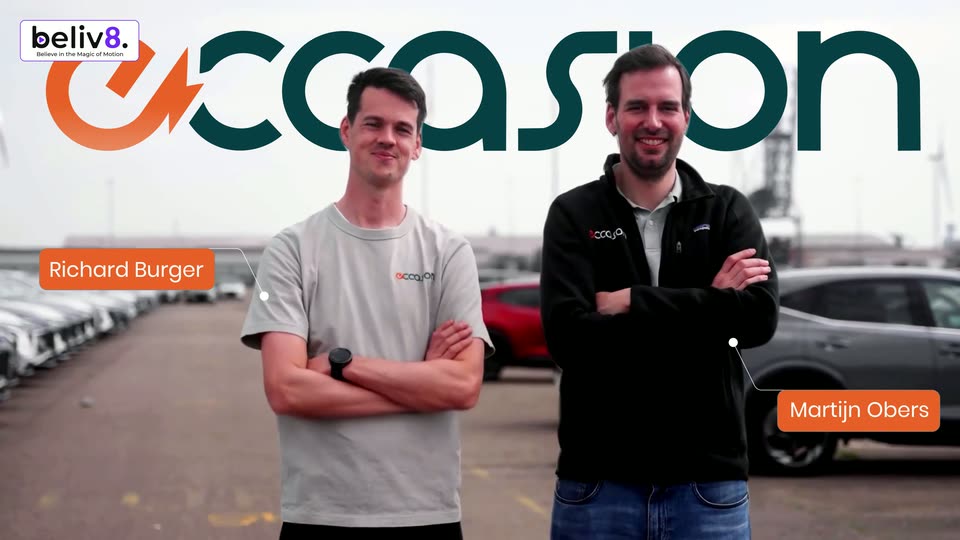

Two men stand in a parking lot, one in a grey tee crossing his arms, one in a black fleece. The occasion logo slides in at the top, then orange name tags pop in at each side. The frame ends tilting into a rounded card on white.

Scenes from tech launch videos
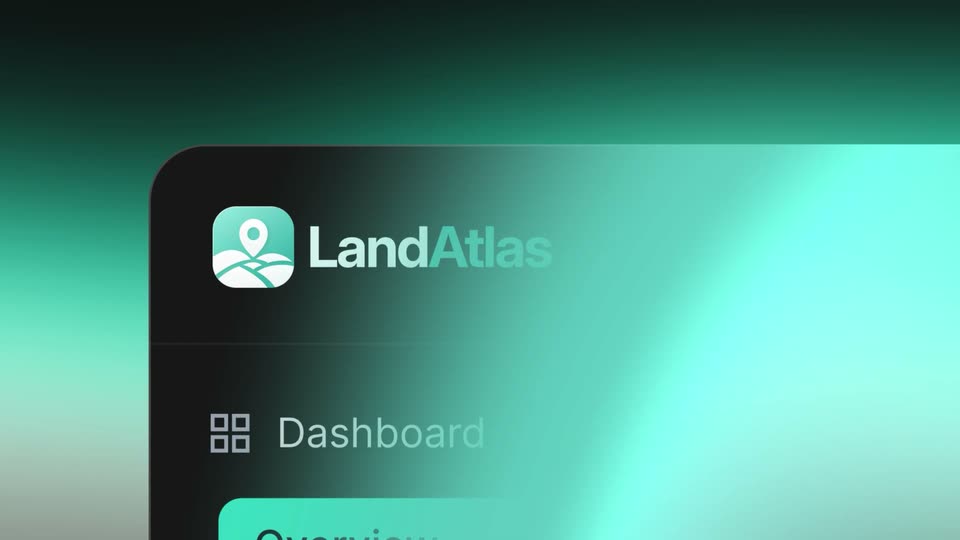
A teal rounded-square app icon with a map pin and route lines sits centered on a dark-to-teal gradient. The LandAtlas wordmark scales in beside it, Land in white and Atlas in teal.
The LandAtlas map-pin icon and wordmark sit centered on a black-to-teal vertical gradient with a soft glow behind them. The whole lockup scales up gently across the clip to settle in place.
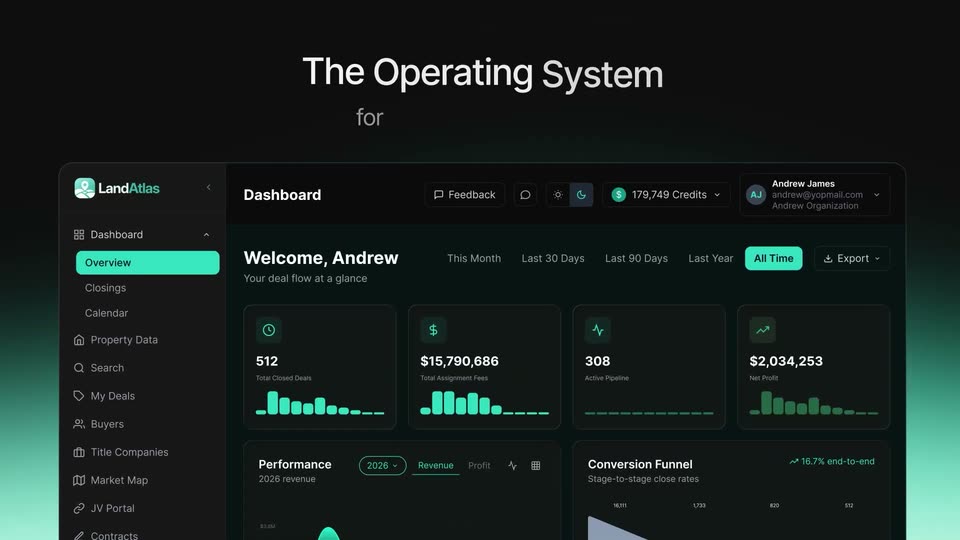
A dark UI panel with the LandAtlas logo floats in 3D perspective on a teal gradient. The logo scales in while the camera pans right, sliding the sidebar left to expose the Dashboard and Welcome headings.
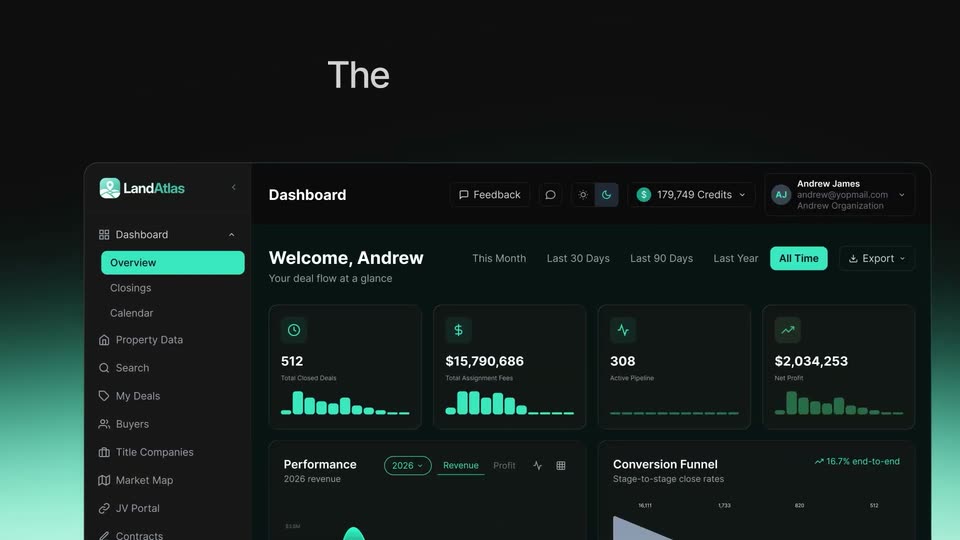
A dark 3D dashboard mockup rises into frame from below while the headline 'The Operating System' assembles word by word above it, with the smaller word 'for' fading in beneath.
A dark analytics dashboard sits in a slight 3D tilt beneath a white headline, framed by teal edge glows. The camera slowly pushes in, bringing the stat cards and funnel chart into fuller view.
A faceted coral-pink 3D shape with a cream band tumbles against a black void, its angular planes catching the light as it rotates into a vertical orientation.
A small isometric cube logo in orange and coral rests at the center of a peach radial glow. A circle of orange squares pulses outward around it, the squares spreading and fading as the background brightens.
A peach gradient with faint grid lines fills a static frame. The orange gojiberry logo mark scales down and slides left as the black lowercase wordmark appears beside it, locking into a centered brand mark.
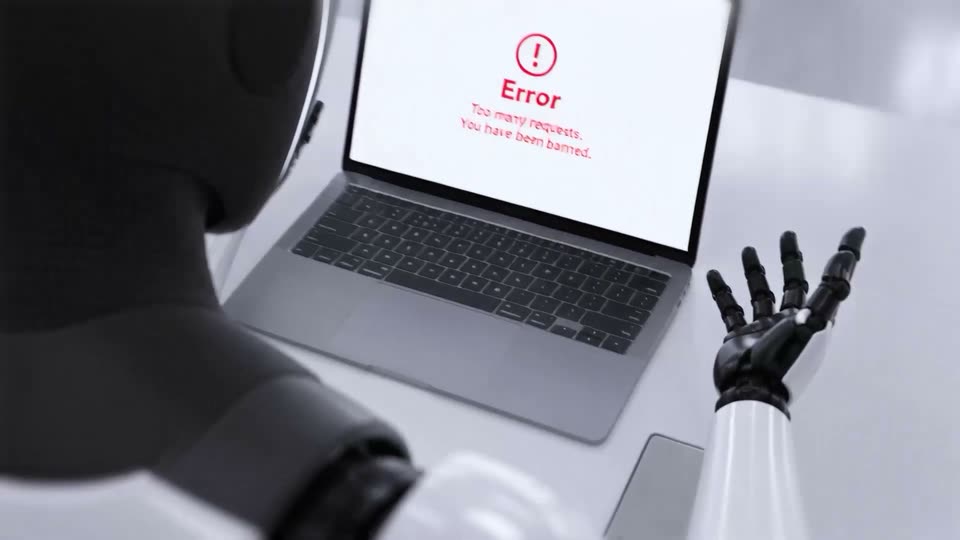
Over-the-shoulder view of a white robot with black hands shrugging at a laptop on a white desk. The screen shows a red error icon; the word Error scales in and two red lines slide in beside it.
Over-the-shoulder view of a robot with a black head and white arm, its hand raised with fingers spread, facing a laptop on a white desk. The screen shows a red error page with an exclamation icon; the message scales and slides in. A smartphone rests beside it.
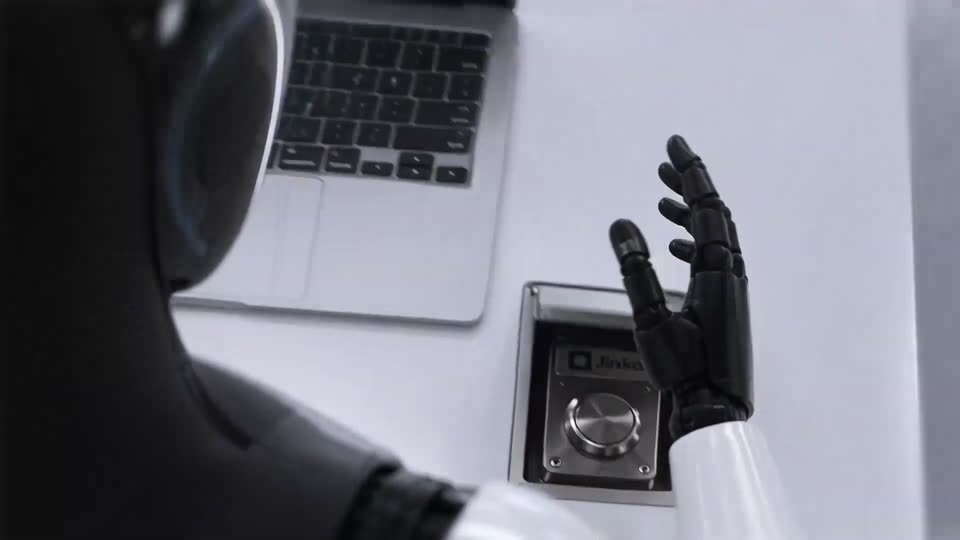
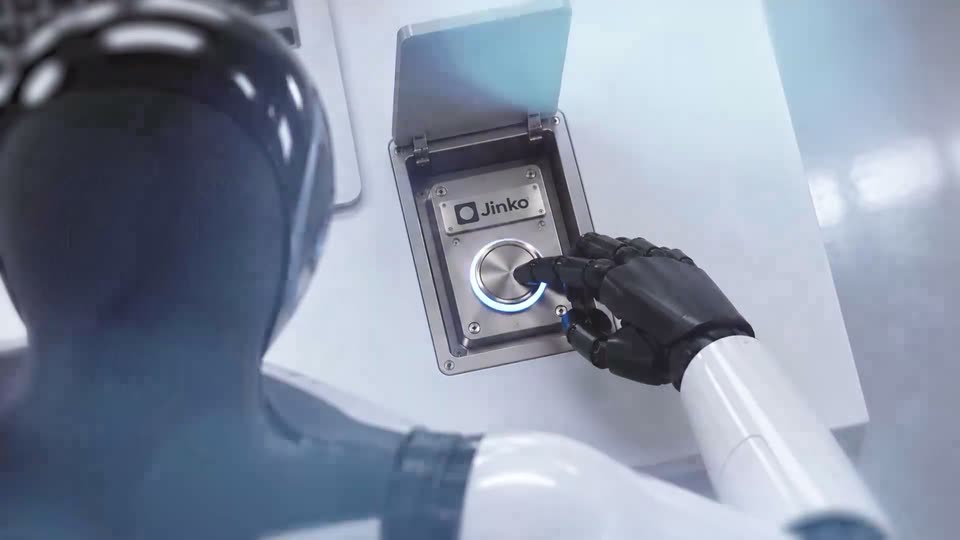
A robot with a glossy black head and white arm sits at a white desk, its hand reaching for a small hinged metal device. The lid stands open over a Jinko plate, and a finger presses the round brushed-metal button as the camera pushes in.
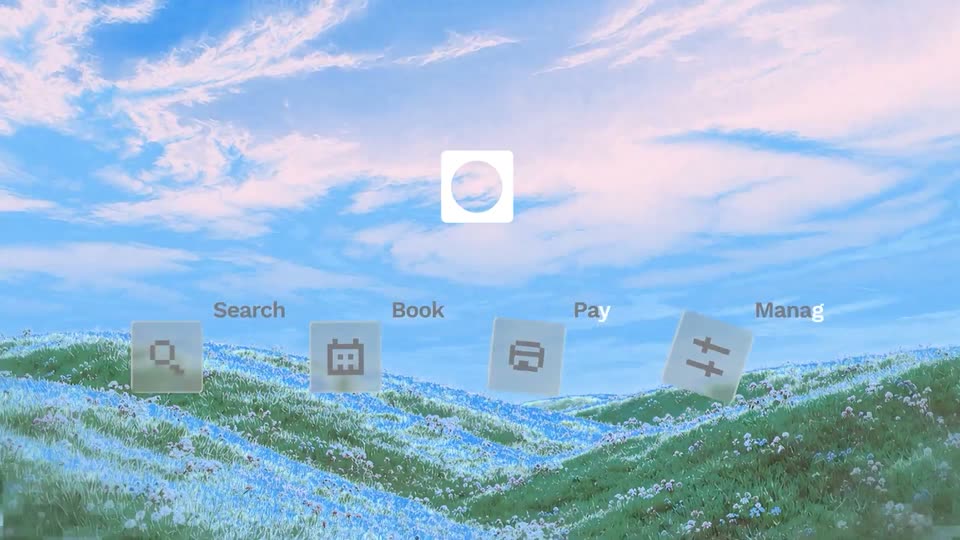
A white rounded-square logo mark with a circular cutout scales up in the center of a blue sky over a flowered hill. Four tilted 3D app icons with labels Search, Book, Pay, Manage slide in along the hillside.
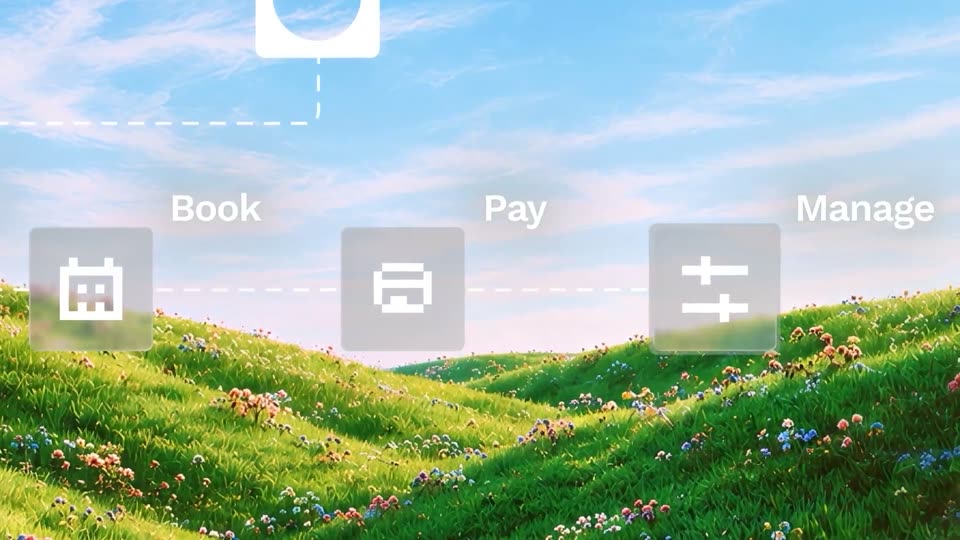
Green flowered hills under a blue sky fill the frame. Four frosted icon tiles for Search, Book, Pay and Manage float in 3D above the ridge, a white logo tile above them. A dashed line traces from the logo as the camera pans right and the tiles scale up.
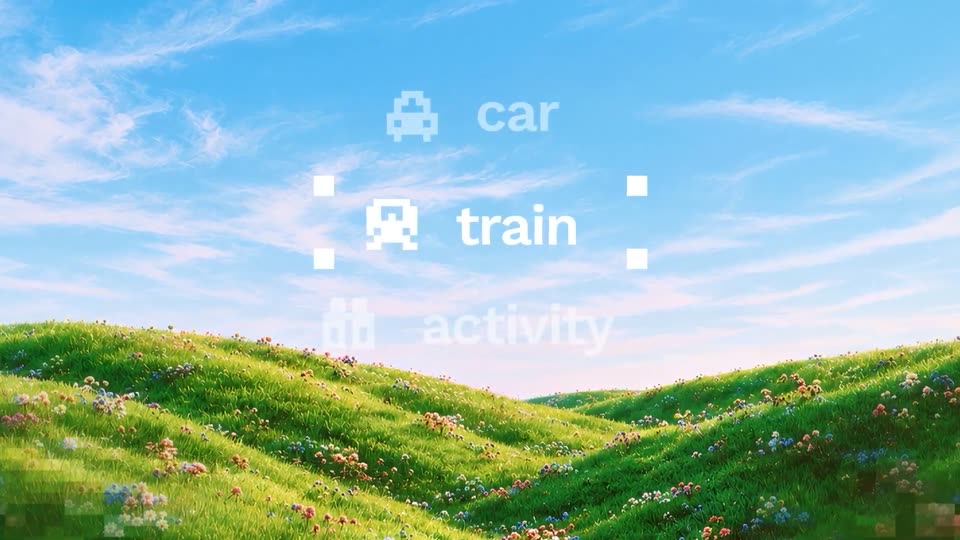
A flower-covered green hillside under a blue sky forms the backdrop. A vertical list of pixel icons and labels (flight, hotel, car, train, activity) scrolls upward; the row inside four white corner squares stays bright while the rest fade.
A field of white outlined pills and circles floats over a pale peach gradient, a coral dot drifting across it. The shapes merge into a frosted card as “Simpler” scales in, then gives way to “Everything in one place” above a grid of rounded tiles.
On a pale gradient background, the word Introducing starts out of focus and racks into sharp dark gray type. It is then replaced by the Peko wordmark, its final letter tinted with a red-to-orange gradient.
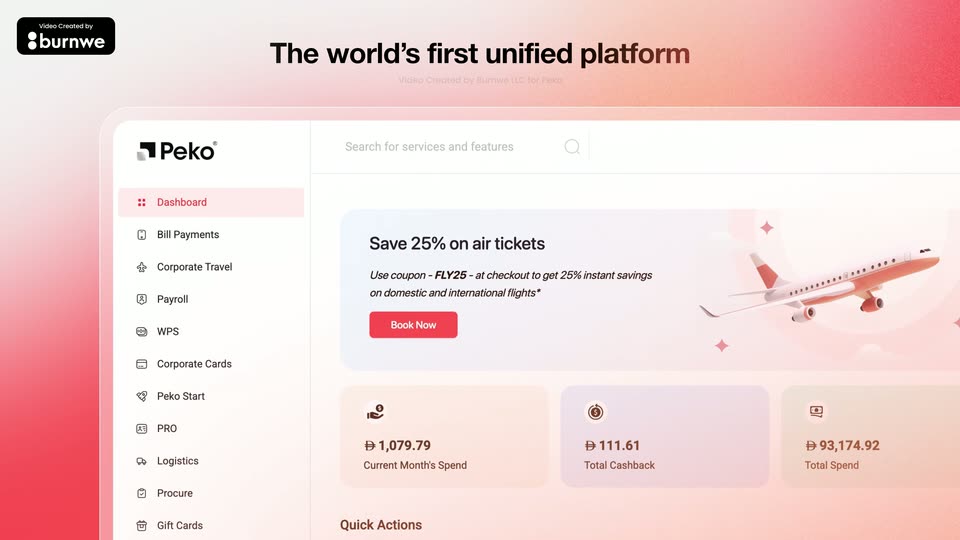
A coral gradient fills the frame behind a bold headline. Below it, the Peko dashboard UI drifts upward, its sidebar menu and a promo card with an airplane illustration sliding into view at a slightly different pace than the headline.
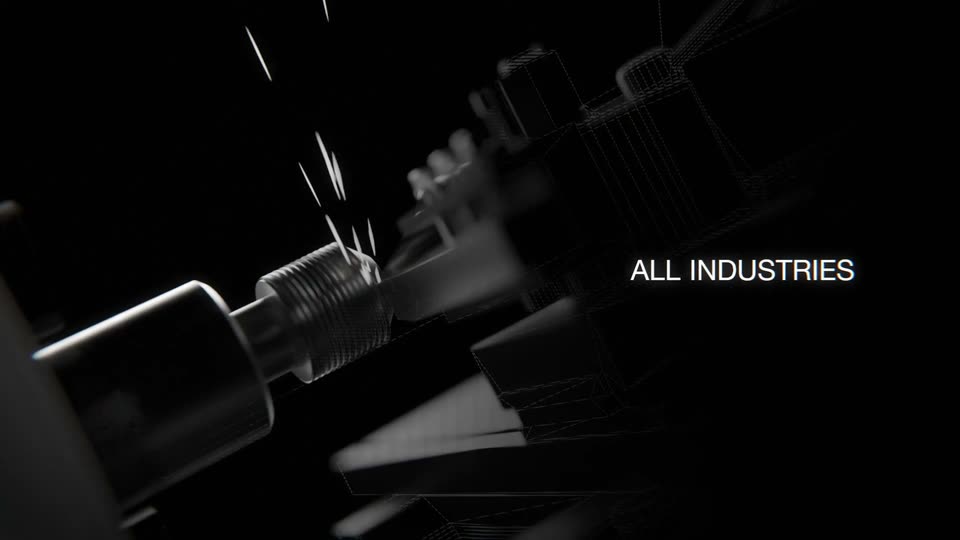
A CNC milling cutter grinds a wireframe mesh part, throwing off white sparks, as the words ALL INDUSTRIES hold on the right. The shot cuts to black, leaving a faint dark box in the center.
A dark 3D processor die with visible circuitry and connectors rotates slowly against a black background. The word UNIFIED fades in in white over the center of the chip.
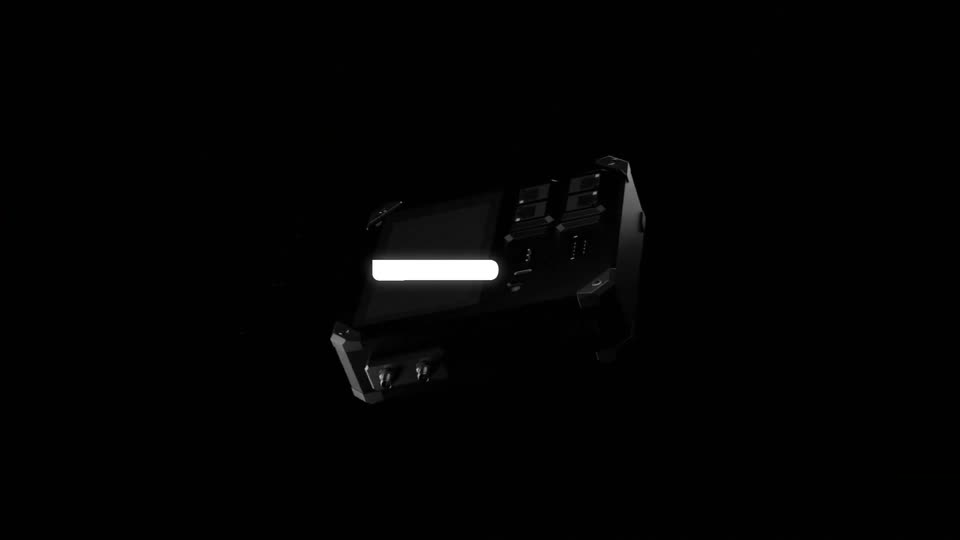
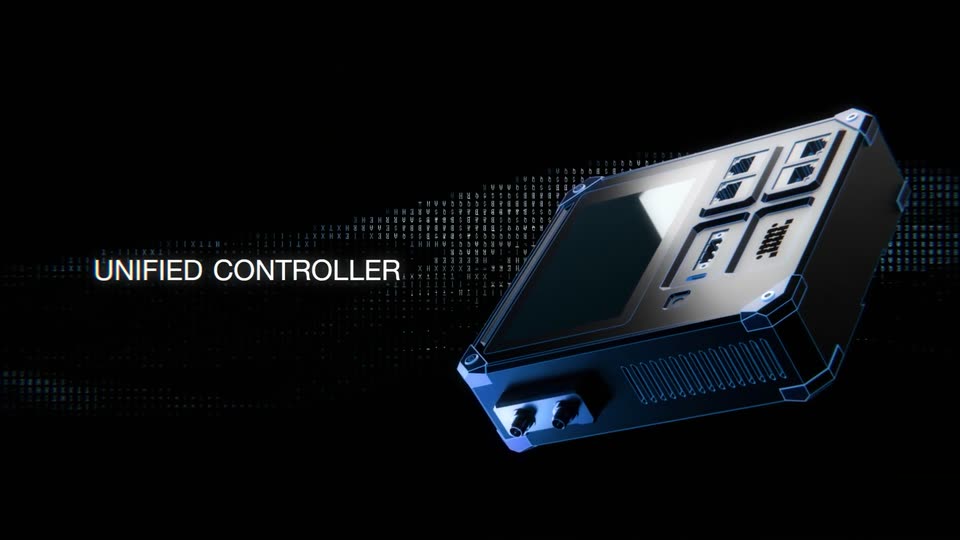
A 3D metallic controller with a screen and ports is shown in perspective, outlined in blue wireframe. A horizontal band of dots and characters moves in the background while the text appears on the left.
Centered white text reads “Or one place” over a black field with soft green blur. The last word starts out of focus and sharpens into a clean glow while the green light drifts behind it.
The tagadarx wordmark builds up center frame on a white background with soft green blur in the corners: black tagada letters slide in with motion blur, the green rx and dot follow, and a small black triangle in the upper right fades out.
Centered white type on black introduces the all new, then Framer MCP. Both lines share the same spare title-card context.
Every AI. One connection. Zero all-nighters. builds across a single white line on black. The line accelerates and enlarges until the letterforms fill the frame; the blue room appears through the letters as the typographic mask clears. This continuous exit is not another title scene.
On a pale blue background, a teal droplet grows into a folded-card icon with a treble clef, as the lowercase words musicfirst and elementary scale in to its right, then Powered by charanga appears beneath the lockup.
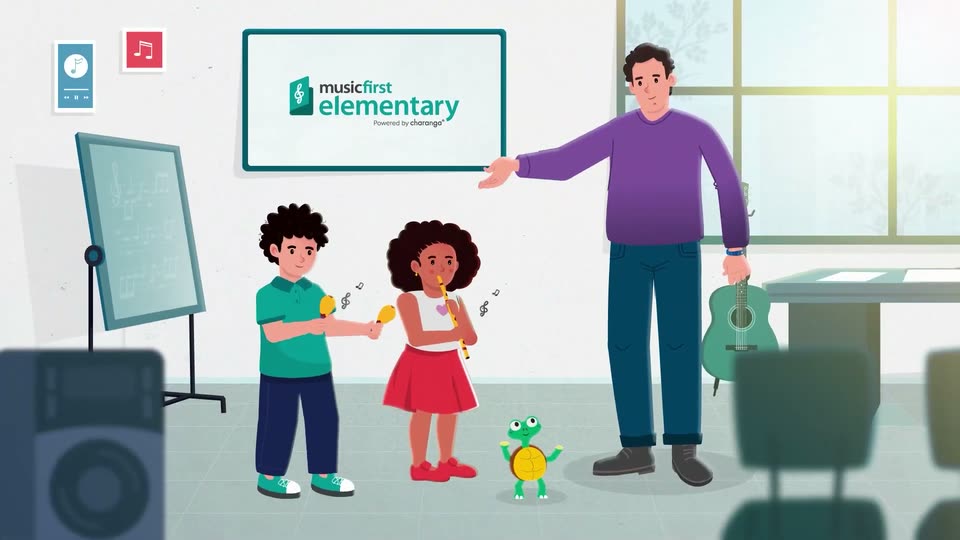
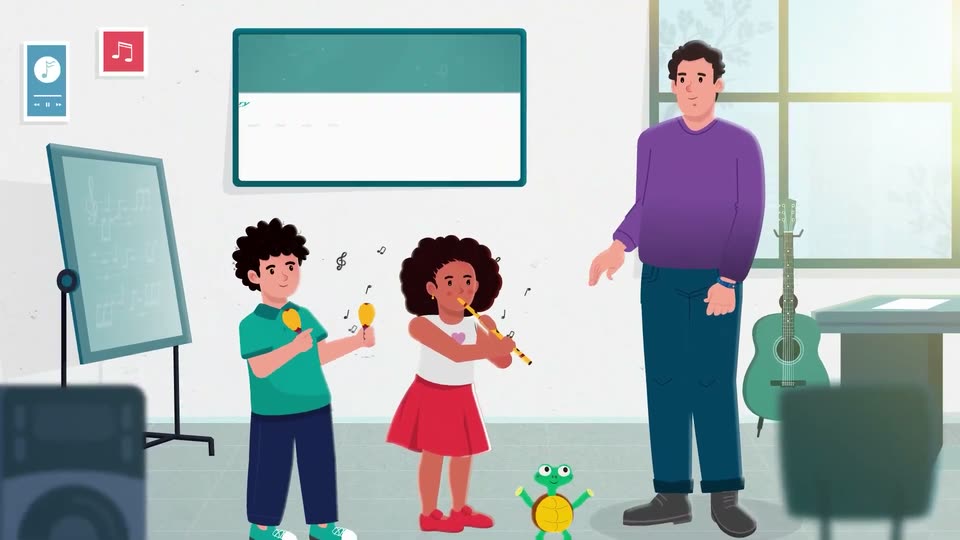
A close-up of the musicfirst elementary logo on a whiteboard quickly pulls back to reveal a flat-illustration classroom: a teacher in purple points at the board, a student shakes maracas, another plays a recorder, a guitar and a red app icon at the edges.
A flat-illustration classroom with a teacher gesturing at a whiteboard showing the Music First Elementary logo, two children playing maracas and a recorder, and a small green frog bouncing on the floor. The logo lockup scales in on the board as a music symbol slides.
A tablet in 3D perspective displays the Music First Elementary site above two illustrated children. The view zooms into the screen, dropping the frame to reveal a white content card with a colored grade bar on a teal field of floating notes.
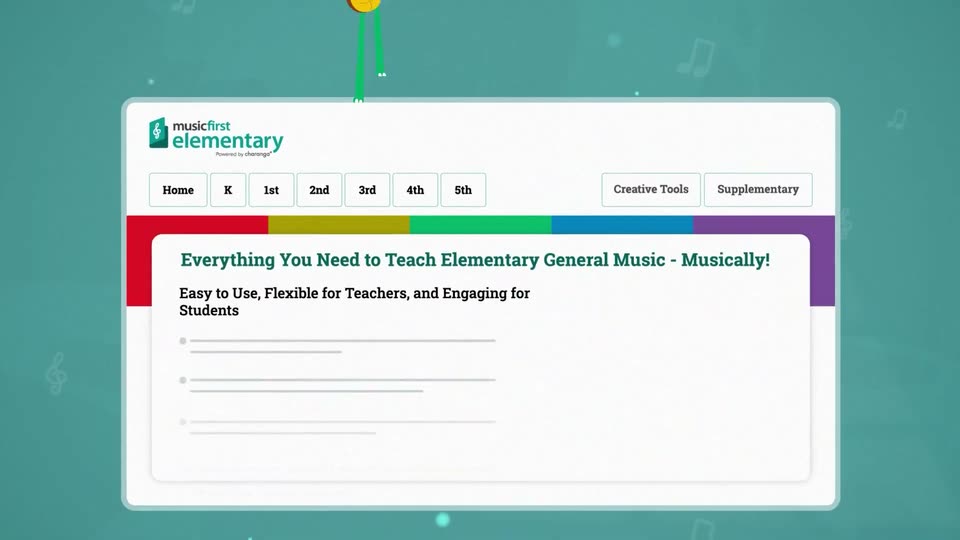
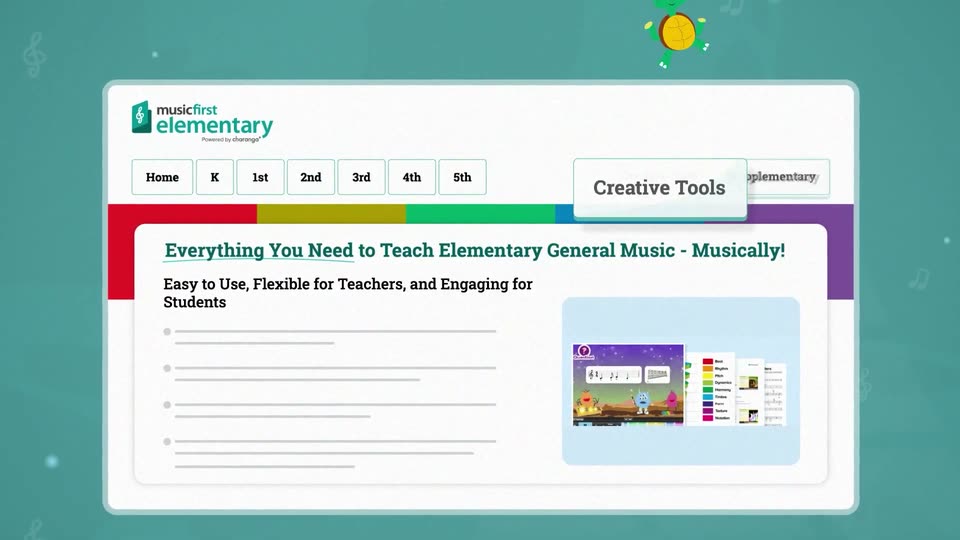
A flat Music First Elementary website mockup on a teal background. A cartoon turtle with a yellow shell walks left to right along the top edge as the grade buttons Home to 5th enlarge in a rounded frame, then the Creative Tools and Supplementary labels pop out.
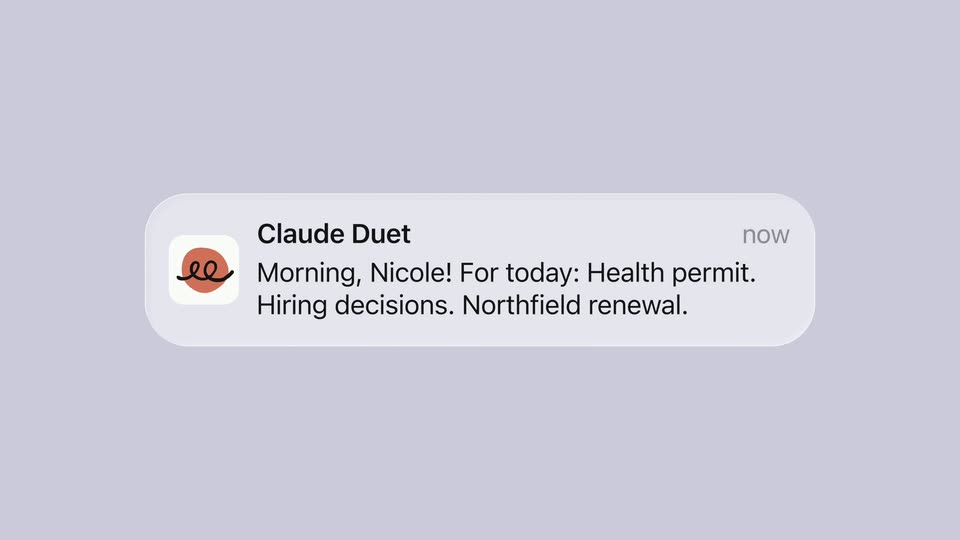
On lavender, the orange Claude Duet icon expands into a translucent notification: Morning, Nicole! For today: Health permit. Hiring decisions. Northfield renewal. The sender name and now label appear inside the widening card.
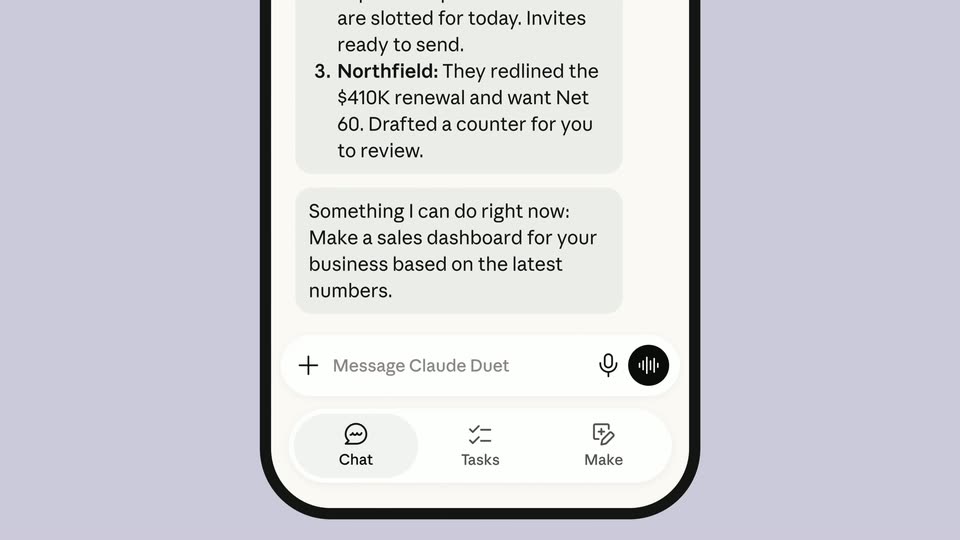
A front-facing phone rises into the lavender frame. Its daily brief reveals updates about a Chicago location, hiring and Northfield, then scrolls to a proposed sales dashboard and the Chat, Tasks and Make navigation. The phone recedes and moves upward out of frame in one continuous move.
Claude Duet resolves on lavender beneath a Research preview pill. A fine looping line draws across and behind the wordmark. The title holds before sliding left toward the next benefit line.
On white, paired vertical marks open around the letters as Chimera types into the center, then the word holds.
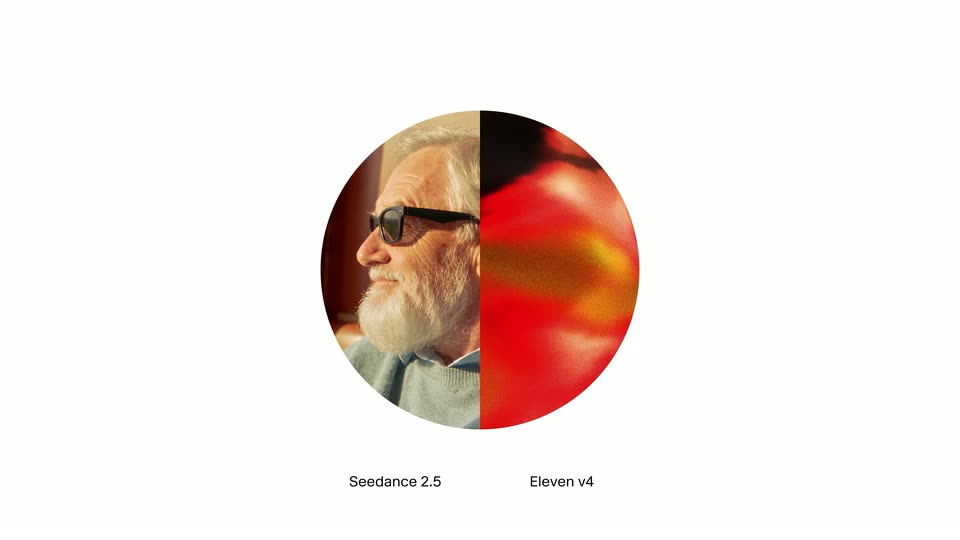
A circular portrait labelled Seedance 2.5 appears on white, switches to a red-orange abstract voice orb labelled Eleven v4, then the two circles sit side by side and converge into one split circle. The changing layout explains the combination of video and voice models.
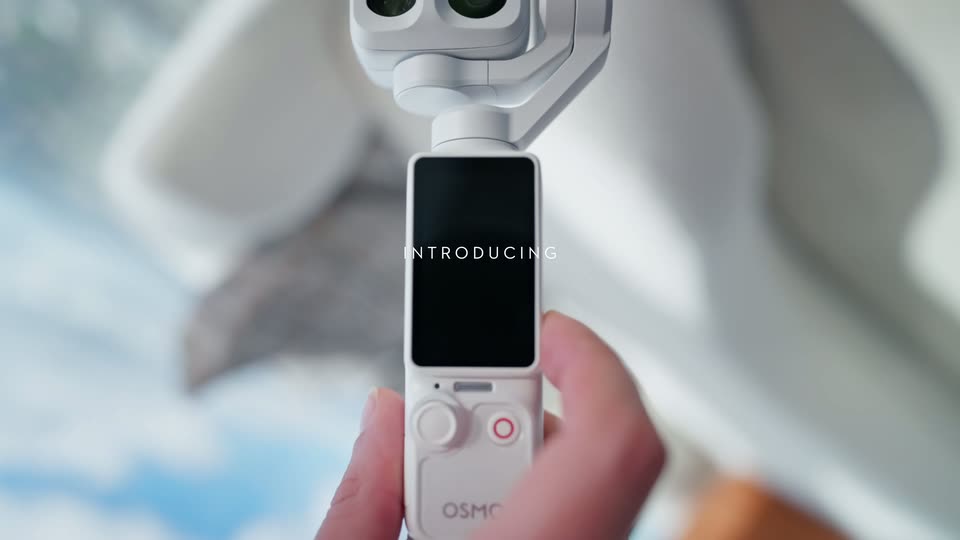
A white pocket gimbal is lifted out of an open dark handbag; the very short, moving close-up reveals its dual camera head.
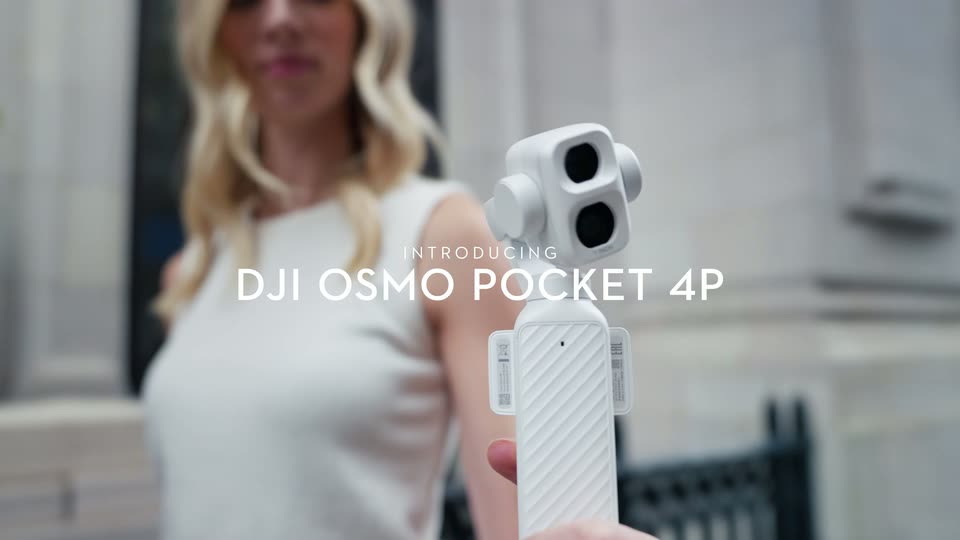
Close-up of the white gimbal held upright in front of a softly blurred woman; INTRODUCING and DJI OSMO POCKET 4P fade over the physical device.
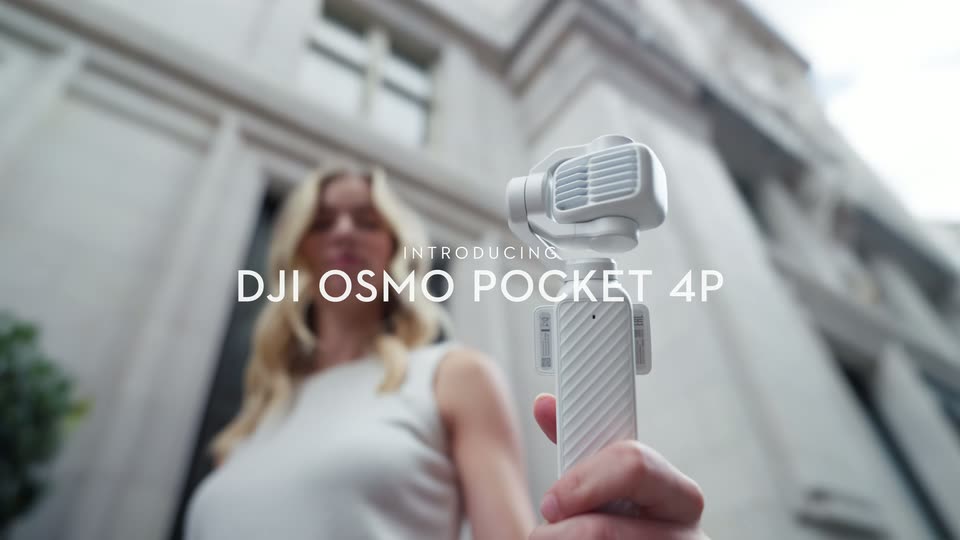
Low-angle street close-up of the white gimbal in a woman’s hand. Its motorized head turns beneath the centered product title; device motion is distinct from a camera push-in.
A blue Webflow mark assembles on black, the white wordmark appears, and Campaigns joins the lockup. A blue block-and-scanline wipe carries the title into the next graphic.
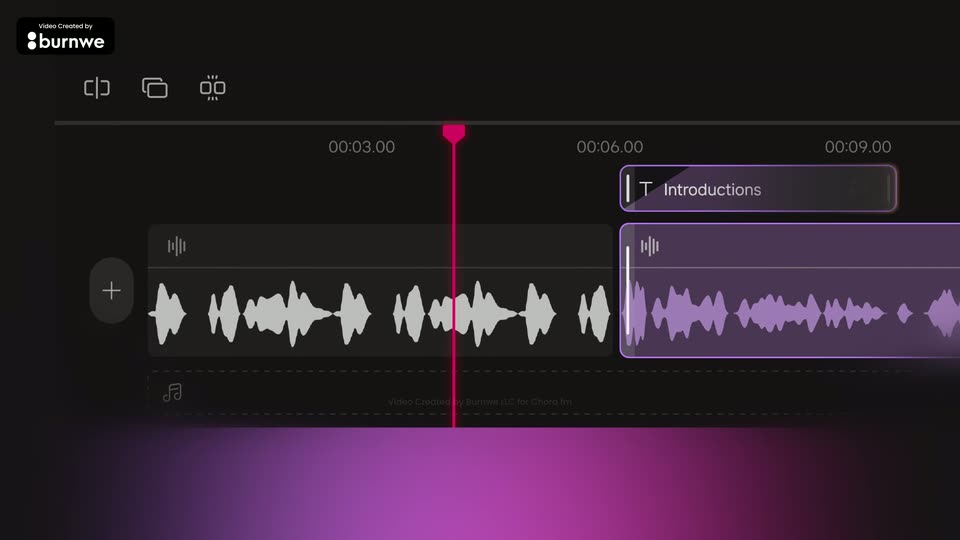
A dark editing timeline with a timecode ruler, a plus button and two audio waveform clips. A pink playhead sweeps left to right across the ruler while the right clip gains a purple outline and a rounded 'Introductions' label pops in above it.
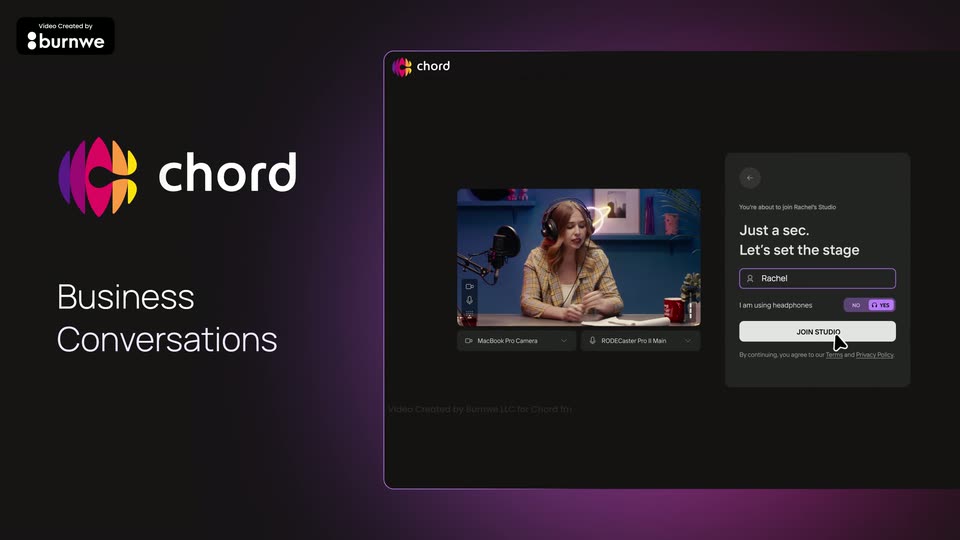
The colorful chord mark sits left as the white chord wordmark slides in, then Business Conversations fades in below. Right, a 3D-tilted dark panel shows a join-studio screen: a cursor types Rachel and clicks the JOIN STUDIO button while a woman with headphones talks in the video tile.
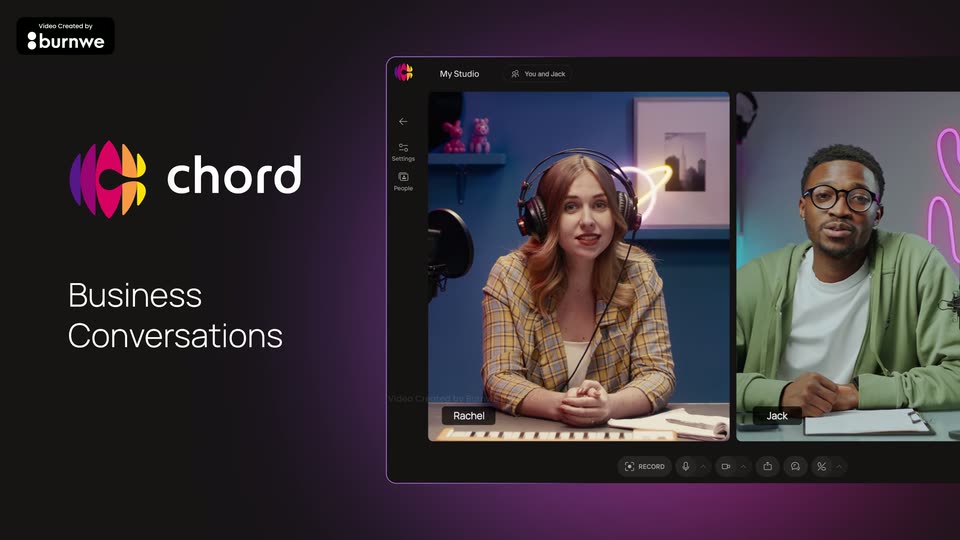
A dark purple gradient frame holds the Chord logo and the headline Business Conversations on the left, while a 3D-angled app window on the right shows a two-person video call, a woman with headphones and a man with glasses seated at desks. The shot is locked-off and static.
Introducing and a small pink square lead into the large Center Stage wordmark on white, with corner dots and briefly distorted letter edges. The title resolves before a horizontal chromatic smear reveals the editor.
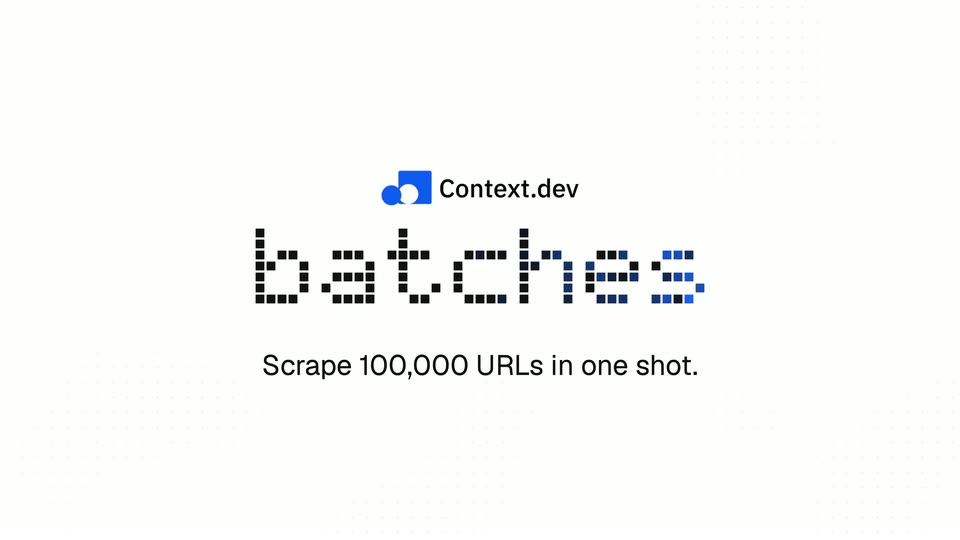
The Context.dev lockup appears on a faint white dot grid. Blue dots assemble the word batches, and Scrape 100,000 URLs in one shot. fades in underneath. The title dissolves through white; the incoming URL-explanation heading begins to appear before the next panels arrive.
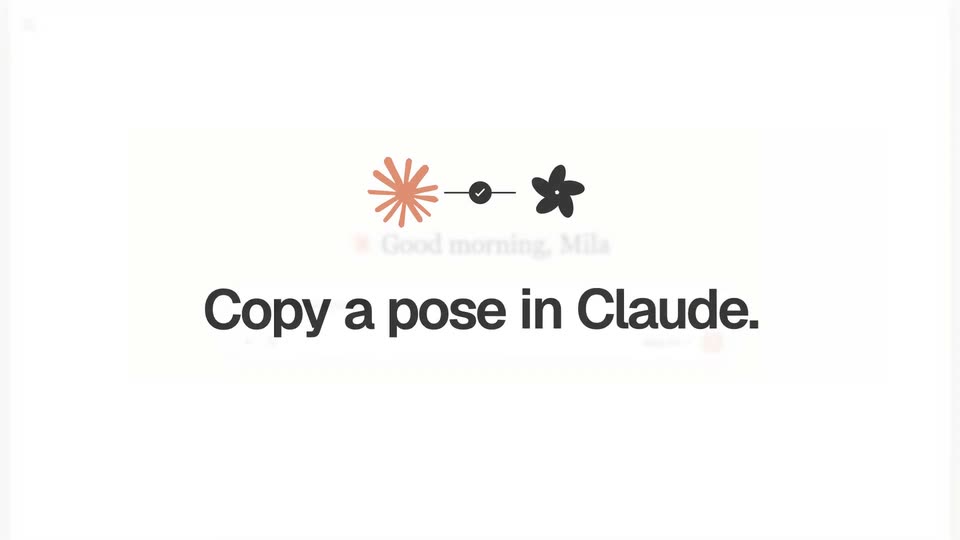
On white, the orange Claude mark connects to the black Orior symbol through a thin link. Copy a pose in Claude. builds below in bold black type, resolving from blur before the editor appears behind it.
A large red headline, Introducing, slides into the center of a white frame and holds, while tiny red and gray squares drift slowly across the background. The beliv8 badge stays fixed in the top-left corner.
Kinetic title over a foggy wet highway that recedes into white. TransportOne slides in from the left, red settling to black with a red underline, then BY DELHIVERY fades in below. The red tagline types on word by word, and the whole lockup shifts out at the end.
A red headline '6 Specialised AI Agents' scales in on a plain white background under the beliv8 logo, then six cut-out headshots fade and scale up into a staggered two-row grid, each row underlined by a thin red line as the headline fades out.
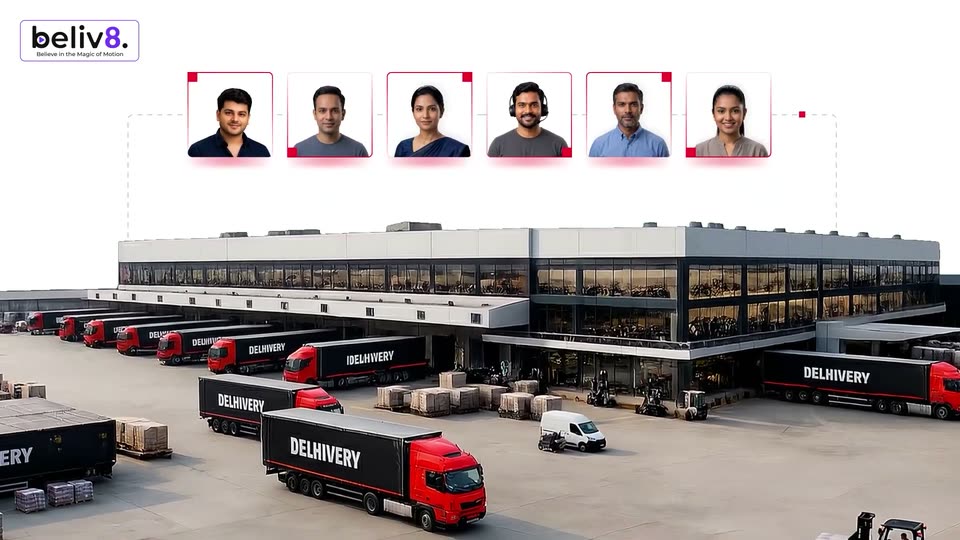
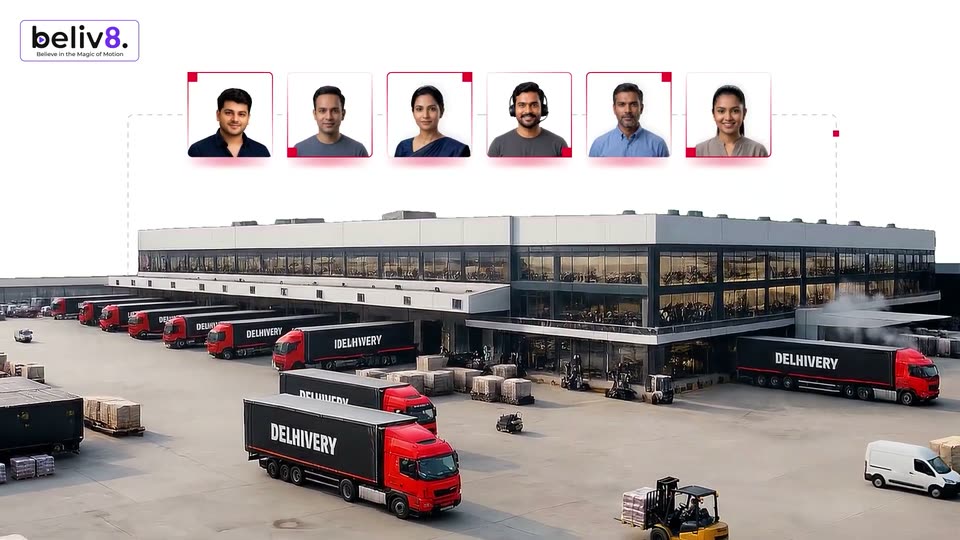
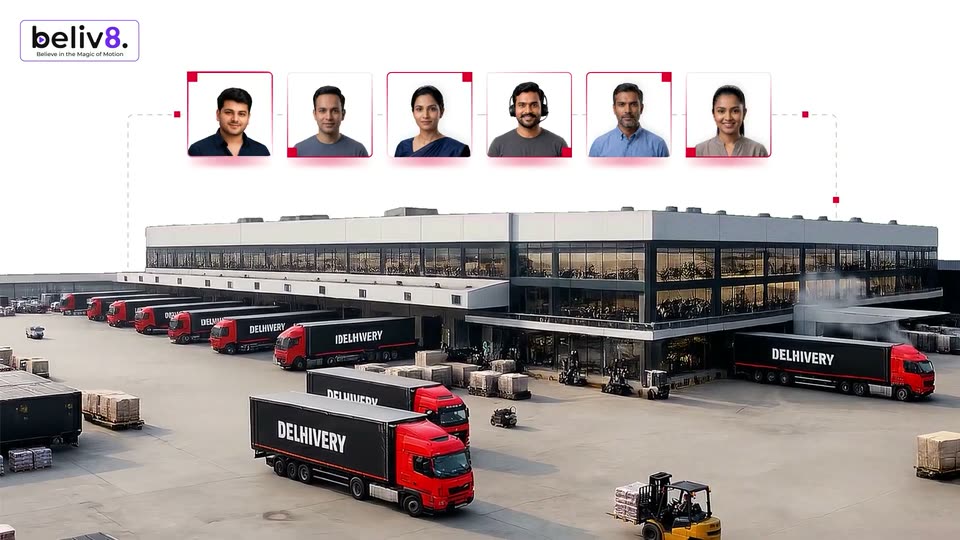
Three headshots in red corner brackets slide from a diagonal into a horizontal row of six, joined by dashed lines, above an aerial view of a delivery hub with red trucks.
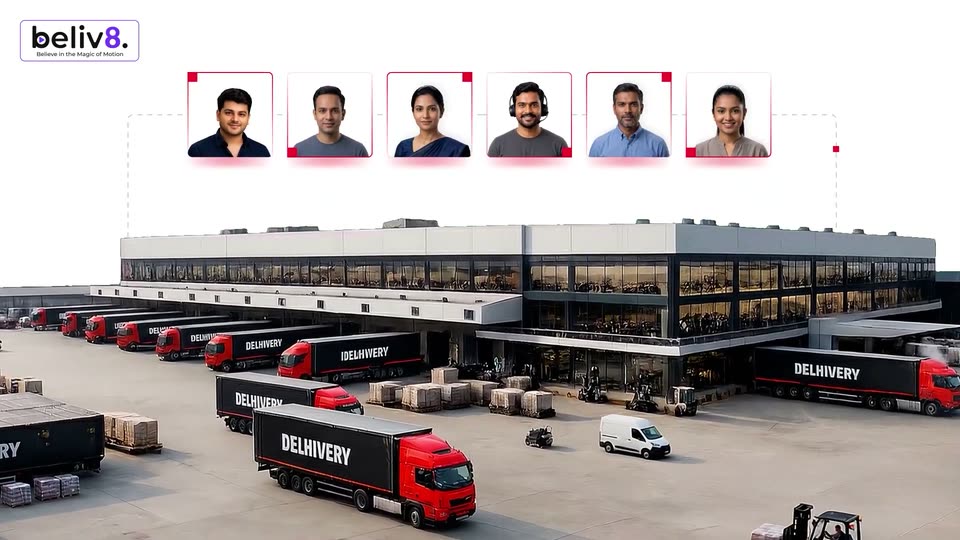
A 3D logistics hub with red-and-black trucks at the docks, a white van and forklift moving in the yard. Six employee portraits in white cards with red corners sit in a row above, linked by a dashed line drawing around the building. The beliv8 logo sits top-left.
A 3D-rendered logistics yard with red delivery trucks, forklifts and a white van moving past a large warehouse. Six headshots in red-cornered frames sit in a row across the top, linked by dashed lines, while the camera drifts slowly right.
Aerial 3D render of a logistics hub with red and black DELIVERY trucks, forklifts and stacked cargo. Six employee headshots in white cards line up across the top, linked by a dashed line dropping to the warehouse. The beliv8. logo sits in the top-left corner.
On a white field, a small dark caption scales in, then the word REACH appears centered in gray sans-serif. NOW replaces it at a larger size and holds, before a small peach and coral cube mark settles at the left of the frame.
A glossy black 3D emblem shaped like a stylized fox head with a pointed ear sits centered on a plain cream background. The mark holds still, catching soft highlights along its curved edges.
Tight over-the-shoulder close-up of a red-haired woman's face against a soft green wall. A hand in the foreground holds a fine paintbrush and touches her cheek, the brush tip resting on the skin. The framing holds steady with a subtle drift.
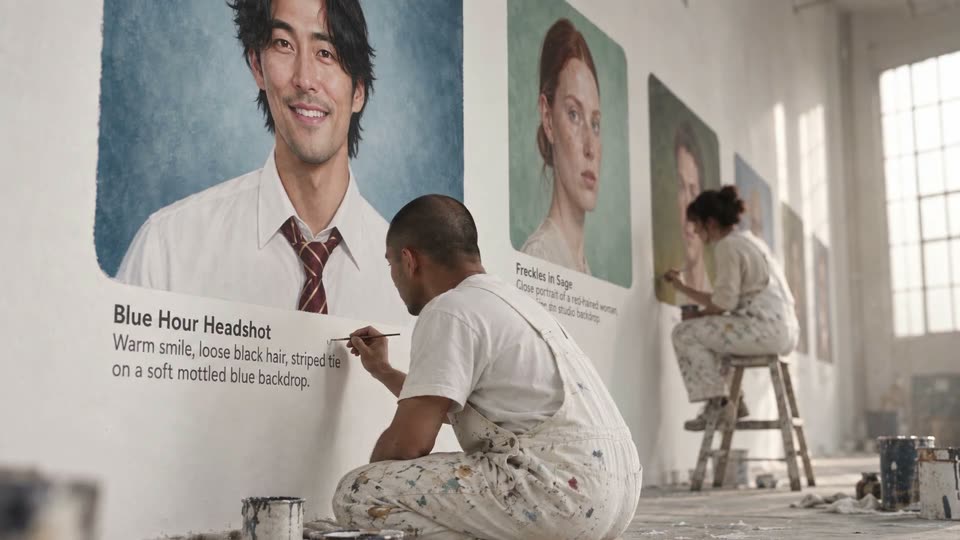
A painter in paint-spattered overalls crouches on the floor, brushing small text beneath a large painted portrait of a smiling man in a striped tie. Further down a bright white warehouse wall, a second painter sits on a stool working on another portrait.
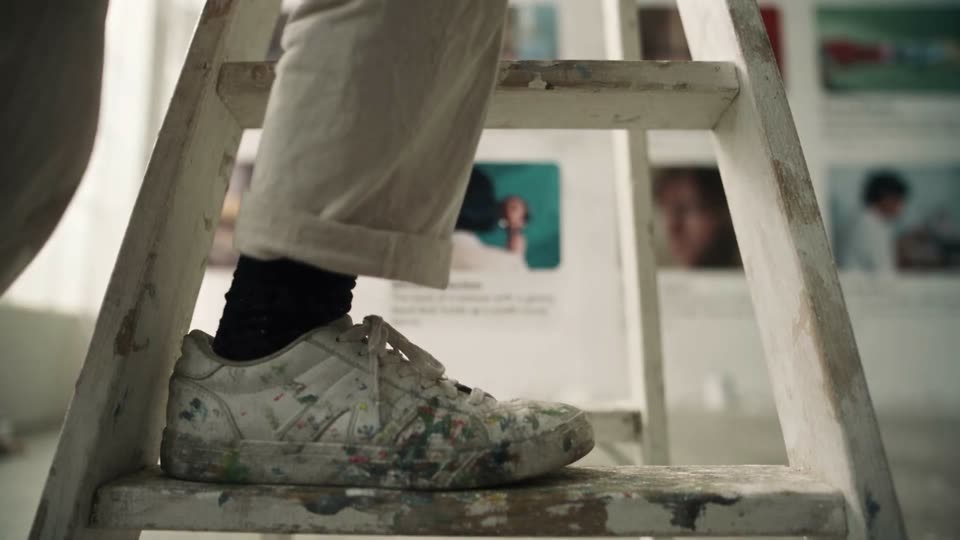
A low close-up follows a paint-splattered white sneaker as it steps up a worn white ladder in a gallery. Cream trousers and a black sock frame the foot. Blurred framed artworks and wall captions fill the background. The camera holds still as the foot climbs one rung.
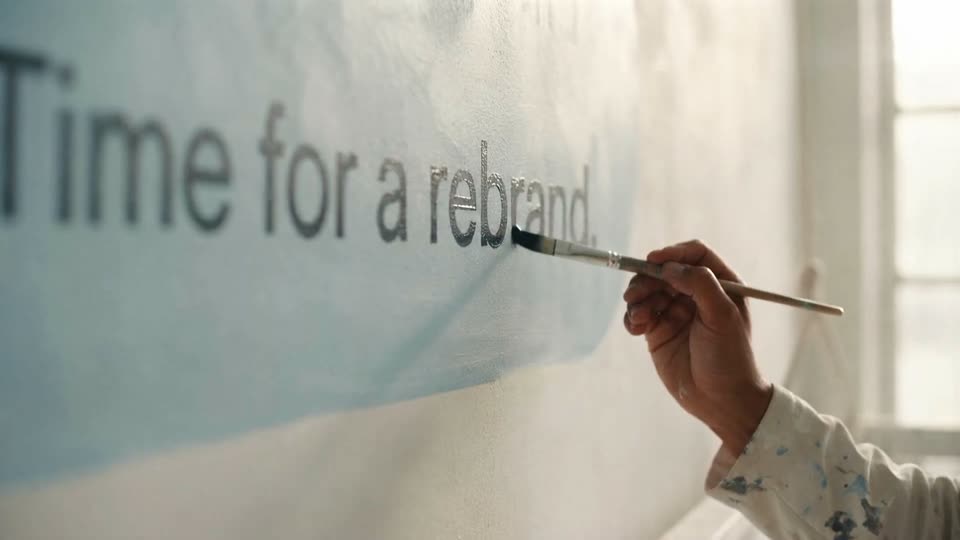
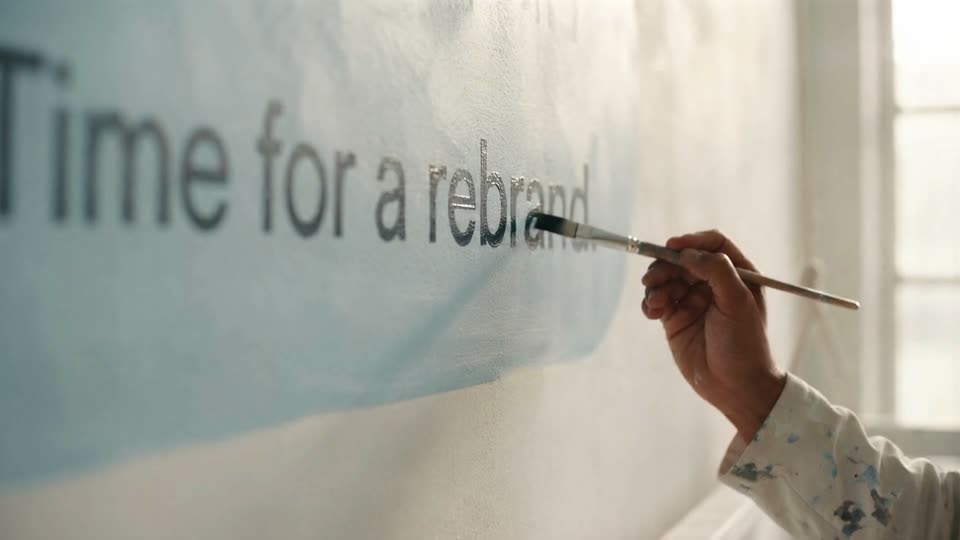
A hand in a paint-splattered white sleeve holds a thin brush to the last letter of the painted phrase on a white wall, the words set on a soft blue brushstroke. Locked-off close-up, shallow focus, bright window light from the right.
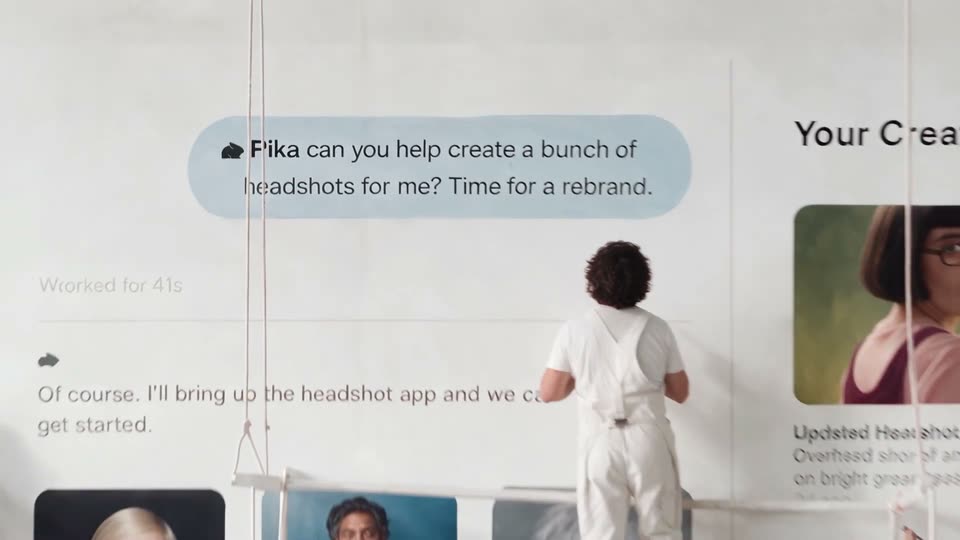
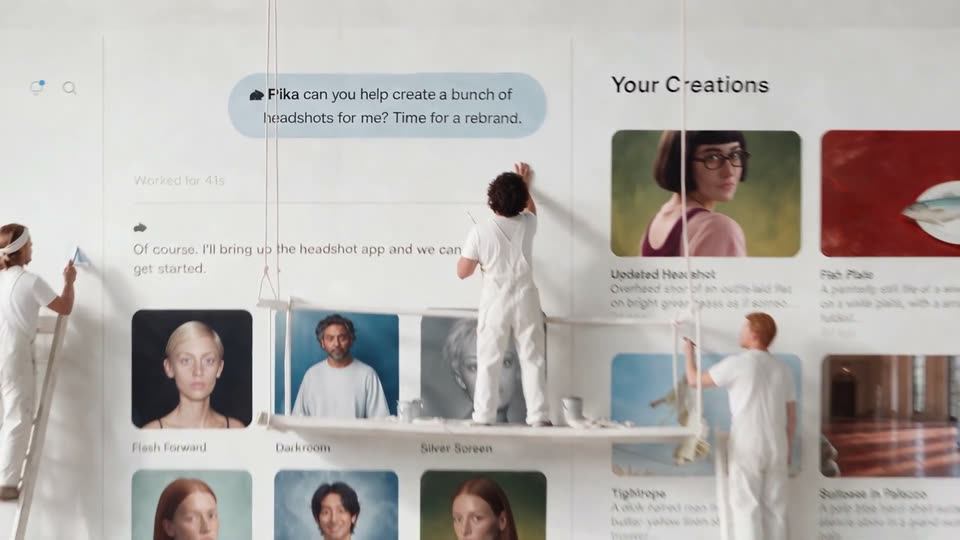
A person in white overalls stands with back to camera before a white wall showing a chat interface. They lower a paintbrush as a right-hand panel and a row of headshot thumbnails animate into view at the edges.
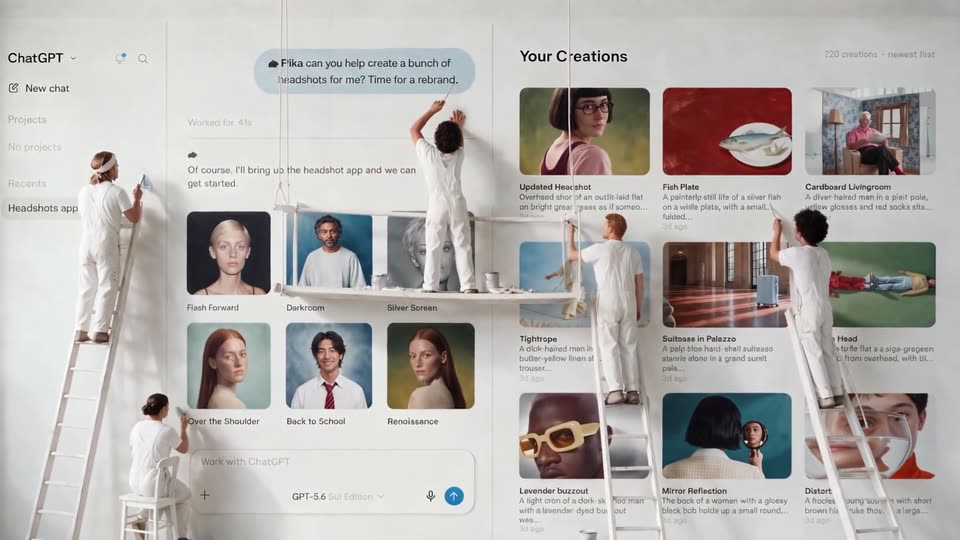
A giant white wall shows a chat thread and a photo grid titled Your Creations; tiny figures in white overalls stand on ladders and scaffolding, painting the panels. The camera pulls back slightly to reveal a second row of headshot thumbnails.
A giant white app interface is printed across a studio wall. Miniature figures in white climb ladders and reach up, painting the chat bubble and the creation thumbnails. The chat asks Fika for headshots; a grid of image cards fills the right side.
On a black background, white bold all-caps text reveals line by line. The first line opens from a thin horizontal sliver, the second line drops in below it, and the third line fades in to complete the centered three-line block.
A hand in a white sleeve holds a paintbrush to a white wall, stroking the left edge of a black interlocking knot logo, then lifts the brush away. A locked three-line headline overlays the shot.
The word INTRODUCING in oversized white uppercase sans-serif tracks left across a black background, letters entering and exiting the frame edge to edge in one continuous horizontal scroll.
A black card carries the white title in three centered lines. The frame opens cropped close on the letters, pulls back to reveal the full title, holds, then the text block slides off to the left and exits.
A man in a light blue button-down shirt sits centered, speaking to camera against a textured beige wall, a lit floor lamp at left. He gestures with both hands as he talks; the camera holds a steady medium shot.
A locked-off medium close-up of a man in a blue shirt speaking in a warm home office with shelves behind him. The word Glimpse appears letter by letter on the left in white as he talks.
The word Meet in large green gradient type holds on a black background with a soft green glow below. The text fades out, leaving a green circle with a darker crescent centered in the dark.
A green circular mark sits centered on a black background, then the white wordmark Pulse fades in to its right, forming the centered brand logo lockup.
The Lovable logo, a gradient heart mark beside the white wordmark, sits centered on a near-black field with a soft blue-to-pink glow blooming from the right. The wordmark scales up from a smaller size to its full size while the glow intensifies.
A dark macOS dock floats over a blurred blue and pink gradient. A cartoon white cursor rises from the bottom edge and hovers under the Photos icon, a small glint at its tip. The word Lovable scales in large over the frame.
A row of glossy app icons sits in a rounded dock over a blue-to-pink gradient. A white hand cursor with a black outline rises from below and points at the central heart icon.
Centered kinetic words build Jockey has entered the chat on a pale peach-to-white field. Jockey begins coral, the connecting words are black, and chat is coral.
The black ChatGPT symbol and wordmark hold centered alone on the white title card.
A separate centered Claude lockup, with coral starburst and black serif wordmark, replaces ChatGPT on white.

Two solid black vertical bars sit centered on a pale gray field. They scale up and slide apart from each other, opening into the full logo mark. The frame stays locked off throughout the short reveal.
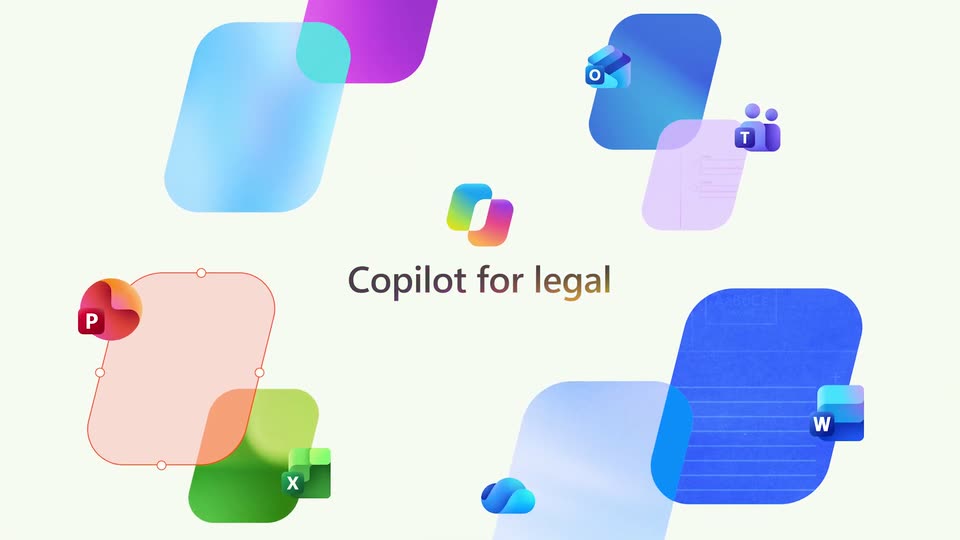
A gradient Copilot logo and the title “Copilot for legal” hold the center of a cream field as the title fades in. Around them, rounded color tiles carrying Office app icons (PowerPoint, Excel, Outlook, Teams, Word, OneDrive) drift slowly.
The Copilot logo and the title “Copilot for legal” hold still at center on a pale cream background. Rounded shapes carrying P, W, X and T icons scale up and drift outward, growing into large green, pink and blue fields at the frame edges.
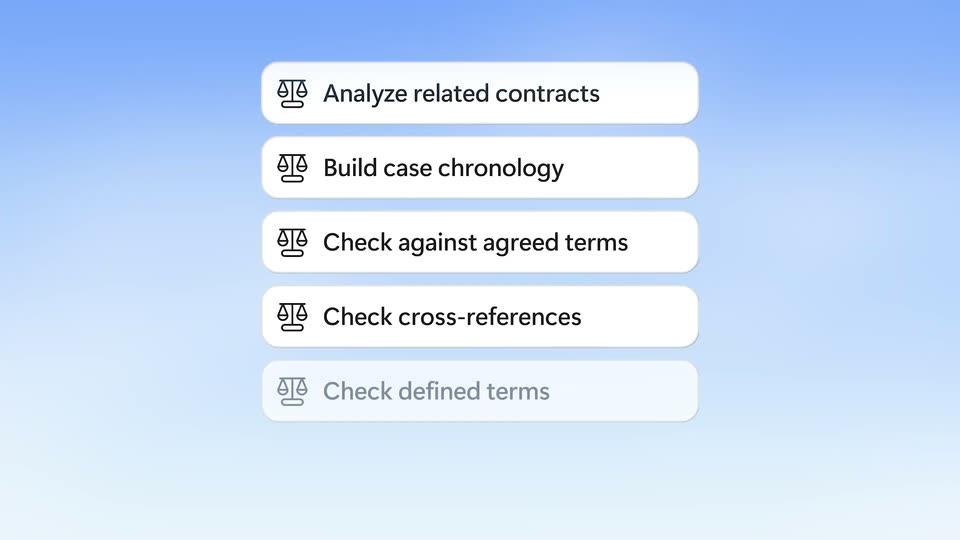
Three white rounded chips with a scales icon stack in on a soft blue gradient as diagonal green and magenta bands wipe away: Analyze related contracts, Build case chronology, then Check against agreed terms fading in last.
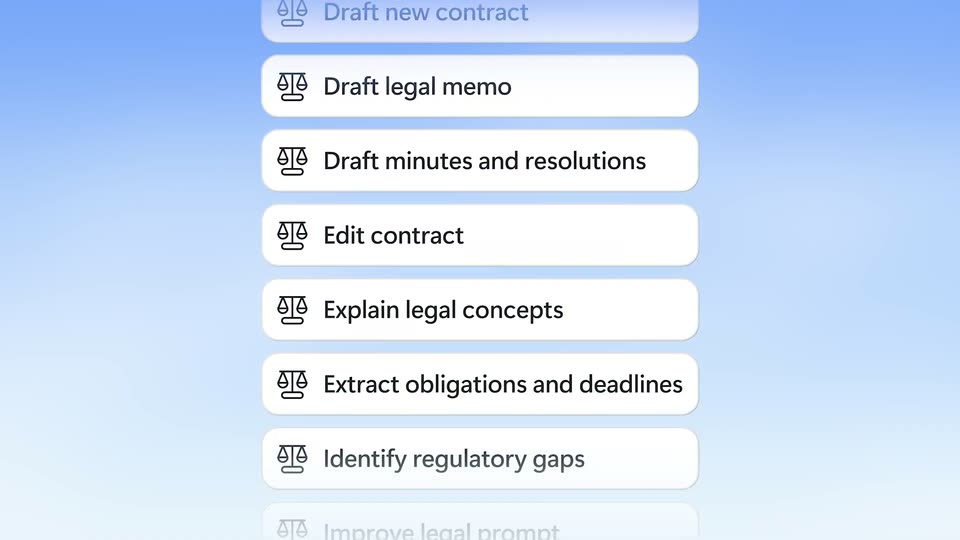
A vertical list of white rounded pills, each with a line-drawn scales icon and a task label, scrolls upward against a light blue gradient, items fading in at the bottom and out at the top.
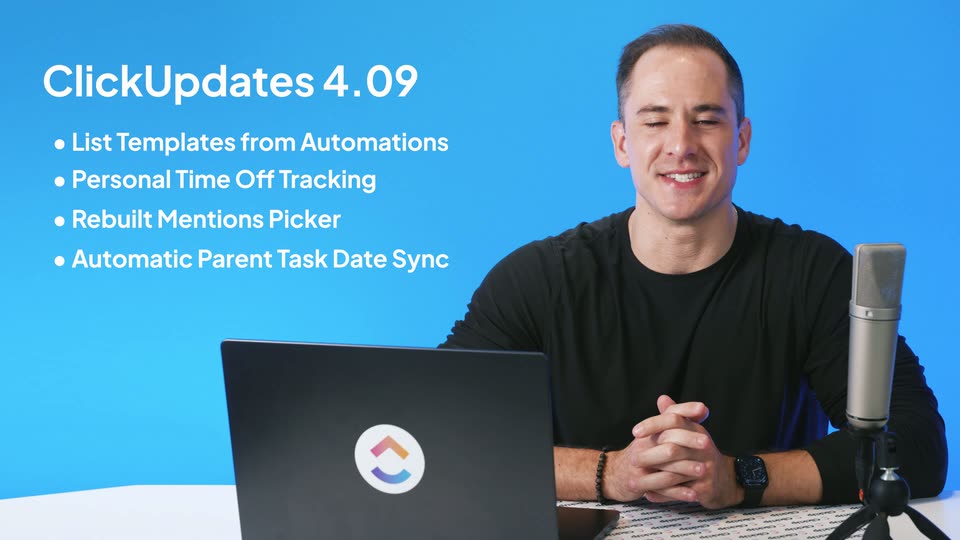
A man in a black shirt sits at a white desk against a blue wall, speaking to the camera with a laptop, microphone, and tumbler in front of him. On the left, a white headline types in and five bullet lines fade in one after another.
A small two-part gradient logo, a pink-to-orange chevron over a purple-to-blue arc, sits centered on a plain white background. A static feature list and version title hold in place for the short sting.
The ClickUp logo lockup sits centered on a plain white background. The wordmark darkens from light gray to black as the gray caption Release 4.09 fades in beneath it.
A solid black screen holds for the whole clip, a brief pause while the voiceover says “Say HeyReach.”
On a near-black background, the word Say starts large and soft-focused with a purple tail, then scales down to a crisp white mark. A pink gradient shape and a white diamond outline appear on the right.
On a dark navy field, the word Say scales in beside a rounded chip holding the heyreach hand logo and wordmark. A thin diamond outline frames the chip, then opens and fades as a purple-to-pink gradient arc sweeps in from the top right.
On a pale field, concentric arcs and dots grow from a central axis. The rings tilt into ellipses and stack upward into a tall open cylinder, with dots distributed along the curves. One continuous geometric construction through54804/57307ms.
The Apple TV 4K logo fades in centered on a light gray background, the 4K in a rainbow gradient. It cuts to the bold black headline “Stunning picture” spanning the width.
A centered black headline reads “Stunning picture” on a pale gray field, then the letters shuffle and overlap before settling into “Stunningly simple.” The frame stays locked off throughout.
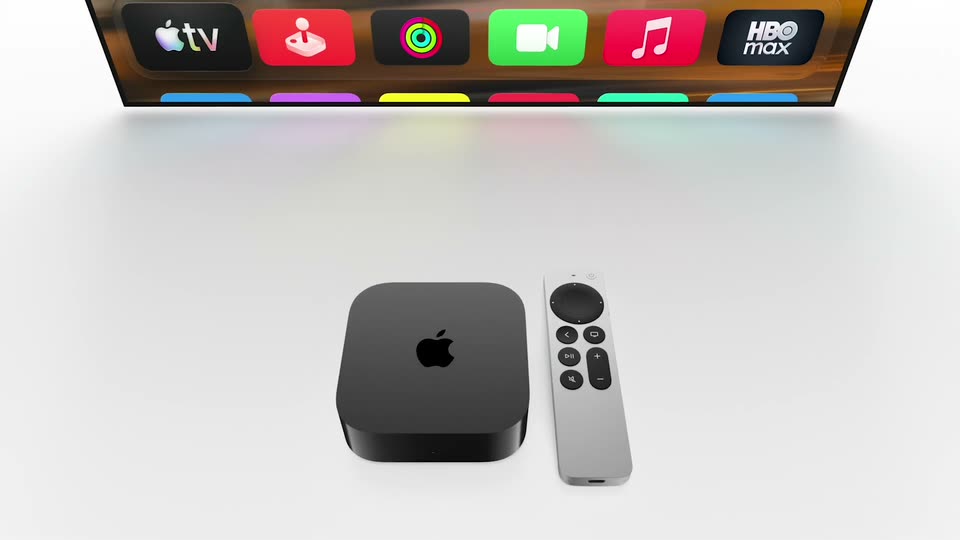
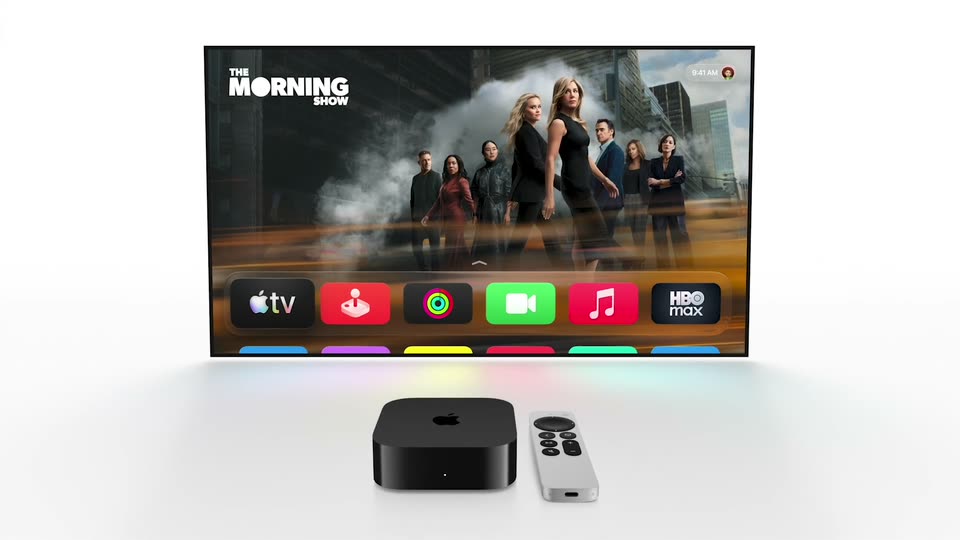
A black Apple TV box and white Siri remote rest on a pale gray surface, seen from above. The camera lifts and pulls back, bringing a flat TV screen into the top of the frame with a row of colorful app icons.
An Apple TV box and remote sit on a white surface in front of a TV screen showing the Apple TV home interface with app icons. The camera pulls back from a close crop of the screen to reveal the full device setup.
A blue rounded 3D cube bearing the white icon spins on a pale dotted backdrop, then shrinks and flattens into the Aimlist logo lockup, trailing a blue swoosh on the left.
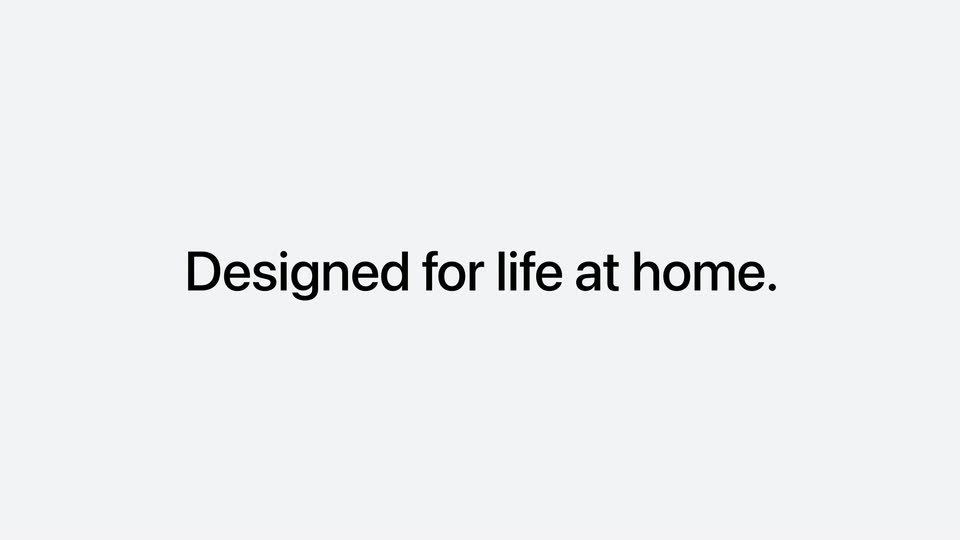
The Apple HomeView lockup gives way to the centered headline Designed for life at home, which builds and holds on a pale background.
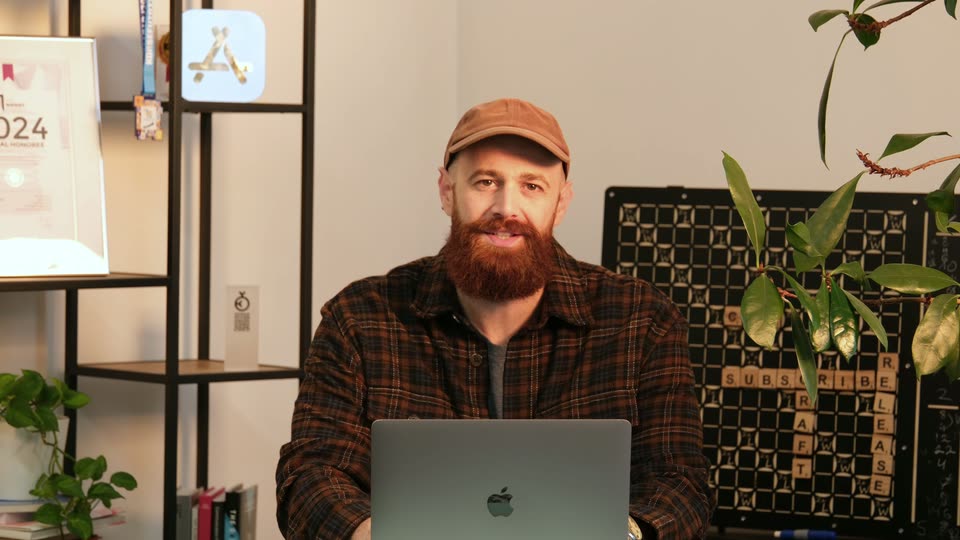
A bearded man in a tan cap and plaid shirt sits behind a laptop, speaking to camera in a home office. A shelf with a framed certificate and a crossword board sit behind him; he smiles and gestures lightly while talking. Static medium shot.
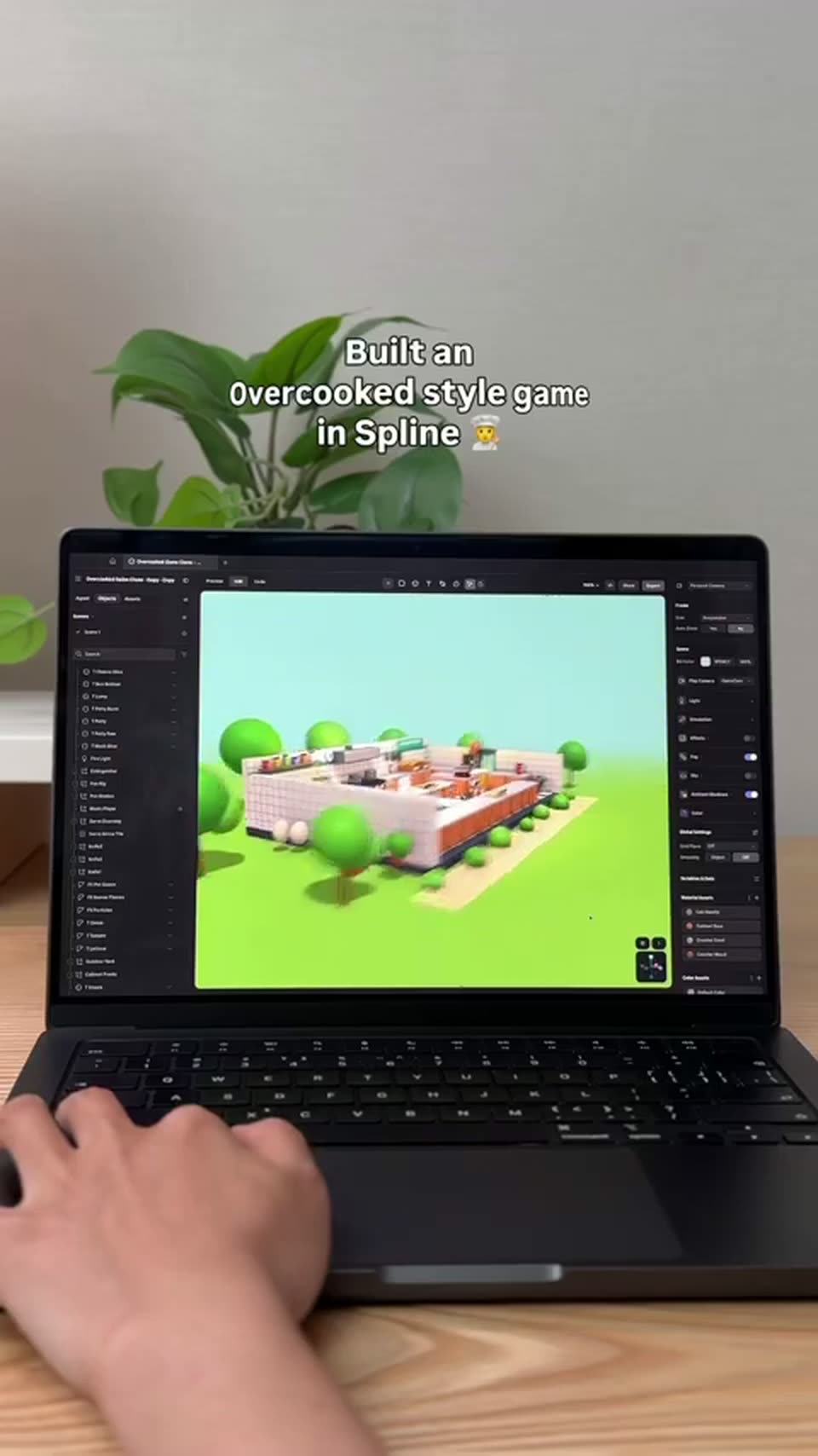
A hand rests on a laptop trackpad on a wooden desk, a leafy plant behind it. The Spline viewport on screen shows a low-poly kitchen with round green trees, the 3D view orbiting slowly. A white outlined caption is locked at the top.
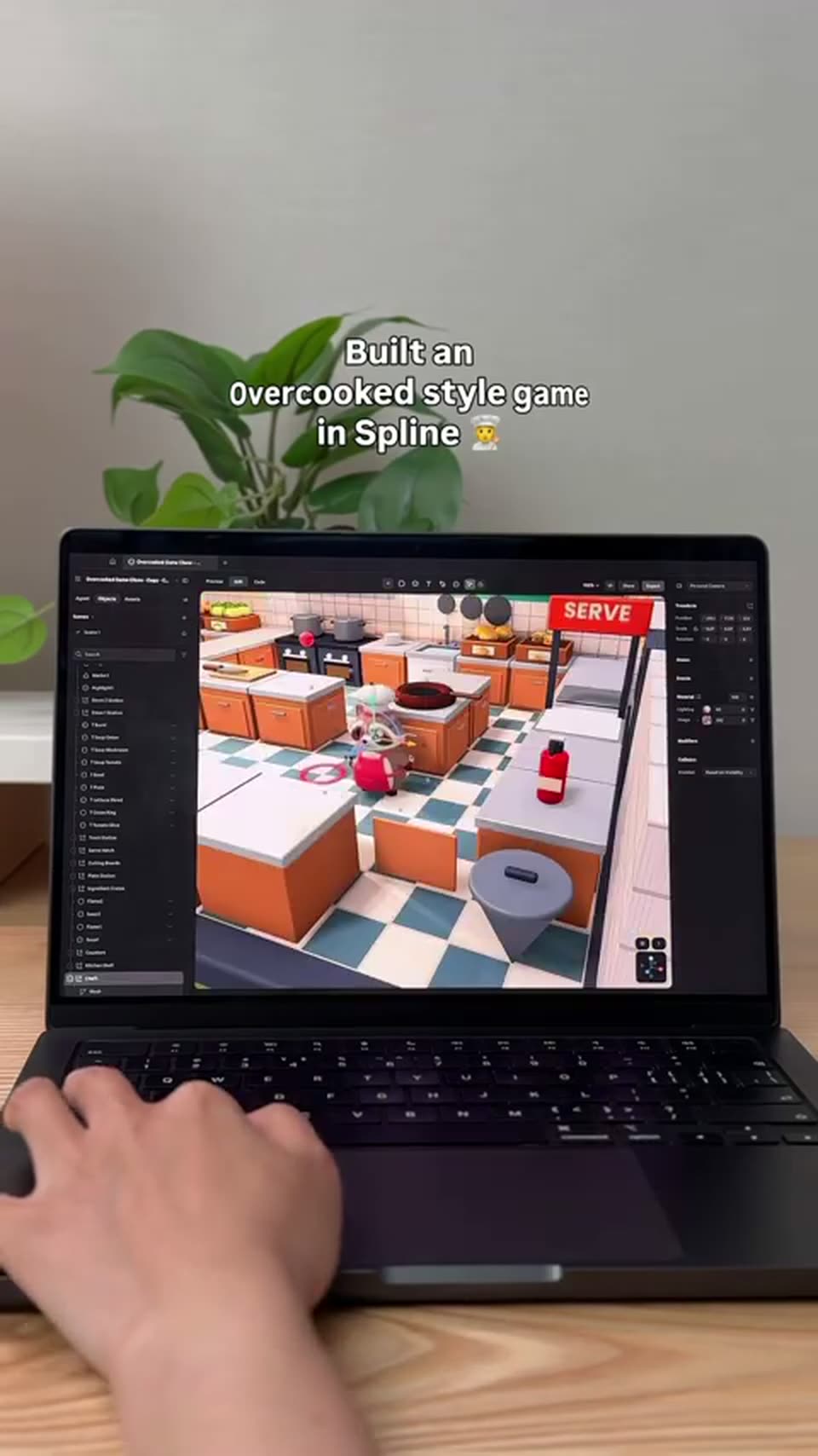
A hand rests on a mouse before a laptop on a wooden desk, its screen orbiting a 3D Overcooked-style kitchen with a checkered floor and orange cabinets. A green plant sits behind against a gray wall. A white caption holds at the top.