0:22
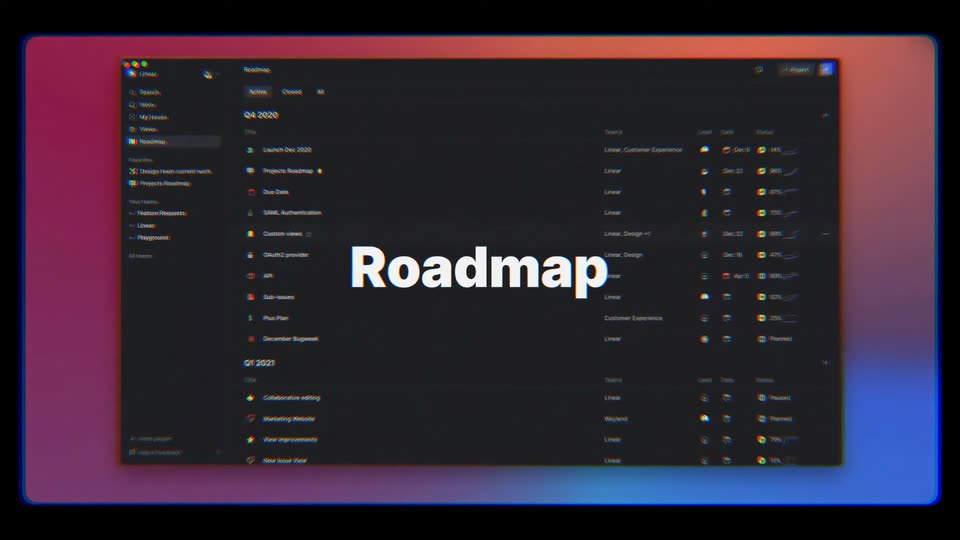

Linear 2020.12 release
Linear · Productivity · Dec 2020
Claude · Oct 2026 · 1:38 · AI-reviewed
Claude Duet is introduced as a research preview through lavender notification cards, a front-facing phone and serif benefit lines. One illustrated business thread moves from a daily brief to a counting sales dashboard, permit preparation, hiring notes and an offer email requiring review. A continuous carousel then presents Anthropic team testimonials. Fine looping lines, sliding panels, word-by-word headlines and confetti connect the examples to a waitlist invitation and the Claude Duet URL. Product outcomes, sample metrics and testimonials are claims presented by the film, not independently verified results.
Linear · Productivity · Dec 2020
ElevenLabs · AI · Oct 2026
Cursor · Developer tools · Oct 2025
On lavender, the orange Claude Duet icon expands into a translucent notification: Morning, Nicole! For today: Health permit. Hiring decisions. Northfield renewal. The sender name and now label appear inside the widening card.
On-screen text: “Claude Duet”, “Morning, Nicole! For today: Health permit. Hiring decisions. Northfield renewal.”
Techniques: Masking
Camera: Static
A front-facing phone rises into the lavender frame. Its daily brief reveals updates about a Chicago location, hiring and Northfield, then scrolls to a proposed sales dashboard and the Chat, Tasks and Make navigation. The phone recedes and moves upward out of frame in one continuous move.
On-screen text: “Something I can do right now: Make a sales dashboard for your business based on the latest numbers.”, “Chat”, “Tasks”, “Make”
Techniques: UI zoom
Camera: Pan
Claude Duet resolves on lavender beneath a Research preview pill. A fine looping line draws across and behind the wordmark. The title holds before sliding left toward the next benefit line.
On-screen text: “Research preview”, “Claude Duet”
Techniques: Kinetic type
Camera: Static
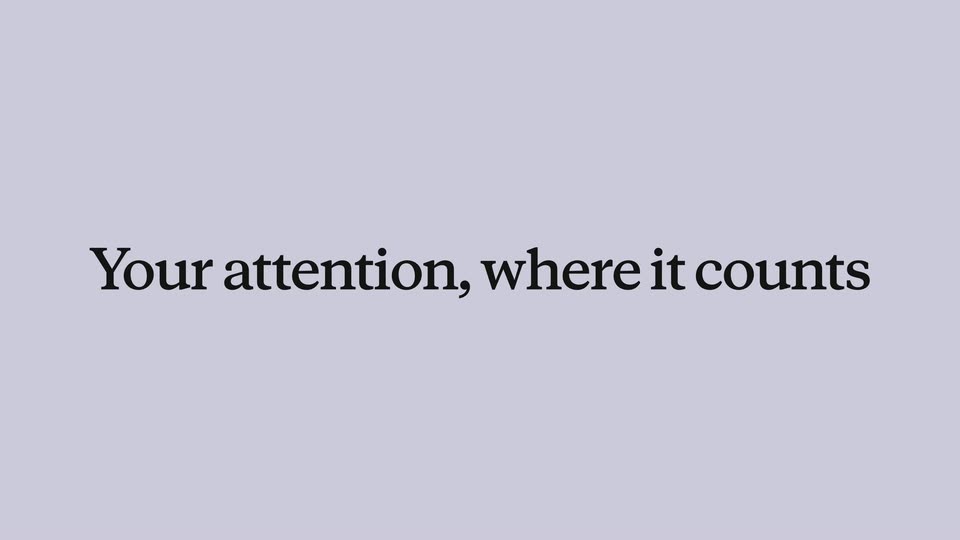
The looping line carries the title left while Your attention, where it counts resolves word by word. The centered serif phrase holds, then fades/slides away as the next phone enters from below.
On-screen text: “Your attention, where it counts”
Techniques: Kinetic type
Camera: Static
The phone chat scrolls through a proposed sales dashboard, a peach Go for it! reply, data-source details, a typing indicator and a heart reaction. A Daily dashboard card appears in that same thread with four counting metrics; the phone slides up and away. These are example figures in the film.
On-screen text: “Go for it!”, “Daily dashboard”, “Revenue this week”, “Cash”, “Team”, “Subscriptions”
Techniques: UI zoom
Camera: Pan
It reaches out before you ask assembles on lavender as the phone enters from the right. Messages and a Health-permit.pdf attachment appear. The same phone slides to the left while and tells you what can wait resolves on the right; a Northfield can wait message lifts from the chat. The panel swap is continuous.
On-screen text: “It reaches out before you ask”, “and tells you what can wait”, “Health-permit.pdf”, “Got an update. Northfield can wait. We’ll pick it up Monday.”
Techniques: Kinetic type, Split screen, UI zoom
Camera: Pan
The phone and prior caption leave to the sides. Step away without falling behind resolves into two centered serif lines, holds, and fades back to the lavender field. The initial three spans were phases of this one title animation.
On-screen text: “Step away”, “without falling behind”
Techniques: Kinetic type
Camera: Static
A standalone message says the panel is interviewing candidates and will send notes when finished. A thumbs-up appears; the same bubble settles into an entering phone outline. The chat continues with panel notes, a candidate card and a peach reply asking for an offer email.
On-screen text: “The panel is interviewing the candidates now. I’ll ping you with their notes when they’re finished.”, “Panel notes: Head of Wholesale”
Camera: Pan
You keep the final say forms on lavender. The words separate as a small Here’s the offer email for your review. bubble enters the gap and a draft email card rises beneath it.
On-screen text: “You keep the final say”, “Here’s the offer email for your review.”
Techniques: Kinetic type
Camera: Static
The draft email fills the phone. A peach instruction asks for an enthusiastic final line, which types into the draft above its PDF attachment and Not now / Send controls. A final approval exchange scrolls upward quickly with vertical blur, carrying the phone out. No actual email delivery is established by this demonstration.
On-screen text: “We’re so excited for you to join the team!”, “Jenn-package-details.pdf”, “Not now”, “Send”
Techniques: Kinetic type, UI zoom
Camera: Push in
A Claude Duet notification reading Jenn signed appears on lavender, enlarges and releases colorful confetti. Its label and now timestamp stay attached to the card rather than animating as a separate headline.
On-screen text: “Claude Duet”, “Jenn signed”, “now”
Camera: Static
The notification exits upward while confetti continues. Here’s what our team’s been saying resolves word by word as a centered serif line, then slides left to introduce the team clips.
On-screen text: “Here’s what our team’s been saying”
Techniques: Kinetic type
Camera: Static
Rounded portrait video tiles enter from the right and move through one continuous carousel on lavender. Mike / Anthropic Labs, Murtaza / Product Support, Chelsea / Behavior Design, Claude Duet and Boris / Head of Claude Code appear as on-screen labels. Each speaker’s tile enlarges as the focus advances; the row moves left until Boris remains alone. These are Anthropic team testimonials presented by the film.
On-screen text: “Mike — Anthropic Labs”, “Murtaza — Product Support”, “Chelsea — Behavior Design, Claude Duet”, “Boris — Head of Claude Code”
Techniques: Split screen
Camera: Pan
The final testimonial tile exits upward. A Research preview pill and Join the waitlist and help us shape it resolve as centered serif type on lavender. A fine looping line draws beneath the text before it slides left.
On-screen text: “Research preview”, “Join the waitlist and help us shape it”
Techniques: Kinetic type
Camera: Static
The looping line links the departing waitlist headline to an entering orange Claude Duet icon and serif wordmark. The wordmark resolves at center, claude.com/claude-duet appears beneath, and the lavender end card holds.
On-screen text: “Claude Duet”, “claude.com/claude-duet”
Techniques: Kinetic type
Camera: Static